
A Course on Overview Of Active Directory Prepared

- Slides: 35
A Course on Overview Of Active Directory Prepared for: *Stars* New Horizons Certified Professional Course Chapter 1: OVERVIEW OF Company Confidential ACTIVE DIRECTORY
ACTIVE DIRECTORY FUNCTIONS • Directory Services – – • Used to define, manage, access, and secure network resources. Resources include: files, printers, groups, people, and applications. Active Directory – – – Stored as NTDS. dit on a domain controller. Used by domain controllers to authenticate users. Domain controllers store, maintain, and replicate.
ACTIVE DIRECTORY BENEFITS • • • Centralized administration Single point of access Fault tolerance and redundancy Multiple domain controllers are used Multi-master replication Simplified resource location
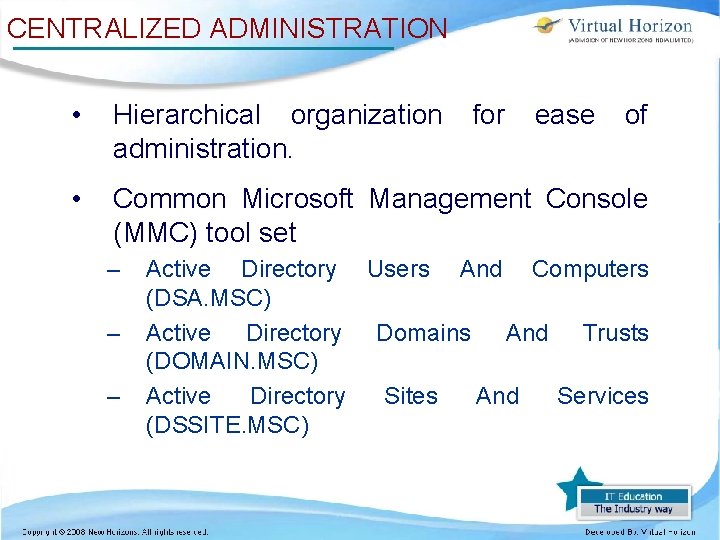
CENTRALIZED ADMINISTRATION • Hierarchical organization administration. • Common Microsoft Management Console (MMC) tool set – – – for ease of Active Directory Users And Computers (DSA. MSC) Active Directory Domains And Trusts (DOMAIN. MSC) Active Directory Sites And Services (DSSITE. MSC)
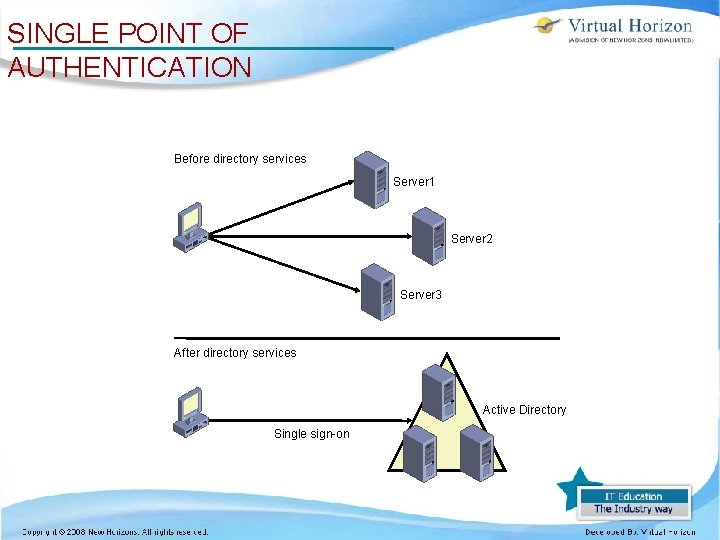
SINGLE POINT OF AUTHENTICATION Before directory services Server 1 Server 2 Server 3 After directory services Active Directory Single sign-on
MULTI-MASTER REPLICATION
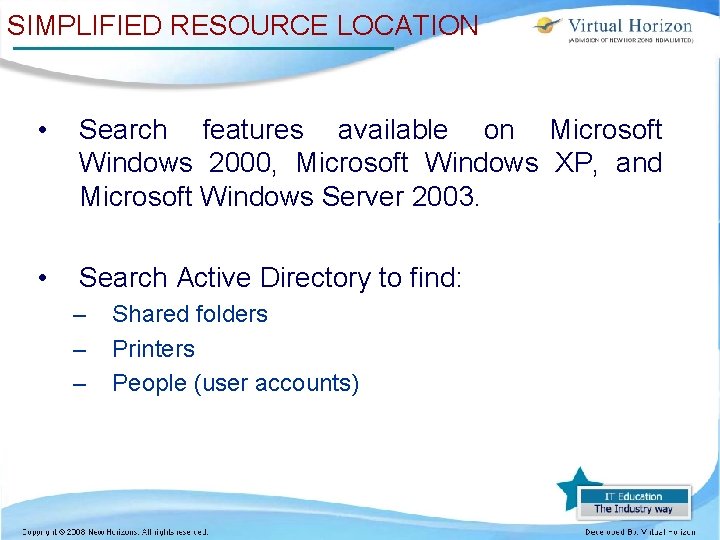
SIMPLIFIED RESOURCE LOCATION • Search features available on Microsoft Windows 2000, Microsoft Windows XP, and Microsoft Windows Server 2003. • Search Active Directory to find: – – – Shared folders Printers People (user accounts)
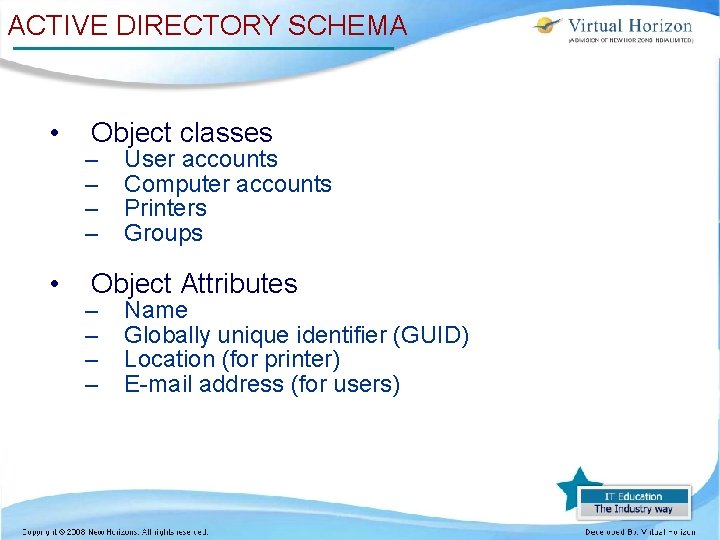
ACTIVE DIRECTORY SCHEMA • • Object classes – – User accounts Computer accounts Printers Groups Object Attributes – – Name Globally unique identifier (GUID) Location (for printer) E-mail address (for users)
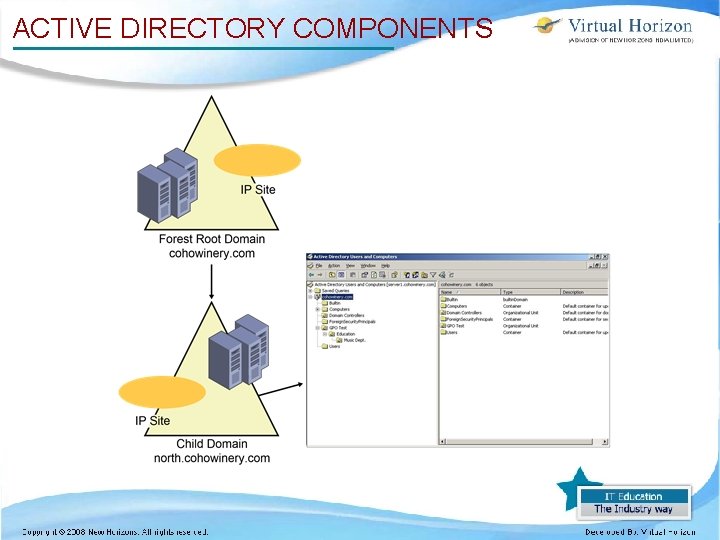
ACTIVE DIRECTORY COMPONENTS
ORGANIZATIONAL UNITS • Container objects • Look like a folder with a book icon in Active Directory Users And Computers • Security is applied to OUs – – – Inherited by child OUs Used to control access to that OU or hide subordinate OUs Allows for the delegation of administrative rights
DOMAINS • Logical grouping of resources. • Form security and replication boundaries. • – Individual access control lists (ACLs) for each domain. – Group Policies are typically assigned and inherited within a domain only, not from the forest. – Domain replication is independent of global catalog and schema replication. Multiple domains may be used by a single organization.
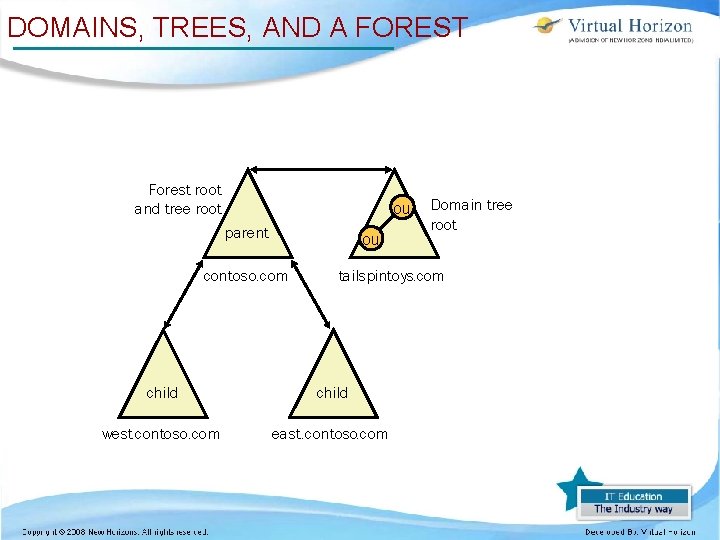
DOMAINS, TREES, AND A FOREST Forest root and tree root ou parent ou contoso. com Domain tree root tailspintoys. com child west. contoso. com east. contoso. com
SITES • Used to reflect the physical network structure • Usually local area network (LAN) versus wide area network (WAN) • Optimize replication • Knowledge Consistency Checker creates and maintains this structure (KCC)
NAMING STANDARDS • Lightweight Directory Access Protocol (LDAP) – – Standard naming structure and hierarchy Established by the Internet Engineering Task Force (IETF) • Domain Name System (DNS) • Uniform Resource Locator (URL)
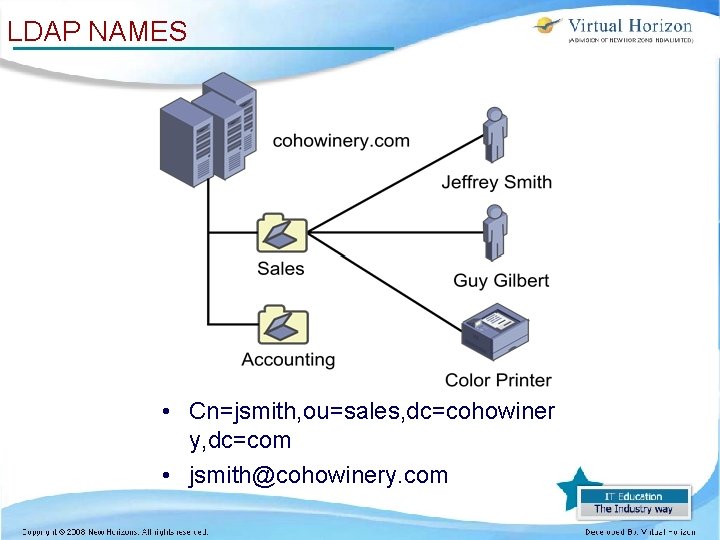
LDAP NAMES • Cn=jsmith, ou=sales, dc=cohowiner y, dc=com • jsmith@cohowinery. com
PLANNING FOR ACTIVE DIRECTORY • Logical and physical structure. • DNS and Active Directory integration and naming. • Functional levels of domains and forests. • Trust relationships and models
STRUCTURING ACTIVE DIRECTORY • Security and administrative goals are important when defining the logical structure. – – – Group Policy application and inheritance Delegating administrative control Permission inheritance • Logical structure often reflects the business or administrative model. • Sites are used to reflect the physical structure of the network.
ROLE OF DNS • Resolves friendly names to Internet Protocol (IP) addresses. • Required by Active Directory. • Domain members use service locator (SRV) records to find domain controllers. • Dynamic DNS (DDNS) is supported and recommended.
FUNCTIONAL LEVELS • Designed to support downlevel compatibility. • Increasing functional level allows for use of new features. • Two types of functional level – – Domain functional level Forest functional level
DOMAIN FUNCTIONAL LEVELS • • Windows 2000 mixed Windows 2000 native Windows Server 2003 interim Windows Server 2003
WINDOWS 2000 MIXED FUNCTIONAL LEVEL • Domain controllers can run on the following operating systems: – – – • Windows NT Server 4. 0 Windows 2000 Server Windows Server 2003 Features at this functional level include: – – – Install from media Application directory partitions Enhanced user interface (UI)
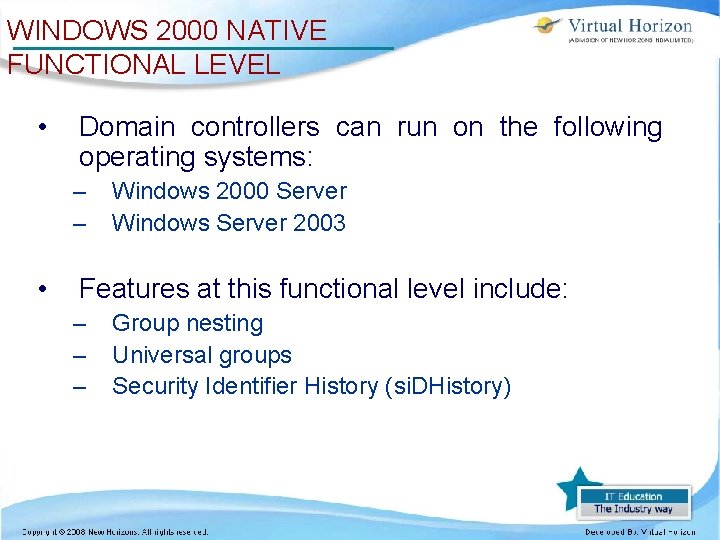
WINDOWS 2000 NATIVE FUNCTIONAL LEVEL • Domain controllers can run on the following operating systems: – – • Windows 2000 Server Windows Server 2003 Features at this functional level include: – – – Group nesting Universal groups Security Identifier History (si. DHistory)
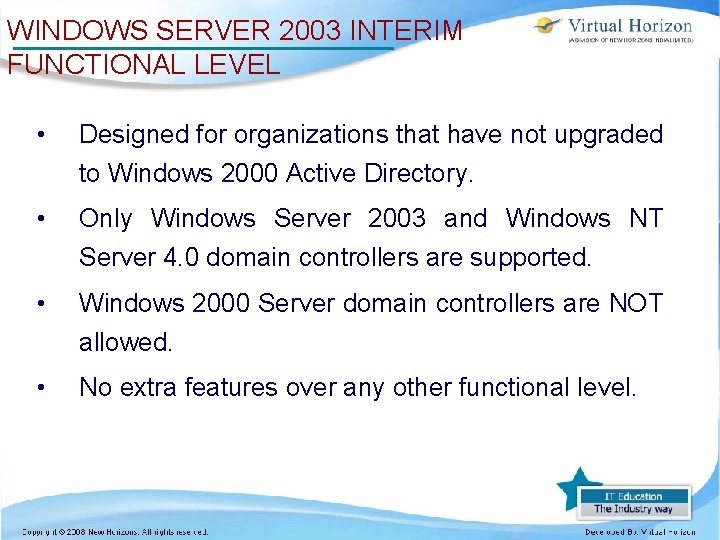
WINDOWS SERVER 2003 INTERIM FUNCTIONAL LEVEL • Designed for organizations that have not upgraded to Windows 2000 Active Directory. • Only Windows Server 2003 and Windows NT Server 4. 0 domain controllers are supported. • Windows 2000 Server domain controllers are NOT allowed. • No extra features over any other functional level.
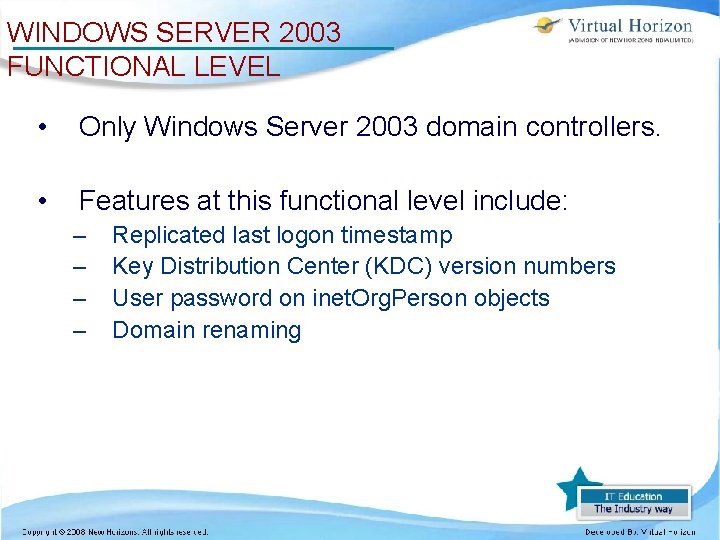
WINDOWS SERVER 2003 FUNCTIONAL LEVEL • Only Windows Server 2003 domain controllers. • Features at this functional level include: – – Replicated last logon timestamp Key Distribution Center (KDC) version numbers User password on inet. Org. Person objects Domain renaming
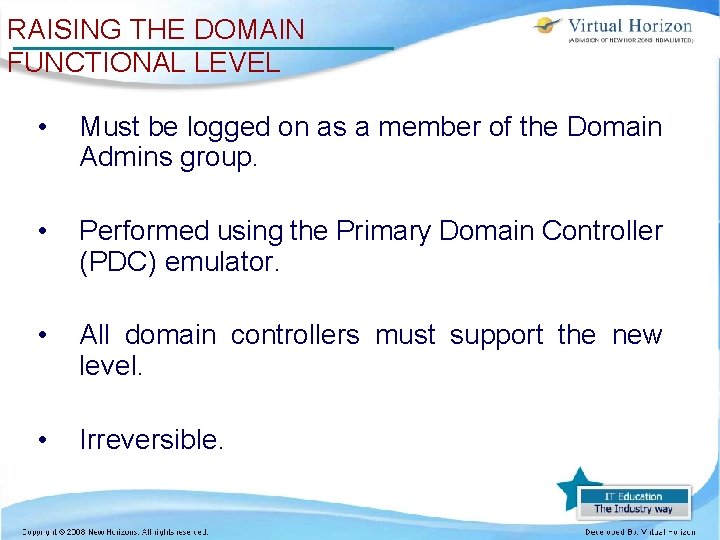
RAISING THE DOMAIN FUNCTIONAL LEVEL • Must be logged on as a member of the Domain Admins group. • Performed using the Primary Domain Controller (PDC) emulator. • All domain controllers must support the new level. • Irreversible.
FOREST FUNCTIONAL LEVELS • Windows 2000 • Windows Server 2003 interim • Windows Server 2003
WINDOWS 2000 FOREST FUNCTIONAL LEVEL • All domain controllers must be Windows 2000 Server or Windows Server 2003 domain controllers. • Features supported at this functional level include: – Install from media – Universal group caching – Application directory partitions
WINDOWS 2003 INTERIM FOREST FUNCTIONAL LEVEL • Only Windows Server 2003 and Windows NT Server 4. 0 domain controllers are supported. • Windows 2000 Server domain controllers are NOT allowed. • Features at this level include: – – Improved inter-site topology generator (ISTG) Improved linked value replication
WINDOWS SERVER 2003 FOREST FUNCTIONAL LEVEL • Only Windows Server 2003 domain controllers are supported. • Features at this level include: – – – Dynamic auxiliary class objects User objects can be converted to inet. Org. Person objects Schema redefinitions permitted Domain renames permitted Cross-forest trusts permitted
RAISING THE FOREST FUNCTIONAL LEVEL • Must be logged on as a member of the Enterprise Administrators group. • Must be connected to the Schema Operations Master. • All domain controllers must support the new functional level. • Irreversible.
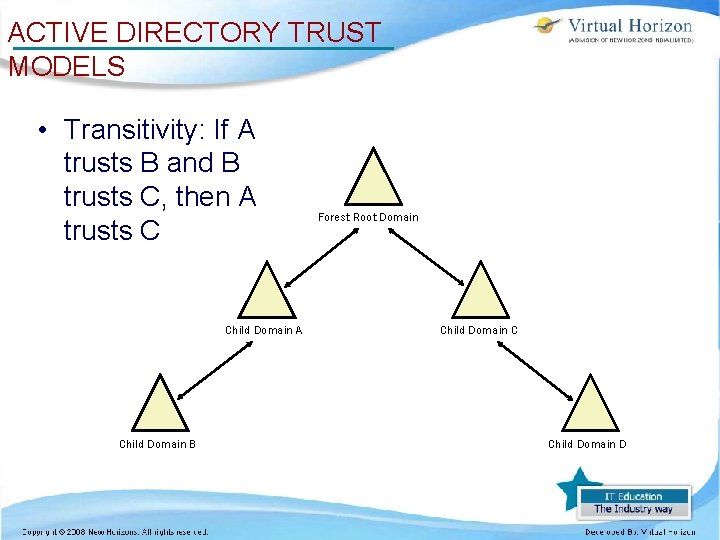
ACTIVE DIRECTORY TRUST MODELS • Transitivity: If A trusts B and B trusts C, then A trusts C Child Domain A Child Domain B Forest Root Domain Child Domain C Child Domain D
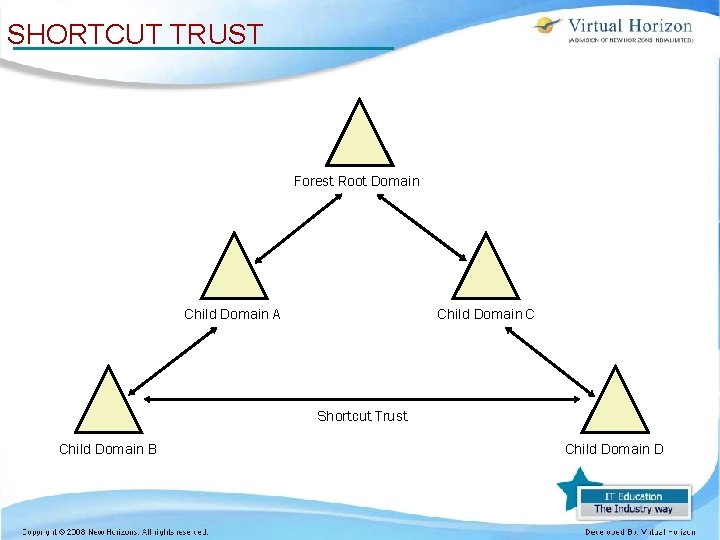
SHORTCUT TRUST Forest Root Domain Child Domain A Child Domain C Shortcut Trust Child Domain B Child Domain D
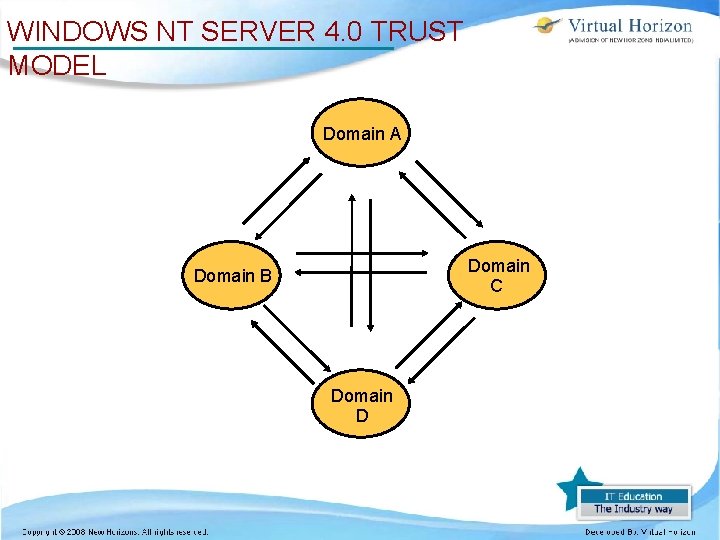
WINDOWS NT SERVER 4. 0 TRUST MODEL Domain A Domain C Domain B Domain D
CROSS-FOREST TRUST • New in Windows Server 2003 • Trusts between two forests • Requires Windows Server 2003 forest functional level • Uses Kerberos as do all Windows 2000 and Windows Server 2003 intra-forest trust relationships
SUMMARY • Active Directory is a database (NTDS. dit). • DNS is required by Active Directory. • Schema defines object types and attributes. • Domain and forest functional levels provide a balance between backward compatibility and new functionality. • Active Directory allows for two-way transitive (Kerberos) trusts. • Trusts allow domain hierarchies to be created. • Cross-forest trusts are a new feature for Windows Server 2003 Active Directory.