
A Brief Overview of Unix Zachary Thacker Online
A Brief Overview of Unix Zachary Thacker
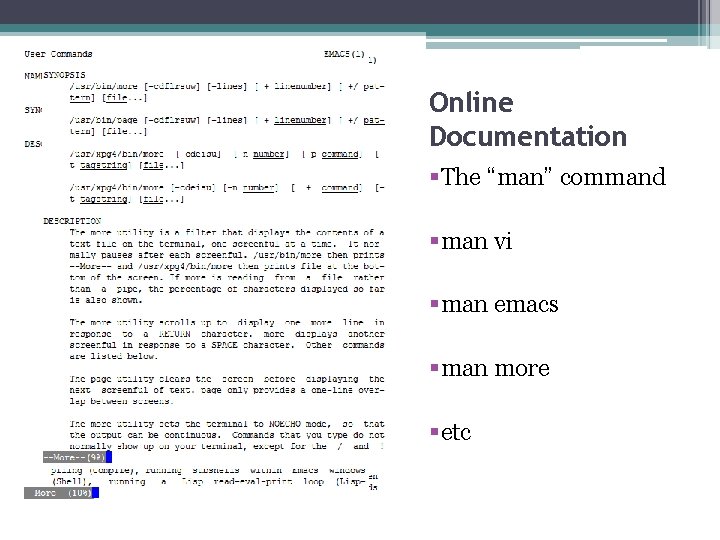
Online Documentation §The “man” command §man vi §man emacs §man more §etc
The Emacs Editor • Modes ▫ Major ▫ Minor • • Buffer and Window Point and Mark Kill and Yank commands Ctrl and Meta keys


The vi editor • “Standard” editor for Unix • Several versions and iterations exist ▫ vim (vi improved) ▫ nvi ▫ elvis • Based on and relies heavily on features and commands of the older “ex” editor • Starting a vi session: ▫ vi [options] file – begins editing file ▫ vi [options] +num file – begins editing file at line num ▫ vi [options] +/pattern file - begins editing file at line matching pattern
vi continued • Modes: ▫ Command Mode – default mode, issue editing commands and enter insert mode ▫ Insert Mode – editing mode, entered with the i command • Maneuvering the cursor is done with arrow keys or h, j, k, l keys ▫ ▫ H – left J – down K – up L - right
sed editor • Stands for “stream editor” • Used for making quick or repetitive edits to more than one file • Uses scripts instead of direct input
File System Commands • ls – list names of all files in current directory ▫ Various modifiers, such as –t to sort by time • cp file 1 file 2 – copies file 1 to file 2 • mv file 1 file 2 – moves from file 1 to file 2, does not make a copy • rm filenames – remove filenames
Structure of Directories • • • root directory – has no parent directory File pathname - /home/zpt 23/CS 265/file. txt “. . ” represents parent of current directory “. ” represents current directory Commands: ▫ pwd –displays pathname of current directory ▫ cd – changes current directory, changes to root if no argument given ▫ mkdir name – creates a directory called name in the current directory
Permissions • Owner, Owner Group, and Everyone Else • Read, write, execute permissions for files • Different for directories… ▫ Read – permission to view contents of directory, for example using the ls command ▫ Write – permission to create/remove file from directory ▫ Execute – permission to cd into that directory
Conclusion • UNIX is an operating system • Uses various commands and utilities that coexist • Useful for multiuser and multitasking operations
Sources Robbins, Arnold. Unix in a Nutshell, Fourth Edition. North Mankato: O'Reilly Media, Inc. , 2005. Print. "Understanding UNIX permissions and chmod. " Perlfect Solutions. Web. 27 Sept. 2009. <http: //www. perlfect. com/articles/chmod. shtm l>. http: //www. cs. drexel. edu/~knowak/cs 265_fall_2 009/unix_basics. pdf
- Slides: 12