
COMPUTER VIRUS Antivirus Subscribe to IT expertise with
COMPUTER VIRUS & Antivirus Subscribe to: IT expertise with Munim Akhtar
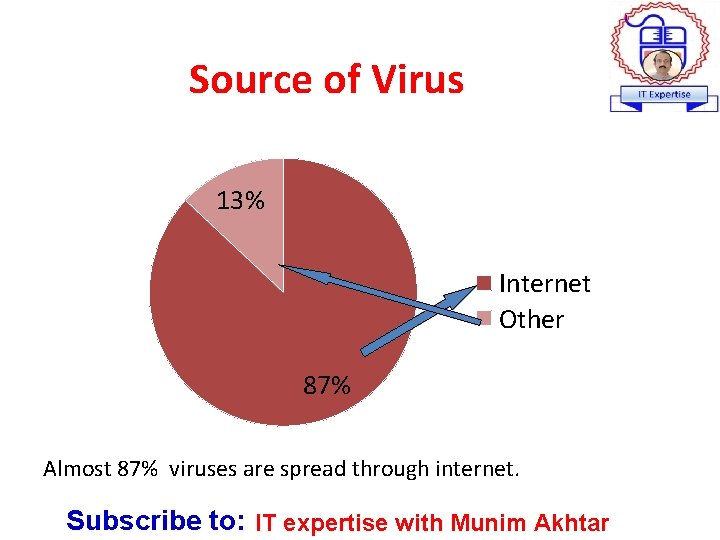
Source of Virus 13% Internet Other 87% Almost 87% viruses are spread through internet. Subscribe to: IT expertise with Munim Akhtar
What is Computer Virus “Definition” v“A computer virus is a program that can copy itself and infect a computer without permission or knowledge of the user”. or v. A small piece of programming code that attacks on computer and network systems through infected data files introduces into system via disk or internet. v. It can spread through v. Email attachments v. Portable devices v. Websites v. File downloading etc. Subscribe to: IT expertise with Munim Akhtar
Computer Virus Timeline • 1949 Bob Thomas developed 1 st self-replicating programs. • 1983: Fred Cohen, Formally defines computer virus as “a computer program that can affect other computer programs by modifying them in such a way to copy itself. ” • 1986 Basit and Amjad develop executable code to damage boot sector of a floppy disk. • 1988 The virus affects. exe (executable) One of the most common virus was Jerusalem. Activate every Friday. • 2000 - I LIVE YOU It spread through email and capable of deleting JPEG. MP 2, MP 3 FILES Subscribe to: IT expertise with Munim Akhtar
Symptoms of Virus • • Computer runs slower then usual Pop-ups bombarding the screen Screen sometimes flicker PC speaker beeps periodically System crashes for no reason Files/directories sometimes disappear Denial of Service (Do. S), unresponsive behavior of computer Subscribe to: IT expertise with Munim Akhtar
Symptoms of Virus… • • Hardwar troubles Slow performance Slow startup Missing files Disk drives are not accessible Extra files availability Printer/print issues Unusual error messages etc. Subscribe to: IT expertise with Munim Akhtar
Types of viruses 1. Boot infectors 2. Direct Action Virus 3. Resident Virus 4. Memory Resident Viruses 5. Directory Viruses 6. Worm 7. Trojan 8. Email viruses 9. Browser viruses 10. Melisa viruses etc. Subscribe to: IT expertise with Munim Akhtar
1 - Macro viruses • Infect the application software files like MS. etc. • It can hide files • It can share through email • e. g. – relax – bablas – melissa Subscribe to: IT expertise with Munim Akhtar
2 - Melissa virus • • • A email virus, introduced in March 1999 This was the fastest spreading virus People who downloaded the document file When you open it would trigger the virus Virus would send the document in an e-mail message to the first 50 people in the person's address book. Subscribe to: IT expertise with Munim Akhtar
3 - Resident virus • It get installed on computer and it even difficult to remove • It reside in memory (RAM) • Got activated when OS runs Subscribe to: IT expertise with Munim Akhtar
4 - Overwrite viruses • It copy its own code over the host computer system and destroyed the original files • Can delete any type of files • Can replace all file contents with its own code – e. g. • Way • Trj. Reboot • Trivial. 88. D Subscribe to: IT expertise with Munim Akhtar
5 - Direct action virus • • It start to work immediately Infect the directory files Reside in a disk e. g. – Dir-2 viruse Subscribe to: IT expertise with Munim Akhtar
6 - Web scripting virus • It breaches the web browser security • It is executed when the user visits the web pages that have advertisement – e. g. • JS. Fortnight Subscribe to: IT expertise with Munim Akhtar
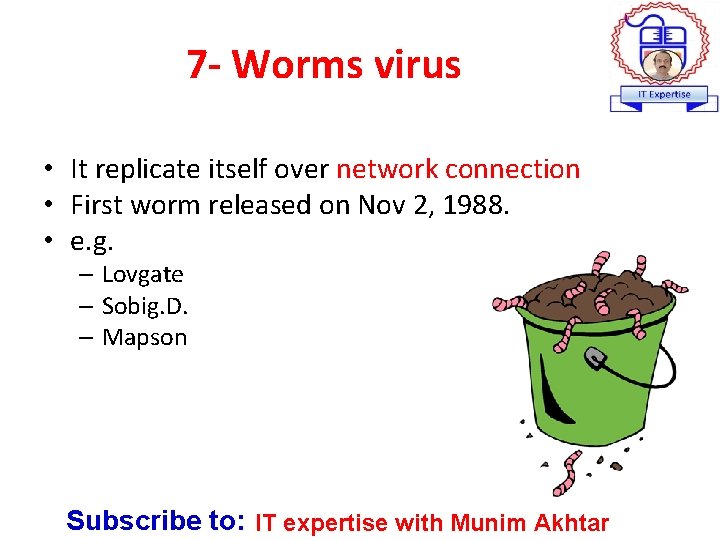
7 - Worms virus • It replicate itself over network connection • First worm released on Nov 2, 1988. • e. g. – Lovgate – Sobig. D. – Mapson Subscribe to: IT expertise with Munim Akhtar
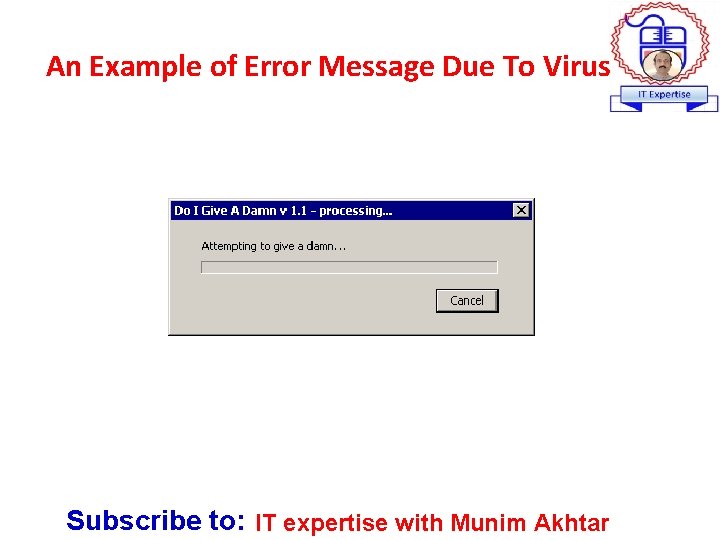
An Example of Error Message Due To Virus Subscribe to: IT expertise with Munim Akhtar
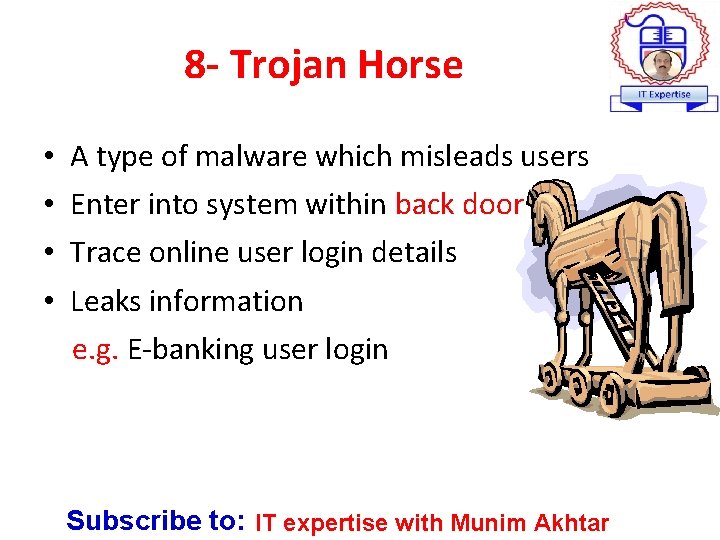
8 - Trojan Horse • • A type of malware which misleads users Enter into system within back door Trace online user login details Leaks information e. g. E-banking user login Subscribe to: IT expertise with Munim Akhtar
9 - Boot Sector Virus • Infect the boot sector of – floppy disks – hard disks • Booting: is the process of starting a computer • By putting its code in the boot sector, • Load itself into memory immediately, and it is able to run whenever the computer is on Subscribe to: IT expertise with Munim Akhtar
10 - E-mail Virus • It consist of malicious virus distributed through e-mail messages • Replicates itself by automatically mailing itself to dozens of people in the victim’s e-mail address book. • e. g. – Melissa virus, I LOVE YOU virus Subscribe to: IT expertise with Munim Akhtar
What is Antivirus Subscribe to: IT expertise with Munim Akhtar
Antivirus A Computer software used to prevent , detect, and remove malicious software. or “Examining (scanning) files to look for known viruses and matching definitions in a virus dictionary” • It is also peace of code to remove the computer virus Subscribe to: IT expertise with Munim Akhtar
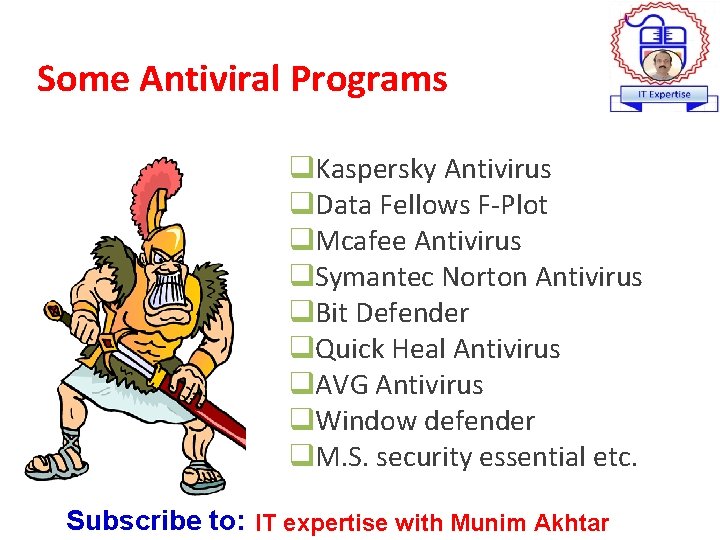
Some Antiviral Programs q. Kaspersky Antivirus q. Data Fellows F-Plot q. Mcafee Antivirus q. Symantec Norton Antivirus q. Bit Defender q. Quick Heal Antivirus q. AVG Antivirus q. Window defender q. M. S. security essential etc. Subscribe to: IT expertise with Munim Akhtar
Protection/Prevention • • • Anti-virus software. Anti-Viruses Updates. Must have Knowledge. Proper configurations. Run only necessary programs. Use secure operating systems (OS) e. g. UNIX. Subscribe to: IT expertise with Munim Akhtar
When Antivirus introduce • In 1987 • Introduce John Mc. Afee • Latterly become Mc. Afee Subscribe to: IT expertise with Munim Akhtar
General Security Tips • • • Apply user-level security on file sharing when needed. Don't open email attachments from unknown senders. Use Rich Text Format (RTF) files instead of Word Documents. Update anti-virus program Use firewall write protection. Subscribe to: IT expertise with Munim Akhtar
Conclusion • Install Antivirus program • Renew your anti-virus software • Up-to-date with latest definitions • Enable Antivirus update automatically Subscribe to: IT expertise with Munim Akhtar
End note Just do the best you can! ? Subscribe to: IT expertise with Munim Akhtar
- Slides: 26