
8 th June 2017 IBM Cloud Architecture Center
8 th June 2017 IBM Cloud Architecture Center Service Management Diagram Template Using the Diagram Template • This template is for use in creating a visual representation of Service Management • You may add numbers (which are provided on page 3) to the diagram to correspond to the runtime flow steps in your architecture. • See instructions on how to gray out icons and lines on Page 4 17 May 2016 © Copyright IBM Corporation 2016
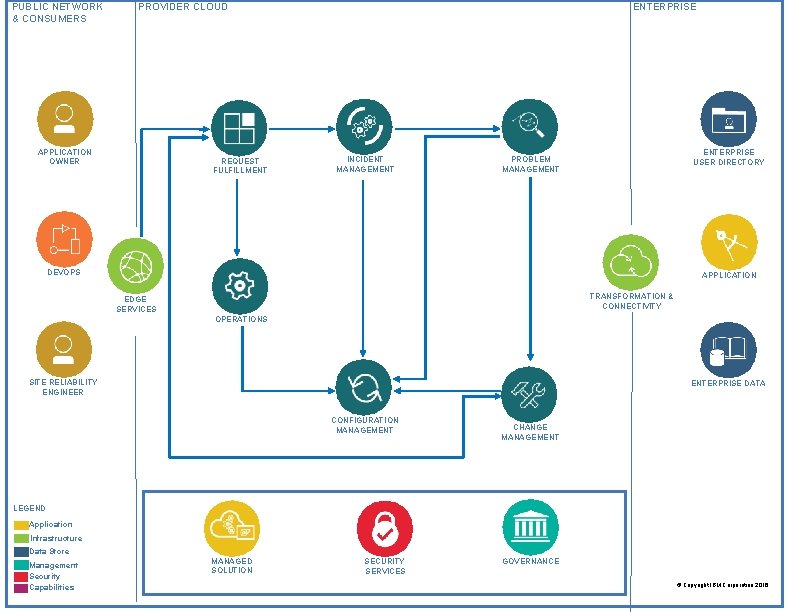
PUBLIC NETWORK & CONSUMERS PROVIDER CLOUD APPLICATION OWNER REQUEST FULFILLMENT ENTERPRISE INCIDENT MANAGEMENT ENTERPRISE USER DIRECTORY PROBLEM MANAGEMENT DEVOPS APPLICATION TRANSFORMATION & CONNECTIVITY EDGE SERVICES OPERATIONS SITE RELIABILITY ENGINEER ENTERPRISE DATA CONFIGURATION MANAGEMENT CHANGE MANAGEMENT LEGEND Application Infrastructure Data Store Management Security Capabilities MANAGED SOLUTION SECURITY SERVICES GOVERNANCE © Copyright IBM Corporation 2016
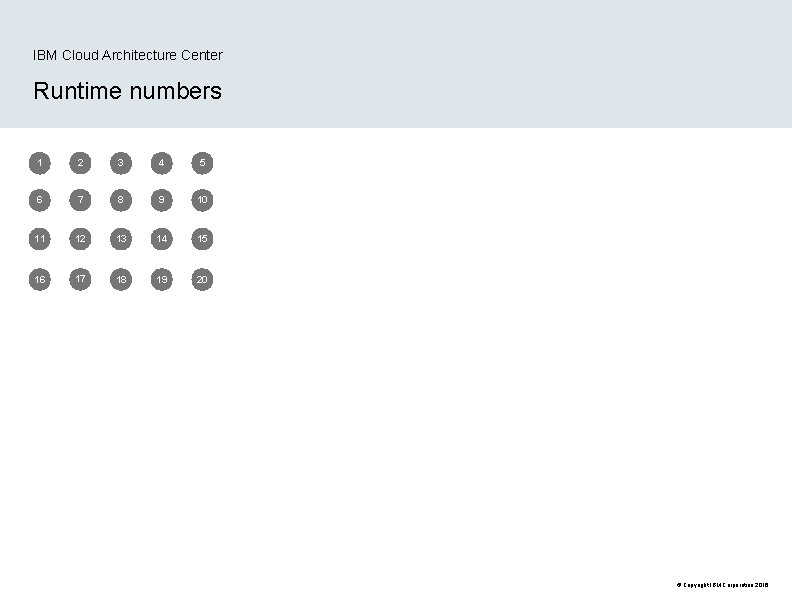
IBM Cloud Architecture Center Runtime numbers 1 2 3 4 5 6 7 8 9 10 11 12 13 14 15 16 17 18 19 20 © Copyright IBM Corporation 2016
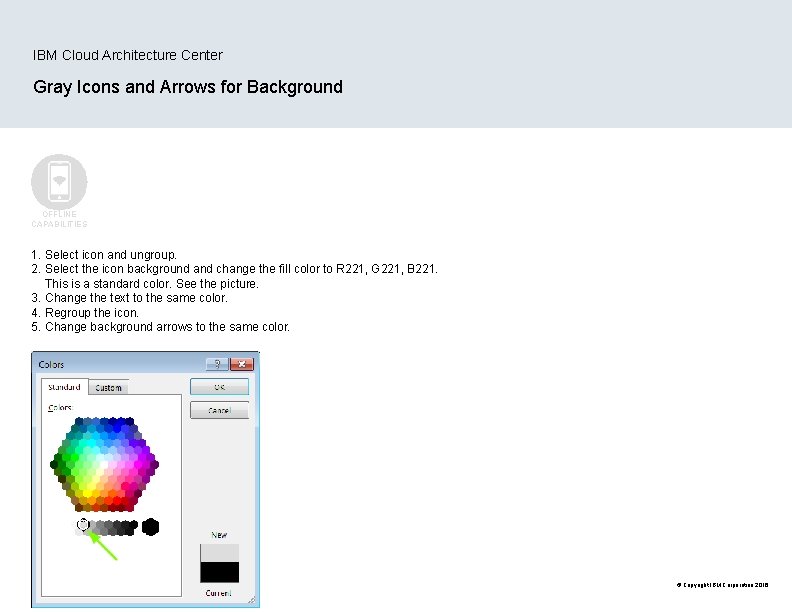
IBM Cloud Architecture Center Gray Icons and Arrows for Background OFFLINE CAPABILITIES 1. Select icon and ungroup. 2. Select the icon background and change the fill color to R 221, G 221, B 221. This is a standard color. See the picture. 3. Change the text to the same color. 4. Regroup the icon. 5. Change background arrows to the same color. © Copyright IBM Corporation 2016
- Slides: 4