
8 Manipulating Data Copyright 2004 Oracle All rights
- Slides: 39
8 Manipulating Data Copyright © 2004, Oracle. All rights reserved.
Objectives After completing this lesson, you should be able to do the following: • Describe each data manipulation language (DML) statement • Insert rows into a table • Update rows in a table • Delete rows from a table • Control transactions 8 -2 Copyright © 2004, Oracle. All rights reserved.
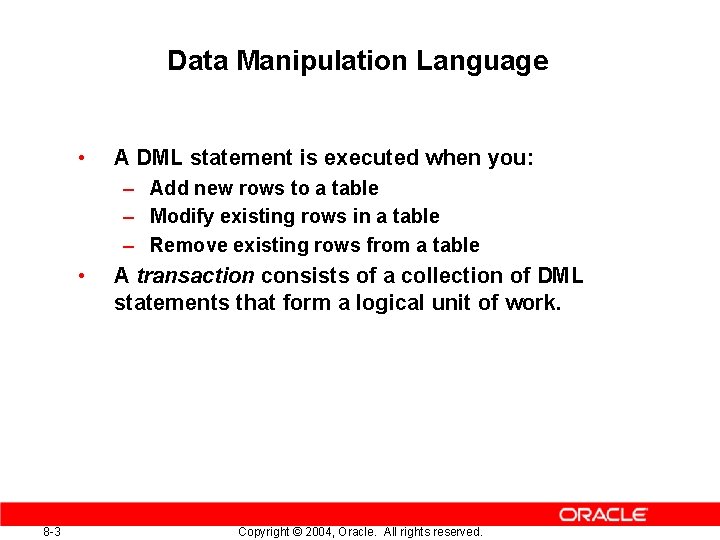
Data Manipulation Language • A DML statement is executed when you: – Add new rows to a table – Modify existing rows in a table – Remove existing rows from a table • 8 -3 A transaction consists of a collection of DML statements that form a logical unit of work. Copyright © 2004, Oracle. All rights reserved.
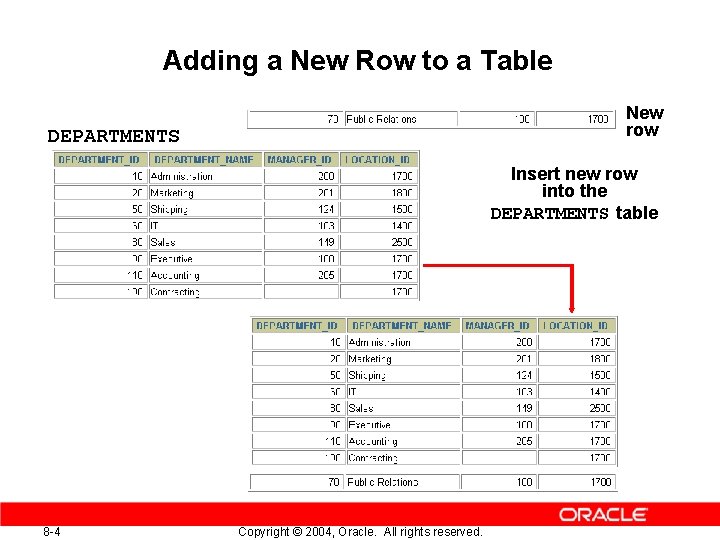
Adding a New Row to a Table New row DEPARTMENTS Insert new row into the DEPARTMENTS table 8 -4 Copyright © 2004, Oracle. All rights reserved.
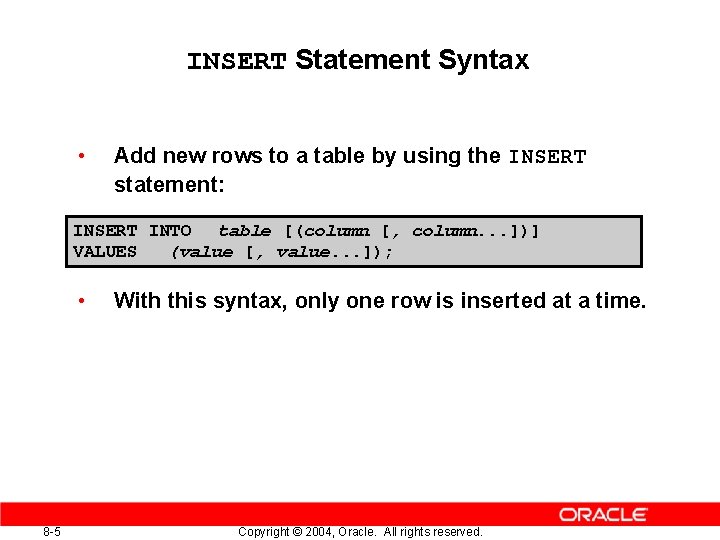
INSERT Statement Syntax • Add new rows to a table by using the INSERT statement: INSERT INTO table [(column [, column. . . ])] VALUES (value [, value. . . ]); • 8 -5 With this syntax, only one row is inserted at a time. Copyright © 2004, Oracle. All rights reserved.
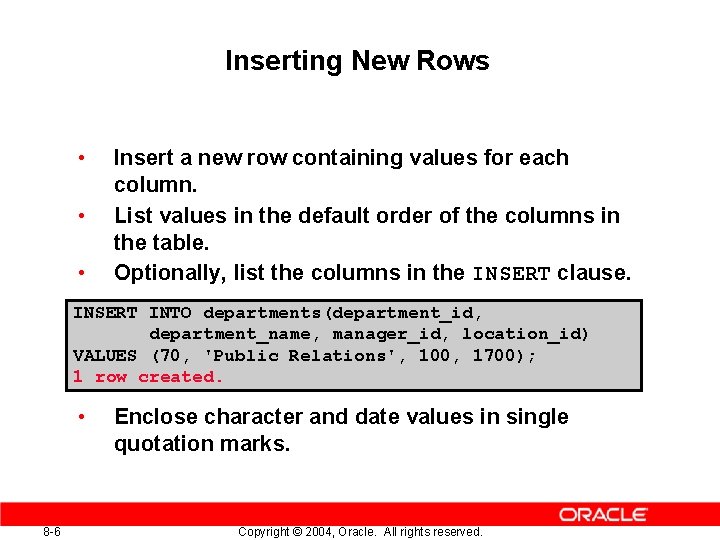
Inserting New Rows • • • Insert a new row containing values for each column. List values in the default order of the columns in the table. Optionally, list the columns in the INSERT clause. INSERT INTO departments(department_id, department_name, manager_id, location_id) VALUES (70, 'Public Relations', 100, 1700); 1 row created. • 8 -6 Enclose character and date values in single quotation marks. Copyright © 2004, Oracle. All rights reserved.
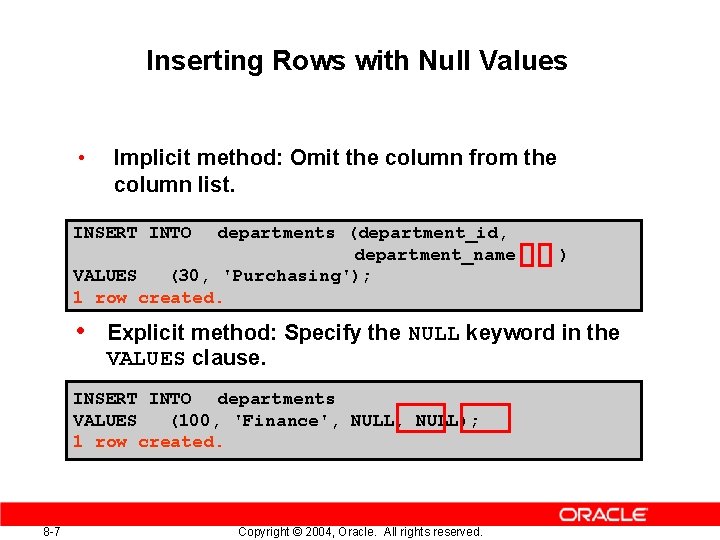
Inserting Rows with Null Values • Implicit method: Omit the column from the column list. INSERT INTO departments (department_id, department_name VALUES (30, 'Purchasing'); 1 row created. • Explicit method: Specify the NULL keyword in the VALUES clause. INSERT INTO departments VALUES (100, 'Finance', NULL); 1 row created. 8 -7 ) Copyright © 2004, Oracle. All rights reserved.
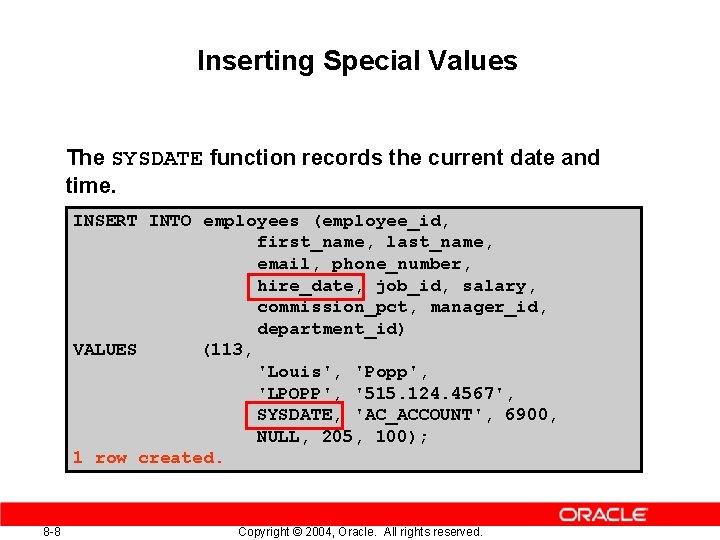
Inserting Special Values The SYSDATE function records the current date and time. INSERT INTO employees (employee_id, first_name, last_name, email, phone_number, hire_date, job_id, salary, commission_pct, manager_id, department_id) VALUES (113, 'Louis', 'Popp', 'LPOPP', '515. 124. 4567', SYSDATE, 'AC_ACCOUNT', 6900, NULL, 205, 100); 1 row created. 8 -8 Copyright © 2004, Oracle. All rights reserved.
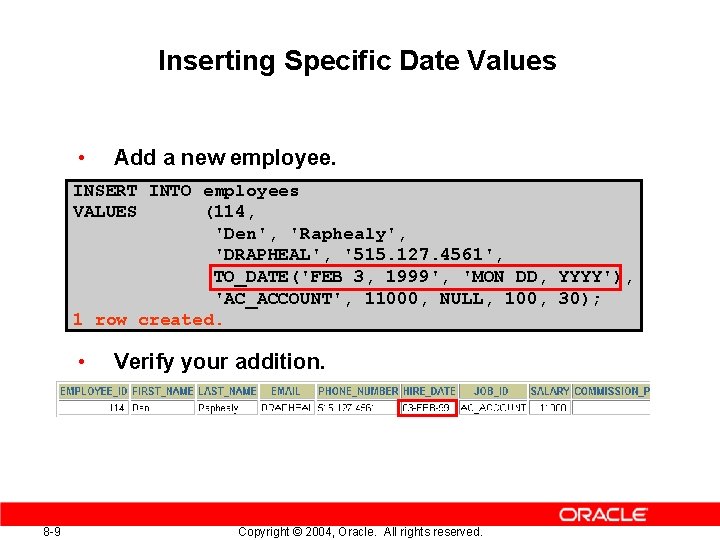
Inserting Specific Date Values • Add a new employee. INSERT INTO employees VALUES (114, 'Den', 'Raphealy', 'DRAPHEAL', '515. 127. 4561', TO_DATE('FEB 3, 1999', 'MON DD, YYYY'), 'AC_ACCOUNT', 11000, NULL, 100, 30); 1 row created. • 8 -9 Verify your addition. Copyright © 2004, Oracle. All rights reserved.
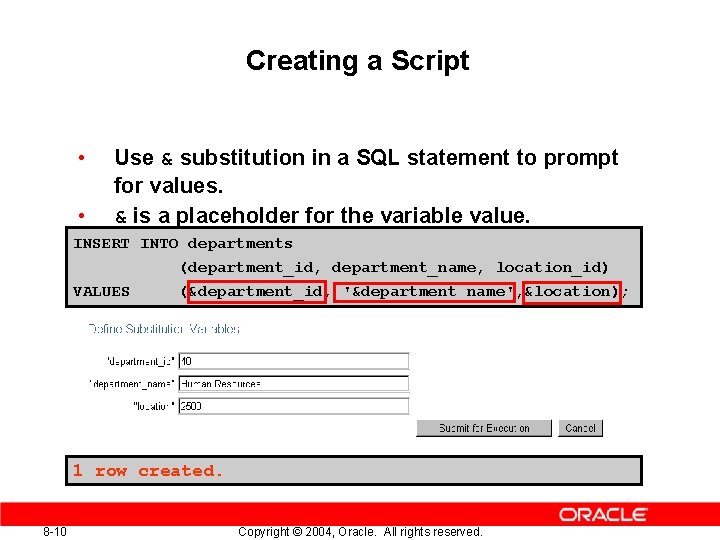
Creating a Script • • Use & substitution in a SQL statement to prompt for values. & is a placeholder for the variable value. INSERT INTO departments VALUES (department_id, department_name, location_id) (&department_id, '&department_name', &location); 1 row created. 8 -10 Copyright © 2004, Oracle. All rights reserved.
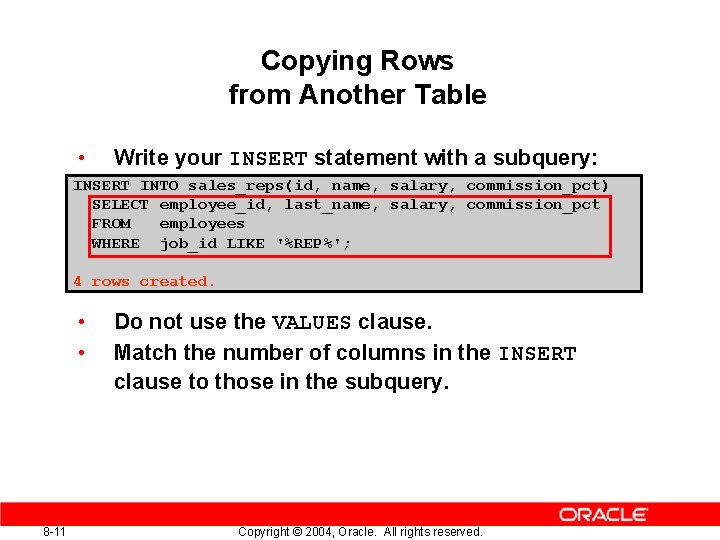
Copying Rows from Another Table • Write your INSERT statement with a subquery: INSERT INTO sales_reps(id, name, salary, commission_pct) SELECT employee_id, last_name, salary, commission_pct FROM employees WHERE job_id LIKE '%REP%'; 4 rows created. • • 8 -11 Do not use the VALUES clause. Match the number of columns in the INSERT clause to those in the subquery. Copyright © 2004, Oracle. All rights reserved.
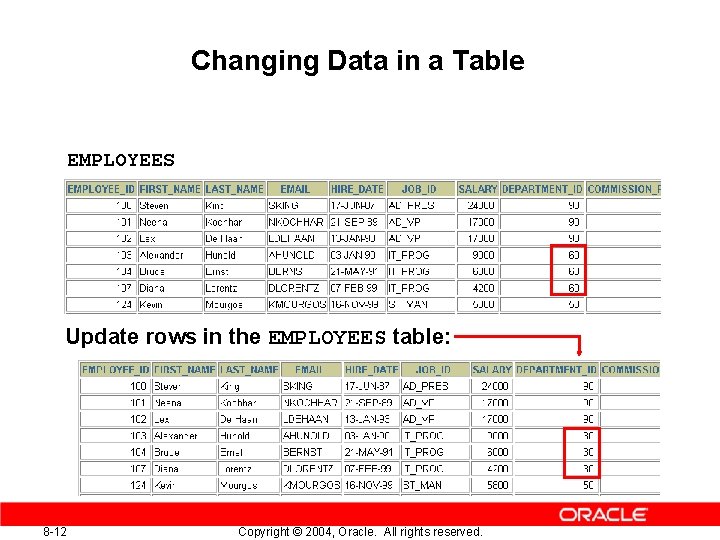
Changing Data in a Table EMPLOYEES Update rows in the EMPLOYEES table: 8 -12 Copyright © 2004, Oracle. All rights reserved.
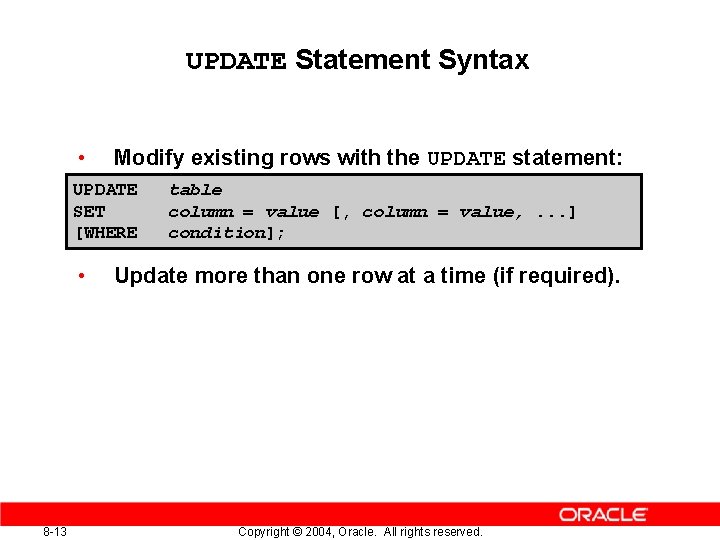
UPDATE Statement Syntax • Modify existing rows with the UPDATE statement: UPDATE SET [WHERE • 8 -13 table column = value [, column = value, . . . ] condition]; Update more than one row at a time (if required). Copyright © 2004, Oracle. All rights reserved.
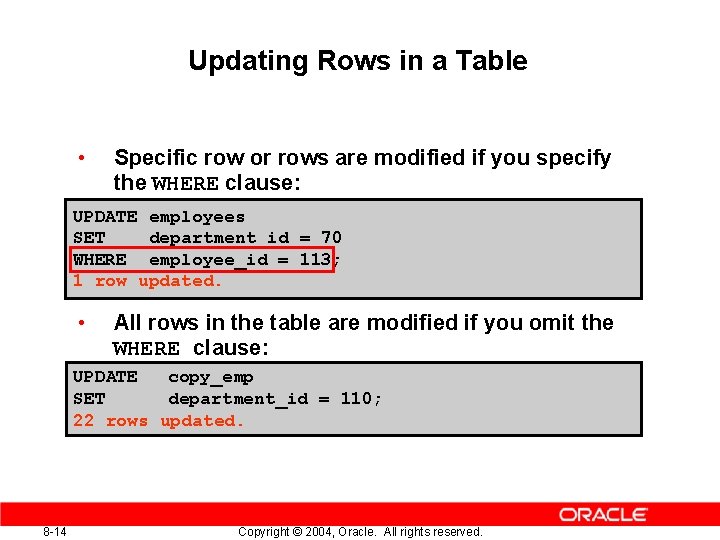
Updating Rows in a Table • Specific row or rows are modified if you specify the WHERE clause: UPDATE employees SET department_id = 70 WHERE employee_id = 113; 1 row updated. • All rows in the table are modified if you omit the WHERE clause: UPDATE copy_emp SET department_id = 110; 22 rows updated. 8 -14 Copyright © 2004, Oracle. All rights reserved.
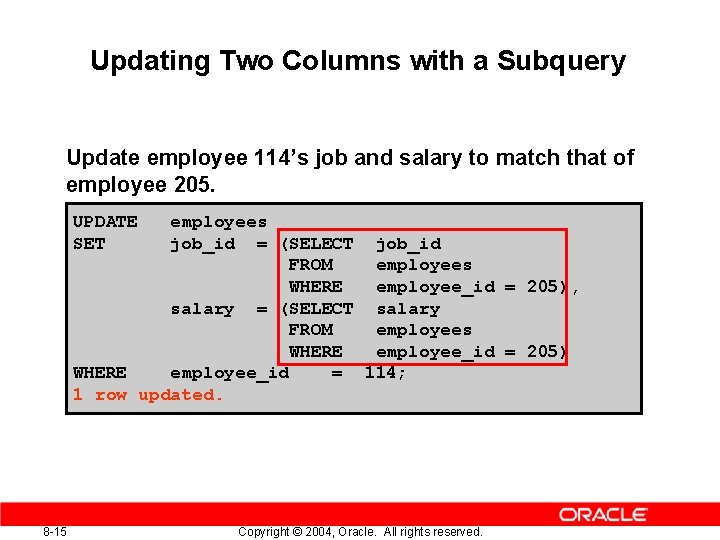
Updating Two Columns with a Subquery Update employee 114’s job and salary to match that of employee 205. UPDATE SET employees job_id = (SELECT job_id FROM employees WHERE employee_id = 205), salary = (SELECT salary FROM employees WHERE employee_id = 205) WHERE employee_id = 114; 1 row updated. 8 -15 Copyright © 2004, Oracle. All rights reserved.
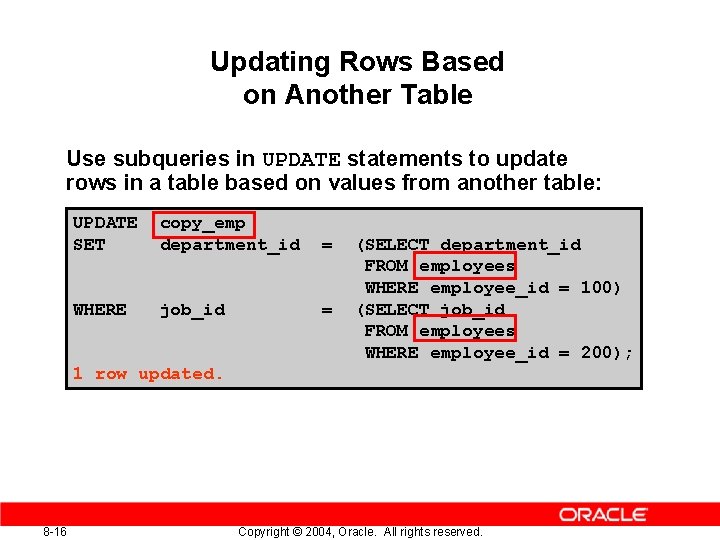
Updating Rows Based on Another Table Use subqueries in UPDATE statements to update rows in a table based on values from another table: UPDATE SET copy_emp department_id = WHERE job_id = (SELECT department_id FROM employees WHERE employee_id = 100) (SELECT job_id FROM employees WHERE employee_id = 200); 1 row updated. 8 -16 Copyright © 2004, Oracle. All rights reserved.
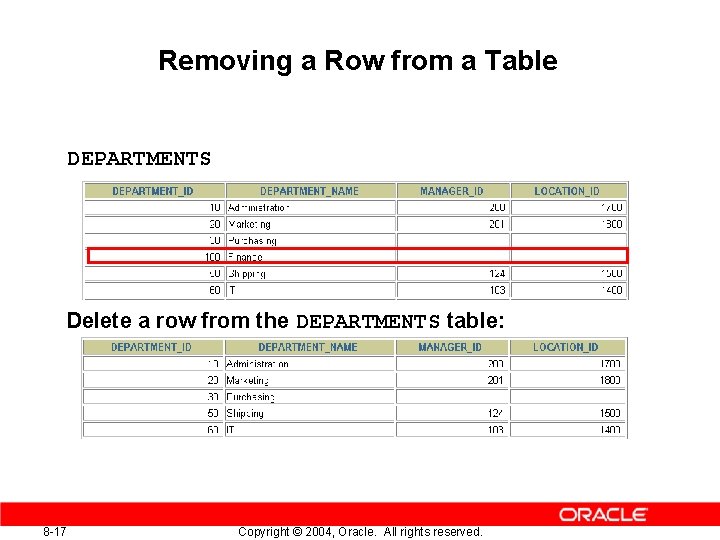
Removing a Row from a Table DEPARTMENTS Delete a row from the DEPARTMENTS table: 8 -17 Copyright © 2004, Oracle. All rights reserved.
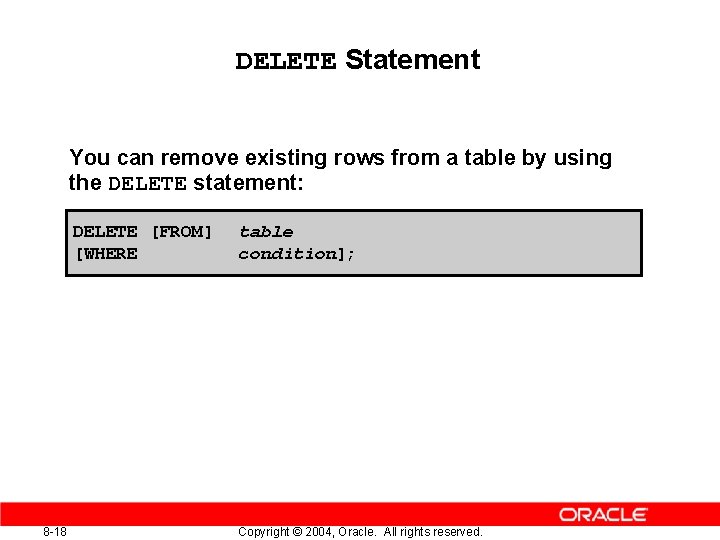
DELETE Statement You can remove existing rows from a table by using the DELETE statement: DELETE [FROM] [WHERE 8 -18 table condition]; Copyright © 2004, Oracle. All rights reserved.
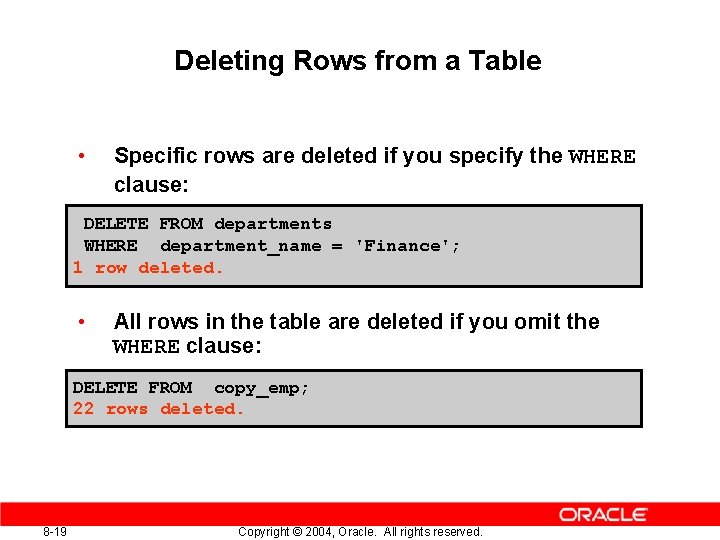
Deleting Rows from a Table • Specific rows are deleted if you specify the WHERE clause: DELETE FROM departments WHERE department_name = 'Finance'; 1 row deleted. • All rows in the table are deleted if you omit the WHERE clause: DELETE FROM copy_emp; 22 rows deleted. 8 -19 Copyright © 2004, Oracle. All rights reserved.
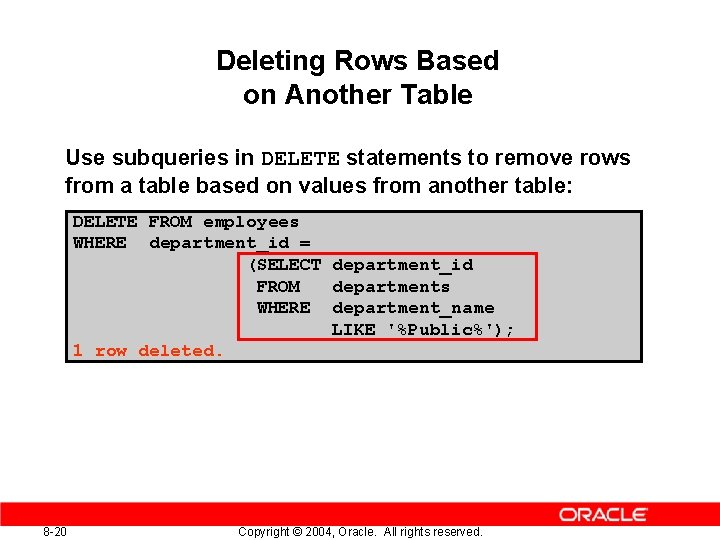
Deleting Rows Based on Another Table Use subqueries in DELETE statements to remove rows from a table based on values from another table: DELETE FROM employees WHERE department_id = (SELECT department_id FROM departments WHERE department_name LIKE '%Public%'); 1 row deleted. 8 -20 Copyright © 2004, Oracle. All rights reserved.
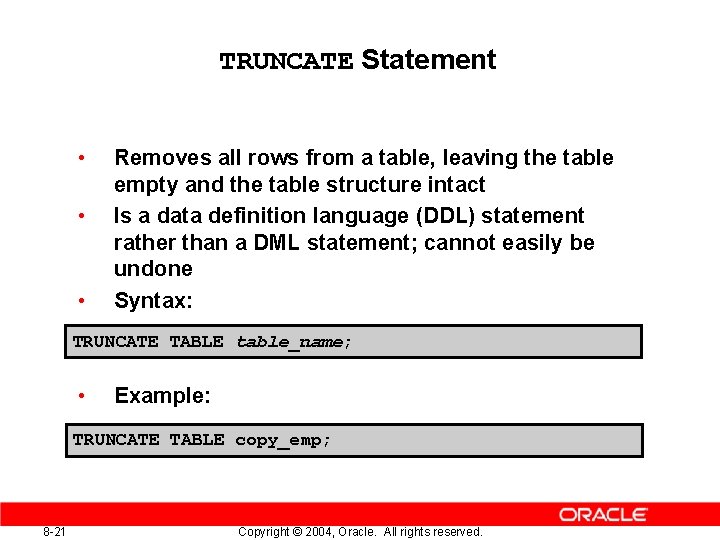
TRUNCATE Statement • • • Removes all rows from a table, leaving the table empty and the table structure intact Is a data definition language (DDL) statement rather than a DML statement; cannot easily be undone Syntax: TRUNCATE TABLE table_name; • Example: TRUNCATE TABLE copy_emp; 8 -21 Copyright © 2004, Oracle. All rights reserved.
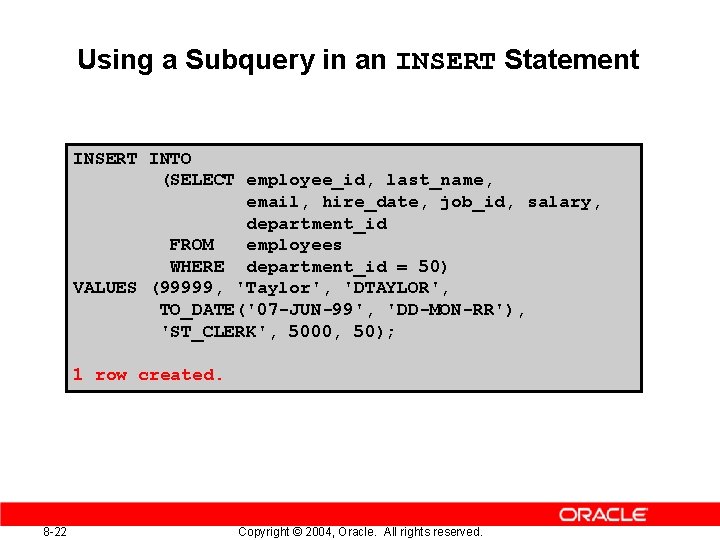
Using a Subquery in an INSERT Statement INSERT INTO (SELECT employee_id, last_name, email, hire_date, job_id, salary, department_id FROM employees WHERE department_id = 50) VALUES (99999, 'Taylor', 'DTAYLOR', TO_DATE('07 -JUN-99', 'DD-MON-RR'), 'ST_CLERK', 5000, 50); 1 row created. 8 -22 Copyright © 2004, Oracle. All rights reserved.
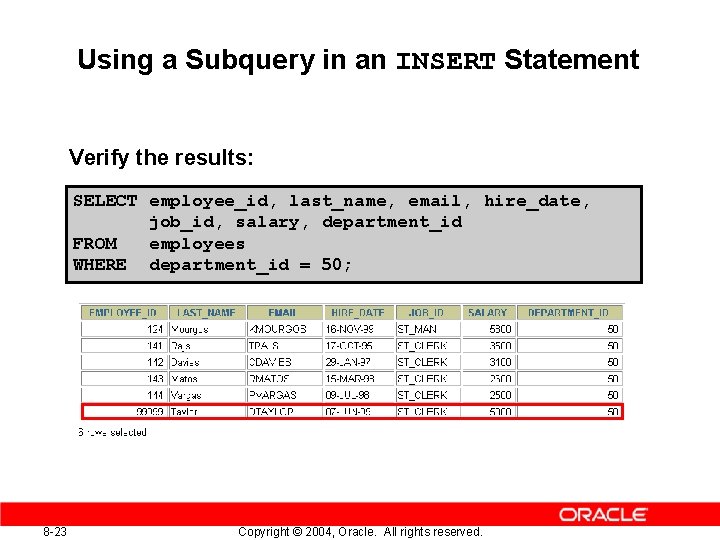
Using a Subquery in an INSERT Statement Verify the results: SELECT employee_id, last_name, email, hire_date, job_id, salary, department_id FROM employees WHERE department_id = 50; 8 -23 Copyright © 2004, Oracle. All rights reserved.
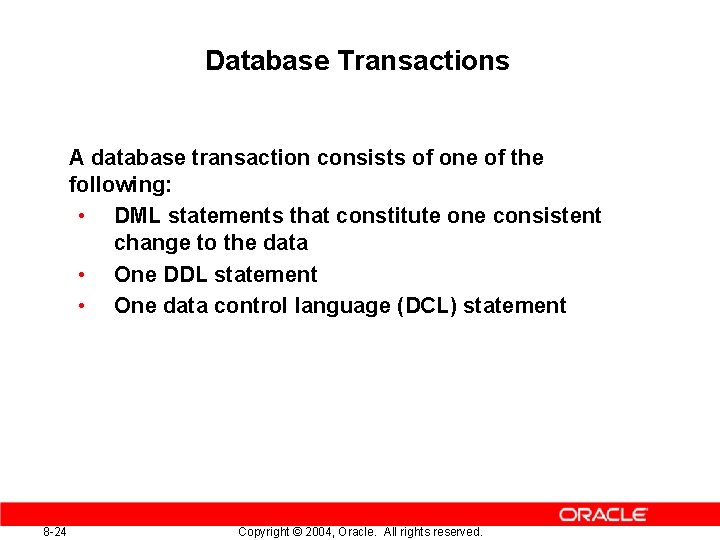
Database Transactions A database transaction consists of one of the following: • DML statements that constitute one consistent change to the data • One DDL statement • One data control language (DCL) statement 8 -24 Copyright © 2004, Oracle. All rights reserved.
Database Transactions • • Begin when the first DML SQL statement is executed End with one of the following events: – A COMMIT or ROLLBACK statement is issued. – A DDL or DCL statement executes (automatic commit). – The user exits i. SQL*Plus. – The system crashes. 8 -25 Copyright © 2004, Oracle. All rights reserved.
Advantages of COMMIT and ROLLBACK Statements With COMMIT and ROLLBACK statements, you can: • • • 8 -26 Ensure data consistency Preview data changes before making changes permanent Group logically related operations Copyright © 2004, Oracle. All rights reserved.
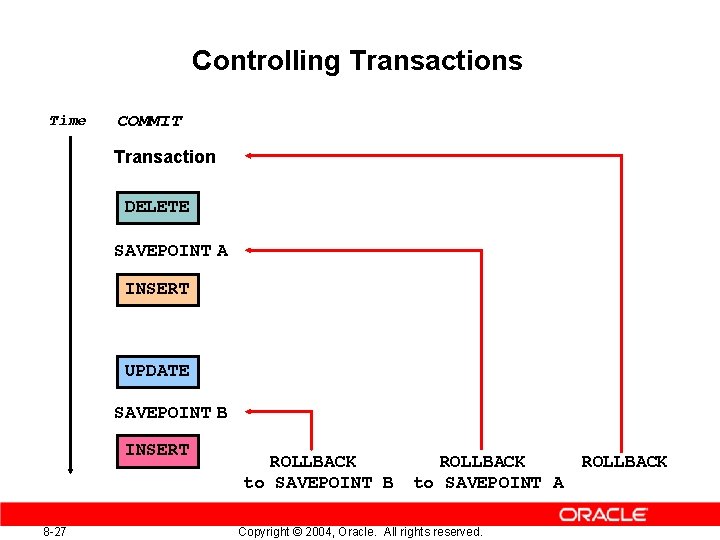
Controlling Transactions Time COMMIT Transaction DELETE SAVEPOINT A INSERT UPDATE SAVEPOINT B INSERT 8 -27 ROLLBACK to SAVEPOINT B ROLLBACK to SAVEPOINT A Copyright © 2004, Oracle. All rights reserved. ROLLBACK
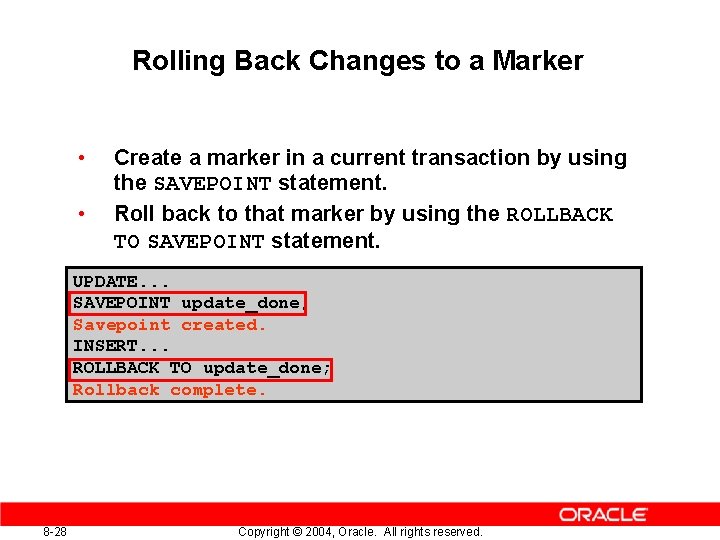
Rolling Back Changes to a Marker • • Create a marker in a current transaction by using the SAVEPOINT statement. Roll back to that marker by using the ROLLBACK TO SAVEPOINT statement. UPDATE. . . SAVEPOINT update_done; Savepoint created. INSERT. . . ROLLBACK TO update_done; Rollback complete. 8 -28 Copyright © 2004, Oracle. All rights reserved.
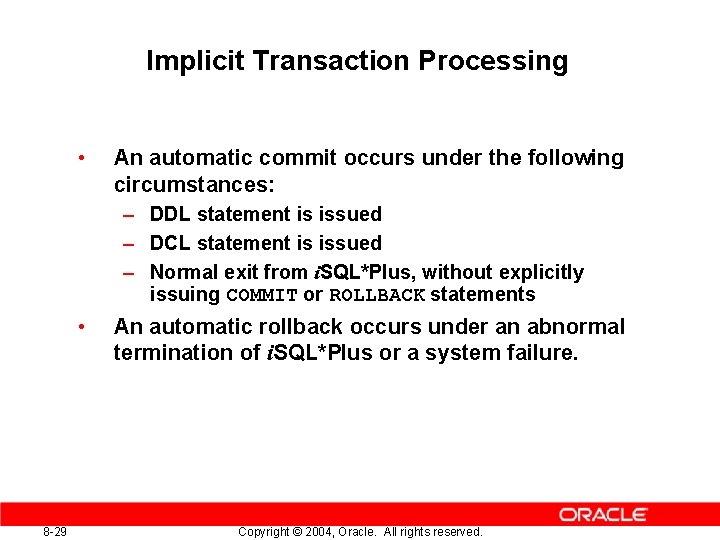
Implicit Transaction Processing • An automatic commit occurs under the following circumstances: – DDL statement is issued – DCL statement is issued – Normal exit from i. SQL*Plus, without explicitly issuing COMMIT or ROLLBACK statements • 8 -29 An automatic rollback occurs under an abnormal termination of i. SQL*Plus or a system failure. Copyright © 2004, Oracle. All rights reserved.
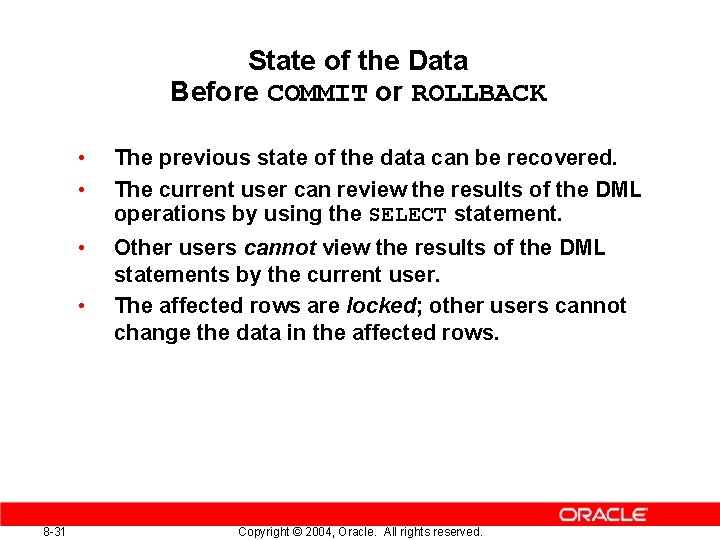
State of the Data Before COMMIT or ROLLBACK • • The previous state of the data can be recovered. The current user can review the results of the DML operations by using the SELECT statement. • Other users cannot view the results of the DML statements by the current user. The affected rows are locked; other users cannot change the data in the affected rows. • 8 -31 Copyright © 2004, Oracle. All rights reserved.
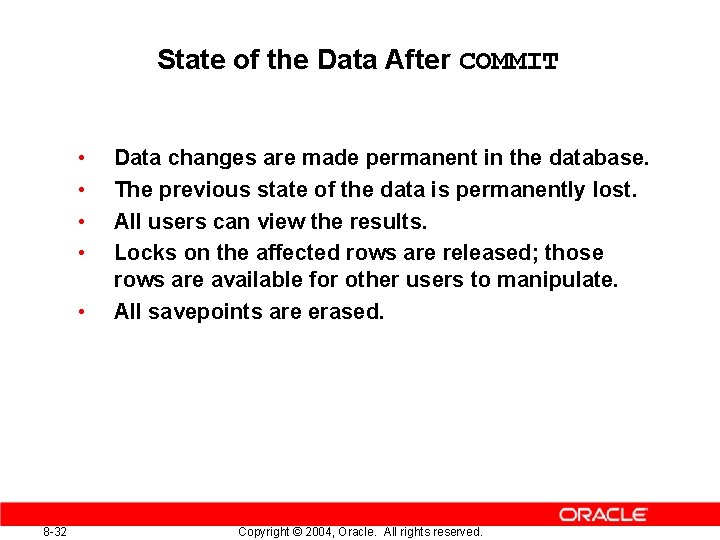
State of the Data After COMMIT • • • 8 -32 Data changes are made permanent in the database. The previous state of the data is permanently lost. All users can view the results. Locks on the affected rows are released; those rows are available for other users to manipulate. All savepoints are erased. Copyright © 2004, Oracle. All rights reserved.
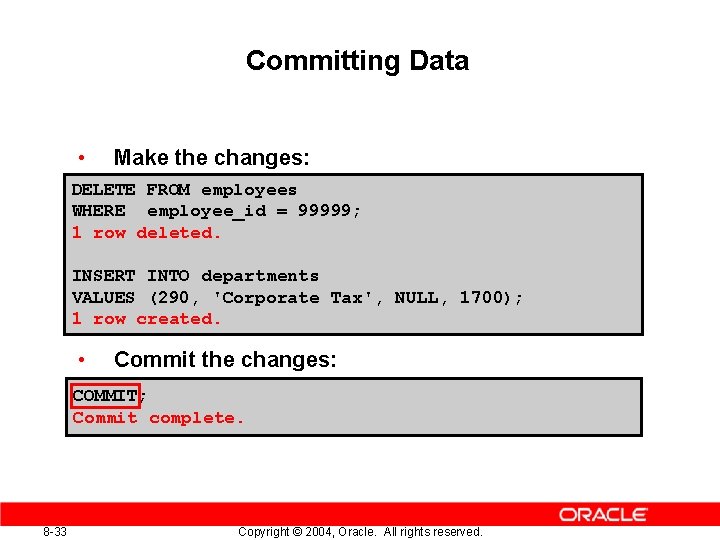
Committing Data • Make the changes: DELETE FROM employees WHERE employee_id = 99999; 1 row deleted. INSERT INTO departments VALUES (290, 'Corporate Tax', NULL, 1700); 1 row created. • Commit the changes: COMMIT; Commit complete. 8 -33 Copyright © 2004, Oracle. All rights reserved.
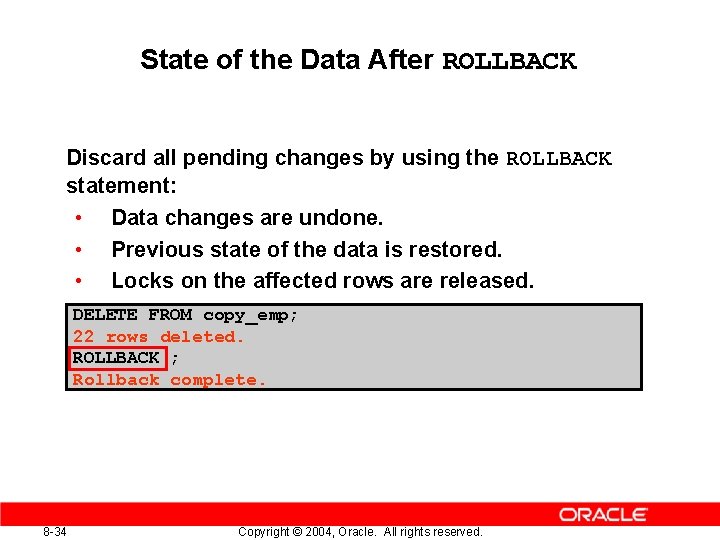
State of the Data After ROLLBACK Discard all pending changes by using the ROLLBACK statement: • Data changes are undone. • Previous state of the data is restored. • Locks on the affected rows are released. DELETE FROM copy_emp; 22 rows deleted. ROLLBACK ; Rollback complete. 8 -34 Copyright © 2004, Oracle. All rights reserved.
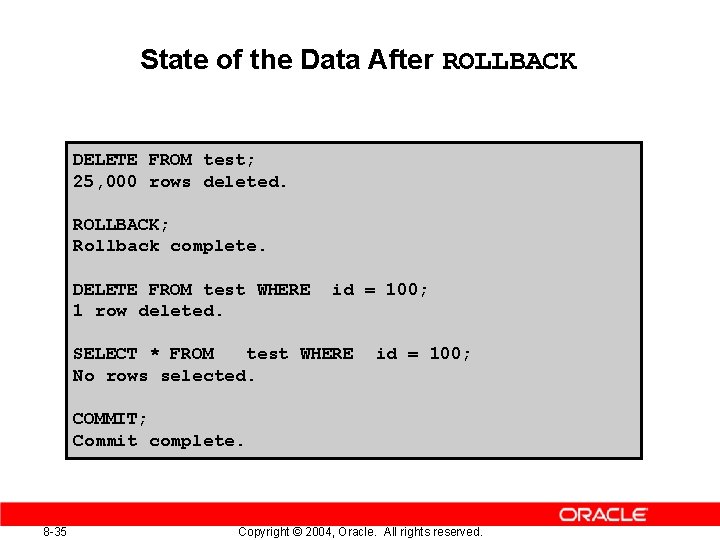
State of the Data After ROLLBACK DELETE FROM test; 25, 000 rows deleted. ROLLBACK; Rollback complete. DELETE FROM test WHERE 1 row deleted. id = 100; SELECT * FROM test WHERE No rows selected. id = 100; COMMIT; Commit complete. 8 -35 Copyright © 2004, Oracle. All rights reserved.
Statement-Level Rollback • • 8 -36 If a single DML statement fails during execution, only that statement is rolled back. The Oracle server implements an implicit savepoint. All other changes are retained. The user should terminate transactions explicitly by executing a COMMIT or ROLLBACK statement. Copyright © 2004, Oracle. All rights reserved.
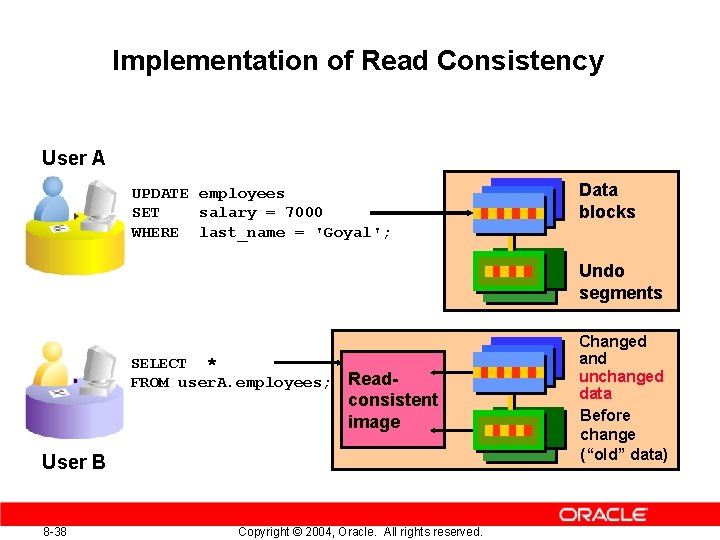
Read Consistency • • • Read consistency guarantees a consistent view of the data at all times. Changes made by one user do not conflict with changes made by another user. Read consistency ensures that on the same data: – Readers do not wait for writers – Writers do not wait for readers 8 -37 Copyright © 2004, Oracle. All rights reserved.
Implementation of Read Consistency User A UPDATE employees SET salary = 7000 WHERE last_name = 'Goyal'; Data blocks Undo segments SELECT * FROM user. A. employees; Read- consistent image User B 8 -38 Copyright © 2004, Oracle. All rights reserved. Changed and unchanged data Before change (“old” data)
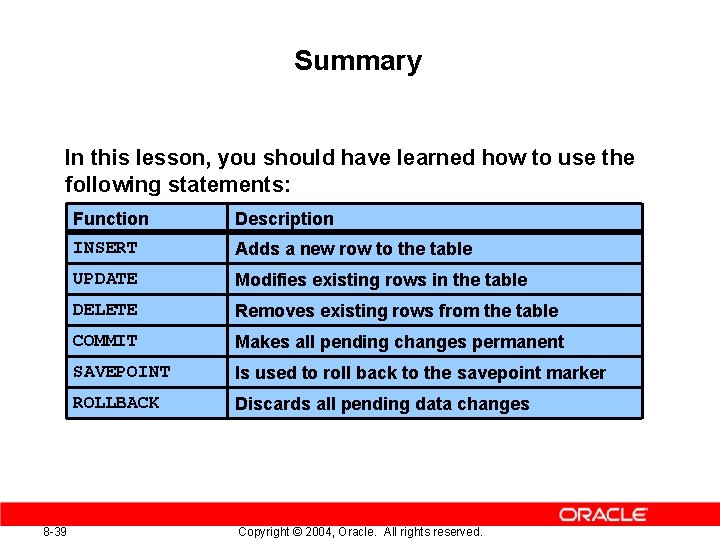
Summary In this lesson, you should have learned how to use the following statements: 8 -39 Function Description INSERT Adds a new row to the table UPDATE Modifies existing rows in the table DELETE Removes existing rows from the table COMMIT Makes all pending changes permanent SAVEPOINT Is used to roll back to the savepoint marker ROLLBACK Discards all pending data changes Copyright © 2004, Oracle. All rights reserved.
Practice 8: Overview This practice covers the following topics: • Inserting rows into the tables • Updating and deleting rows in the table • Controlling transactions 8 -40 Copyright © 2004, Oracle. All rights reserved.