
8 Managing Schema Objects Copyright 2004 Oracle All
8 Managing Schema Objects Copyright © 2004, Oracle. All rights reserved.
Objectives After completing this lesson, you should be able to do the following: • Create and modify tables • Define constraints • View the attributes of a table • View the contents of a table • Create indexes and views 8 -2 Copyright © 2004, Oracle. All rights reserved.
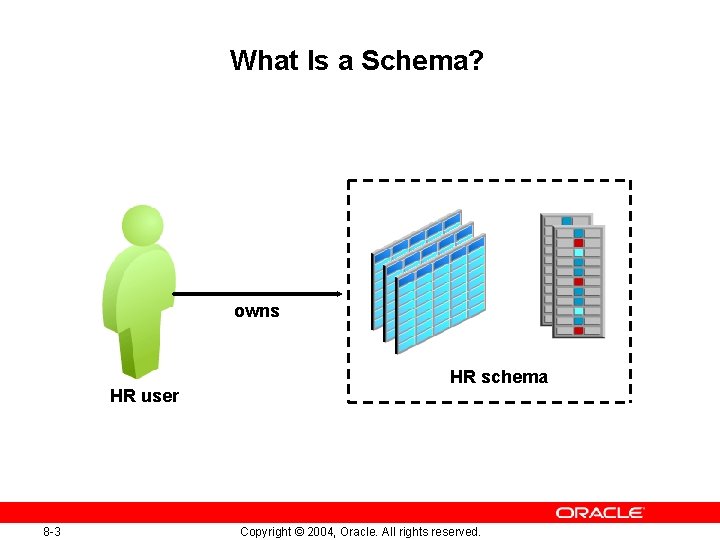
What Is a Schema? owns HR user 8 -3 HR schema Copyright © 2004, Oracle. All rights reserved.
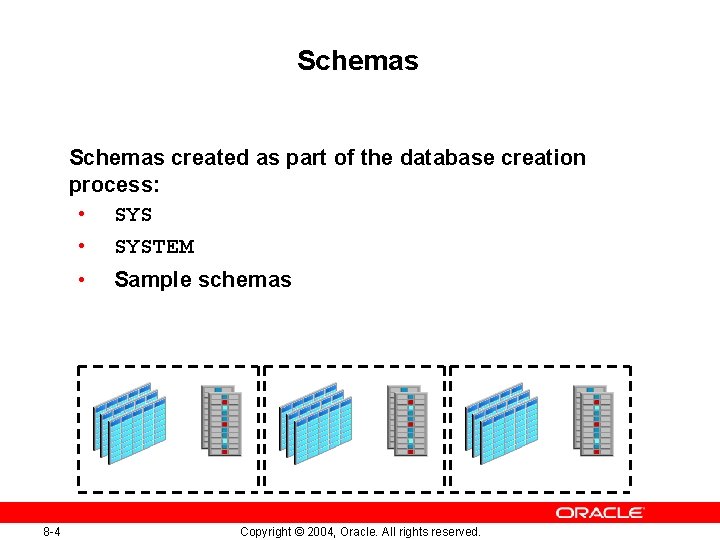
Schemas created as part of the database creation process: • SYSTEM • 8 -4 Sample schemas Copyright © 2004, Oracle. All rights reserved.
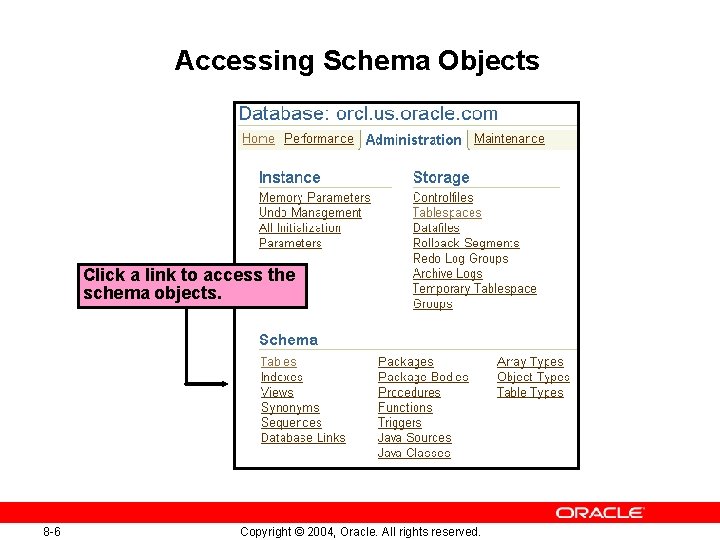
Accessing Schema Objects Click a link to access the schema objects. 8 -6 Copyright © 2004, Oracle. All rights reserved.
Naming Database Objects • Names must be from 1 to 30 bytes long with these exceptions: – Names of databases are limited to 8 bytes – Names of database links can be as long as 128 bytes • • 8 -7 Nonquoted names cannot be Oracle reserved words. Nonquoted names must begin with an alphabetic character from your database character set. Copyright © 2004, Oracle. All rights reserved.
Naming Database Objects • Nonquoted names can contain only – Alphanumeric characters from your database character set – The underscore (_) – Dollar sign ($) – Pound sign (#) • 8 -8 No two objects can have the same name within the same namespace Copyright © 2004, Oracle. All rights reserved.
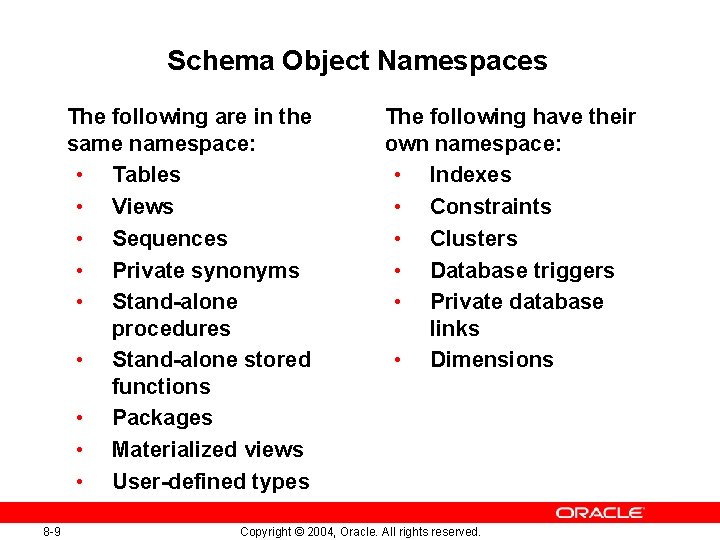
Schema Object Namespaces The following are in the same namespace: • Tables • Views • Sequences • Private synonyms • Stand-alone procedures • Stand-alone stored functions • Packages • Materialized views • User-defined types 8 -9 The following have their own namespace: • Indexes • Constraints • Clusters • Database triggers • Private database links • Dimensions Copyright © 2004, Oracle. All rights reserved.
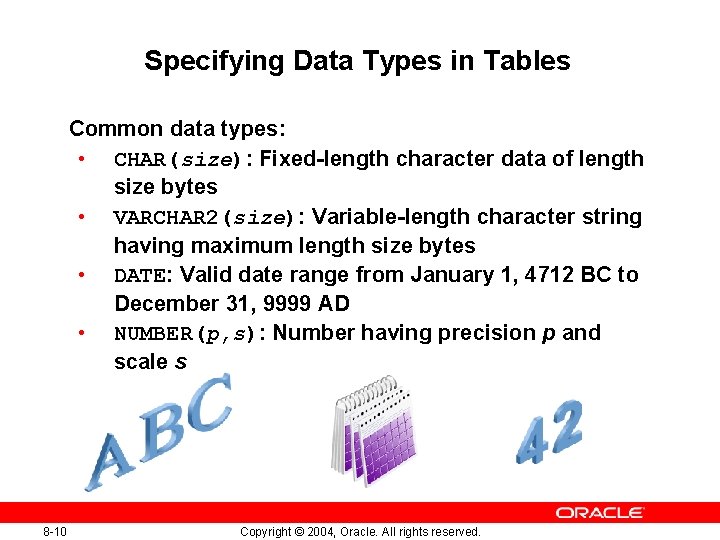
Specifying Data Types in Tables Common data types: • CHAR(size): Fixed-length character data of length size bytes • VARCHAR 2(size): Variable-length character string having maximum length size bytes • DATE: Valid date range from January 1, 4712 BC to December 31, 9999 AD • NUMBER(p, s): Number having precision p and scale s 8 -10 Copyright © 2004, Oracle. All rights reserved.
Other Data Types • • 8 -11 FLOAT INTEGER NCHAR NVARCHAR 2 LONG RAW • • ROWID UROWID BLOB CLOB NCLOB BFILE TIMESTAMP Copyright © 2004, Oracle. All rights reserved.

Creating and Modifying Tables Specify the table name and schema. Specify the column names, data types, and lengths. 8 -13 Copyright © 2004, Oracle. All rights reserved.
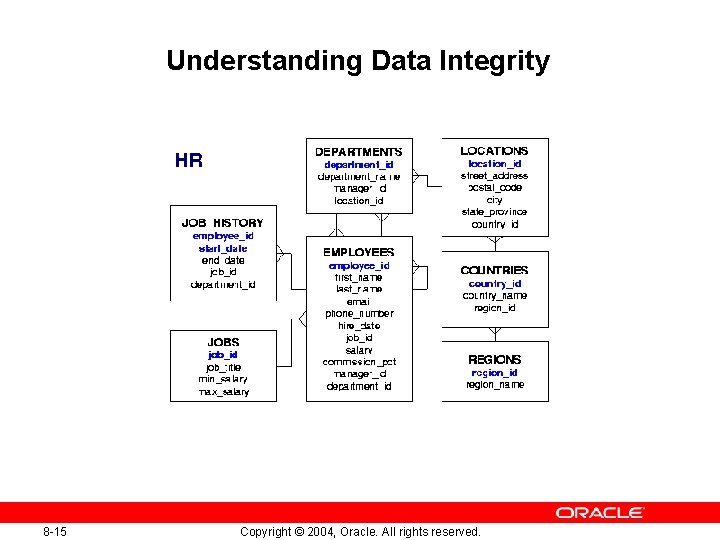
Understanding Data Integrity 8 -15 Copyright © 2004, Oracle. All rights reserved.
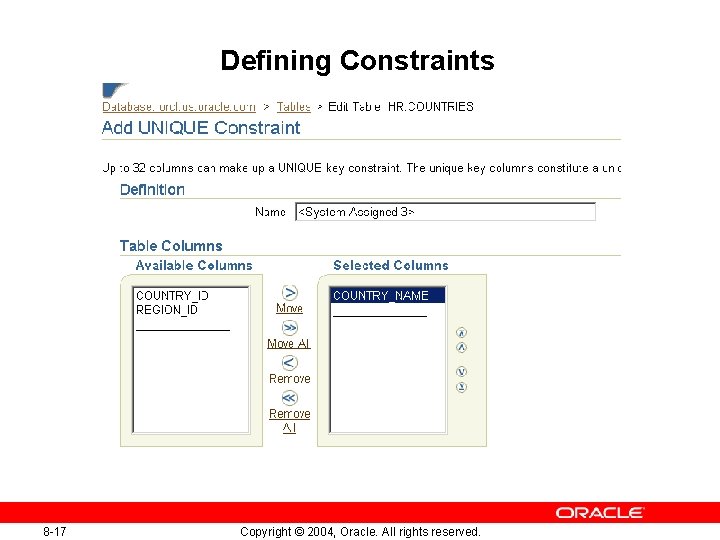
Defining Constraints 8 -17 Copyright © 2004, Oracle. All rights reserved.
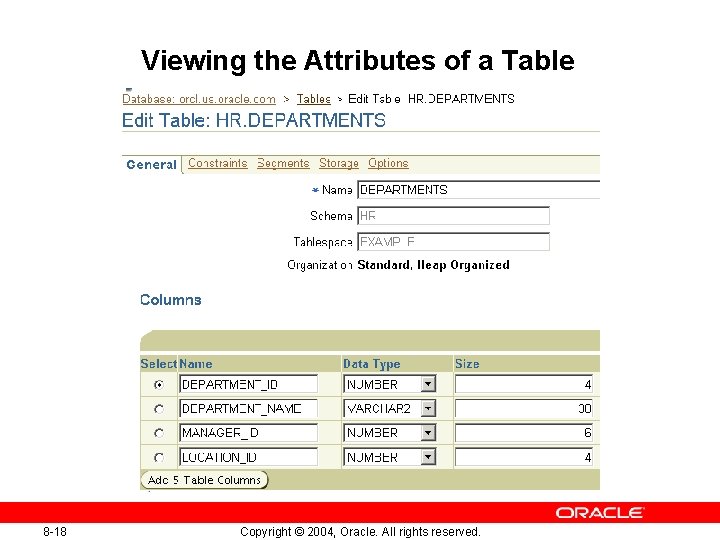
Viewing the Attributes of a Table 8 -18 Copyright © 2004, Oracle. All rights reserved.
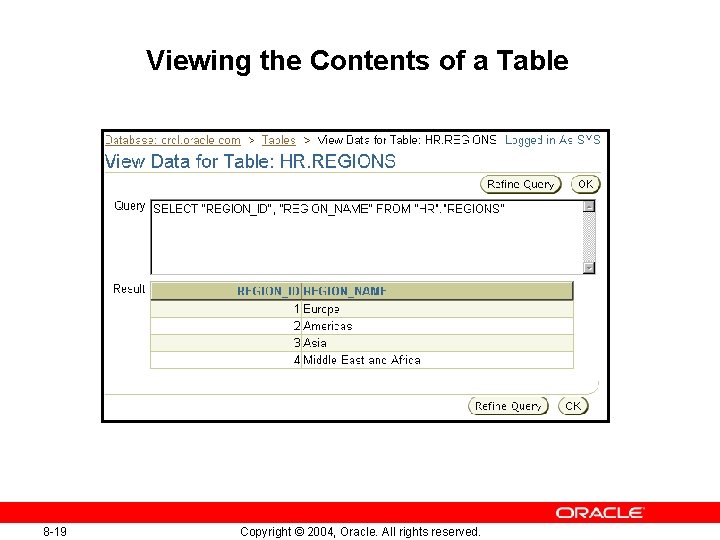
Viewing the Contents of a Table 8 -19 Copyright © 2004, Oracle. All rights reserved.
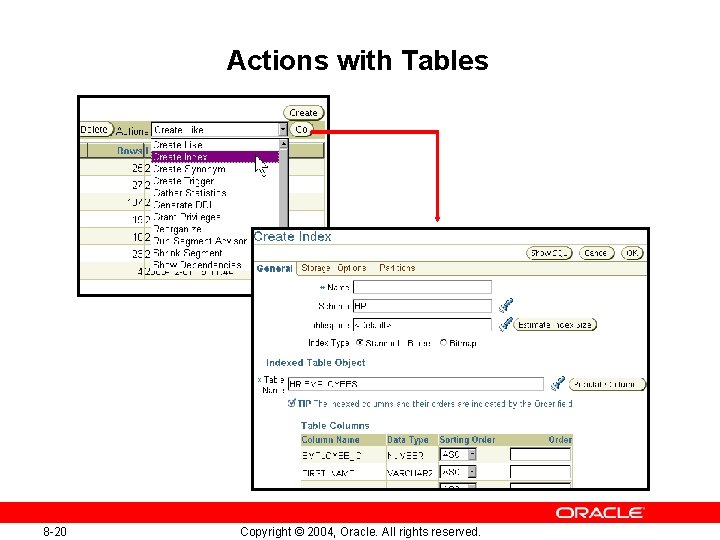
Actions with Tables 8 -20 Copyright © 2004, Oracle. All rights reserved.
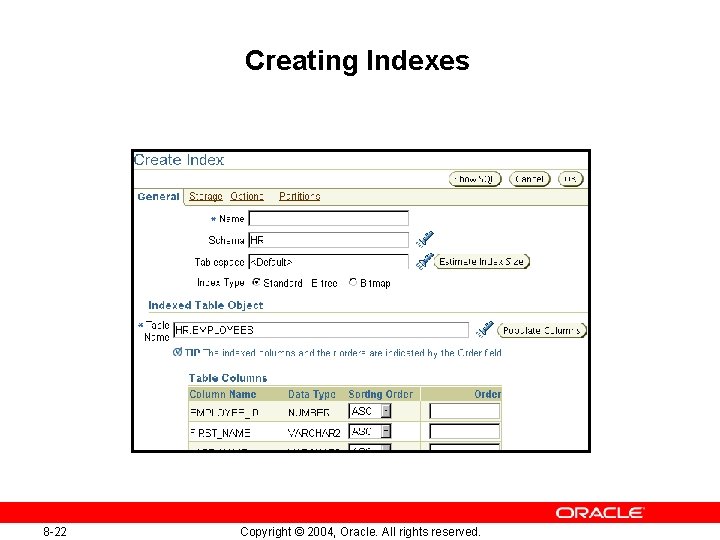
Creating Indexes 8 -22 Copyright © 2004, Oracle. All rights reserved.
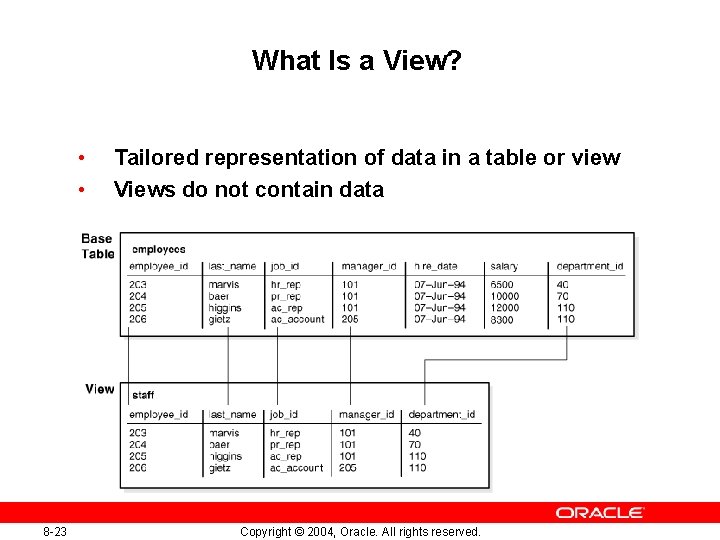
What Is a View? • • 8 -23 Tailored representation of data in a table or view Views do not contain data Copyright © 2004, Oracle. All rights reserved.
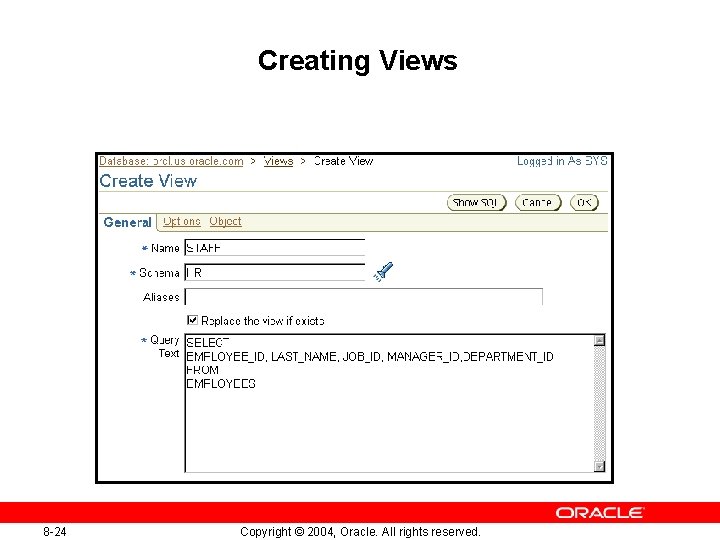
Creating Views 8 -24 Copyright © 2004, Oracle. All rights reserved.
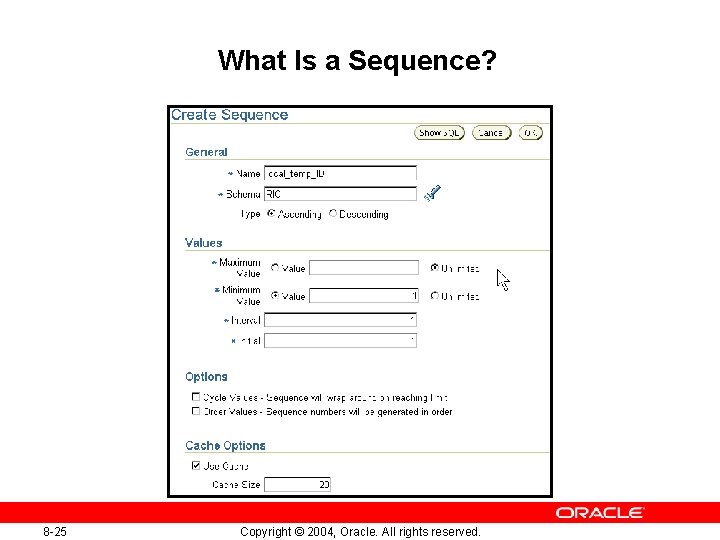
What Is a Sequence? 8 -25 Copyright © 2004, Oracle. All rights reserved.
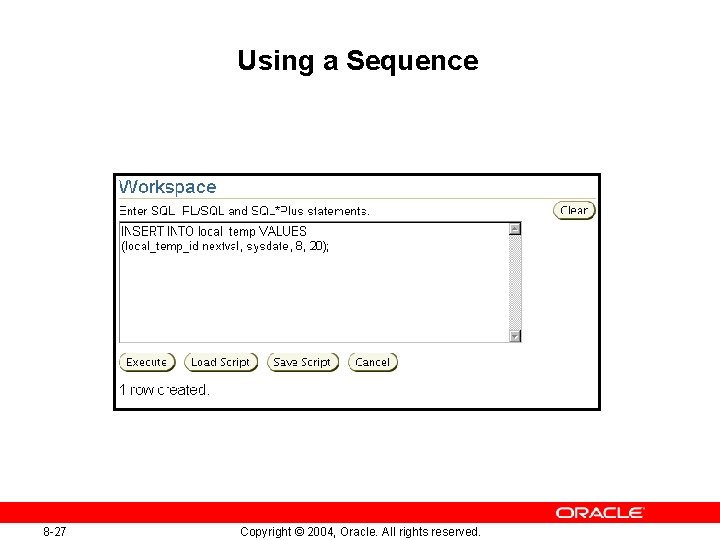
Using a Sequence 8 -27 Copyright © 2004, Oracle. All rights reserved.
Summary In this lesson, you should have learned how to: • Create and modify tables • Define constraints • View the attributes of a table • View the contents of a table • Create indexes and views 8 -28 Copyright © 2004, Oracle. All rights reserved.
Practice 8: Working with Tables This practice covers the following: • Creating tables and indexes • Modifying tables • Dropping a table • Creating a view 8 -29 Copyright © 2004, Oracle. All rights reserved.
- Slides: 23