
8 03 Spreadsheet Operations 1 Spreadsheet Operations increase
- Slides: 17
8. 03 Spreadsheet Operations 1
Spreadsheet Operations— increase. . . n the efficiency of data entry n the performing of calculations, and n the presentation of information. 2
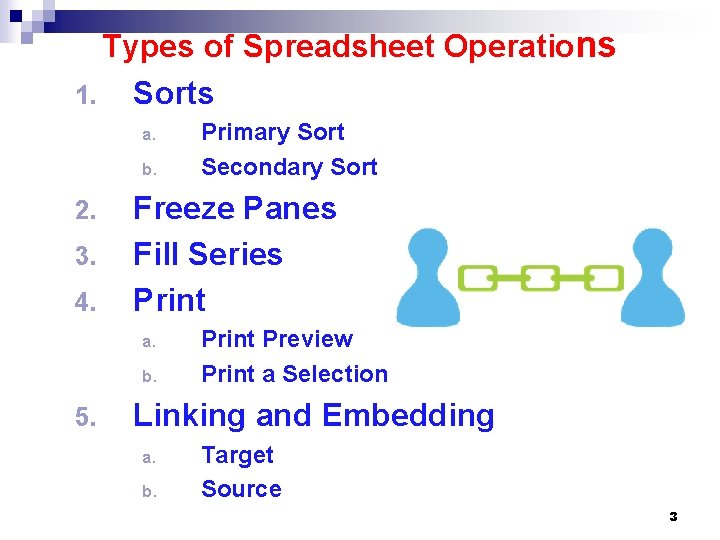
Types of Spreadsheet Operations 1. Sorts a. b. 2. 3. 4. Freeze Panes Fill Series Print a. b. 5. Primary Sort Secondary Sort Print Preview Print a Selection Linking and Embedding a. b. Target Source 3
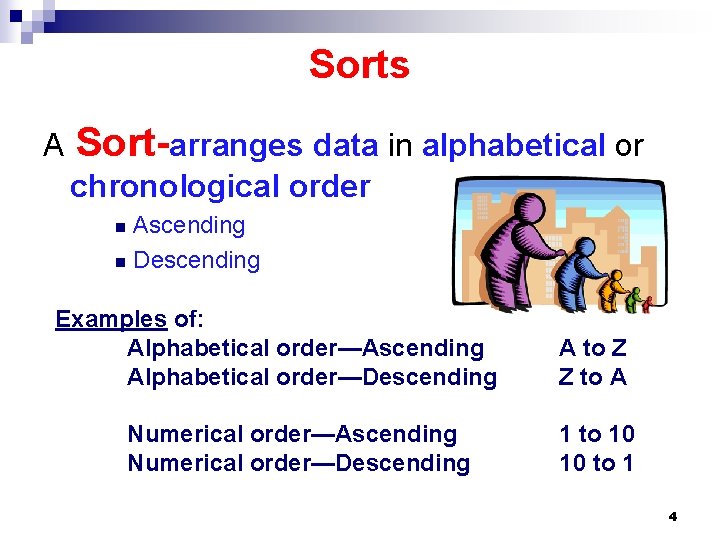
Sorts A Sort-arranges data in alphabetical or chronological order Ascending n Descending n Examples of: Alphabetical order—Ascending Alphabetical order—Descending Numerical order—Ascending Numerical order—Descending A to Z Z to A 1 to 10 10 to 1 4
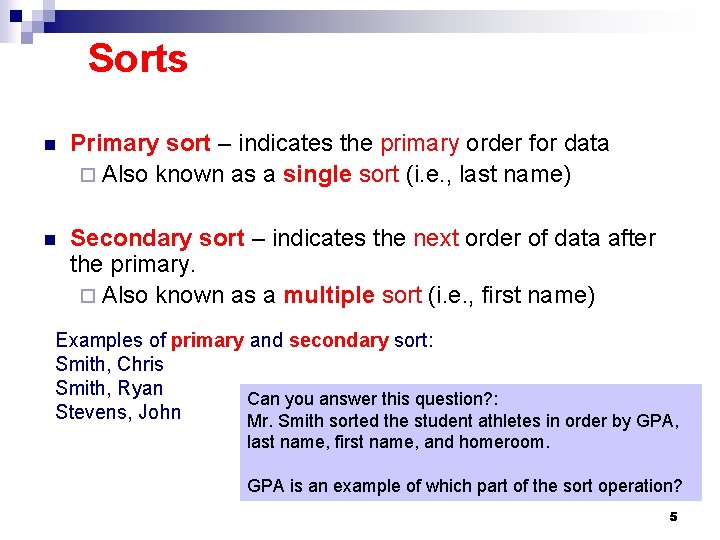
Sorts n Primary sort – indicates the primary order for data ¨ Also known as a single sort (i. e. , last name) n Secondary sort – indicates the next order of data after the primary. ¨ Also known as a multiple sort (i. e. , first name) Examples of primary and secondary sort: Smith, Chris Smith, Ryan Can you answer this question? : Stevens, John Mr. Smith sorted the student athletes in order by GPA, last name, first name, and homeroom. GPA is an example of which part of the sort operation? 5
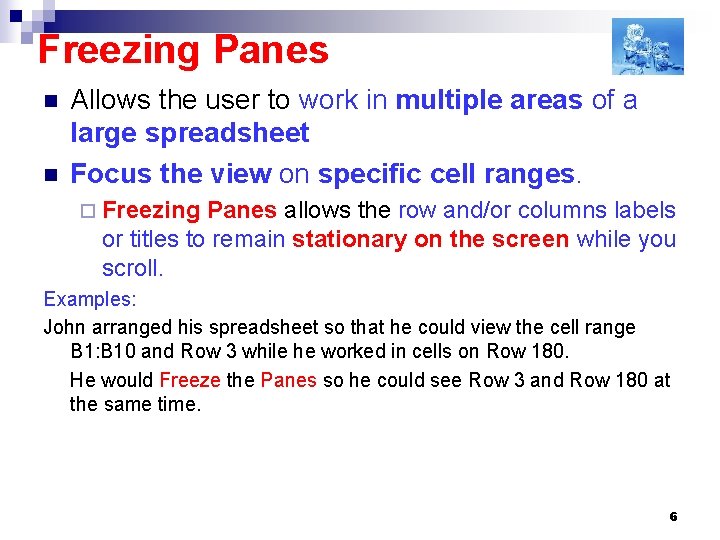
Freezing Panes n n Allows the user to work in multiple areas of a large spreadsheet Focus the view on specific cell ranges. ¨ Freezing Panes allows the row and/or columns labels or titles to remain stationary on the screen while you scroll. Examples: John arranged his spreadsheet so that he could view the cell range B 1: B 10 and Row 3 while he worked in cells on Row 180. He would Freeze the Panes so he could see Row 3 and Row 180 at the same time. 6
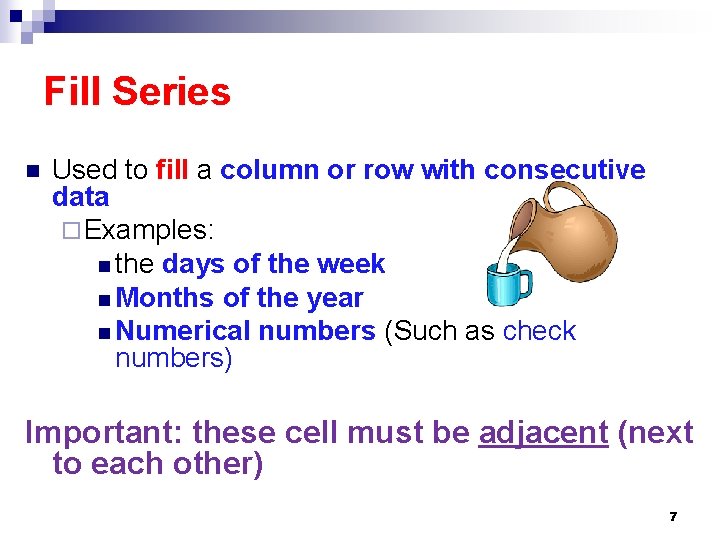
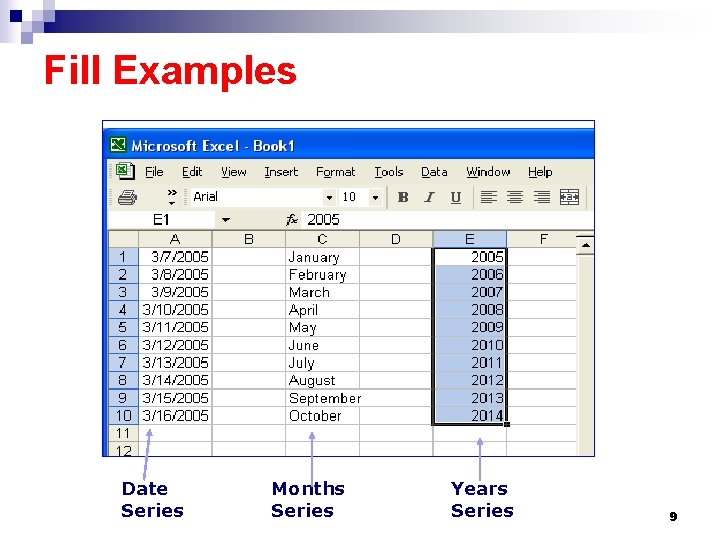
Fill Series n Used to fill a column or row with consecutive data ¨ Examples: n the days of the week n Months of the year n Numerical numbers (Such as check numbers) Important: these cell must be adjacent (next to each other) 7
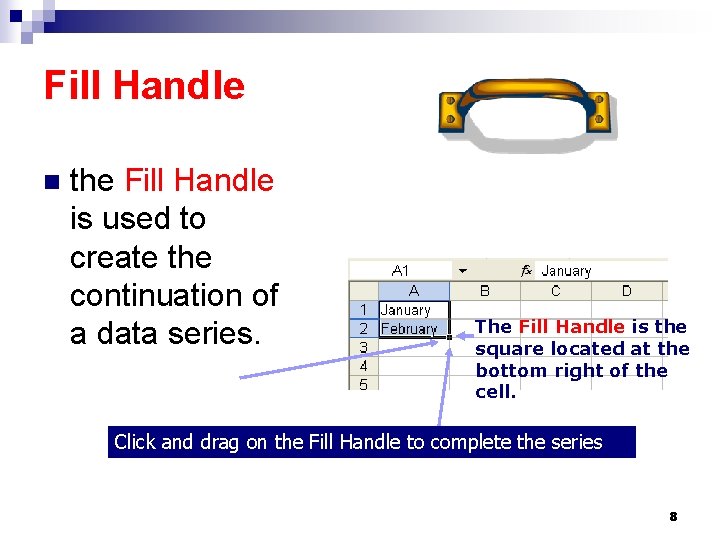
Fill Handle n the Fill Handle is used to create the continuation of a data series. The Fill Handle is the square located at the bottom right of the cell. Click and drag on the Fill Handle to complete the series 8
Fill Examples Date Series Months Series Years Series 9
Printing a Spreadsheet n Printing is used to provide a hard copy. n Print preview is used to view how data is represented on paper. n Print a selection is used to print a portion of a spreadsheet 10
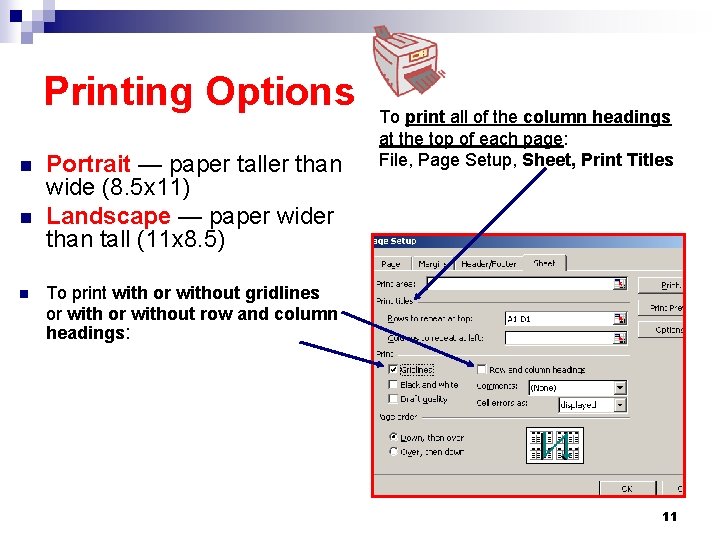
Printing Options n n n Portrait — paper taller than wide (8. 5 x 11) Landscape — paper wider than tall (11 x 8. 5) To print all of the column headings at the top of each page: File, Page Setup, Sheet, Print Titles To print with or without gridlines or without row and column headings: 11
Linking and Embedding Linking and/or Embedding are used to integrate spreadsheet data with other software applications. n Two items needed for either process: ¨ Target document ¨ Source document 12
Linking n Linking maintains a connection between two files or objects: 1. the Source in which it is created 2. the Target into which it is inserted The linked object in the Target file will be updated when the Source file is updated. Example: A word processing document (target) may contain a link to a spreadsheet (source) that will update anytime the spreadsheet data is edited. 13
Linked Object n An object created and inserted into the presentation file. n Maintains a connection between the original and destination file. (Source) n Can be updated when the original source file is updated.
Embedded Objects n Embedding does NOT maintains a connection between two files or objects: n Once embedded, the object becomes part of the destination/target file. n Changes made to the embedded object are reflected in the destination/target file.
Embedding examples: (1) An embedded spreadsheet is converted into a graphic image when placed in a Target document and does NOT change to reflect edits made at the Source. (2) To ensure that an object does NOT change in a word processing document when it is edited in the spreadsheet of its original creation, the object must be embedded in the word processing document. 16
Linked vs Embedded Objects n Difference between linked objects and embedded objects. ¨ Where you store data. ¨ How you update the data after placing it in the file.