
7 Steps to Windows 7 Migration Best Practices
7 Steps to Windows 7, Migration Best Practices Andrew Fryer Carsten Giese Symantic Session Code: ITS 214
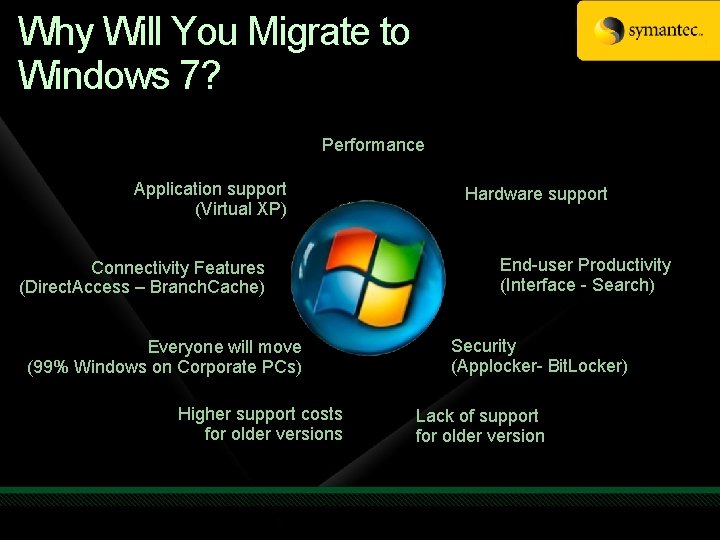
Why Will You Migrate to Windows 7? Performance Application support (Virtual XP) Connectivity Features (Direct. Access – Branch. Cache) Everyone will move (99% Windows on Corporate PCs) Higher support costs for older versions Hardware support End-user Productivity (Interface - Search) Security (Applocker- Bit. Locker) Lack of support for older version
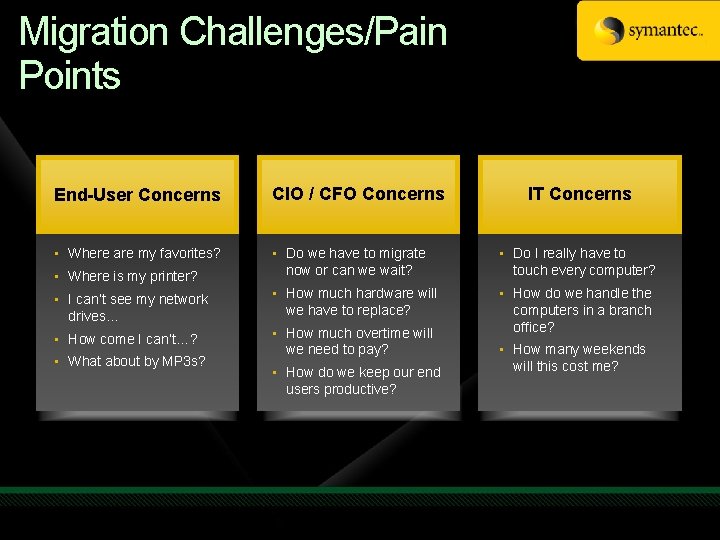
Migration Challenges/Pain Points End-User Concerns CIO / CFO Concerns • Where are my favorites? • Where is my printer? • Do we have to migrate now or can we wait? • Do I really have to touch every computer? • I can’t see my network drives… • How much hardware will we have to replace? • How come I can’t…? • How much overtime will we need to pay? • How do we handle the computers in a branch office? • What about by MP 3 s? • How do we keep our end users productive? IT Concerns • How many weekends will this cost me?
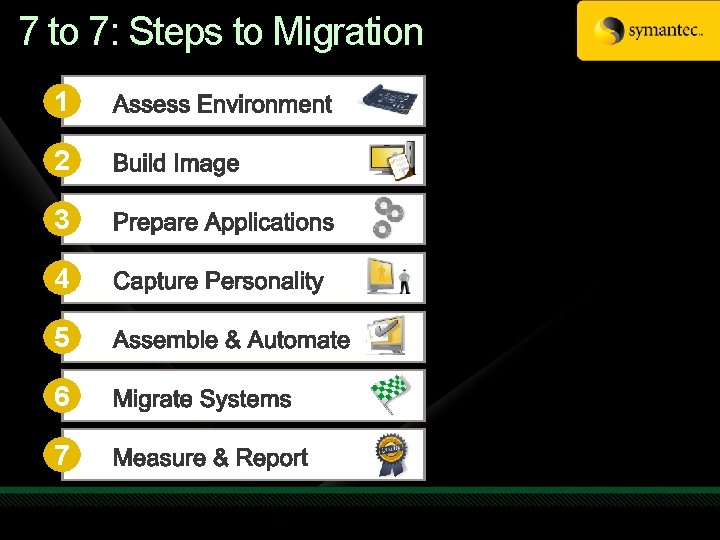
7 to 7: Steps to Migration 1 2 3 4 5 6 7

General Migration Considerations Communication • Identify key decision makers • Plan how to inform all participants Setting Expectations • Clearly define objectives • Set achievable goals Opportunities • Standardize the environment • Harvest and consolidate software licenses Staying Focused • Avoid out-of-scope projects • Limit costs with a controlled project
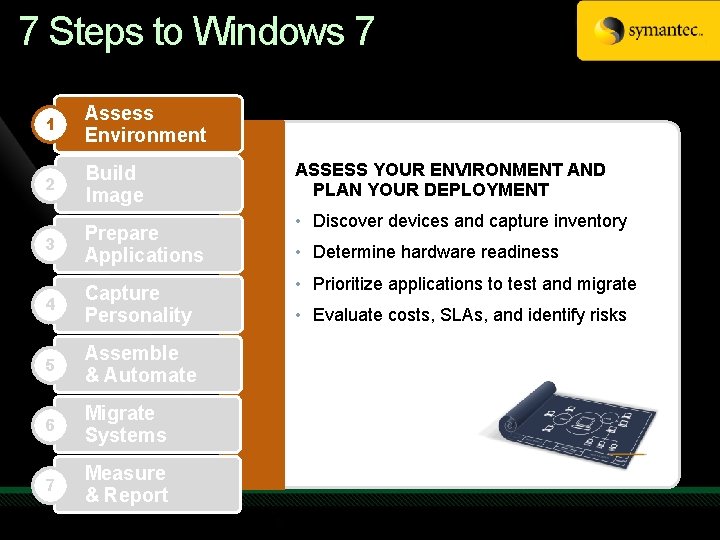
7 Steps to Windows 7 1 Assess Environment 2 Build Image 3 Prepare Applications 4 Capture Personality 5 Assemble & Automate 6 Migrate Systems 7 Measure & Report ASSESS YOUR ENVIRONMENT AND PLAN YOUR DEPLOYMENT • Discover devices and capture inventory • Determine hardware readiness • Prioritize applications to test and migrate • Evaluate costs, SLAs, and identify risks
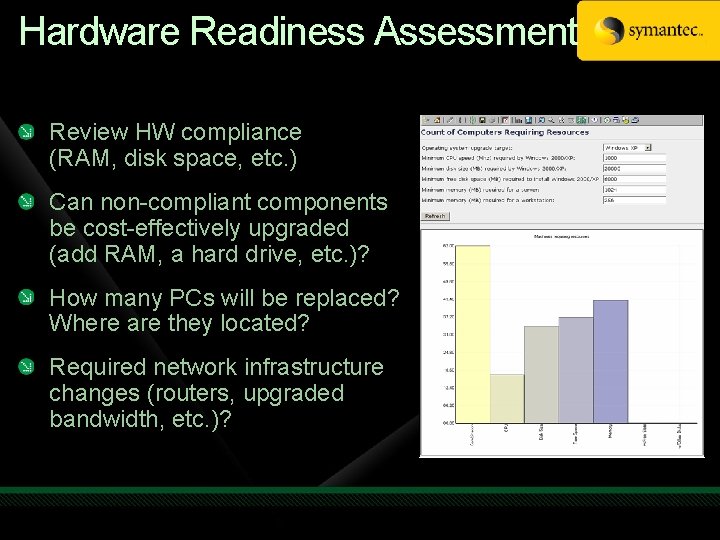
Hardware Readiness Assessment Review HW compliance (RAM, disk space, etc. ) Can non-compliant components be cost-effectively upgraded (add RAM, a hard drive, etc. )? How many PCs will be replaced? Where are they located? Required network infrastructure changes (routers, upgraded bandwidth, etc. )?
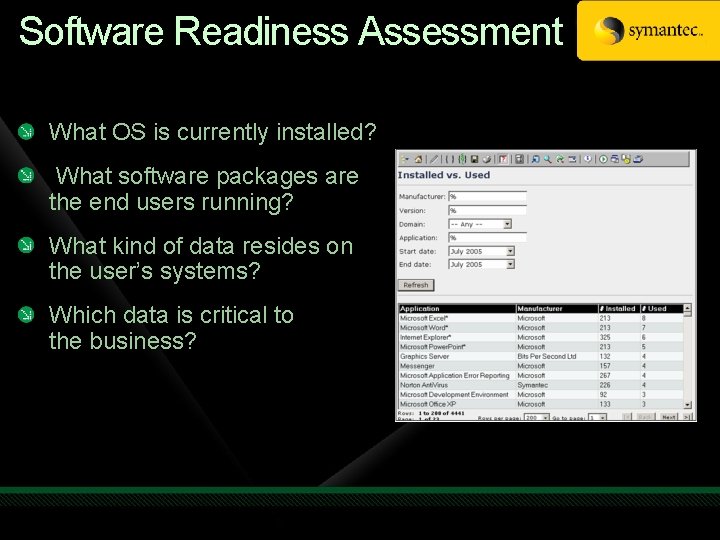
Software Readiness Assessment What OS is currently installed? What software packages are the end users running? What kind of data resides on the user’s systems? Which data is critical to the business?
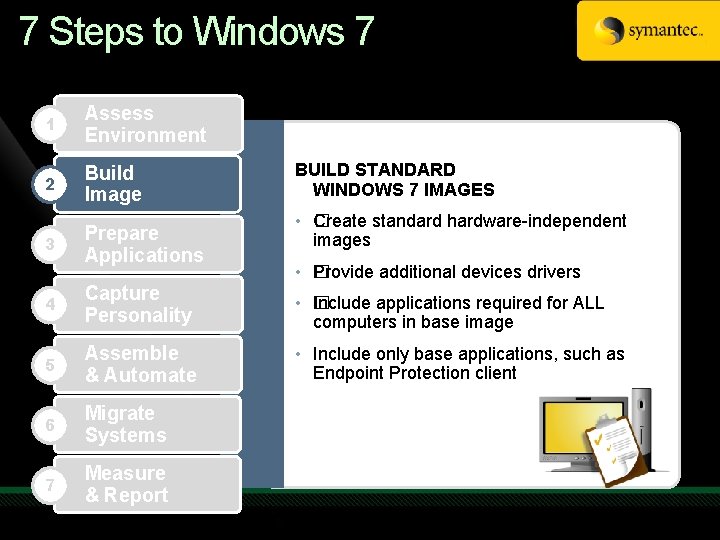
7 Steps to Windows 7 1 Assess Environment 2 Build Image 3 Prepare Applications BUILD STANDARD WINDOWS 7 IMAGES • C �reate standard hardware-independent images • � Provide additional devices drivers 4 Capture Personality • I� nclude applications required for ALL computers in base image 5 Assemble & Automate • Include only base applications, such as Endpoint Protection client 6 Migrate Systems 7 Measure & Report
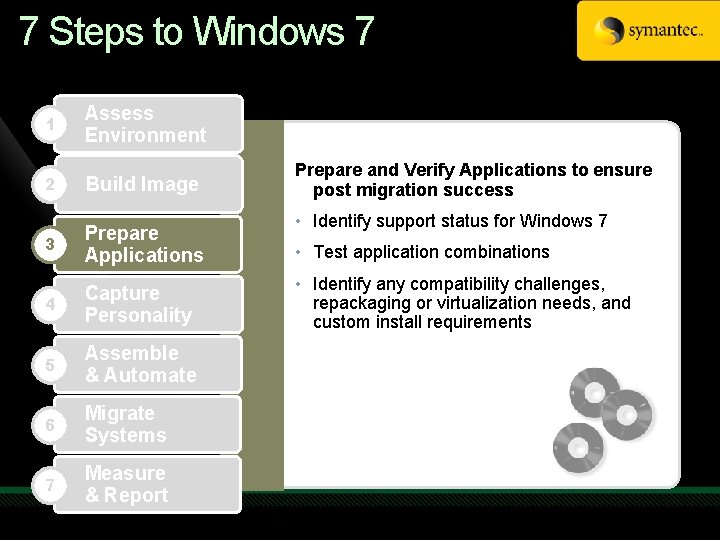
7 Steps to Windows 7 1 Assess Environment 2 Build Image 3 Prepare Applications 4 Capture Personality 5 Assemble & Automate 6 Migrate Systems 7 Measure & Report Prepare and Verify Applications to ensure post migration success • Identify support status for Windows 7 • Test application combinations • Identify any compatibility challenges, repackaging or virtualization needs, and custom install requirements
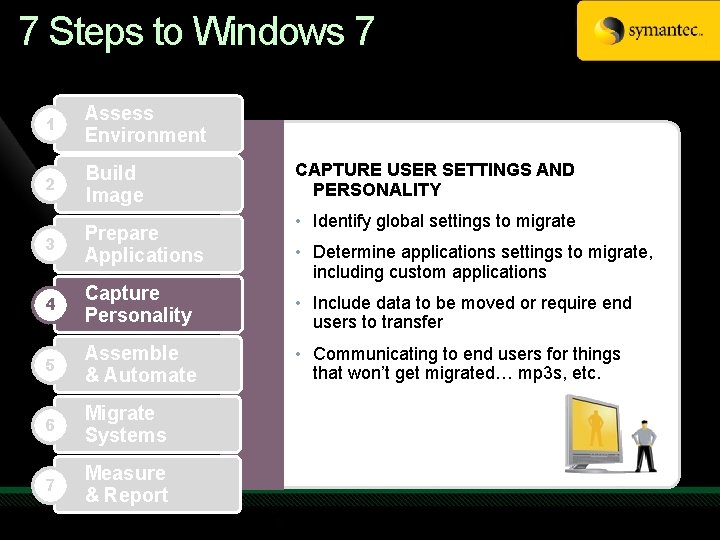
7 Steps to Windows 7 1 Assess Environment 2 Build Image CAPTURE USER SETTINGS AND PERSONALITY • Identify global settings to migrate 3 Prepare Applications 4 Capture Personality • Include data to be moved or require end users to transfer 5 Assemble & Automate • Communicating to end users for things that won’t get migrated… mp 3 s, etc. 6 Migrate Systems 7 Measure & Report • Determine applications settings to migrate, including custom applications
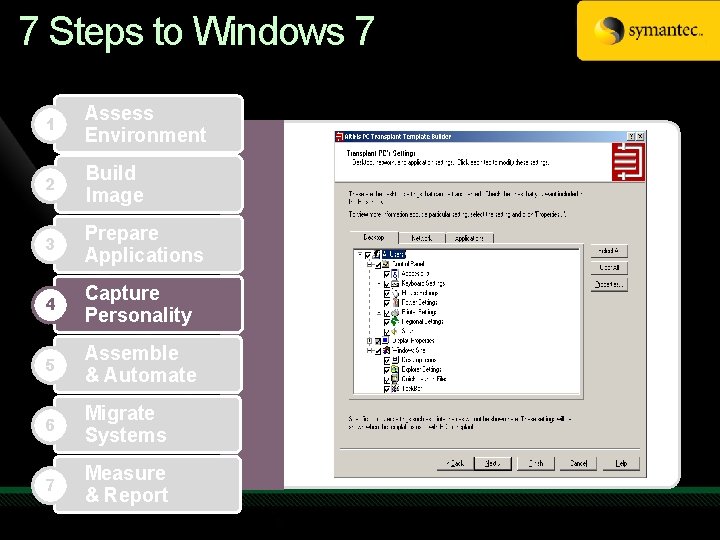
7 Steps to Windows 7 1 Assess Environment 2 Build Image 3 Prepare Applications 4 Capture Personality 5 Assemble & Automate 6 Migrate Systems 7 Measure & Report
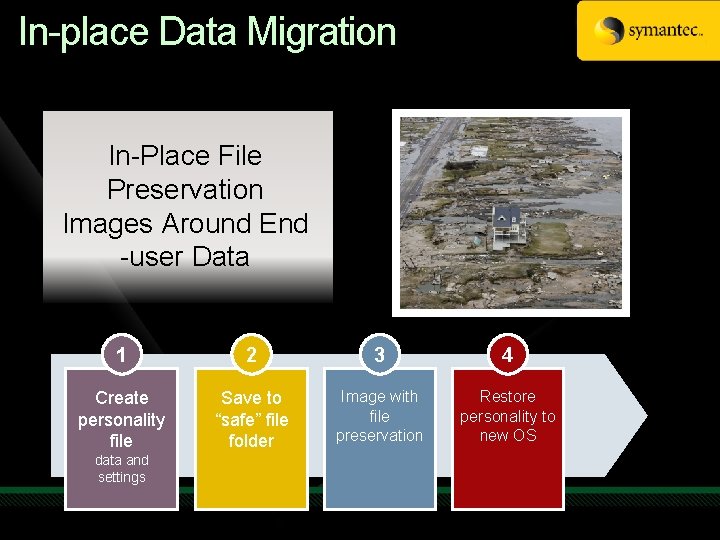
In-place Data Migration In-Place File Preservation Images Around End -user Data 1 2 3 4 Create personality file Save to “safe” file folder Image with file preservation Restore personality to new OS data and settings
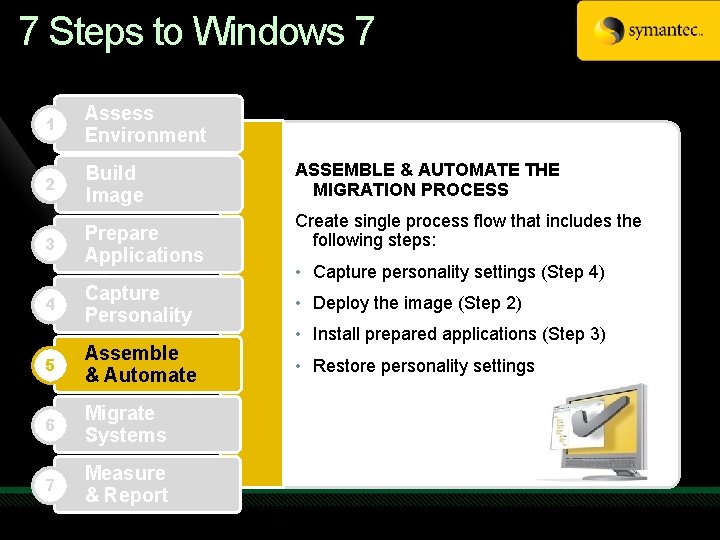
7 Steps to Windows 7 1 Assess Environment 2 Build Image 3 Prepare Applications ASSEMBLE & AUTOMATE THE MIGRATION PROCESS Create single process flow that includes the following steps: • Capture personality settings (Step 4) Capture Personality • Deploy the image (Step 2) 5 Assemble & Automate • Restore personality settings 6 Migrate Systems 7 Measure & Report 4 • Install prepared applications (Step 3)
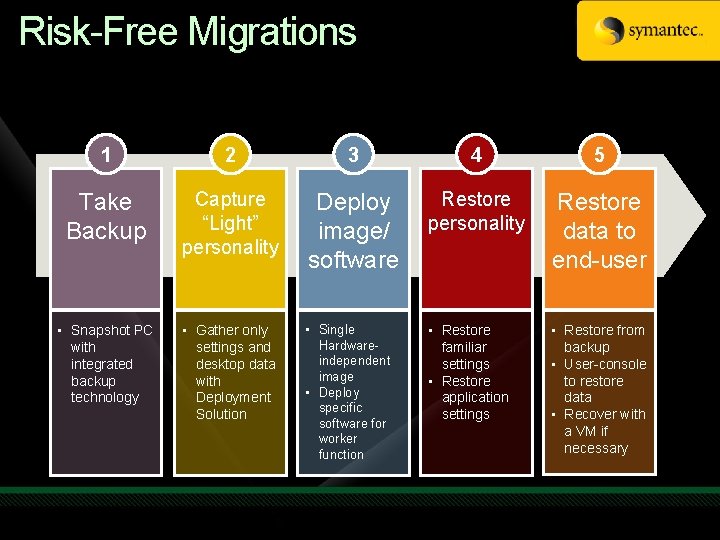
Risk-Free Migrations 1 2 3 4 5 Take Backup Capture “Light” personality Deploy image/ software Restore personality Restore data to end-user • Snapshot PC with integrated backup technology • Gather only settings and desktop data with Deployment Solution • Single Hardwareindependent image • Deploy specific software for worker function • Restore familiar settings • Restore application settings • Restore from backup • User-console to restore data • Recover with a VM if necessary
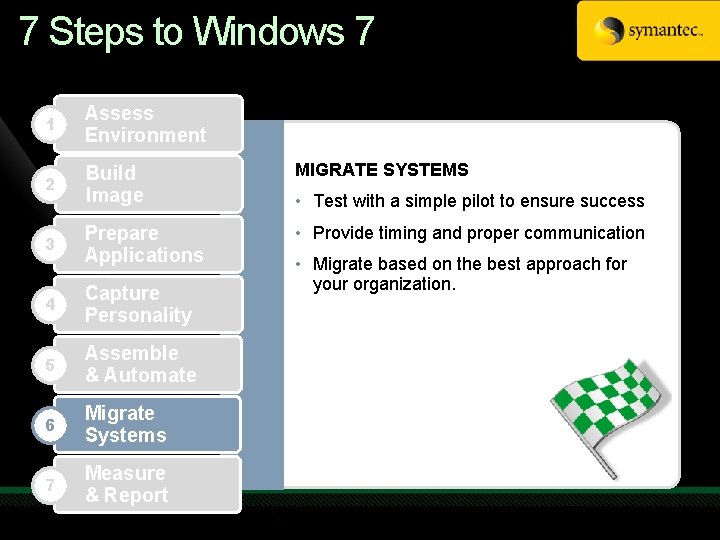
7 Steps to Windows 7 1 Assess Environment 2 Build Image MIGRATE SYSTEMS 3 Prepare Applications • Provide timing and proper communication 4 Capture Personality 5 Assemble & Automate 6 Migrate Systems 7 Measure & Report • Test with a simple pilot to ensure success • Migrate based on the best approach for your organization.
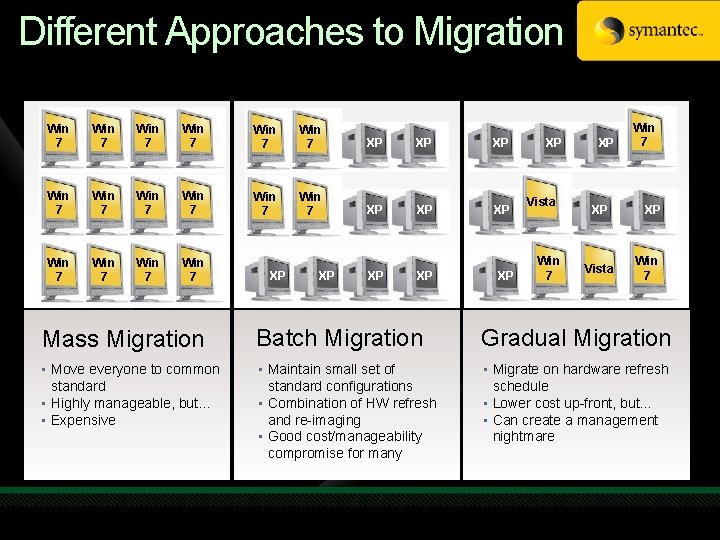
Different Approaches to Migration Win 7 Win 7 Win 7 XP XP XP Win 7 XP XP XP Vista Win 7 XP Win 7 Mass Migration Batch Migration Gradual Migration • Move everyone to common standard • Highly manageable, but… • Expensive • Maintain small set of standard configurations • Combination of HW refresh and re-imaging • Good cost/manageability compromise for many • Migrate on hardware refresh schedule • Lower cost up-front, but… • Can create a management nightmare
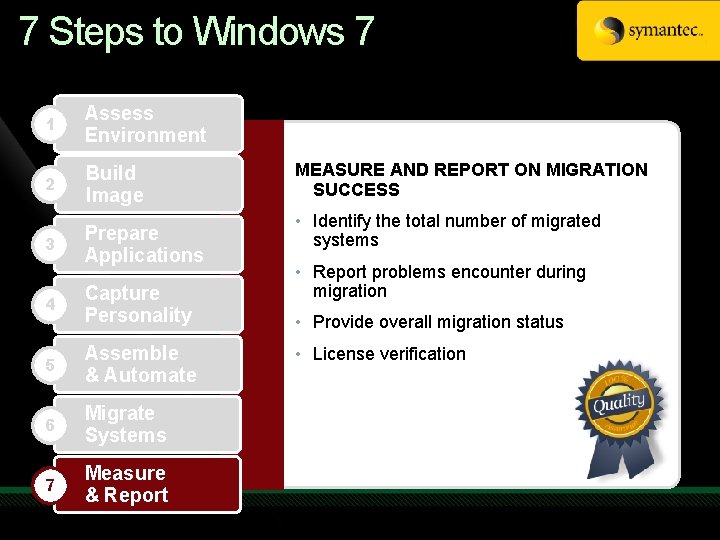
7 Steps to Windows 7 1 Assess Environment 2 Build Image 3 Prepare Applications 4 Capture Personality 5 Assemble & Automate 6 Migrate Systems 7 Measure & Report MEASURE AND REPORT ON MIGRATION SUCCESS • Identify the total number of migrated systems • Report problems encounter during migration • Provide overall migration status • License verification
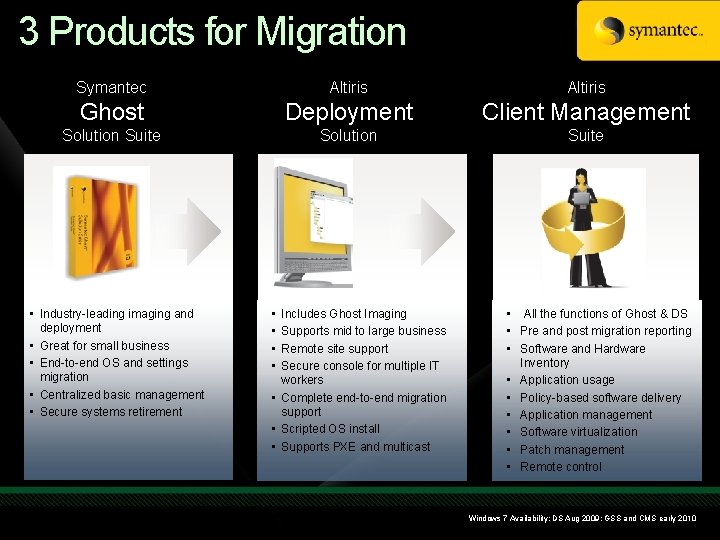
3 Products for Migration Symantec Altiris Ghost Deployment Client Management Solution Suite • Industry-leading imaging and deployment • Great for small business • End-to-end OS and settings migration • Centralized basic management • Secure systems retirement • • Includes Ghost Imaging Supports mid to large business Remote site support Secure console for multiple IT workers • Complete end-to-end migration support • Scripted OS install • Supports PXE and multicast • All the functions of Ghost & DS • Pre and post migration reporting • Software and Hardware Inventory • Application usage • Policy-based software delivery • Application management • Software virtualization • Patch management • Remote control Windows 7 Availability: DS Aug 2009; GSS and CMS early 2010
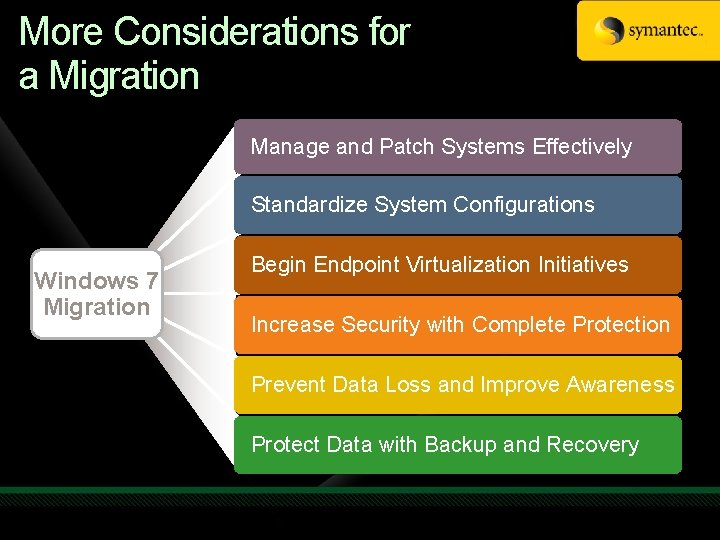
More Considerations for a Migration Manage and Patch Systems Effectively Standardize System Configurations Windows 7 Migration Begin Endpoint Virtualization Initiatives Increase Security with Complete Protection Prevent Data Loss and Improve Awareness Protect Data with Backup and Recovery
Endpoint Virtualization Simplifies OS Migration OS and hardware migrations are simplified by virtualizing and streaming applications and profiles Maintain a simplified OS image for rapid deployment and simpler management User-oriented deployment is based on user and role, independent of physical or virtual system Resolve application compatibility problems Insure license compliance and optimal use Each user’s complete desktop is dynamically configured upon first login – applications, profiles, data
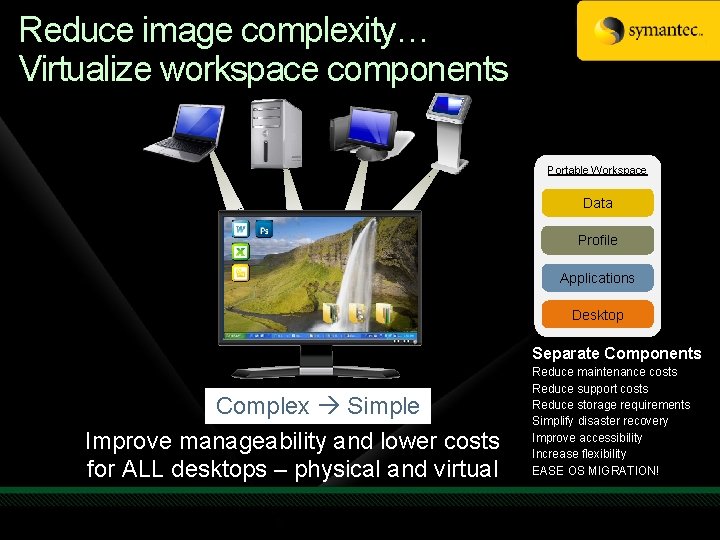
Reduce image complexity… Virtualize workspace components Portable Workspace Data Profile Applications Desktop Separate Components Complex Simple Complex Simple Improve manageability and lower costs for ALL desktops – physical and virtual Reduce maintenance costs Reduce support costs Reduce storage requirements Simplify disaster recovery Improve accessibility Increase flexibility EASE OS MIGRATION!
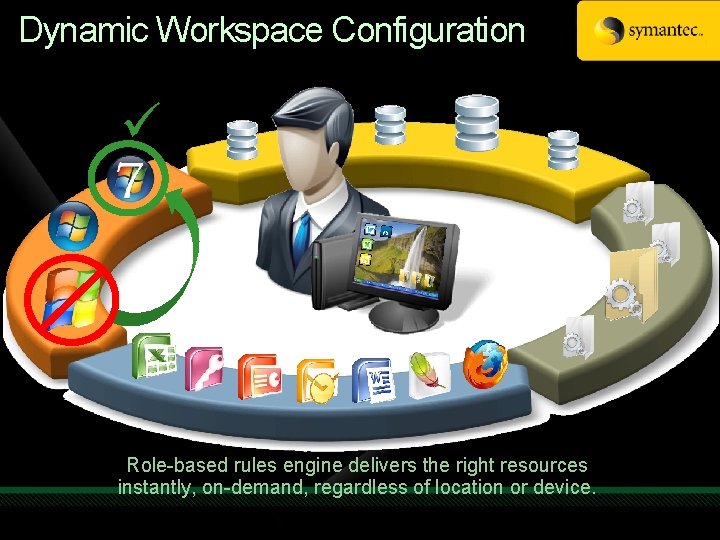
Dynamic Workspace Configuration ü OS Applications Profiles /Data Desktop Role-based rules engine delivers the right resources instantly, on-demand, regardless of location or device.
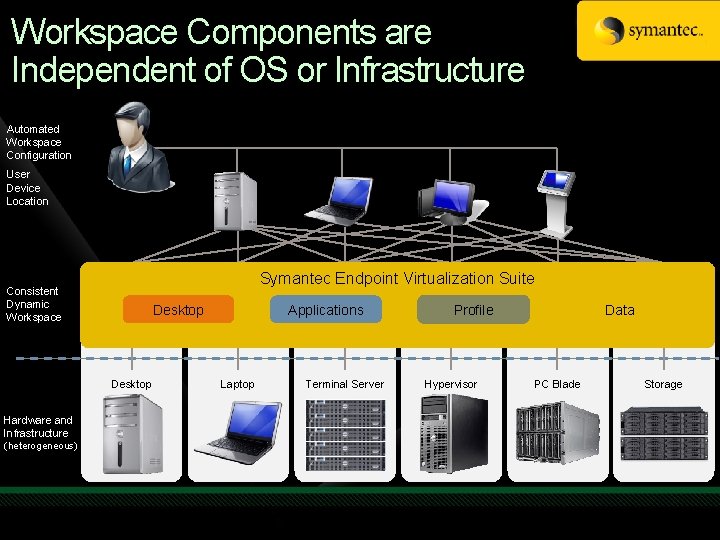
Workspace Components are Independent of OS or Infrastructure Automated Workspace Configuration User Device Location Rich Client PC Professionals High graphic applications Rich Client PC Mobile workers Frequently disconnected Desktop Consistent Dynamic Workspace Hardware and Infrastructure (heterogeneous) Profiles Laptop Desktop Presented Apps and/or Desktops Task workers Shared compute Virtual desktops High security Dedicated computing Virtual PCs Power users Thin client access SAN / Storage Common store Secure data Backed up Terminal Server Hypervisor Symantec Endpoint Virtualization Suite. PC Blade Profiles Applications Profile Applications Desktop Desktop Laptop Terminal Server Hypervisor PC Blade Storage Data (Profiles) Storage
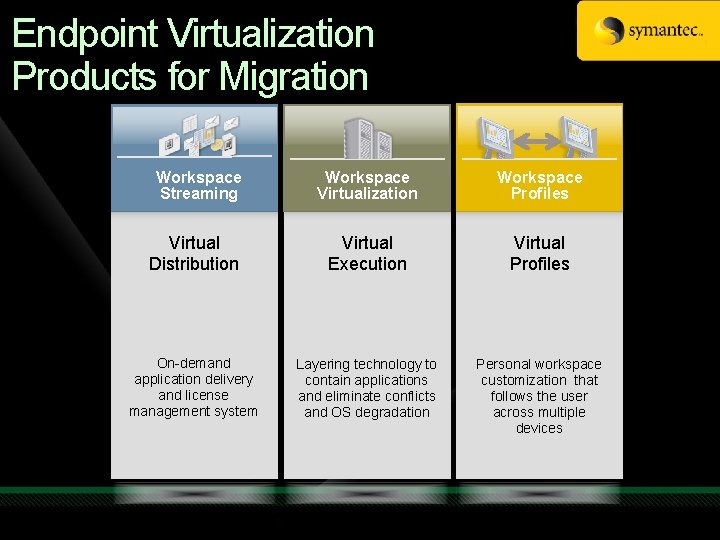
Endpoint Virtualization Products for Migration Workspace Streaming Workspace Virtualization Workspace Profiles Virtual Distribution Virtual Execution Virtual Profiles On-demand application delivery and license management system Layering technology to contain applications and eliminate conflicts and OS degradation Personal workspace customization that follows the user across multiple devices
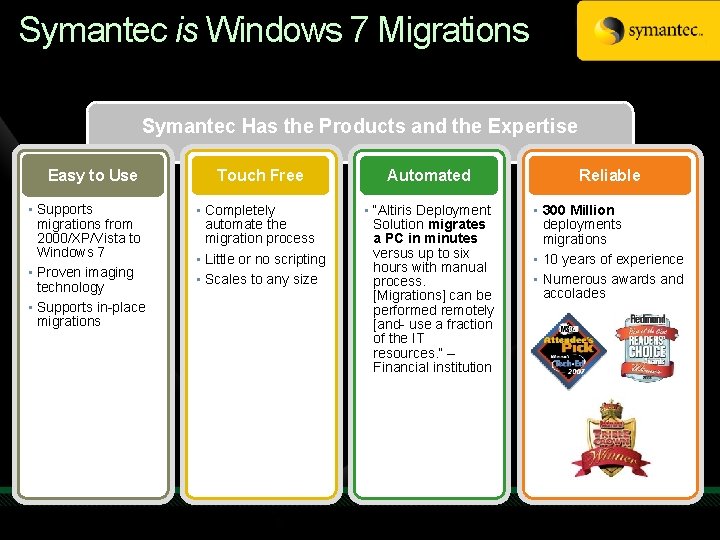
Symantec is Windows 7 Migrations Symantec Has the Products and the Expertise Easy to Use • Supports migrations from 2000/XP/Vista to Windows 7 • Proven imaging technology • Supports in-place migrations Touch Free Automated Reliable • Completely automate the migration process • Little or no scripting • Scales to any size • “Altiris Deployment Solution migrates a PC in minutes versus up to six hours with manual process. [Migrations] can be performed remotely [and- use a fraction of the IT resources. ” – Financial institution • 300 Million deployments migrations • 10 years of experience • Numerous awards and accolades
Copyright © 2009 Symantec Corporation. All rights reserved. Symantec and the Symantec Logo are trademarks or registered trademarks of Symantec Corporation or its affiliates in the U. S. and other countries. Other names may be trademarks of their respective owners. This document is provided for informational purposes only and is not intended as advertising. All warranties relating to the information in this document, either express or implied, are disclaimed to the maximum extent allowed by law. The information in this document is subject to change without notice.
Complete an evaluation on Comm. Net and enter to win an Xbox 360 Elite!

- Slides: 30