
7 devices physical Devices Device terminology physical Devices
- Slides: 6
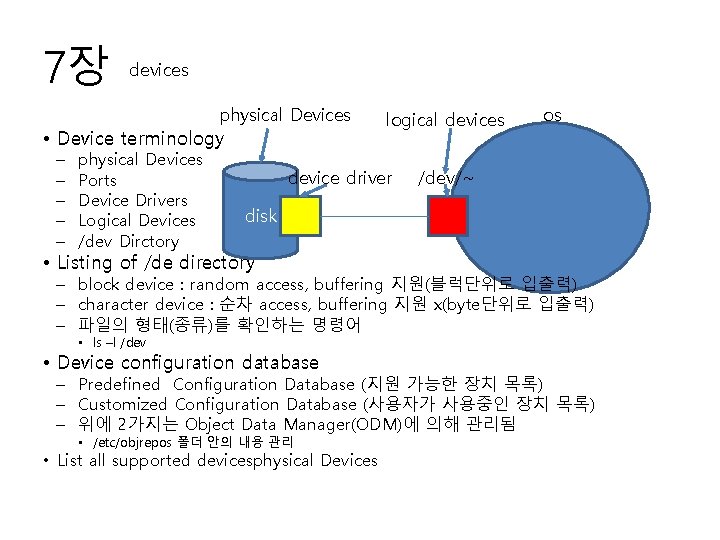
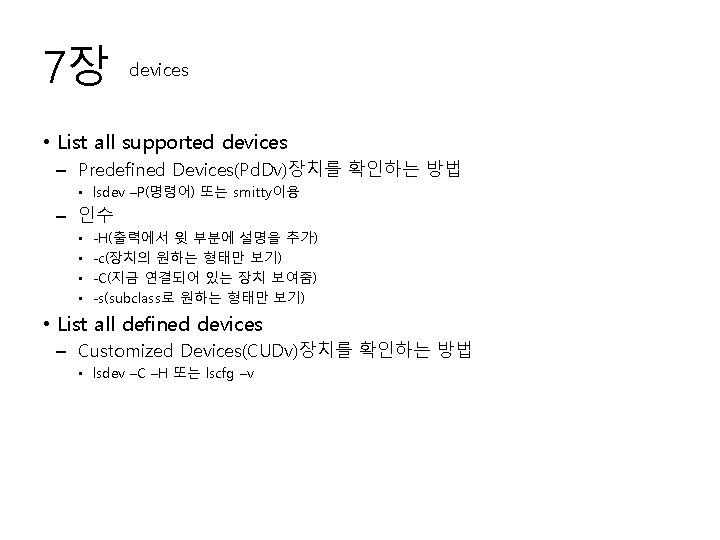
7장 devices physical Devices • Device terminology – – – physical Devices Ports Device Drivers Logical Devices /dev Dirctory logical devices device driver os /dev/~ disk • Listing of /de directory – block device : random access, buffering 지원(블럭단위로 입출력) – character device : 순차 access, buffering 지원 x(byte단위로 입출력) – 파일의 형태(종류)를 확인하는 명령어 • ls –l /dev • Device configuration database – Predefined Configuration Database (지원 가능한 장치 목록) – Customized Configuration Database (사용자가 사용중인 장치 목록) – 위에 2가지는 Object Data Manager(ODM)에 의해 관리됨 • /etc/objrepos 폴더 안의 내용 관리 • List all supported devicesphysical Devices
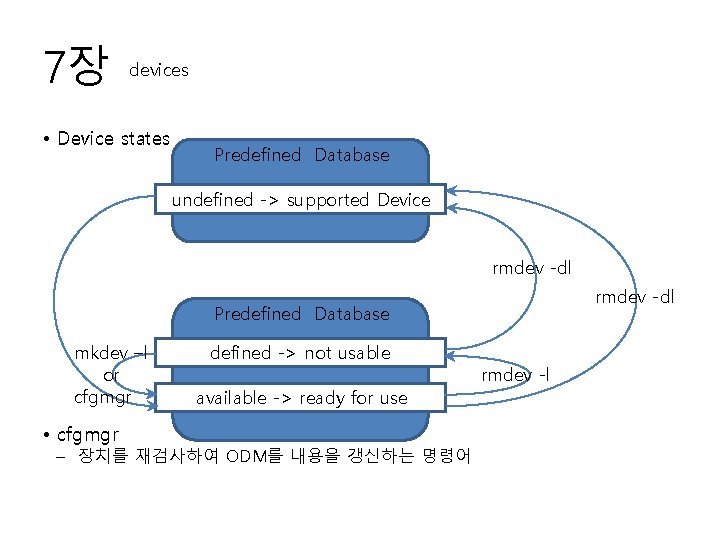
7장 devices • Device states Predefined Database undefined -> supported Device rmdev -dl Predefined Database mkdev –l or cfgmgr • cfgmgr defined -> not usable available -> ready for use – 장치를 재검사하여 ODM를 내용을 갱신하는 명령어 rmdev -l
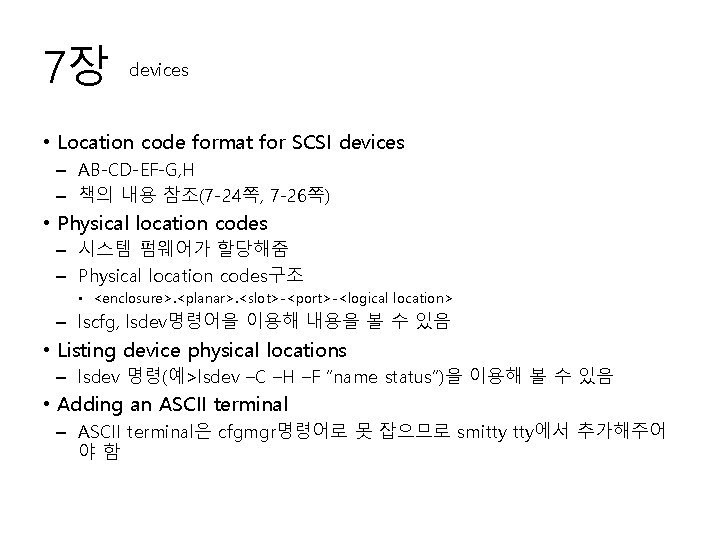
7장 devices • Location code format for SCSI devices – AB-CD-EF-G, H – 책의 내용 참조(7 -24쪽, 7 -26쪽) • Physical location codes – 시스템 펌웨어가 할당해줌 – Physical location codes구조 • <enclosure>. <planar>. <slot>-<port>-<logical location> – lscfg, lsdev명령어을 이용해 내용을 볼 수 있음 • Listing device physical locations – lsdev 명령(예>lsdev –C –H –F “name status”)을 이용해 볼 수 있음 • Adding an ASCII terminal – ASCII terminal은 cfgmgr명령어로 못 잡으므로 smitty tty에서 추가해주어 야함
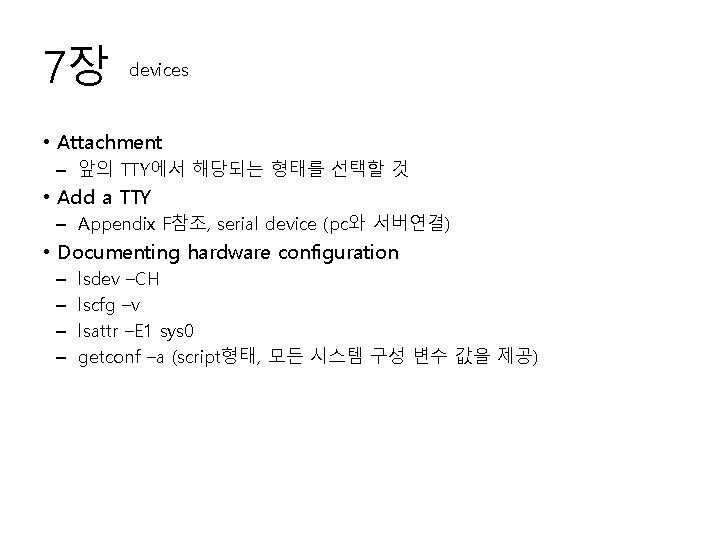
7장 devices • Attachment – 앞의 TTY에서 해당되는 형태를 선택할 것 • Add a TTY – Appendix F참조, serial device (pc와 서버연결) • Documenting hardware configuration – – lsdev –CH lscfg –v lsattr –E 1 sys 0 getconf –a (script형태, 모든 시스템 구성 변수 값을 제공)