
6 Basic Methods II Overview n n n
6. Basic Methods II Overview n n n 6. 1 Models 6. 2 Taxonomy 6. 3 Finite State Model 6. 4 State Transition Model 6. 5 Dataflow Model 6. 6 User Manual 1
6. 5 Dataflow Model Need to go past data modeling to discuss data storage, flow, etc. E. g. , Process Control Applications n Environment (abstract external interfaces) n n n inputs (data and events) are stimuli outputs are externally visible responses System (software functionality) n n the system maintains a certain amount of data the system’s response to inputs is a complex set of internal actions and external outputs 2
Model n Dataflow diagrams notation n n functions—deterministic input/output transformations triggered by the presence of all needed inputs flows—unbounded queues stores—global system data terminators—interface models minispecs—semantics of the lowest level functions n n n Top-down functional decomposition provides a complexity control mechanism Data dictionary tracks the (global) names and their interpretation Execution model n n n fully concurrent interpretation (any change can occur asynchronously) explicitly marked critical sections (restricts concurrency) stimulus/response interpretation (reactive) 3
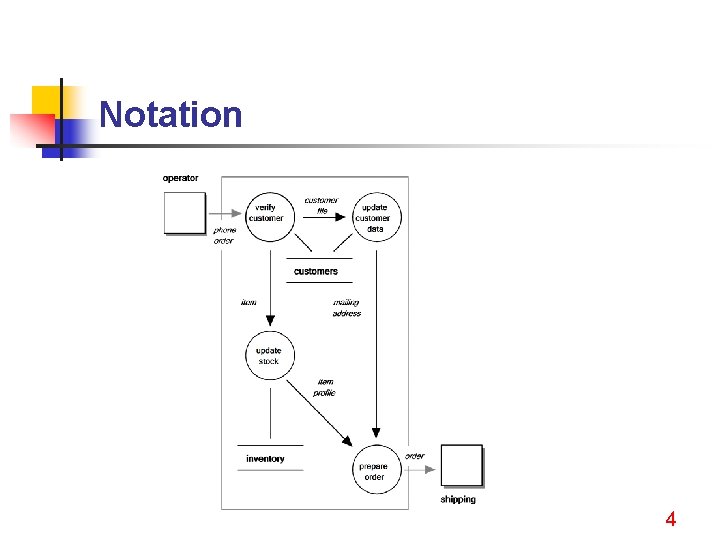
Notation 4
Documentation 1. Introduction 3. 1 Context diagram 2. General description - system and its environment 3. Specific requirements - terminator definitions … 3. 2 Dataflow diagrams 4. Performance requirements - hierarchical decomposition of functions, inputs, outputs 5. Design constraints - minispecs for lowest-level functions (e. g. , pseudocode) 6. Attributes 7. Other requirements 3. 3 Data dictionary - Layout of flows and stores 5
Critique n Semantics of dataflow is often left undefined n n n atomicity (granularity of actions) fairness (scheduling) Concurrent semantics are complex and may allow race conditions to occur The lack of minispecs for the high-level functions makes analysis and precise understanding difficult The diagrams are easy to understand only when the complexity is low, the development cost is high, and the communication bandwidth may be low Improper abstraction for the terminators leads to complex specifications (e. g. , repetition for related interface scenarios) 6
Complexity Control n n Hierarchical decomposition Horizontal partitioning n n n Terminators can become abstract objects Stores can become abstract data objects Messages can become objects All objects may be instances of classes Classes may be defined in terms of each other by employing inheritance n n Reduces repetition, duplication Inheritance and instance diagrams can by used to capture the relations among classes and objects 7

Case Study: Train Routing n n n Consider a system designed to route trains automatically Upon arrival at some light n train is assigned a new route n which takes it to the next light The system selects proper position for each switch along the route. 8
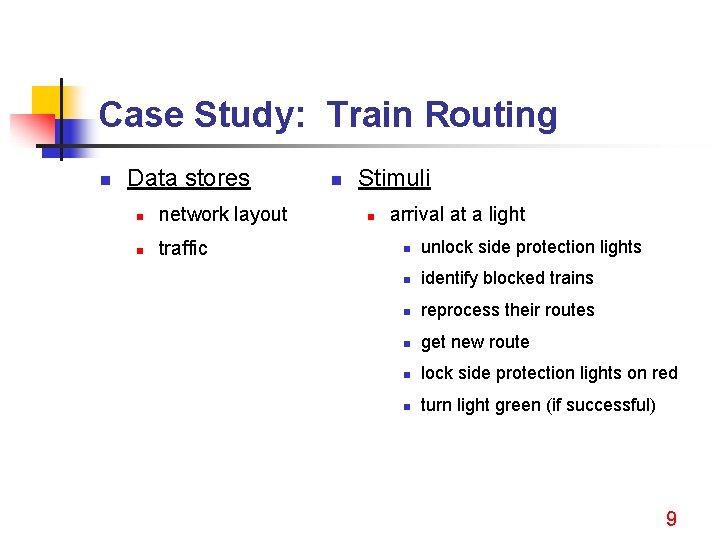
Case Study: Train Routing n Data stores n network layout n traffic n Stimuli n arrival at a light n unlock side protection lights n identify blocked trains n reprocess their routes n get new route n lock side protection lights on red n turn light green (if successful) 9
6. 6 User Manual For Applications Involving Human Interfaces n n n Effective specifications often require the integration of multiple related models Human/computer interactions are too complex for commonly used requirements techniques The User Manual can be used as a substitute for (and/or can grow out of) large sections of the SRS 10
Documentation 1. Introduction 2. General description 3. Specific requirements … 4. Performance requirements 5. Design constraints 6. Attributes 7. Other requirements 3. Specific requirements - conceptual model 3. 1 Navigation - screen/window types and flows among them - common interactions 3. 2 Screens/windows - layout and information contents - command semantics 11
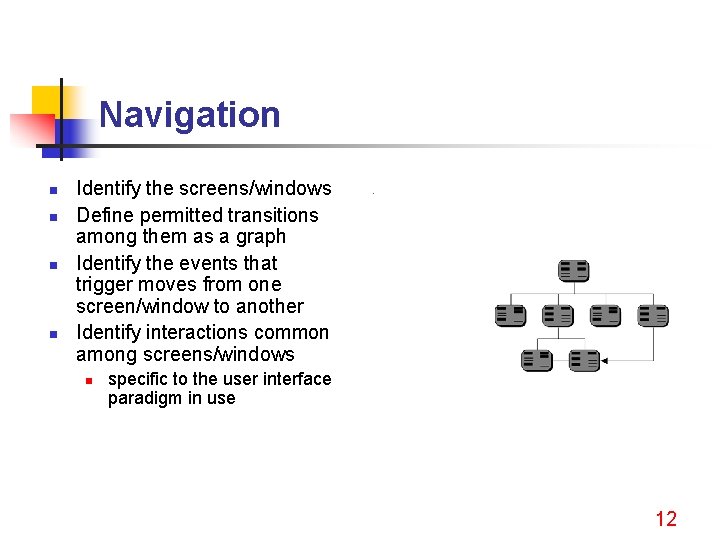
Navigation n n Identify the screens/windows Define permitted transitions among them as a graph Identify the events that trigger moves from one screen/window to another Identify interactions common among screens/windows n specific to the user interface paradigm in use 12
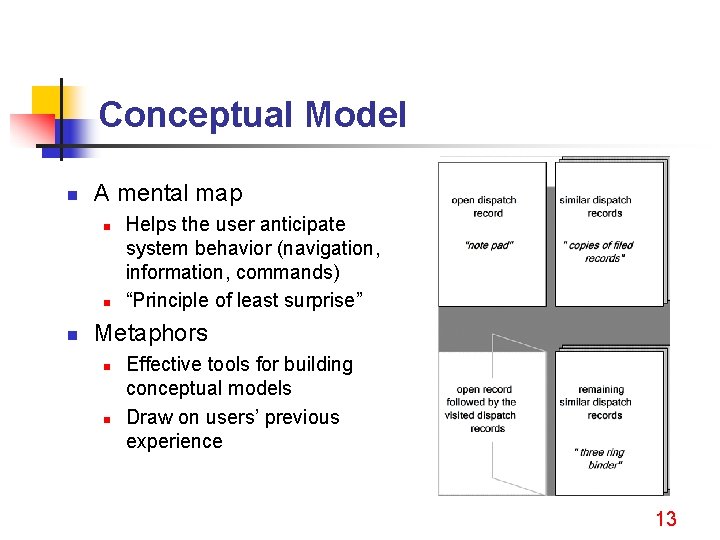
Conceptual Model n A mental map n n n Helps the user anticipate system behavior (navigation, information, commands) “Principle of least surprise” Metaphors n n Effective tools for building conceptual models Draw on users’ previous experience 13
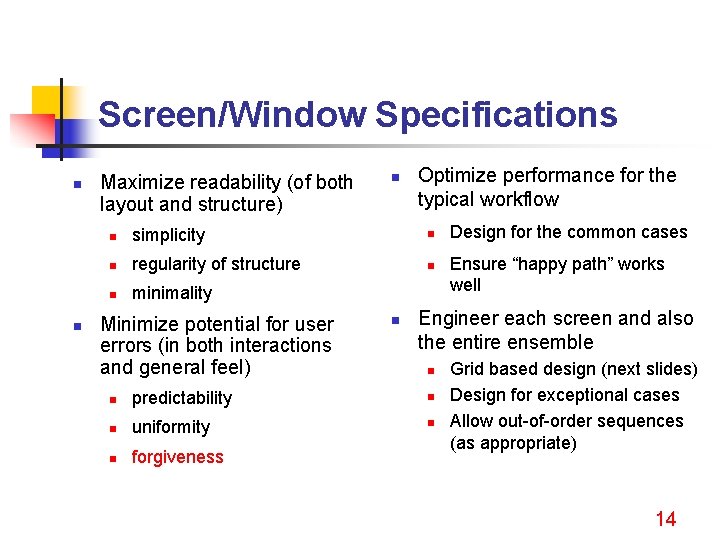
Screen/Window Specifications n n Maximize readability (of both layout and structure) n Optimize performance for the typical workflow n simplicity n n regularity of structure n n minimality Minimize potential for user errors (in both interactions and general feel) n Design for the common cases Ensure “happy path” works well Engineer each screen and also the entire ensemble n n predictability n n uniformity n n forgiveness Grid based design (next slides) Design for exceptional cases Allow out-of-order sequences (as appropriate) 14
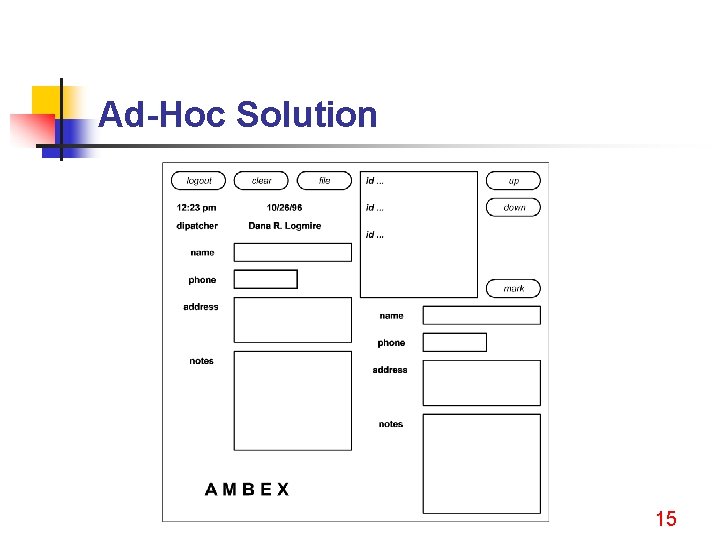
Ad-Hoc Solution 15
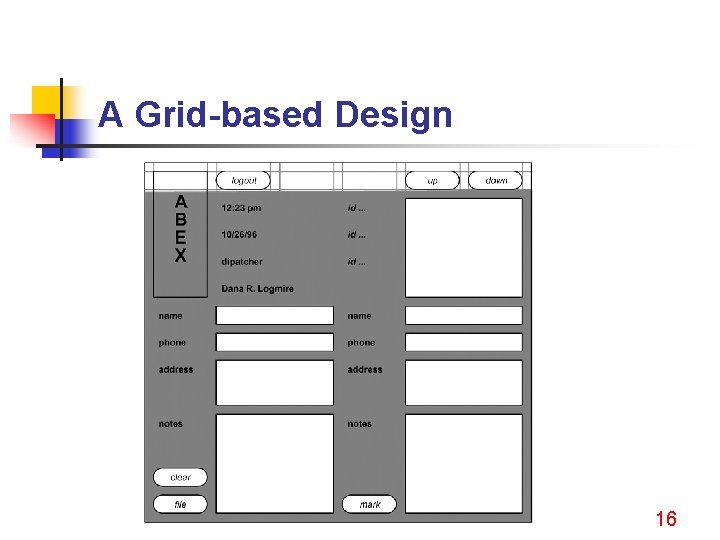
A Grid-based Design 16
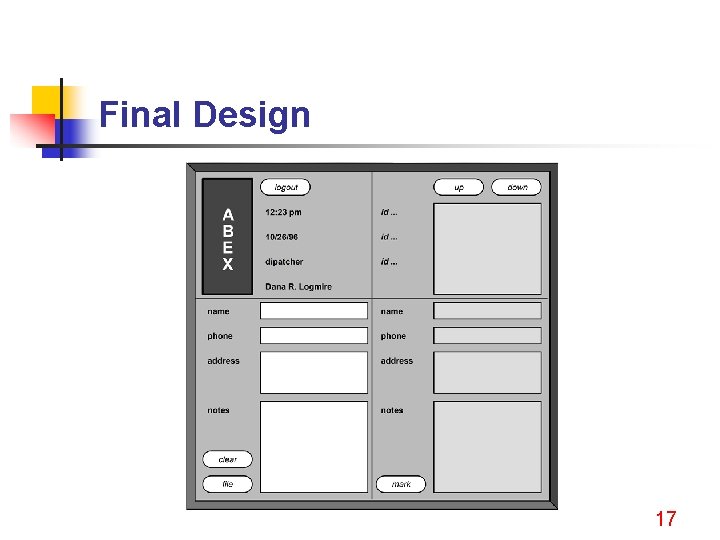
Final Design 17
Multiple Models n n n If the user manual cannot capture all functional aspects of the system, then a second model is needed Consistency must be maintained The state representation should be that used in the SRS (common abstract state) User commands are specified only once (as state transitions over the abstract state of the system) State information needed for screen presentation is assumed to be directly available 18
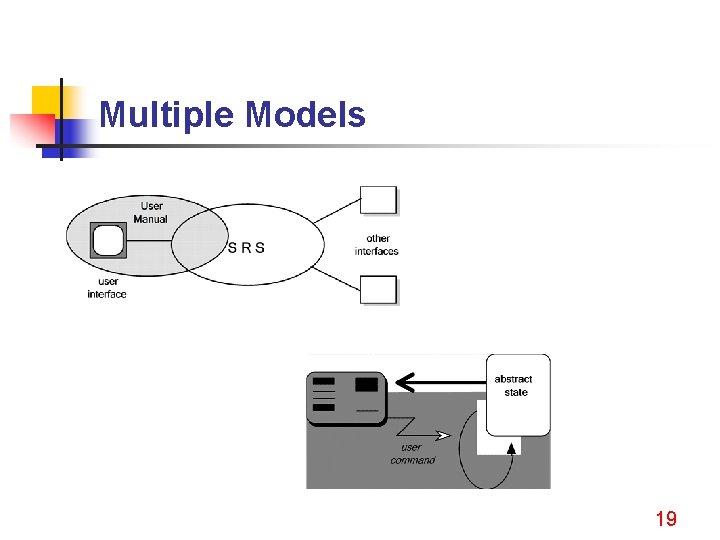
Multiple Models 19
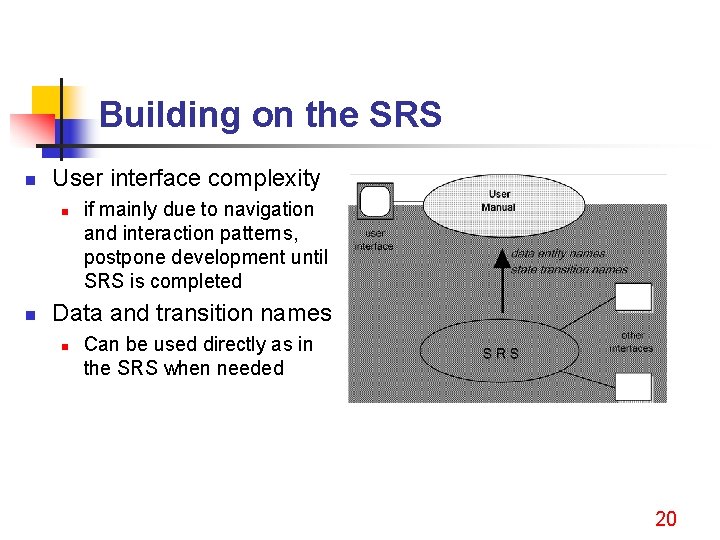
Building on the SRS n User interface complexity n n if mainly due to navigation and interaction patterns, postpone development until SRS is completed Data and transition names n Can be used directly as in the SRS when needed 20
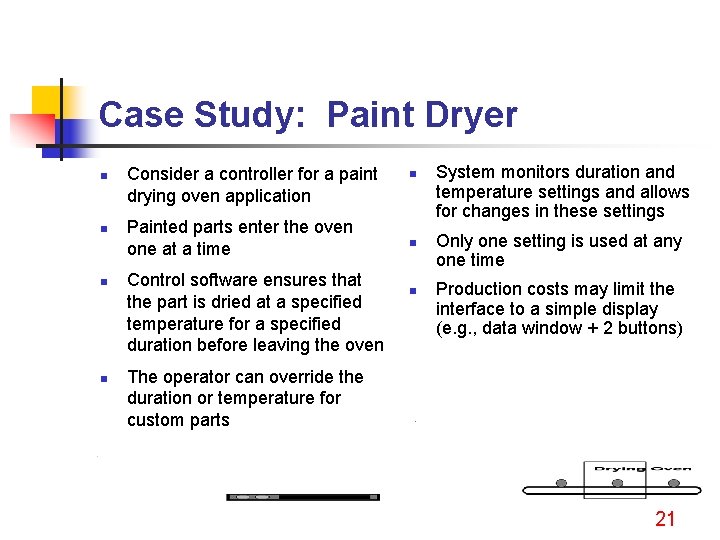
Case Study: Paint Dryer n n Consider a controller for a paint drying oven application Painted parts enter the oven one at a time Control software ensures that the part is dried at a specified temperature for a specified duration before leaving the oven n System monitors duration and temperature settings and allows for changes in these settings Only one setting is used at any one time Production costs may limit the interface to a simple display (e. g. , data window + 2 buttons) The operator can override the duration or temperature for custom parts 21
- Slides: 21