
6 6 Shadows Why shadows Definitions Light sources
![Projection Shadows Project creator geometry onto receiver plane [Blinn] l Projection matrix M l](https://slidetodoc.com/presentation_image_h/2568a044f9a48ec4df6ef28034287c27/image-6.jpg "Projection Shadows Project creator geometry onto receiver plane [Blinn] l Projection matrix M l")
![6. 8. 2 Volume Rendering (1) l Shear-warp algorithm [Lacroute, Levoy] 1. shear &](https://slidetodoc.com/presentation_image_h/2568a044f9a48ec4df6ef28034287c27/image-31.jpg "6. 8. 2 Volume Rendering (1) l Shear-warp algorithm [Lacroute, Levoy] 1. shear &")
- Slides: 33
6. 6 Shadows
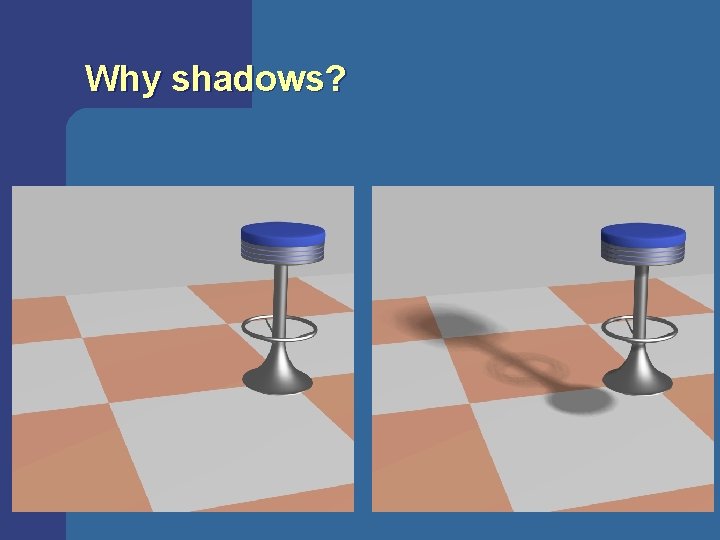
Why shadows?
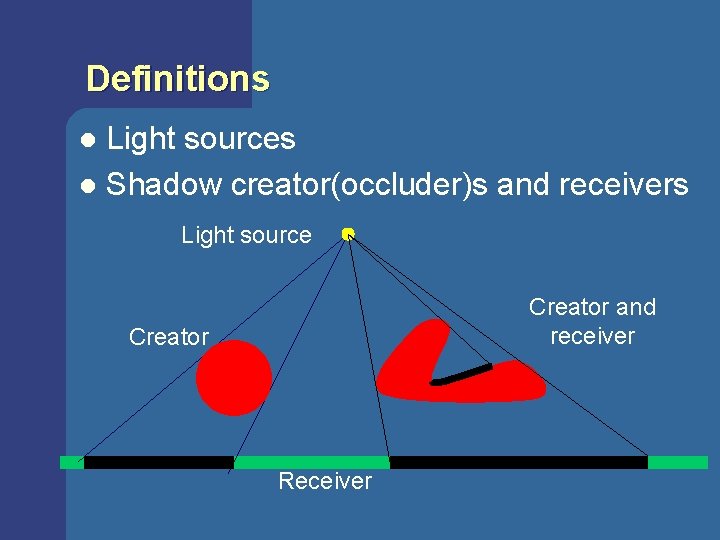
Definitions Light sources l Shadow creator(occluder)s and receivers l Light source Creator and receiver Creator Receiver
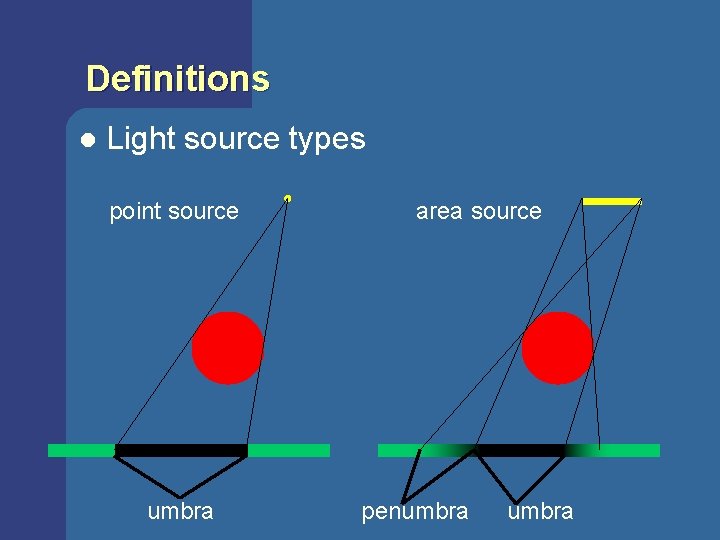
Definitions l Light source types point source umbra area source penumbra
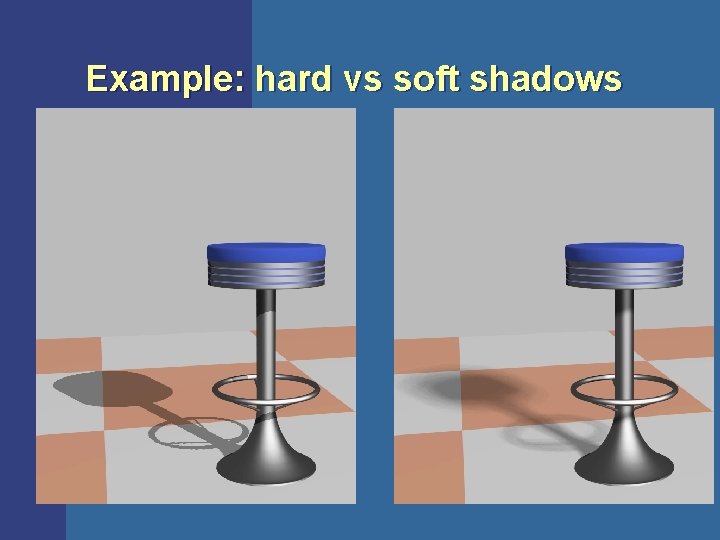
Example: hard vs soft shadows
Projection Shadows Project creator geometry onto receiver plane [Blinn] l Projection matrix M l p=Mv l=(lx, ly, lz) l y v y=0 p
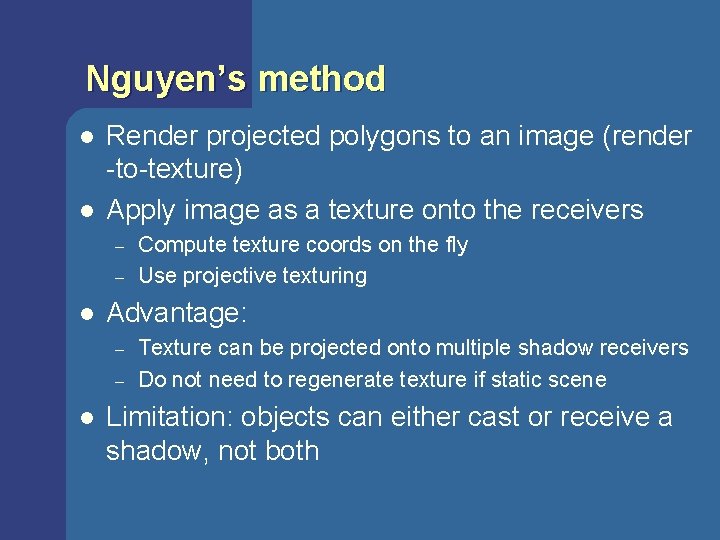
Nguyen’s method l l Render projected polygons to an image (render -to-texture) Apply image as a texture onto the receivers – – l Advantage: – – l Compute texture coords on the fly Use projective texturing Texture can be projected onto multiple shadow receivers Do not need to regenerate texture if static scene Limitation: objects can either cast or receive a shadow, not both
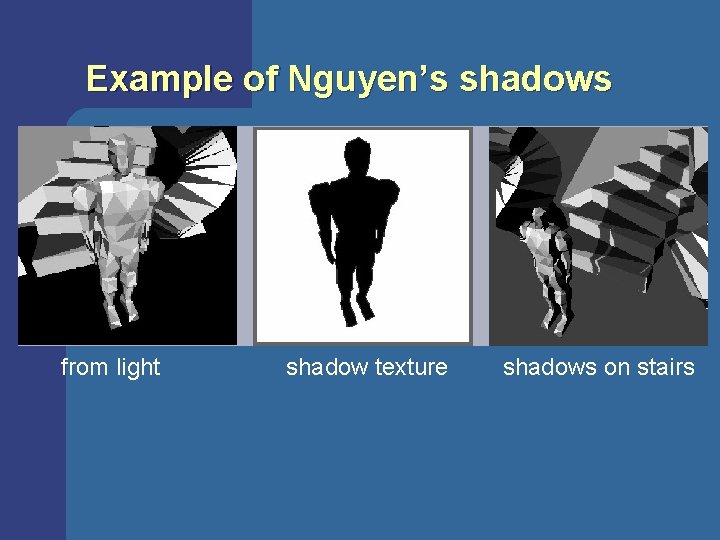
Example of Nguyen’s shadows from light shadow texture shadows on stairs
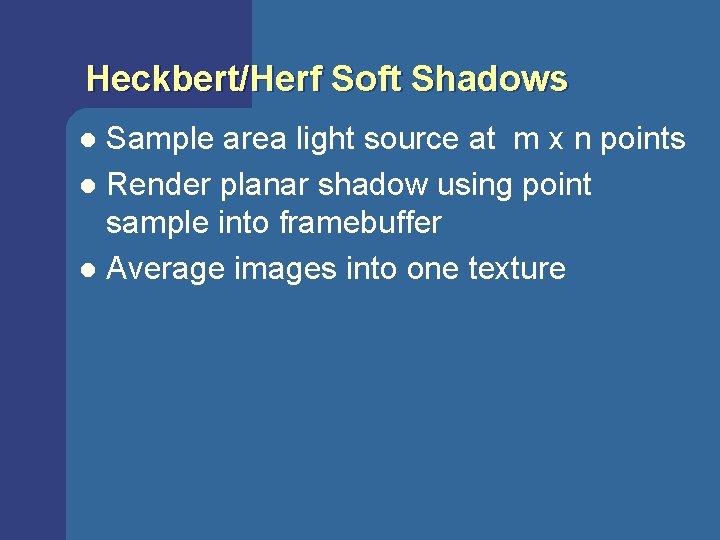
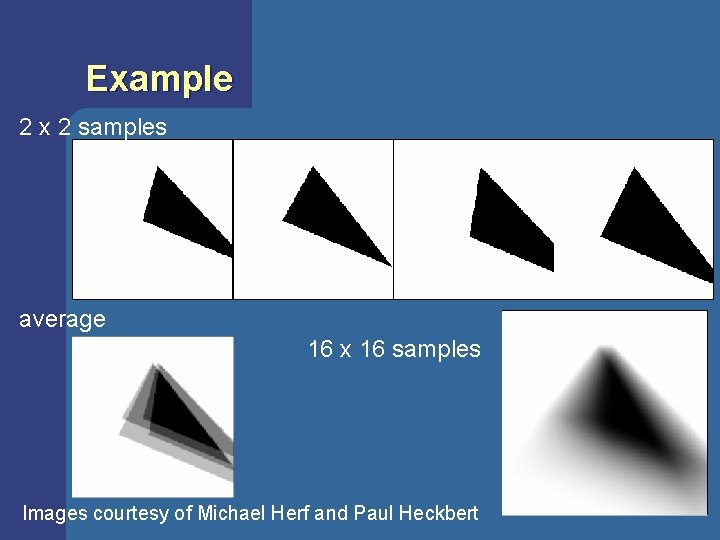
Heckbert/Herf Soft Shadows Sample area light source at m x n points l Render planar shadow using point sample into framebuffer l Average images into one texture l
Example 2 x 2 samples average 16 x 16 samples Images courtesy of Michael Herf and Paul Heckbert
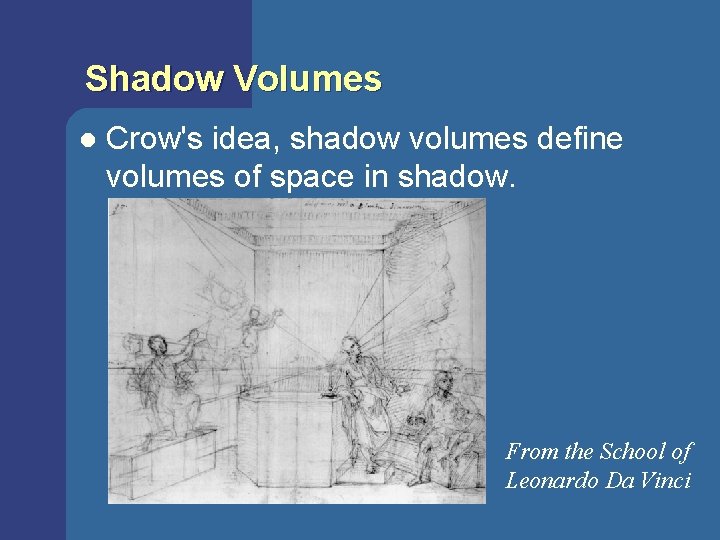
Shadow Volumes l Crow's idea, shadow volumes define volumes of space in shadow. From the School of Leonardo Da Vinci
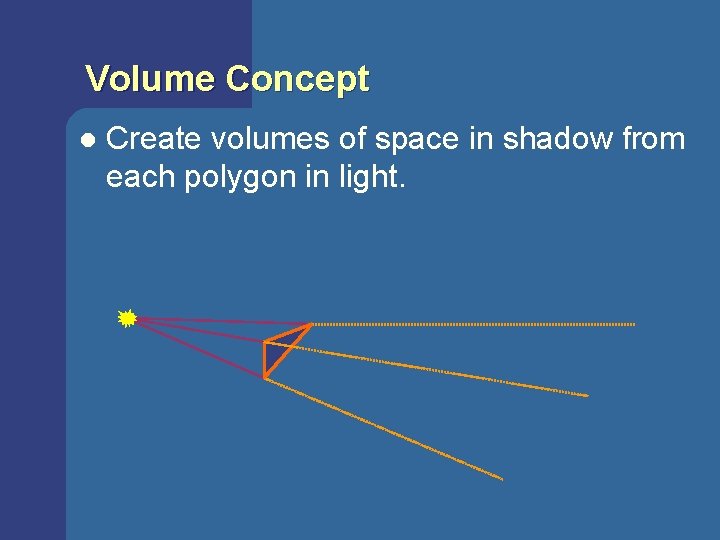
Volume Concept l Create volumes of space in shadow from each polygon in light.
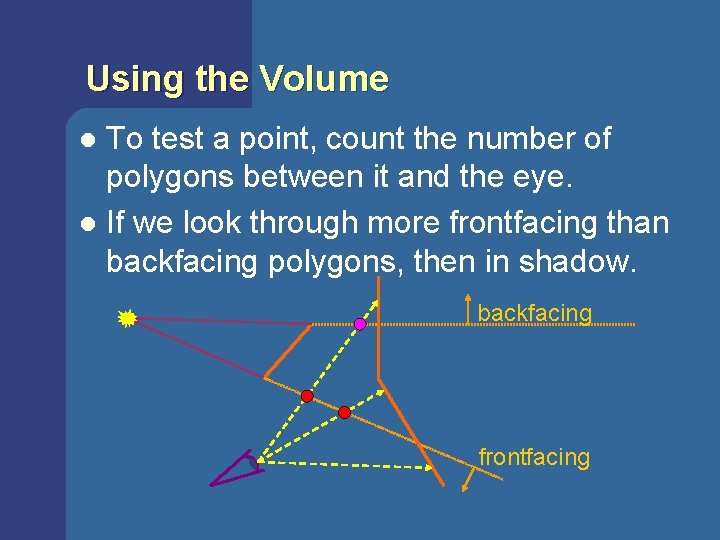
Using the Volume To test a point, count the number of polygons between it and the eye. l If we look through more frontfacing than backfacing polygons, then in shadow. l backfacing frontfacing
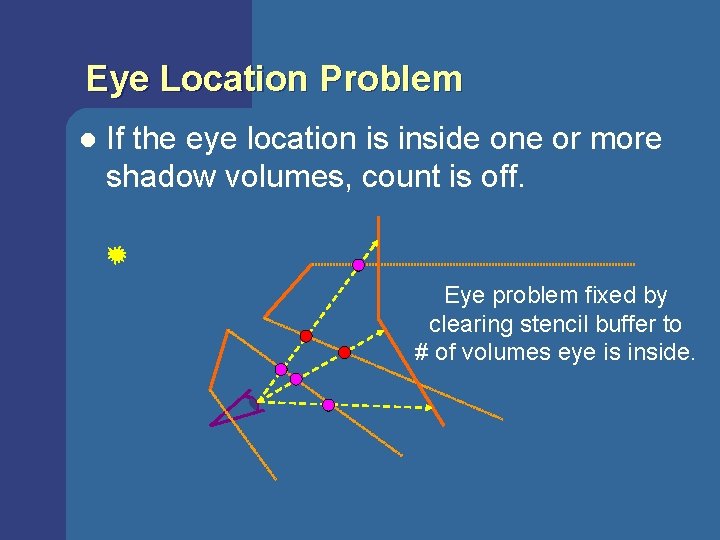
Eye Location Problem l If the eye location is inside one or more shadow volumes, count is off. Eye problem fixed by clearing stencil buffer to # of volumes eye is inside.
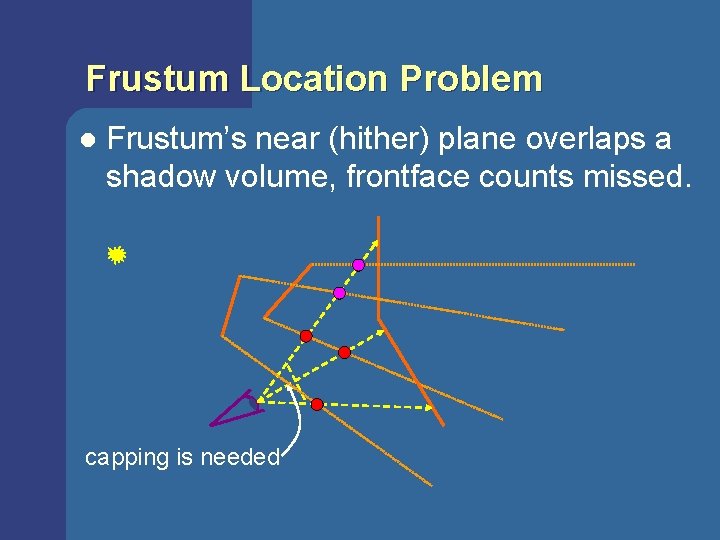
Frustum Location Problem l Frustum’s near (hither) plane overlaps a shadow volume, frontface counts missed. capping is needed
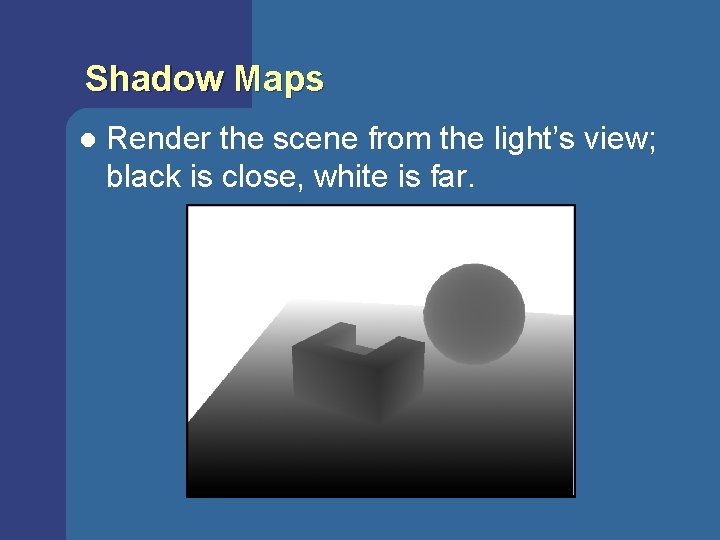
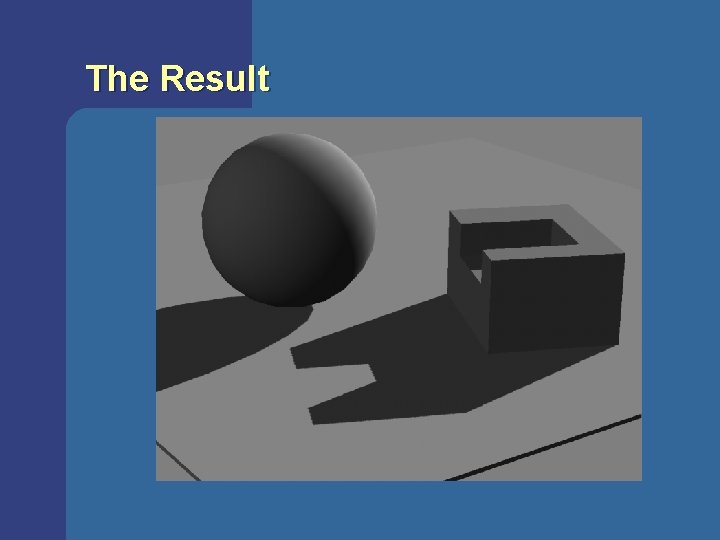
Shadow Maps l Render the scene from the light’s view; black is close, white is far.
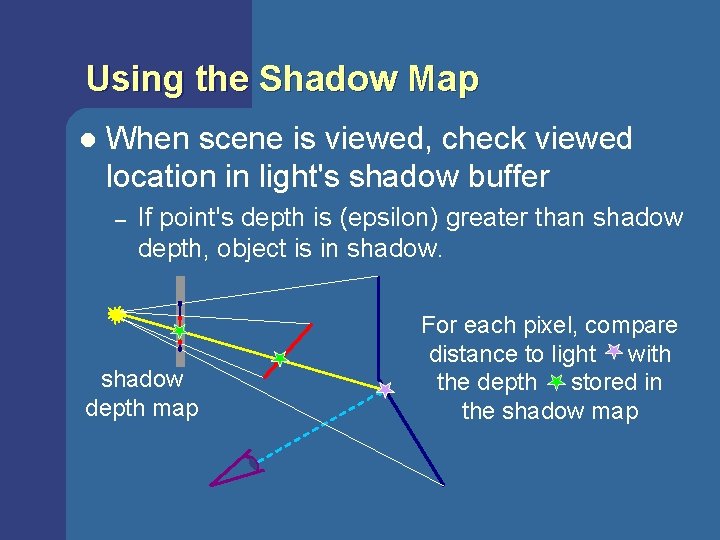
Using the Shadow Map l When scene is viewed, check viewed location in light's shadow buffer – If point's depth is (epsilon) greater than shadow depth, object is in shadow depth map For each pixel, compare distance to light with the depth stored in the shadow map
The Result
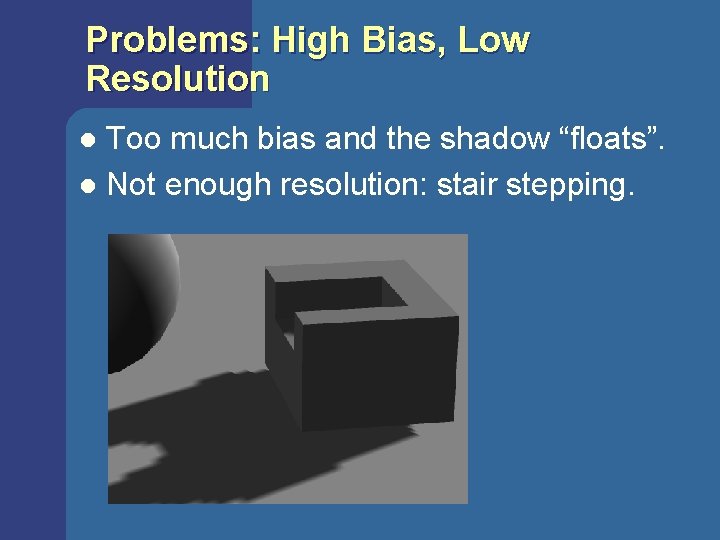
Problems: High Bias, Low Resolution Too much bias and the shadow “floats”. l Not enough resolution: stair stepping. l
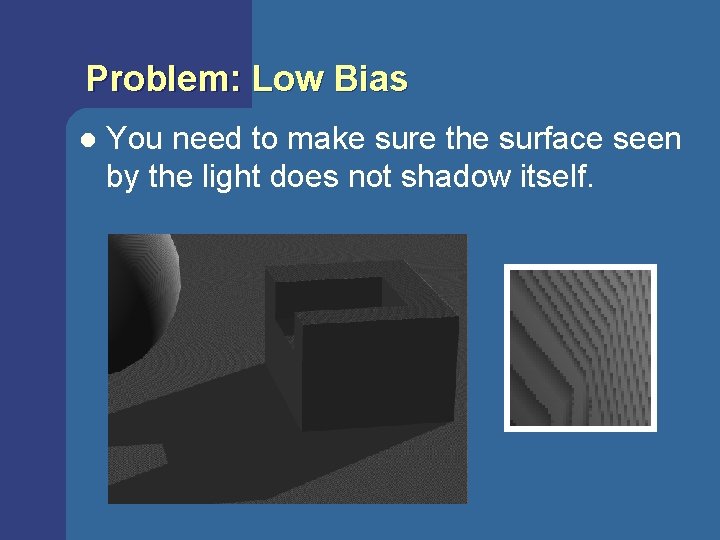
Problem: Low Bias l You need to make sure the surface seen by the light does not shadow itself.
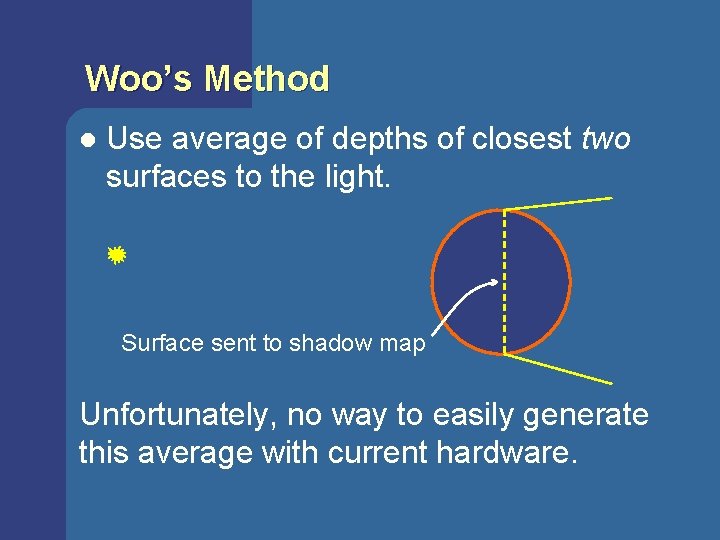
Woo’s Method l Use average of depths of closest two surfaces to the light. Surface sent to shadow map Unfortunately, no way to easily generate this average with current hardware.
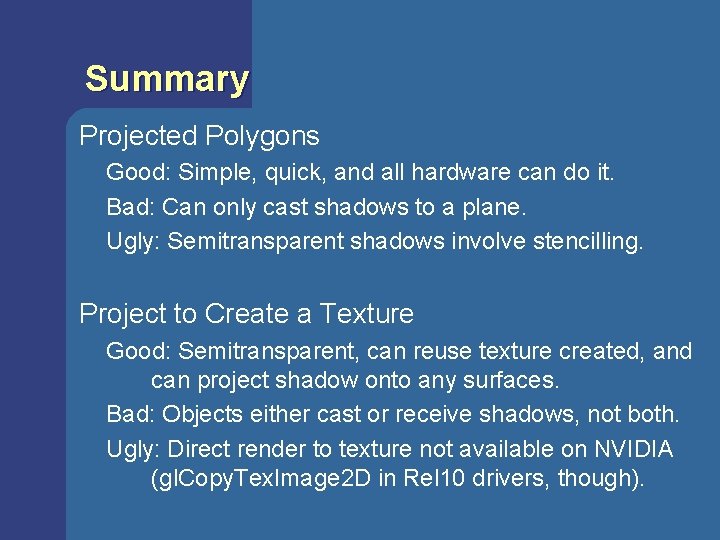
Summary Projected Polygons Good: Simple, quick, and all hardware can do it. Bad: Can only cast shadows to a plane. Ugly: Semitransparent shadows involve stencilling. Project to Create a Texture Good: Semitransparent, can reuse texture created, and can project shadow onto any surfaces. Bad: Objects either cast or receive shadows, not both. Ugly: Direct render to texture not available on NVIDIA (gl. Copy. Tex. Image 2 D in Rel 10 drivers, though).
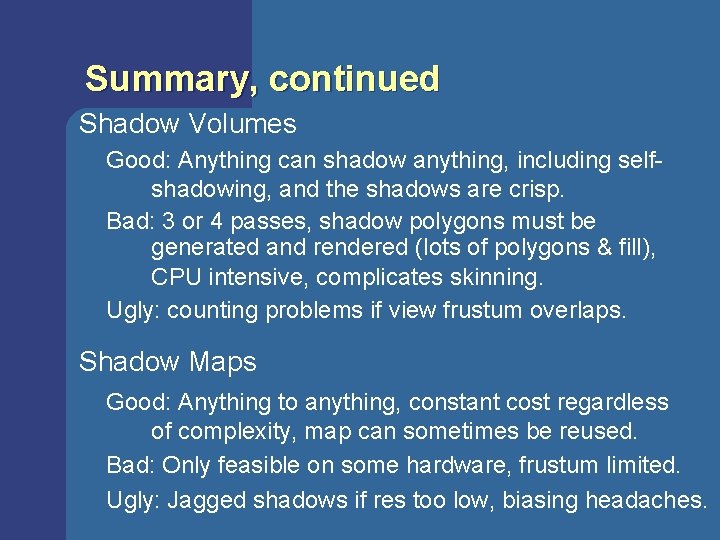
Summary, continued Shadow Volumes Good: Anything can shadow anything, including selfshadowing, and the shadows are crisp. Bad: 3 or 4 passes, shadow polygons must be generated and rendered (lots of polygons & fill), CPU intensive, complicates skinning. Ugly: counting problems if view frustum overlaps. Shadow Maps Good: Anything to anything, constant cost regardless of complexity, map can sometimes be reused. Bad: Only feasible on some hardware, frustum limited. Ugly: Jagged shadows if res too low, biasing headaches.
6. 7 Lines
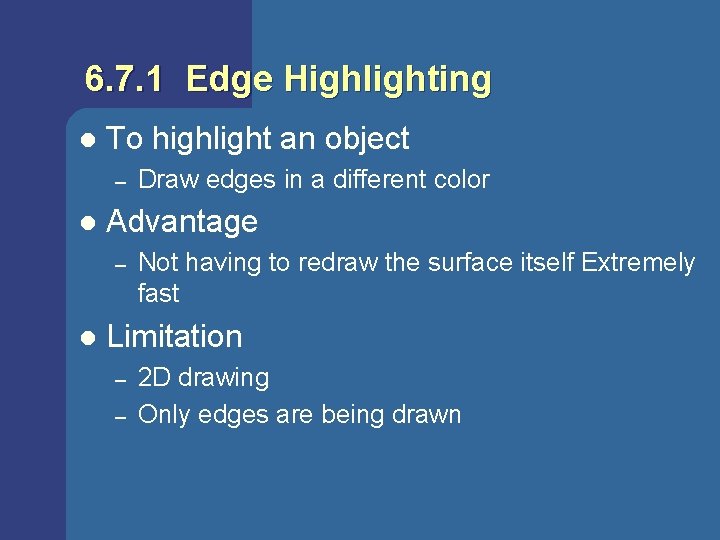
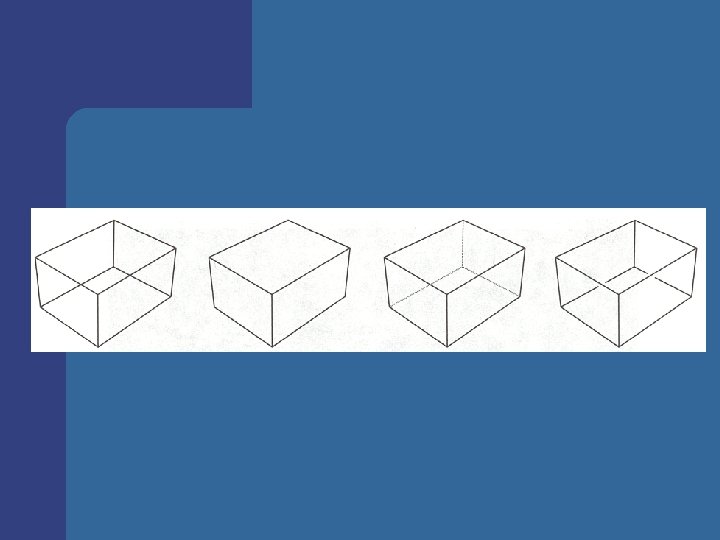
6. 7. 1 Edge Highlighting l To highlight an object – l Advantage – l Draw edges in a different color Not having to redraw the surface itself Extremely fast Limitation – – 2 D drawing Only edges are being drawn
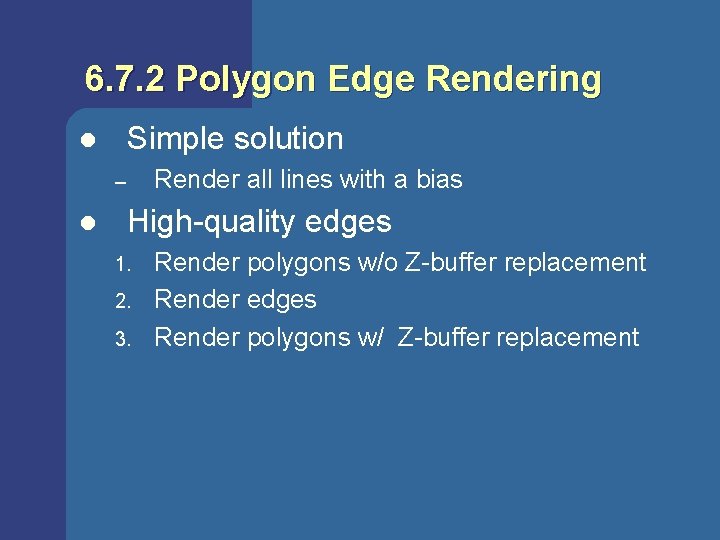
6. 7. 2 Polygon Edge Rendering Simple solution l Render all lines with a bias – l High-quality edges 1. 2. 3. Render polygons w/o Z-buffer replacement Render edges Render polygons w/ Z-buffer replacement
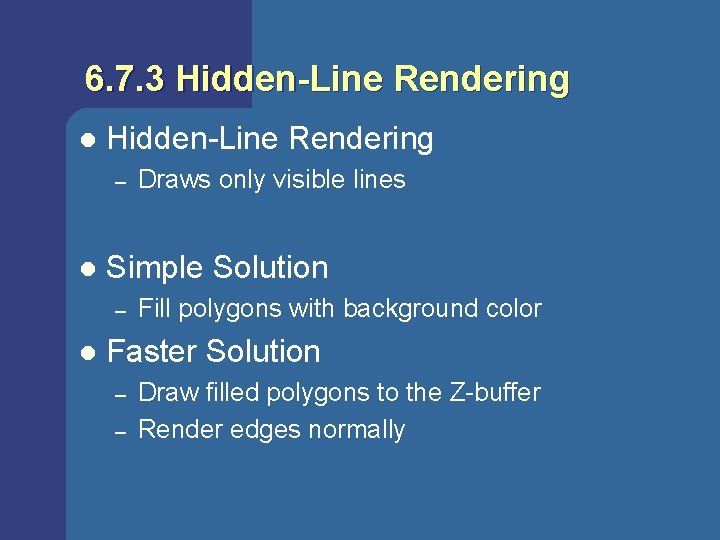
6. 7. 3 Hidden-Line Rendering l Hidden-Line Rendering – l Simple Solution – l Draws only visible lines Fill polygons with background color Faster Solution – – Draw filled polygons to the Z-buffer Render edges normally
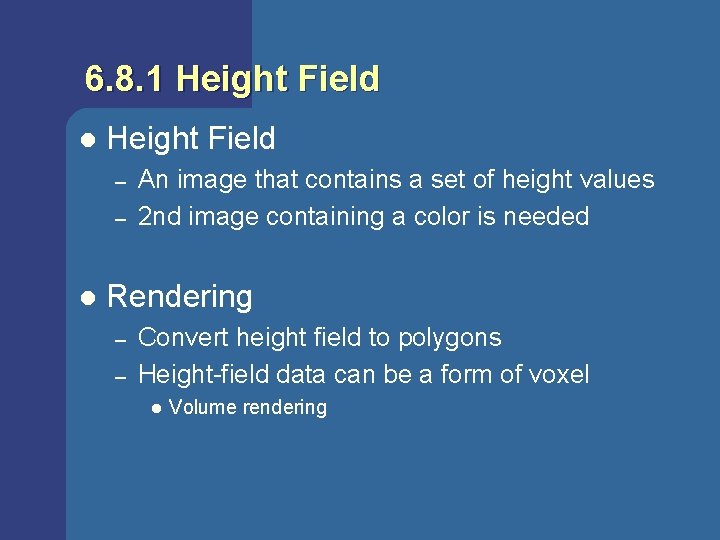
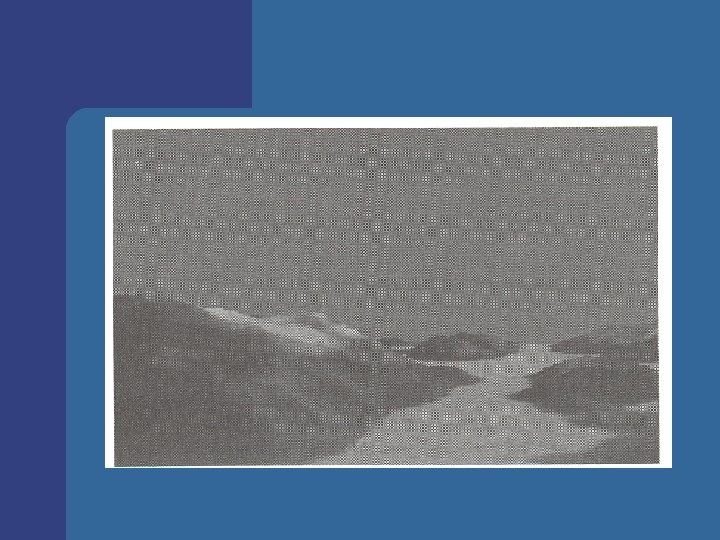
6. 8. 1 Height Field l Height Field – – l An image that contains a set of height values 2 nd image containing a color is needed Rendering – – Convert height field to polygons Height-field data can be a form of voxel l Volume rendering
6. 8. 2 Volume Rendering (1) l Shear-warp algorithm [Lacroute, Levoy] 1. shear & resample voxel scanline intermediate image scanline 3. warp & resample 2. project & composite
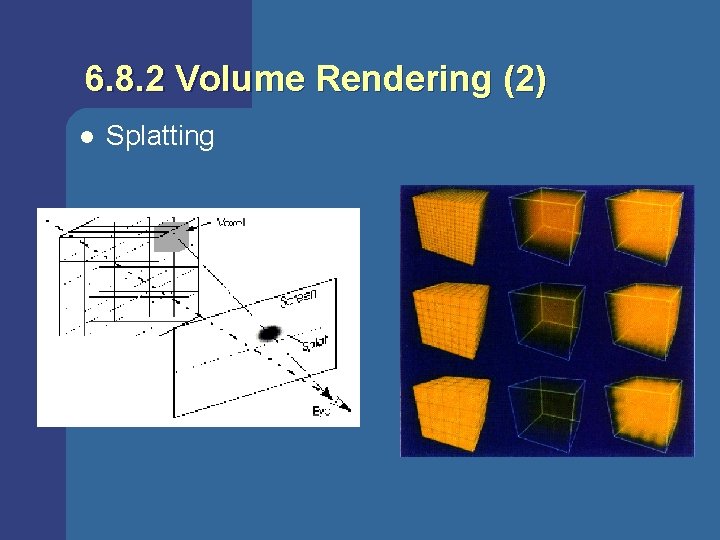
6. 8. 2 Volume Rendering (2) l Splatting
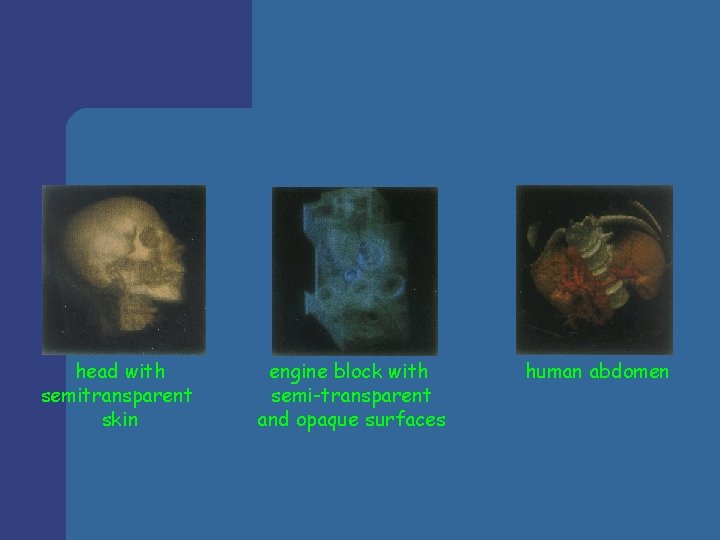
head with semitransparent skin engine block with semi-transparent and opaque surfaces human abdomen