
5 Introduction to the Utility Network Introduction to

- Slides: 24
5 Introduction to the Utility Network
Introduction to the Utility Network Unit 5 – A training in ESRI Utility Network & PODS 7
Intended Audience • GIS/IT professionals • New to pipeline industry • Little or no exposure to PODS Training – both PODS Basics and PODS Advanced – create a better understanding of PODS Standards and PODS implementations through geospatial and relational database applications.
5 Introduction to the Utility Network An introduction to the PODS 7 Utility Network – it’s usage, connection to PODS 7, and Linear Referencing
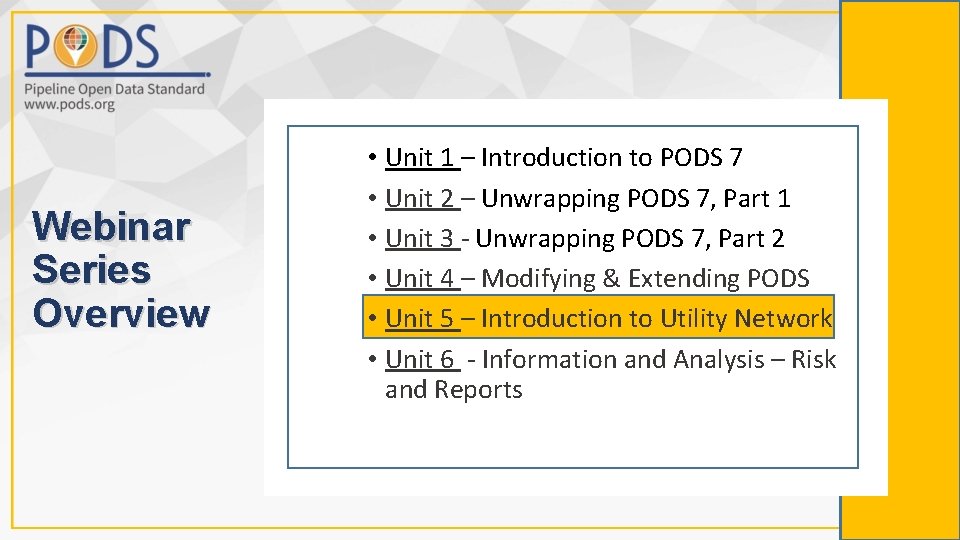
Webinar Series Overview • Unit 1 – Introduction to PODS 7 • Unit 2 – Unwrapping PODS 7, Part 1 • Unit 3 - Unwrapping PODS 7, Part 2 • Unit 4 – Modifying & Extending PODS • Unit 5 – Introduction to Utility Network • Unit 6 - Information and Analysis – Risk and Reports
5 Introduction to the PODS 7 Utility Network • • • What is the Utility Network? How do I know if I need it? How does the Utility Network connect with PODS 7? What will I need to create a Utility Network in PODS 7? What is the difference between implementing UNET with PODS 7 compared with deployment of Location model in PODS 7?
Our Goals for this Unit 1. Become familiar with how PODS 7 will work with Utility Network. 2. Determine if the Utility Network is the right solution for you. 3. Understand the proposed connection between PODS 7 and the Utility Network. 4. Know the requirements for creating a Utility Network. 5. Understand terms and concepts relating to the Utility Network.
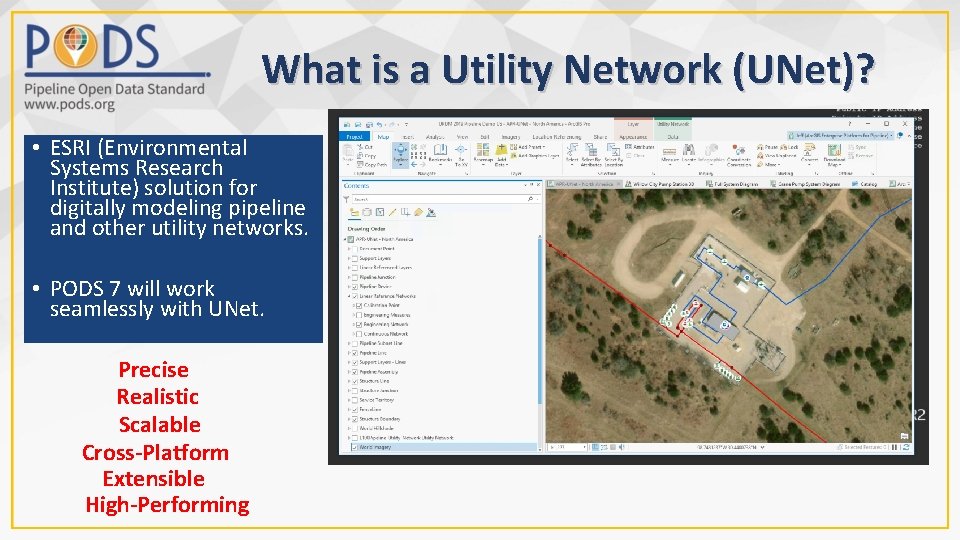
What is a Utility Network (UNet)? • ESRI (Environmental Systems Research Institute) solution for digitally modeling pipeline and other utility networks. • PODS 7 will work seamlessly with UNet. Precise Realistic Scalable Cross-Platform Extensible High-Performing
What is Utility Network (UNet)? • Contains all the features needed to deliver (or collect) a resource of some type, such as gas, water, or electricity. • UNet adds connectivity and rules to an Enterprise Geodatabase. • Arc. GIS Pipeline Referencing (APR) and Utility Network are designed to work together within the Enterprise Geodatabase.
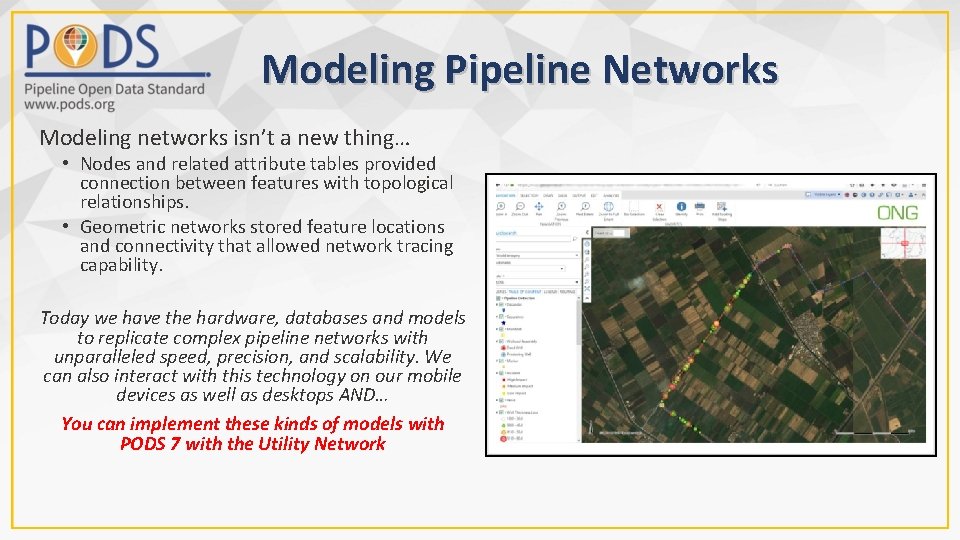
Modeling Pipeline Networks Modeling networks isn’t a new thing… • Nodes and related attribute tables provided connection between features with topological relationships. • Geometric networks stored feature locations and connectivity that allowed network tracing capability. Today we have the hardware, databases and models to replicate complex pipeline networks with unparalleled speed, precision, and scalability. We can also interact with this technology on our mobile devices as well as desktops AND… You can implement these kinds of models with PODS 7 with the Utility Network
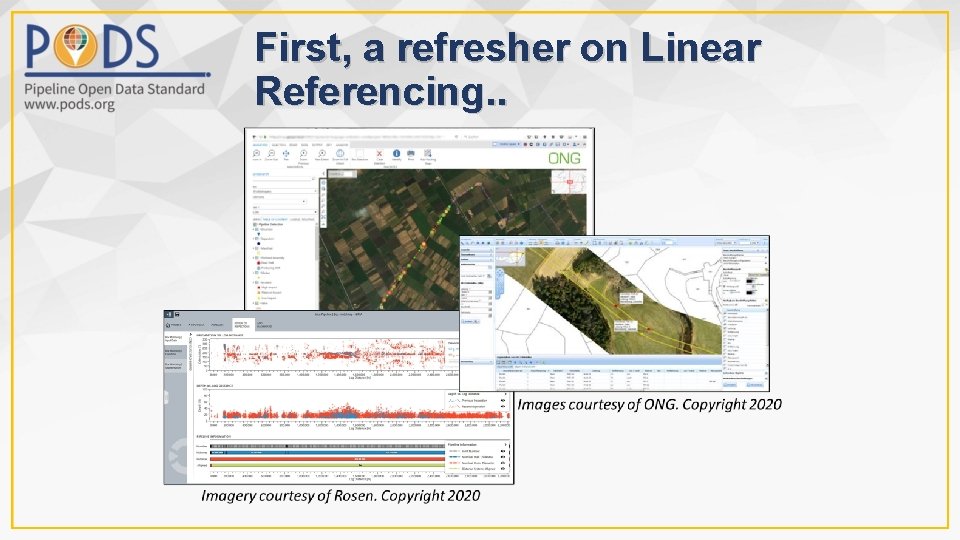
First, a refresher on Linear Referencing. .
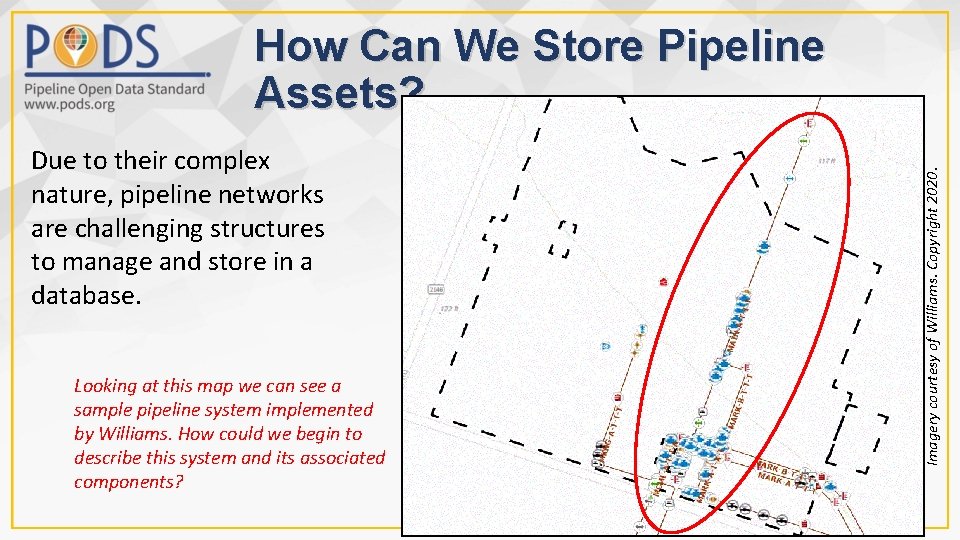
Due to their complex nature, pipeline networks are challenging structures to manage and store in a database. Looking at this map we can see a sample pipeline system implemented by Williams. How could we begin to describe this system and its associated components? Imagery courtesy of Williams. Copyright 2020. How Can We Store Pipeline Assets?
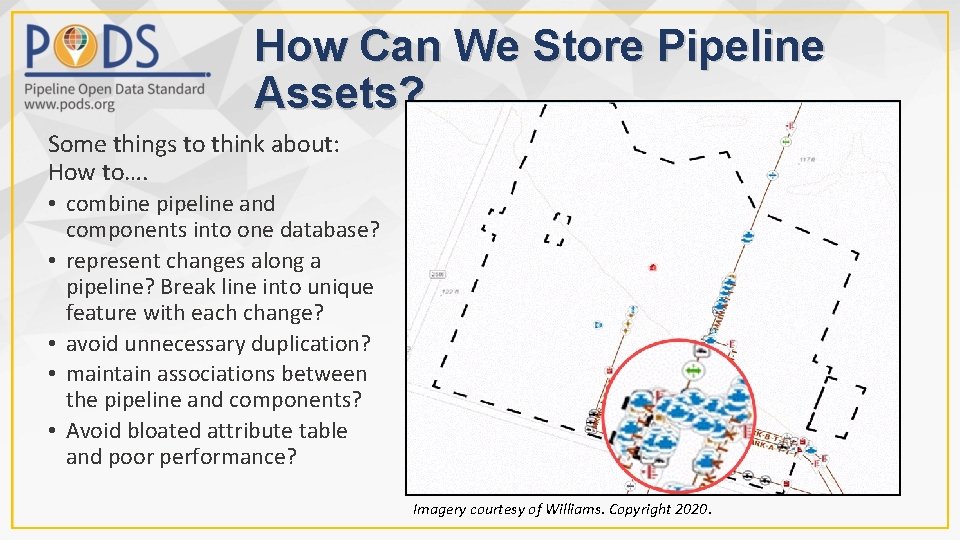
How Can We Store Pipeline Assets? Some things to think about: How to…. • combine pipeline and components into one database? • represent changes along a pipeline? Break line into unique feature with each change? • avoid unnecessary duplication? • maintain associations between the pipeline and components? • Avoid bloated attribute table and poor performance? Imagery courtesy of Williams. Copyright 2020.
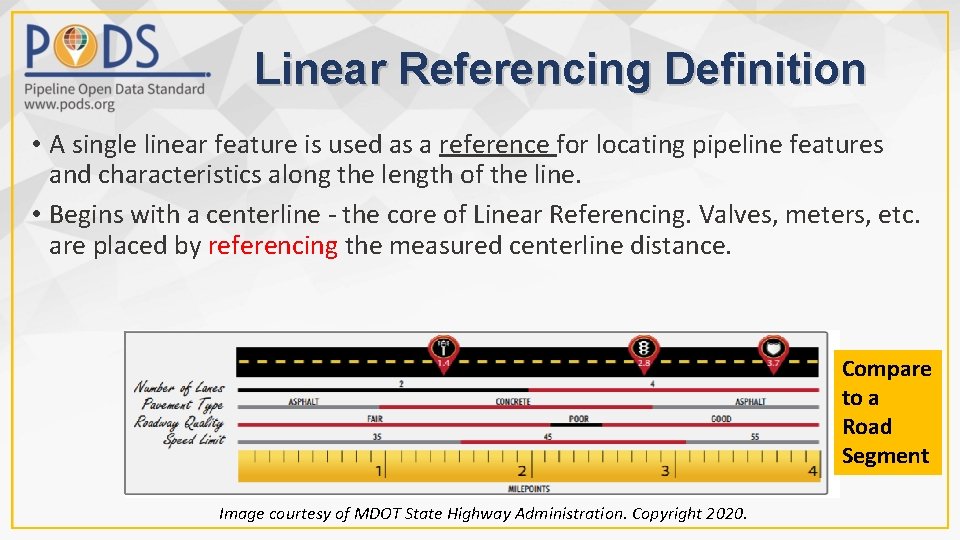
Linear Referencing Definition • A single linear feature is used as a reference for locating pipeline features and characteristics along the length of the line. • Begins with a centerline - the core of Linear Referencing. Valves, meters, etc. are placed by referencing the measured centerline distance. Compare to a Road Segment Image courtesy of MDOT State Highway Administration. Copyright 2020.
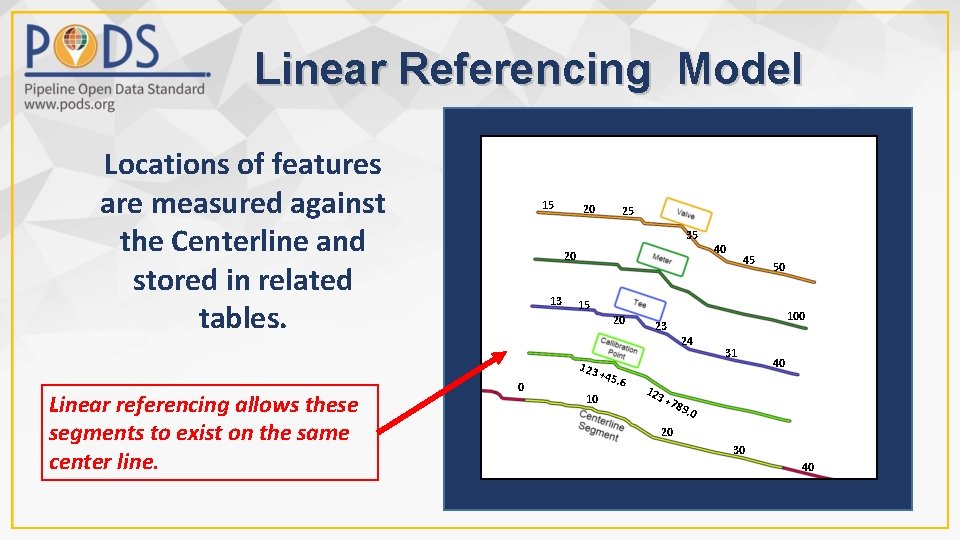
Linear Referencing Model Locations of features are measured against the Centerline and stored in related tables. 15 20 35 20 13 20 45 50 100 23 24 0 40 15 123 Linear referencing allows these segments to exist on the same center line. 25 10 +45 . 6 123 31 40 +78 9. 0 20 30 40
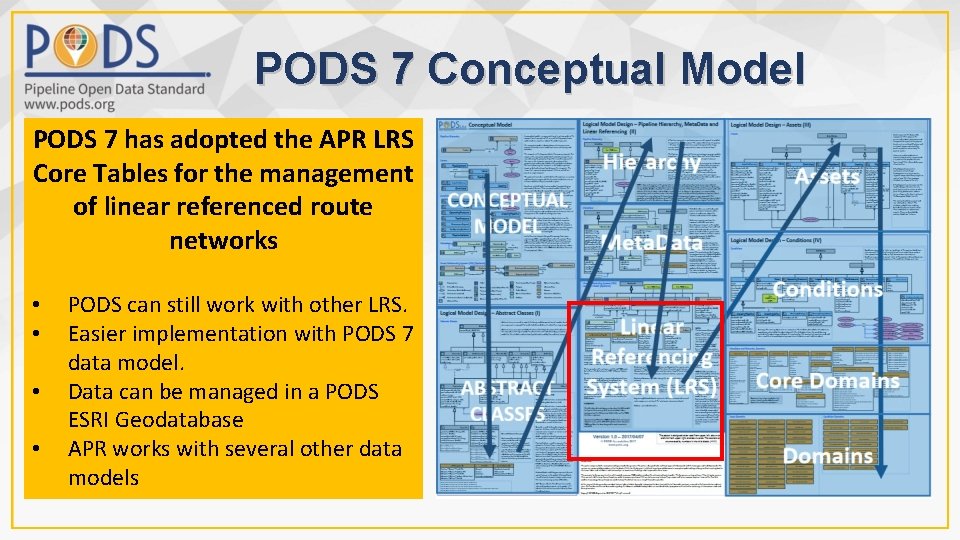
PODS 7 Conceptual Model PODS 7 has adopted the APR LRS Core Tables for the management of linear referenced route networks • • PODS can still work with other LRS. Easier implementation with PODS 7 data model. Data can be managed in a PODS ESRI Geodatabase APR works with several other data models
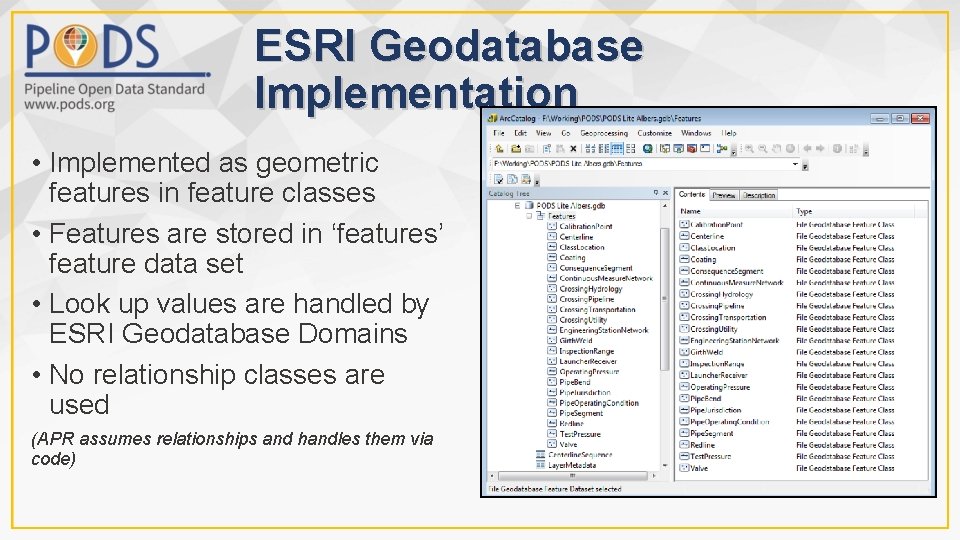
ESRI Geodatabase Implementation • Implemented as geometric features in feature classes • Features are stored in ‘features’ feature data set • Look up values are handled by ESRI Geodatabase Domains • No relationship classes are used (APR assumes relationships and handles them via code)
Utility Network Overview Jeff Allen, ESRI
Jeff- High-level UNet overview • Integrate Jeff Allen’s slides….
Jeff- Questions • PODS 7 location module will not be needed with Unet since it relies on APR? • If someone has their assets stored with coordinate values, how will that affect UNet implementation?
In Summary – Utility Network
End of Unit 5 Any questions?
PODS Association web site https: //www. pods. org Resources for This Unit GIS Pipeline Dictionary https: //www. geofields. com/resources/oil-gas-pipeline-gis-glossary-dictionary/ www. esri. com
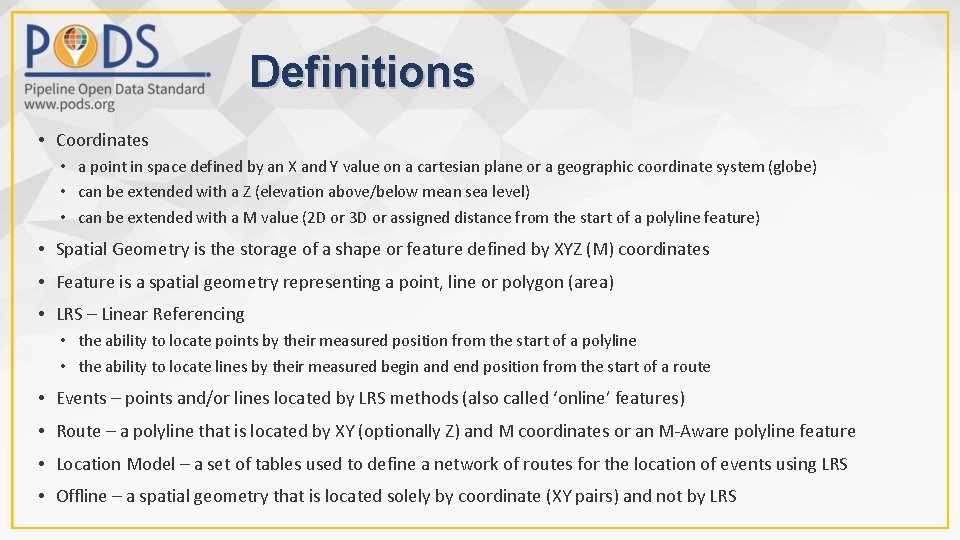
Definitions • Coordinates • a point in space defined by an X and Y value on a cartesian plane or a geographic coordinate system (globe) • can be extended with a Z (elevation above/below mean sea level) • can be extended with a M value (2 D or 3 D or assigned distance from the start of a polyline feature) • Spatial Geometry is the storage of a shape or feature defined by XYZ (M) coordinates • Feature is a spatial geometry representing a point, line or polygon (area) • LRS – Linear Referencing • the ability to locate points by their measured position from the start of a polyline • the ability to locate lines by their measured begin and end position from the start of a route • Events – points and/or lines located by LRS methods (also called ‘online’ features) • Route – a polyline that is located by XY (optionally Z) and M coordinates or an M-Aware polyline feature • Location Model – a set of tables used to define a network of routes for the location of events using LRS • Offline – a spatial geometry that is located solely by coordinate (XY pairs) and not by LRS