
5 12 1 Fundamentals of Characters and Strings


![#include <iostream. h> #include<string. h> void main( ) { char s 1[ ]="Happy New](https://slidetodoc.com/presentation_image/911d2960a4232a449c9174bc15018ccf/image-13.jpg "#include <iostream. h> #include<string. h> void main( ) { char s 1[ ]=\"Happy New")


- Slides: 16
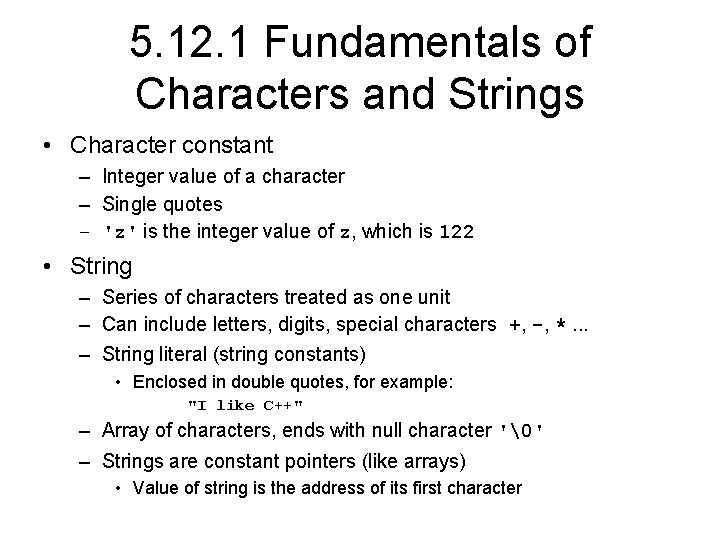
5. 12. 1 Fundamentals of Characters and Strings • Character constant – Integer value of a character – Single quotes – 'z' is the integer value of z, which is 122 • String – Series of characters treated as one unit – Can include letters, digits, special characters +, -, *. . . – String literal (string constants) • Enclosed in double quotes, for example: "I like C++" – Array of characters, ends with null character '' – Strings are constant pointers (like arrays) • Value of string is the address of its first character
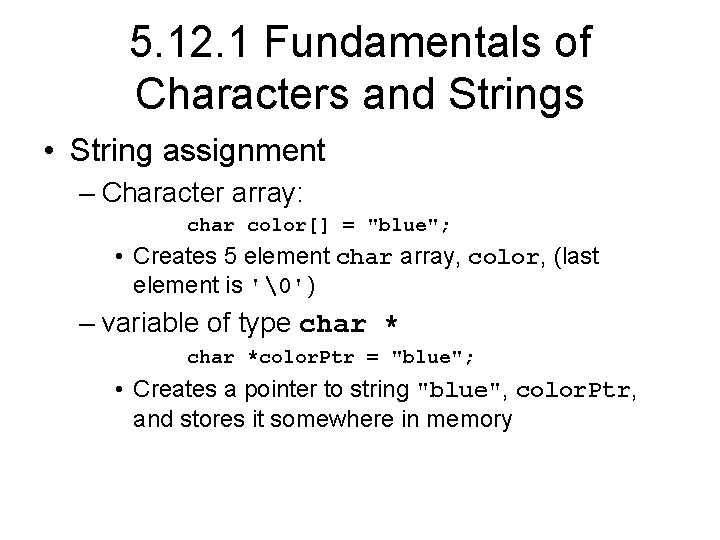
5. 12. 1 Fundamentals of Characters and Strings • String assignment – Character array: char color[] = "blue"; • Creates 5 element char array, color, (last element is '') – variable of type char *color. Ptr = "blue"; • Creates a pointer to string "blue", color. Ptr, and stores it somewhere in memory
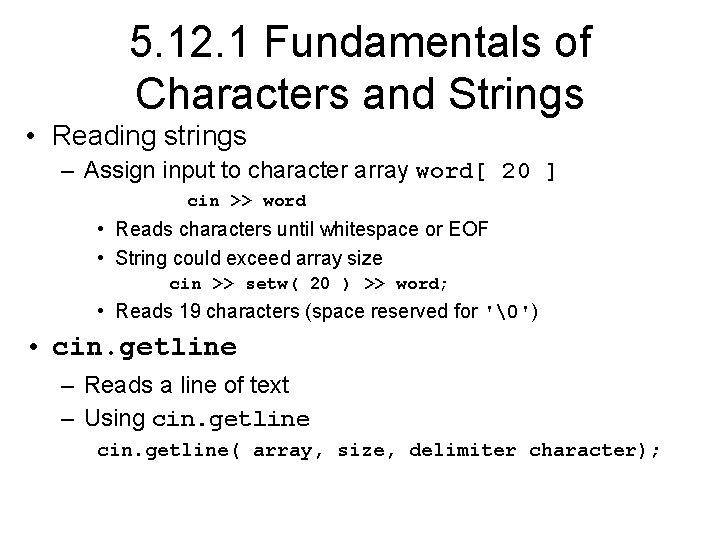
5. 12. 1 Fundamentals of Characters and Strings • Reading strings – Assign input to character array word[ 20 ] cin >> word • Reads characters until whitespace or EOF • String could exceed array size cin >> setw( 20 ) >> word; • Reads 19 characters (space reserved for '') • cin. getline – Reads a line of text – Using cin. getline( array, size, delimiter character);
5. 12. 1 Fundamentals of Characters and Strings • cin. getline – Copies input into specified array until either • One less than the size is reached • The delimiter character is input – Example char sentence[ 80 ]; cin. getline( sentence, 80, 'n' );
5. 12. 2 String Manipulation Functions of the String-handling Library • String handling library <cstring> provides functions to – Manipulate strings – Compare strings – Search strings – Tokenize strings (separate them into logical pieces) • ASCII character code – Strings are compared using their character codes – Easy to make comparisons (greater than, less than, equal to) • Tokenizing – Breaking strings into tokens, separated by user-specified characters – Tokens are usually logical units, such as words (separated by spaces) – "This is my string" has 4 word tokens (separated by spaces)
5. 12. 2 String Manipulation Functions of the String-handling Library char *strcpy( char *s 1, const char *s 2 ); Copies the string s 2 into the character array s 1. The value of s 1 is returned. char *strncpy( char *s 1, const char *s 2, size_t n ); Copies at most n characters of the string s 2 into the character array s 1. The value of s 1 is returned. char *strcat( char *s 1, const char *s 2 ); Appends the string s 2 to the string s 1. The first character of s 2 overwrites the terminating null character of s 1. The value of s 1 is returned. char *strncat( char *s 1, const char *s 2, size_t n ); Appends at most n characters of string s 2 to string s 1. The first character of s 2 overwrites the terminating null character of s 1. The value of s 1 is returned.
5. 12. 2 String Manipulation Functions of the String-handling Library (III) int strcmp( const char *s 1, const char *s 2 ); Compares the string s 1 with the string s 2. The function returns a value of zero, less than zero or greater than zero if s 1 is equal to, less than or greater than s 2, respectively. int strncmp( const char *s 1, const char *s 2, size_t n ); Compares up to n characters of the string s 1 with the string s 2. The function returns zero, less than zero or greater than zero if s 1 is equal to, less than or greater than s 2, respectively. size_t strlen( const char *s ); Determines the length of string s. The number of characters preceding the terminating null character is returned.
String Functions To use string functions we must include the <cstring> library or <string. h> library in the top of the program • #include <cstring> • String functions that we will cover are: – strcpy – strncpy – strcat – Strncat – Strcmp – Strncmp – strlen
Example on strcpy, strncpy #include <iostream. h> #include<string. h> void main( ) { char x[ ]="Happy Birthday to You"; char y[25]; char z[15]; strcpy(y, x); cout<<x<<" "<<y<<endl; strncpy(z, x, 14); //z[14]=''; // strncpy doesn’t add at the end cout<<z<<endl; }
Output Happy Birthday to You Happy Birthday Press any key to continue
Example on strcat, strncat #include <iostream. h> #include<string. h> void main( ) { char s 1[20]="Happy"; char s 2[ ]="New Year"; char s 3[40]=""; // this puts in the whole array cout<<s 1<<" "<<s 2<<endl; strcat(s 1, s 2); cout<<s 1<<" "<<s 2<<endl; strncat(s 3, s 1, 5); cout<<s 1<<" "<<s 3<<endl; strcat(s 3, s 1); cout<<s 1<<" "<<s 3<<endl; }
Output Happy New Year Happy. New Year Press any key to continue
#include <iostream. h> #include<string. h> void main( ) { char s 1[ ]="Happy New Year"; char s 2[ ]="Happy New Year"; char s 3[ ]="Happy Holidays"; cout<<s 1<<"n"<<s 2<<"n"<<s 3<<"n"; cout<<strcmp(s 1, s 2)<<"n" <<strcmp(s 1, s 3)<<"n" <<strcmp(s 3, s 1)<<endl; cout<<strncmp(s 1, s 3, 6)<<"n" <<strncmp(s 1, s 3, 7)<<"n" <<strncmp(s 3, s 1, 7)<<endl; }
Output Happy New Year Happy Holidays 0 1 -1 Press any key to continue
The original value of number is 5 The new value of number is 125
Difference between arrays of char and arrays of int #include <iostream. h> void main() { // char a[10]={‘A’, ’h’, ’m’, ’a’, ’d’}; char a[10]="Ahmad"; cout<<a<<endl; // prints Ahmed int b[10]={1, 2, 3, 4, 5}; cout<<b<<endl; // prints the address of //the first element in the array }