
440 Commenting Cognos Report Studio reports What was












- Slides: 36
#440 - Commenting Cognos Report Studio reports: What was I thinking? Presented by James Mueller – Graceland University May 30 2012, 3: 15 pm
What is a Comment? a) Remark at the water cooler b)Post on your Facebook wall c) Memo to share information d)Sticky note on your fridge e) All of the above
What is a Comment? a) Remark at the water cooler b)Post on your Facebook wall c) Memo to share information d)Sticky note on your fridge e)All of the above
What is a Comment? a) Remark at the water cooler b)Post on your Facebook wall c) Memo to share information d)Sticky note on your fridge e)All of the above But, we care about this one.
Why Comment? • Programmers Know: – Well documented (commented) code is best – It helps future proof your work • You don’t know who’ll have to modify what you’ve done • And if it’s you, will you remember? – A simple change can break something else • But a comment can help you know ahead of time – Accidents Happen, be prepared – You don’t have to comment everything • But comment the important stuff – BUT!!! IT TAKES A LOT OF WORK!!!
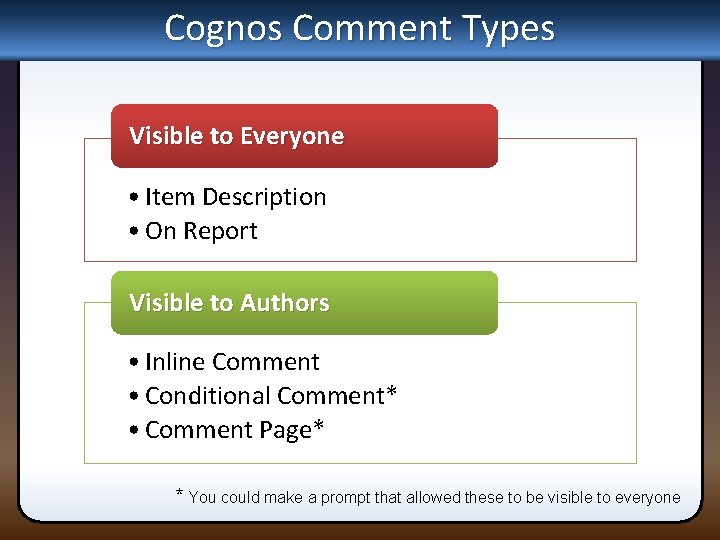
Cognos Comment Types Visible to Everyone • Item Description • On Report Visible to Authors • Inline Comment • Conditional Comment* • Comment Page* * You could make a prompt that allowed these to be visible to everyone
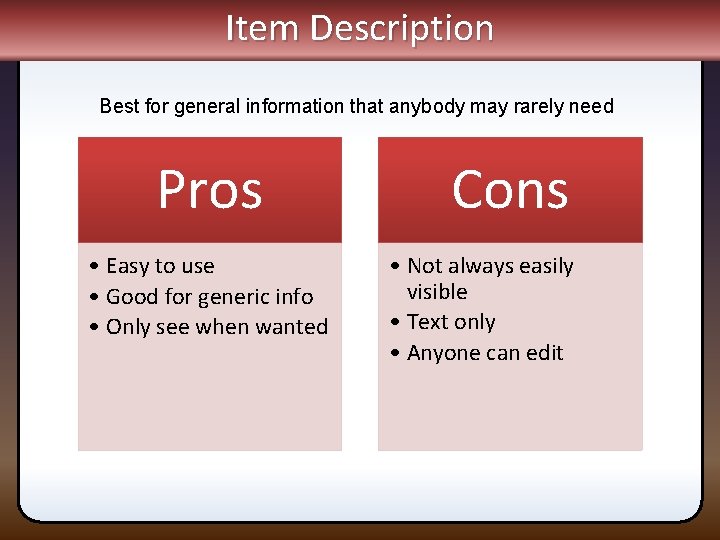
Item Description Best for general information that anybody may rarely need Pros • Easy to use • Good for generic info • Only see when wanted Cons • Not always easily visible • Text only • Anyone can edit
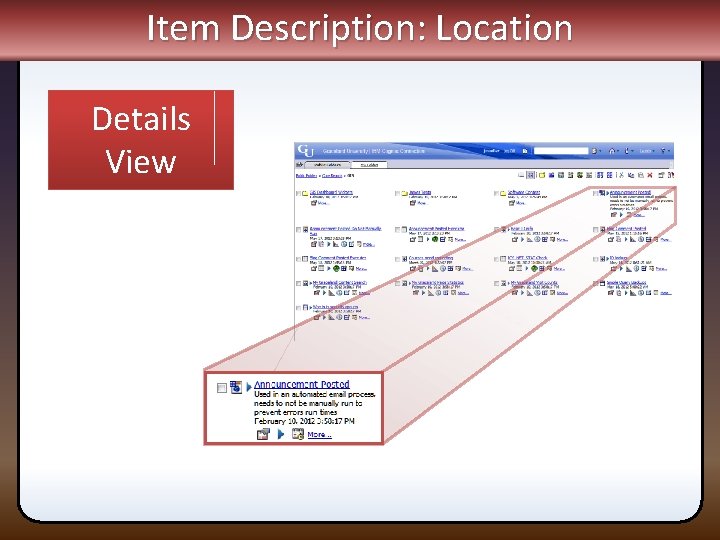
Item Description: Location Details View
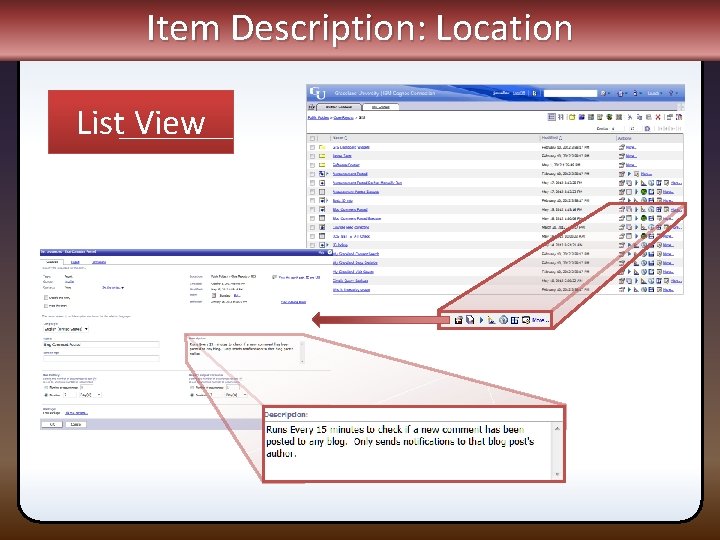
Item Description: Location List View
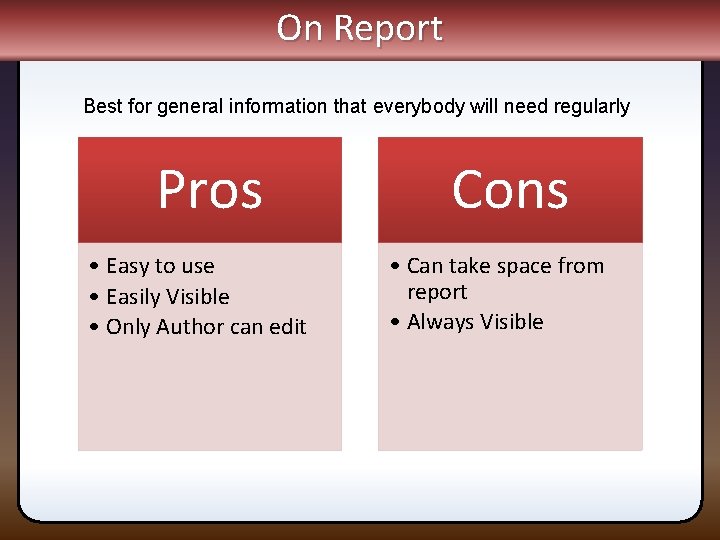
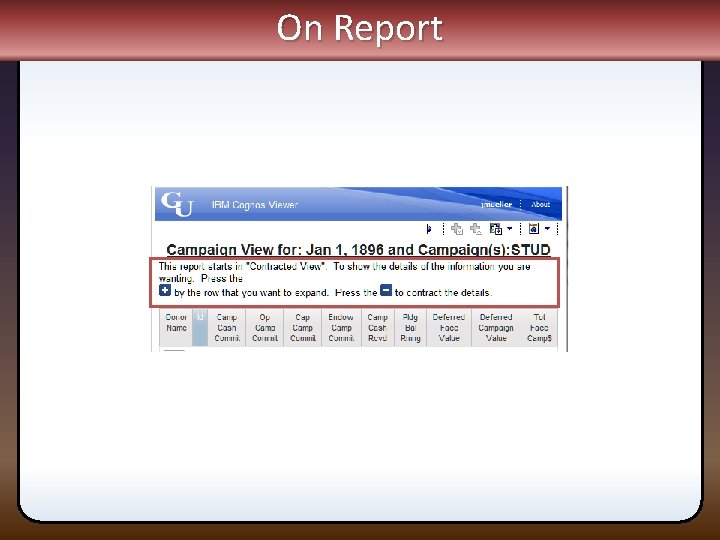
On Report Best for general information that everybody will need regularly Pros • Easy to use • Easily Visible • Only Author can edit Cons • Can take space from report • Always Visible
On Report
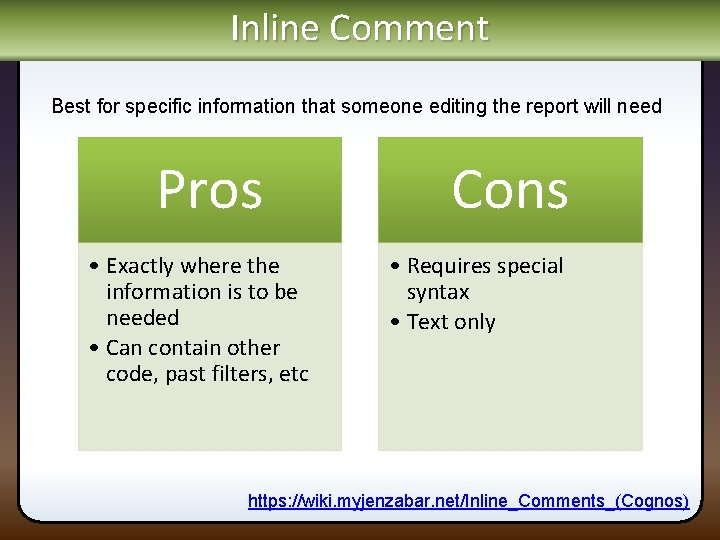
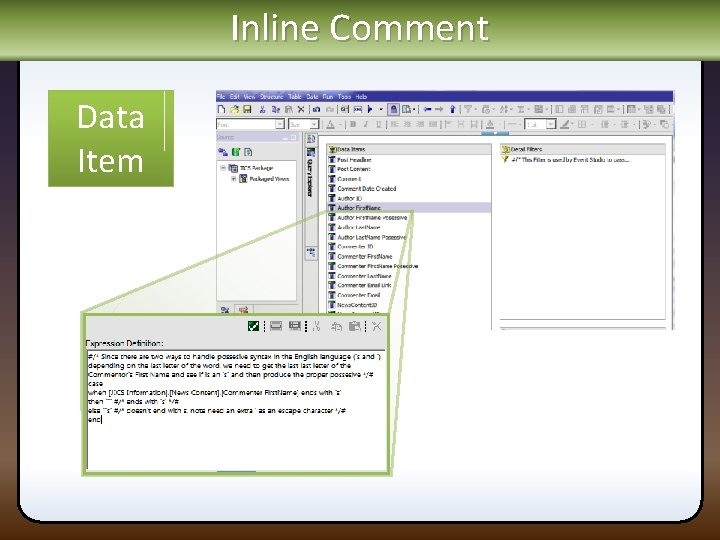
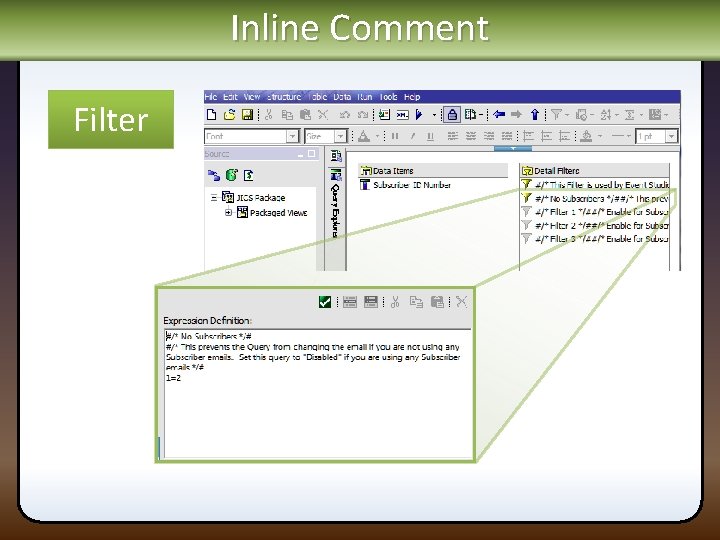
Inline Comment Best for specific information that someone editing the report will need Pros • Exactly where the information is to be needed • Can contain other code, past filters, etc Cons • Requires special syntax • Text only https: //wiki. myjenzabar. net/Inline_Comments_(Cognos)
Inline Comment Data Item
Inline Comment Filter
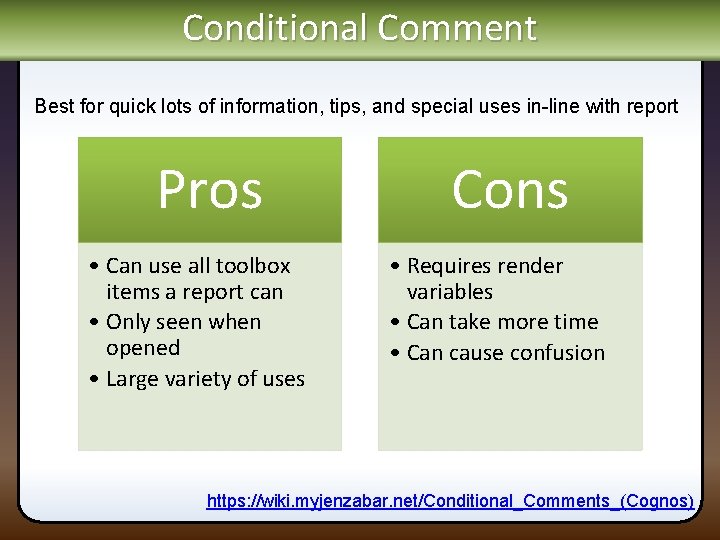
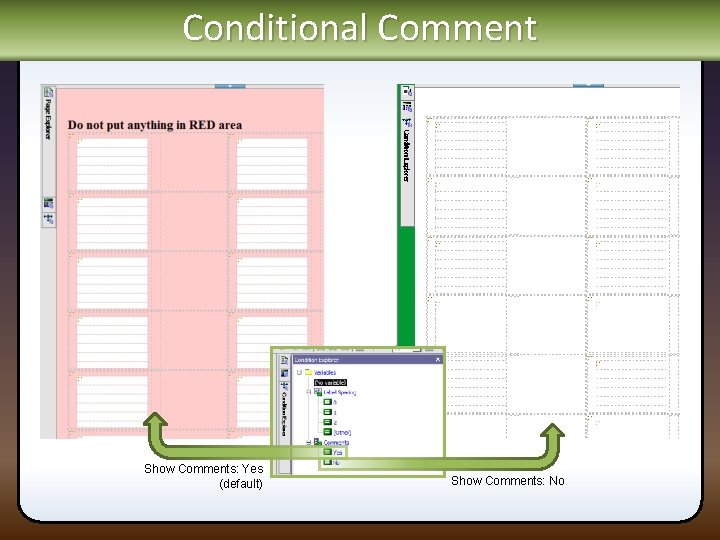
Conditional Comment Best for quick lots of information, tips, and special uses in-line with report Pros • Can use all toolbox items a report can • Only seen when opened • Large variety of uses Cons • Requires render variables • Can take more time • Can cause confusion https: //wiki. myjenzabar. net/Conditional_Comments_(Cognos)
Conditional Comment Show Comments: Yes (default) Show Comments: No
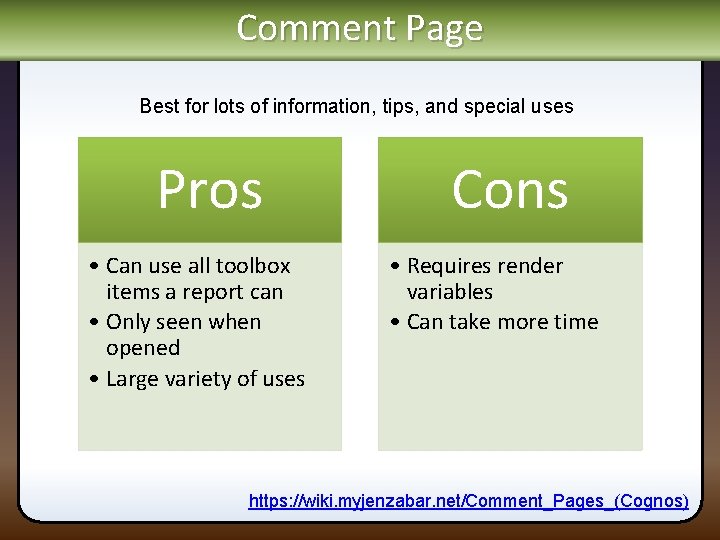
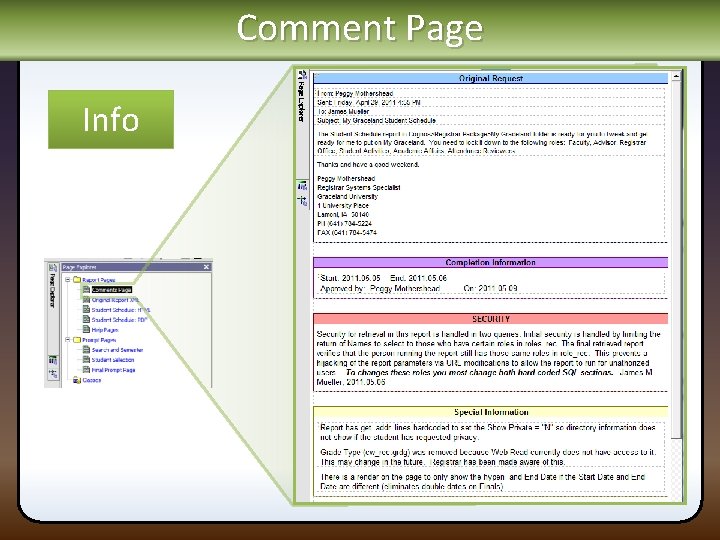
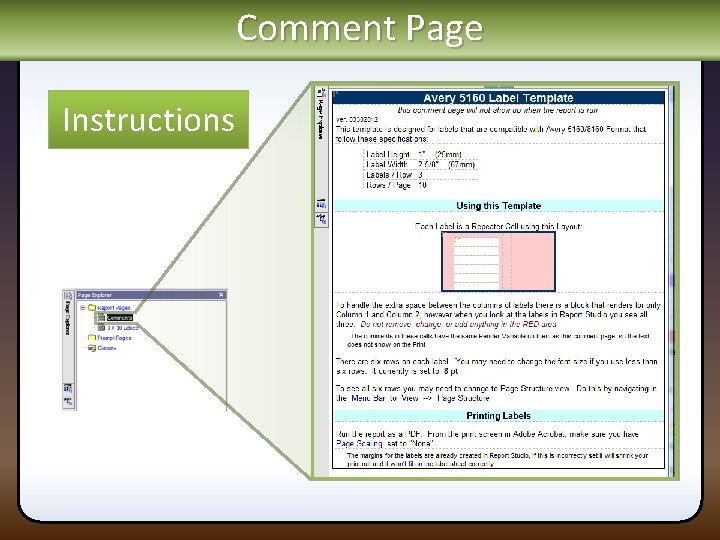
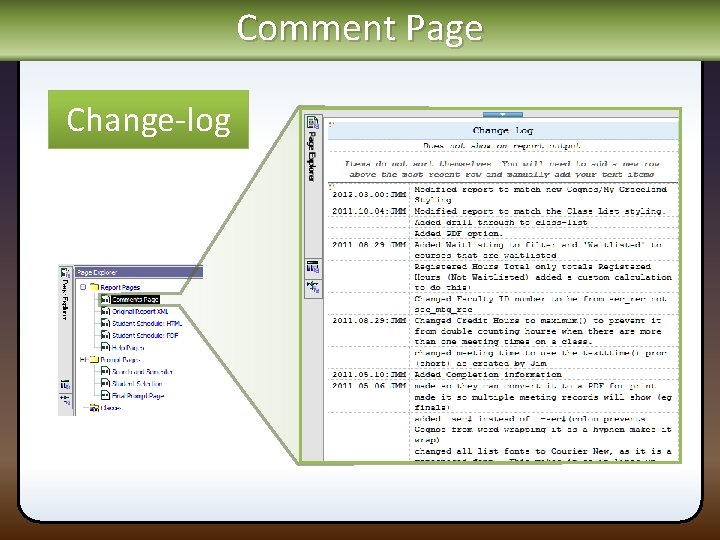
Comment Page Best for lots of information, tips, and special uses Pros • Can use all toolbox items a report can • Only seen when opened • Large variety of uses Cons • Requires render variables • Can take more time https: //wiki. myjenzabar. net/Comment_Pages_(Cognos)
Comment Page Info
Comment Page Instructions
Comment Page Change-log
The Ending Stuff james. mueller@graceland. edu 641. 784. 5056 GU Group https: //my. graceland. edu/ICS/GU_Groups/Group_Management/Cognos_Power_Users/ Wiki https: //wiki. myjenzabar. net/Category: Cognos Lists http: //lists. jenzabar. net/cgi-bin/wa. exe? A 0=JENZA-COGNOS-L http: //businessintelligence. ittoolbox. com/groups/technical-functional/cognos 10 -l/ http: //www. ibm. com/developerworks/forum. jspa? forum. ID=2335