
4 Tier Model Client Tier Web Tier EIS
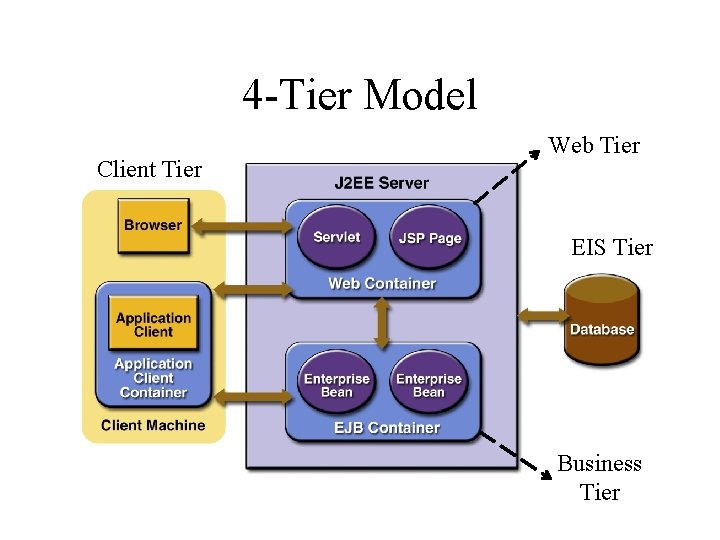
4 -Tier Model Client Tier Web Tier EIS Tier Business Tier
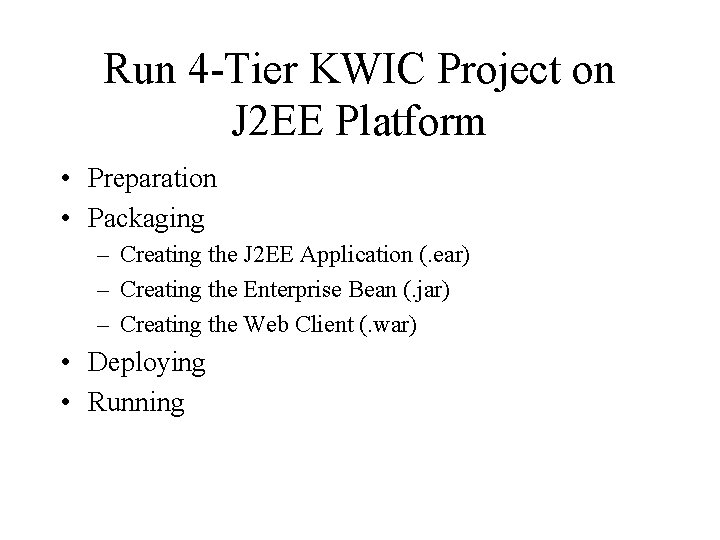
Run 4 -Tier KWIC Project on J 2 EE Platform • Preparation • Packaging – Creating the J 2 EE Application (. ear) – Creating the Enterprise Bean (. jar) – Creating the Web Client (. war) • Deploying • Running
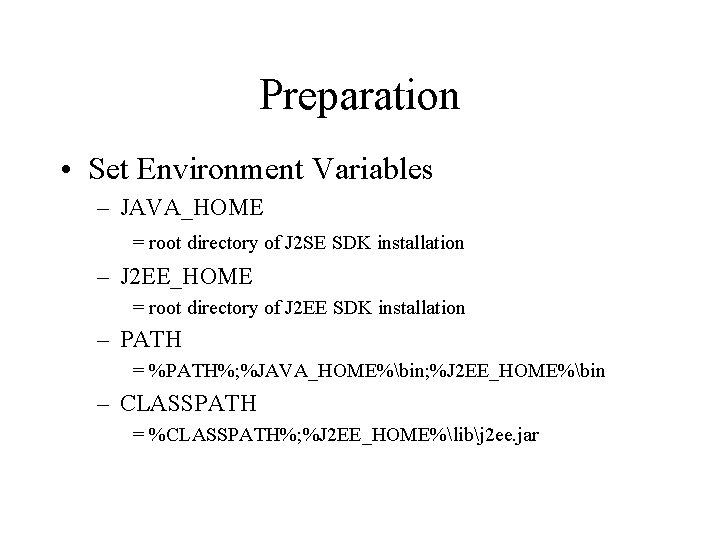
Preparation • Set Environment Variables – JAVA_HOME = root directory of J 2 SE SDK installation – J 2 EE_HOME = root directory of J 2 EE SDK installation – PATH = %PATH%; %JAVA_HOME%bin; %J 2 EE_HOME%bin – CLASSPATH = %CLASSPATH%; %J 2 EE_HOME%libj 2 ee. jar
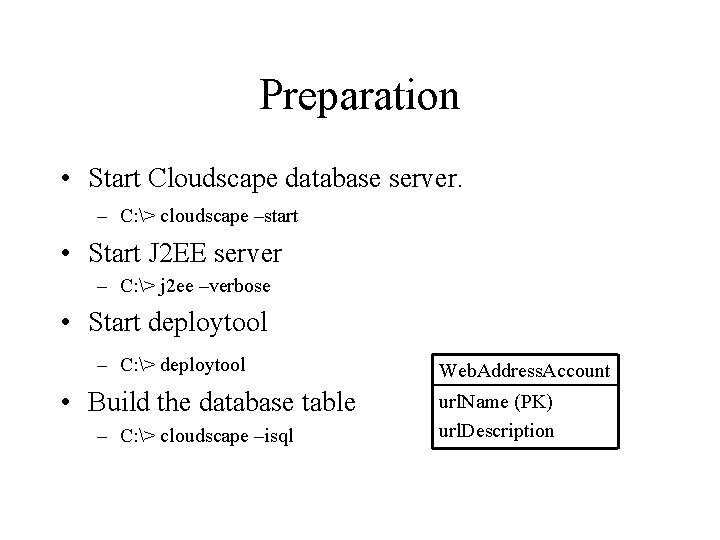
Preparation • Start Cloudscape database server. – C: > cloudscape –start • Start J 2 EE server – C: > j 2 ee –verbose • Start deploytool – C: > deploytool • Build the database table – C: > cloudscape –isql Web. Address. Account url. Name (PK) url. Description
Packaging • Create an Enterprise Archive (EAR) file – Project. App. ear • Add Java Archive (JAR) files and Web Archive (WAR) files to the EAR – Web. Address. Account. JAR: contains the enterprise bean files and related files – Project. WAR: contains the Web Component files and related files
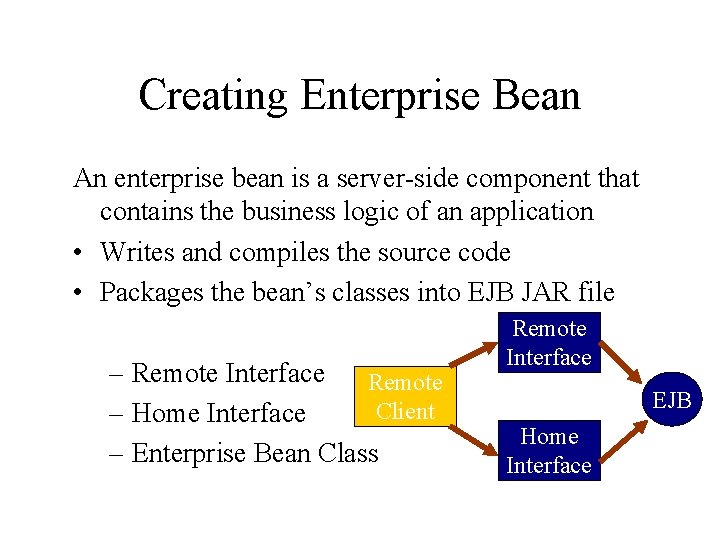
Creating Enterprise Bean An enterprise bean is a server-side component that contains the business logic of an application • Writes and compiles the source code • Packages the bean’s classes into EJB JAR file – Remote Interface Remote Client – Home Interface – Enterprise Bean Class Remote Interface EJB Home Interface
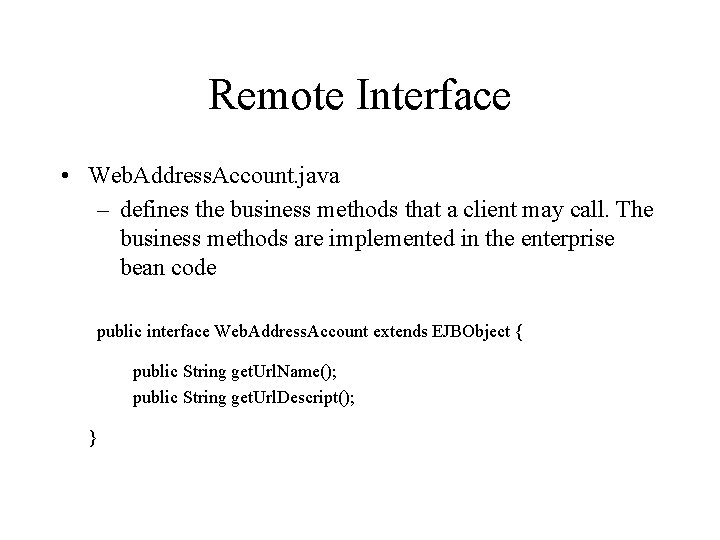
Remote Interface • Web. Address. Account. java – defines the business methods that a client may call. The business methods are implemented in the enterprise bean code public interface Web. Address. Account extends EJBObject { public String get. Url. Name(); public String get. Url. Descript(); }
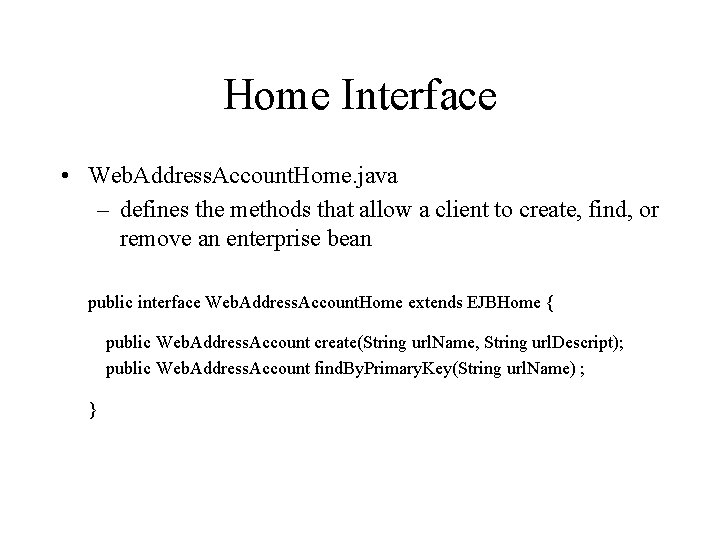
Home Interface • Web. Address. Account. Home. java – defines the methods that allow a client to create, find, or remove an enterprise bean public interface Web. Address. Account. Home extends EJBHome { public Web. Address. Account create(String url. Name, String url. Descript); public Web. Address. Account find. By. Primary. Key(String url. Name) ; }
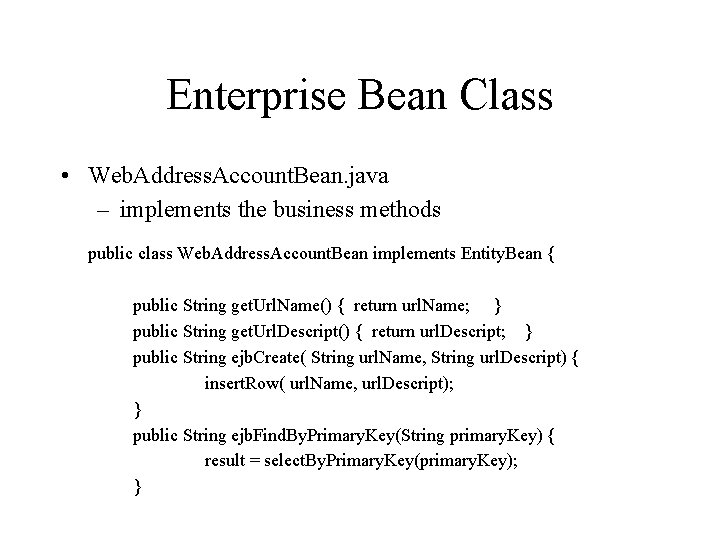
Enterprise Bean Class • Web. Address. Account. Bean. java – implements the business methods public class Web. Address. Account. Bean implements Entity. Bean { public String get. Url. Name() { return url. Name; } public String get. Url. Descript() { return url. Descript; } public String ejb. Create( String url. Name, String url. Descript) { insert. Row( url. Name, url. Descript); } public String ejb. Find. By. Primary. Key(String primary. Key) { result = select. By. Primary. Key(primary. Key); }
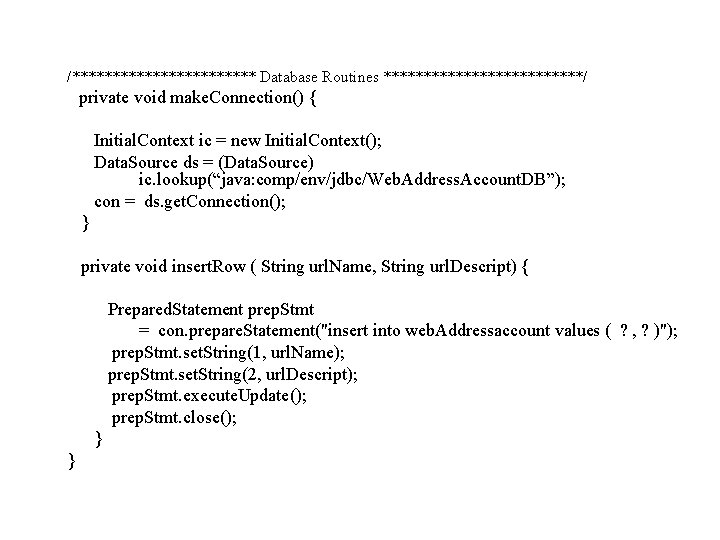
/************ Database Routines *************/ private void make. Connection() { Initial. Context ic = new Initial. Context(); Data. Source ds = (Data. Source) ic. lookup(“java: comp/env/jdbc/Web. Address. Account. DB”); con = ds. get. Connection(); } private void insert. Row ( String url. Name, String url. Descript) { Prepared. Statement prep. Stmt = con. prepare. Statement("insert into web. Addressaccount values ( ? , ? )"); prep. Stmt. set. String(1, url. Name); prep. Stmt. set. String(2, url. Descript); prep. Stmt. execute. Update(); prep. Stmt. close(); } }
Creating Web Component When web client such as browser communicates with J 2 EE application, it dose so through serverside objects called Web components • Writes and compiles the source code • Bundles the. class, . jsp, . html files into WAR file
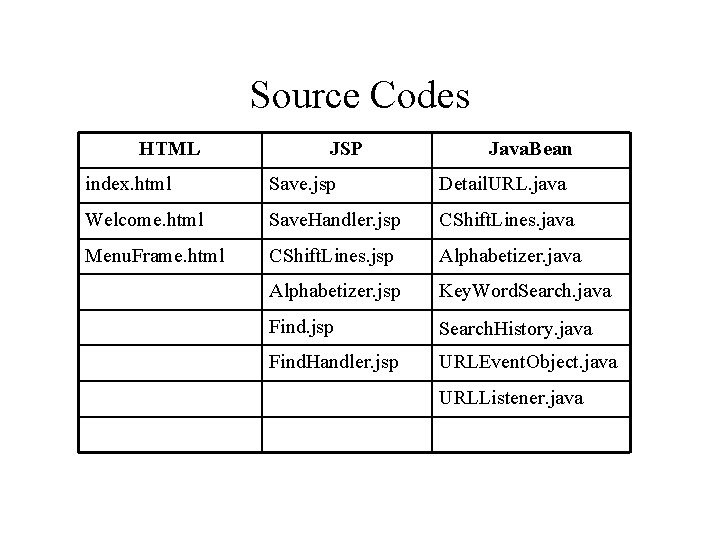
Source Codes HTML JSP Java. Bean index. html Save. jsp Detail. URL. java Welcome. html Save. Handler. jsp CShift. Lines. java Menu. Frame. html CShift. Lines. jsp Alphabetizer. java Alphabetizer. jsp Key. Word. Search. java Find. jsp Search. History. java Find. Handler. jsp URLEvent. Object. java URLListener. java
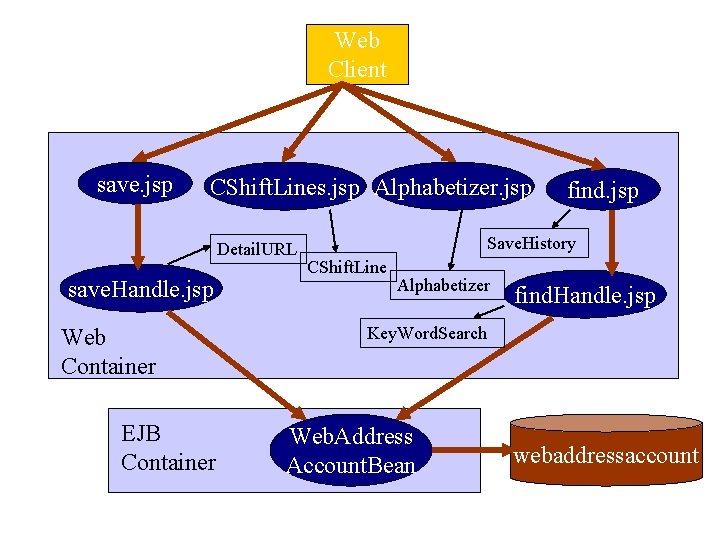
Web Client save. jsp CShift. Lines. jsp Alphabetizer. jsp Detail. URL save. Handle. jsp Web Container EJB Container find. jsp Save. History CShift. Line Alphabetizer find. Handle. jsp Key. Word. Search Web. Address Account. Bean webaddressaccount
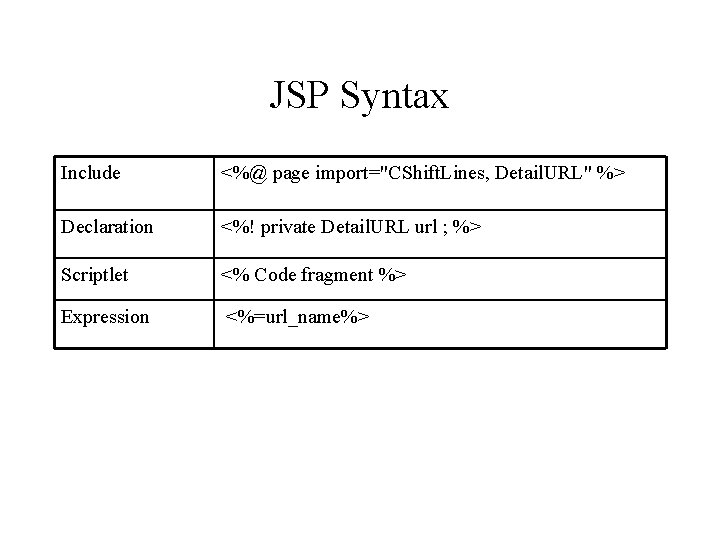
JSP Syntax Include <%@ page import="CShift. Lines, Detail. URL" %> Declaration <%! private Detail. URL url ; %> Scriptlet <% Code fragment %> Expression <%=url_name%>
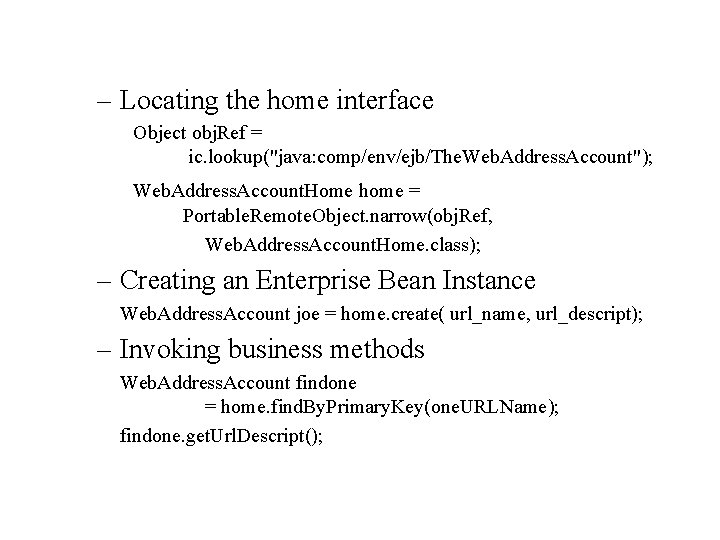
– Locating the home interface Object obj. Ref = ic. lookup("java: comp/env/ejb/The. Web. Address. Account"); Web. Address. Account. Home home = Portable. Remote. Object. narrow(obj. Ref, Web. Address. Account. Home. class); – Creating an Enterprise Bean Instance Web. Address. Account joe = home. create( url_name, url_descript); – Invoking business methods Web. Address. Account findone = home. find. By. Primary. Key(one. URLName); findone. get. Url. Descript();
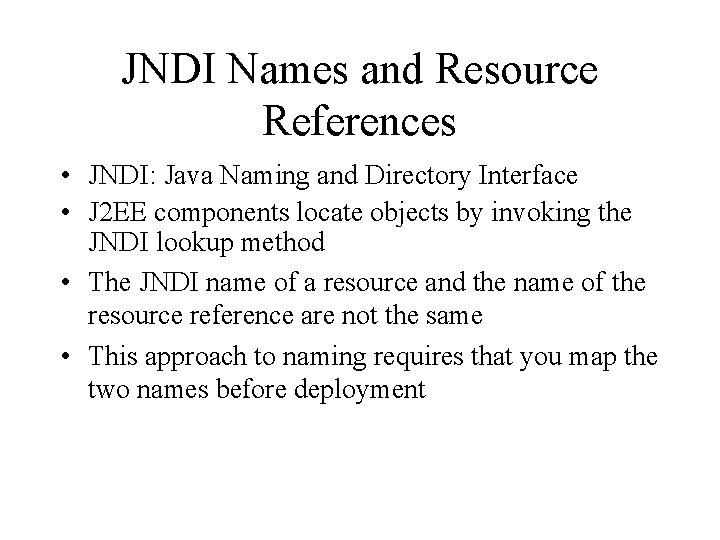
JNDI Names and Resource References • JNDI: Java Naming and Directory Interface • J 2 EE components locate objects by invoking the JNDI lookup method • The JNDI name of a resource and the name of the resource reference are not the same • This approach to naming requires that you map the two names before deployment
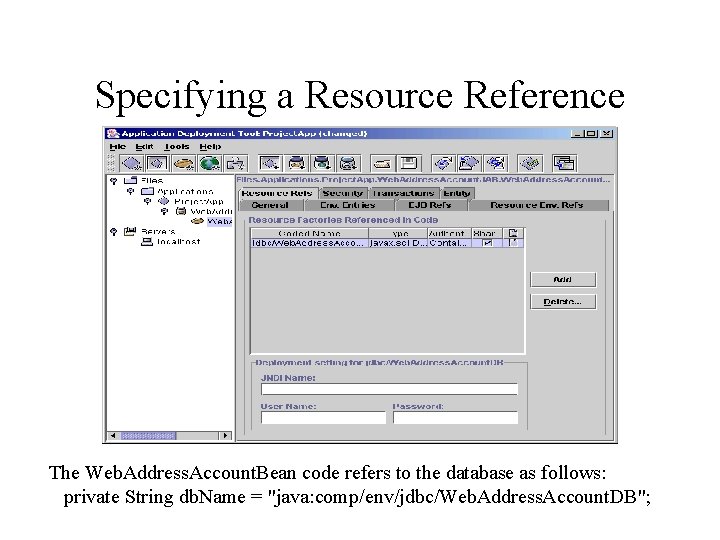
Specifying a Resource Reference The Web. Address. Account. Bean code refers to the database as follows: private String db. Name = "java: comp/env/jdbc/Web. Address. Account. DB";
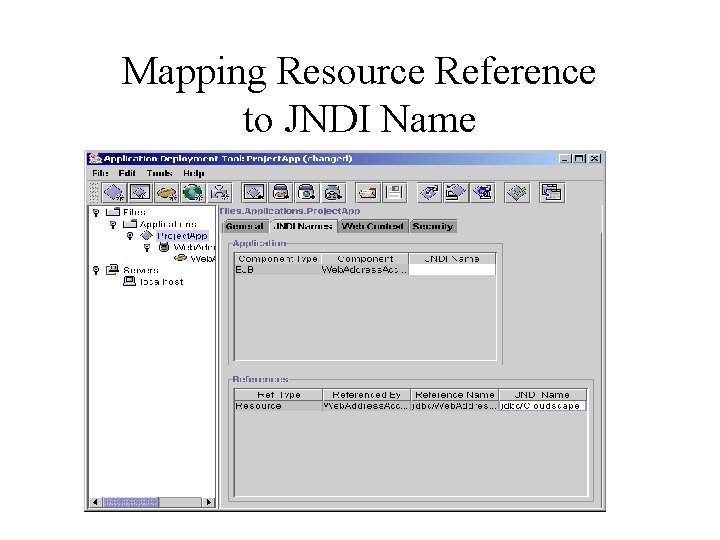
Mapping Resource Reference to JNDI Name
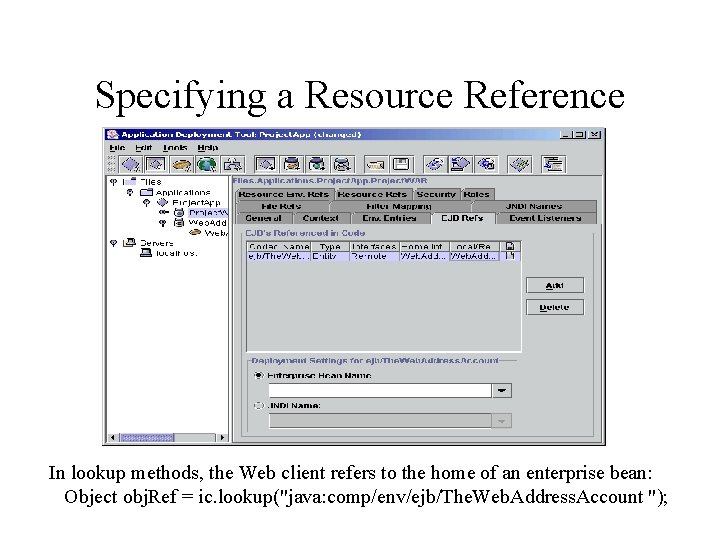
Specifying a Resource Reference In lookup methods, the Web client refers to the home of an enterprise bean: Object obj. Ref = ic. lookup("java: comp/env/ejb/The. Web. Address. Account ");
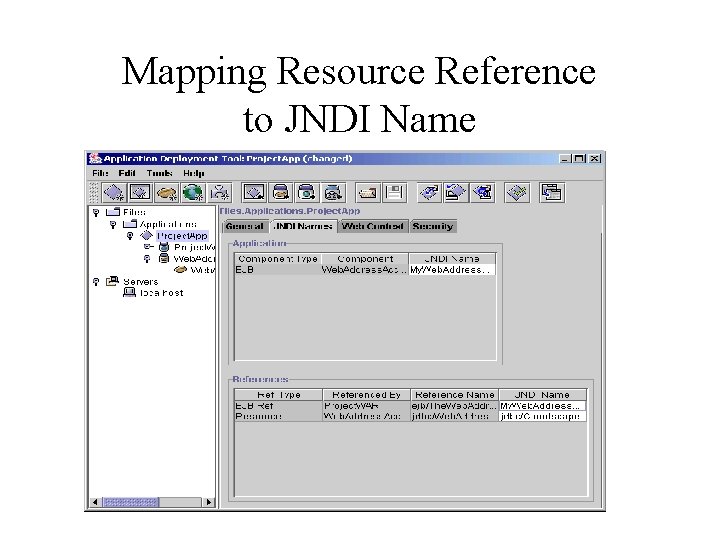
Mapping Resource Reference to JNDI Name
Deploying • Select Tools -> Deploy • In the JNDI Names dialog box, verify the names • In the WAR Context Root dialog box, enter kwic. Project in the Context Root field, which will be part of the URL
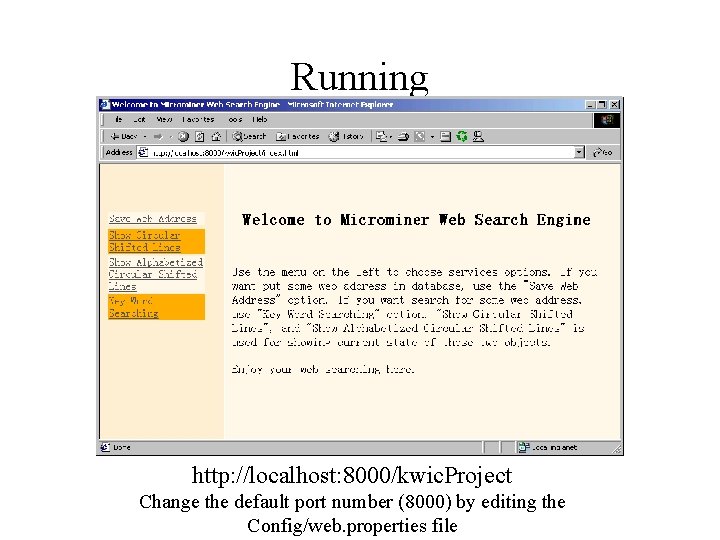
Running http: //localhost: 8000/kwic. Project Change the default port number (8000) by editing the Config/web. properties file
Modifying the J 2 EE Application • Change the source code • Recompile it • Redeploy the application – Select Tools -> Update Files – Select Tools -> Deploy Or – Select Tools -> Update And Redeploy
- Slides: 23