
4 4 PERIPHERAL DEVICES Video Troubleshooting TESTOUT PC
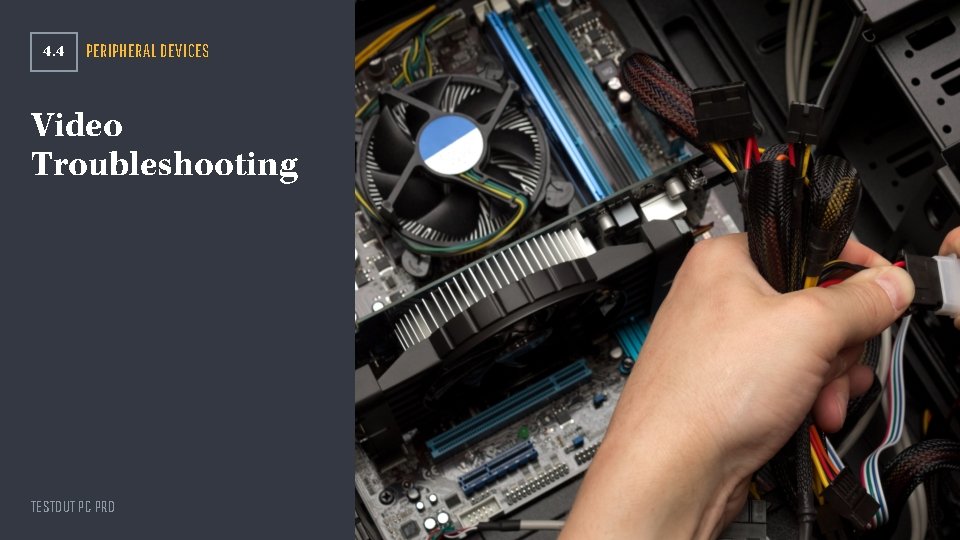
4. 4 PERIPHERAL DEVICES Video Troubleshooting TESTOUT PC PRO
Section Skill Overview Troubleshoot monitors with no display Troubleshoot monitors displaying in VGA mode Troubleshoot monitor thermal shutdown Determine the native resolution for an LCD monitor Troubleshoot backlight issues on LCD monitors Fix dead or stuck pixels on an LCD monitor Reduce remote image retention (burn-in) TESTOUT PC PRO

Key Terms Artifact Burn-in Codec Video Graphics Array (VGA) mode TESTOUT PC PRO
Key Definitions Artifact: Part of an image that stays on-screen after the rest of the image has left. Burn-in: Also known as image retention (IR), burn-in is when an image is displayed on a screen for too long and becomes permanently stuck. Codec: A file format. Video Graphics Array (VGA) mode: A simplified startup mode that can help you troubleshoot video card issues that interrupt Windows OS functions. TESTOUT PC PRO

No Display - Basic Issues Computer powered on? Monitor plugged in and powered on? Monitor connected to video board? Monitor not in power-save mode? TESTOUT PC PRO

No Display - More Complex Issues Failed monitor power supply Failed video board Damaged video cable Video board jostled out of its slot TESTOUT PC PRO
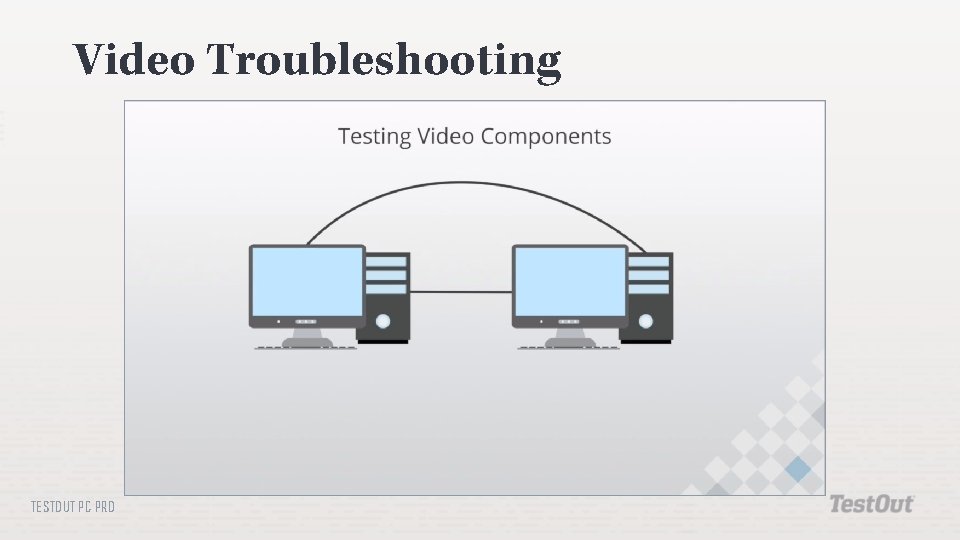
Video Troubleshooting TESTOUT PC PRO
Video Board Issues ESD damage Overheating Video board forced out of its slot TESTOUT PC PRO

Video Cable Issues Incompatible connectors Damaged cable Damaged connectors TESTOUT PC PRO
VGA Mode Errors Bad or missing driver Safe Mode TESTOUT PC PRO
Thermal Shutdown Control the environmental temperature Keep cooling vents clear TESTOUT PC PRO
Color Calibration Use the monitor’s native resolution Set the color depth to 32 bits Let the monitor reach operating temperature Print out a color image TESTOUT PC PRO
Dim Image Misconfigured brightness setting Malfunctioning backlight Burnt out CFL Malfunctioning inverter TESTOUT PC PRO
Flickering Image Failing CFL Failing inverter TESTOUT PC PRO
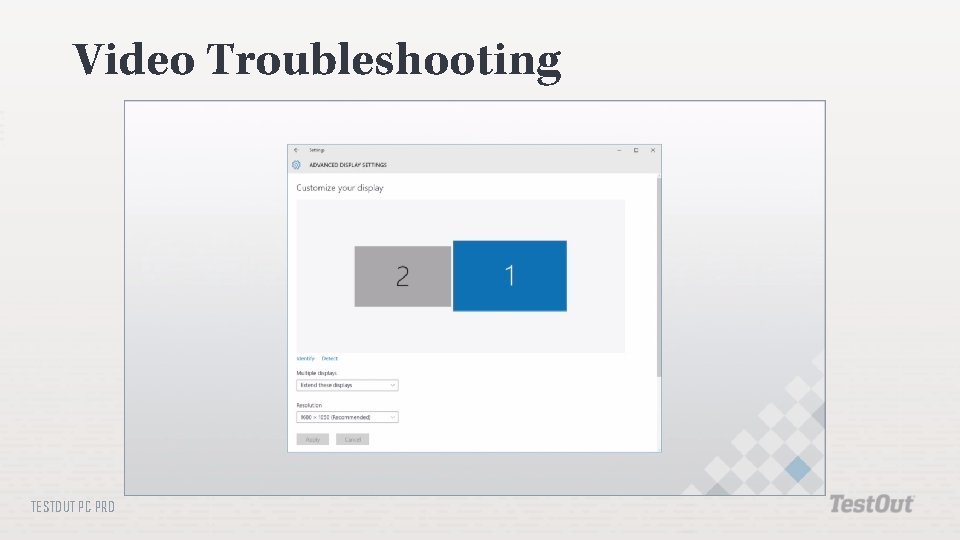
Video Troubleshooting TESTOUT PC PRO

Distorted Display Set the video board to the native resolution of the monitor TESTOUT PC PRO
Dead or Stuck Pixels Finger pressure Software TESTOUT PC PRO
Class Discussion What components comprise the video system in a PC? What can cause no output on a video monitor? The output on a video monitor is displayed in VGA mode. What could cause this? A monitor suddenly shuts off during use. What could cause this? What can cause the output of an LCD to look pixilated and chunky? What are some causes of a dim LCD screen? What setting can be changed to stop an LCD from flickering? How can you remove image retention on a plasma display? An LCD monitor has dead and stuck pixels. How can you fix this issue? What setting can affect the size of images and icons? TESTOUT PC PRO
- Slides: 18