
3 Formal models for design details of conceptual

![Key-stroke level model, example Direct manipulation editor “Bravo” • take mouse H[mouse] • point](https://slidetodoc.com/presentation_image_h/2cf0d6a51c57a8b01851140ac37f6ddb/image-20.jpg "Key-stroke level model, example Direct manipulation editor “Bravo” • take mouse H[mouse] • point")
- Slides: 26
3. Formal models for design: details of conceptual modeling The modeling zoo of HCI (Streitz) Competence models Process models Dialogue models
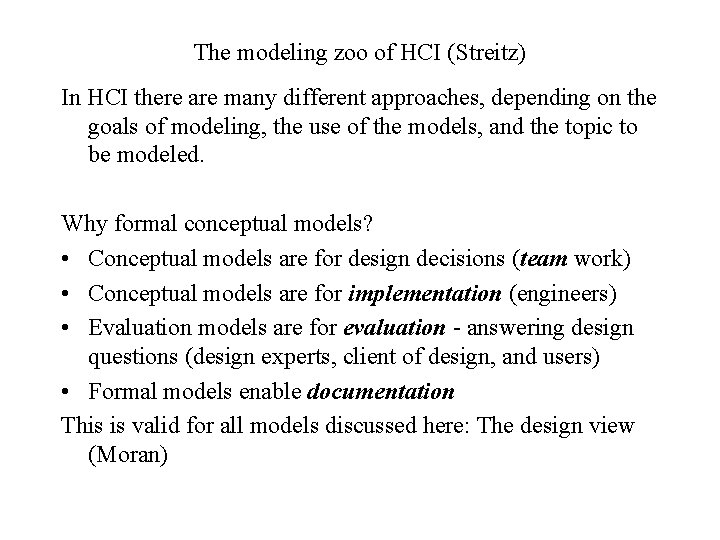
The modeling zoo of HCI (Streitz) In HCI there are many different approaches, depending on the goals of modeling, the use of the models, and the topic to be modeled. Why formal conceptual models? • Conceptual models are for design decisions (team work) • Conceptual models are for implementation (engineers) • Evaluation models are for evaluation - answering design questions (design experts, client of design, and users) • Formal models enable documentation This is valid for all models discussed here: The design view (Moran)
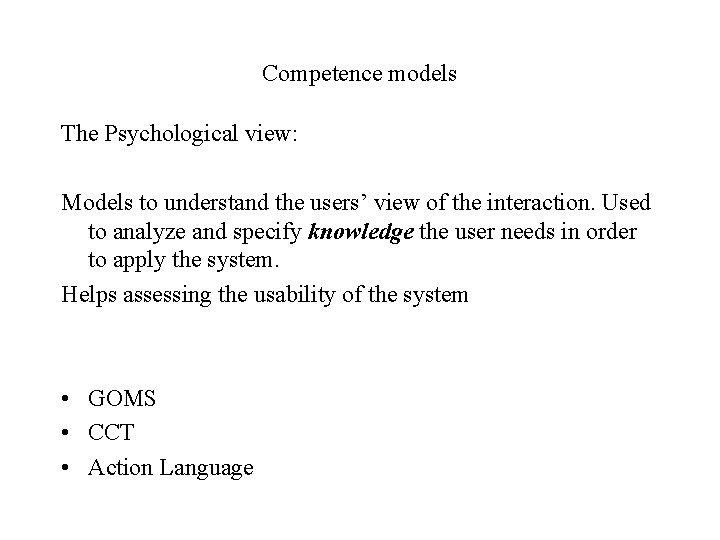
Competence models The Psychological view: Models to understand the users’ view of the interaction. Used to analyze and specify knowledge the user needs in order to apply the system. Helps assessing the usability of the system • GOMS • CCT • Action Language
GOMS Card, Moran, Newell: • simulation of interaction • simplification of cognitive processes • prototype user • • goals operators methods selection rules
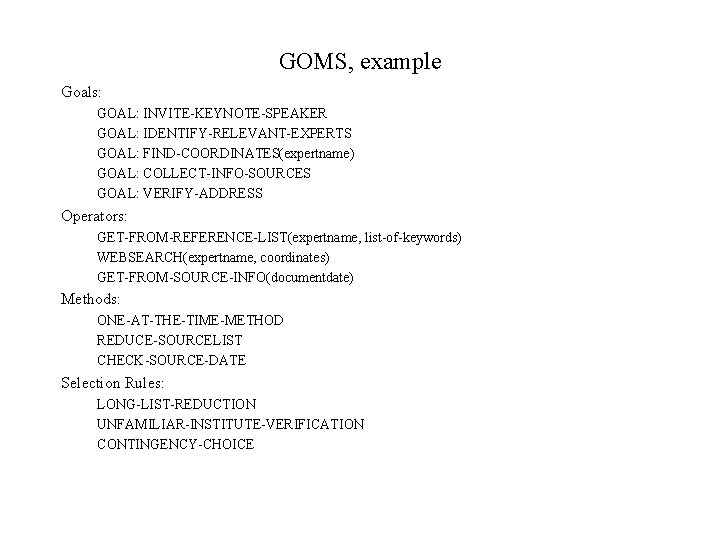
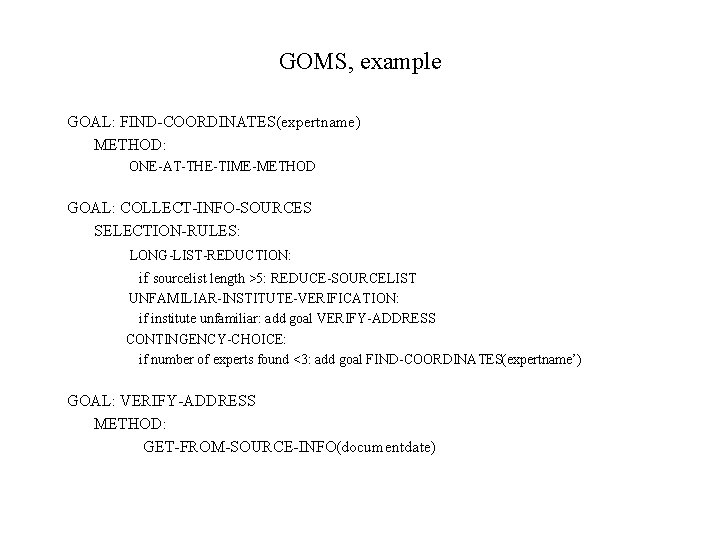
GOMS, example Goals: GOAL: INVITE-KEYNOTE-SPEAKER GOAL: IDENTIFY-RELEVANT-EXPERTS GOAL: FIND-COORDINATES(expertname) GOAL: COLLECT-INFO-SOURCES GOAL: VERIFY-ADDRESS Operators: GET-FROM-REFERENCE-LIST(expertname, list-of-keywords) WEBSEARCH(expertname, coordinates) GET-FROM-SOURCE-INFO(documentdate) Methods: ONE-AT-THE-TIME-METHOD REDUCE-SOURCELIST CHECK-SOURCE-DATE Selection Rules: LONG-LIST-REDUCTION UNFAMILIAR-INSTITUTE-VERIFICATION CONTINGENCY-CHOICE
GOMS, example GOAL: FIND-COORDINATES(expertname) METHOD: ONE-AT-THE-TIME-METHOD GOAL: COLLECT-INFO-SOURCES SELECTION-RULES: LONG-LIST-REDUCTION: if sourcelist length >5: REDUCE-SOURCELIST UNFAMILIAR-INSTITUTE-VERIFICATION: if institute unfamiliar: add goal VERIFY-ADDRESS CONTINGENCY-CHOICE: if number of experts found <3: add goal FIND-COORDINATES(expertname’) GOAL: VERIFY-ADDRESS METHOD: GET-FROM-SOURCE-INFO(documentdate)
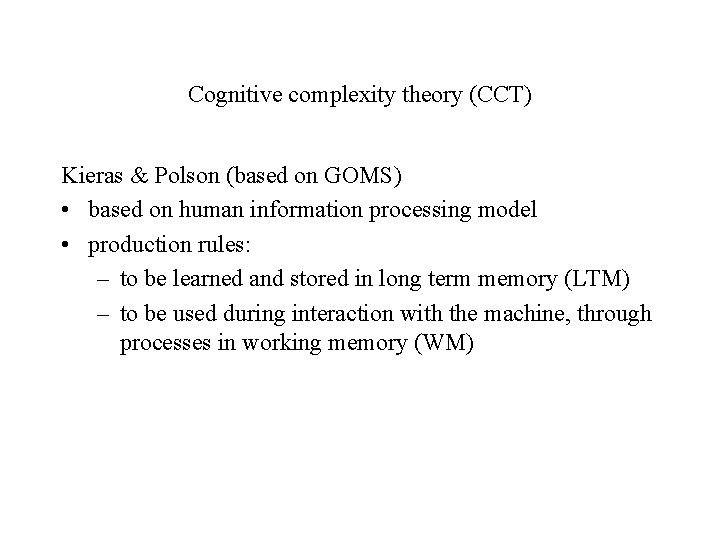
Cognitive complexity theory (CCT) Kieras & Polson (based on GOMS) • based on human information processing model • production rules: – to be learned and stored in long term memory (LTM) – to be used during interaction with the machine, through processes in working memory (WM)
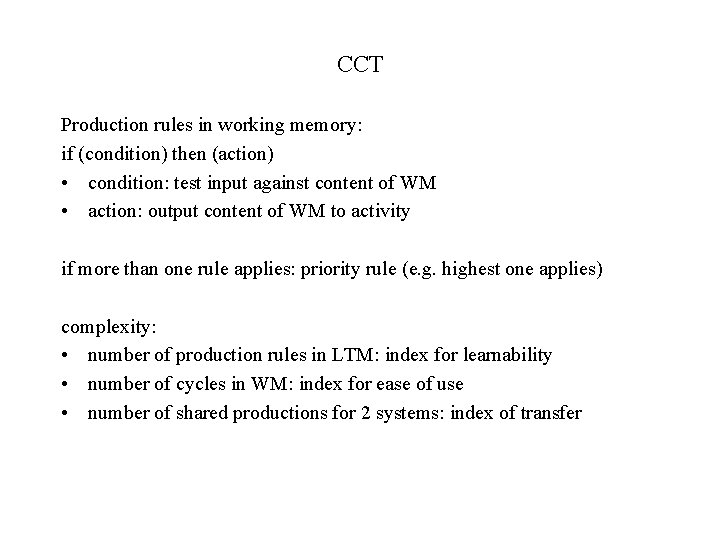
CCT Production rules in working memory: if (condition) then (action) • condition: test input against content of WM • action: output content of WM to activity if more than one rule applies: priority rule (e. g. highest one applies) complexity: • number of production rules in LTM: index for learnability • number of cycles in WM: index for ease of use • number of shared productions for 2 systems: index of transfer
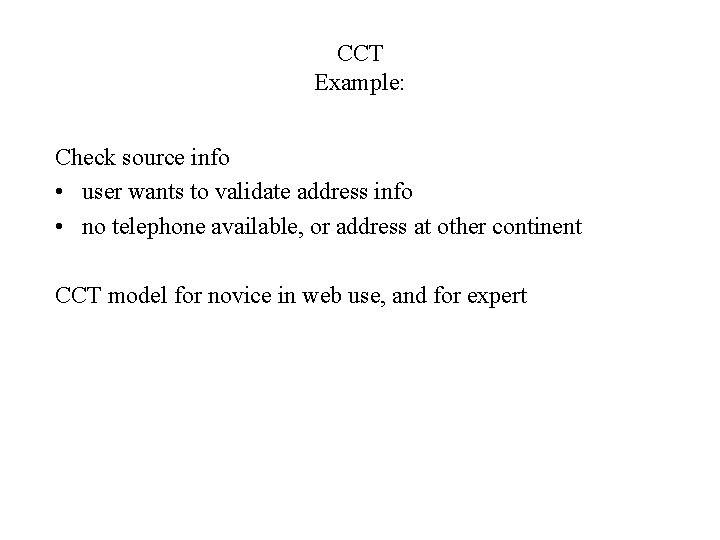
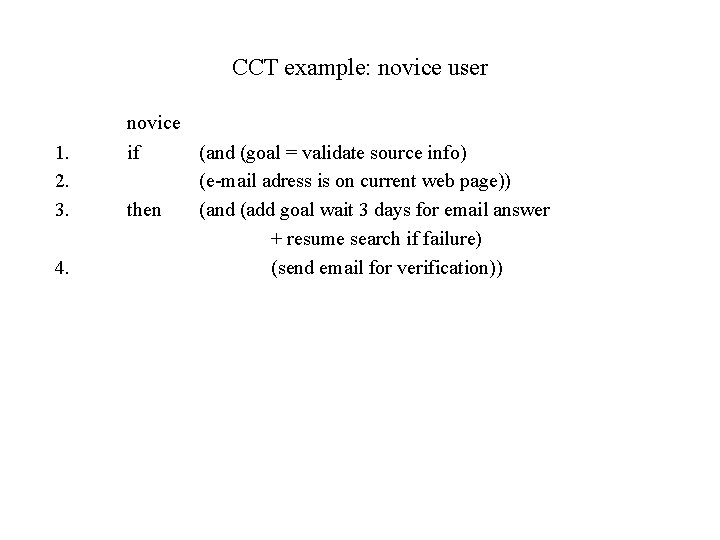
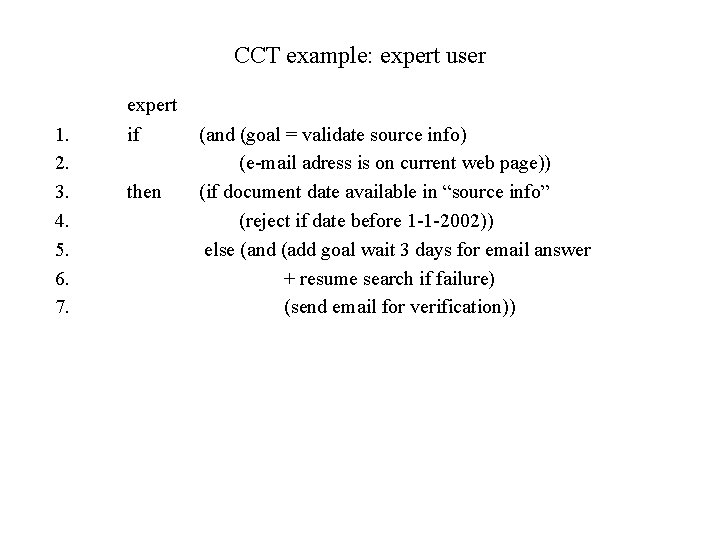
CCT Example: Check source info • user wants to validate address info • no telephone available, or address at other continent CCT model for novice in web use, and for expert
CCT example: novice user 1. 2. 3. 4. novice if (and (goal = validate source info) (e-mail adress is on current web page)) then (and (add goal wait 3 days for email answer + resume search if failure) (send email for verification))
CCT example: expert user 1. 2. 3. 4. 5. 6. 7. expert if then (and (goal = validate source info) (e-mail adress is on current web page)) (if document date available in “source info” (reject if date before 1 -1 -2002)) else (and (add goal wait 3 days for email answer + resume search if failure) (send email for verification))
Action Language Reisner “Psychological BNF” • analysis focuses on user behavior and communication • attention on human knowledge and knowledge sources
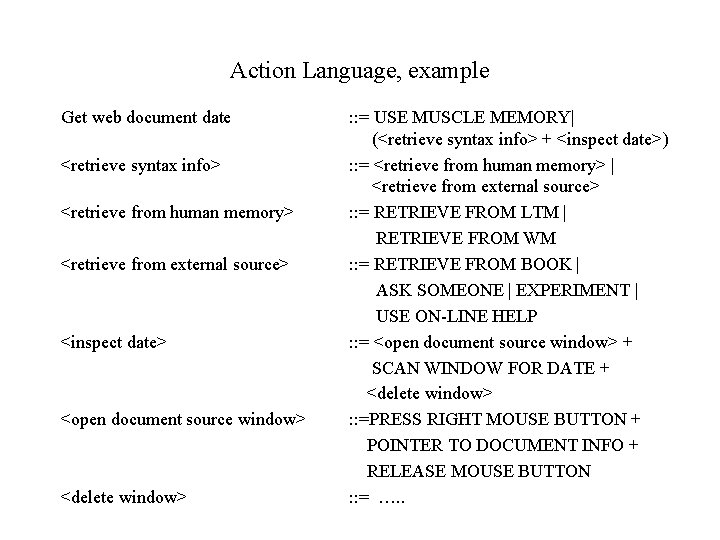
Action Language, example Get web document date <retrieve syntax info> <retrieve from human memory> <retrieve from external source> <inspect date> <open document source window> <delete window> : : = USE MUSCLE MEMORY| (<retrieve syntax info> + <inspect date>) : : = <retrieve from human memory> | <retrieve from external source> : : = RETRIEVE FROM LTM | RETRIEVE FROM WM : : = RETRIEVE FROM BOOK | ASK SOMEONE | EXPERIMENT | USE ON-LINE HELP : : = <open document source window> + SCAN WINDOW FOR DATE + <delete window> : : =PRESS RIGHT MOUSE BUTTON + POINTER TO DOCUMENT INFO + RELEASE MOUSE BUTTON : : = …. .
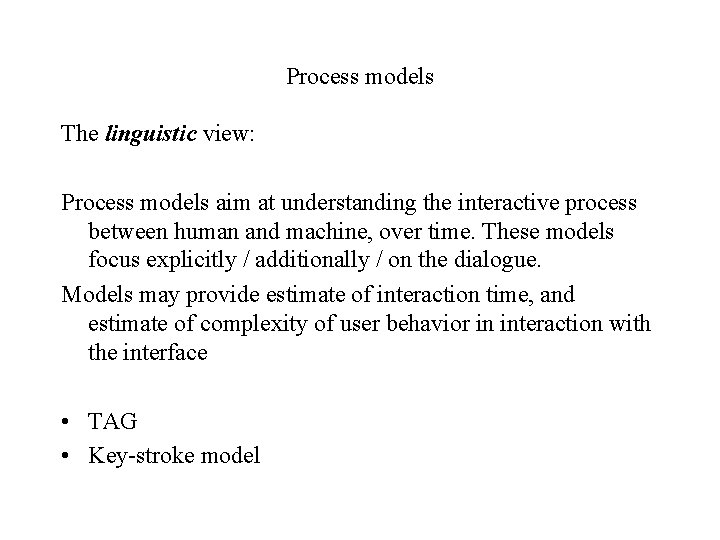
Process models The linguistic view: Process models aim at understanding the interactive process between human and machine, over time. These models focus explicitly / additionally / on the dialogue. Models may provide estimate of interaction time, and estimate of complexity of user behavior in interaction with the interface • TAG • Key-stroke model
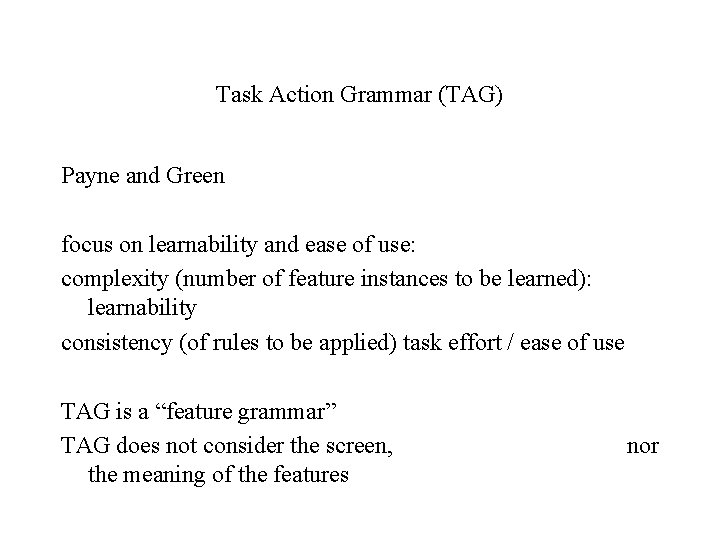
Task Action Grammar (TAG) Payne and Green focus on learnability and ease of use: complexity (number of feature instances to be learned): learnability consistency (of rules to be applied) task effort / ease of use TAG is a “feature grammar” TAG does not consider the screen, the meaning of the features nor
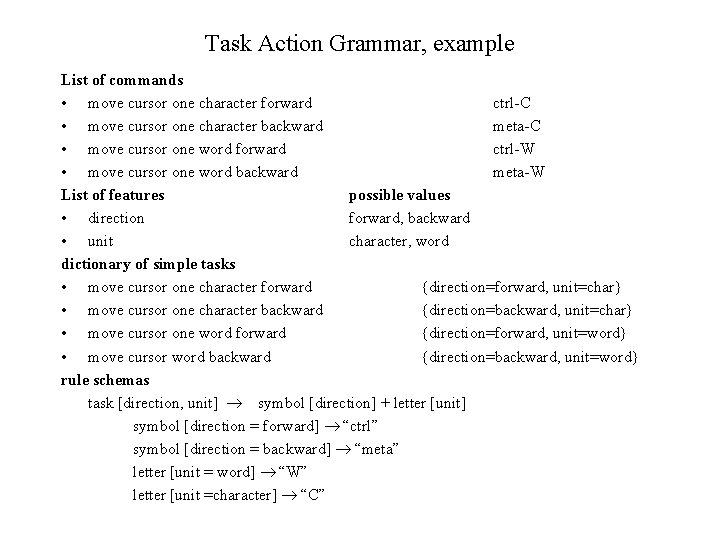
Task Action Grammar, example List of commands • move cursor one character forward ctrl-C • move cursor one character backward meta-C • move cursor one word forward ctrl-W • move cursor one word backward meta-W List of features possible values • direction forward, backward • unit character, word dictionary of simple tasks • move cursor one character forward {direction=forward, unit=char} • move cursor one character backward {direction=backward, unit=char} • move cursor one word forward {direction=forward, unit=word} • move cursor word backward {direction=backward, unit=word} rule schemas task [direction, unit] symbol [direction] + letter [unit] symbol [direction = forward] “ctrl” symbol [direction = backward] “meta” letter [unit = word] “W” letter [unit =character] “C”
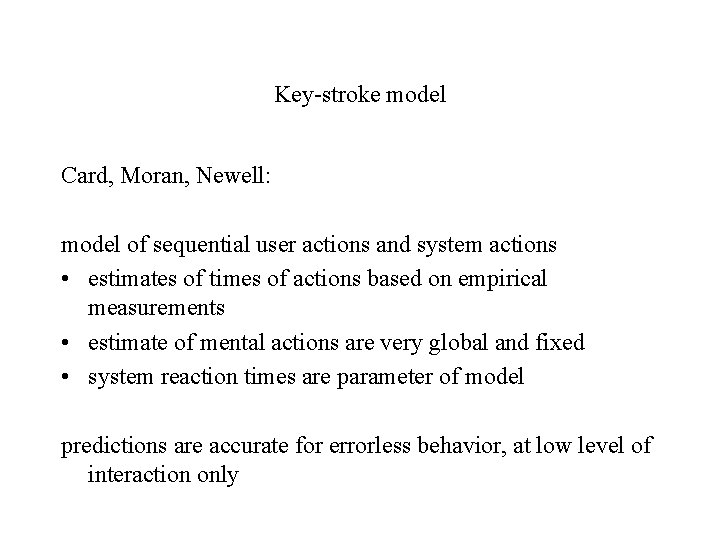
Key-stroke model Card, Moran, Newell: model of sequential user actions and system actions • estimates of times of actions based on empirical measurements • estimate of mental actions are very global and fixed • system reaction times are parameter of model predictions are accurate for errorless behavior, at low level of interaction only
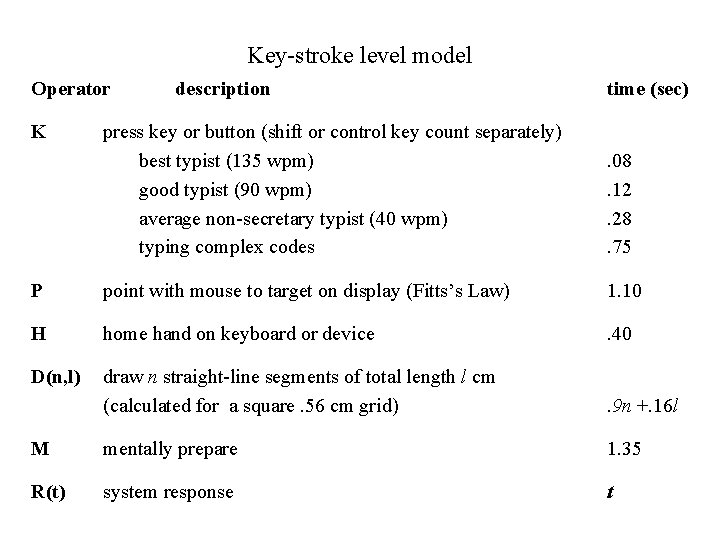
Key-stroke level model Operator K description time (sec) press key or button (shift or control key count separately) best typist (135 wpm) good typist (90 wpm) average non-secretary typist (40 wpm) typing complex codes . 08. 12. 28. 75 P point with mouse to target on display (Fitts’s Law) 1. 10 H home hand on keyboard or device . 40 D(n, l) draw n straight-line segments of total length l cm (calculated for a square. 56 cm grid) . 9 n +. 16 l M mentally prepare 1. 35 R(t) system response t
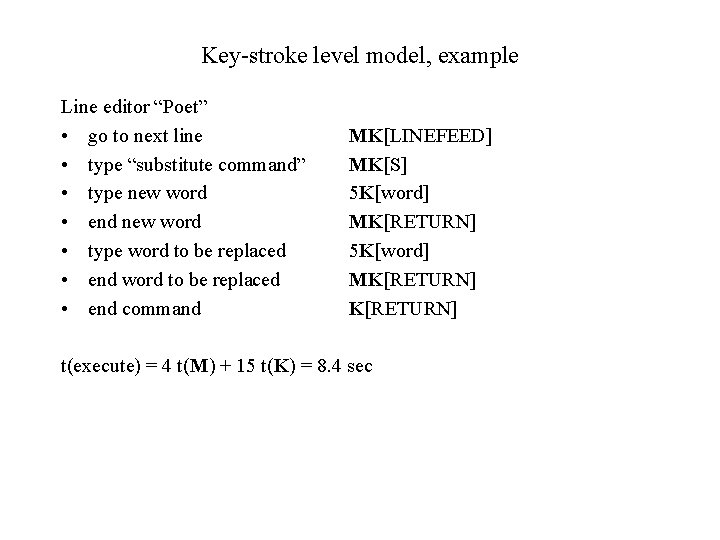
Key-stroke level model, example Line editor “Poet” • go to next line • type “substitute command” • type new word • end new word • type word to be replaced • end command MK[LINEFEED] MK[S] 5 K[word] MK[RETURN] t(execute) = 4 t(M) + 15 t(K) = 8. 4 sec
Key-stroke level model, example Direct manipulation editor “Bravo” • take mouse H[mouse] • point word to be replaced P[word] • select word K[yellow] • hand to keyboard H[keyboard] • type “replace” command MK[R] • type new word 5 K[word] • end new word MK[ESC] t(execute) = 2 t(M) + 8 t(K) + 2 t(H) + t(P) = 6. 2 sec
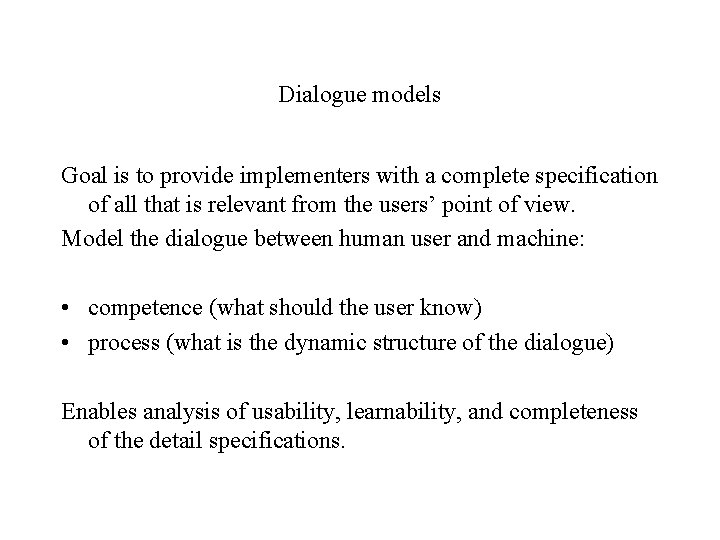
Dialogue models Goal is to provide implementers with a complete specification of all that is relevant from the users’ point of view. Model the dialogue between human user and machine: • competence (what should the user know) • process (what is the dynamic structure of the dialogue) Enables analysis of usability, learnability, and completeness of the detail specifications.
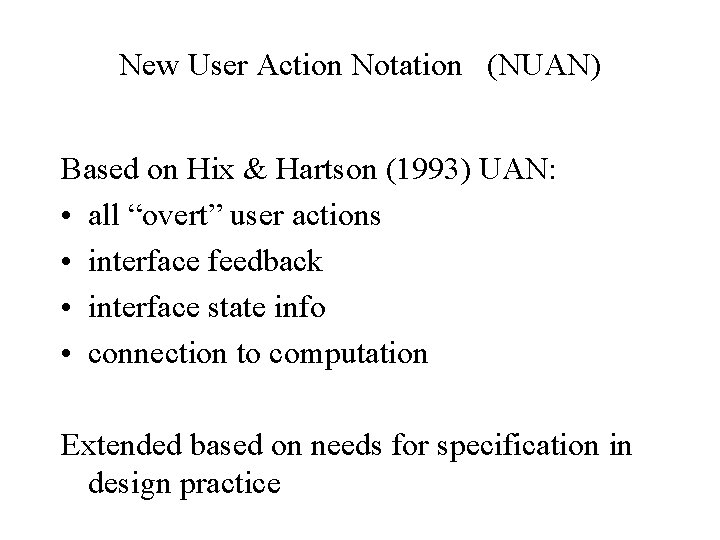
New User Action Notation (NUAN) Based on Hix & Hartson (1993) UAN: • all “overt” user actions • interface feedback • interface state info • connection to computation Extended based on needs for specification in design practice
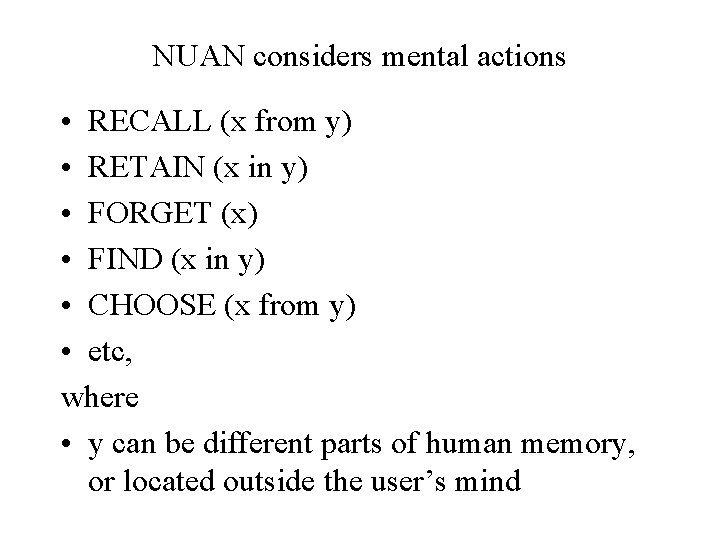
NUAN considers mental actions • RECALL (x from y) • RETAIN (x in y) • FORGET (x) • FIND (x in y) • CHOOSE (x from y) • etc, where • y can be different parts of human memory, or located outside the user’s mind
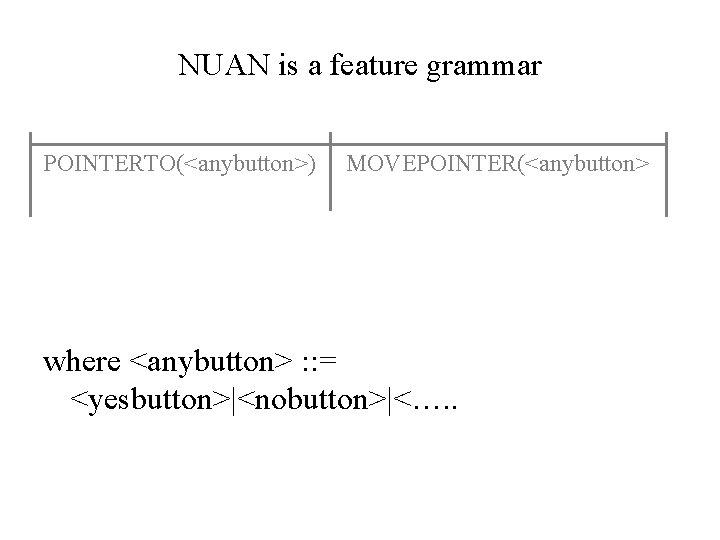
NUAN is a feature grammar POINTERTO(<anybutton>) MOVEPOINTER(<anybutton> where <anybutton> : : = <yesbutton>|<nobutton>|<…. .
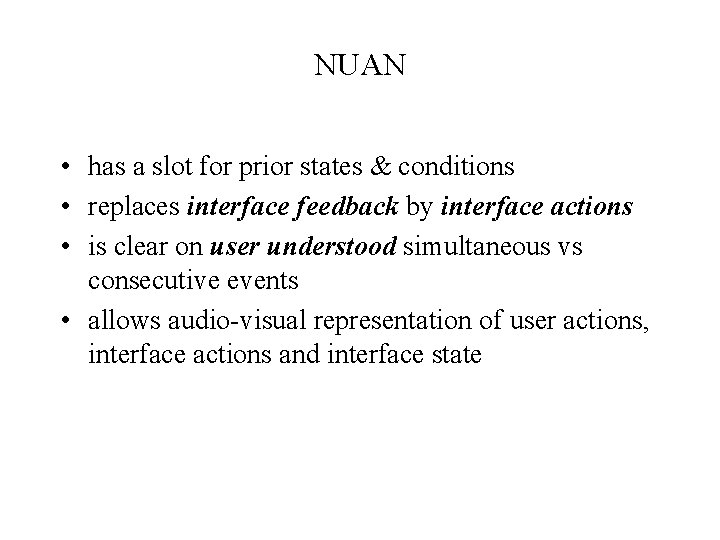
NUAN • has a slot for prior states & conditions • replaces interface feedback by interface actions • is clear on user understood simultaneous vs consecutive events • allows audio-visual representation of user actions, interface actions and interface state
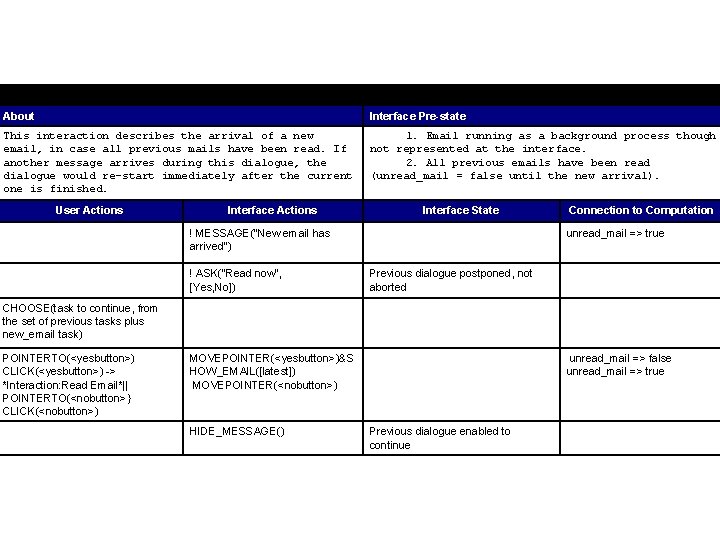
Interaction: New Email About Interface Pre-state This interaction describes the arrival of a new email, in case all previous mails have been read. If another message arrives during this dialogue, the dialogue would re-start immediately after the current one is finished. 1. Email running as a background process though not represented at the interface. 2. All previous emails have been read (unread_mail = false until the new arrival). User Actions Interface State ! MESSAGE("New email has arrived") ! ASK("Read now", [Yes, No]) Connection to Computation unread_mail => true Previous dialogue postponed, not aborted CHOOSE(task to continue, from the set of previous tasks plus new_email task) POINTERTO(<yesbutton>) CLICK(<yesbutton>) -> *Interaction: Read Email*|| POINTERTO(<nobutton>} CLICK(<nobutton>) MOVEPOINTER(<yesbutton>)&S HOW_EMAIL([latest]) MOVEPOINTER(<nobutton>) HIDE_MESSAGE() unread_mail => false unread_mail => true Previous dialogue enabled to continue