
3 1 3 Program Flow control Structured programming
- Slides: 17
3. 1. 3 Program Flow control Structured programming – SELECTION in greater detail
What were the 3 building blocks of structured programming?
Lesson outcomes • Be able to describe the basic building blocks of coded solutions in particular - SELECTION • Be able to write create flow charts and pseudocode to represent SELECTION when solving a problem.
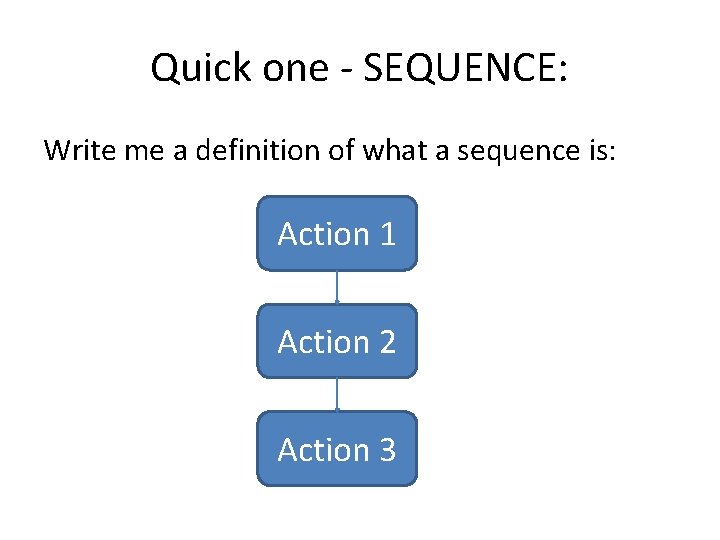
Quick one - SEQUENCE: Write me a definition of what a sequence is: Action 1 Action 2 Action 3
SELECTION • Go on – what is it ?
SELECTION Selection or ‘conditional statements’ IF When using the statement, we test to see if one condition is true or false. It will only execute if the condition is TRUE
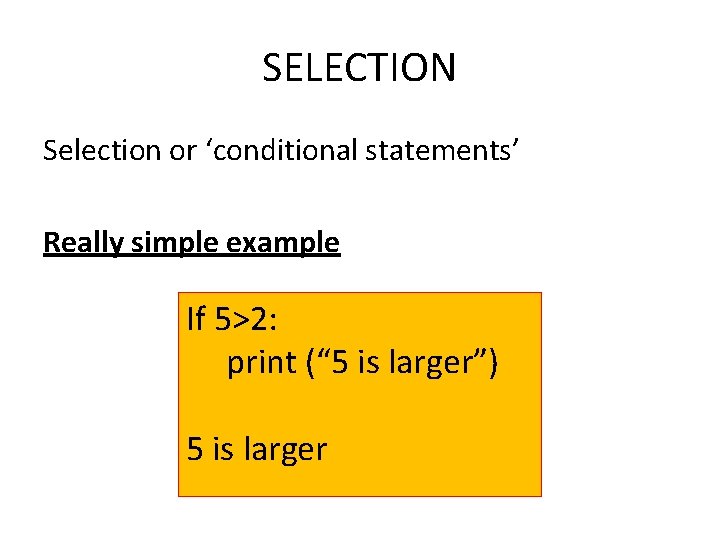
SELECTION Selection or ‘conditional statements’ Really simple example If 5>2: print (“ 5 is larger”) 5 is larger
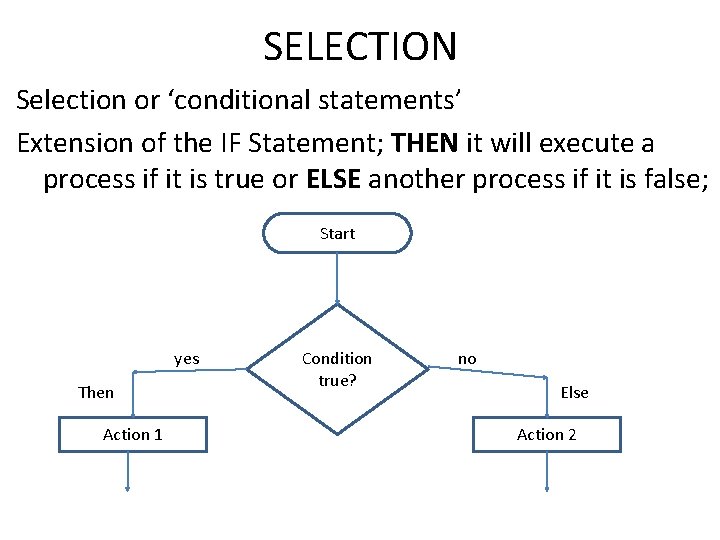
SELECTION Selection or ‘conditional statements’ Extension of the IF Statement; THEN it will execute a process if it is true or ELSE another process if it is false; Start yes Then Action 1 Condition true? no Else Action 2
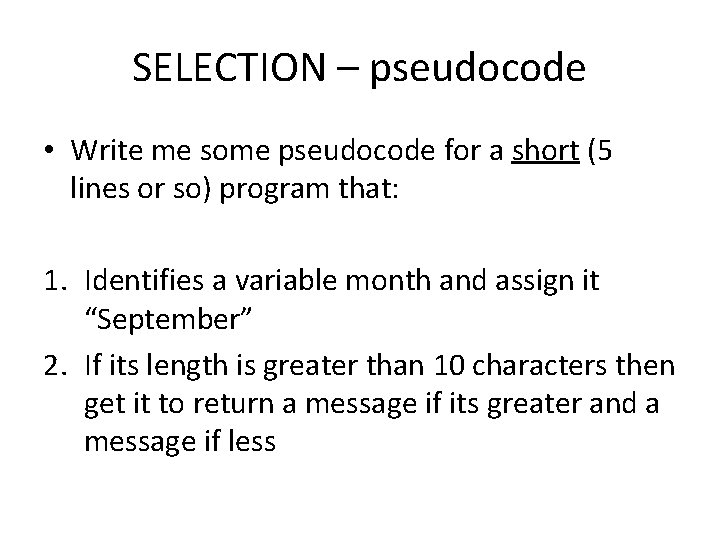
SELECTION – pseudocode • Write me some pseudocode for a short (5 lines or so) program that: 1. Identifies a variable month and assign it “September” 2. If its length is greater than 10 characters then get it to return a message if its greater and a message if less
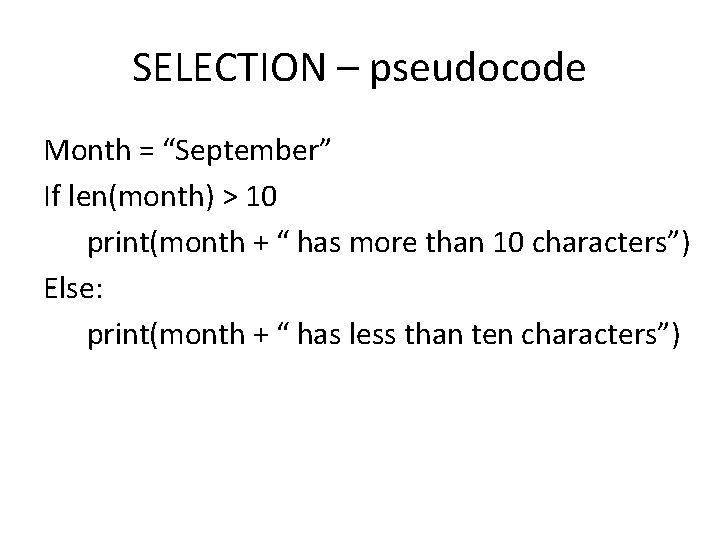
SELECTION – pseudocode Month = “September” If len(month) > 10 print(month + “ has more than 10 characters”) Else: print(month + “ has less than ten characters”)
In the exam 2015 • Why are we writing this sir? • Because we are designing and planning NOT creating the code. • You must be able to express ideas using pseudocode. You will be asked
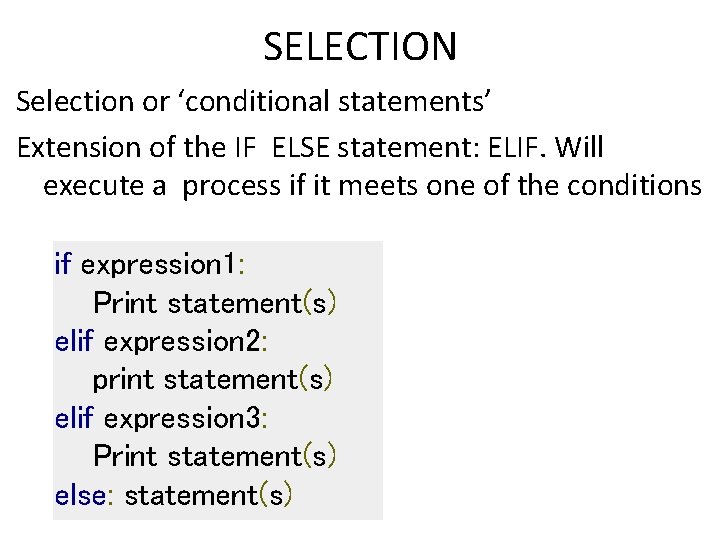
SELECTION Selection or ‘conditional statements’ Extension of the IF ELSE statement: ELIF. Will execute a process if it meets one of the conditions if expression 1: Print statement(s) elif expression 2: print statement(s) elif expression 3: Print statement(s) else: statement(s)
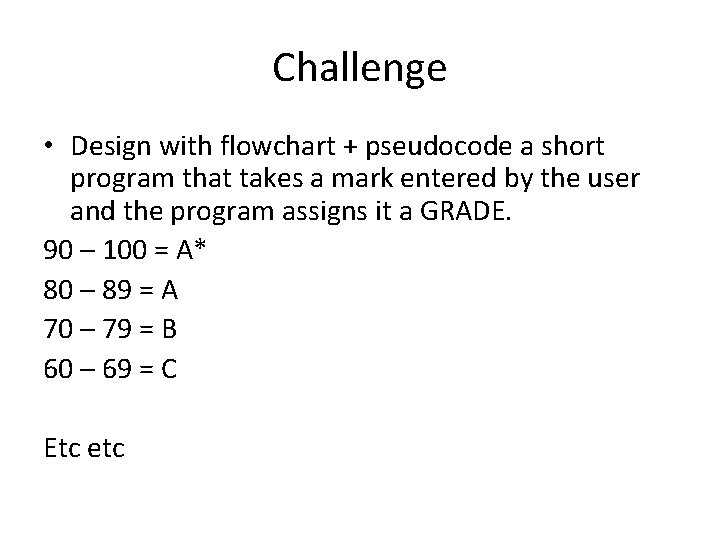
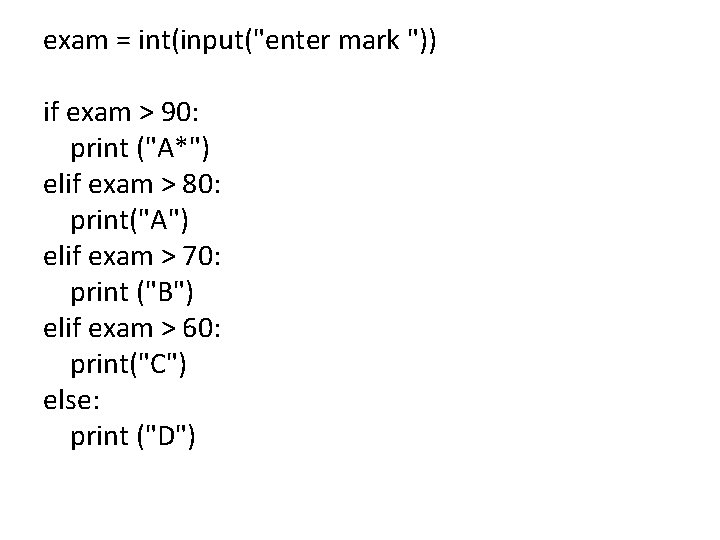
Challenge • Design with flowchart + pseudocode a short program that takes a mark entered by the user and the program assigns it a GRADE. 90 – 100 = A* 80 – 89 = A 70 – 79 = B 60 – 69 = C Etc etc
Give your solution to another person: • Can they create the program you have written?
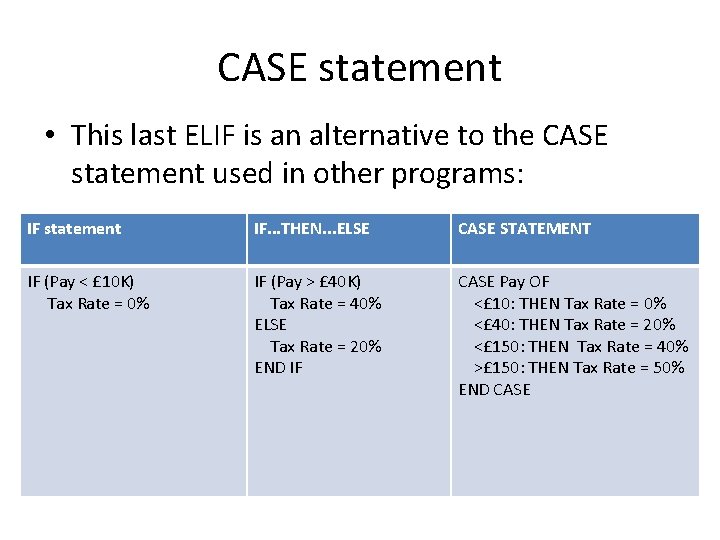
CASE statement • This last ELIF is an alternative to the CASE statement used in other programs: IF statement IF. . . THEN. . . ELSE CASE STATEMENT IF (Pay < £ 10 K) Tax Rate = 0% IF (Pay > £ 40 K) Tax Rate = 40% ELSE Tax Rate = 20% END IF CASE Pay OF <£ 10: THEN Tax Rate = 0% <£ 40: THEN Tax Rate = 20% <£ 150: THEN Tax Rate = 40% >£ 150: THEN Tax Rate = 50% END CASE
Keywords and terms in this lesson • • Selection IF IF. . . THEN. . . ELSE ELIF or CASE
exam = int(input("enter mark ")) if exam > 90: print ("A*") elif exam > 80: print("A") elif exam > 70: print ("B") elif exam > 60: print("C") else: print ("D")