
3 00 Understanding the Adobe Dreamweaver interface 12

3. 00 Understanding the Adobe Dreamweaver interface. (12%)
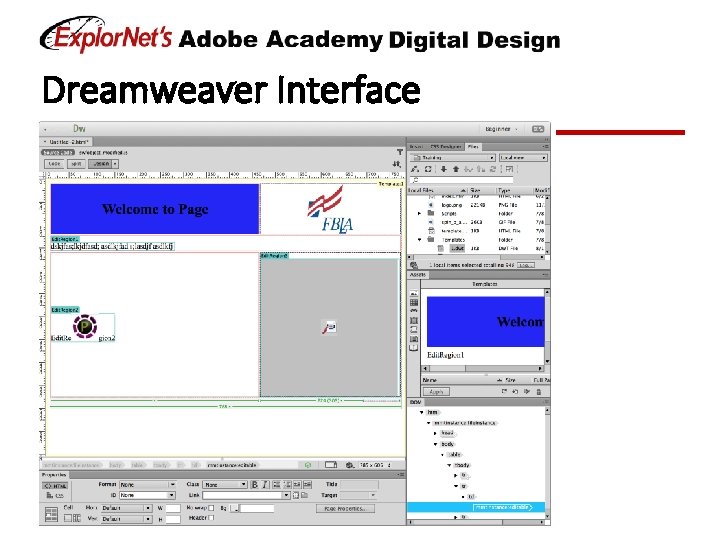
Dreamweaver Interface
Panels in Design View q Design Panel ☐ Code View ☐ Split View q Files Panel q Insert Panel q Property Inspector
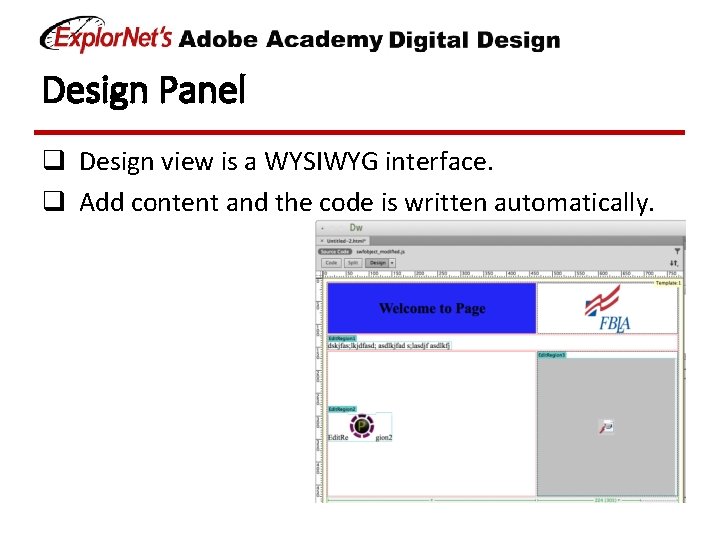
Design Panel q Design view is a WYSIWYG interface. q Add content and the code is written automatically.
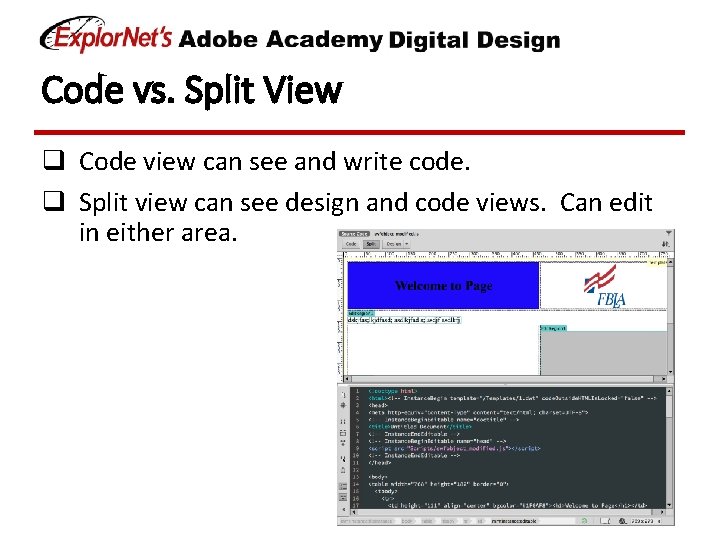
Code vs. Split View q Code view can see and write code. q Split view can see design and code views. Can edit in either area.
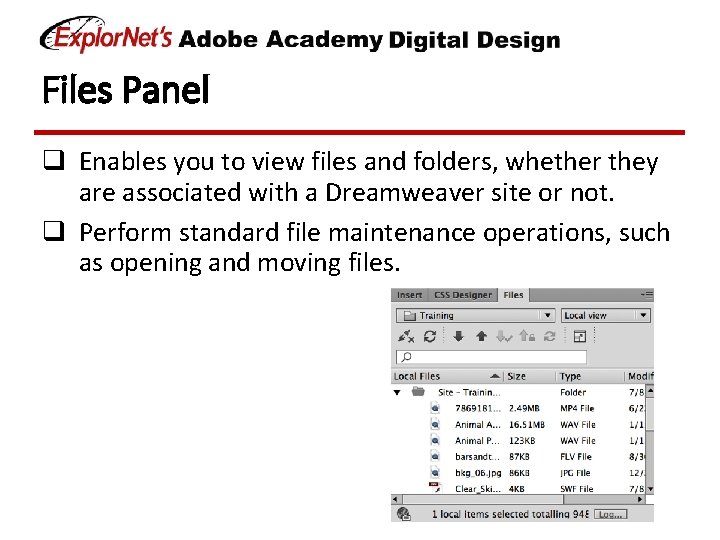
Files Panel q Enables you to view files and folders, whether they are associated with a Dreamweaver site or not. q Perform standard file maintenance operations, such as opening and moving files.
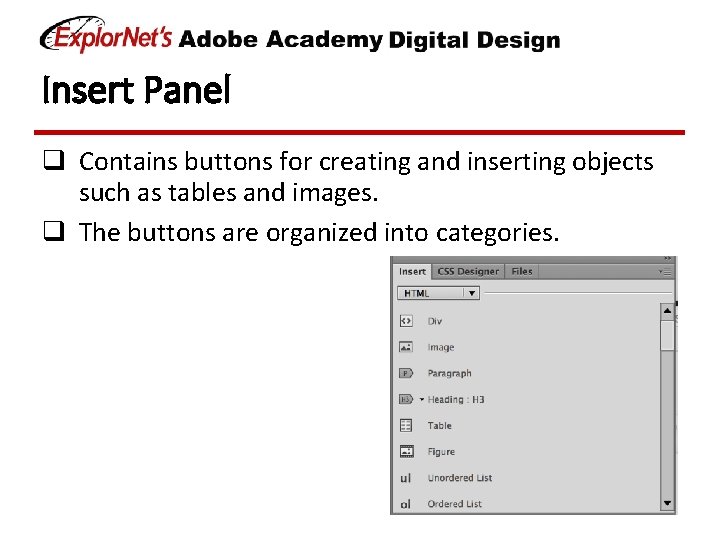
Insert Panel q Contains buttons for creating and inserting objects such as tables and images. q The buttons are organized into categories.
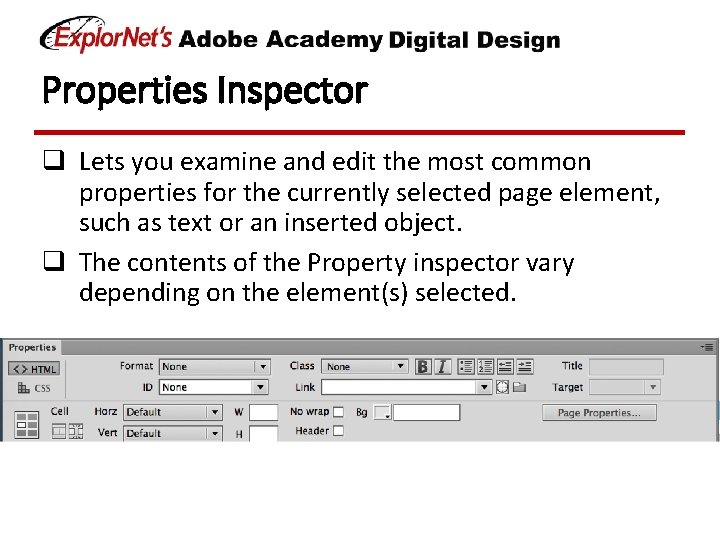
Properties Inspector q Lets you examine and edit the most common properties for the currently selected page element, such as text or an inserted object. q The contents of the Property inspector vary depending on the element(s) selected.
Customize Workspace q Your Dreamweaver workspace can be changed to best meet your needs as a designer. ☐ Change document views ☐ Rearrange/resize windows and panels ☐ Add or remove tools on toolbar ☐ Create and save custom workspace q These same techniques can be used to customize other Adobe software.
- Slides: 9