
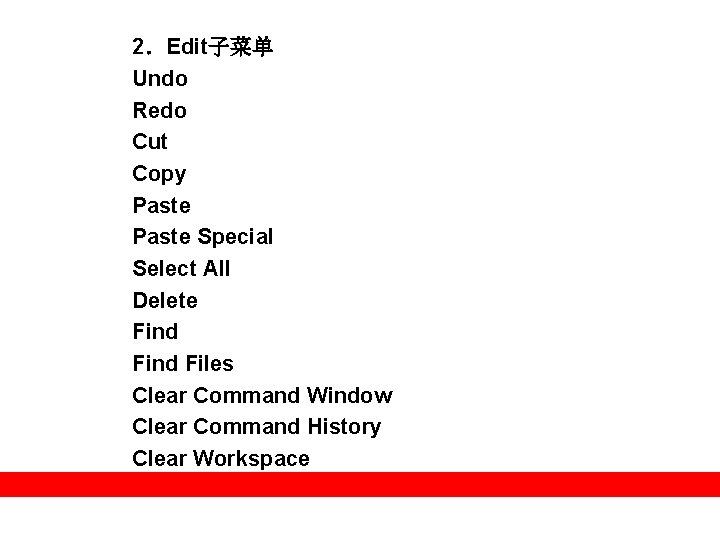
2Edit Undo Redo Cut Copy Paste Special Select


- Slides: 26
2.Edit子菜单 Undo Redo Cut Copy Paste Special Select All Delete Find Files Clear Command Window Clear Command History Clear Workspace
3.Debug子菜单 Open M-Files when Debugging Step in Step out Continue Clear Breakpoints in All Files Stop if Errors/Warnings Exit Debug Mode
4.Desktop子菜单 “Unluck Current Directory”菜单项 “Desktop Layout”菜单项 “Save Layout”菜单项 “Command Window”菜单项 “Command History”菜单项 “Current Directory”菜单项 “Workspace”菜单项 “Help”菜单项 “Profiler”菜单项 “Toolbar”菜单项 “Shortcuts Toolbar”菜单项 “Title”菜单项
5.Window子菜单 “Close All Documents”菜单项 “ 0 Command Window”菜单项 “ 1 Command History”菜单项 “ 2 Current Directory”菜单项 “ 3 Workspace”菜单项
6.Help子菜单 “Full Product Family Help”菜单项 “MATLAB Help”菜单项 “Using the Desktop”菜单项 “Using the Command Window”菜单项 “Web Source”菜单项 “Check for Updates”菜单项 “Demos”菜单项 “About MATLAB”菜单项
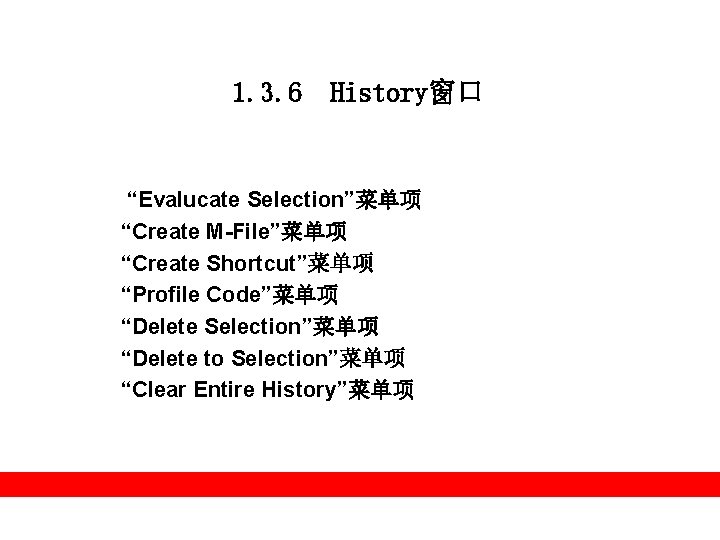
1. 3. 6 History窗口 “Evalucate Selection”菜单项 “Create M-File”菜单项 “Create Shortcut”菜单项 “Profile Code”菜单项 “Delete Selection”菜单项 “Delete to Selection”菜单项 “Clear Entire History”菜单项