
243 Case Study Integrating Cyber Query with a
243: Case Study: Integrating Cyber. Query with a SAAS Application Paul Bouscaren, Outlook Park Holdings
Introduction: Who am I and why are YOU here? 2
243: Case Study: Integrating Cyber. Query with a SAAS Application § Paul Bouscaren – Career Highlights • Bachelor of Science in Computer Science from California State University at Dominguez Hills • Minor in Philosophy • Bluebird Systems (Auto Rental Division) Programmer/Analyst 1988 -1992 (Business Basic) • Bluebird Auto Rental Systems Programmer/Analyst 1994 -1998 (Business Basic/Progress *) • Mitzi International Handbags Programmer/Analyst (EDI) 2001 -2008 (Progress CHUI) • Bluebird Auto Rental Systems Programmer/Analyst 2008 -2014 (Progress) • Senior Programmer/Analyst Contractor 2014 -present (Progress) – World Courier SAP integration project 3
243: Case Study: Integrating Cyber. Query with a SAAS Application § Next, a few words from my silent sponsor, Bluebird Auto Rental Systems • Rent. Works is the premier Auto Rental business software solution • It was brilliantly conceived and executed by a group of dedicated individuals who probably don’t even know how good they are, and how capable , advanced, and well-designed the system and programming really is. And, I have to say that as someone who has been ‘out in the market’. • Without Bluebird’s assent and assistance, this presentation would have been far less possible! • Please say ‘Hello’ to my former coworker and still-current friend, Elfi Quitt § Finally, let me be sure to mention Mike Main and Jeff Willson from Cyber. Science, without the help of whom, again, this presentation would have been far less § And the good folks at Progress Software and Bravepoint. 4
Why a third-party reporting solution? 5
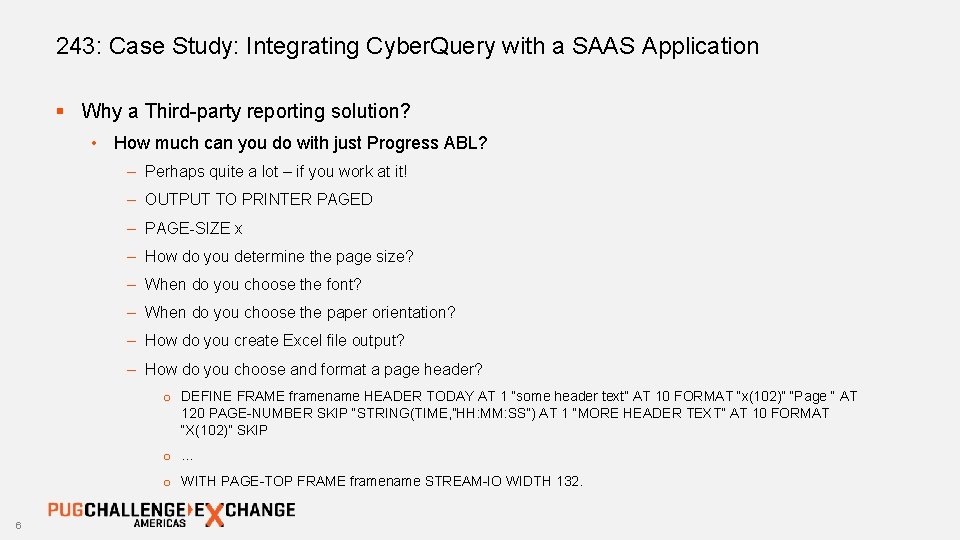
243: Case Study: Integrating Cyber. Query with a SAAS Application § Why a Third-party reporting solution? • How much can you do with just Progress ABL? – Perhaps quite a lot – if you work at it! – OUTPUT TO PRINTER PAGED – PAGE-SIZE x – How do you determine the page size? – When do you choose the font? – When do you choose the paper orientation? – How do you create Excel file output? – How do you choose and format a page header? o DEFINE FRAME framename HEADER TODAY AT 1 “some header text” AT 10 FORMAT “x(102)” “Page “ AT 120 PAGE-NUMBER SKIP “STRING(TIME, ”HH: MM: SS”) AT 1 “MORE HEADER TEXT” AT 10 FORMAT “X(102)” SKIP o … o WITH PAGE-TOP FRAME framename STREAM-IO WIDTH 132. 6
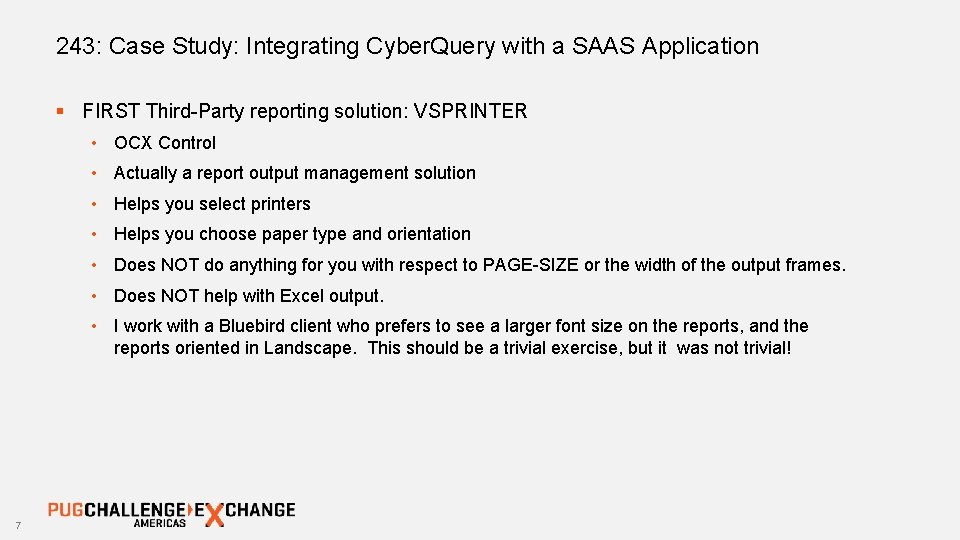
243: Case Study: Integrating Cyber. Query with a SAAS Application § FIRST Third-Party reporting solution: VSPRINTER • OCX Control • Actually a report output management solution • Helps you select printers • Helps you choose paper type and orientation • Does NOT do anything for you with respect to PAGE-SIZE or the width of the output frames. • Does NOT help with Excel output. • I work with a Bluebird client who prefers to see a larger font size on the reports, and the reports oriented in Landscape. This should be a trivial exercise, but it was not trivial! 7

243: Case Study: Integrating Cyber. Query with a SAAS Application § Example of 4 GL report output: 8
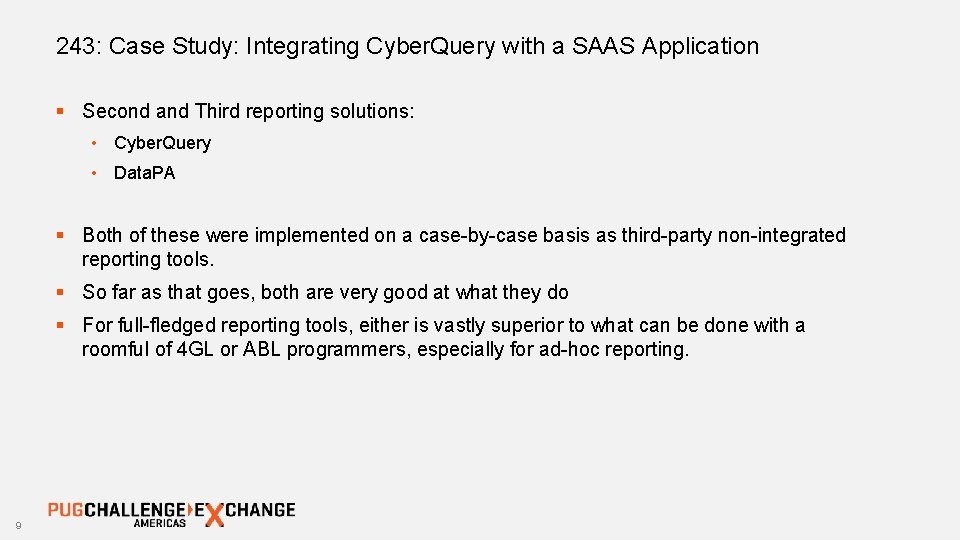
243: Case Study: Integrating Cyber. Query with a SAAS Application § Second and Third reporting solutions: • Cyber. Query • Data. PA § Both of these were implemented on a case-by-case basis as third-party non-integrated reporting tools. § So far as that goes, both are very good at what they do § For full-fledged reporting tools, either is vastly superior to what can be done with a roomful of 4 GL or ABL programmers, especially for ad-hoc reporting. 9
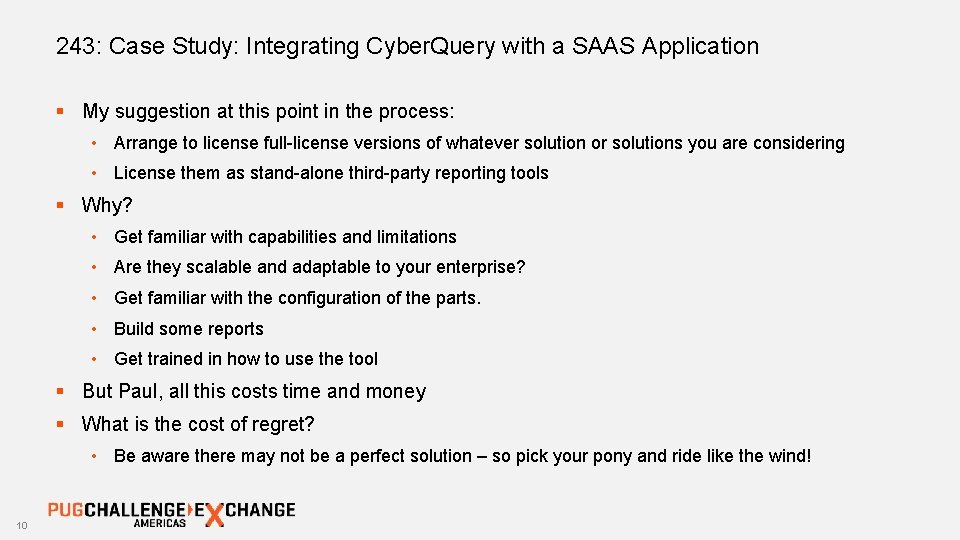
243: Case Study: Integrating Cyber. Query with a SAAS Application § My suggestion at this point in the process: • Arrange to license full-license versions of whatever solution or solutions you are considering • License them as stand-alone third-party reporting tools § Why? • Get familiar with capabilities and limitations • Are they scalable and adaptable to your enterprise? • Get familiar with the configuration of the parts. • Build some reports • Get trained in how to use the tool § But Paul, all this costs time and money § What is the cost of regret? • Be aware there may not be a perfect solution – so pick your pony and ride like the wind! 10
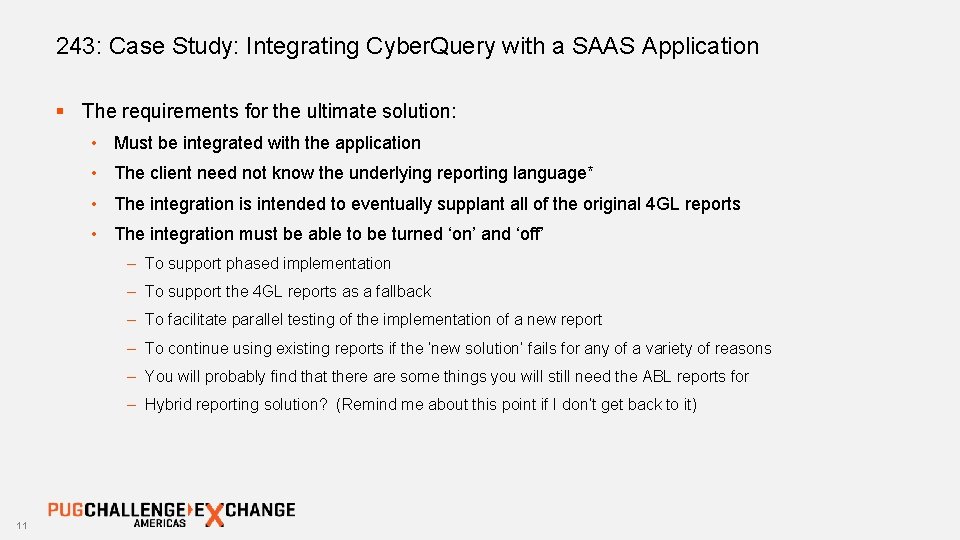
243: Case Study: Integrating Cyber. Query with a SAAS Application § The requirements for the ultimate solution: • Must be integrated with the application • The client need not know the underlying reporting language* • The integration is intended to eventually supplant all of the original 4 GL reports • The integration must be able to be turned ‘on’ and ‘off’ – To support phased implementation – To support the 4 GL reports as a fallback – To facilitate parallel testing of the implementation of a new report – To continue using existing reports if the ‘new solution’ fails for any of a variety of reasons – You will probably find that there are some things you will still need the ABL reports for – Hybrid reporting solution? (Remind me about this point if I don’t get back to it) 11
Important integration considerations: SAAS Application capabilities– vs – Cyber. Query reporting capabilities and licensing costs. 12
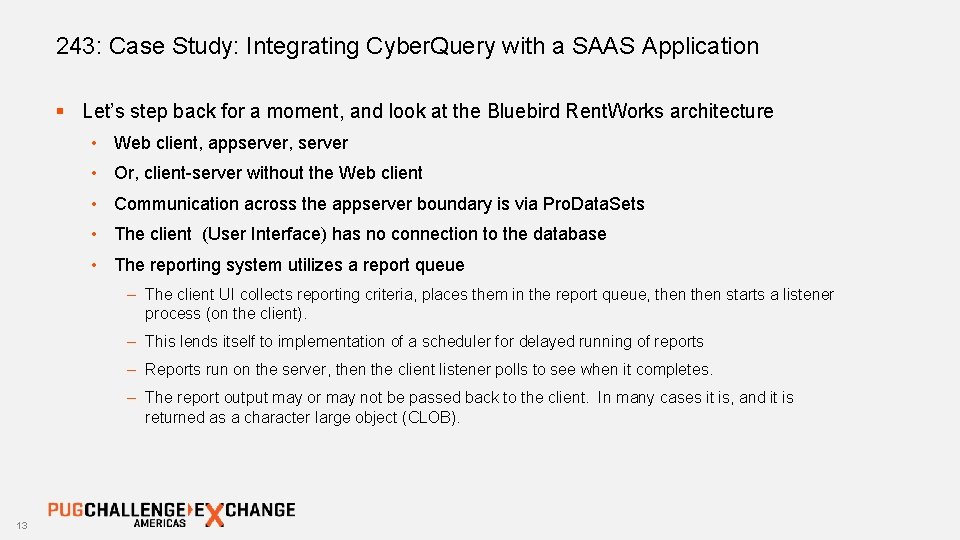
243: Case Study: Integrating Cyber. Query with a SAAS Application § Let’s step back for a moment, and look at the Bluebird Rent. Works architecture • Web client, appserver, server • Or, client-server without the Web client • Communication across the appserver boundary is via Pro. Data. Sets • The client (User Interface) has no connection to the database • The reporting system utilizes a report queue – The client UI collects reporting criteria, places them in the report queue, then starts a listener process (on the client). – This lends itself to implementation of a scheduler for delayed running of reports – Reports run on the server, then the client listener polls to see when it completes. – The report output may or may not be passed back to the client. In many cases it is, and it is returned as a character large object (CLOB). 13
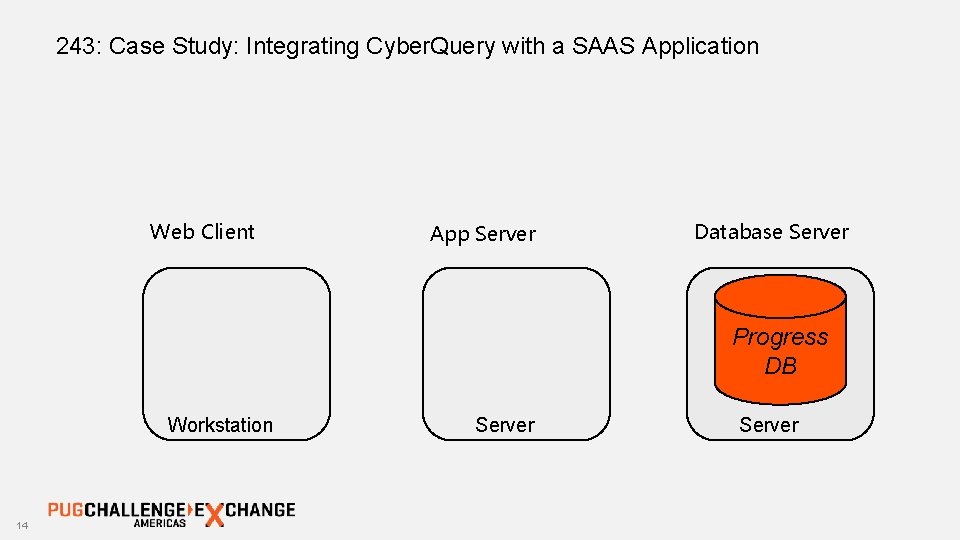
243: Case Study: Integrating Cyber. Query with a SAAS Application Web Client App Server Database Server Progress DB Workstation 14 Server
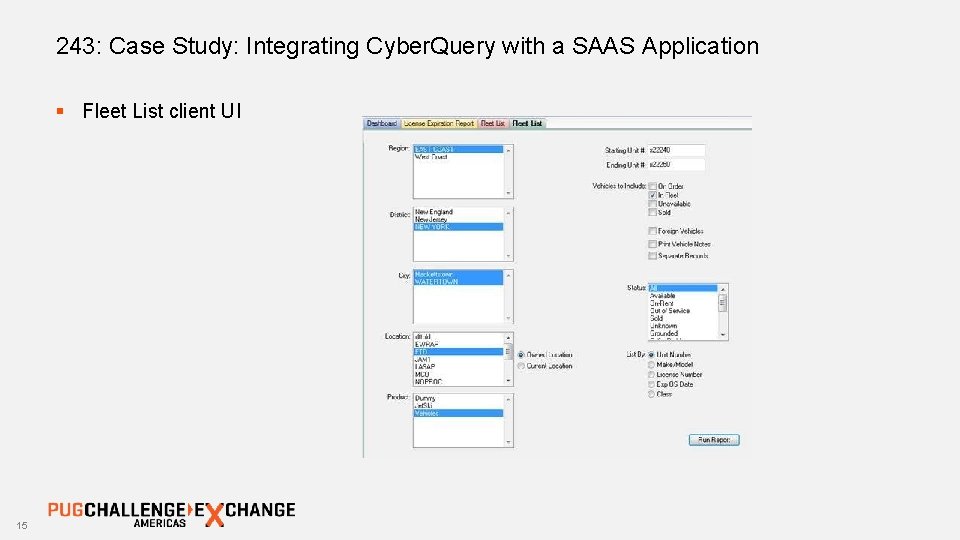
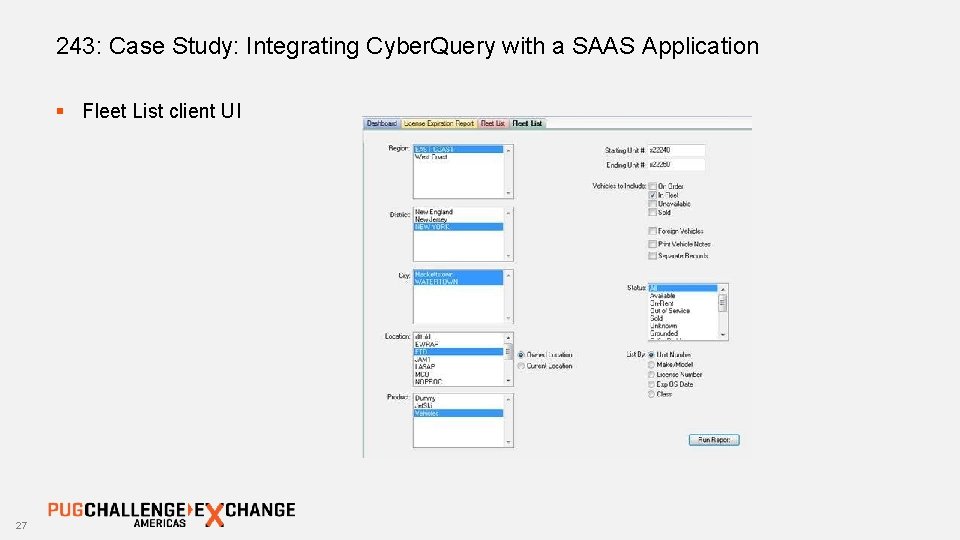
243: Case Study: Integrating Cyber. Query with a SAAS Application § Fleet List client UI 15
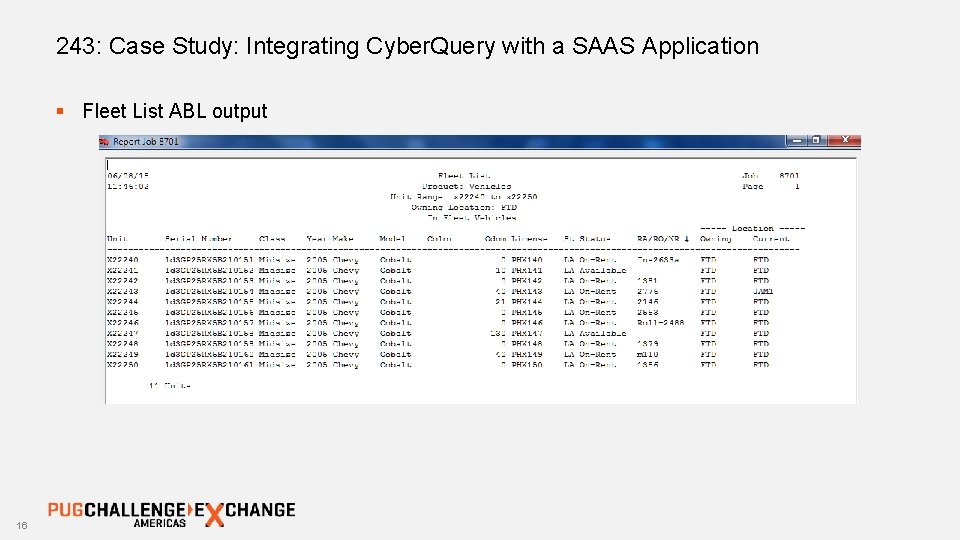
243: Case Study: Integrating Cyber. Query with a SAAS Application § Fleet List ABL output 16
243: Case Study: Integrating Cyber. Query with a SAAS Application § How does the Web Client-based UI get its report criteria to the App. Server? § How does the App. Server create a report? § How does the report get back to the Web Client? 17
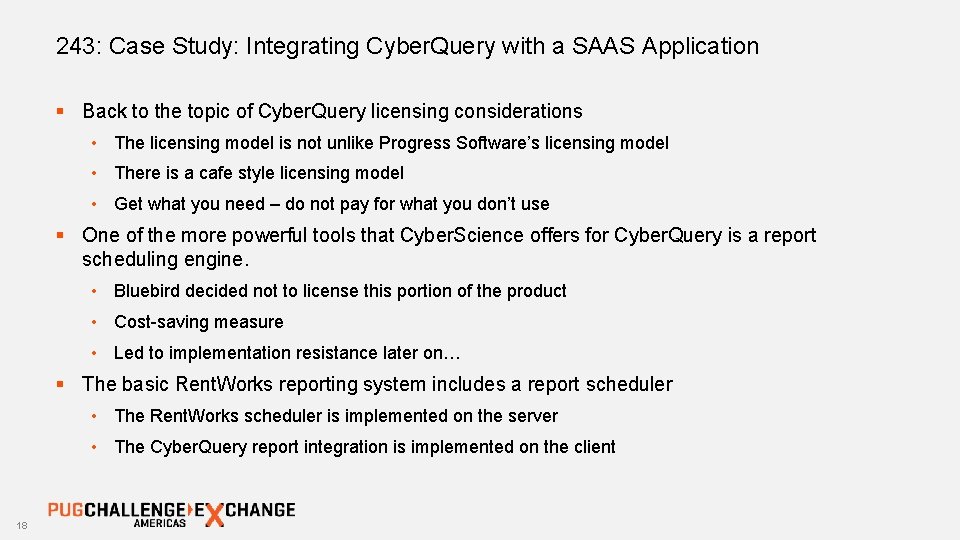
243: Case Study: Integrating Cyber. Query with a SAAS Application § Back to the topic of Cyber. Query licensing considerations • The licensing model is not unlike Progress Software’s licensing model • There is a cafe style licensing model • Get what you need – do not pay for what you don’t use § One of the more powerful tools that Cyber. Science offers for Cyber. Query is a report scheduling engine. • Bluebird decided not to license this portion of the product • Cost-saving measure • Led to implementation resistance later on… § The basic Rent. Works reporting system includes a report scheduler • The Rent. Works scheduler is implemented on the server • The Cyber. Query report integration is implemented on the client 18
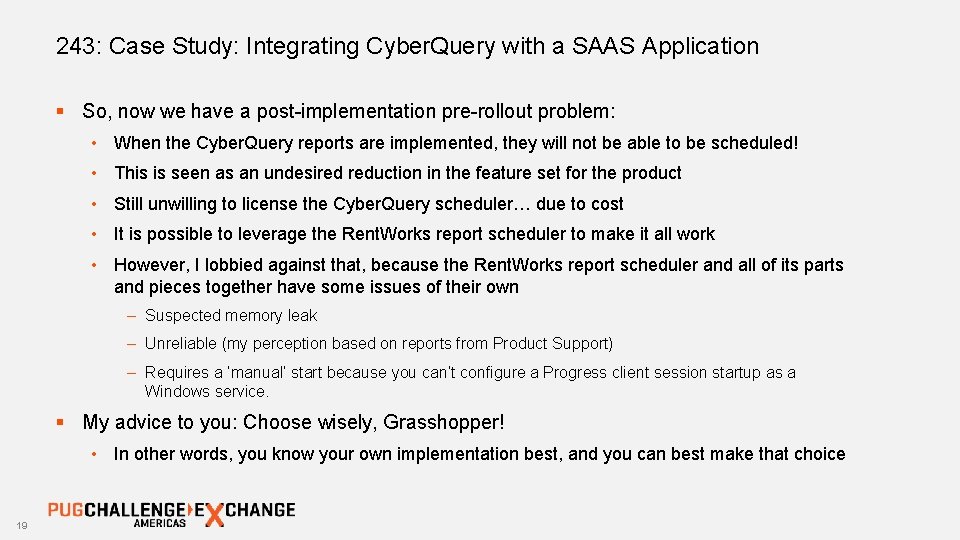
243: Case Study: Integrating Cyber. Query with a SAAS Application § So, now we have a post-implementation pre-rollout problem: • When the Cyber. Query reports are implemented, they will not be able to be scheduled! • This is seen as an undesired reduction in the feature set for the product • Still unwilling to license the Cyber. Query scheduler… due to cost • It is possible to leverage the Rent. Works report scheduler to make it all work • However, I lobbied against that, because the Rent. Works report scheduler and all of its parts and pieces together have some issues of their own – Suspected memory leak – Unreliable (my perception based on reports from Product Support) – Requires a ‘manual’ start because you can’t configure a Progress client session startup as a Windows service. § My advice to you: Choose wisely, Grasshopper! • In other words, you know your own implementation best, and you can best make that choice 19
Let’s get on with the implementation, already! 20
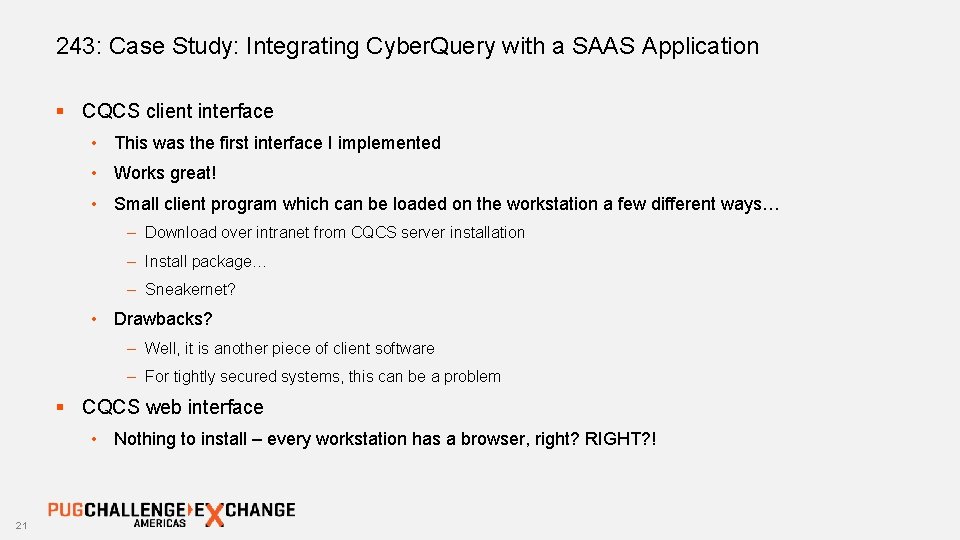
243: Case Study: Integrating Cyber. Query with a SAAS Application § CQCS client interface • This was the first interface I implemented • Works great! • Small client program which can be loaded on the workstation a few different ways… – Download over intranet from CQCS server installation – Install package… – Sneakernet? • Drawbacks? – Well, it is another piece of client software – For tightly secured systems, this can be a problem § CQCS web interface • Nothing to install – every workstation has a browser, right? RIGHT? ! 21
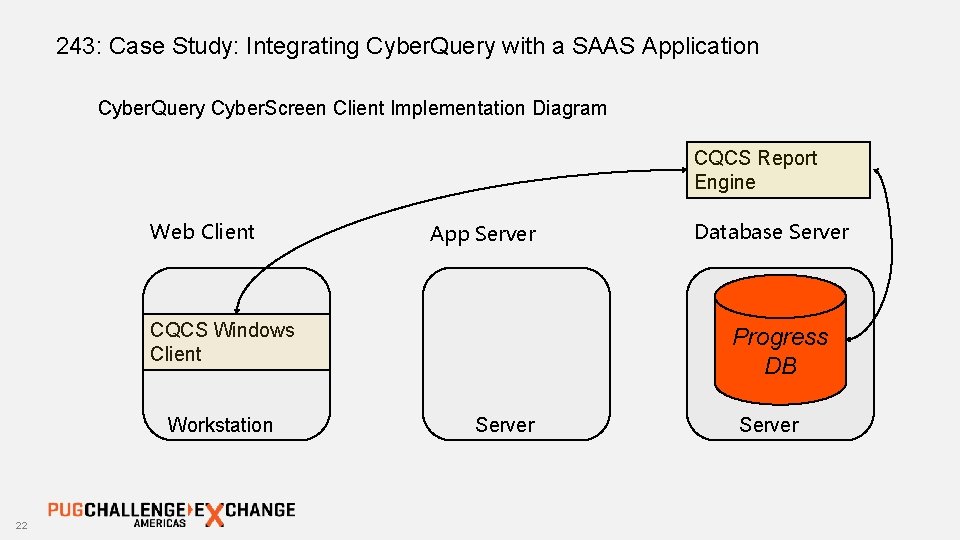
243: Case Study: Integrating Cyber. Query with a SAAS Application Cyber. Query Cyber. Screen Client Implementation Diagram CQCS Report Engine Web Client App Server CQCS Windows Client Workstation 22 Database Server Progress DB Server
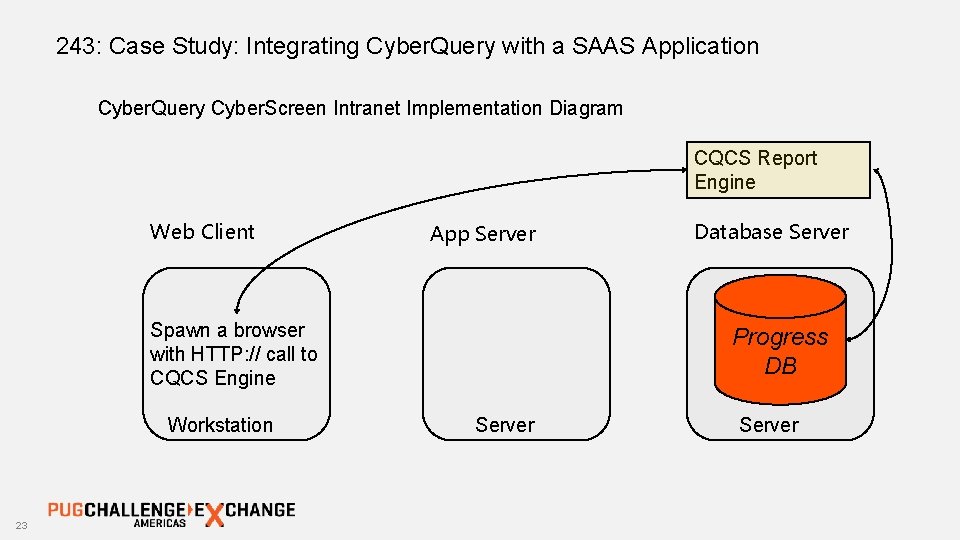
243: Case Study: Integrating Cyber. Query with a SAAS Application Cyber. Query Cyber. Screen Intranet Implementation Diagram CQCS Report Engine Web Client App Server Spawn a browser with HTTP: // call to CQCS Engine Workstation 23 Database Server Progress DB Server
243: Case Study: Integrating Cyber. Query with a SAAS Application § So, why would you ever choose the CQCS client over the browser-based client-less solution? • Firstly, the CQCS client was well-proven, available, and the first solution I was introduced to. – (Sometimes your pony gets picked for you…) • Secondly, (as I recall) the browser-based client-less solution wasn’t quite ready for prime time • Finally, it gave me the chance to work out the major implementation issues on a stable platform. • And there was plenty of stuff to work out! 24
243: Case Study: Integrating Cyber. Query with a SAAS Application § A short list of some of the general challenges… • Remember the fleet list client screen showing the report criteria? How do we get all of that to the CQCS client? • How do we build that report in Cyber. Query’s reporting language? • How do we make that report ‘pay attention’ to the report criteria we are foisting upon it from the ABL? § We have to think like the software we’re trying to integrate • Create an ad-hoc table for reporting criteria • Populate it • Push it in a dataset to the appserver, and on to the database • Start the Cyber. Query client with startup parameters which indicate which report to run (Report ID) • Cyber. Query can actually create self-generating code… 25
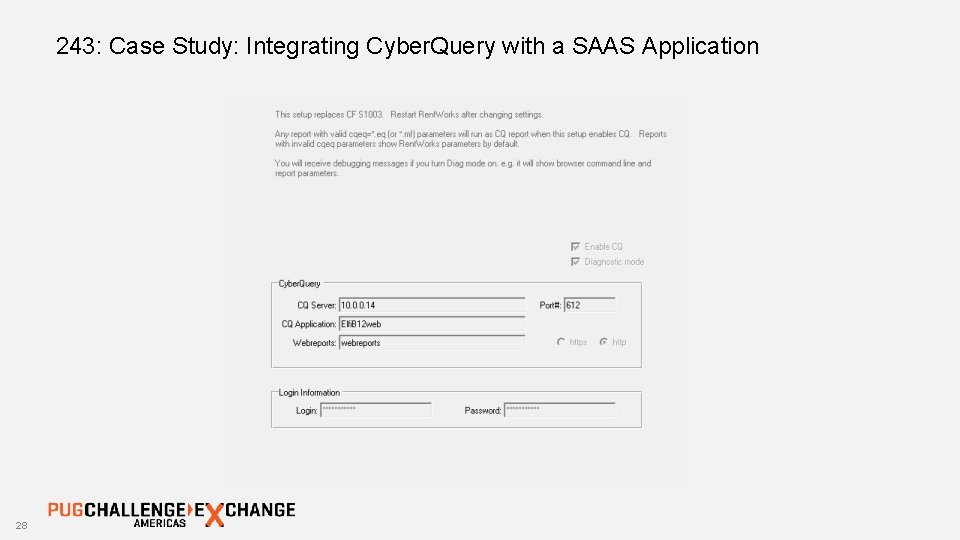
243: Case Study: Integrating Cyber. Query with a SAAS Application § For the web browser implementation, the same fundamentals apply… it is just a different way to get the Cyber. Query engine to act on what we want it to do. § Talk a bit more about implementation details such as the SQL 92 interface, and what it means for the Progress Databse. 26
243: Case Study: Integrating Cyber. Query with a SAAS Application § Fleet List client UI 27
243: Case Study: Integrating Cyber. Query with a SAAS Application 28
243: Case Study: Integrating Cyber. Query with a SAAS Application Questions? Help? Paul Bouscaren, Outlook Park Holdings E-Mail: pauldfixr@outlookpark. com Phone: 201 -602 -0273

- Slides: 30