
21 st Century Lesson Plans SAMR TPACK What
- Slides: 16
21 st Century Lesson Plans. SAMR? TPACK? What are those? Tricia Weydert, M. Ed. Instr. Tech. e. MINTS/METS certified 6 th grade Science Reeds Spring Intermediate School Reeds Spring, MO tweydert@wolves. k 12. mo. us
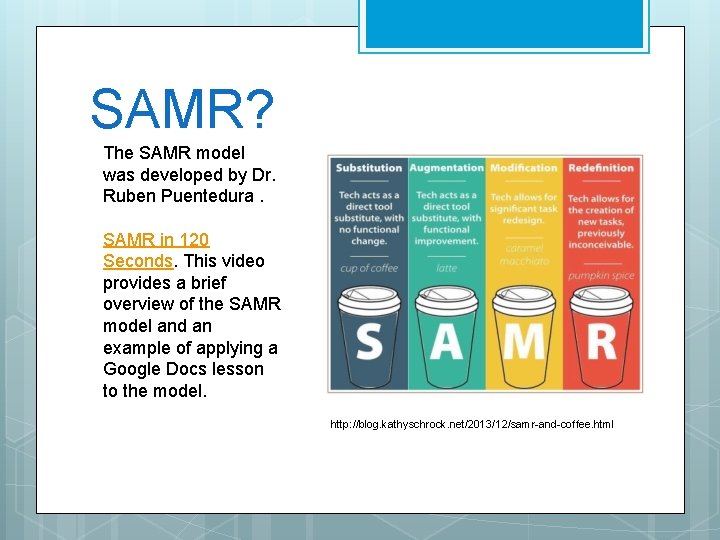
SAMR? The SAMR model was developed by Dr. Ruben Puentedura. SAMR in 120 Seconds. This video provides a brief overview of the SAMR model and an example of applying a Google Docs lesson to the model. http: //blog. kathyschrock. net/2013/12/samr-and-coffee. html
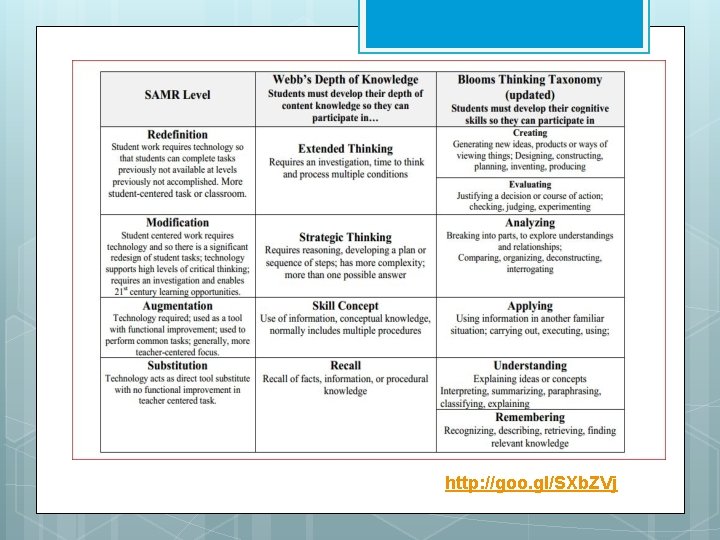
http: //goo. gl/SXb. ZVj
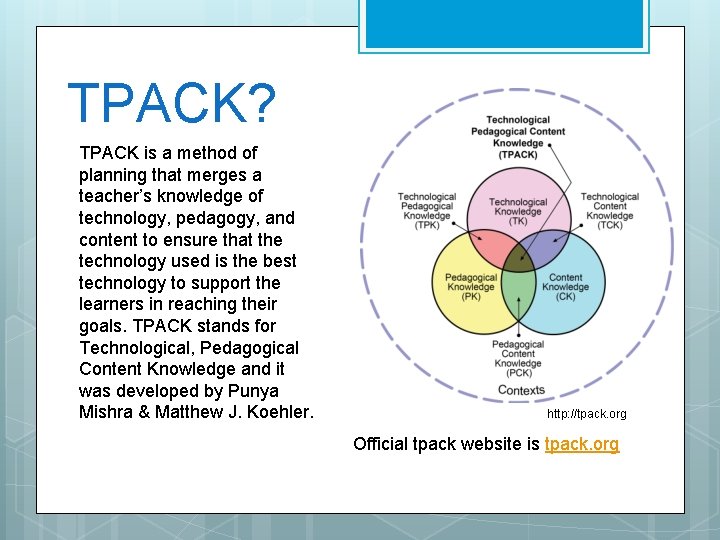
TPACK? TPACK is a method of planning that merges a teacher’s knowledge of technology, pedagogy, and content to ensure that the technology used is the best technology to support the learners in reaching their goals. TPACK stands for Technological, Pedagogical Content Knowledge and it was developed by Punya Mishra & Matthew J. Koehler. http: //tpack. org Official tpack website is tpack. org
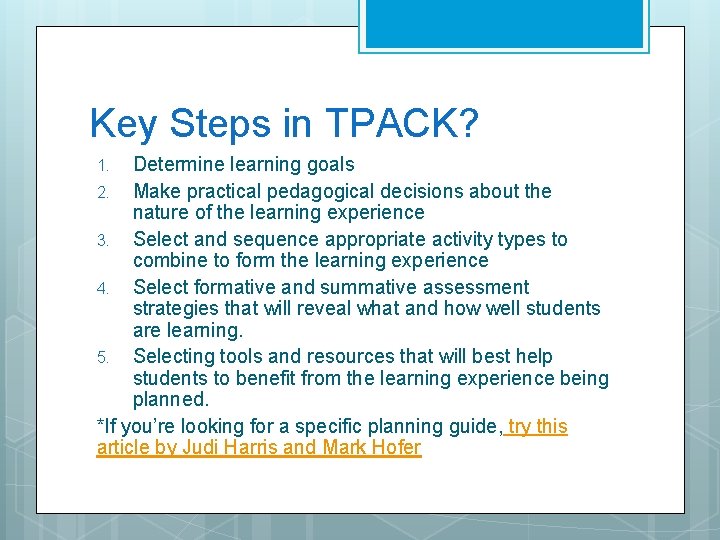
Key Steps in TPACK? Determine learning goals 2. Make practical pedagogical decisions about the nature of the learning experience 3. Select and sequence appropriate activity types to combine to form the learning experience 4. Select formative and summative assessment strategies that will reveal what and how well students are learning. 5. Selecting tools and resources that will best help students to benefit from the learning experience being planned. *If you’re looking for a specific planning guide, try this article by Judi Harris and Mark Hofer 1.
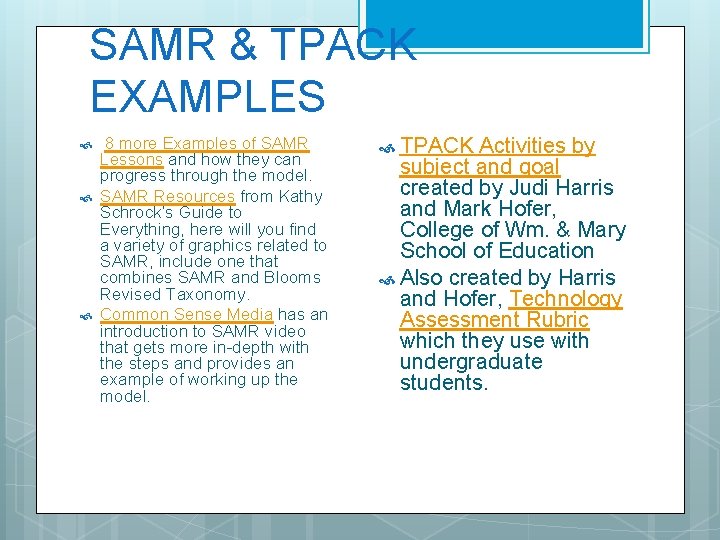
SAMR & TPACK EXAMPLES 8 more Examples of SAMR Lessons and how they can progress through the model. SAMR Resources from Kathy Schrock’s Guide to Everything, here will you find a variety of graphics related to SAMR, include one that combines SAMR and Blooms Revised Taxonomy. Common Sense Media has an introduction to SAMR video that gets more in-depth with the steps and provides an example of working up the model. TPACK Activities by subject and goal created by Judi Harris and Mark Hofer, College of Wm. & Mary School of Education Also created by Harris and Hofer, Technology Assessment Rubric which they use with undergraduate students.
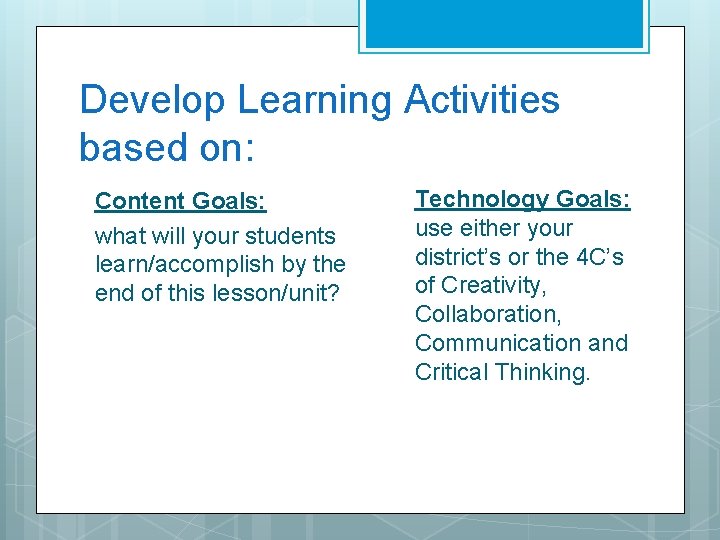
Develop Learning Activities based on: Content Goals: what will your students learn/accomplish by the end of this lesson/unit? Technology Goals: use either your district’s or the 4 C’s of Creativity, Collaboration, Communication and Critical Thinking.
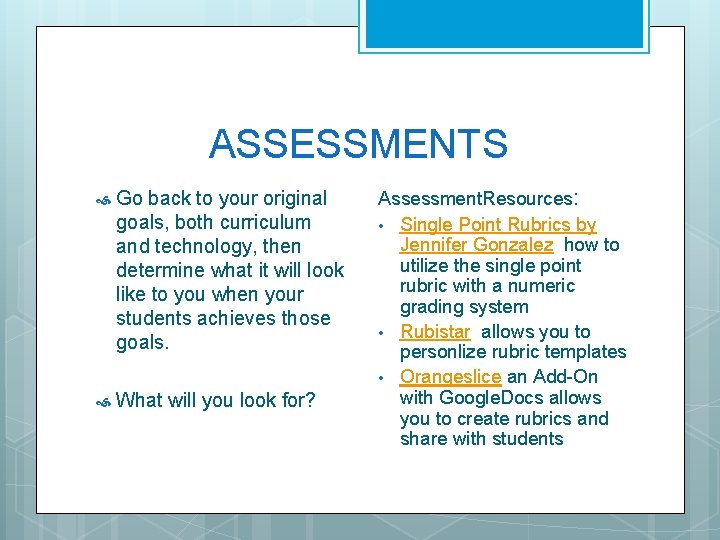
ASSESSMENTS Go back to your original goals, both curriculum and technology, then determine what it will look like to you when your students achieves those goals. What will you look for? Assessment. Resources: • Single Point Rubrics by Jennifer Gonzalez how to utilize the single point rubric with a numeric grading system • Rubistar allows you to personlize rubric templates • Orangeslice an Add-On with Google. Docs allows you to create rubrics and share with students
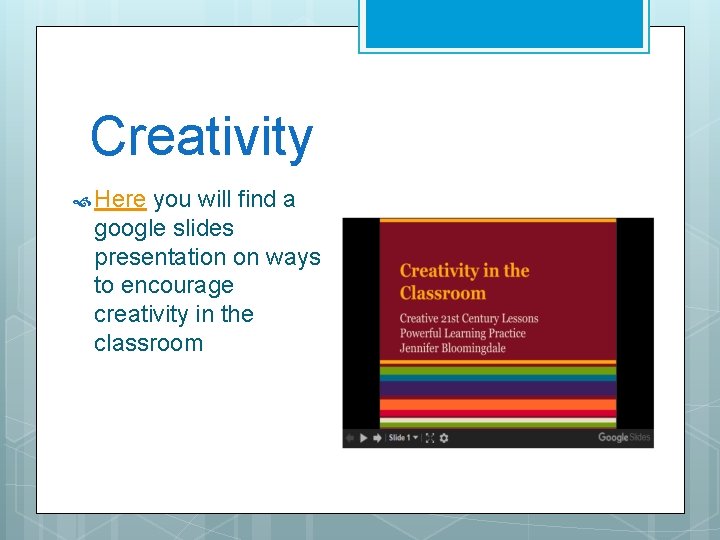
Creativity Here you will find a google slides presentation on ways to encourage creativity in the classroom
Communication & Collaboration Students need to practice written communication first with each other before interacting with others outside of the classroom. How? : Blogs Wikis Googledocs If students are giving presentations, have everyone write down feedback for the presenter. Model appropriate feedback Turn and Talk Activities – aloud and in writing! Written Conversations To collaborate with other teachers on projects http: //www. globalschoolnet. org/gsnpr/ Connect your students to professionals Skype An Author If your class already is blogging then you may connect with other blogging classes at quadblogging. net
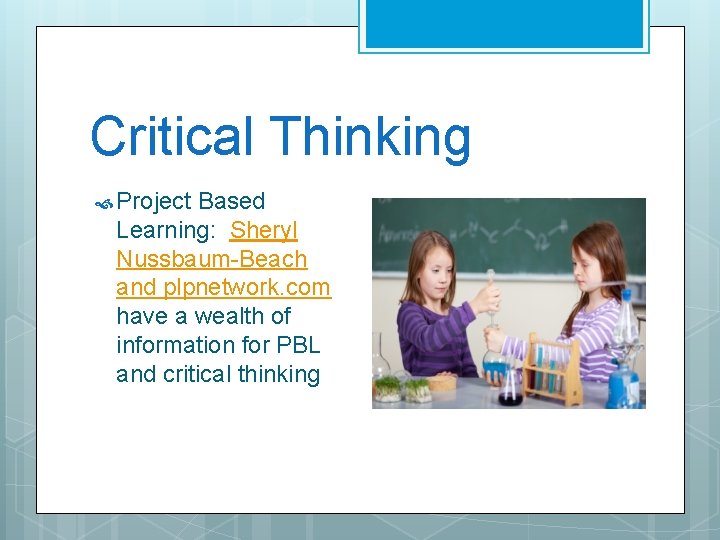
Critical Thinking Project Based Learning: Sheryl Nussbaum-Beach and plpnetwork. com have a wealth of information for PBL and critical thinking
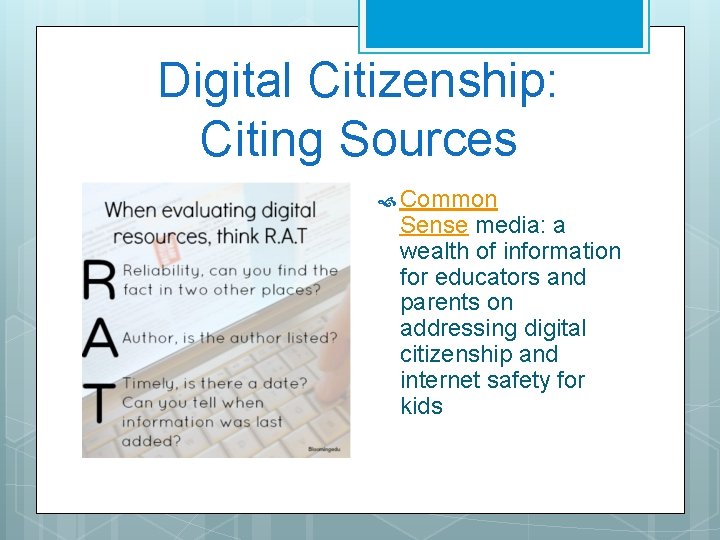
Digital Citizenship: Citing Sources Common Sense media: a wealth of information for educators and parents on addressing digital citizenship and internet safety for kids
More Digital Citizenship… Issues that may come up for students: Using their real name vs a screen name Will they create an avatar or use a personal picture? Will they have to reveal personal information? Will discussions be monitored? What should they do if they stumble on something inappropriate? Who will they be interacting with? What are the usage policies for the programs that they will be using? Can they have their own accounts? Or do you need a classroom account that you monitor?
Technology Tips: As a class or school create a classroom troubleshooting guide. Talk about how you learn and approach new tools. Appoint “tech experts” to help with tech issues in class. Allow students to “play” with a new tool before using. When a student learns a new tool, ask them to share with the class how they learned the new tool, what problems they had, how did they solve them?
More Technology Tips: Use time limits Chunk the project Check in frequently with individuals/teams Have signals for attention Set up procedures in your class for movement in the classroom Use study music to promote learning(search study music” on youtube. com) Take frequent on youtube. com) Have brain breaks (search “brain breaks” a list posted of what to do when finished
Sources Jennifer Bloomingdale twitter: @bloomingedu blog: www. bloomingedu. com email: Jennifer@plpnetwork. com Other authors and sites listed throughout