
2021 Virtual Poster Format Our poster format is
- Slides: 8
2021 Virtual Poster Format Our poster format is changing. A virtual poster hall is very different from a bricks and mortar event and we want to make sure your content and key messages are clear to all the delegates. We are encouraging authors to develop their posters in the Better Poster Design format. See three templates below. These can be modified slightly to suit your data and poster – but please take the goals of the ‘better poster’ formatting to heart. For more information on the Better Poster Design as introduced by Mike Morrison, Ph. D candidate, please visit: https: //www. youtube. com/watch? v=SYk 29 tnx. ASs This poster style gives more to the viewer, with less.
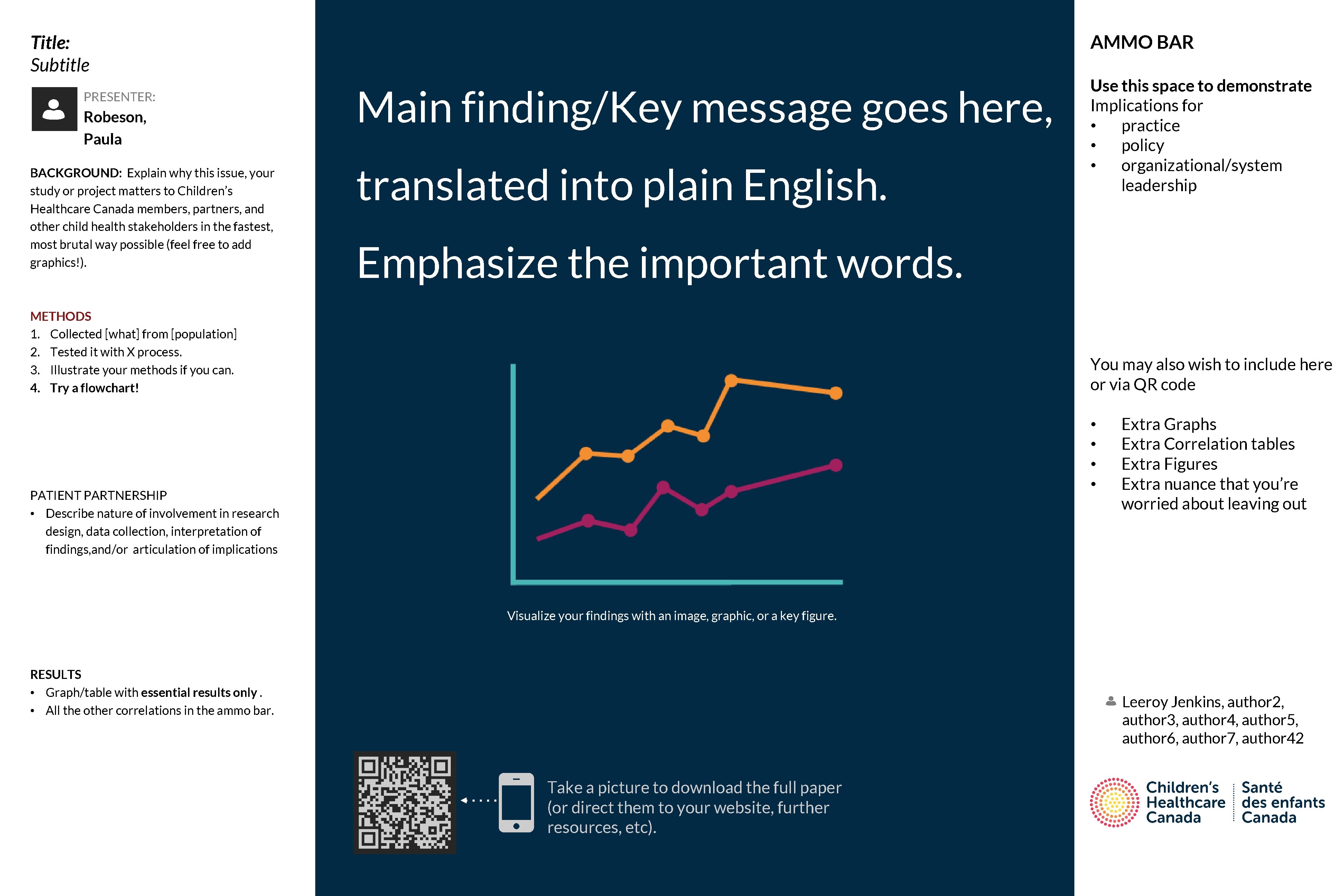
AMMO BAR Title: Subtitle PRESENTER: Robeson, Paula BACKGROUND: Explain why this issue, your study or project matters to Children’s Healthcare Canada members, partners, and other child health stakeholders in the fastest, most brutal way possible (feel free to add graphics!). Main finding/Key message goes here, translated into plain English. Use this space to demonstrate Implications for • practice • policy • organizational/system leadership Emphasize the important words. METHODS 1. Collected [what] from [population] 2. Tested it with X process. 3. Illustrate your methods if you can. 4. Try a flowchart! You may also wish to include here or via QR code • • Extra Graphs Extra Correlation tables Extra Figures Extra nuance that you’re worried about leaving out Non-Cognitive Predictors of Student Success: A Predictive Validity Comparison Between Domestic and International Students PATIENT PARTNERSHIP • Describe nature of involvement in research design, data collection, interpretation of findings, and/or articulation of implications Visualize your findings with an image, graphic, or a key figure. RESULTS • Graph/table with essential results only. • All the other correlations in the ammo bar. Leeroy Jenkins, author 2, author 3, author 4, author 5, author 6, author 7, author 42 Take a picture to download the full paper (or direct them to your website, further resources, etc).
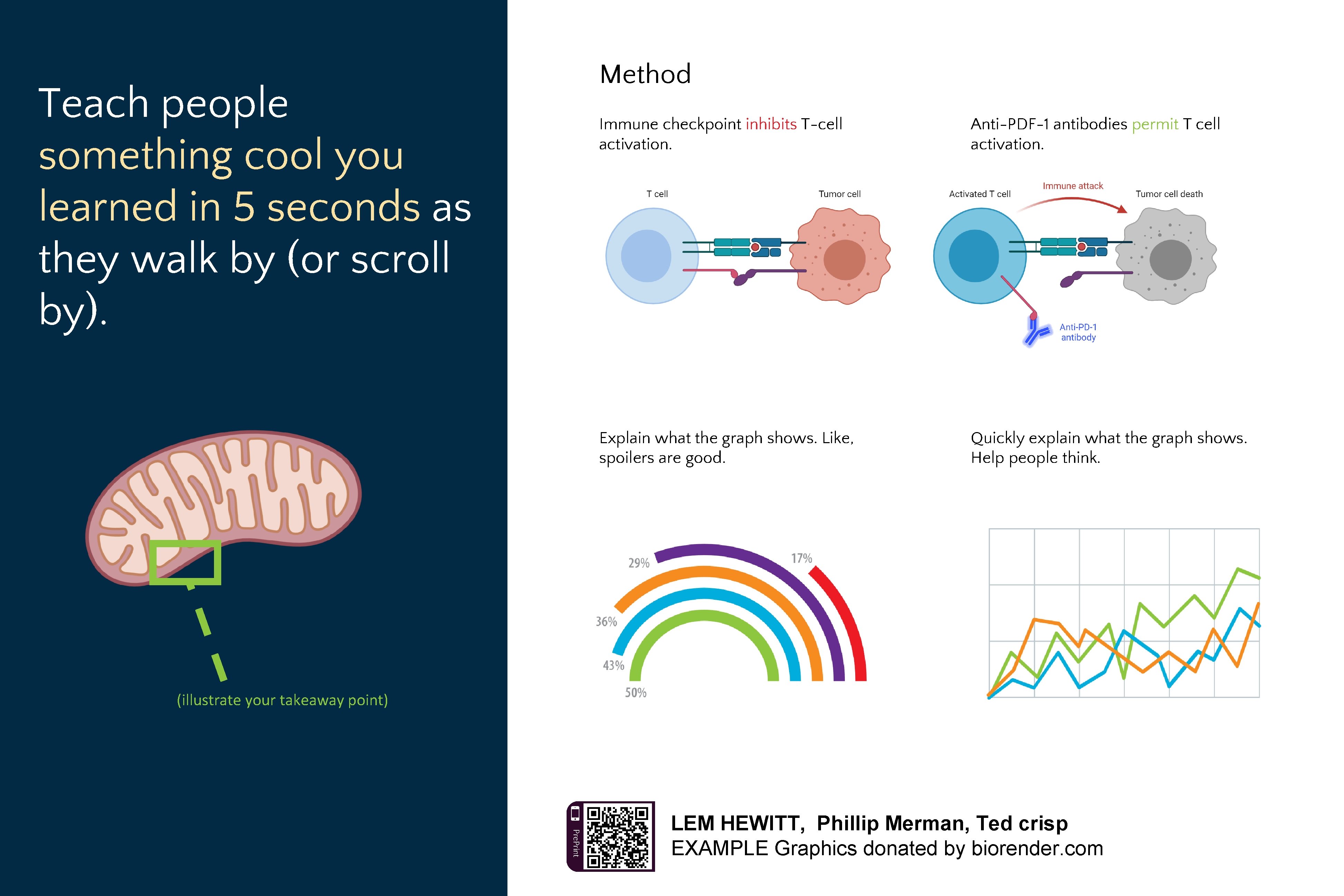
Method Teach people something cool you learned in 5 seconds as they walk by (or scroll by). Anti-PDF-1 antibodies permit T cell activation. Immune checkpoint inhibits T-cell activation. v Explain what the graph shows. Like, spoilers are good. Quickly explain what the graph shows. Help people think. v (illustrate your takeaway point) Pre. Print LEM HEWITT, Phillip Merman, Ted crisp EXAMPLE Graphics donated by biorender. com v
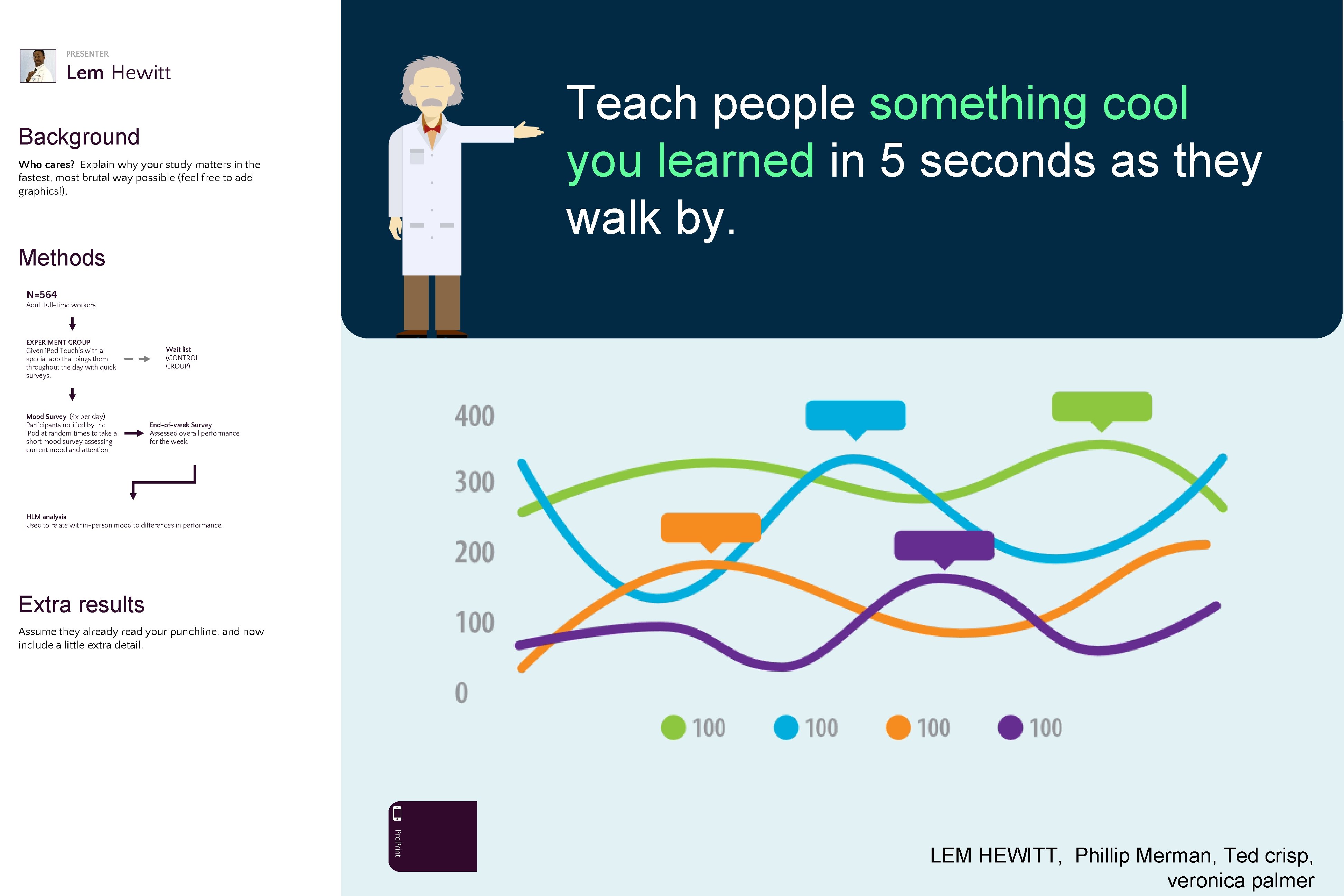
PRESENTER Lem Hewitt Teach people something cool you learned in 5 seconds as they walk by. Background Who cares? Explain why your study matters in the fastest, most brutal way possible (feel free to add graphics!). Methods N=564 Adult full-time workers EXPERIMENT GROUP Given i. Pod Touch’s with a special app that pings them throughout the day with quick surveys. Mood Survey (4 x per day) Participants notified by the i. Pod at random times to take a short mood survey assessing current mood and attention. Wait list (CONTROL GROUP) End-of-week Survey Assessed overall performance for the week. HLM analysis Used to relate within-person mood to differences in performance. Extra results Assume they already read your punchline, and now include a little extra detail. Pre. Print LEM HEWITT, Phillip Merman, Ted crisp, veronica palmer
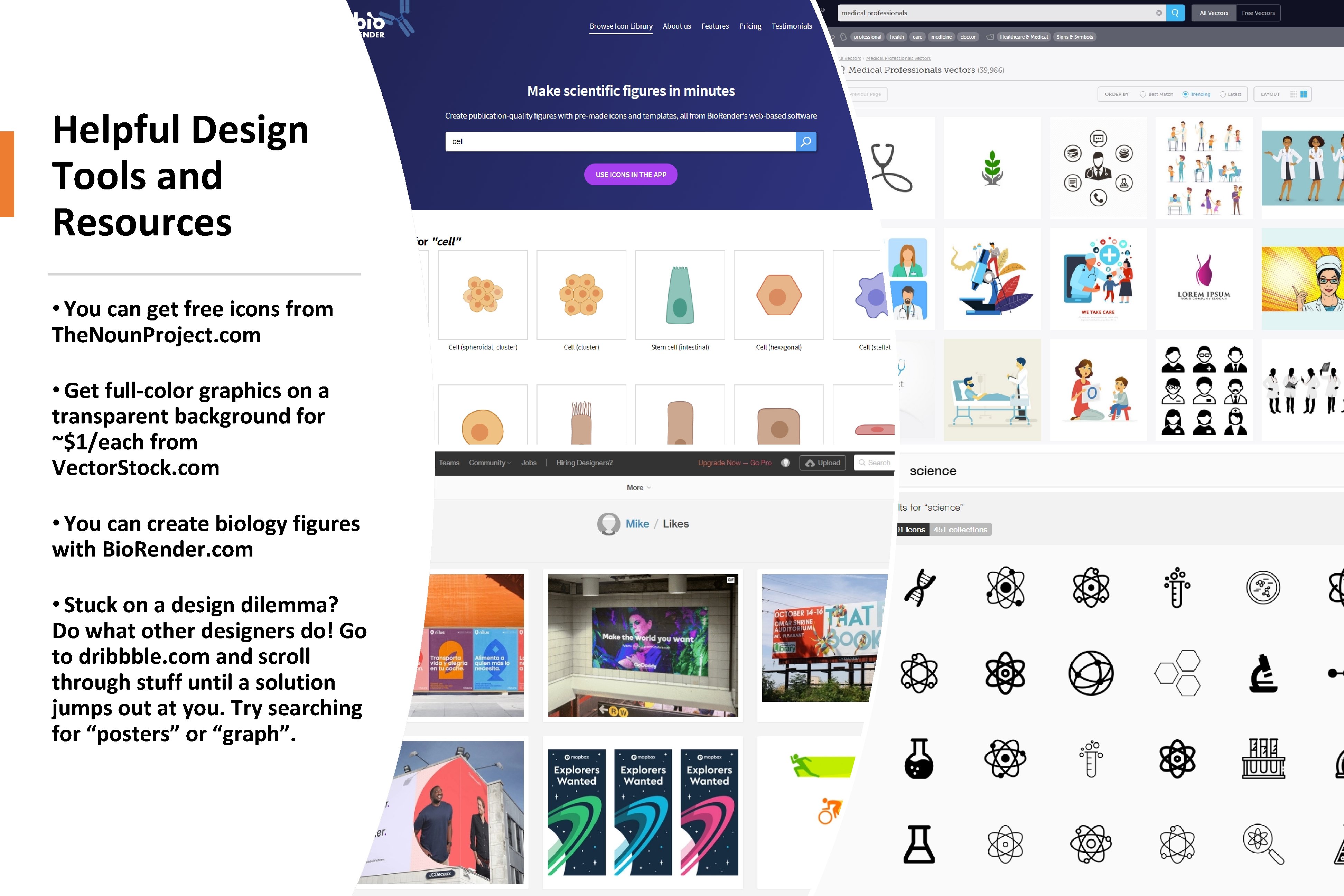
Helpful Design Tools and Resources • You can get free icons from The. Noun. Project. com • Get full-color graphics on a transparent background for ~$1/each from Vector. Stock. com • You can create biology figures with Bio. Render. com • Stuck on a design dilemma? Do what other designers do! Go to dribbble. com and scroll through stuff until a solution jumps out at you. Try searching for “posters” or “graph”.
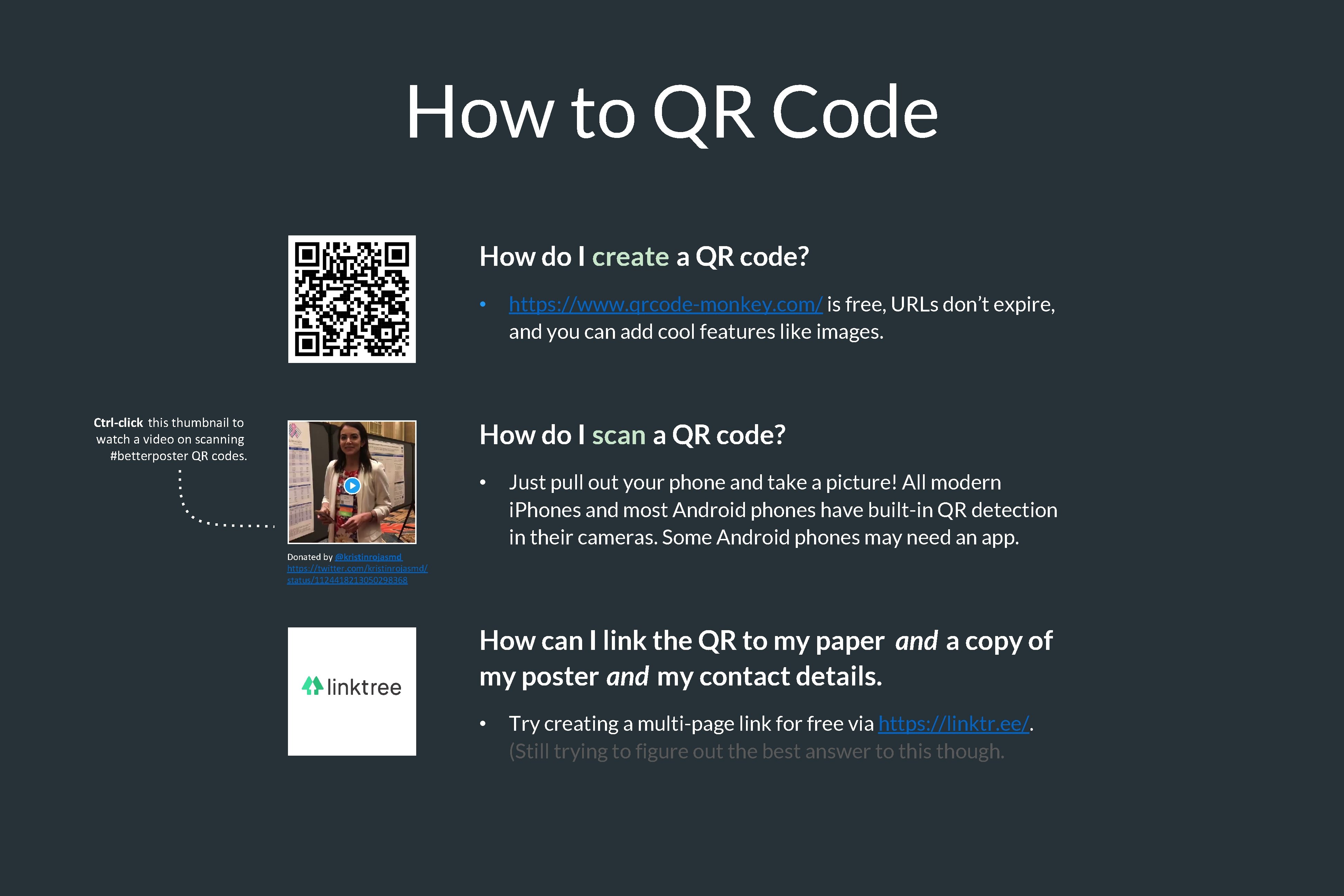
How to QR Code How do I create a QR code? • Ctrl-click this thumbnail to watch a video on scanning #betterposter QR codes. https: //www. qrcode-monkey. com/ is free, URLs don’t expire, and you can add cool features like images. How do I scan a QR code? • Just pull out your phone and take a picture! All modern i. Phones and most Android phones have built-in QR detection in their cameras. Some Android phones may need an app. Donated by @kristinrojasmd https: //twitter. com/kristinrojasmd/ status/1124418213050298368 How can I link the QR to my paper and a copy of my poster and my contact details. • Try creating a multi-page link for free via https: //linktr. ee/. (Still trying to figure out the best answer to this though.
Research that influenced this design: a. k. a “I need some ammo to help persuade my faculty to try this. ” 1. Need to know > Nice to know https: //www. nngroup. com/articles/inverted-pyramid 2. Plain language is interpreted faster. https: //www. nngroup. com/videos/plain-language-for-experts/ https: //www. nngroup. com/articles/plain-language-experts/ 3. Interaction cost. https: //www. nngroup. com/articles/interaction-cost-definition/ 4. Effective designs minimize cognitive load https: //www. nngroup. com/articles/minimize-cognitive-load/
Layout F. A. Q. What if my intro/methods/results doesn’t fit in the silent bar? • If you’re trying to put so much into that bar that it doesn’t fit, they won’t have time to read it anyway. First try moving stuff to the ammo bar. Next, cut cut. • Instead of trying to fill space, you’re trying to conserve space. What if I have a really important graph or picture? • Move the QR Code to the Silent Presenter, then put your graph/image in the middle.