
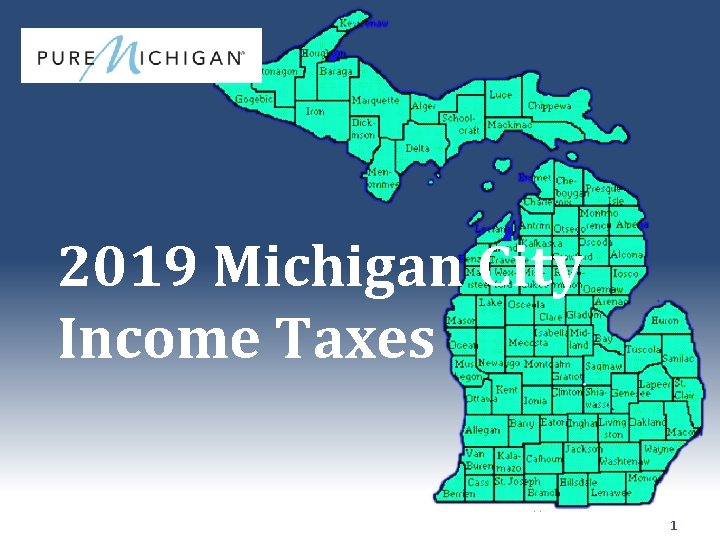
2019 Michigan City Income Taxes 1 MI City
- Slides: 36
2019 Michigan City Income Taxes 1
MI City Income Tax ● Who must file: ─ ─ ─ Persons who owe tax or are due a refund Residents whose AGI exceeds the personal exemption for that city Non- / Part-year residents whose city wages exceed the personal exemption ● Residents who file a Federal return (even if no city tax is owed) should file 2
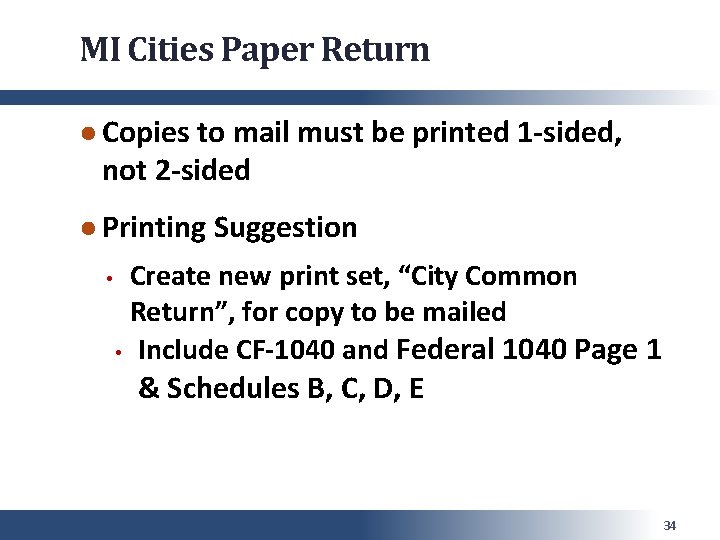
MI City Income Tax – CF-1040 • 23 MI Cities have local income taxes; all except Detroit accept Common Form 1040 • Tax. Slayer now uses CF-1040 for Port Huron • Return must be paper filed – print two copies • Suggestion – create “City Common Return” printset for filing copy, including CF-1040 and Federal 1040 & Schedules B, C, D, E 3
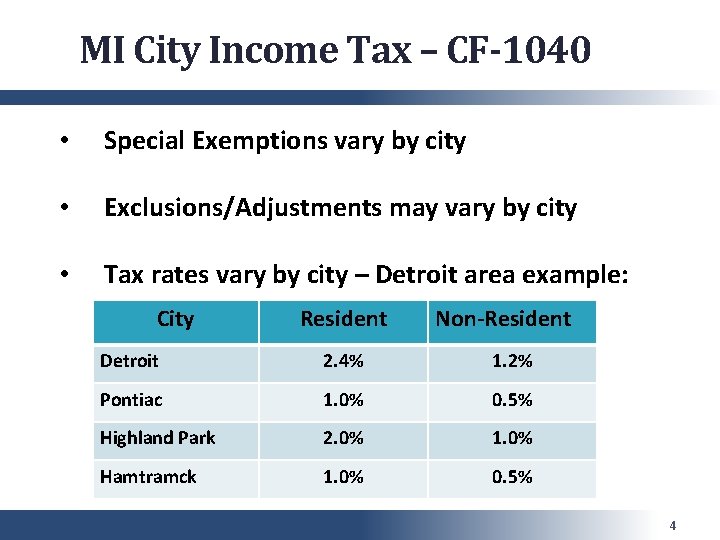
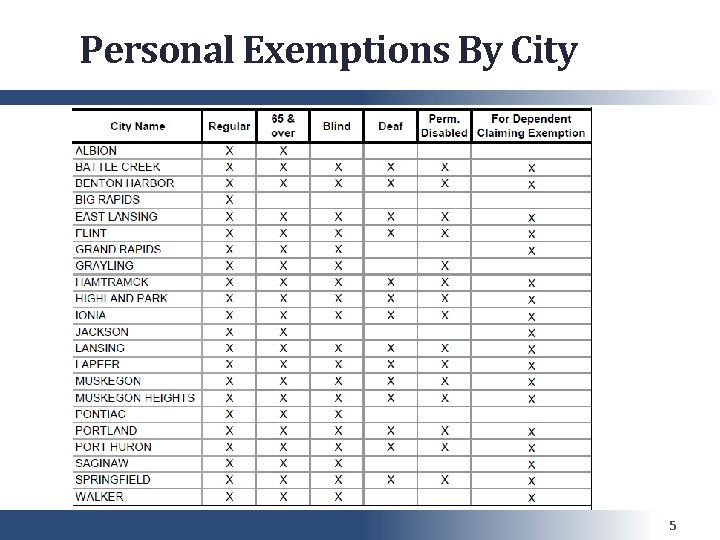
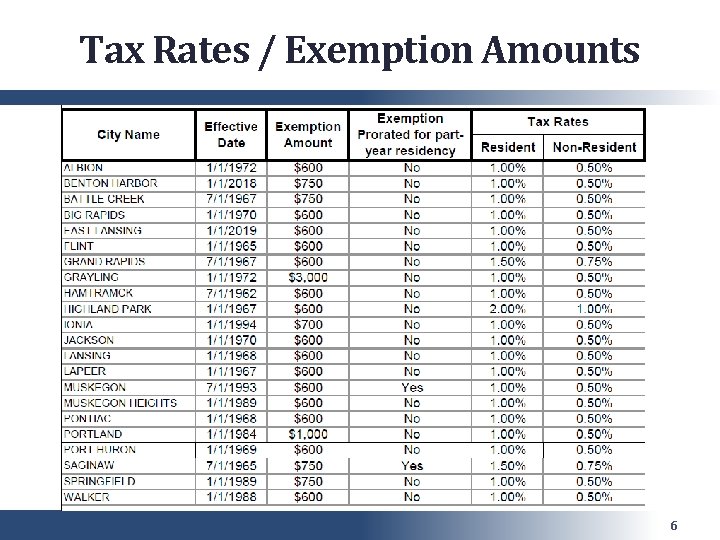
MI City Income Tax – CF-1040 • Special Exemptions vary by city • Exclusions/Adjustments may vary by city • Tax rates vary by city – Detroit area example: City Resident Non-Resident Detroit 2. 4% 1. 2% Pontiac 1. 0% 0. 5% Highland Park 2. 0% 1. 0% Hamtramck 1. 0% 0. 5% 4
Personal Exemptions By City 5
Tax Rates / Exemption Amounts 6
MI City Income Tax – CF-1040 ● The CF-1040 is a software-only template ● Tax. Slayer’s handling of CF-1040 has improved – most situations can be handled correctly ● You may be able to start a CF-1040 in TS, print it and complete by hand (for more complex returns) 7
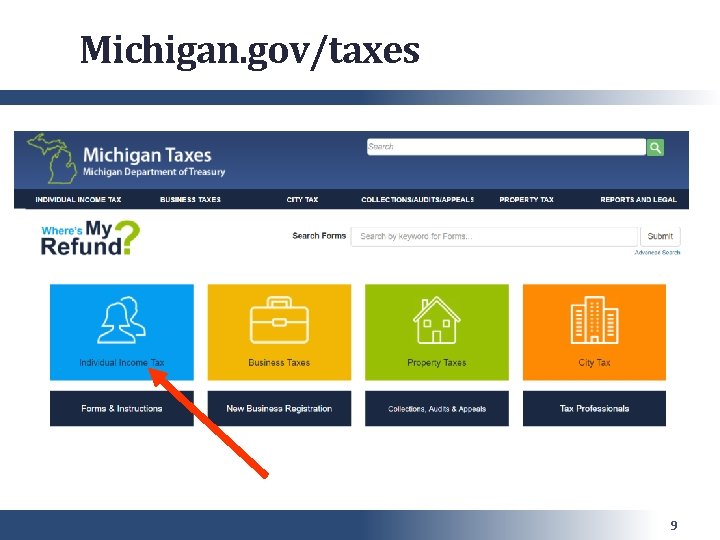
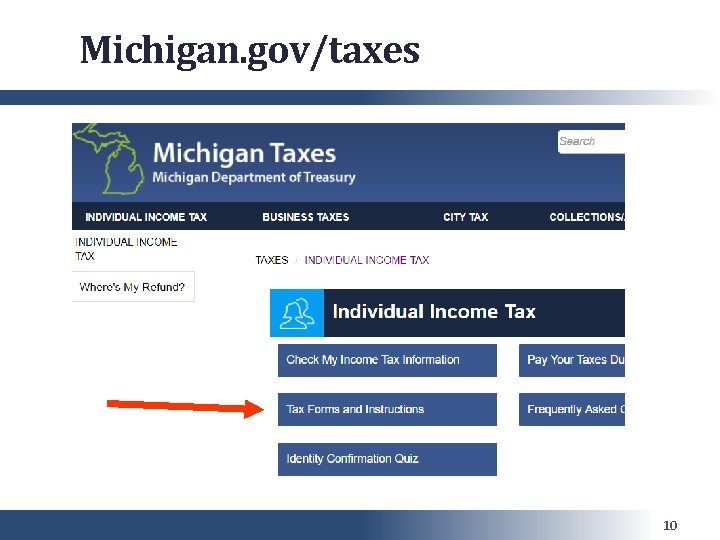
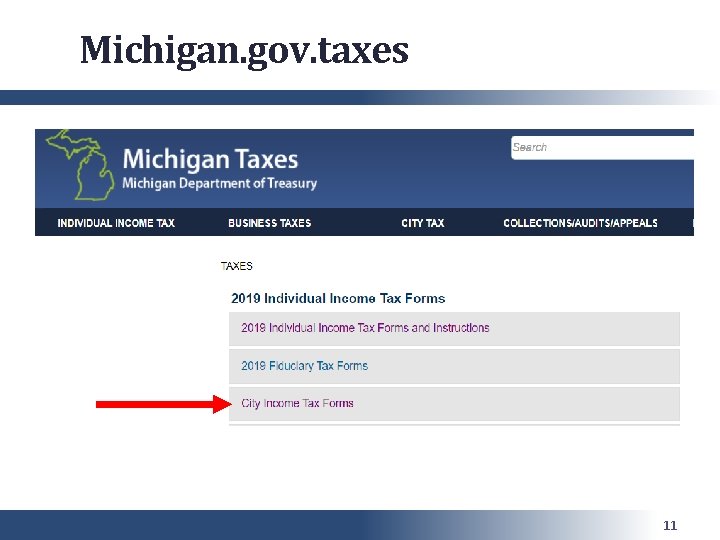
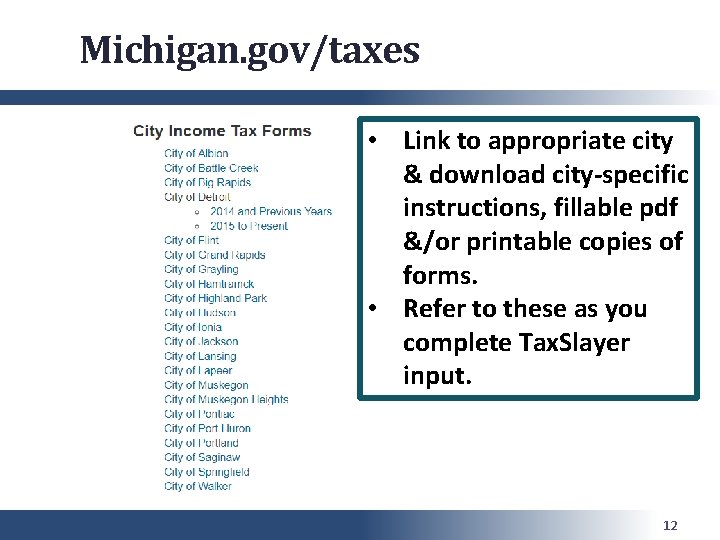
MI City Income Tax • Alternatively, city-specific tax forms are available on the Michigan. gov tax website • Prepare each city return manually using their specific instructions 8
Michigan. gov/taxes 9
Michigan. gov/taxes 10
Michigan. gov. taxes 11
Michigan. gov/taxes • Link to appropriate city & download city-specific instructions, fillable pdf &/or printable copies of forms. • Refer to these as you complete Tax. Slayer input. 12
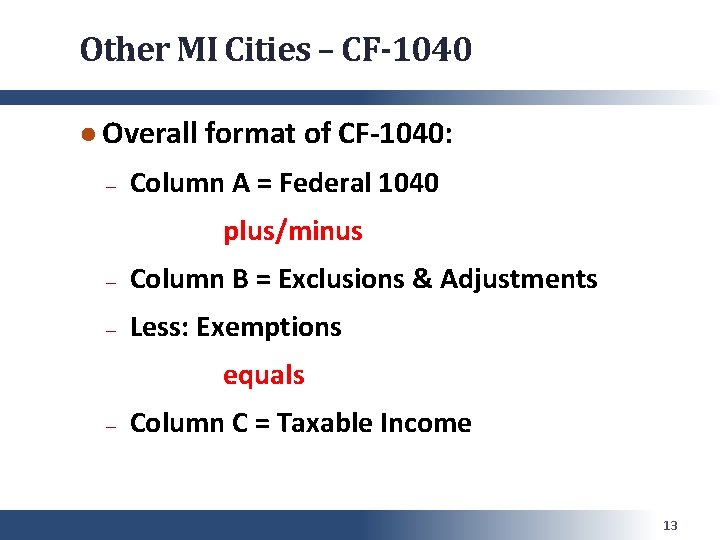
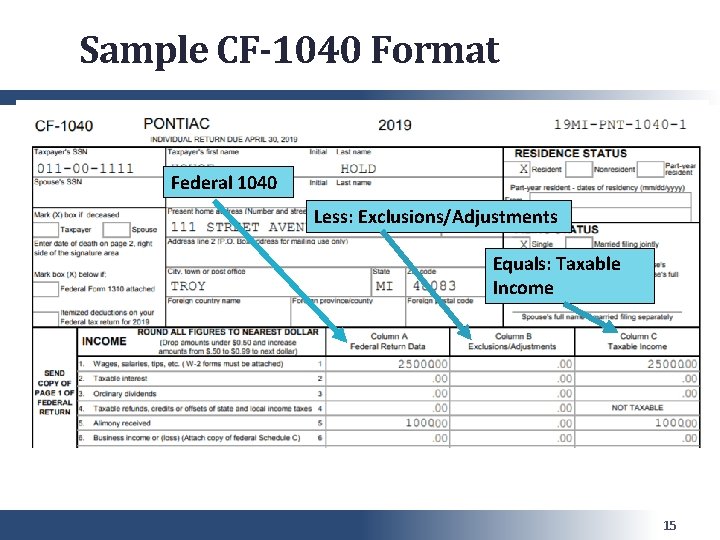
Other MI Cities – CF-1040 ● Overall format of CF-1040: ─ Column A = Federal 1040 plus/minus ─ Column B = Exclusions & Adjustments ─ Less: Exemptions equals ─ Column C = Taxable Income 13
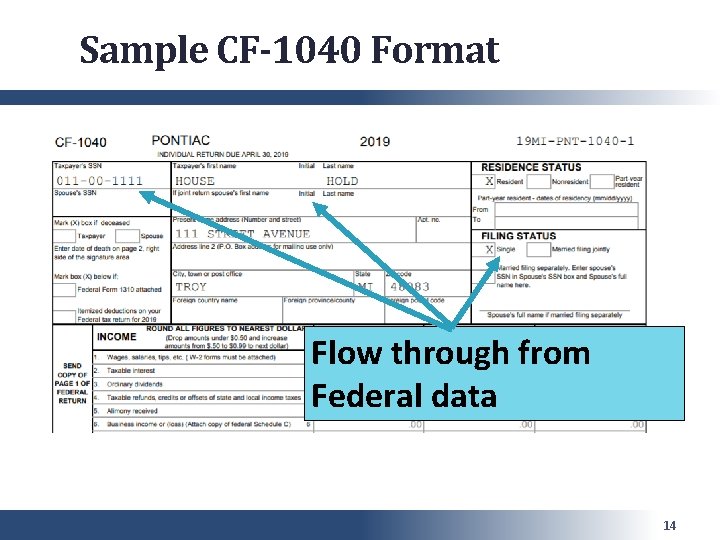
Sample CF-1040 Format Flow through from Federal data 14
Sample CF-1040 Format Federal 1040 Less: Exclusions/Adjustments Equals: Taxable Income 15
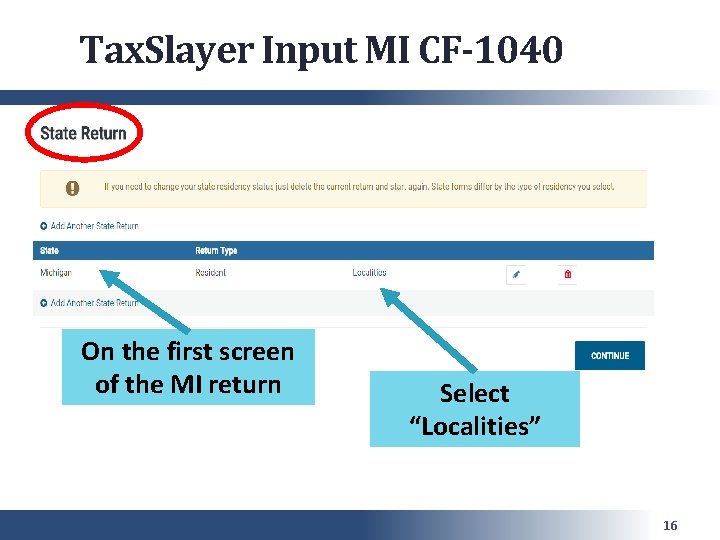
Tax. Slayer Input MI CF-1040 On the first screen of the MI return Select “Localities” 16
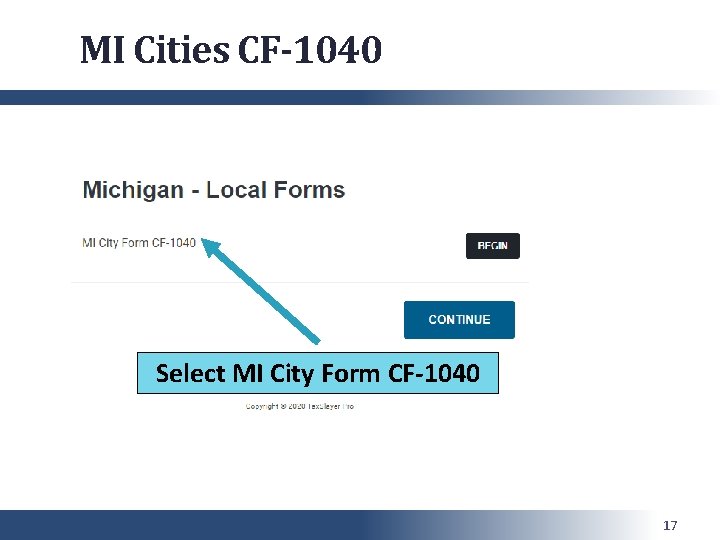
MI Cities CF-1040 Select MI City Form CF-1040 17
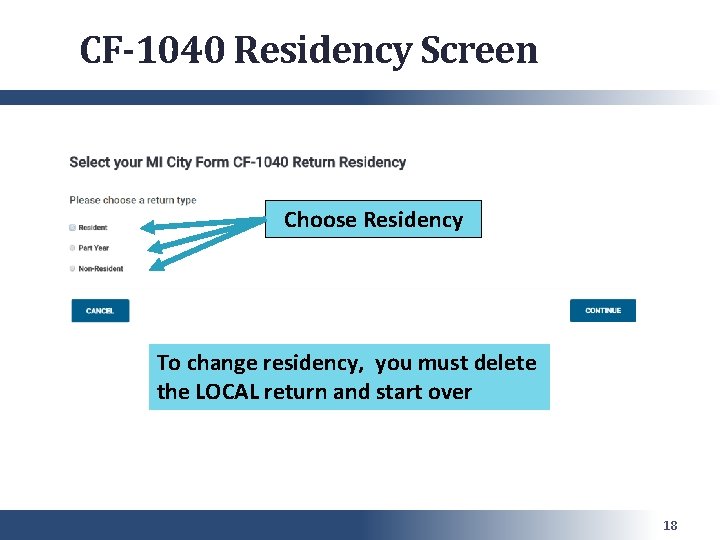
CF-1040 Residency Screen Choose Residency To change residency, you must delete the LOCAL return and start over 18
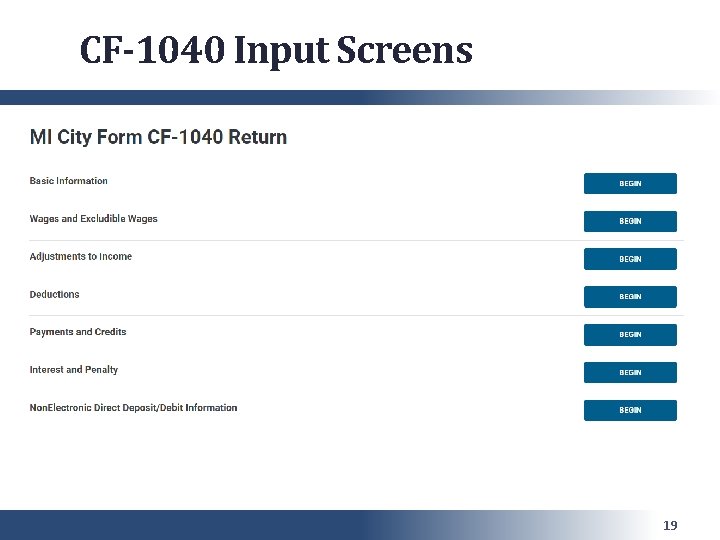
CF-1040 Input Screens 19
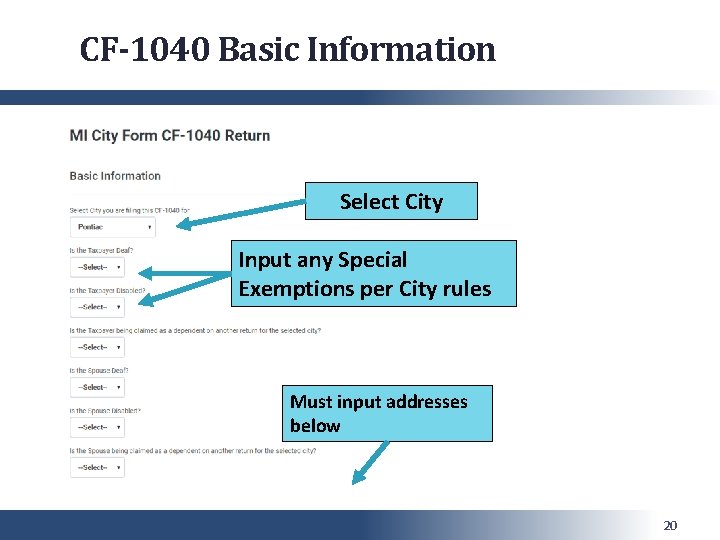
CF-1040 Basic Information Select City Input any Special Exemptions per City rules Must input addresses below 20
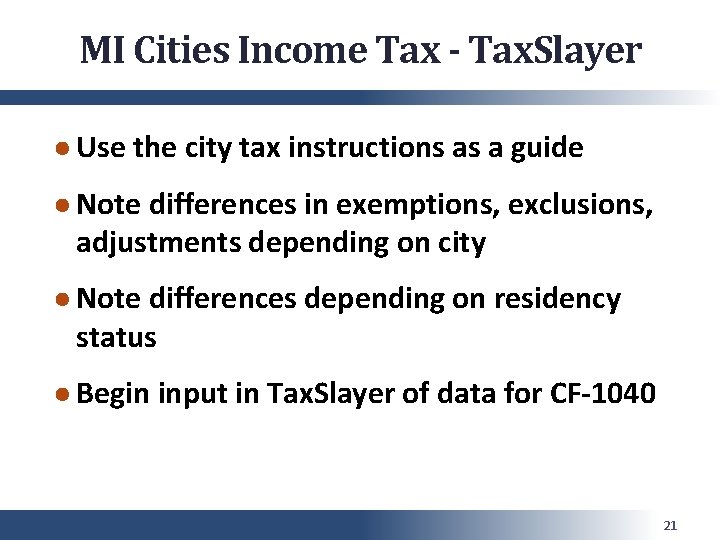
MI Cities Income Tax - Tax. Slayer ● Use the city tax instructions as a guide ● Note differences in exemptions, exclusions, adjustments depending on city ● Note differences depending on residency status ● Begin input in Tax. Slayer of data for CF-1040 21
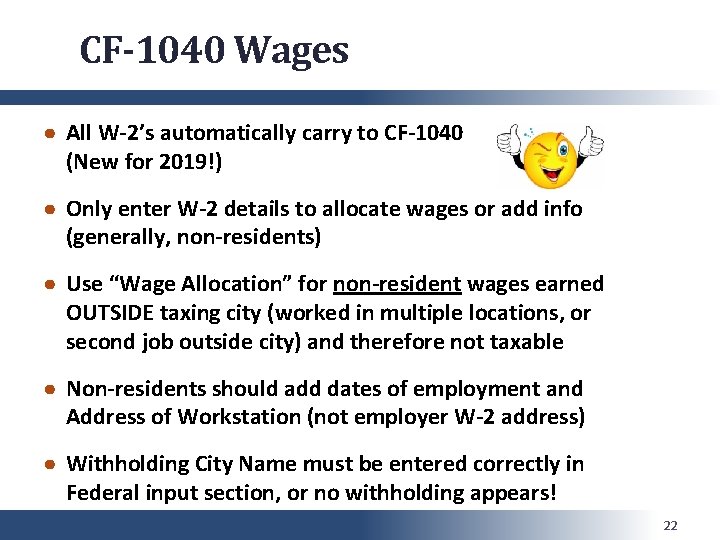
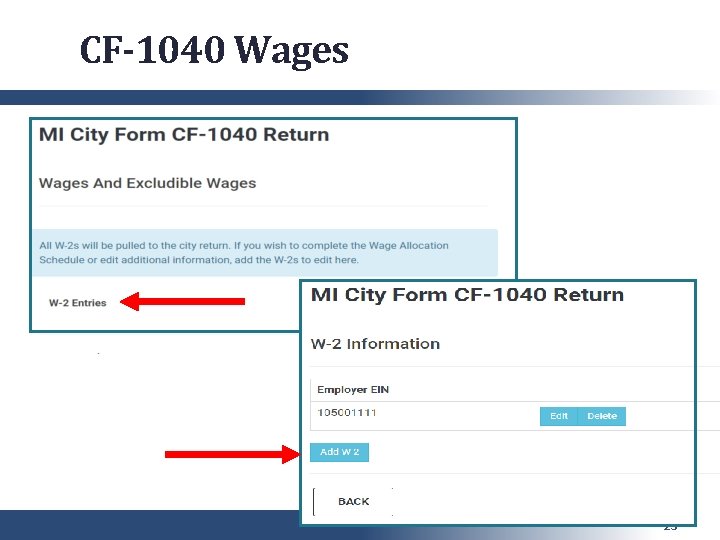
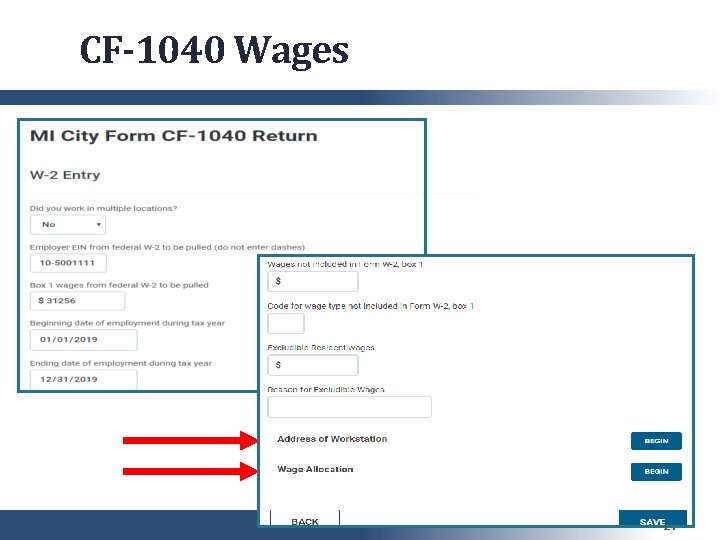
CF-1040 Wages ● All W-2’s automatically carry to CF-1040 (New for 2019!) ● Only enter W-2 details to allocate wages or add info (generally, non-residents) ● Use “Wage Allocation” for non-resident wages earned OUTSIDE taxing city (worked in multiple locations, or second job outside city) and therefore not taxable ● Non-residents should add dates of employment and Address of Workstation (not employer W-2 address) ● Withholding City Name must be entered correctly in Federal input section, or no withholding appears! 22
CF-1040 Wages 23
CF-1040 Wages 24
CF-1040 Pensions & IRA’s ● Must enter all 1099 -R’s exempt from tax ● Different input lines for IRA’s vs Pensions (if input on wrong line, won’t be excluded) ● EIN and all $’s must match Federal EXACTLY (or income won’t be excluded) ● First place to look if 1099 -R was not excluded – typo’s or rounding in local 1099 -R input 25
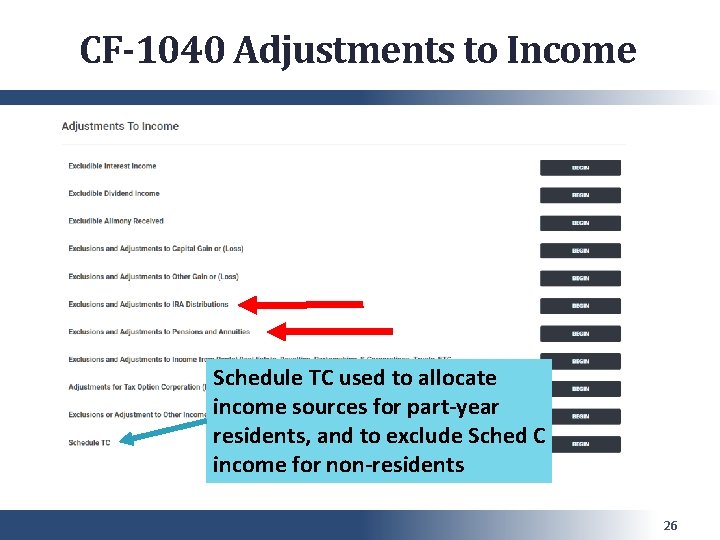
CF-1040 Adjustments to Income Schedule TC used to allocate income sources for part-year residents, and to exclude Sched C income for non-residents 26
Schedule TC ● Used for part-year residents (generally) ● May have income taxable at Resident and Non-Resident rates (had earnings in city before and after move) ● Complex form – review carefully ● Non-Residents with Schedule C income – use Schedule TC / Business Income allocation to exempt income earned outside city 27
Credit for Taxes Paid to Another City ● Taxpayer lived in one taxing city, worked in another taxing city – earnings taxed by both ● Resident City will give credit for taxes paid to non-resident city ● Credit is at LOWER of actual tax paid or nonresident calculation for Resident City (rates and exemptions may differ) ─ Example: Pontiac resident working in Detroit pays 1. 2% to Detroit, but gets credit for 0. 5% on Pontiac return 28
Credit for Taxes Paid to Another City ● Tax. Slayer only allows 1 version of CF-1040 in the program ● Prepare non-resident return first, review, and print 3 copies ● Delete non-resident return, and prepare resident return including credit for tax ● Include a copy of non-resident return with the return mailed to Resident City 29
Mi Cities CF-1040 ● “Continue” back out through the input screens until the Fed & MI tax due/refund amount recalculates to ensure data is saved ● Review preliminary CF-1040 from the print pdf ● Confirm all adjustments/exclusions follow specific city rules ● Make any corrections needed – may require “finessing” Tax. Slayer input 30
MI Cities CF-1040 ● In complicated cases, or when Tax. Slayer input is confusing or uncooperative: ● It may be easier to complete a tax return manually for the client (using the beginning of the CF-1040 or the city form) ● Remember: the client must paper file the form either way 31
MI Cities CF-1040 ● If you are completing a paper return (manually or using a fillable pdf), be extremely careful during the Quality Review ● All arithmetic must be done manually and checked carefully ● Must be done on originator’s computer ● Can be very time consuming 32
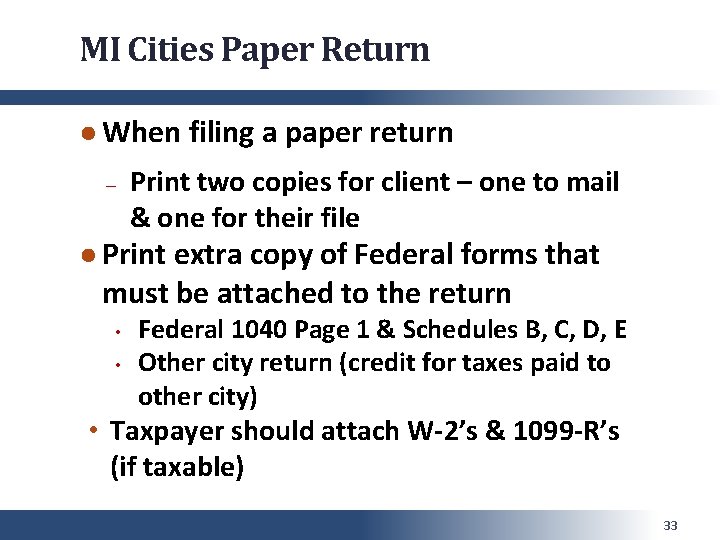
MI Cities Paper Return ● When filing a paper return ─ Print two copies for client – one to mail & one for their file ● Print extra copy of Federal forms that must be attached to the return • • Federal 1040 Page 1 & Schedules B, C, D, E Other city return (credit for taxes paid to other city) • Taxpayer should attach W-2’s & 1099 -R’s (if taxable) 33
MI Cities Paper Return ● Copies to mail must be printed 1 -sided, not 2 -sided ● Printing Suggestion • Create new print set, “City Common Return”, for copy to be mailed • Include CF-1040 and Federal 1040 Page 1 & Schedules B, C, D, E 34
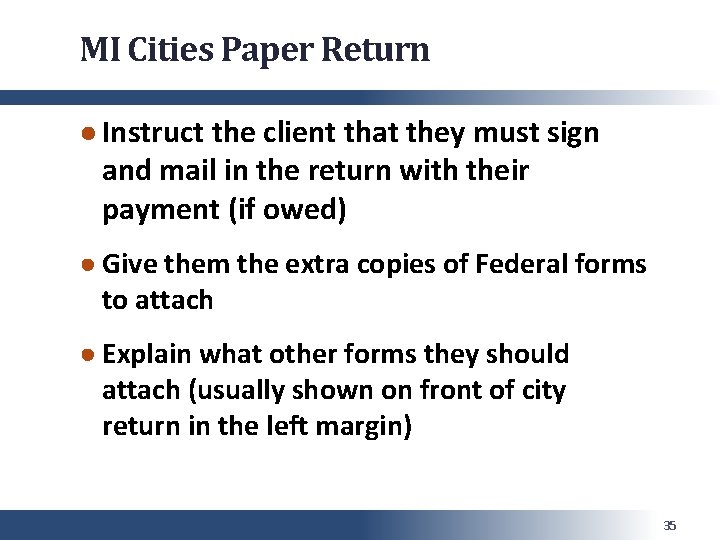
MI Cities Paper Return ● Instruct the client that they must sign and mail in the return with their payment (if owed) ● Give them the extra copies of Federal forms to attach ● Explain what other forms they should attach (usually shown on front of city return in the left margin) 35
Michigan Cities Questions? Comments? 36