
2016 HELLO BTEC LEVEL 3 SUBSIDIARY DIPLOMA 1
2016 HELLO
BTEC LEVEL 3 SUBSIDIARY DIPLOMA • 1 YEAR COURSE • 1 FULL A LEVEL • 7 UNITS (5 full and 2 halves) • 100% COURSEWORK (Last Year!!) • PROGRESSION ONTO DIPLOMA (2 A LEVELS)
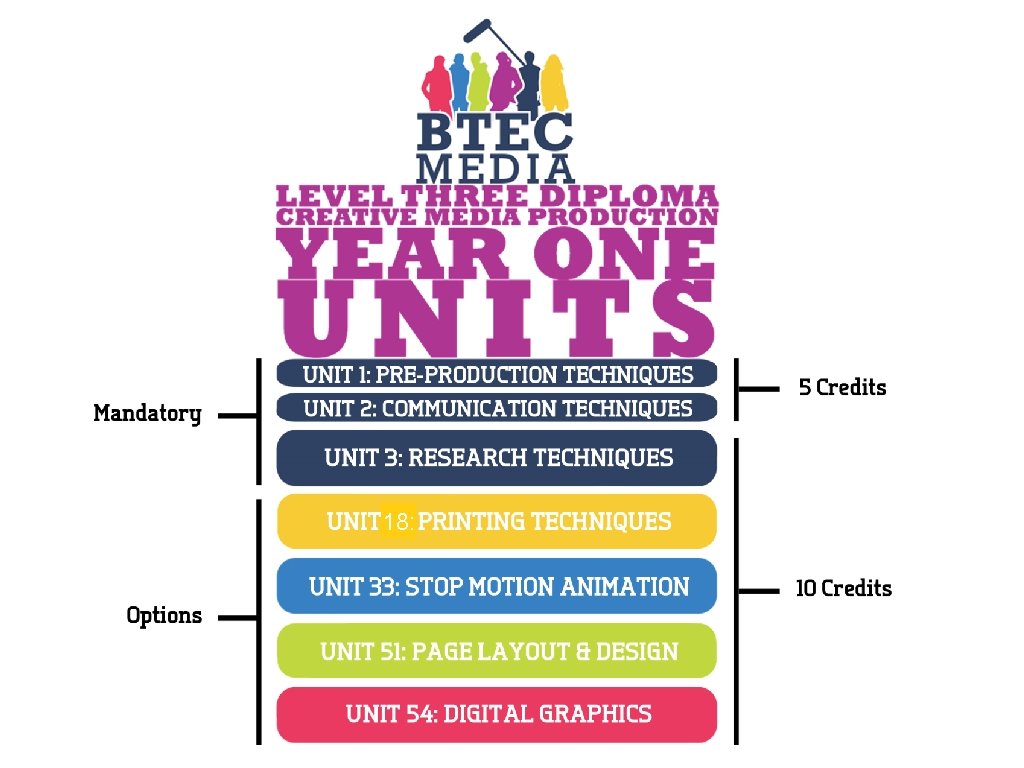
5 credit Mandatory UNIT 17: PRINTING TECHNIQUES 18: Option UNIT 33: STOP MOTIONANIMATION 10 credit UNIT 51: PAGE LAYOUT & DESIGN UNIT 54: DIGITAL GRAPHICS
BTEC ASSESSMENT RULES • FEEDBACK – When you’re working on an assignment, we can only offer very little feedback. We can’t suggest what grade your work is until we have formally graded it. • EVIDENCE – You can only submit work once for each criteria. • If you meet the deadline, you could have one re- submission chance per criteria (within 10 days) – but with no feedback to help you improve • If you fail a criterion, you might get a chance to retake – but whatever you then hand-in can only get a PASS

NEW BTEC ASSESSMENT RULES This all means you need to GET IT RIGHT FIRST TIME!! To do this you must keep up to date with knowledge and skills you are taught before doing the assignment. You can use any notes, practice work (which will have been marked), handouts, etc. to help you with your assessed work. This all needs keeping in your folders and/or on your college account. If you do work at home – you MUST copy it to your college account.

ASSESSMENT GRADING • UNITS BROKEN DOWN INTO CRITERIA ASSIGNMENTS • NYA, PASS, MERIT, DISTINCTION • THE OVERALL UNIT GRADE IS THE SAME AS THE LOWEST CRITERIA GRADE
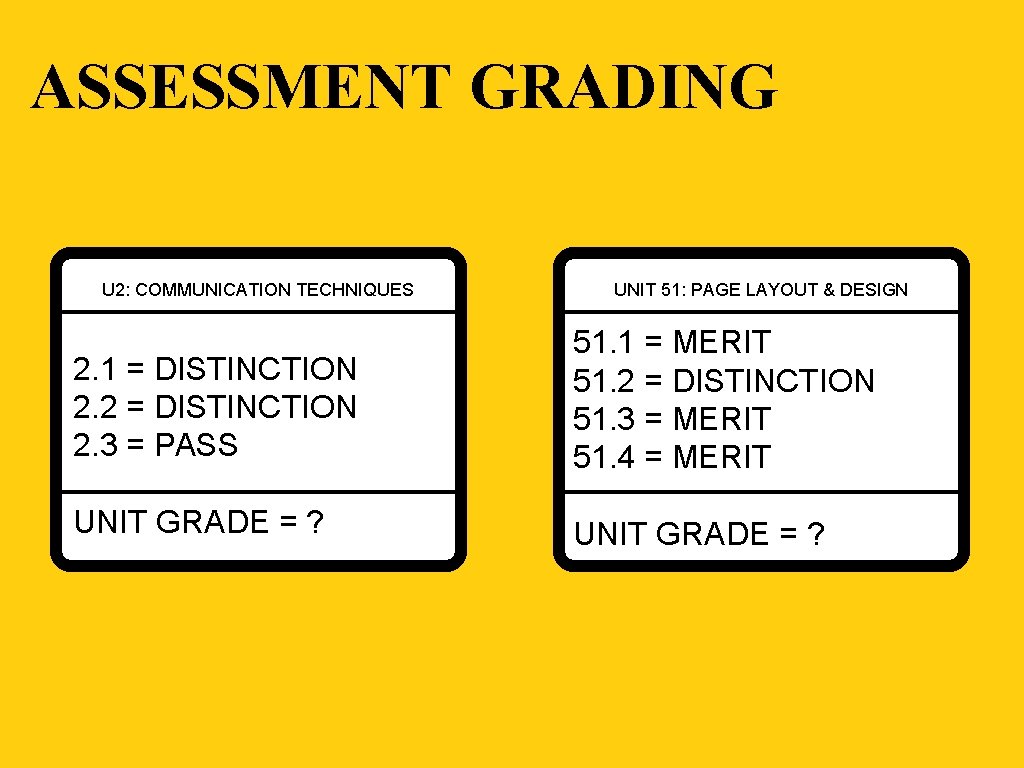
ASSESSMENT GRADING U 2: COMMUNICATION TECHNIQUES UNIT 51: PAGE LAYOUT & DESIGN 2. 1 = DISTINCTION 2. 2 = DISTINCTION 2. 3 = PASS 51. 1 = MERIT 51. 2 = DISTINCTION 51. 3 = MERIT 51. 4 = MERIT UNIT GRADE = ?
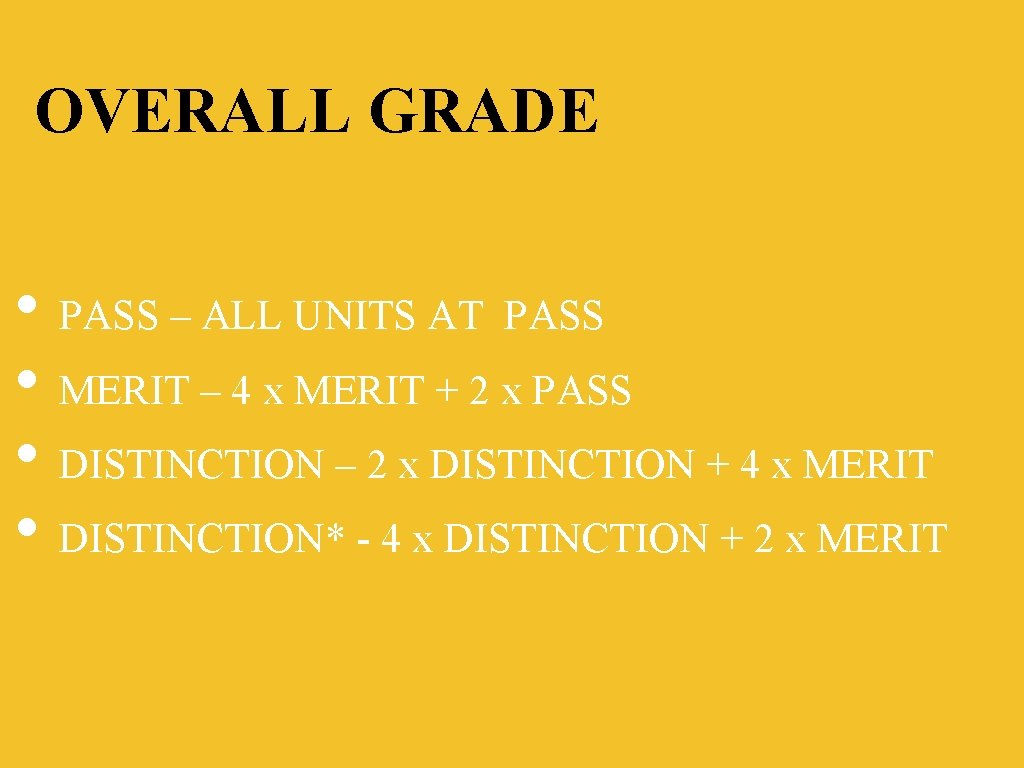
OVERALL GRADE • PASS – ALL UNITS AT PASS • MERIT – 4 x MERIT + 2 x PASS • DISTINCTION – 2 x DISTINCTION + 4 x MERIT • DISTINCTION* - 4 x DISTINCTION + 2 x MERIT
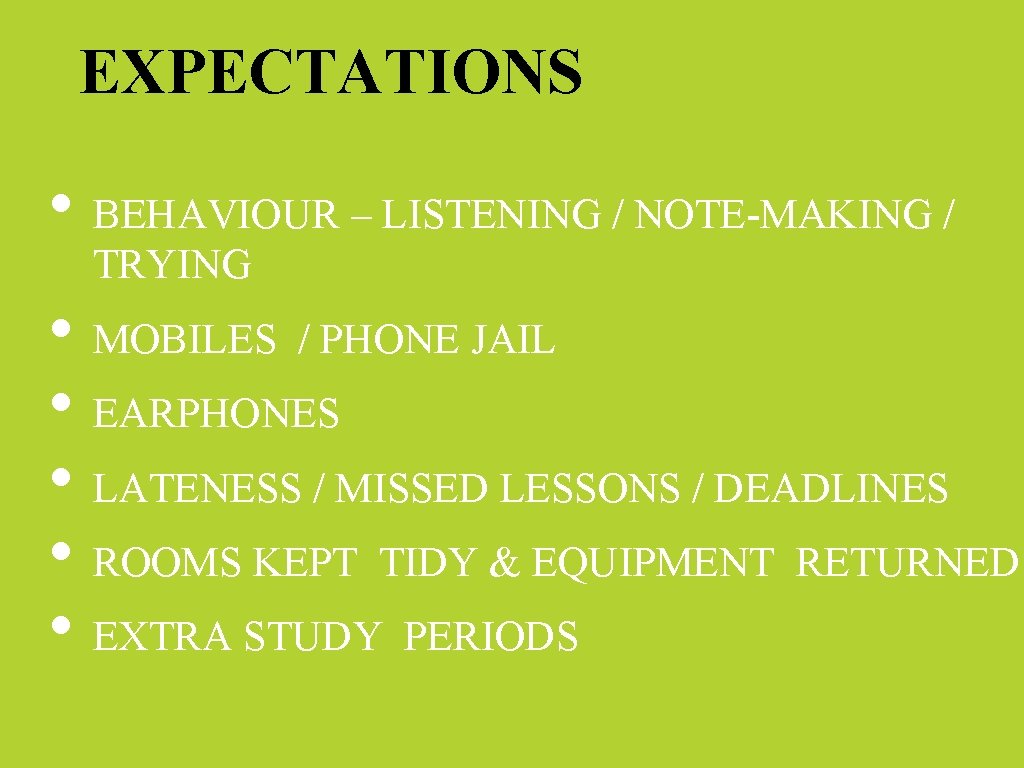
EXPECTATIONS • BEHAVIOUR – LISTENING / NOTE-MAKING / TRYING • MOBILES / PHONE JAIL • EARPHONES • LATENESS / MISSED LESSONS / DEADLINES • ROOMS KEPT TIDY & EQUIPMENT RETURNED • EXTRA STUDY PERIODS

EQUIPMENT / BOOKING ALWAYS BRING: Paper, Pencil, Worksheets, Folders NICE TO HAVE: Memory Stick, Scissors, Glue, Double Sided Tape, Black Fineliner Pen, Highlighters BOOK • CAMERAS (STILLS/VIDEO) + TRIPODS FROM US: • • OVERNIGHT OR WEEKENDS RETURNED 1 ST PERIOD (OR BEFORE) NEED BOOKING FORM & ID CARD ALL EQUIPMENT MUST BE BOOKED, COLLECTED & RETURNED TO STEVE
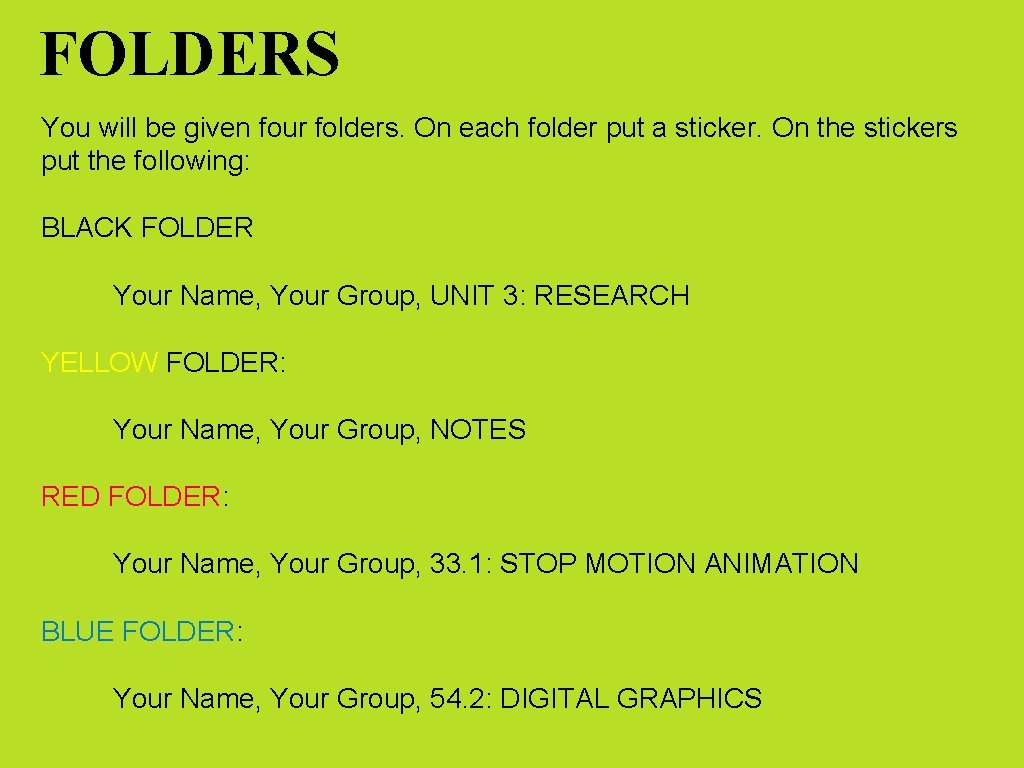
FOLDERS You will be given four folders. On each folder put a sticker. On the stickers put the following: BLACK FOLDER Your Name, Your Group, UNIT 3: RESEARCH YELLOW FOLDER: Your Name, Your Group, NOTES RED FOLDER: Your Name, Your Group, 33. 1: STOP MOTION ANIMATION BLUE FOLDER: Your Name, Your Group, 54. 2: DIGITAL GRAPHICS
LOG-IN • Log-In • Create a folder on your desktop – name it “MEDIA” • Open this folder – create 7 folders inside it • Name them after the seven units you will complete this year (names are on next slide)
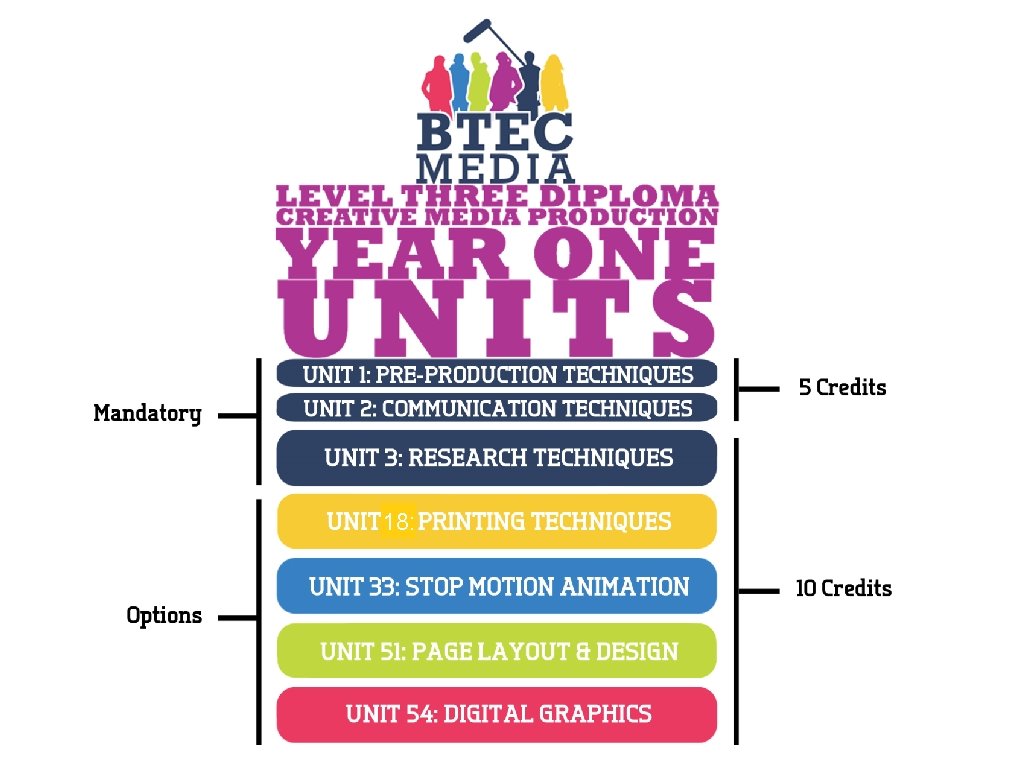
5 credit Mandatory UNIT 17: PRINTING TECHNIQUES 18: Option UNIT 33: STOP MOTIONANIMATION 10 credit UNIT 51: PAGE LAYOUT & DESIGN UNIT 54: DIGITAL GRAPHICS

PADLET • All the information / worksheets / briefs you need for the course will be stored on the following padlet wall: padlet. com/ianlifsey/btecmedia • Make a note of this address and put it at the front of your yellow folder
FIRST HALF TERM • You are going to start the course with Unit 33: STOP MOTION ANIMATION • The first part of the unit (33. 1) is about understanding stop motion animation • This involves lots of research into stop motion techniques and animators • You will get two teaching weeks on 33. 1, plus a week of your own time to finish this work • Deadline for 33. 1 – Friday 30/9/2016
FIRST HALF TERM • Some of the research will count towards UNIT 3: RESEARCH TECHNIQUES • • • After 33. 1 you will start to plan your own animation (33. 2) – this planning will count towards UNIT 1: PRE-PRODUCTION TECHNIQUES You will them create your own animation (33. 3) – your first week of filming is the week before half term Also – one lesson per week will be a practical session in either Photoshop or Illustrator – this work will count towards UNIT 54: DIGITAL GRAPHICS
- Slides: 16