
2010 National Radiological Emergency Preparedness NREP Conference Session
- Slides: 18
2010 National Radiological Emergency Preparedness (NREP) Conference Session 26 The REP EPZ Sector Diagram Aaron Weier (WI DHS) Dr. Perry Manor (WI DHS)
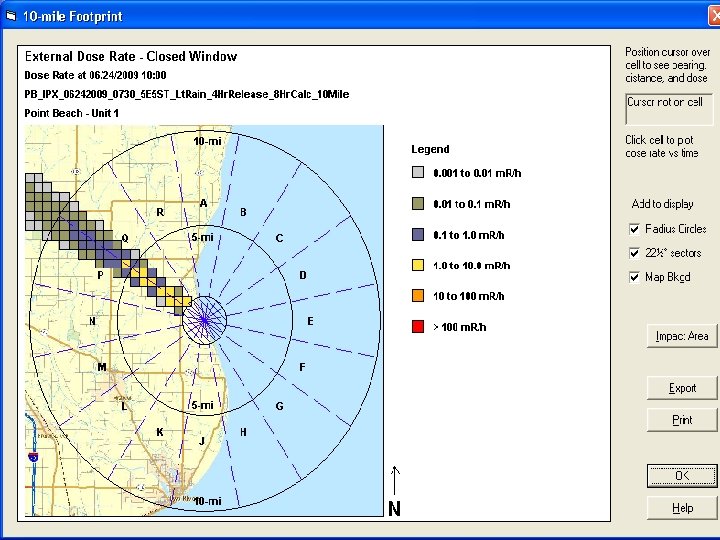
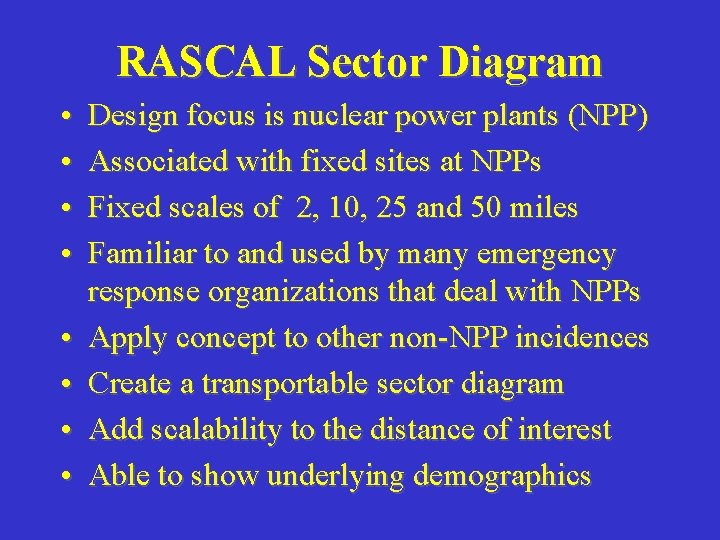
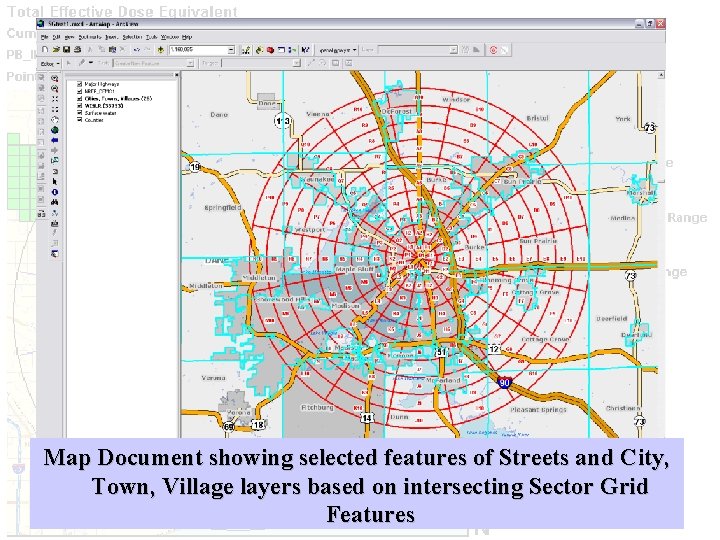
RASCAL Sector Diagram • • Design focus is nuclear power plants (NPP) Associated with fixed sites at NPPs Fixed scales of 2, 10, 25 and 50 miles Familiar to and used by many emergency response organizations that deal with NPPs Apply concept to other non-NPP incidences Create a transportable sector diagram Add scalability to the distance of interest Able to show underlying demographics
Contents • • • Technical Description High Level Code Review Potential Future Enhancements Call for Assistance Screenshots Contact Information
Technical Description • • • VB. NET 3. 5 Visual Studio 2008 ESRI Arc. GIS Desktop 9. 3. 1 Shapefiles Based on Map Coordinate System
High Level Code Review • Create New Shapefile • Capture Origin Point • Iterate through Sector Grid Ring Loop based on user input – Create Lines and Arcs – Add Lines and Arcs to Ring Collection – Add Ring Collection to Polygon Geometry
Potential Future Enhancements • Select Coordinate System on form • Enter Coords in a Lat / Long format – Degrees Minutes Seconds – Decimal Degrees • Change units • Use SDE, personal, or file GDB
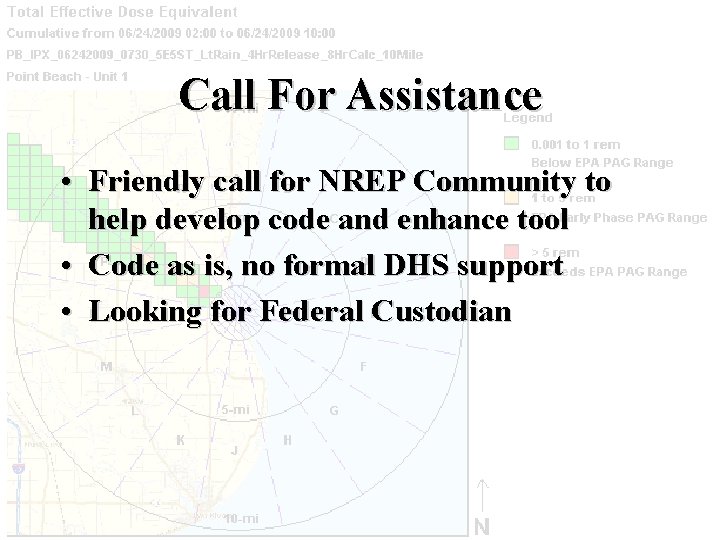
Call For Assistance • Friendly call for NREP Community to help develop code and enhance tool • Code as is, no formal DHS support • Looking for Federal Custodian
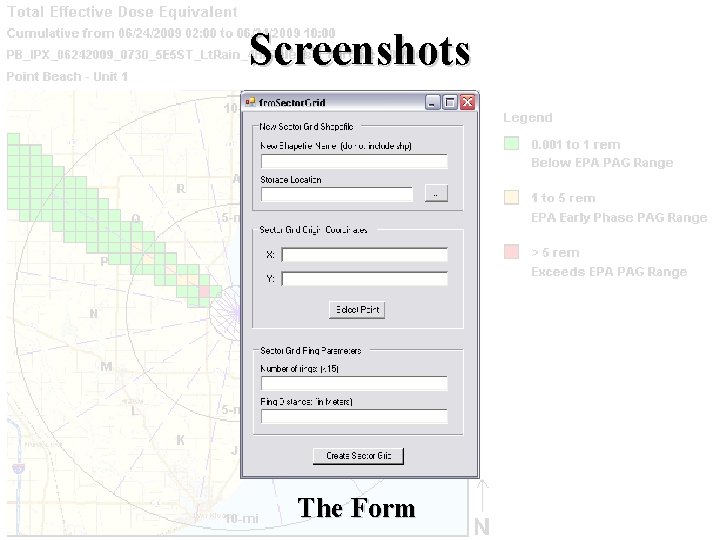
Screenshots The Form
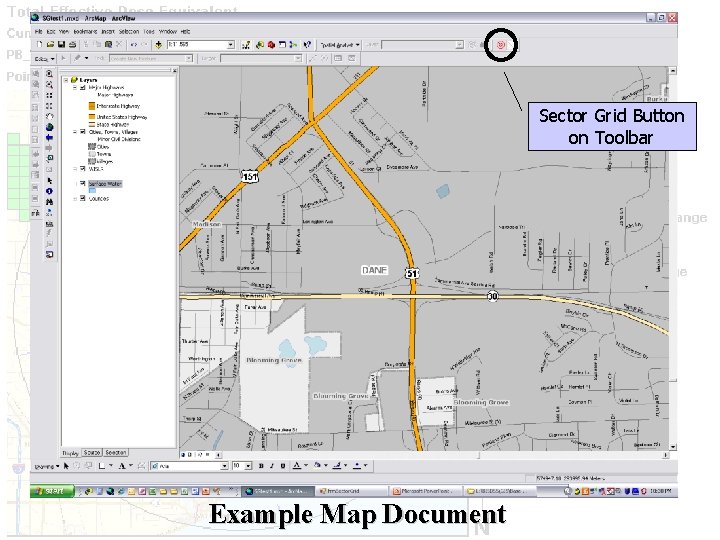
Sector Grid Button on Toolbar Example Map Document
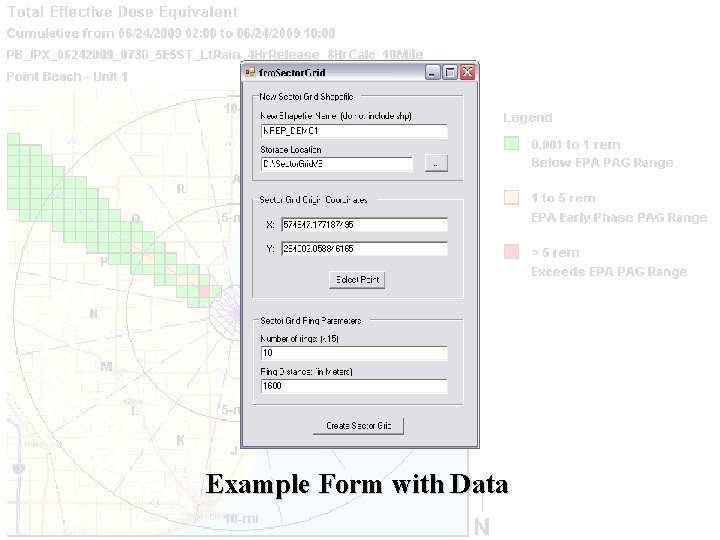
Example Form with Data
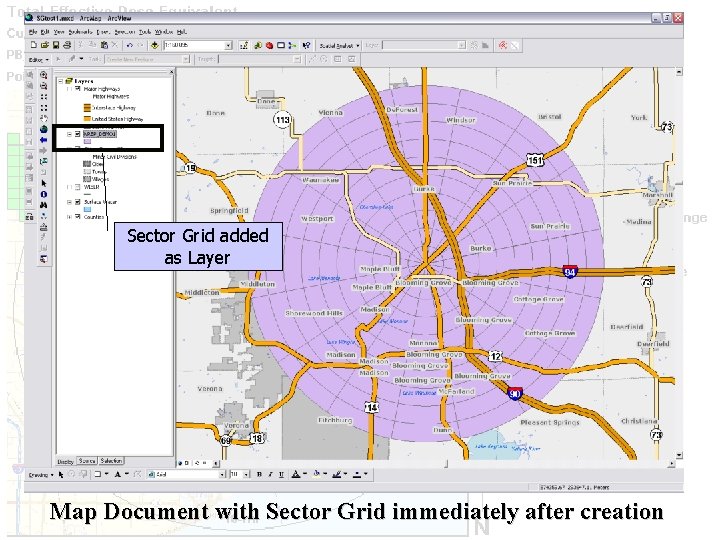
Sector Grid added as Layer Map Document with Sector Grid immediately after creation
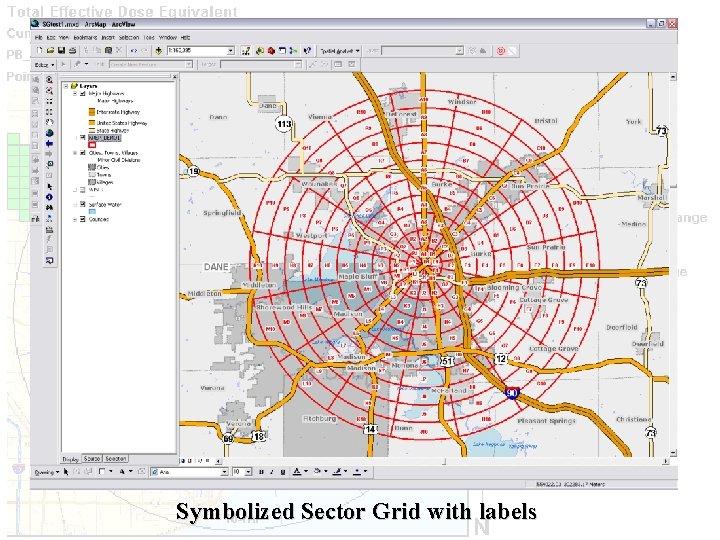
Symbolized Sector Grid with labels
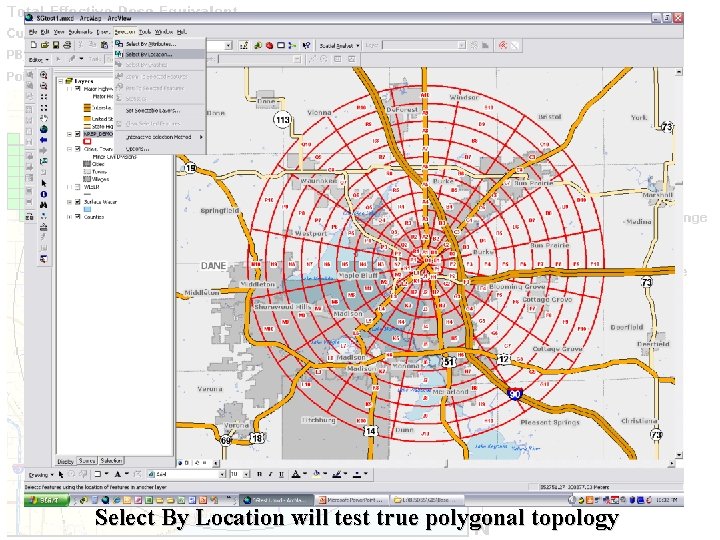
Select By Location will test true polygonal topology
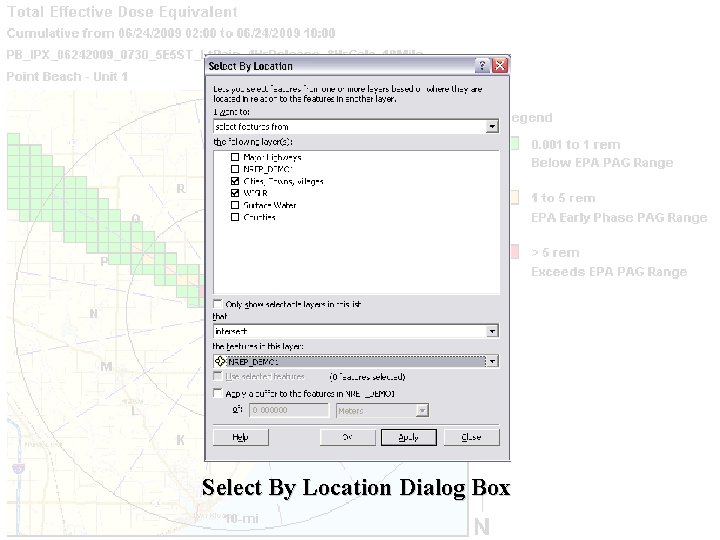
Select By Location Dialog Box
Map Document showing selected features of Streets and City, Town, Village layers based on intersecting Sector Grid Features
Contact Information • Aaron Weier, GIS Analyst –Aaron. Weier@wisconsin. gov –Phone: (608) 267 -2360 • Perry J. Manor, REP Planner –Perry. Manor@wisconsin. gov –Phone (608) 267 -4794