
2008 PrenticeHall Inc 1 Why Computers Matter to
- Slides: 51
© 2008 Prentice-Hall, Inc. 1
Why Computers Matter to You: Becoming Computer Fluent Looking at Computers: Understanding the Parts © 2008 Prentice-Hall, Inc. 2
Chapter Topics • • Computer fluency Computers and careers Computer functions Data vs. information Computer hardware and software Societal challenges and computers Future technologies © 2008 Prentice-Hall, Inc. 3
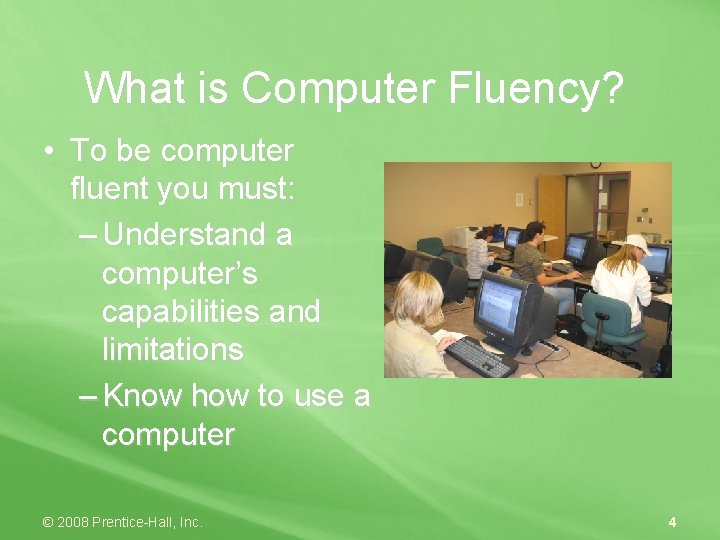
What is Computer Fluency? • To be computer fluent you must: – Understand a computer’s capabilities and limitations – Know how to use a computer © 2008 Prentice-Hall, Inc. 4
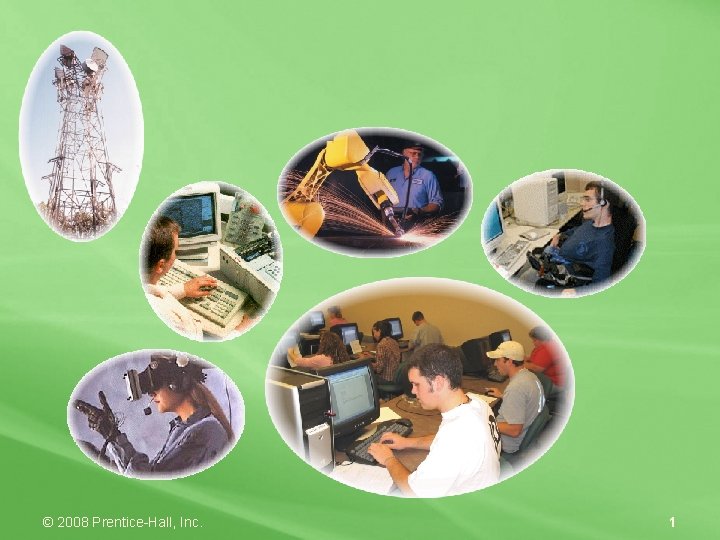
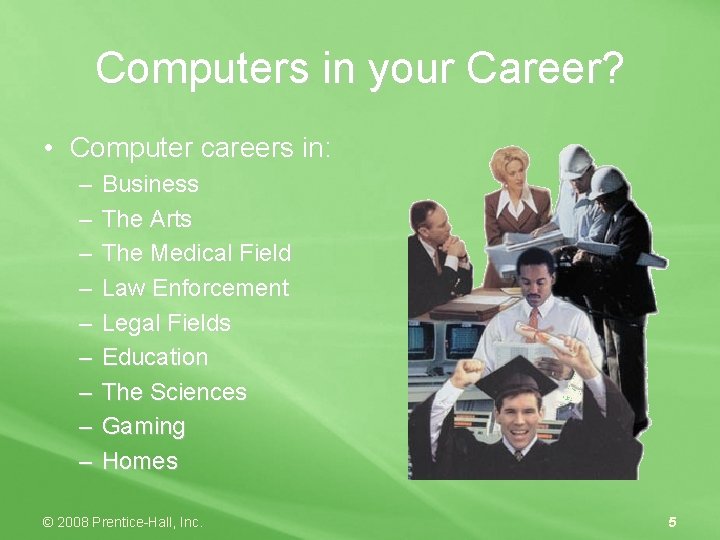
Computers in your Career? • Computer careers in: – – – – – Business The Arts The Medical Field Law Enforcement Legal Fields Education The Sciences Gaming Homes © 2008 Prentice-Hall, Inc. 5
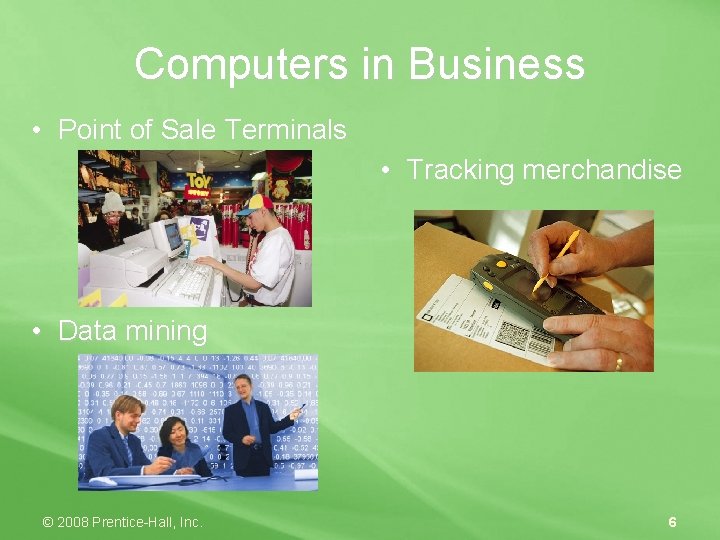
Computers in Business • Point of Sale Terminals • Tracking merchandise • Data mining © 2008 Prentice-Hall, Inc. 6
Computers in Farming and Ranching • Assist in managing complex farming business and information systems • RFID tags track and record animals in case of diseases • Computerized sensors and equipment activation protect crops © 2008 Prentice-Hall, Inc. 7
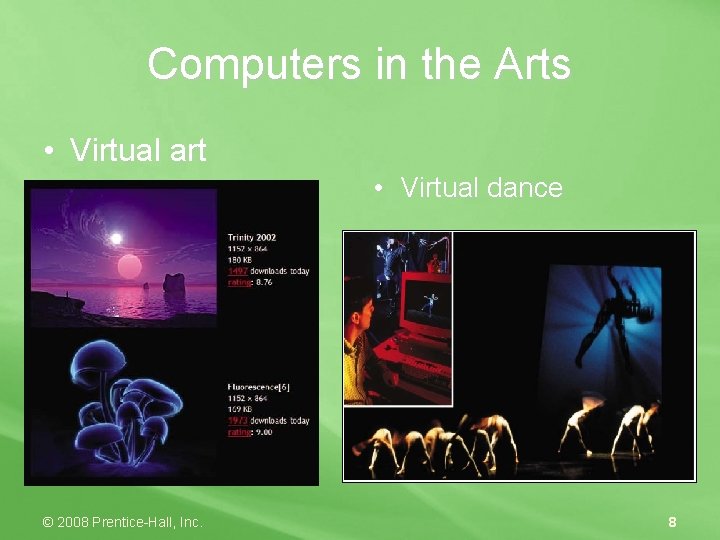
Computers in the Arts • Virtual art • Virtual dance © 2008 Prentice-Hall, Inc. 8
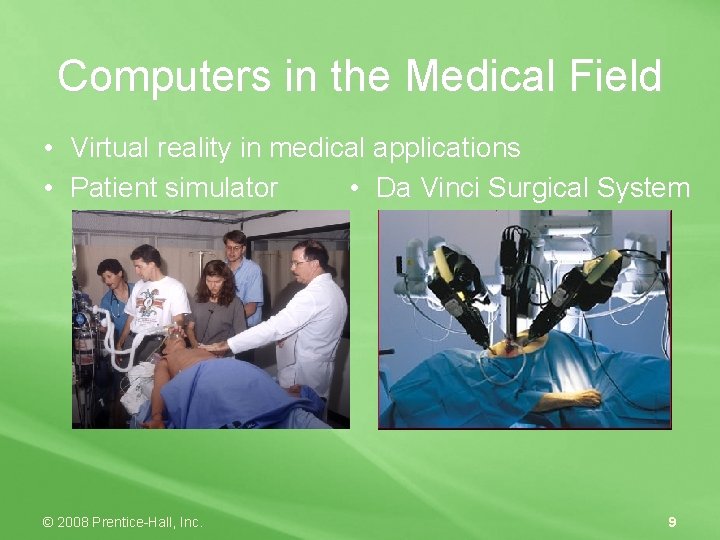
Computers in the Medical Field • Virtual reality in medical applications • Patient simulator • Da Vinci Surgical System © 2008 Prentice-Hall, Inc. 9
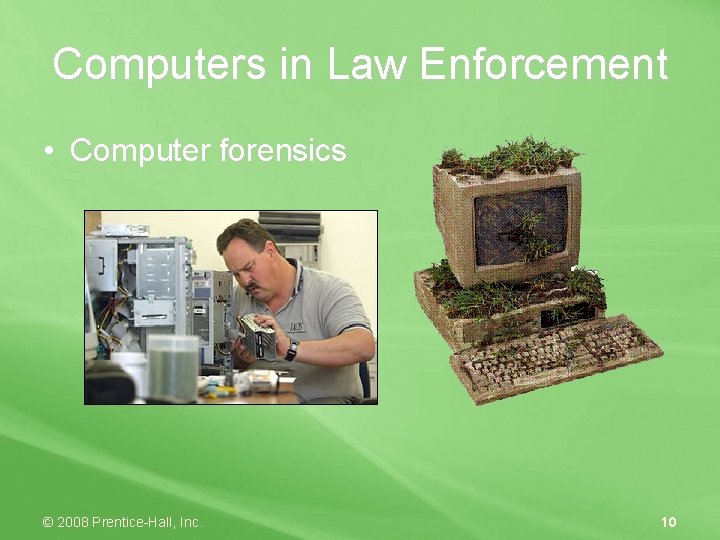
Computers in Law Enforcement • Computer forensics © 2008 Prentice-Hall, Inc. 10
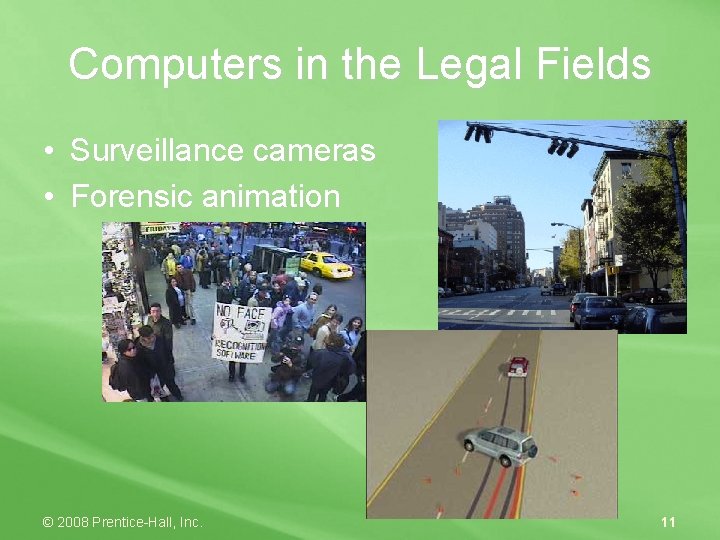
Computers in the Legal Fields • Surveillance cameras • Forensic animation © 2008 Prentice-Hall, Inc. 11
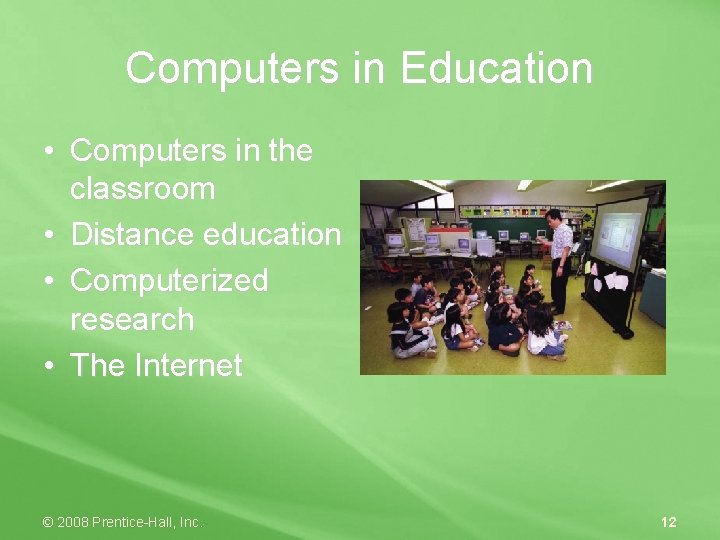
Computers in Education • Computers in the classroom • Distance education • Computerized research • The Internet © 2008 Prentice-Hall, Inc. 12
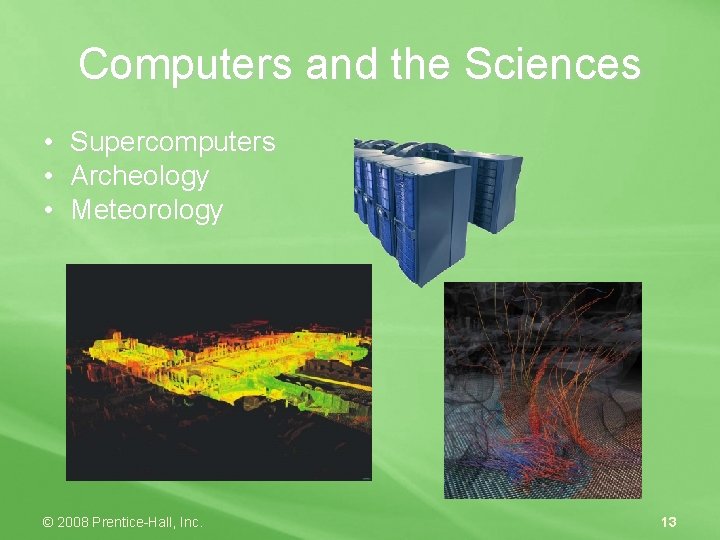
Computers and the Sciences • • • Supercomputers Archeology Meteorology © 2008 Prentice-Hall, Inc. 13
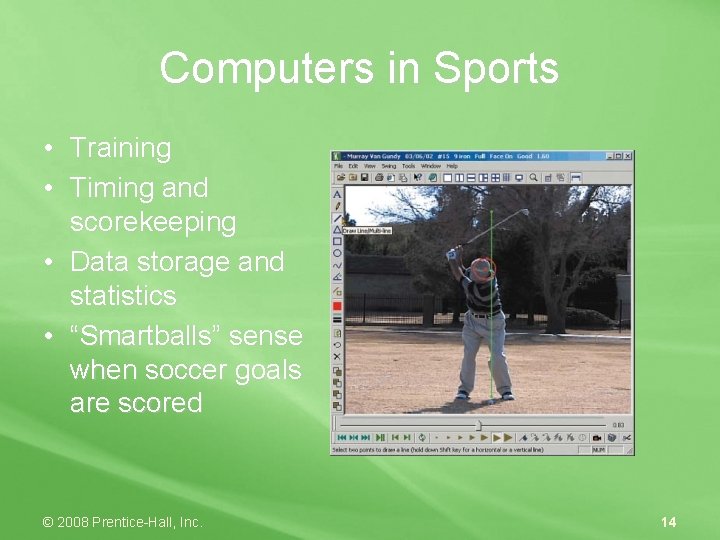
Computers in Sports • Training • Timing and scorekeeping • Data storage and statistics • “Smartballs” sense when soccer goals are scored © 2008 Prentice-Hall, Inc. 14
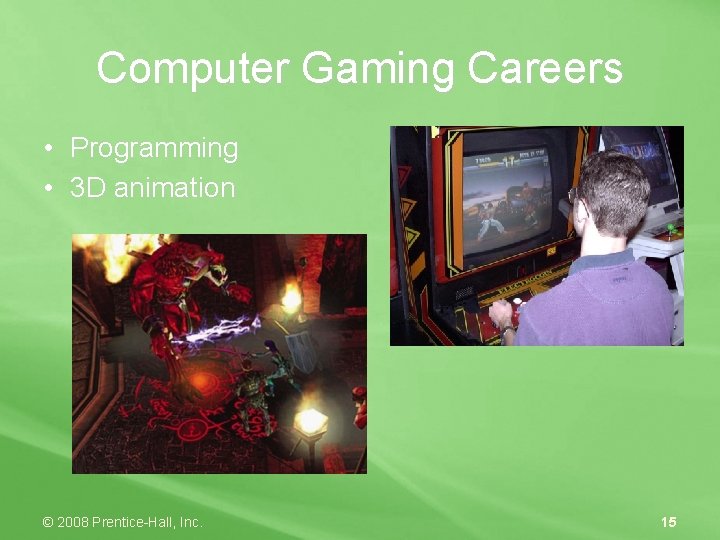
Computer Gaming Careers • Programming • 3 D animation © 2008 Prentice-Hall, Inc. 15
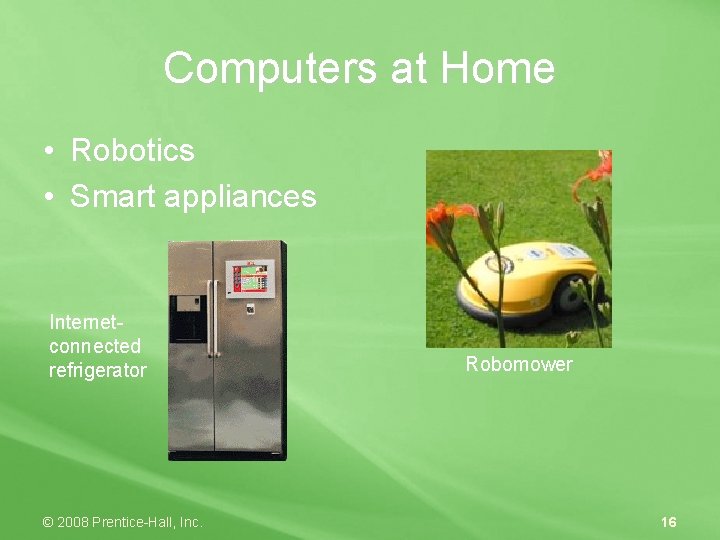
Computers at Home • Robotics • Smart appliances Internetconnected refrigerator © 2008 Prentice-Hall, Inc. Robomower 16
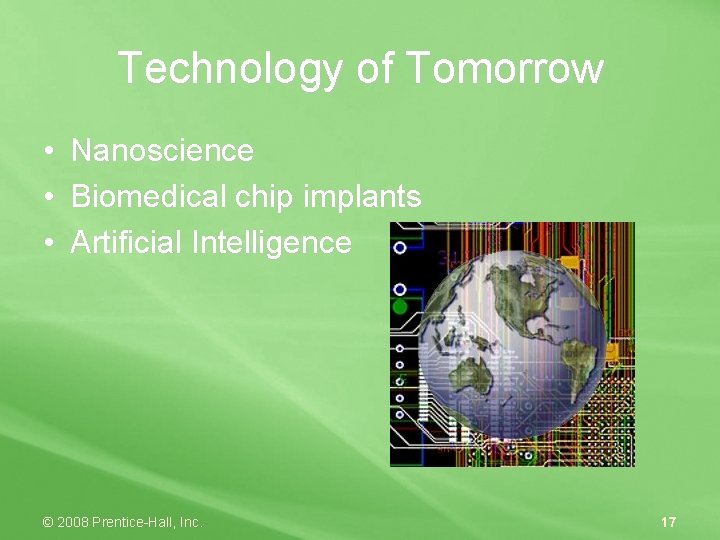
Technology of Tomorrow • • • Nanoscience Biomedical chip implants Artificial Intelligence © 2008 Prentice-Hall, Inc. 17
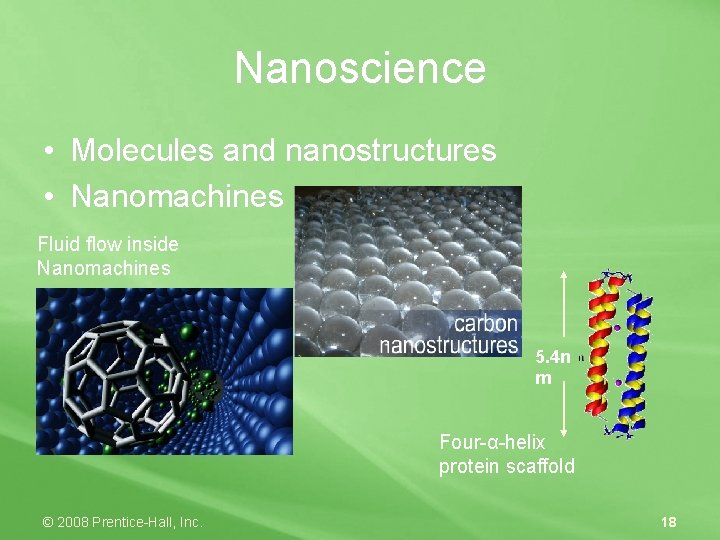
Nanoscience • Molecules and nanostructures • Nanomachines Fluid flow inside Nanomachines 5. 4 n m Four-α-helix protein scaffold © 2008 Prentice-Hall, Inc. 18
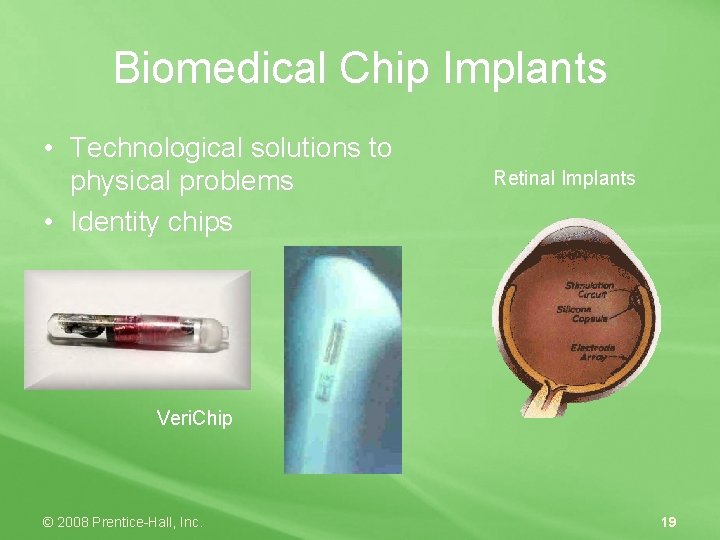
Biomedical Chip Implants • Technological solutions to physical problems • Identity chips Retinal Implants Veri. Chip © 2008 Prentice-Hall, Inc. 19
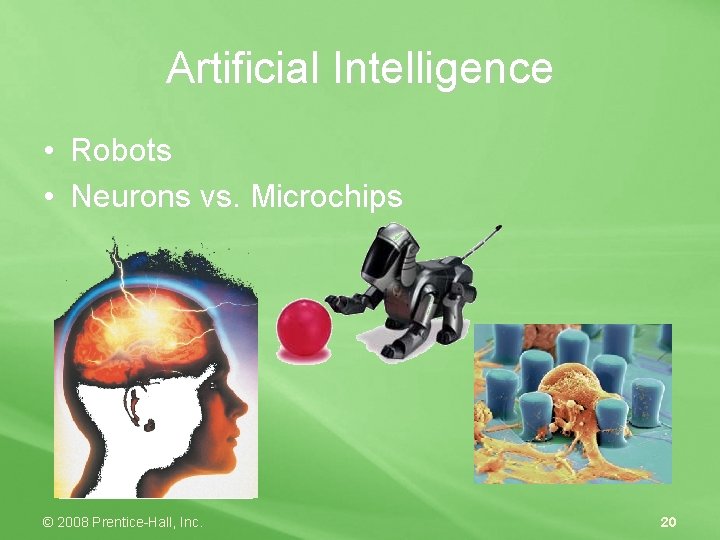
Artificial Intelligence • Robots • Neurons vs. Microchips © 2008 Prentice-Hall, Inc. 20
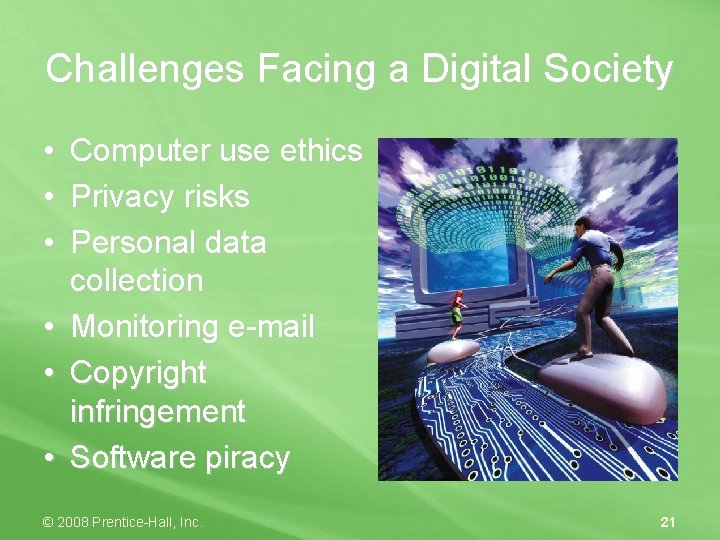
Challenges Facing a Digital Society • • • Computer use ethics Privacy risks Personal data collection Monitoring e-mail Copyright infringement Software piracy © 2008 Prentice-Hall, Inc. 21
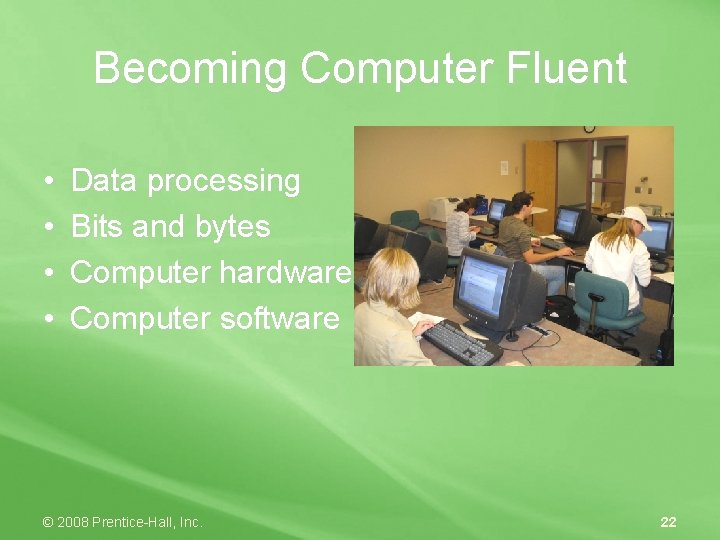
Becoming Computer Fluent • • Data processing Bits and bytes Computer hardware Computer software © 2008 Prentice-Hall, Inc. 22
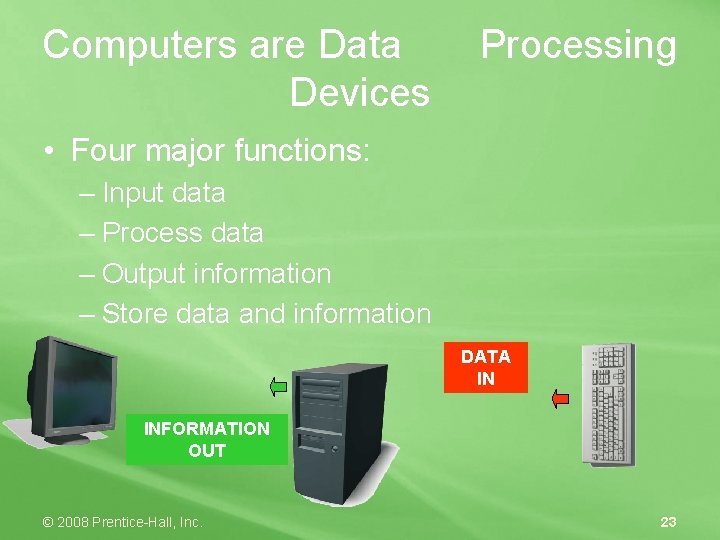
Computers are Data Devices Processing • Four major functions: – Input data – Process data – Output information – Store data and information DATA IN INFORMATION OUT © 2008 Prentice-Hall, Inc. 23
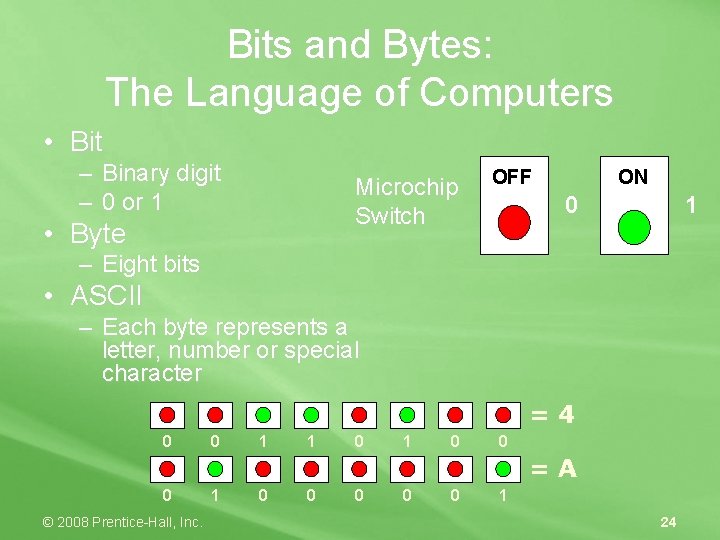
Bits and Bytes: The Language of Computers • Bit – Binary digit – 0 or 1 Microchip Switch • Byte OFF ON 0 1 – Eight bits • ASCII – Each byte represents a letter, number or special character =4 0 0 1 1 0 0 =A 0 © 2008 Prentice-Hall, Inc. 1 0 0 0 1 24
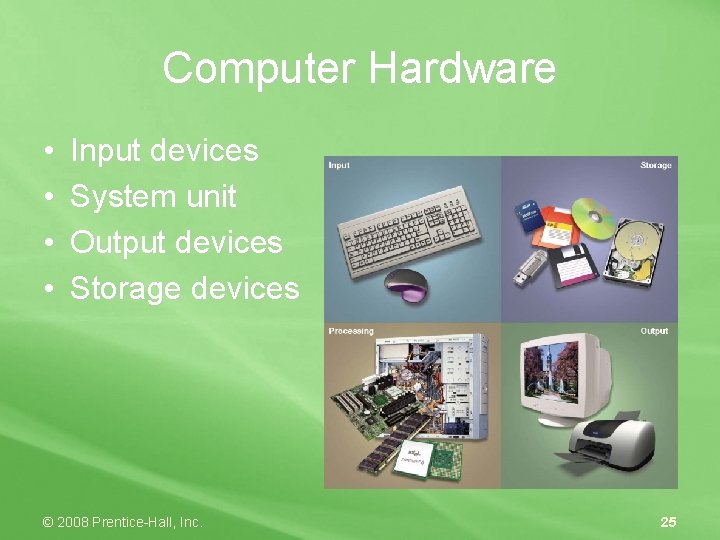
Computer Hardware • • Input devices System unit Output devices Storage devices © 2008 Prentice-Hall, Inc. 25
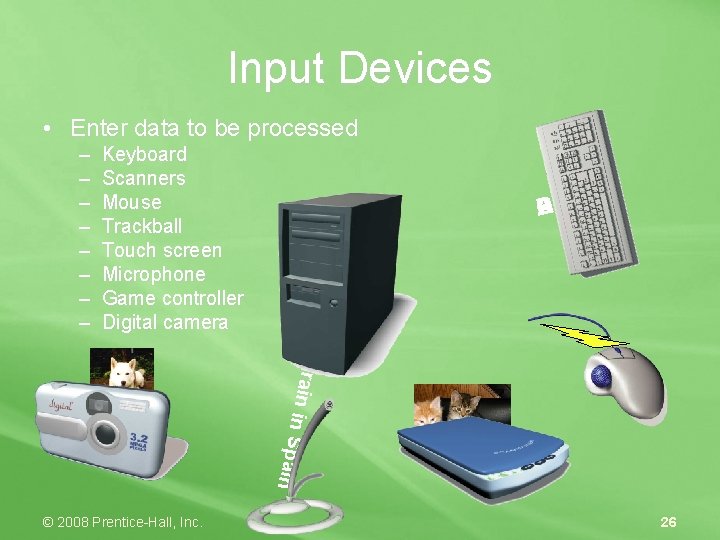
Input Devices • Enter data to be processed Keyboard Scanners Mouse Trackball Touch screen Microphone Game controller Digital camera © 2008 Prentice-Hall, Inc. D C B A The ra in i n S pain – – – – 26
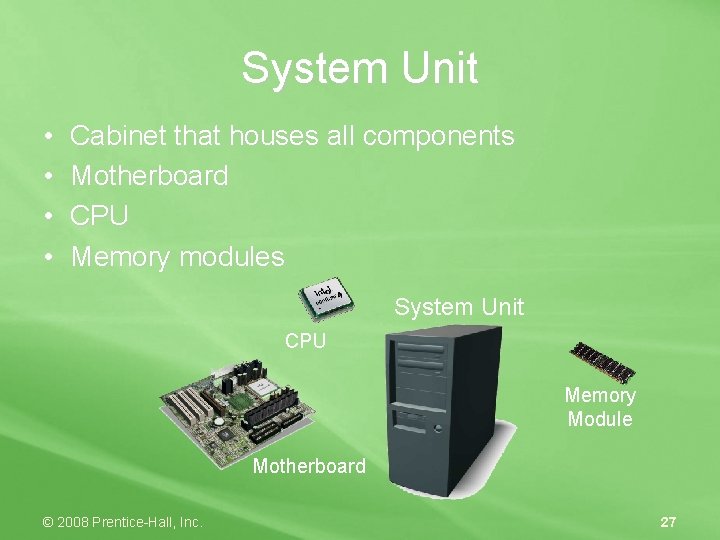
System Unit • • Cabinet that houses all components Motherboard CPU Memory modules System Unit CPU Memory Module Motherboard © 2008 Prentice-Hall, Inc. 27
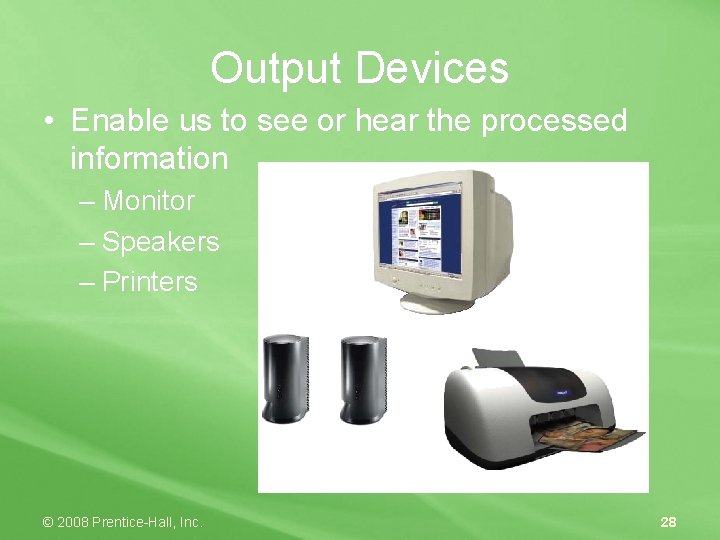
Output Devices • Enable us to see or hear the processed information – Monitor – Speakers – Printers © 2008 Prentice-Hall, Inc. 28
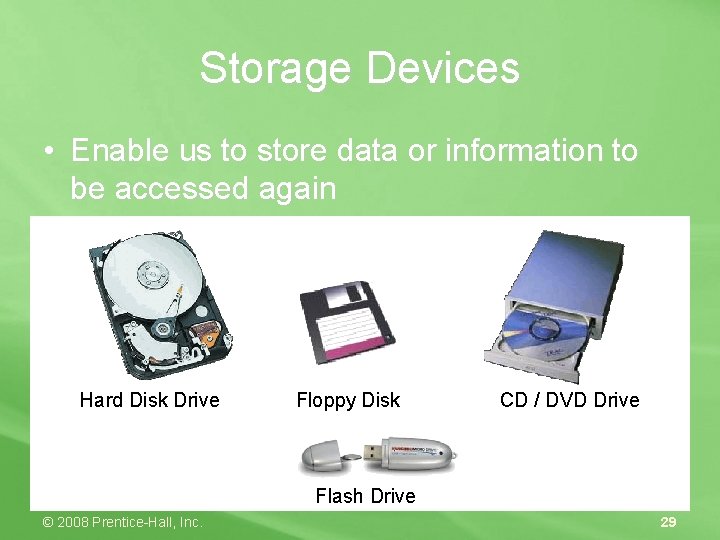
Storage Devices • Enable us to store data or information to be accessed again Hard Disk Drive Floppy Disk CD / DVD Drive Flash Drive © 2008 Prentice-Hall, Inc. 29
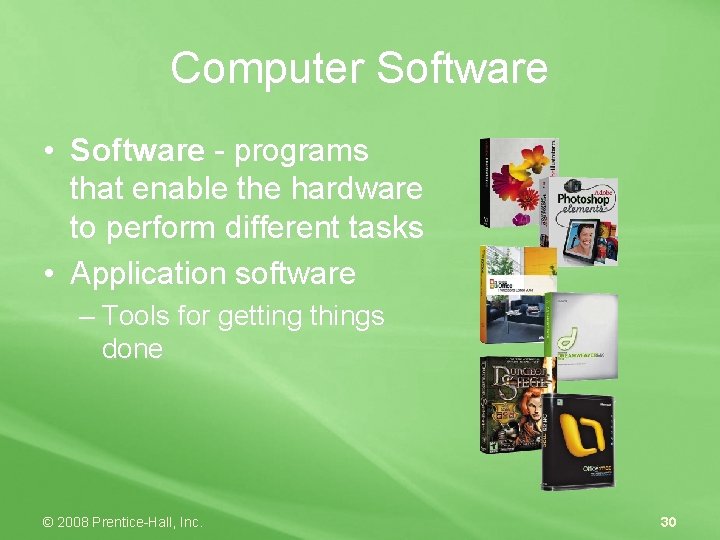
Computer Software • Software - programs that enable the hardware to perform different tasks • Application software – Tools for getting things done © 2008 Prentice-Hall, Inc. 30
Computer Software • System software – Essential for platform operation and support © 2008 Prentice-Hall, Inc. 31
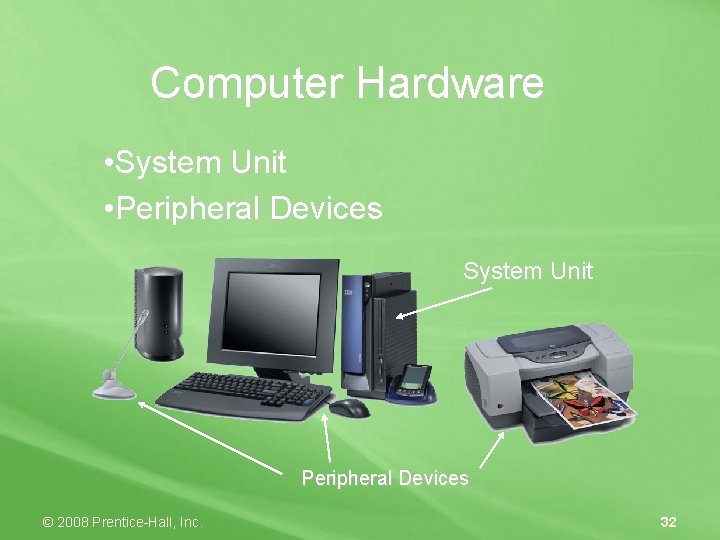
Computer Hardware • System Unit • Peripheral Devices System Unit Peripheral Devices © 2008 Prentice-Hall, Inc. 32
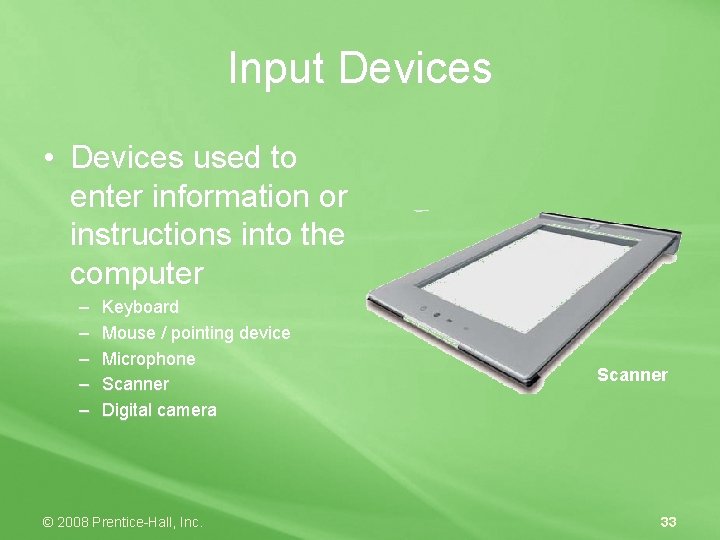
Input Devices • Devices used to enter information or instructions into the computer – – – Keyboard Mouse / pointing device Microphone Scanner Digital camera © 2008 Prentice-Hall, Inc. Scanner 33
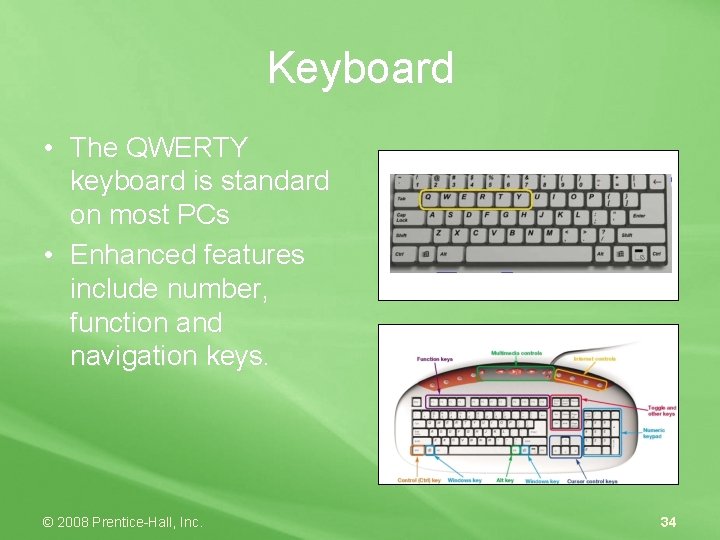
Keyboard • The QWERTY keyboard is standard on most PCs • Enhanced features include number, function and navigation keys. © 2008 Prentice-Hall, Inc. 34
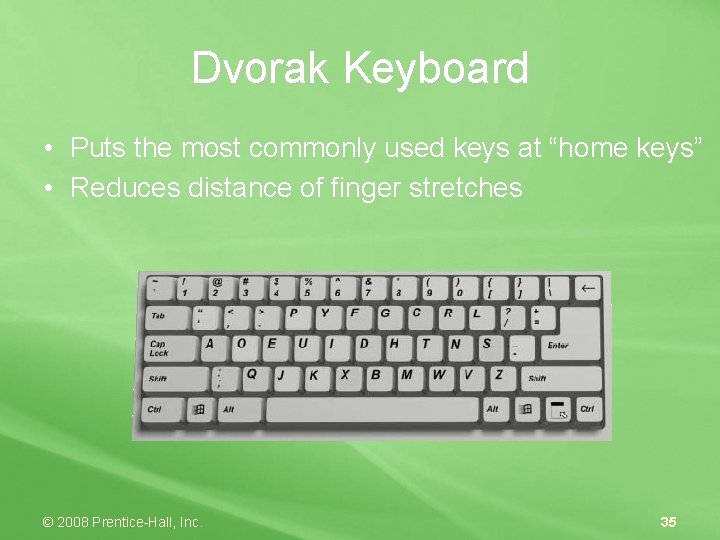
Dvorak Keyboard • Puts the most commonly used keys at “home keys” • Reduces distance of finger stretches © 2008 Prentice-Hall, Inc. 35
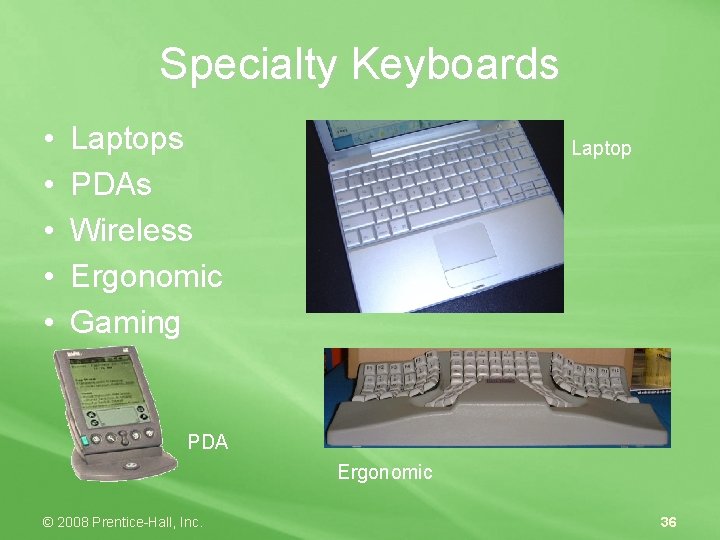
Specialty Keyboards • • • Laptops PDAs Wireless Ergonomic Gaming Laptop PDA Ergonomic © 2008 Prentice-Hall, Inc. 36
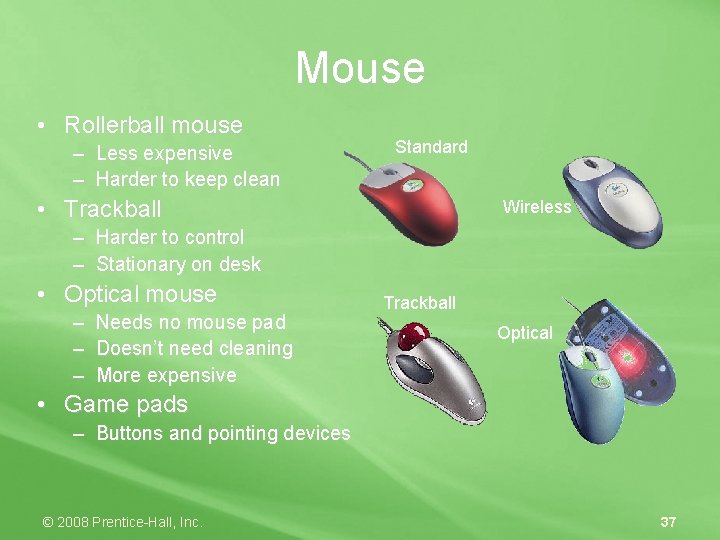
Mouse • Rollerball mouse – Less expensive – Harder to keep clean Standard • Trackball Wireless – Harder to control – Stationary on desk • Optical mouse – Needs no mouse pad – Doesn’t need cleaning – More expensive Trackball Optical • Game pads – Buttons and pointing devices © 2008 Prentice-Hall, Inc. 37
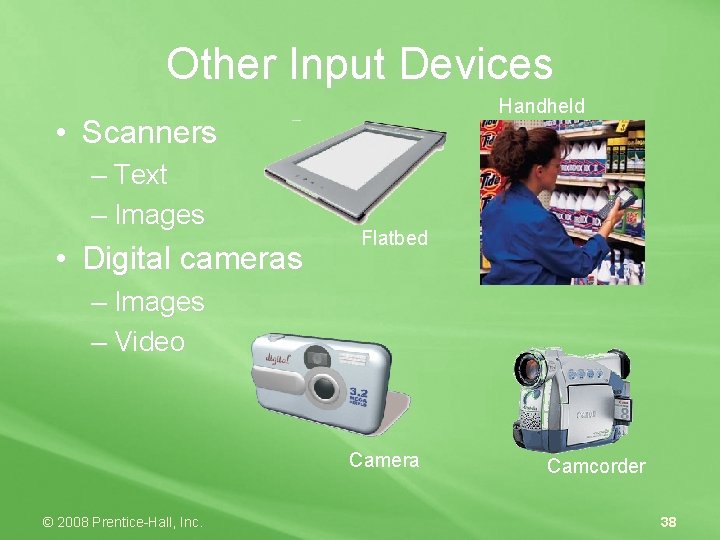
Other Input Devices Handheld • Scanners – Text – Images • Digital cameras Flatbed – Images – Video Camera © 2008 Prentice-Hall, Inc. Camcorder 38
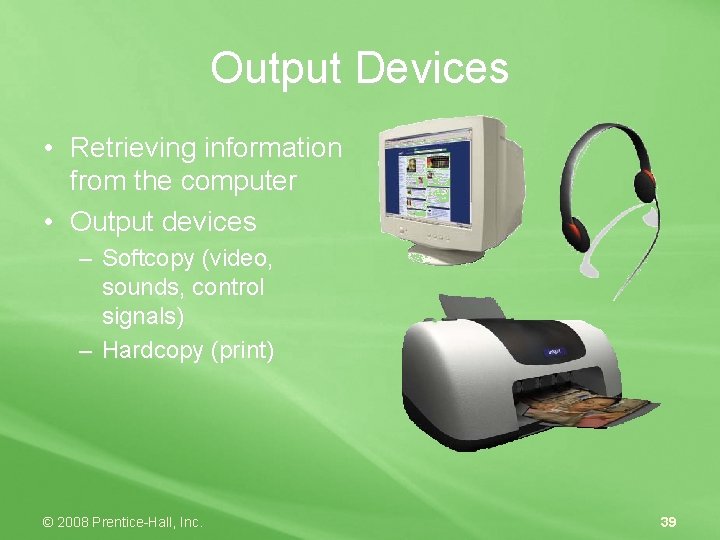
Output Devices • Retrieving information from the computer • Output devices – Softcopy (video, sounds, control signals) – Hardcopy (print) © 2008 Prentice-Hall, Inc. 39
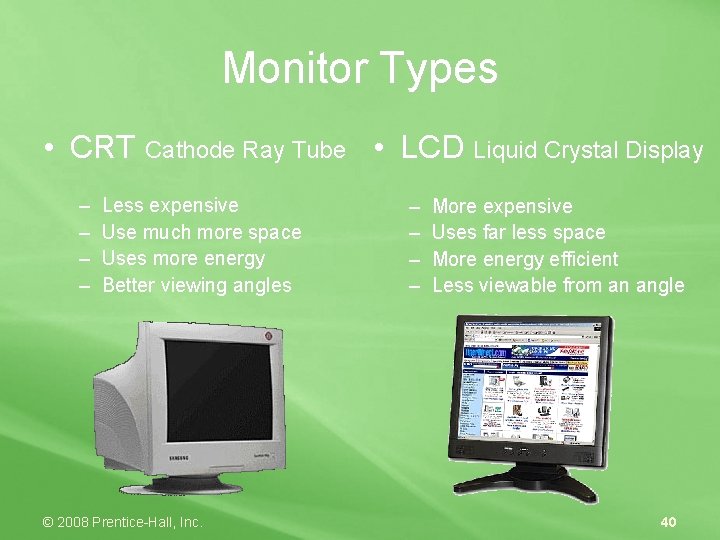
Monitor Types • CRT Cathode Ray Tube • LCD Liquid Crystal Display – – Less expensive Use much more space Uses more energy Better viewing angles © 2008 Prentice-Hall, Inc. – – More expensive Uses far less space More energy efficient Less viewable from an angle 40
Other Video Output • Touch-screen monitors double as both input and output devices. • Data projectors project a computer image to a large screen for sharing with large groups. © 2008 Prentice-Hall, Inc. 41
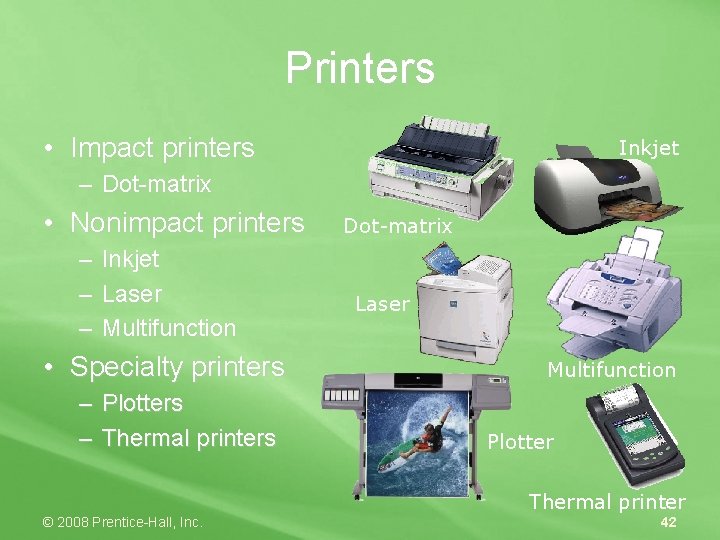
Printers • Impact printers Inkjet – Dot-matrix • Nonimpact printers – – – Inkjet Laser Multifunction • Specialty printers – Plotters – Thermal printers Dot-matrix Laser Multifunction Plotter Thermal printer © 2008 Prentice-Hall, Inc. 42
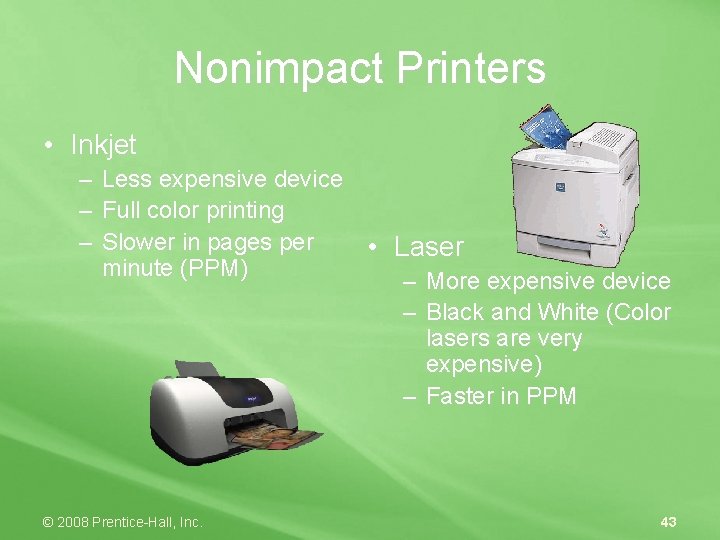
Nonimpact Printers • Inkjet – Less expensive device – Full color printing – Slower in pages per • Laser minute (PPM) – More expensive device – Black and White (Color lasers are very expensive) – Faster in PPM © 2008 Prentice-Hall, Inc. 43
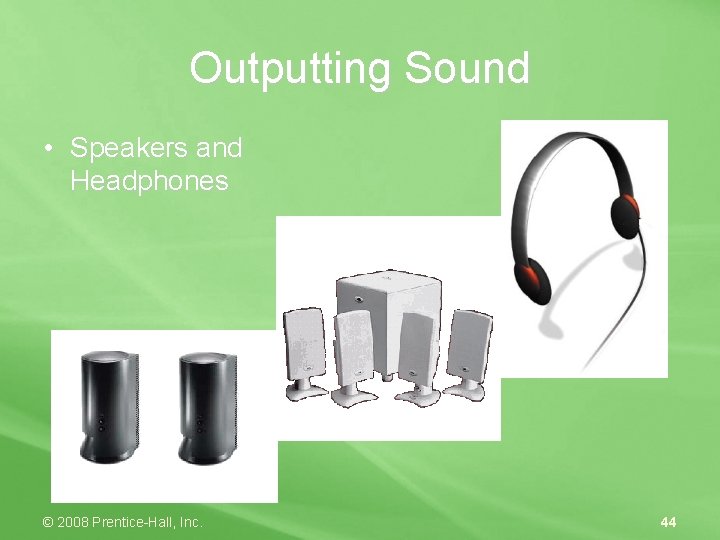
Outputting Sound • Speakers and Headphones © 2008 Prentice-Hall, Inc. 44
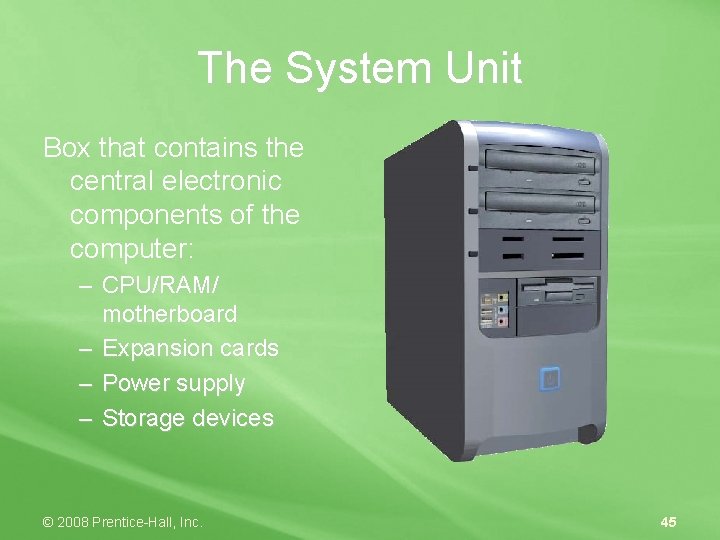
The System Unit Box that contains the central electronic components of the computer: – CPU/RAM/ motherboard – Expansion cards – Power supply – Storage devices © 2008 Prentice-Hall, Inc. 45
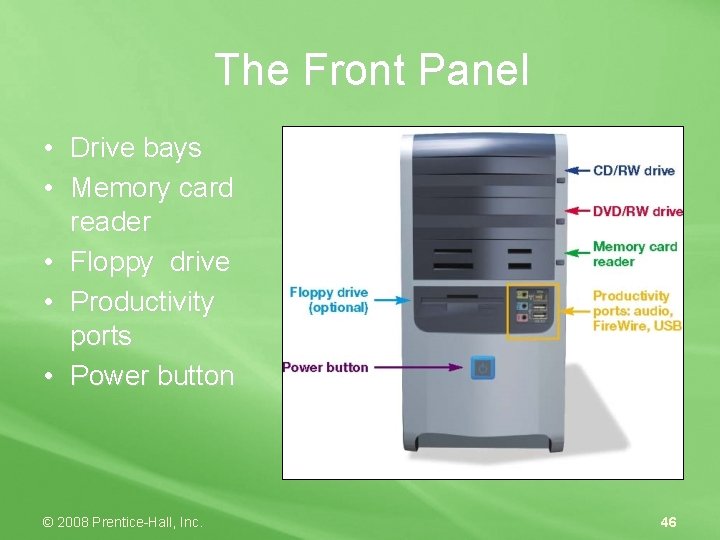
The Front Panel • Drive bays • Memory card reader • Floppy drive • Productivity ports • Power button © 2008 Prentice-Hall, Inc. 46
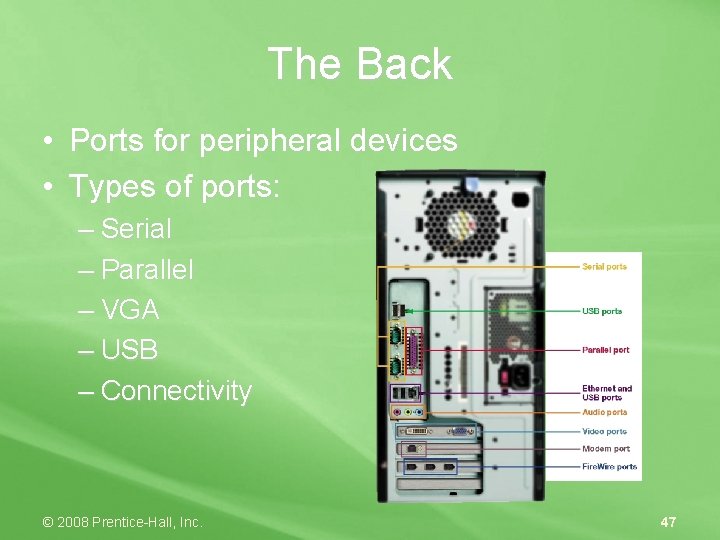
The Back • Ports for peripheral devices • Types of ports: – Serial – Parallel – VGA – USB – Connectivity © 2008 Prentice-Hall, Inc. 47
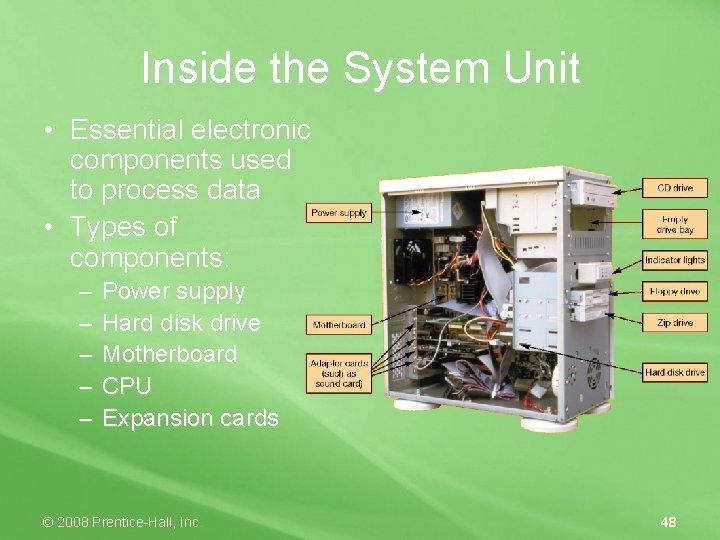
Inside the System Unit • Essential electronic components used to process data • Types of components: – – – Power supply Hard disk drive Motherboard CPU Expansion cards © 2008 Prentice-Hall, Inc. 48
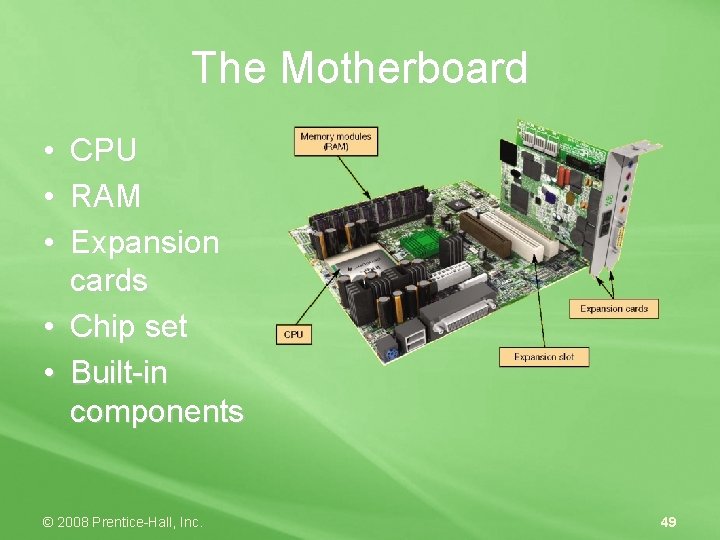
The Motherboard • • • CPU RAM Expansion cards • Chip set • Built-in components © 2008 Prentice-Hall, Inc. 49
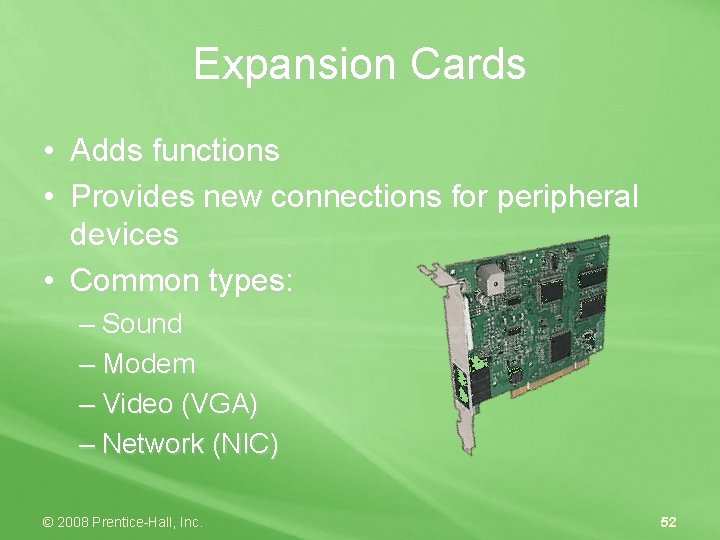
Expansion Cards • Adds functions • Provides new connections for peripheral devices • Common types: – Sound – Modem – Video (VGA) – Network (NIC) © 2008 Prentice-Hall, Inc. 52
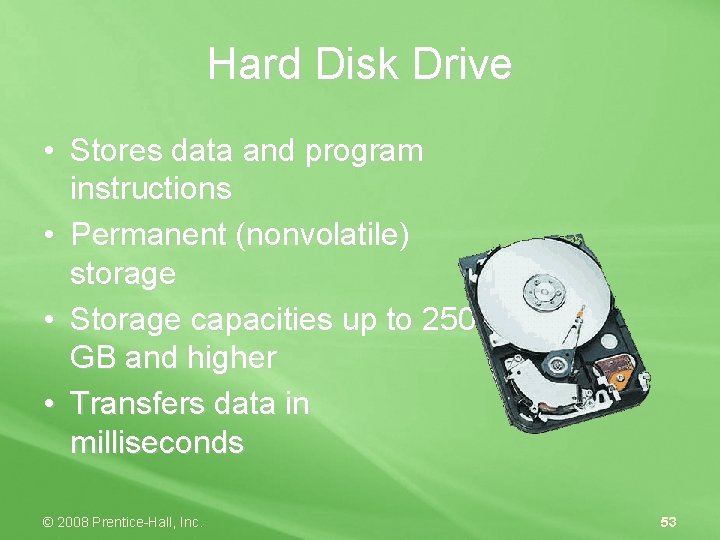
Hard Disk Drive • Stores data and program instructions • Permanent (nonvolatile) storage • Storage capacities up to 250 GB and higher • Transfers data in milliseconds © 2008 Prentice-Hall, Inc. 53