
2007 Microsoft Office release Sean Dring Information Worker


- Slides: 40
2007 Microsoft® Office release Sean Dring Information Worker Technical Specialist Enterprise and Partner Group Microsoft New Zealand Ltd
Agenda The New 2007 Microsoft® Office User Interface The New 2007 Microsoft® Office File Formats 2007 Microsoft® Office Deployment Tools 2007 Microsoft® Office Diagnostics
The New 2007 Microsoft Office User Interface ®
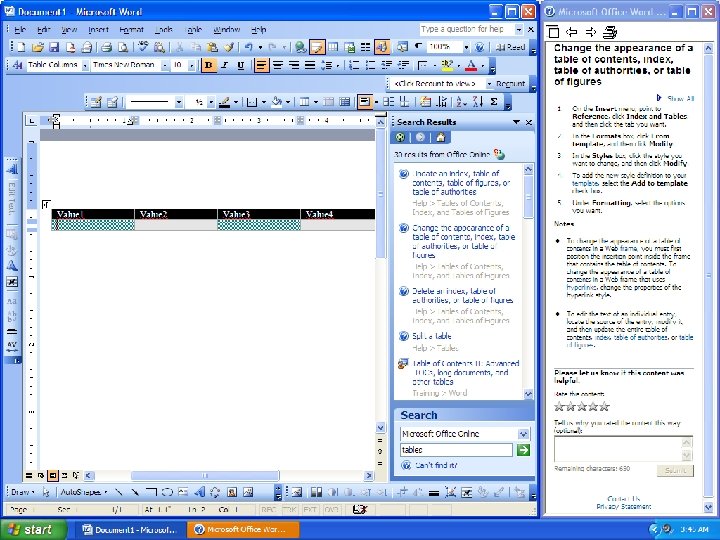
The New User Experience The 2007 release introduces a new way of working with Office applications Top design goals: Make the product easier to use Improve the efficiency of people using the product Make it easier to discover more of the functionality people need Support the creation of great looking documents
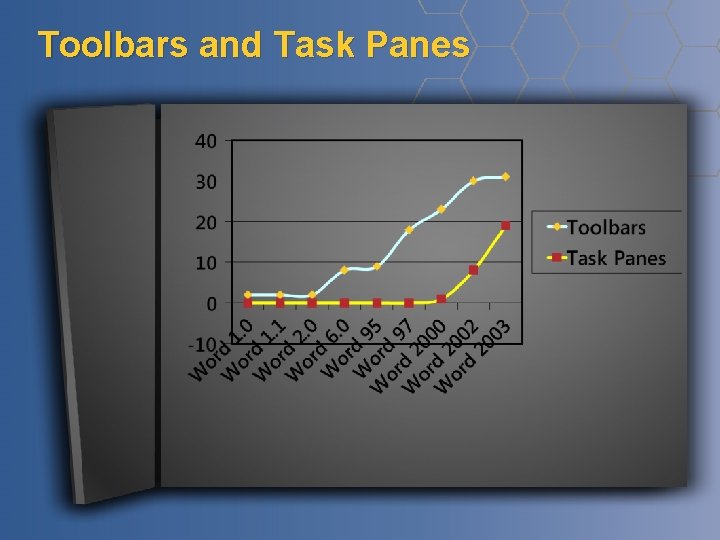
Toolbars and Task Panes
The 2007 Microsoft® Office File Formats
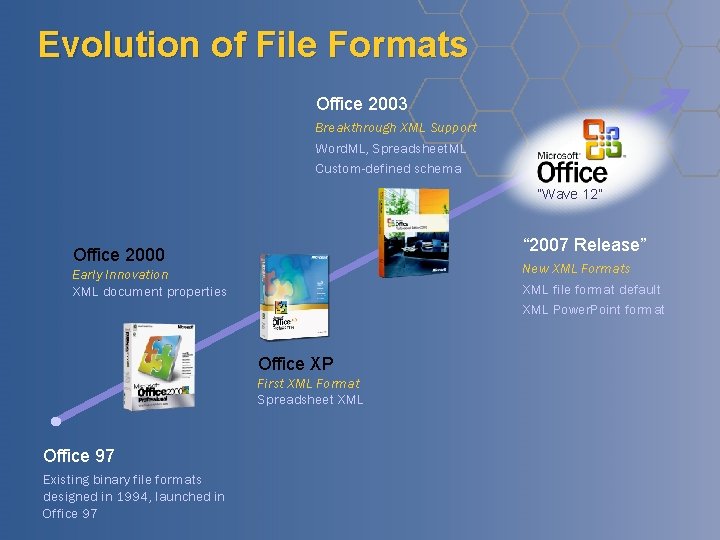
Evolution of File Formats Office 2003 Breakthrough XML Support Word. ML, Spreadsheet. ML Custom-defined schema “Wave 12” “ 2007 Release” Office 2000 New XML Formats XML file format default XML Power. Point format Early Innovation XML document properties Office XP First XML Format Spreadsheet XML Office 97 Existing binary file formats designed in 1994, launched in Office 97
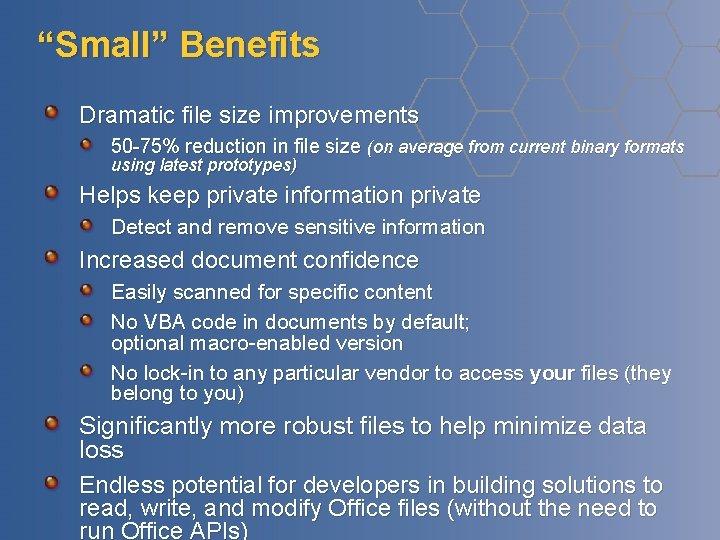
“Small” Benefits Dramatic file size improvements 50 -75% reduction in file size (on average from current binary formats using latest prototypes) Helps keep private information private Detect and remove sensitive information Increased document confidence Easily scanned for specific content No VBA code in documents by default; optional macro-enabled version No lock-in to any particular vendor to access your files (they belong to you) Significantly more robust files to help minimize data loss Endless potential for developers in building solutions to read, write, and modify Office files (without the need to run Office APIs)
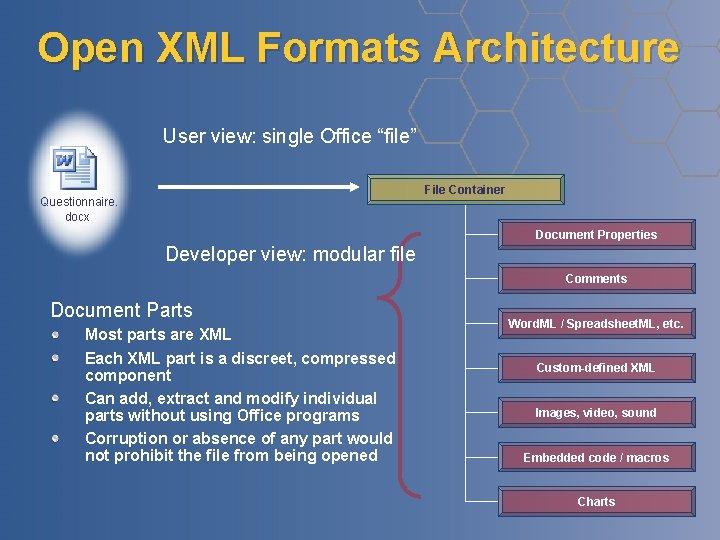
Open XML Formats Architecture User view: single Office “file” File Container Questionnaire. docx Document Properties Developer view: modular file Comments Document Parts Most parts are XML Each XML part is a discreet, compressed component Can add, extract and modify individual parts without using Office programs Corruption or absence of any part would not prohibit the file from being opened Word. ML / Spreadsheet. ML, etc. Custom-defined XML Images, video, sound Embedded code / macros Charts
File Format & Deployment “We’re ‘Super’ excited about the new file format but have no idea how to roll it out” “Do we need to convert all our documents? ” “How will previous versions of Office open the files? ”
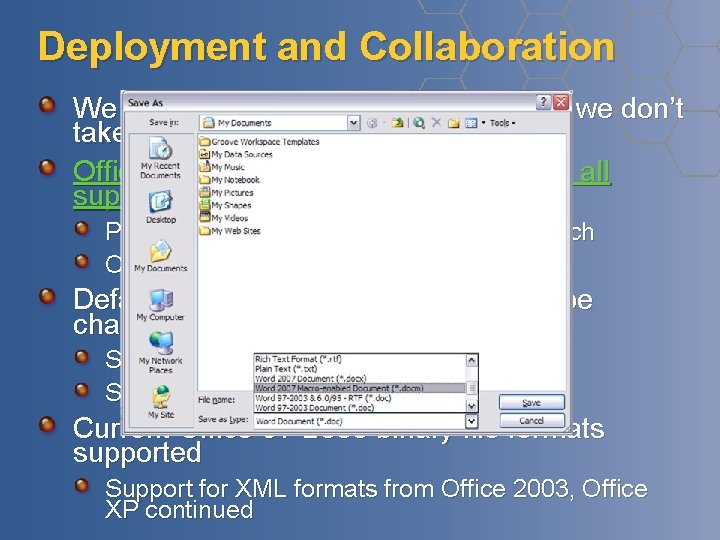
Deployment and Collaboration We realize this is a really big deal, and we don’t take this lightly. Office 2000, Office XP, Office 2003 will all support the new formats Patches for compatibility available by launch Open, edit and save new formats Default file format for Office 2007 can be changed back to old binary formats Set during deployment, or afterwards Set by end user Current Office 97 -2003 binary file formats supported Support for XML formats from Office 2003, Office XP continued
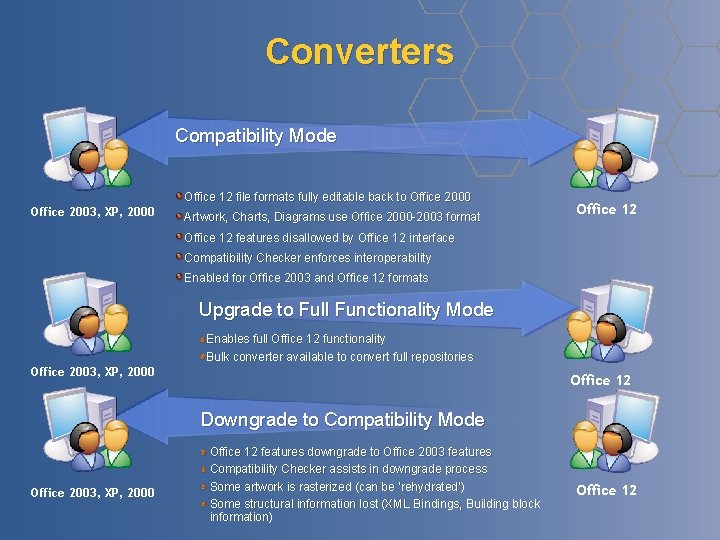
Converters Compatibility Mode Office 12 file formats fully editable back to Office 2000 Office 2003, XP, 2000 Artwork, Charts, Diagrams use Office 2000 -2003 format Office 12 features disallowed by Office 12 interface Compatibility Checker enforces interoperability Enabled for Office 2003 and Office 12 formats Upgrade to Full Functionality Mode Enables full Office 12 functionality Bulk converter available to convert full repositories Office 2003, XP, 2000 Office 12 Downgrade to Compatibility Mode Office 2003, XP, 2000 Office 12 features downgrade to Office 2003 features Compatibility Checker assists in downgrade process Some artwork is rasterized (can be ‘rehydrated’) Some structural information lost (XML Bindings, Building block information) Office 12
Questions To Help You When do you expect deployment of Office 2007 will begin? Do you expect deployment to be phased/staged? Do you plan to have long term coexistence between Office 2007 and older versions of Office? How much do your users collaborate with other organizations using Office 2007?
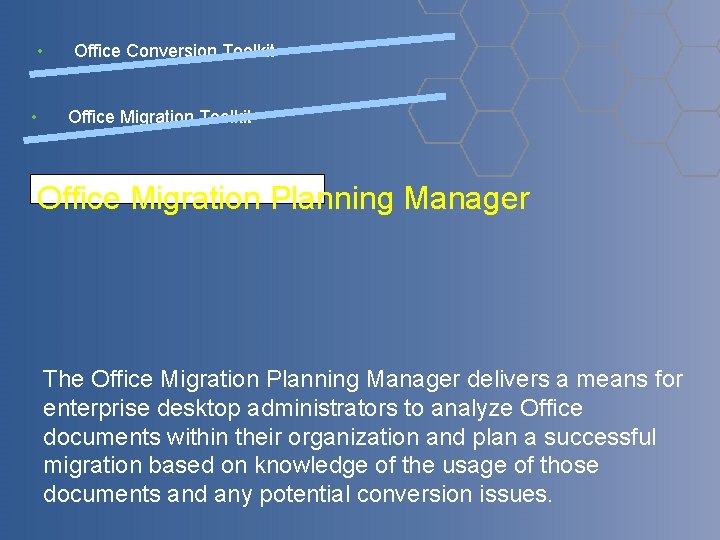
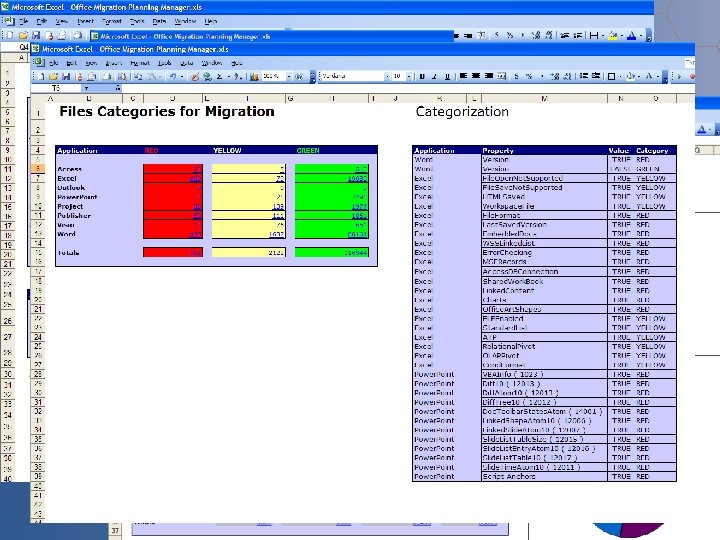
• • Office Conversion Toolkit Office Migration Planning Manager The Office Migration Planning Manager delivers a means for enterprise desktop administrators to analyze Office documents within their organization and plan a successful migration based on knowledge of the usage of those documents and any potential conversion issues.
Background Fear of File & Application Compatibility has emerged as a top deployment blocker The Access Conversion Toolkit project quantified perception problem The Office Migration Planning Manager draws on the Access Conversion Toolkit success The Office Migration Planning Manager fills a gap in the deployment toolset.
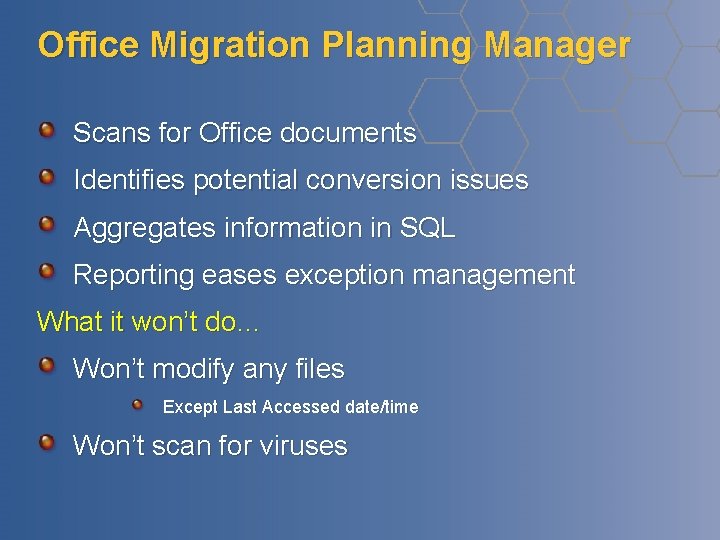
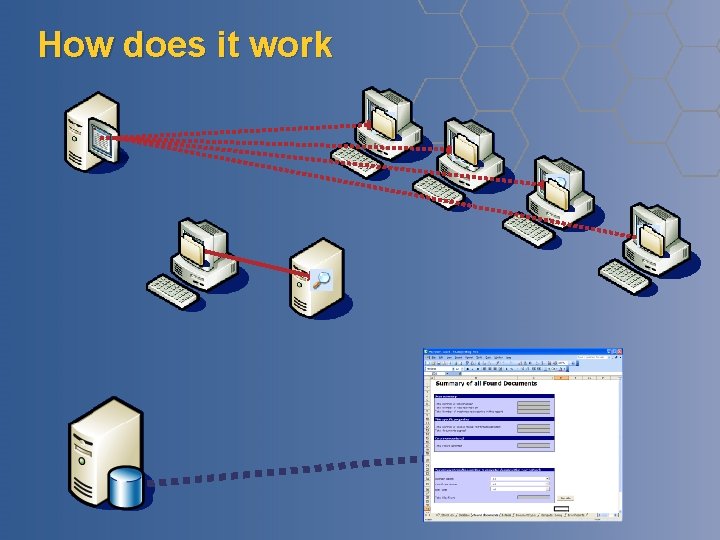
Office Migration Planning Manager Scans for Office documents Identifies potential conversion issues Aggregates information in SQL Reporting eases exception management What it won’t do… Won’t modify any files Except Last Accessed date/time Won’t scan for viruses
How does it work
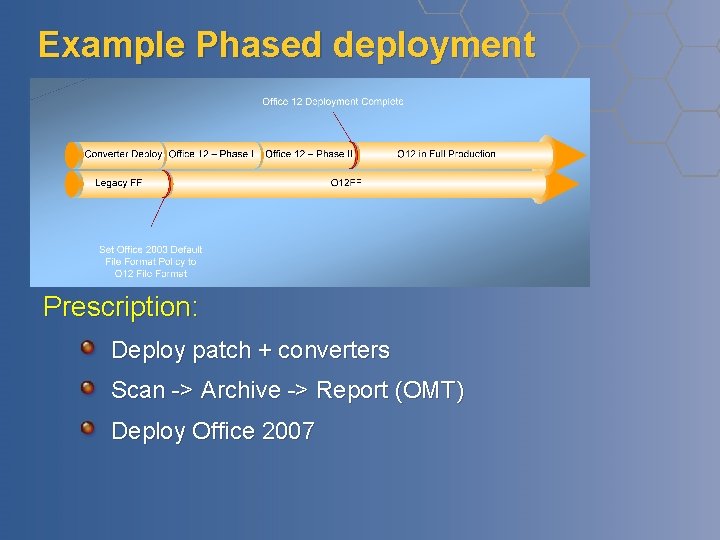
Example Phased deployment Prescription: Deploy patch + converters Scan -> Archive -> Report (OMT) Deploy Office 2007
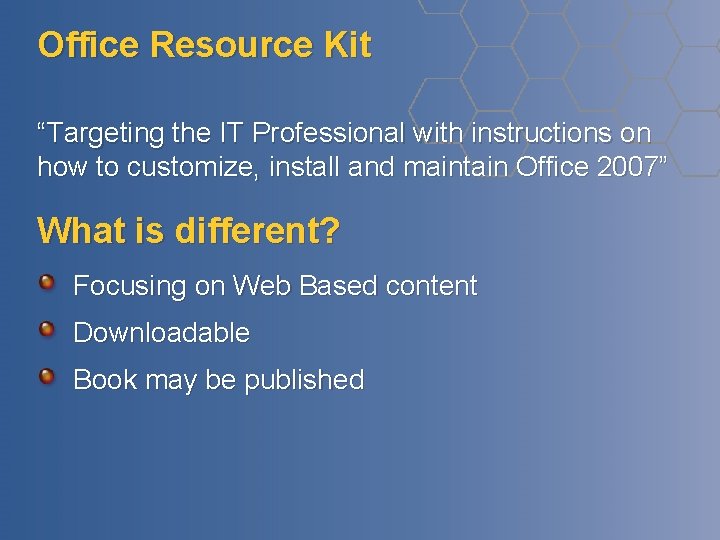
Office Resource Kit “Targeting the IT Professional with instructions on how to customize, install and maintain Office 2007” What is different? Focusing on Web Based content Downloadable Book may be published
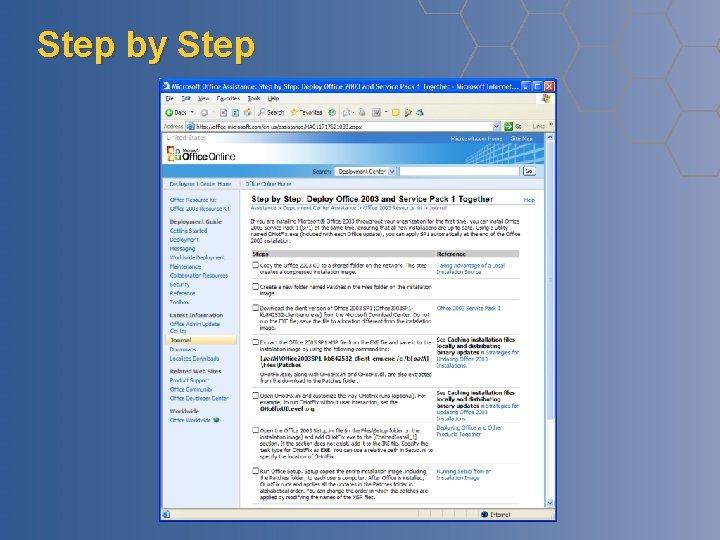
Step by Step
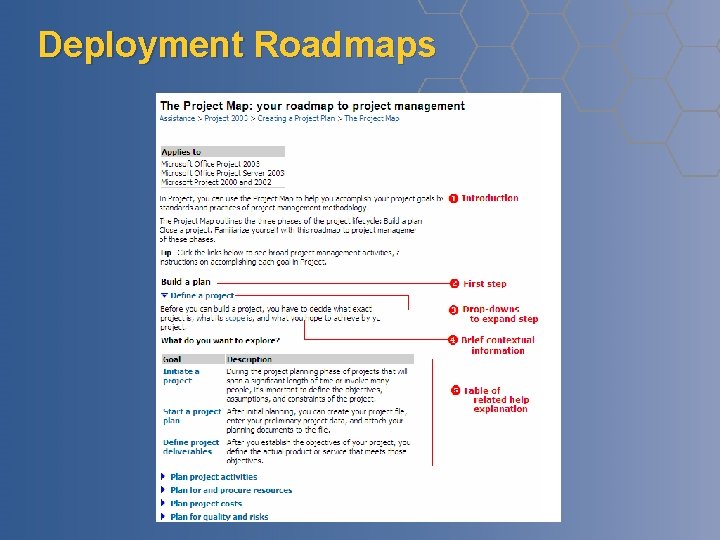
Deployment Roadmaps
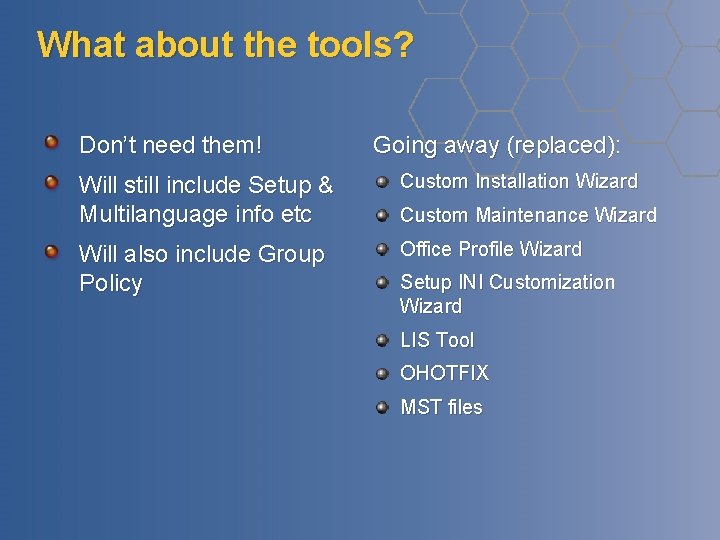
What about the tools? Don’t need them! Going away (replaced): Will still include Setup & Multilanguage info etc Custom Installation Wizard Will also include Group Policy Office Profile Wizard Custom Maintenance Wizard Setup INI Customization Wizard LIS Tool OHOTFIX MST files
Group Policy Templates “Default File Format” Templates updated for all in-market versions Document upgrade prompt throttling Content Blocking Keep backup of original on upgrade
2007 Microsoft® Office Client Deployment Setup and Customization
Setup Controller Completely redesigned setup engine Written from the ground up Setup chains multiple MSI’s together No difficult MSI management Single log file & progress bar Integrated install experience
Using the Setup Controller Deploy all Office products and languages from a single common share Multi-GB space savings Simplified application of patches and customizations Use setup. exe instead of msiexec Robust requirements validation Setup also installed on machine
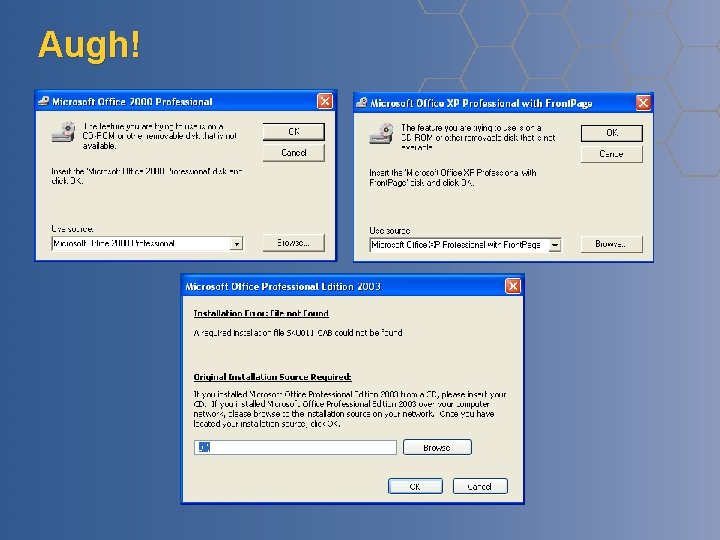
Augh!
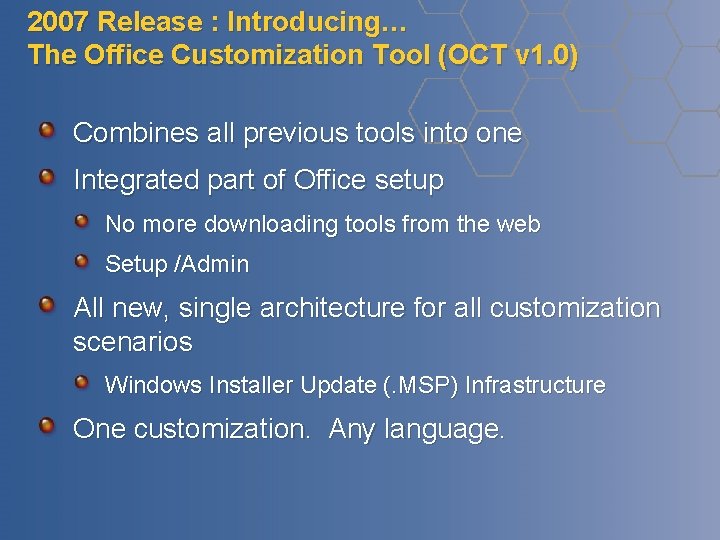
2007 Release : Introducing… The Office Customization Tool (OCT v 1. 0) Combines all previous tools into one Integrated part of Office setup No more downloading tools from the web Setup /Admin All new, single architecture for all customization scenarios Windows Installer Update (. MSP) Infrastructure One customization. Any language.
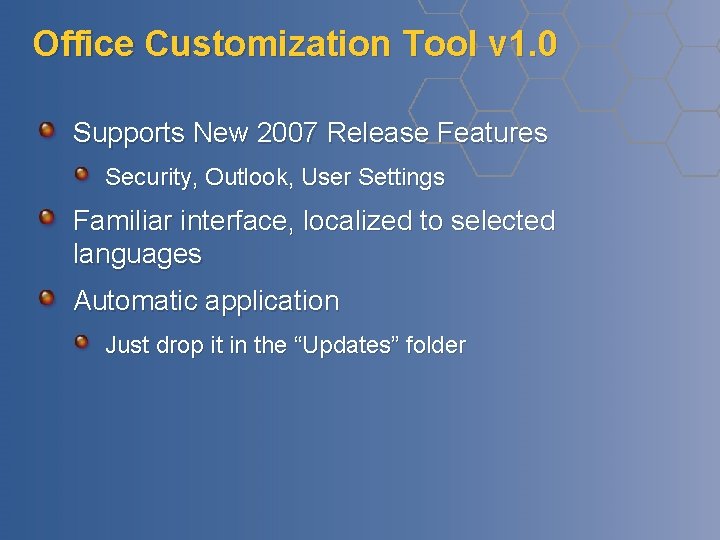
Office Customization Tool v 1. 0 Supports New 2007 Release Features Security, Outlook, User Settings Familiar interface, localized to selected languages Automatic application Just drop it in the “Updates” folder
What this means to you One tool for all types of customizations One tool for all client states One customization for all languages Intelligent, automatic application More Powerful, Flexible, Easier to Use Tools == Lower Cost, Less Overhead for Making Office Fit Your Needs
2007 Office Customization Tool
Office Diagnostics
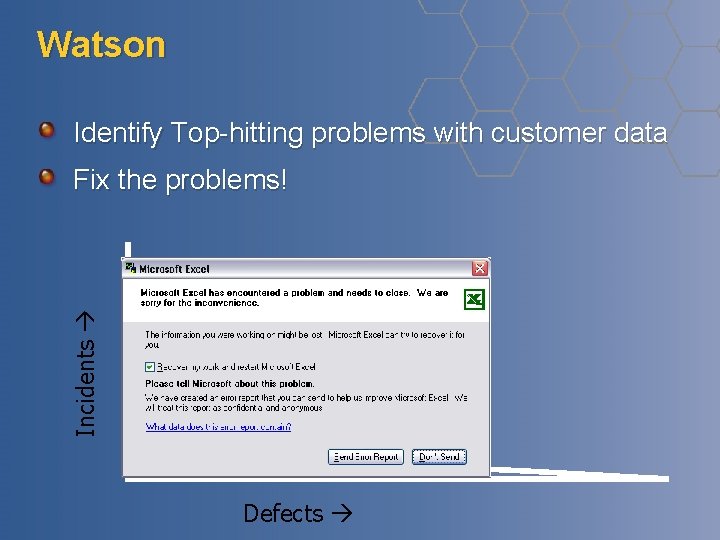
Watson Identify Top-hitting problems with customer data Incidents Fix the problems! Defects
Office Diagnostics - Goals 1. Help Microsoft understand why some users have experiences that are dramatically poorer than most. 2. Increase Customer Satisfaction by significantly reducing instability amongst a targeted set of users.
Overview Identifies users in pain Users who are crashing and hanging Office apps an unusual amount. Runs automatic diagnostics. Connects the users with support. Sends information to MSFT.
Identification 2007 Office will keep track of every session in a new Event Log Session Length Application Exit Type (Normal, Crash, Hang, Unexpected Termination)
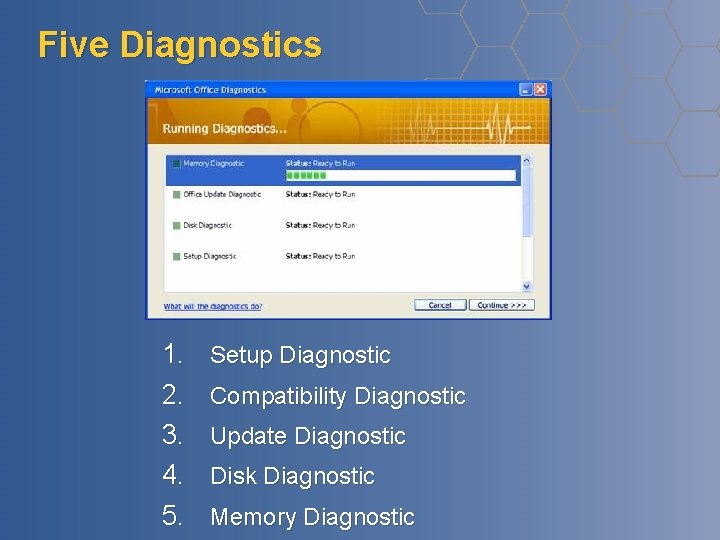
Five Diagnostics 1. 2. 3. 4. 5. Setup Diagnostic Compatibility Diagnostic Update Diagnostic Disk Diagnostic Memory Diagnostic
© 2006 Microsoft Corporation. All rights reserved. This presentation is for informational purposes only. Microsoft makes no warranties, express or implied, in this summary.