
2 Understanding VB Variables 2 1 Basic Data
2. Understanding VB Variables 2. 1 Basic Data Types • Numeric: • • • Integer long Single Double Currency • • • String Boolean Date Object variant
1)Boolean A Boolean variable is one whose value can be only either true or false. To declare such a variable, use the Boolean keyword. Here is an Example: Private Sub Form_Load() Dim Is. Married As Boolean End Sub
2) Byte A byte is a small natural positive number that ranges from 0 to 255. A variable of byte type can be used to hold small values such as person’s age, the numbers of fingers on an animal, etc. To declare a variable for a small number. Use the BYTE keyword. - Here is an example: Private Sub Form_Load() Dim Student. Age As Byte End Sub

3) Currency variables are stored as 64 -bit (8 -byte) numbers in an integer Format. This representation provides a range of -922, 337, 203, 685, 477. 5808 to 922, 337, 203, 685, 477. 5807. The type declaration character for Currency is the at sign (@). The currency data type is useful for calculations involving money Private Sub Form_Load() Dim Sal AS currency End Sub
4) Date variables are stored as 64 -bit (8 -byte) floating point numbers that represent dates ranging from 1 January 100 to 31 December 9999 and times from 0: 00 to 23: 59. Literal date values can be assigned to Date variables. Date literals must be enclosed within number signs (#), • For Example: # January 1, 1993 # OR # 1 Jan 93 #.
5) Double(double-precision floating-point) variables are stored as 64 -bit (8 -byte). floating point numbers ranging in value from 1. 79769313486232 E 308 to 4. 94065645841247 E-324 for negative values.
6) Integer variables are stored as 16 -bit (2 -byte) numbers ranging in value from -32, 768 to 32, 767. The type-declaration character for integer is the percent sign (%). 7)Long (long integer) variables are stored as signed 32 bit (4 -byte) numbers ranging in value from 2, 147, 483, 648 to 2, 147, 483, 647. The type declaration character for Long is the ampersand (&).
9)Object variables are stored as 32 -bit (4 -byte) addresses that refer to objects. Using the Set statement. A variable declared as an Object can have any object reference assigned to it.
10) Single • Single (single-precision floating point ) variables are stored as IEEE 32 bit (4 -byte) floating point numbers, ranging in value from -3. 402823 E 38 to -1. 401298 E-45 for negative values. • The Type declaration character for single is the exclamation point (!).
10) String There are two kinds of strings : i) Variable-length ii) Fixed-length character strings. A variable-length string can contain up to approximately 2 billion (2^31) characters. A fixed-length string can contain 1 to approximately 64 K (2^16) characters.
11) Variant The variant data type is the data type for all the variables that are not explicitly declared as some other type (using a statements such as Dim, Private, Public, or Static). The variant data type has no type-declaration character. A variant is a special data type that can contain any kind of data.
2. 2 Variables • “The named memory location is called as Variable”. • Variables are used to store values or data in Visual Basic. • variables to temporarily store values during the execution of an application. • Variables have a name and a data type
2. 3 Declaring Variables • To declare a variable is to tell the program about it in advance. • declare a variable with a Dim statement, supplying a name for the variable: • Syntax: • Dim variable name [As type]
• Variables declared with the Dim statement within a procedure exist only as long as the procedure is executing. This allow you to use the same variable names in different procedures. • For ex: • Dim a, b, c as Integer • Dim Price as Single
• There are various ways of declaring a variable in VB depending upon where the variables are declared as given below. i) Explicit declaration ii) Implicit declaration iii) Using Option Explicit
2. 4 Declaring Constants • Constants : A constant is a meaningful name that takes the place of a number or string that does not change There are two sources for constants : i) Intrinsic or system-defined ii) Symbolic or user-defined
• Declaring constants : - The syntax for declaring a constant is : [Public[Private] Const constantname[AS type] =expression • The argument CONSTANTNAME is a valid symbolic name • and expression is composed of numeric or string constants and operators
• For Ex : • A const statement can represent a mathematical or date/time quantity: -> Const conpi = 3. 14159265358979 • Public const conmax. Planets as integer=9 -> Const con. Release. Date = #1/1/95# • The Const statement can also be used to definestring constants: -> Public const conversion = “ 07. 10. A” -> Const con. Code. Name = “ Enigma”
Working with Arrays • List or series of values all referenced by the same name • Similar to list of values for list boxes and combo boxes - without the box • Use an array to keep a series of variable for later processing such as – Reordering – Calculating – Printing
• Array terms : • Element – Individual item in the array • Index (or subscript) – Zero based number used to reference the specific elements in the array – Must be an integer • Boundaries – Lower Subscript, 0 by default – Upper Subscript
• Defining Array : • Use Dim statement to declare • Specify the number of elements in the array as the Upper. Subscript • Each element of the array will be assigned a default value – Numeric ==> 0 – String ==> empty string, 0 characters – Dim Array. Name(Upper. Subscript) as Datatype
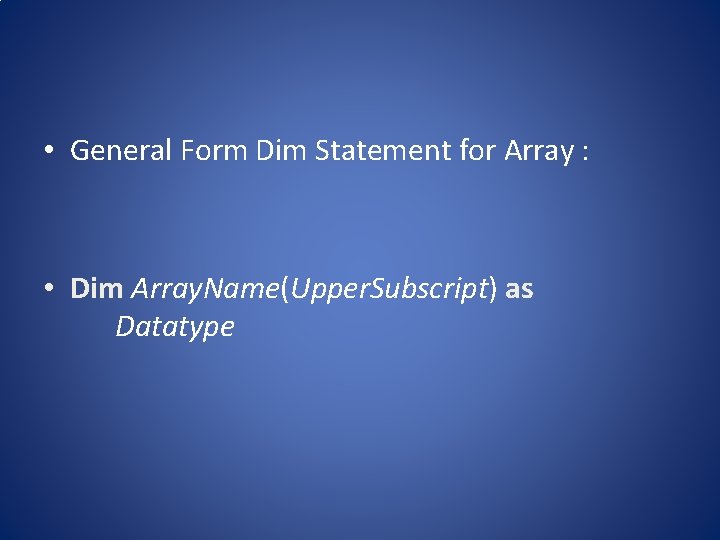
• General Form Dim Statement for Array : • Dim Array. Name(Upper. Subscript) as Datatype
• Working with Arrays : • Use Loops to reference each element in the array – For / Next – For Each / Next
• For Each / Next : • VB references EACH element of the array • VB assigns its value to Element. Name – The variable used for Element. Name must be same data type as the array elements or an Object data type • Makes one pass through the loop per element • Use Exit For statement within loop to exit early
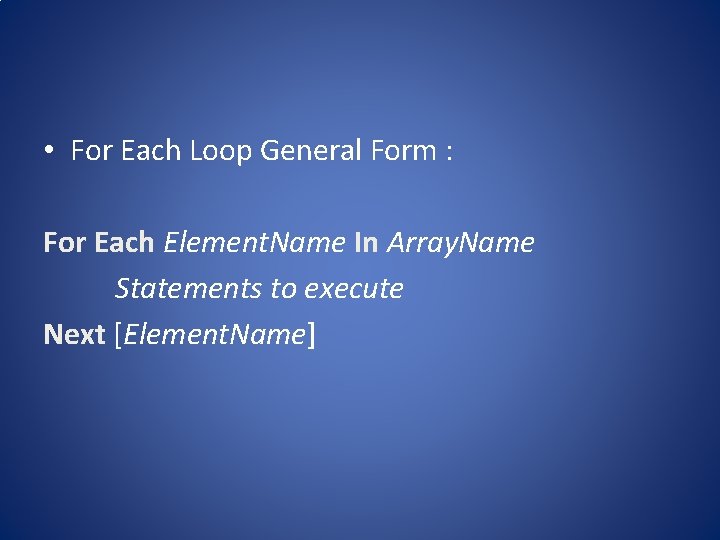
• For Each Loop General Form : For Each Element. Name In Array. Name Statements to execute Next [Element. Name]
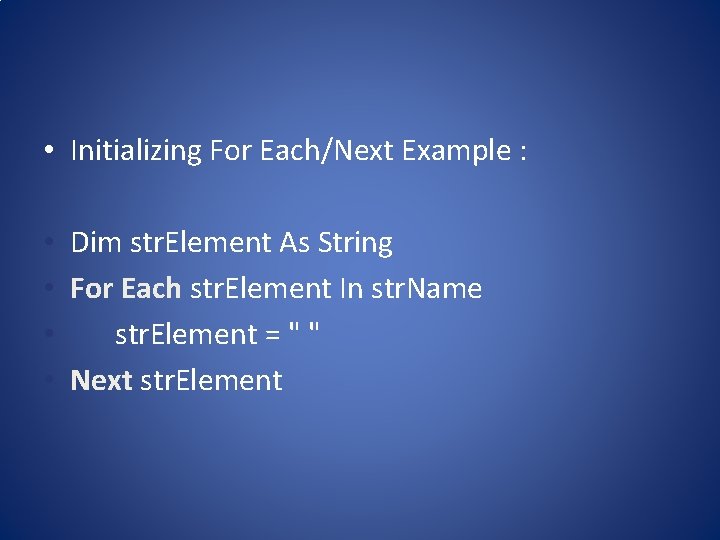
• Initializing For Each/Next Example : • Dim str. Element As String • For Each str. Element In str. Name • str. Element = " " • Next str. Element
2. 6 Scope • In Visual Basic to store in a variable , a declaration statement tells Visual basic where the variable can be used. • This area of use is called the scope of the variable. • There are three types of scope of the variables – i) Global Variable ii) Local Variable iii) Static Variable
i) Global Scope : To create a public variable, you place a declaration statement with the Public keyword in the Declarations section of a module of your program. Ex : Public b. Lights. On as Boolean
ii) Local Scope : Making all the variables global is the easiest thing to do, but as your programs grow not well in the long run. I
- Slides: 29