
2 Minga Ma t Midterm Chapter 1 JAVASCRIPT



- Slides: 43
2 Minga Ma. t Midterm Chapter 1
JAVASCRIPT!
<TODO: HAPPY PLACE IMAGE> JAVASCRIPT.
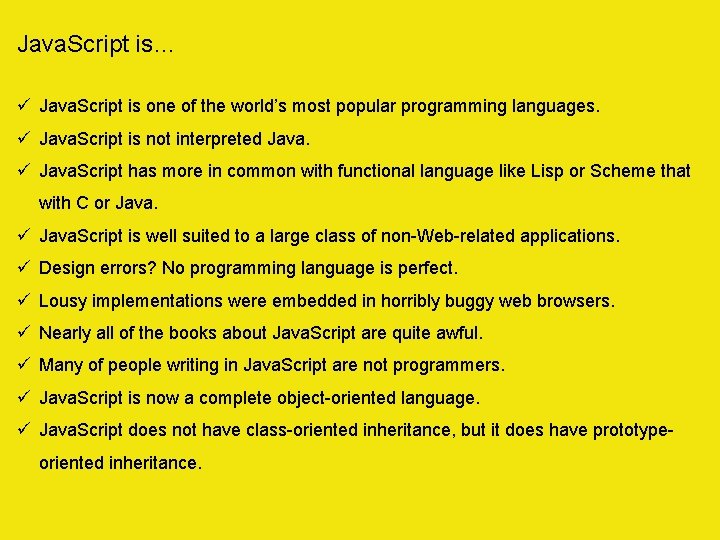
Java. Script is… ü Java. Script is one of the world’s most popular programming languages. ü Java. Script is not interpreted Java. ü Java. Script has more in common with functional language like Lisp or Scheme that with C or Java. ü Java. Script is well suited to a large class of non-Web-related applications. ü Design errors? No programming language is perfect. ü Lousy implementations were embedded in horribly buggy web browsers. ü Nearly all of the books about Java. Script are quite awful. ü Many of people writing in Java. Script are not programmers. ü Java. Script is now a complete object-oriented language. ü Java. Script does not have class-oriented inheritance, but it does have prototypeoriented inheritance.
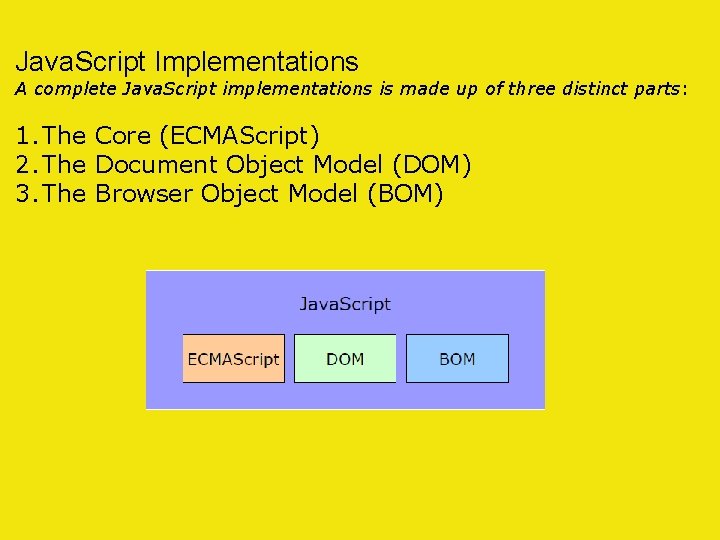
Java. Script Implementations A complete Java. Script implementations is made up of three distinct parts: 1. The Core (ECMAScript) 2. The Document Object Model (DOM) 3. The Browser Object Model (BOM)
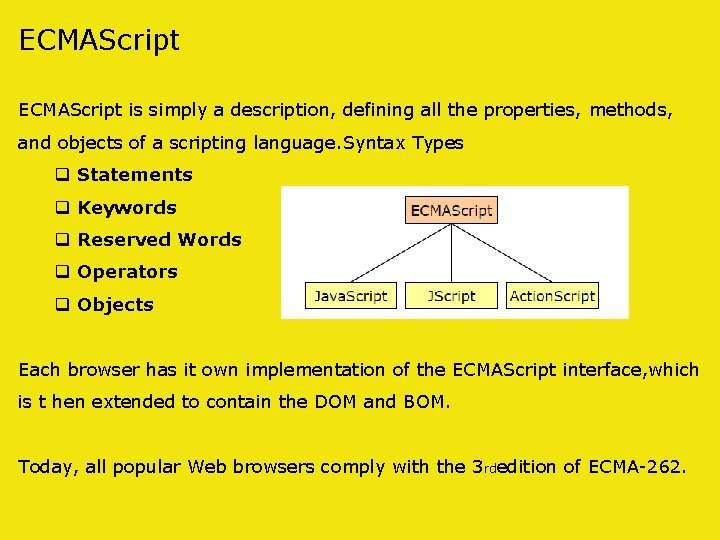
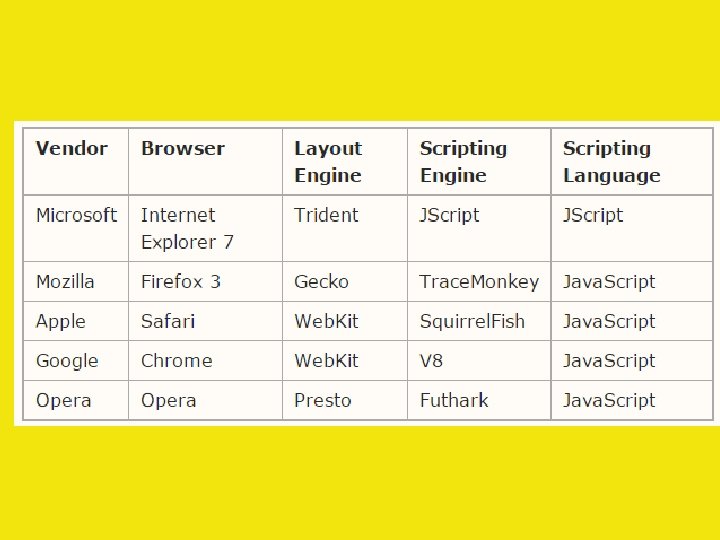
ECMAScript is simply a description, defining all the properties, methods, and objects of a scripting language. Syntax Types q Statements q Keywords q Reserved Words q Operators q Objects Each browser has it own implementation of the ECMAScript interface, which is t hen extended to contain the DOM and BOM. Today, all popular Web browsers comply with the 3 rdedition of ECMA-262.
Document Object Model (DOM) v The Document Object Model (DOM) describes methods and interfaces for working with the content of a Web page. v The DOM is an tree-based, language-independent API for HTML as well as XML. (cf. The SAX provides an event-based API to parse XML. ) v The W 3 C DOM specifications: Level 1, Level 2, Level 3 v The documentobject is the only object that belongs to both the DOM and the BOM. get. Elements. By. Tag. Name(), get. Elements. By. Name(), get. Element. By. Id() v All attributes are included in HTML DOM elements as properties. o. Img. src = “mypicture. jpg”; o. Div. class. Name = “footer”; // cf. class. Name
Browser Object Model (BOM) v The Browser Object Model (BOM) describes methods and interfaces for interacting with the browser. v Because no standards exist for the BOM, each browser has it own implementations. v The windowobject represents an entire browser window. ü Objects document -anchors, forms, images, links, location frames, history, location, navigator, screen ü Methods move. By(), move. To(), resize. By(), resize. To(), open(), close(), alert(), confirm(), input() set. Time. Out(), clear. Time. Out(), set. Interval(), clear. Interval() ü Properties screen. X, screen. Y, status, default. Status, etc.
Why Java. Script? WHY? !
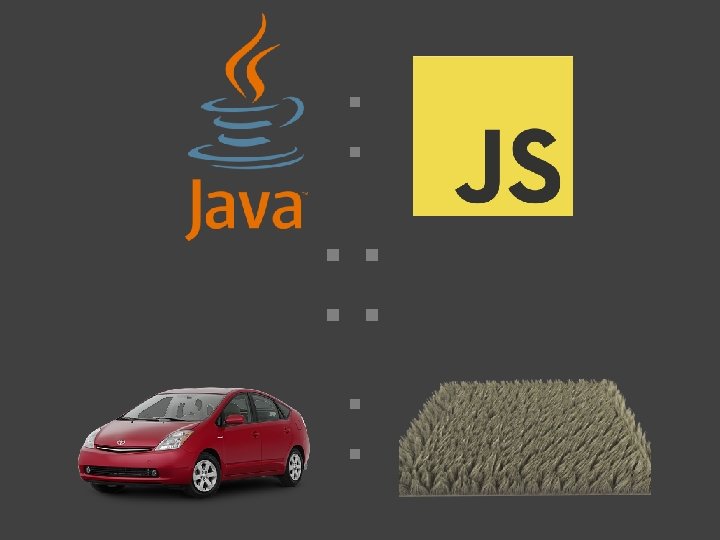
Java. Script uses syntax influenced by that of C. Java. Script copies many names and naming conventions from Java, but the two languages are otherwise unrelated and have very different semantics. The key design principles within Java. Script are taken from the Self and Scheme programming languages. It’s the first?
It’s the best?
It’s the easiest?
It’s the fastest?
It’s everywhere.
Java. Script: The Lingua Franca of the Shaver, a founding member of the Mozilla team, has Web Mike strong feelings about how the web became popular: Like many programmers, I initially wrote off Java. Script as a toy language. “When Java. Script was first introduced, I dismissed it as being not worth my attention. Much later, I took another look at it and discovered that hidden in the browser was an excellent programming language. My initial attitudes were based on the initial positioning of Java. Script by Sun and Netscape. They made many misstatements about Java. Script in order to avoid positioning Java. Script as a competitor to Java. Those misstatements continue to echo in the scores of badly written Java. Script books aimed at the dummies and amateurs market. ”
Java. Script. No, really. Brendan Eich. Netscape. I am your father.
Introduction Java. Script Origins Java. Script was released by Netscape and Sun Microsystems in 1995. However, Java. Script is not the same thing as Java. What is Java. Script • It is a programming language. • It is an interpreted language. • It is object-based programming. • It is widely used and supported • It is accessible to the beginner. Uses of Java. Script • Use it to add multimedia elements With Java. Script you can show, hide, change, resize images, and create image rollovers. You can create scrolling text across the status bar. • Create pages dynamically Based on the user's choices, the date, or other external data, Java. Script can produce pages that are customized to the user. • Interact with the user It can do some processing of forms and can validate user input when the user submits the form. Netscape also wanted a lightweight interpreted language that would complement Java by appealing to nonprofessional programmers, like Microsoft's VB
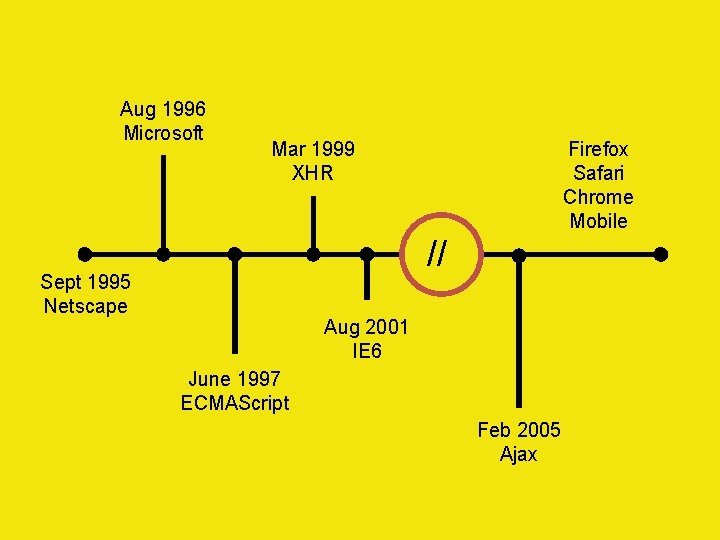
Aug 1996 Microsoft Firefox Safari Chrome Mobile Mar 1999 XHR // Sept 1995 Netscape Aug 2001 IE 6 June 1997 ECMAScript Feb 2005 Ajax
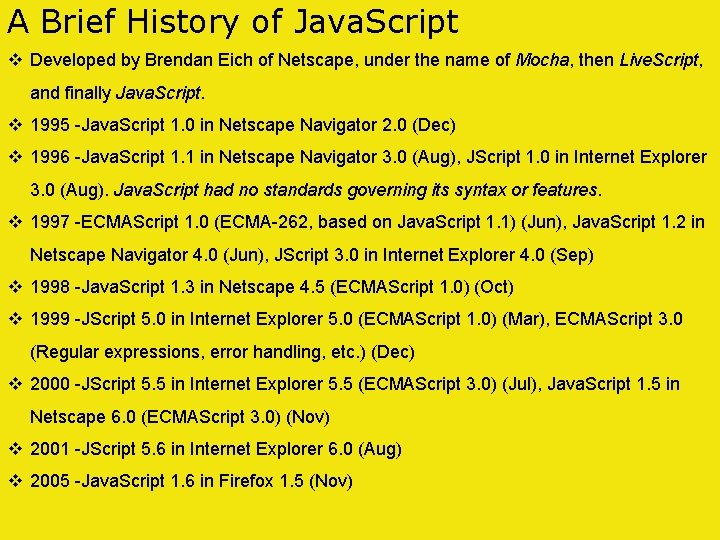
A Brief History of Java. Script v Developed by Brendan Eich of Netscape, under the name of Mocha, then Live. Script, and finally Java. Script. v 1995 -Java. Script 1. 0 in Netscape Navigator 2. 0 (Dec) v 1996 -Java. Script 1. 1 in Netscape Navigator 3. 0 (Aug), JScript 1. 0 in Internet Explorer 3. 0 (Aug). Java. Script had no standards governing its syntax or features. v 1997 -ECMAScript 1. 0 (ECMA-262, based on Java. Script 1. 1) (Jun), Java. Script 1. 2 in Netscape Navigator 4. 0 (Jun), JScript 3. 0 in Internet Explorer 4. 0 (Sep) v 1998 -Java. Script 1. 3 in Netscape 4. 5 (ECMAScript 1. 0) (Oct) v 1999 -JScript 5. 0 in Internet Explorer 5. 0 (ECMAScript 1. 0) (Mar), ECMAScript 3. 0 (Regular expressions, error handling, etc. ) (Dec) v 2000 -JScript 5. 5 in Internet Explorer 5. 5 (ECMAScript 3. 0) (Jul), Java. Script 1. 5 in Netscape 6. 0 (ECMAScript 3. 0) (Nov) v 2001 -JScript 5. 6 in Internet Explorer 6. 0 (Aug) v 2005 -Java. Script 1. 6 in Firefox 1. 5 (Nov)
Java. Script won by default. If you're the last man left on earth, it doesn't matter how ugly you are when the women come to repopulate the planet. Scott Koon
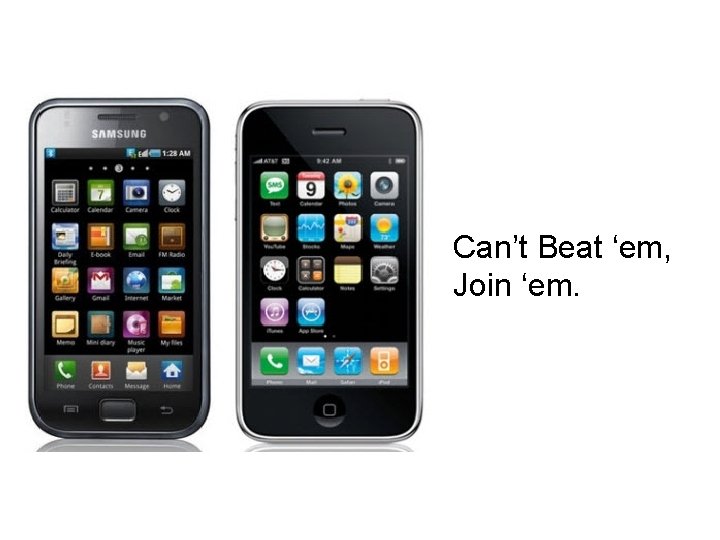
Can’t Beat ‘em, Join ‘em.
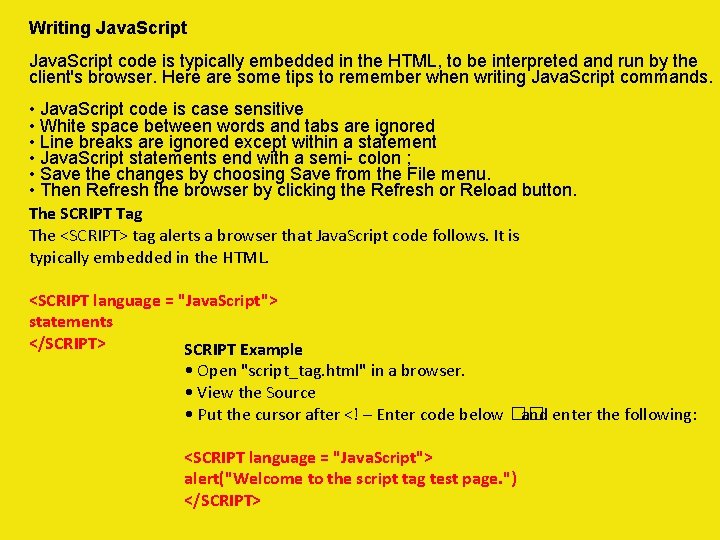
Writing Java. Script code is typically embedded in the HTML, to be interpreted and run by the client's browser. Here are some tips to remember when writing Java. Script commands. • Java. Script code is case sensitive • White space between words and tabs are ignored • Line breaks are ignored except within a statement • Java. Script statements end with a semi- colon ; • Save the changes by choosing Save from the File menu. • Then Refresh the browser by clicking the Refresh or Reload button. The SCRIPT Tag The <SCRIPT> tag alerts a browser that Java. Script code follows. It is typically embedded in the HTML. <SCRIPT language = "Java. Script"> statements </SCRIPT> SCRIPT Example • Open "script_tag. html" in a browser. • View the Source • Put the cursor after <! – Enter code below �� and enter the following: <SCRIPT language = "Java. Script"> alert("Welcome to the script tag test page. ") </SCRIPT>
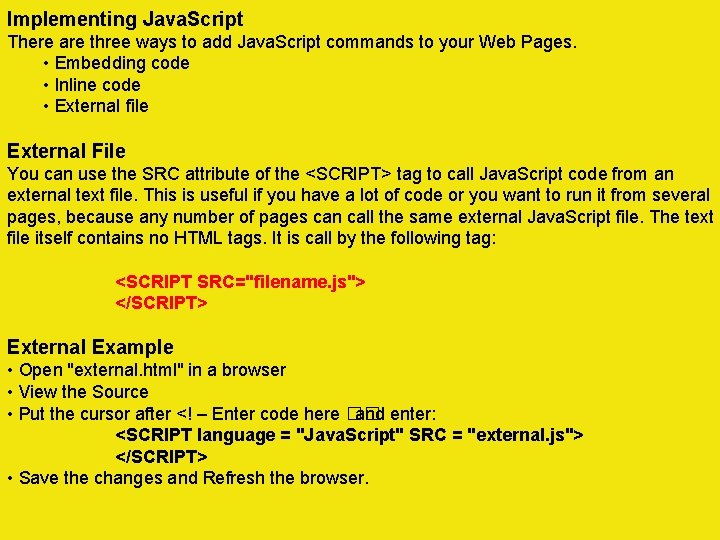
Implementing Java. Script There are three ways to add Java. Script commands to your Web Pages. • Embedding code • Inline code • External file External File You can use the SRC attribute of the <SCRIPT> tag to call Java. Script code from an external text file. This is useful if you have a lot of code or you want to run it from several pages, because any number of pages can call the same external Java. Script file. The text file itself contains no HTML tags. It is call by the following tag: <SCRIPT SRC="filename. js"> </SCRIPT> External Example • Open "external. html" in a browser • View the Source • Put the cursor after <! – Enter code here �� and enter: <SCRIPT language = "Java. Script" SRC = "external. js"> </SCRIPT> • Save the changes and Refresh the browser.
Modern Java. Script Faster. Easier. Better.
Attwood’s Law: Any application that can be written in Java. Script, will eventually be written in Java. Script 2007
Programming Basics
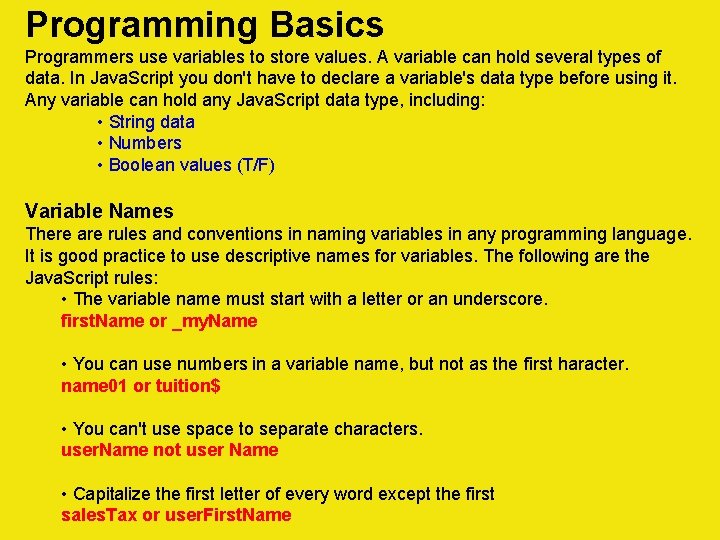
Programming Basics Programmers use variables to store values. A variable can hold several types of data. In Java. Script you don't have to declare a variable's data type before using it. Any variable can hold any Java. Script data type, including: • String data • Numbers • Boolean values (T/F) Variable Names There are rules and conventions in naming variables in any programming language. It is good practice to use descriptive names for variables. The following are the Java. Script rules: • The variable name must start with a letter or an underscore. first. Name or _my. Name • You can use numbers in a variable name, but not as the first haracter. name 01 or tuition$ • You can't use space to separate characters. user. Name not user Name • Capitalize the first letter of every word except the first sales. Tax or user. First. Name
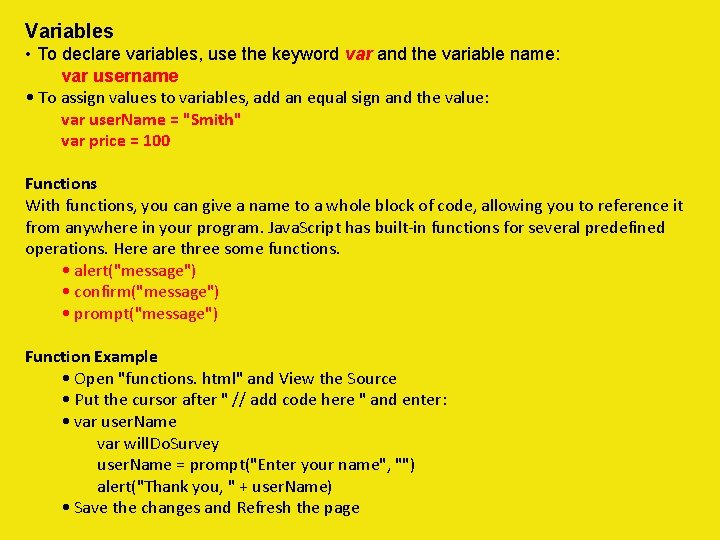
Variables • To declare variables, use the keyword var and the variable name: var username • To assign values to variables, add an equal sign and the value: var user. Name = "Smith" var price = 100 Functions With functions, you can give a name to a whole block of code, allowing you to reference it from anywhere in your program. Java. Script has built-in functions for several predefined operations. Here are three some functions. • alert("message") • confirm("message") • prompt("message") Function Example • Open "functions. html" and View the Source • Put the cursor after " // add code here " and enter: • var user. Name var will. Do. Survey user. Name = prompt("Enter your name", "") alert("Thank you, " + user. Name) • Save the changes and Refresh the page
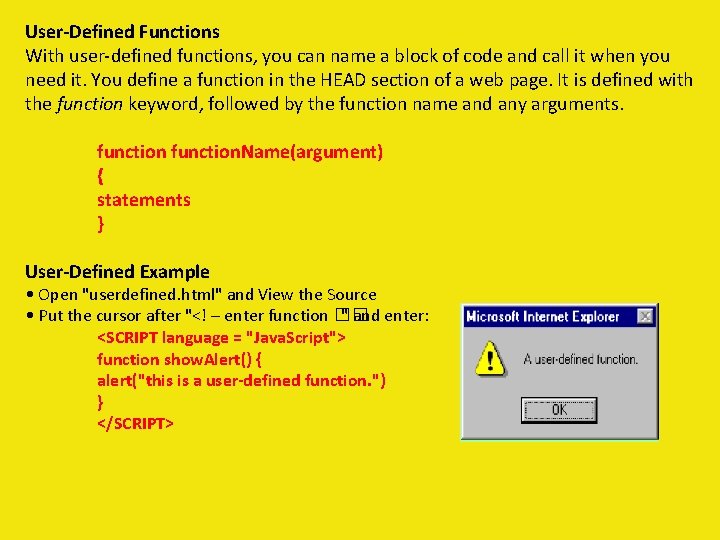
User-Defined Functions With user-defined functions, you can name a block of code and call it when you need it. You define a function in the HEAD section of a web page. It is defined with the function keyword, followed by the function name and any arguments. function. Name(argument) { statements } User-Defined Example • Open "userdefined. html" and View the Source • Put the cursor after "<! – enter function �� " and enter: <SCRIPT language = "Java. Script"> function show. Alert() { alert("this is a user-defined function. ") } </SCRIPT>
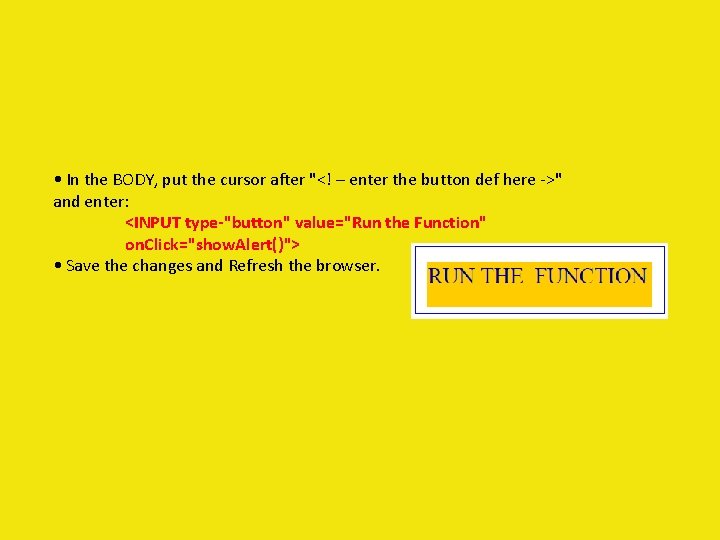
• In the BODY, put the cursor after "<! – enter the button def here ->" and enter: <INPUT type-"button" value="Run the Function" on. Click="show. Alert()"> • Save the changes and Refresh the browser.
Objects
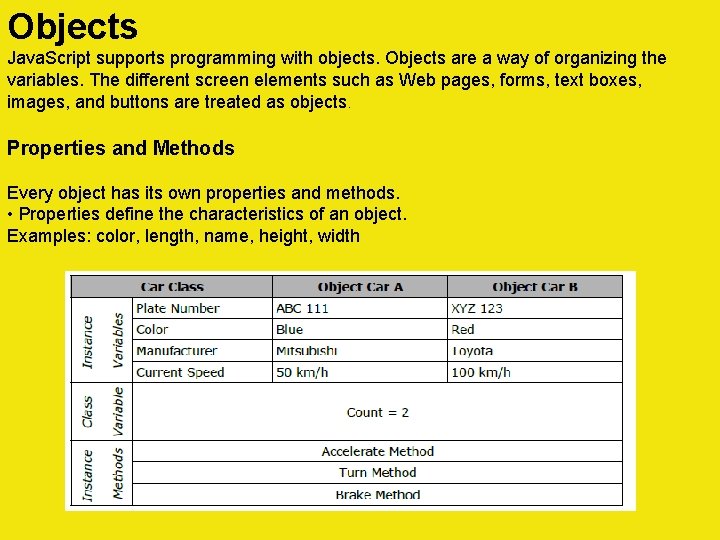
Objects Java. Script supports programming with objects. Objects are a way of organizing the variables. The different screen elements such as Web pages, forms, text boxes, images, and buttons are treated as objects. Properties and Methods Every object has its own properties and methods. • Properties define the characteristics of an object. Examples: color, length, name, height, width
Objects Java. Script supports programming with objects. Objects are a way of organizing the variables. The different screen elements such as Web pages, forms, text boxes, images, and buttons are treated as objects. Properties and Methods Every object has its own properties and methods. • Properties define the characteristics of an object. Examples: color, length, name, height, width • Methods are the actions that the object can perform or that can be performed on the object. Examples: alert, confirm, write, open, close Naming Objects • Objects are organized in a hierarchy. To refer to an object use : object. Name • To refer to a property of an object use: object. Name. property. Name • To refer to a method of an object use: object. Name. method. Name()
Built-In Objects Some of the built-in language objects of Java. Script offer more advanced operations such as: • Math – provides for math calculations • Date – provides date and time information • String – provides for string manipulation Math Object The Math object provides methods for many mathematical calculations, including: abs(), log(), pow(), random(), round(), sqrt() Format: Math. method(#) Math Example • Keep the "userdefined. html" file open • Put the cursor in the BODY section and enter: • <SCRIPT language = "Java. Script"> var the. Number = 3. 14 my. Num = Math. round(the. Number) </SCRIPT> • Save the changes and Refresh the page
Built-In Objects Some of the built-in language objects of Java. Script offer more advanced operations such as: • Math – provides for math calculations • Date – provides date and time information • String – provides for string manipulation Date Object The Date object provides the day, date, and time information. Format: date. Object. method() Date Example • Keep the "userdefined. html" file open • Put the cursor in the BODY section and enter: • <SCRIPT language = "Java. Script"> var right. Now = new Date() the. Year = right. Now. get. Full. Year() </SCRIPT> • Save the changes and Refresh the page
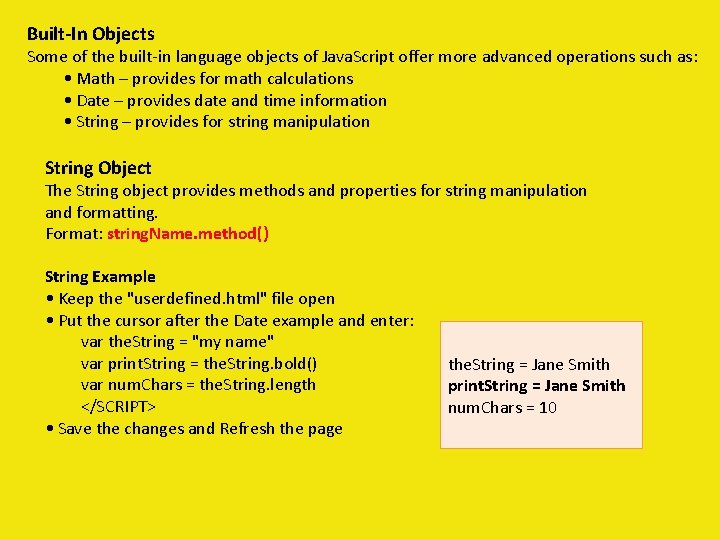
Built-In Objects Some of the built-in language objects of Java. Script offer more advanced operations such as: • Math – provides for math calculations • Date – provides date and time information • String – provides for string manipulation String Object The String object provides methods and properties for string manipulation and formatting. Format: string. Name. method() String Example • Keep the "userdefined. html" file open • Put the cursor after the Date example and enter: var the. String = "my name" var print. String = the. String. bold() var num. Chars = the. String. length </SCRIPT> • Save the changes and Refresh the page the. String = Jane Smith print. String = Jane Smith num. Chars = 10
MOST COMMON PROBLEMS
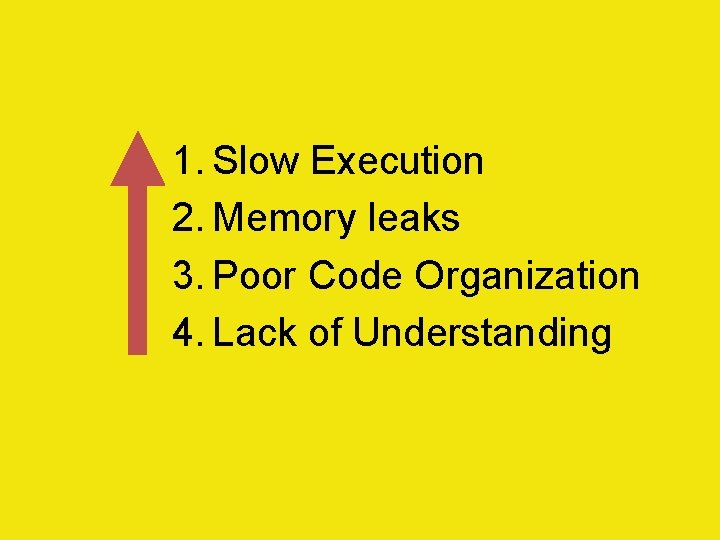
1. Slow Execution 2. Memory leaks 3. Poor Code Organization 4. Lack of Understanding
A&Q