
2 Dimensional Arrays Chapter 7 day 3 A

![What’s it do? int[][] numbers = { { 1, 2, 3, 4 }, {5,](https://slidetodoc.com/presentation_image_h/7669ae6b8f53b47f1f7126841d75c555/image-12.jpg "What’s it do? int[][] numbers = { { 1, 2, 3, 4 }, {5,")

- Slides: 13
2 Dimensional Arrays Chapter 7 day 3
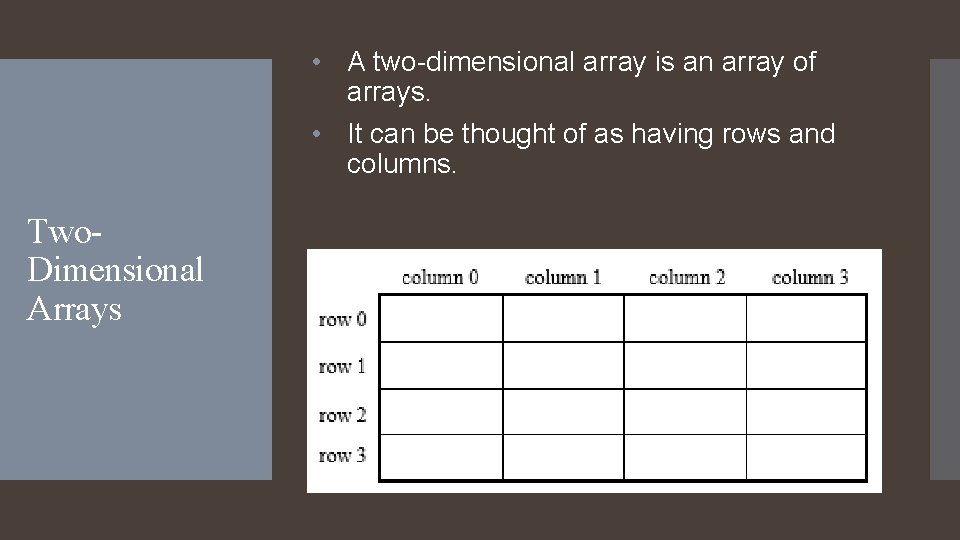
• A two-dimensional array is an array of arrays. • It can be thought of as having rows and columns. Two. Dimensional Arrays
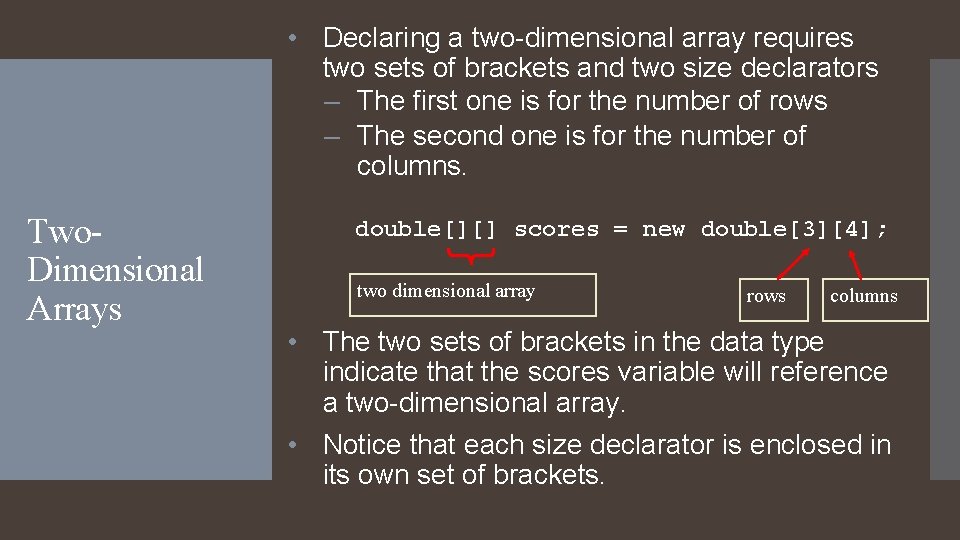
• Declaring a two-dimensional array requires two sets of brackets and two size declarators – The first one is for the number of rows – The second one is for the number of columns. Two. Dimensional Arrays double[][] scores = new double[3][4]; two dimensional array rows columns • The two sets of brackets in the data type indicate that the scores variable will reference a two-dimensional array. • Notice that each size declarator is enclosed in its own set of brackets.
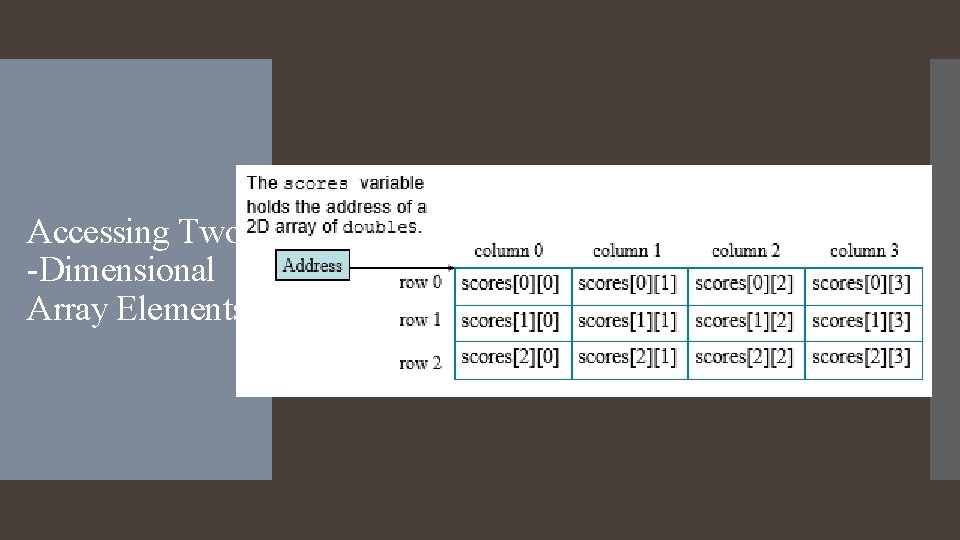
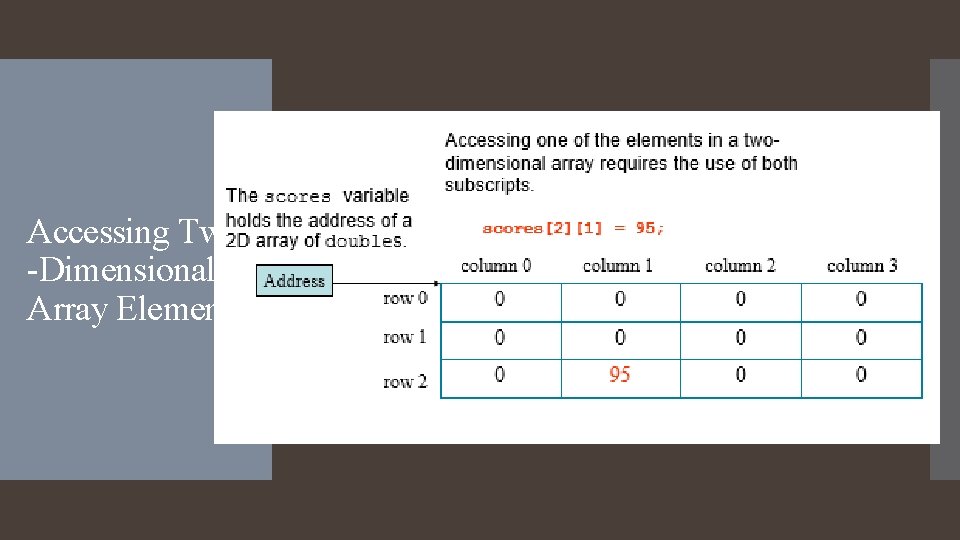
Accessing Two -Dimensional Array Elements • When processing the data in a two-dimensional array, each element has two subscripts: – one for its row and – another for its column.
Accessing Two -Dimensional Array Elements
Accessing Two -Dimensional Array Elements
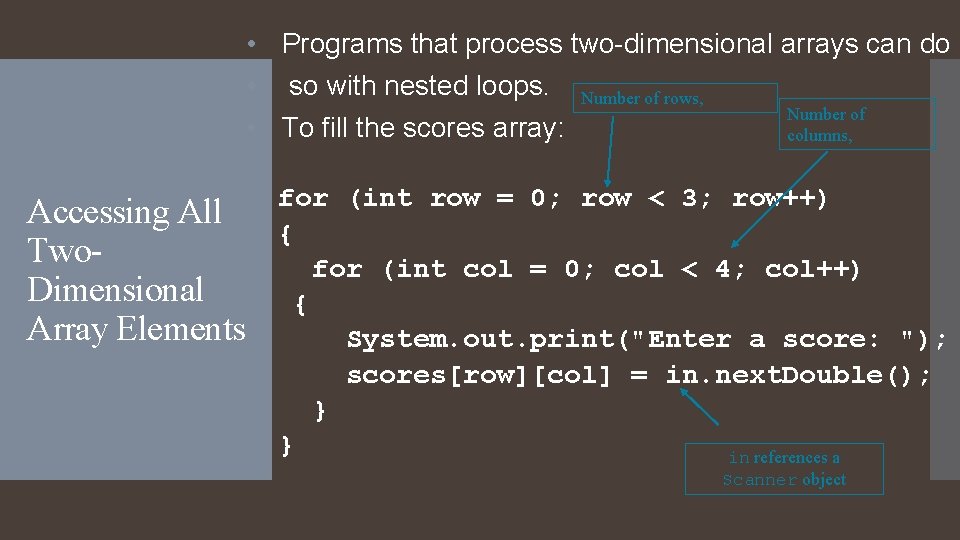
• Programs that process two-dimensional arrays can do • so with nested loops. Number of rows, Number of • To fill the scores array: columns, Accessing All Two. Dimensional Array Elements for (int row = 0; row < 3; row++) { for (int col = 0; col < 4; col++) { System. out. print("Enter a score: "); scores[row][col] = in. next. Double(); } } in references a Scanner object
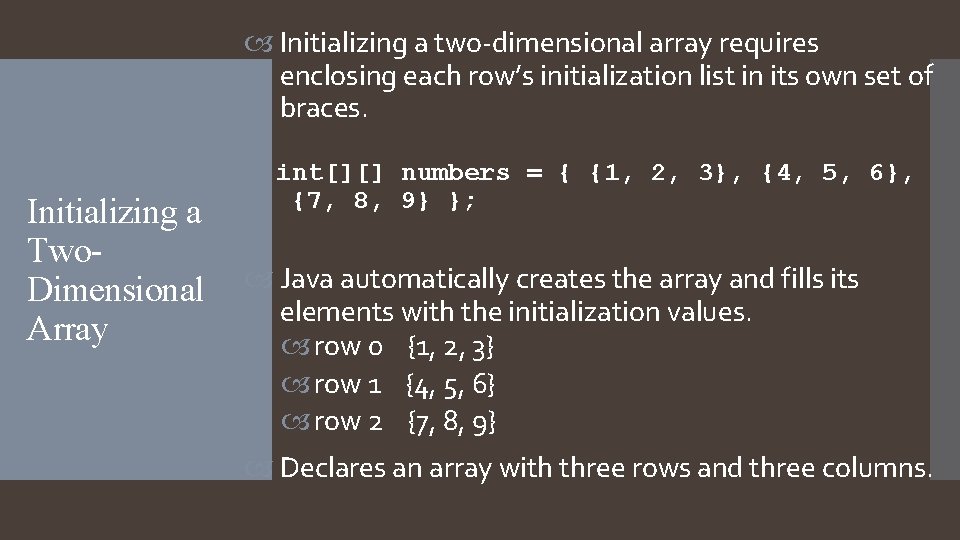
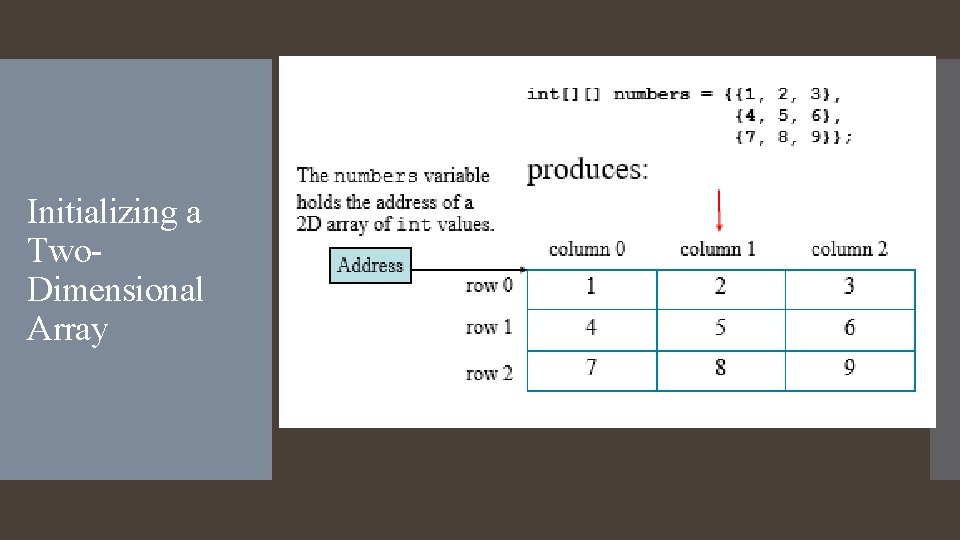
Initializing a two-dimensional array requires enclosing each row’s initialization list in its own set of braces. Initializing a Two. Dimensional Array int[][] numbers = { {1, 2, 3}, {4, 5, 6}, {7, 8, 9} }; Java automatically creates the array and fills its elements with the initialization values. row 0 {1, 2, 3} row 1 {4, 5, 6} row 2 {7, 8, 9} Declares an array with three rows and three columns.
Initializing a Two. Dimensional Array
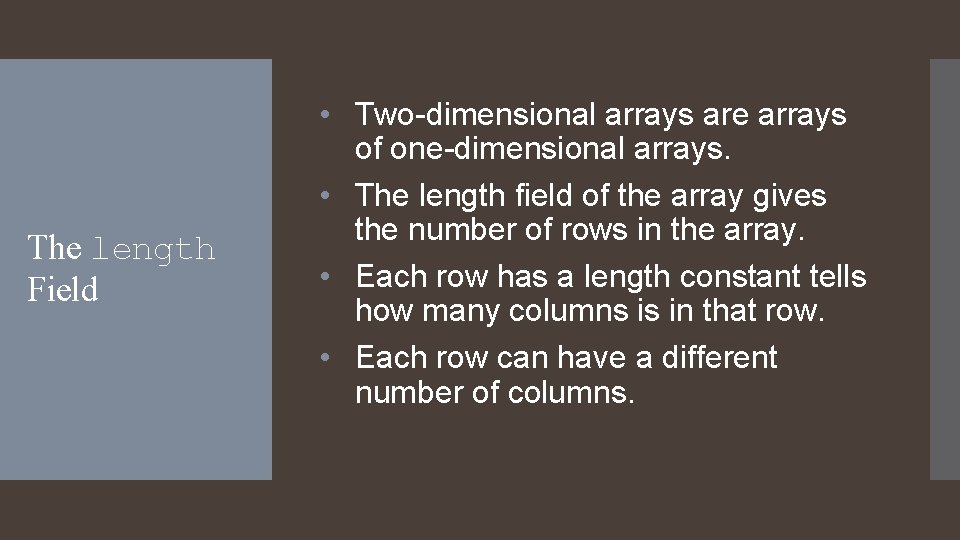
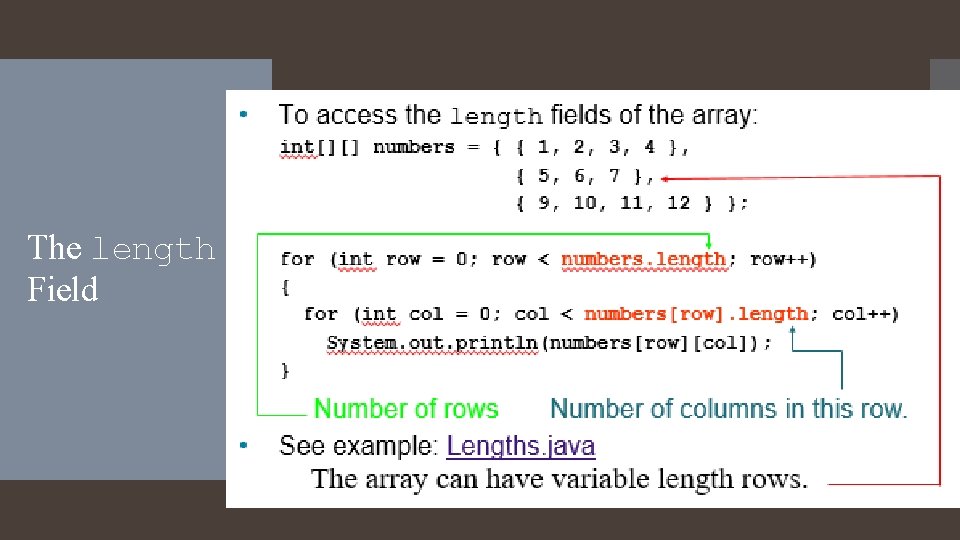
The length Field • Two-dimensional arrays are arrays of one-dimensional arrays. • The length field of the array gives the number of rows in the array. • Each row has a length constant tells how many columns is in that row. • Each row can have a different number of columns.
The length Field
What’s it do? int[][] numbers = { { 1, 2, 3, 4 }, {5, 6, 7, 8}, {9, 10, 11, 12} }; int total; total = 0; for (int row = 0; row < numbers. length; row++) { for (int col = 0; col < numbers[row]. length; col++) total += numbers[row][col]; } System. out. println("The result is " + total);
Let’s try some examples