
2 D Graphics Open GL Open GL Functions
- Slides: 32
2 D Graphics, Open. GL
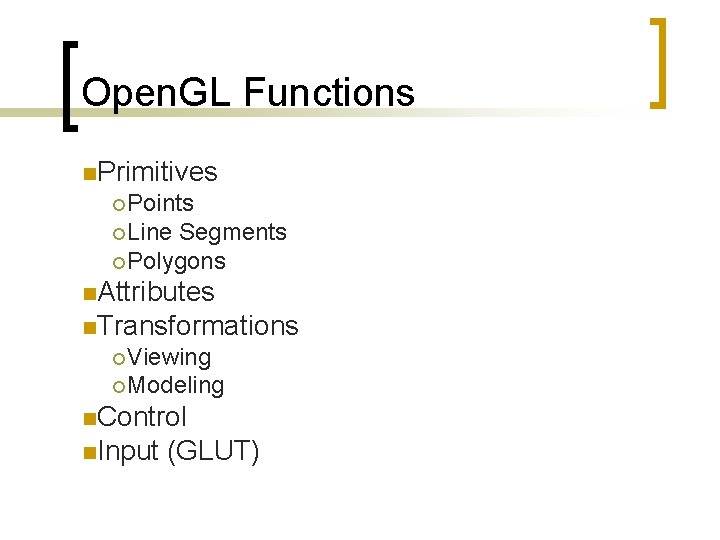
Open. GL Functions n. Primitives ¡ Points ¡ Line Segments ¡ Polygons n. Attributes n. Transformations ¡ Viewing ¡ Modeling n. Control n. Input (GLUT)
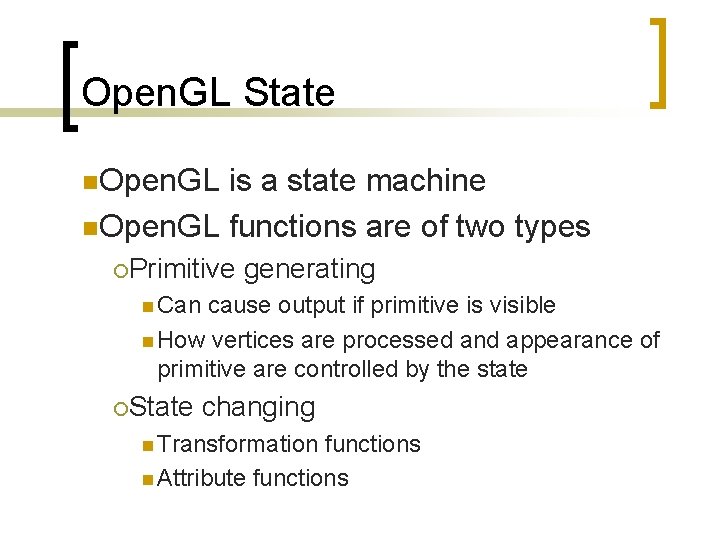
Open. GL State n. Open. GL is a state machine n. Open. GL functions are of two types ¡Primitive generating n Can cause output if primitive is visible n How vertices are processed and appearance of primitive are controlled by the state ¡State changing n Transformation functions n Attribute functions
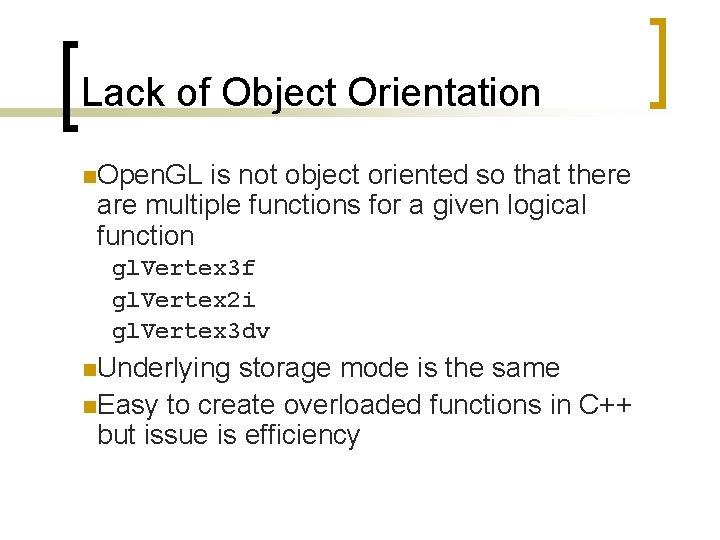
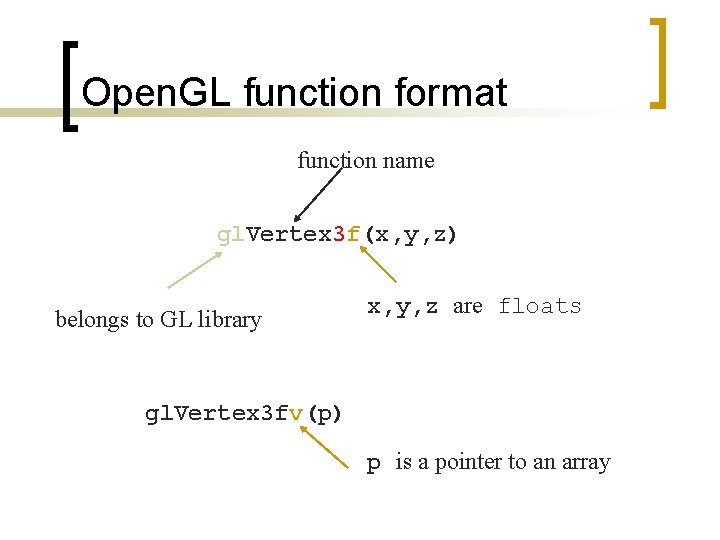
Lack of Object Orientation n. Open. GL is not object oriented so that there are multiple functions for a given logical function gl. Vertex 3 f gl. Vertex 2 i gl. Vertex 3 dv n. Underlying storage mode is the same n. Easy to create overloaded functions in C++ but issue is efficiency
Open. GL function format function name gl. Vertex 3 f(x, y, z) belongs to GL library x, y, z are floats gl. Vertex 3 fv(p) p is a pointer to an array
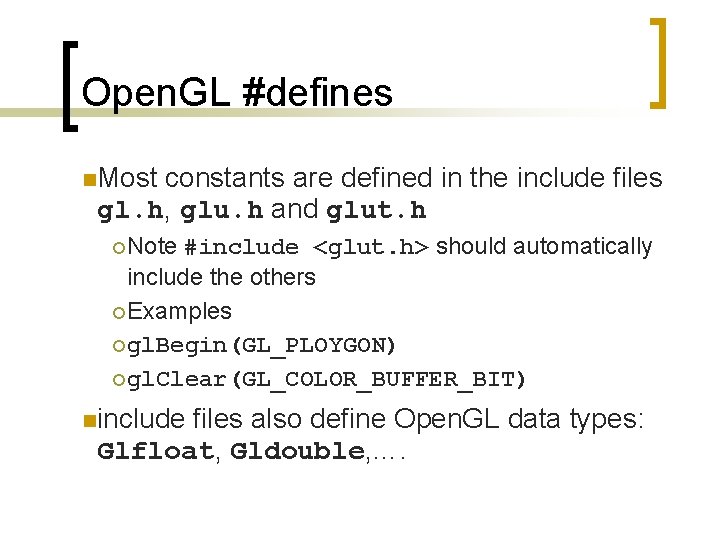
Open. GL #defines n. Most constants are defined in the include files gl. h, glu. h and glut. h ¡ Note #include <glut. h> should automatically include the others ¡ Examples ¡ gl. Begin(GL_PLOYGON) ¡ gl. Clear(GL_COLOR_BUFFER_BIT) ninclude files also define Open. GL data types: Glfloat, Gldouble, ….
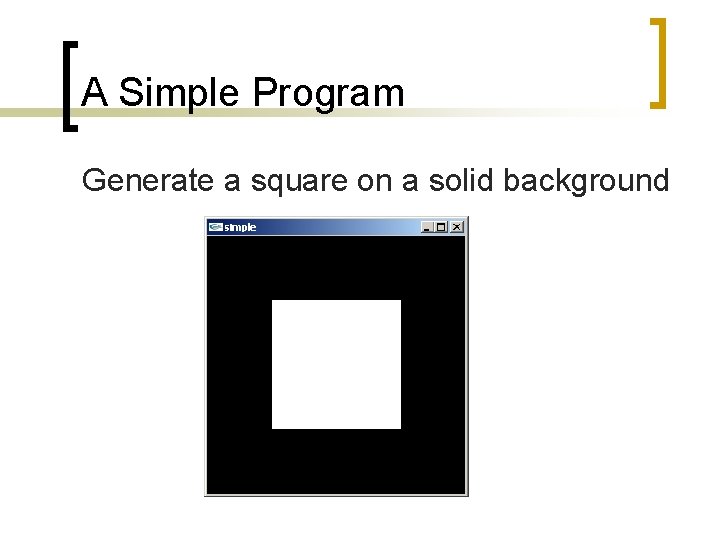
A Simple Program Generate a square on a solid background
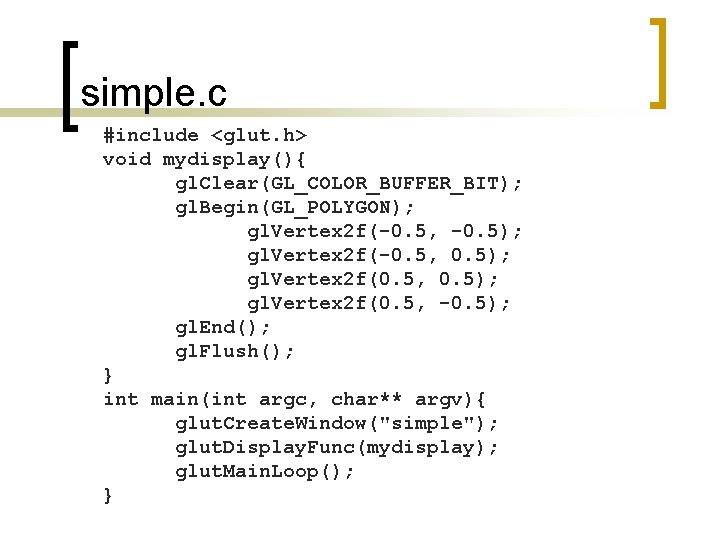
simple. c #include <glut. h> void mydisplay(){ gl. Clear(GL_COLOR_BUFFER_BIT); gl. Begin(GL_POLYGON); gl. Vertex 2 f(-0. 5, -0. 5); gl. Vertex 2 f(-0. 5, 0. 5); gl. Vertex 2 f(0. 5, -0. 5); gl. End(); gl. Flush(); } int main(int argc, char** argv){ glut. Create. Window("simple"); glut. Display. Func(mydisplay); glut. Main. Loop(); }
Event Loop n. Note that the program defines a display callback function named mydisplay ¡Every glut program must have a display callback ¡The display callback is executed whenever Open. GL decides the display must be refreshed, for example when the window is opened ¡The main function ends with the program entering an event loop
Defaults nsimple. c is too simple n. Makes heavy use of state variable default values for ¡Viewing ¡Colors ¡Window n. Next parameters version will make the defaults more explicit
Notes on compilation n. See website and ftp for examples n. Unix/linux ¡Include files usually in …/include/GL ¡Compile with –lglut –lglu –lgl loader flags ¡May have to add –L flag for X libraries ¡Mesa implementation included with most linux distributions ¡Check web for latest versions of Mesa and glut
Compilation on Windows n. Visual C++ (including. NET) ¡ Get glut. h, glut 32. lib and glut 32. dll from web ¡ Create a console application ¡ Add opengl 32. lib, glut 32. lib to project settings (under link tab) n. Borland C similar n. Cygwin (linux under Windows) ¡ Can use gcc and similar makefile to linux ¡ Use –lopengl 32 –lglut 32 flags
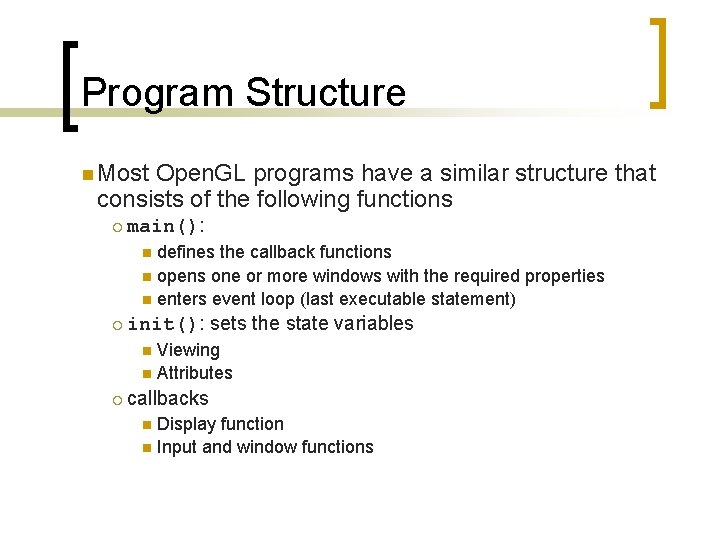
Program Structure n Most Open. GL programs have a similar structure that consists of the following functions ¡ main(): defines the callback functions n opens one or more windows with the required properties n enters event loop (last executable statement) n ¡ init(): sets the state variables Viewing n Attributes n ¡ callbacks Display function n Input and window functions n
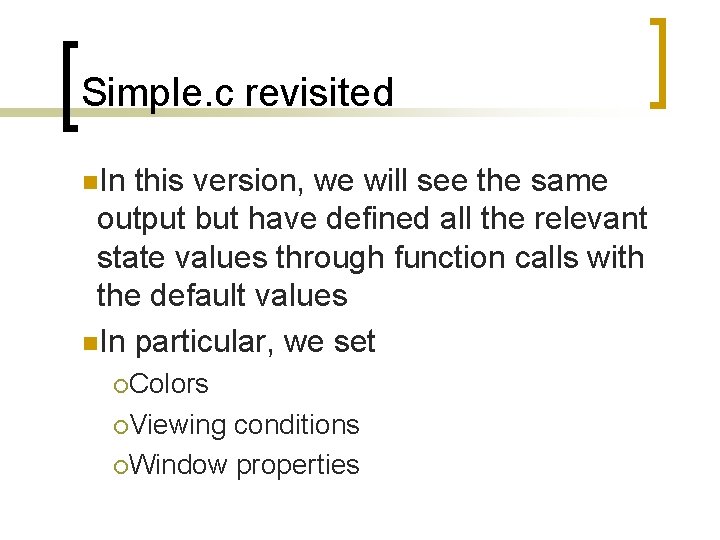
Simple. c revisited n. In this version, we will see the same output but have defined all the relevant state values through function calls with the default values n. In particular, we set ¡Colors ¡Viewing conditions ¡Window properties
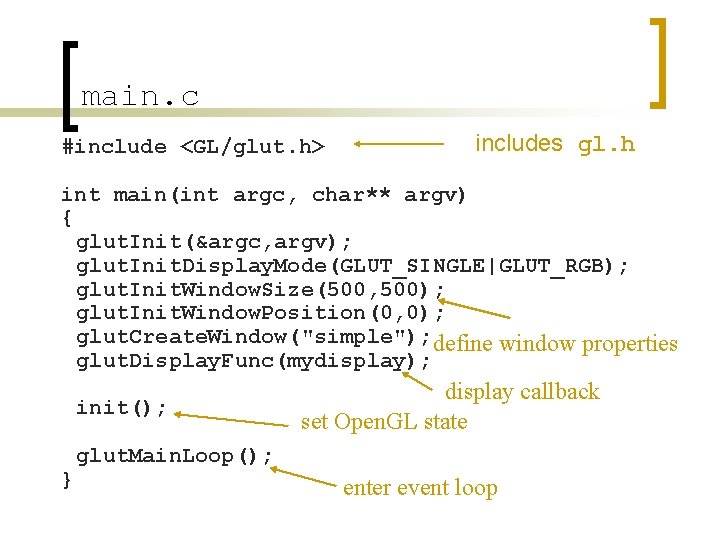
main. c #include <GL/glut. h> includes gl. h int main(int argc, char** argv) { glut. Init(&argc, argv); glut. Init. Display. Mode(GLUT_SINGLE|GLUT_RGB); glut. Init. Window. Size(500, 500); glut. Init. Window. Position(0, 0); glut. Create. Window("simple"); define window properties glut. Display. Func(mydisplay); init(); } display callback set Open. GL state glut. Main. Loop(); enter event loop
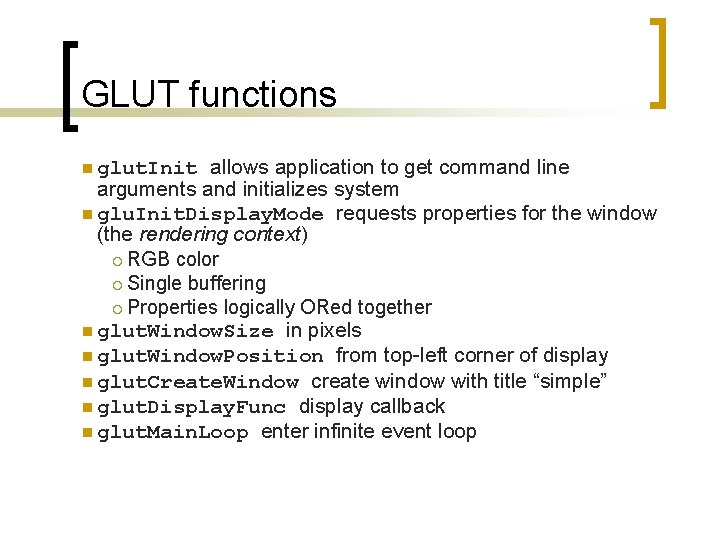
GLUT functions allows application to get command line arguments and initializes system n glu. Init. Display. Mode requests properties for the window (the rendering context) ¡ RGB color ¡ Single buffering ¡ Properties logically ORed together n glut. Window. Size in pixels n glut. Window. Position from top-left corner of display n glut. Create. Window create window with title “simple” n glut. Display. Func display callback n glut. Main. Loop enter infinite event loop n glut. Init
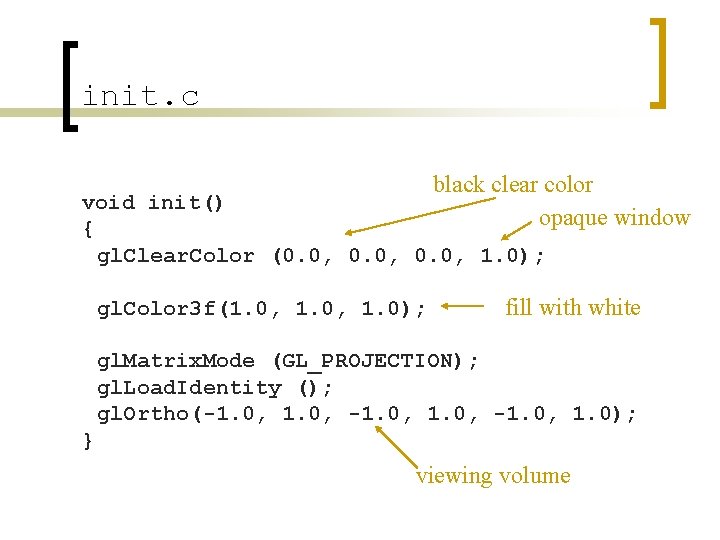
init. c black clear color opaque window void init() { gl. Clear. Color (0. 0, 1. 0); gl. Color 3 f(1. 0, 1. 0); fill with white gl. Matrix. Mode (GL_PROJECTION); gl. Load. Identity (); gl. Ortho(-1. 0, -1. 0, 1. 0); } viewing volume
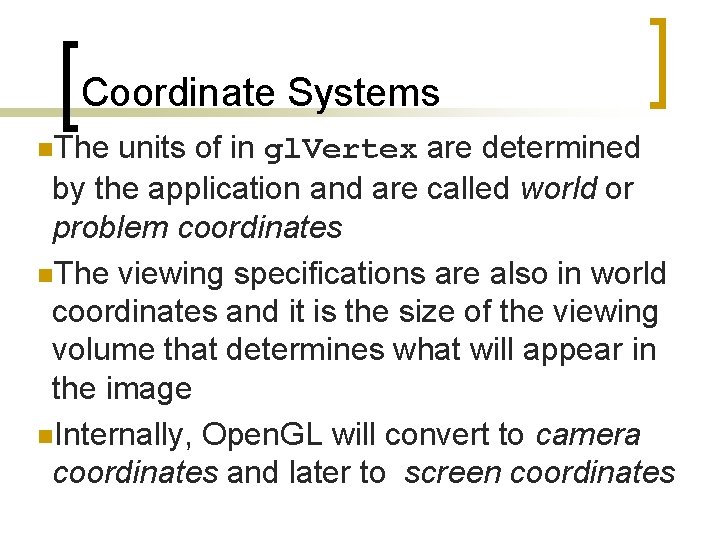
Coordinate Systems n. The units of in gl. Vertex are determined by the application and are called world or problem coordinates n. The viewing specifications are also in world coordinates and it is the size of the viewing volume that determines what will appear in the image n. Internally, Open. GL will convert to camera coordinates and later to screen coordinates
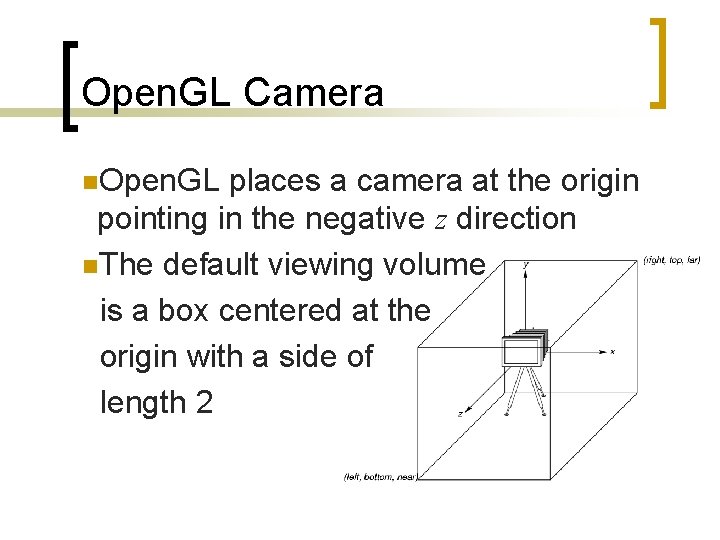
Open. GL Camera n. Open. GL places a camera at the origin pointing in the negative z direction n. The default viewing volume is a box centered at the origin with a side of length 2
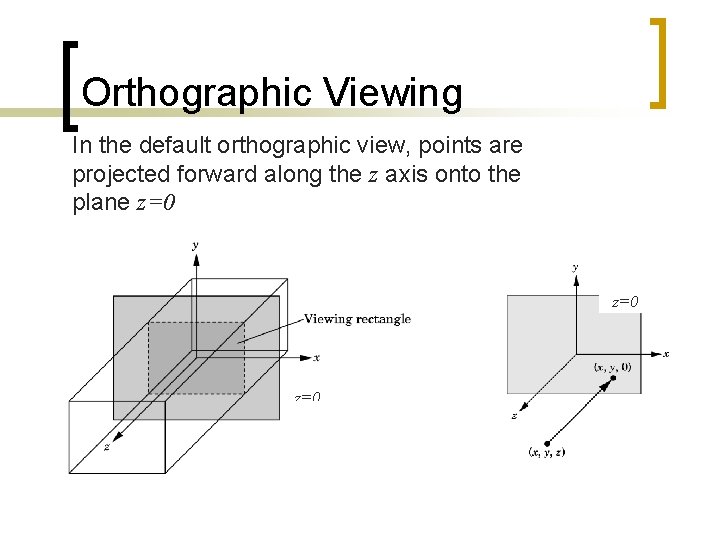
Orthographic Viewing In the default orthographic view, points are projected forward along the z axis onto the plane z=0 z=0
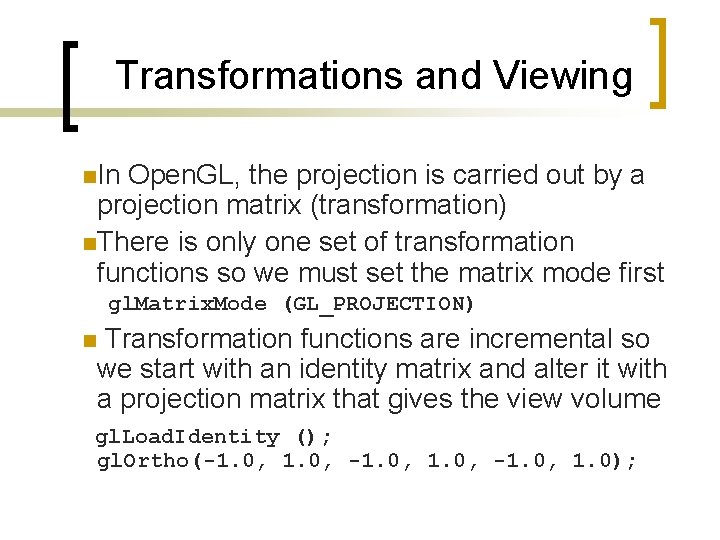
Transformations and Viewing n. In Open. GL, the projection is carried out by a projection matrix (transformation) n. There is only one set of transformation functions so we must set the matrix mode first gl. Matrix. Mode (GL_PROJECTION) n Transformation functions are incremental so we start with an identity matrix and alter it with a projection matrix that gives the view volume gl. Load. Identity (); gl. Ortho(-1. 0, -1. 0, 1. 0);
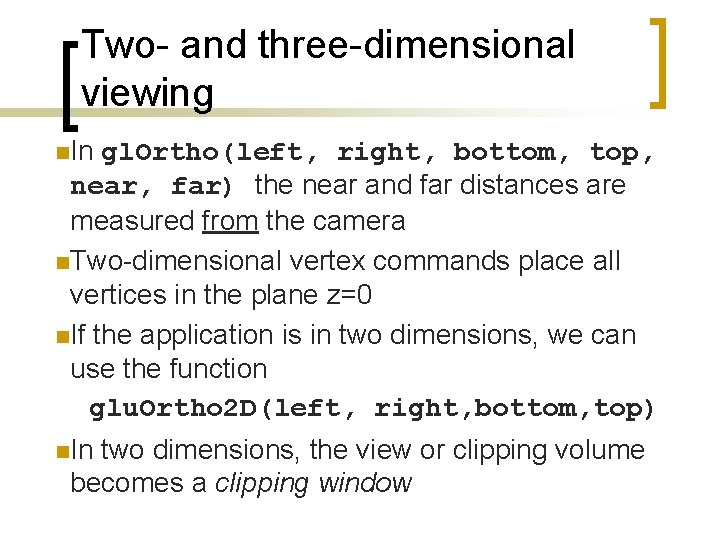
Two- and three-dimensional viewing n. In gl. Ortho(left, right, bottom, top, near, far) the near and far distances are measured from the camera n. Two-dimensional vertex commands place all vertices in the plane z=0 n. If the application is in two dimensions, we can use the function glu. Ortho 2 D(left, right, bottom, top) n. In two dimensions, the view or clipping volume becomes a clipping window
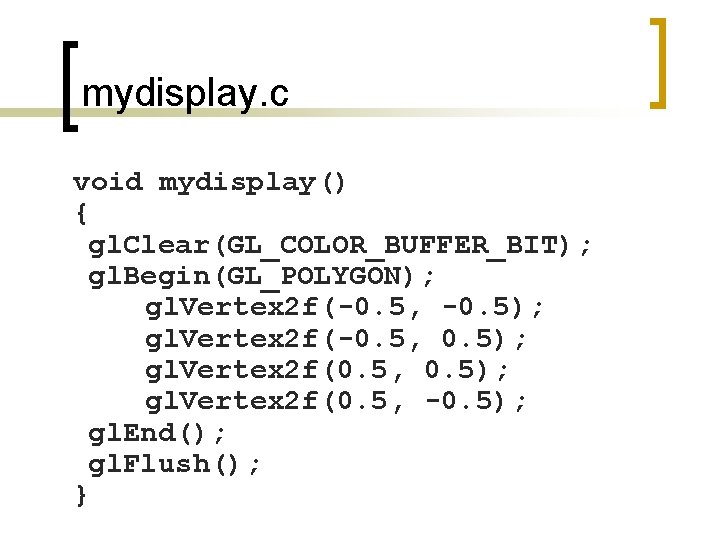
mydisplay. c void mydisplay() { gl. Clear(GL_COLOR_BUFFER_BIT); gl. Begin(GL_POLYGON); gl. Vertex 2 f(-0. 5, -0. 5); gl. Vertex 2 f(-0. 5, 0. 5); gl. Vertex 2 f(0. 5, -0. 5); gl. End(); gl. Flush(); }
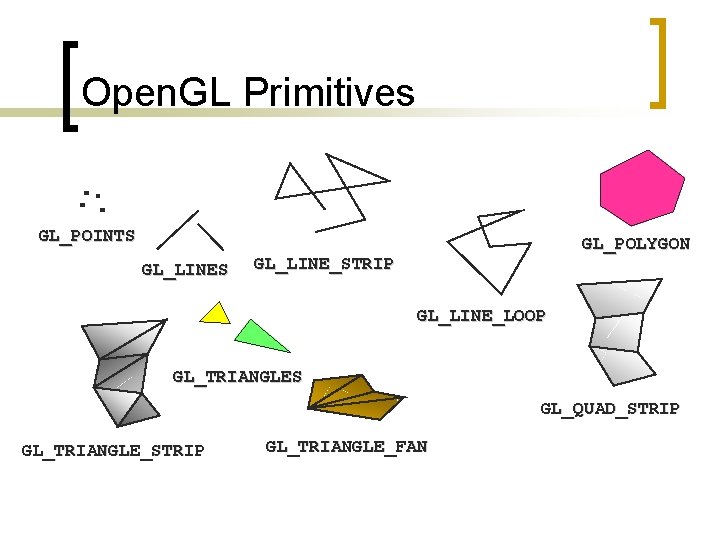
Open. GL Primitives GL_POINTS GL_LINES GL_POLYGON GL_LINE_STRIP GL_LINE_LOOP GL_TRIANGLES GL_QUAD_STRIP GL_TRIANGLE_FAN
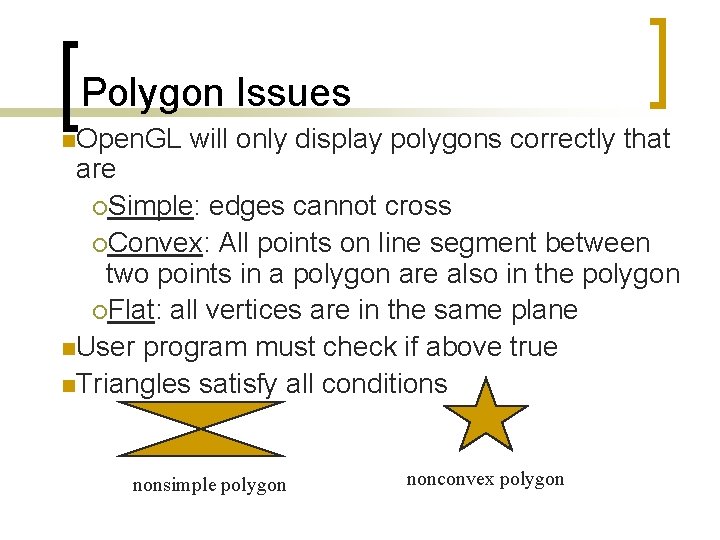
Polygon Issues n. Open. GL will only display polygons correctly that are ¡Simple: edges cannot cross ¡Convex: All points on line segment between two points in a polygon are also in the polygon ¡Flat: all vertices are in the same plane n. User program must check if above true n. Triangles satisfy all conditions nonsimple polygon nonconvex polygon
Attributes n. Attributes are part of the Open. GL state and determine the appearance of objects ¡ Color (points, lines, polygons) ¡ Size and width (points, lines) ¡ Stipple pattern (lines, polygons) ¡ Polygon mode n Display as filled: solid color or stipple pattern n Display edges
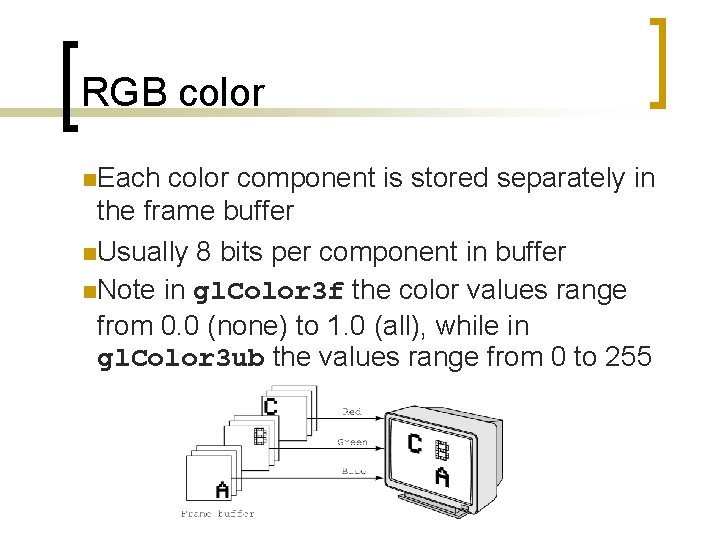
RGB color n. Each color component is stored separately in the frame buffer n. Usually 8 bits per component in buffer n. Note in gl. Color 3 f the color values range from 0. 0 (none) to 1. 0 (all), while in gl. Color 3 ub the values range from 0 to 255
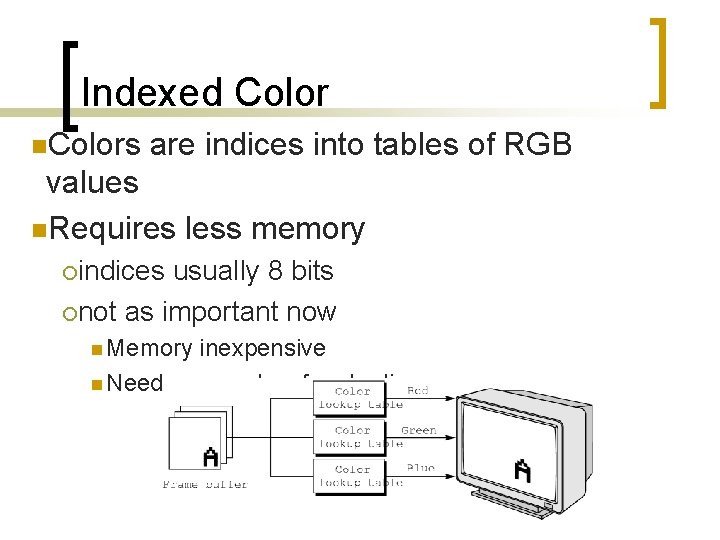
Indexed Color n. Colors are indices into tables of RGB values n. Requires less memory ¡indices usually 8 bits ¡not as important now n Memory inexpensive n Need more colors for shading
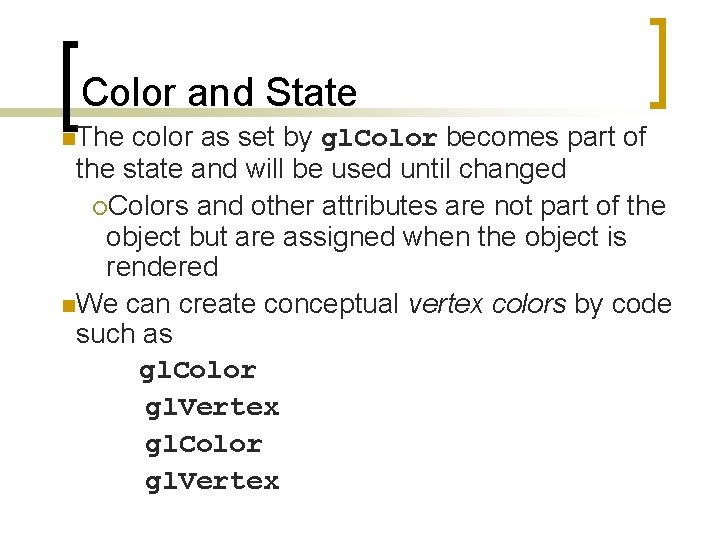
Color and State n. The color as set by gl. Color becomes part of the state and will be used until changed ¡Colors and other attributes are not part of the object but are assigned when the object is rendered n. We can create conceptual vertex colors by code such as gl. Color gl. Vertex
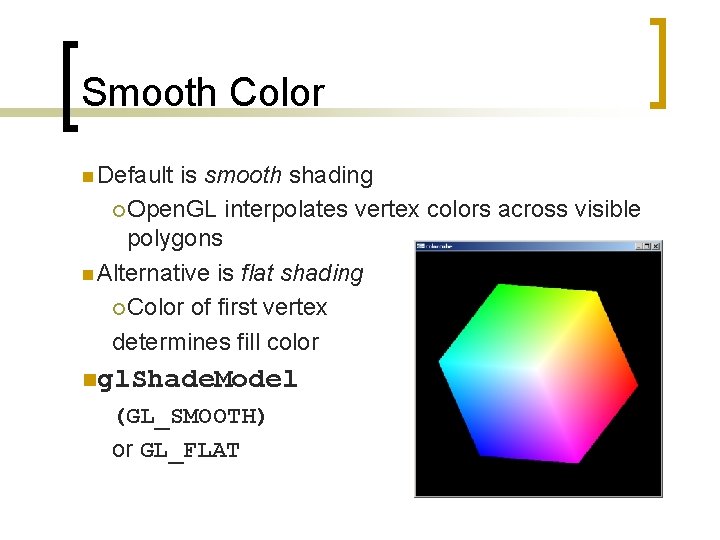
Smooth Color n Default is smooth shading ¡ Open. GL interpolates vertex colors across visible polygons n Alternative is flat shading ¡ Color of first vertex determines fill color ngl. Shade. Model (GL_SMOOTH) or GL_FLAT
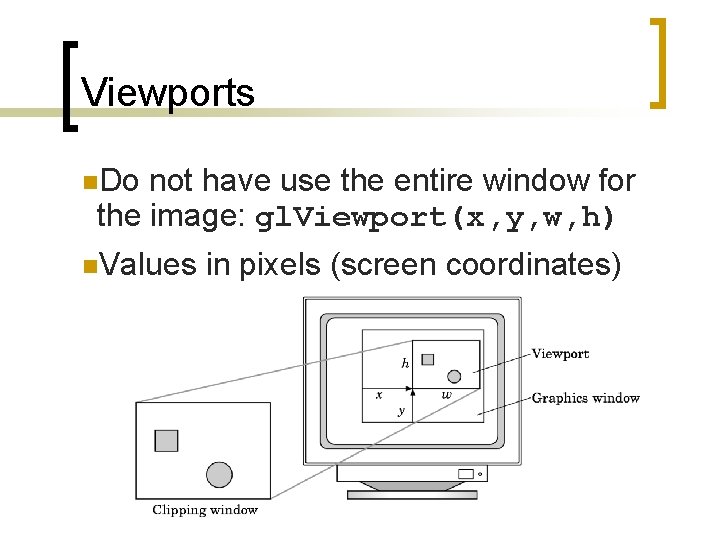
Viewports n. Do not have use the entire window for the image: gl. Viewport(x, y, w, h) n. Values in pixels (screen coordinates)
Next Class n n n Syllabus is off by at least a day Java 3 D (for 2 D graphics) GLUT input functions