
2 5 Introduction to Computers U 2 C



- Slides: 30
2. 5 Introduction to Computers U 2 C 5
2. 5 Introduction to Computers Overview: The goal of this lesson is to explore the history and parts of the computer. The lesson utilizes resources from Intel's "The Journey Inside: The Computer" series. Objectives: Students will be able to: 1. List examples of early calculating machines 2. Describe the four problems of tube-based computer 3. Describe the function of a transistor 4. Describe the four parts of a computer 5. Categorize a given computer part 6. Distinguish between storage drives and memory chips 7. Distinguish between RAM, ROM and Flash memory chips
Worksheet Introduction to Computers Name: _____________ Score: _____/18 Period: ___ Date: ____ 1. (2 pts) Name two non-electronic calculating devices: 2. (3 pts) What type of switch did the first electronic (like ENIAC) computers use? What were four problems with this type of computers: 3. (2 pts) What type of switch do modern electronic computers use? What are they most commonly made of? 4. (2 pts) When circuits containing several of these modern switches are integrated onto one component, what are these called? Give both the technical name and the common name. 5. (4 pts) What are four parts of a computer. Give an example of each. 6. (2 pts) What is the difference between a storage drive and a memory chip. Give an example of each. 7. (3 pts) What are the 3 most common types of memory chips. What is typically stored in each?
2. 5 Introduction to Computers (8: 20) Intel "The Journey Inside: The Computer - Introduction to Computers" video http: //stemrobotics. pdx. edu/node/476 http: //stemrobotics. pdx. edu/sites/default/files/INTEL_JOURNEY_INSIDE-chapter 1. flv
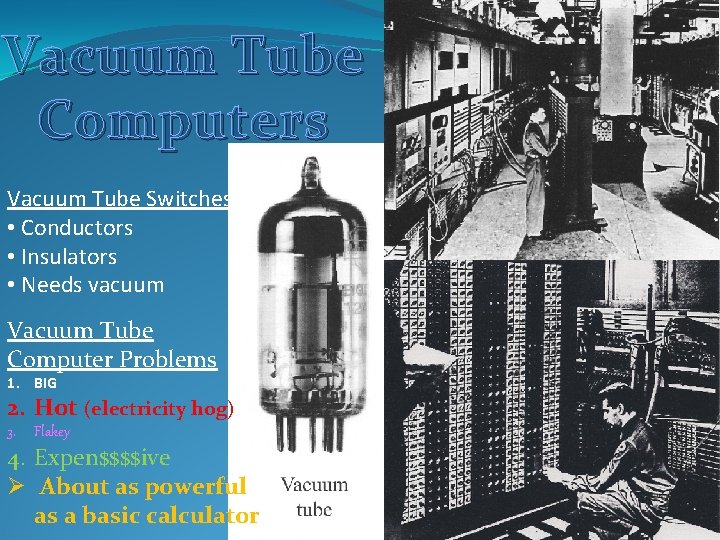
Vacuum Tube Computers Vacuum Tube Switches • Conductors • Insulators • Needs vacuum Vacuum Tube Computer Problems 1. BIG 2. Hot (electricity hog) 3. Flakey 4. Expen$$$$ive Ø About as powerful as a basic calculator
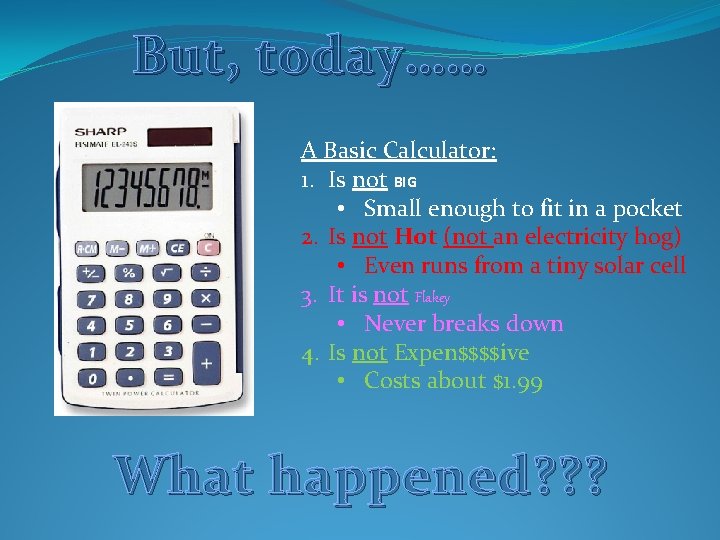
But, today…… A Basic Calculator: 1. Is not BIG • Small enough to fit in a pocket 2. Is not Hot (not an electricity hog) • Even runs from a tiny solar cell 3. It is not Flakey • Never breaks down 4. Is not Expen$$$$ive • Costs about $1. 99 What happened? ? ?
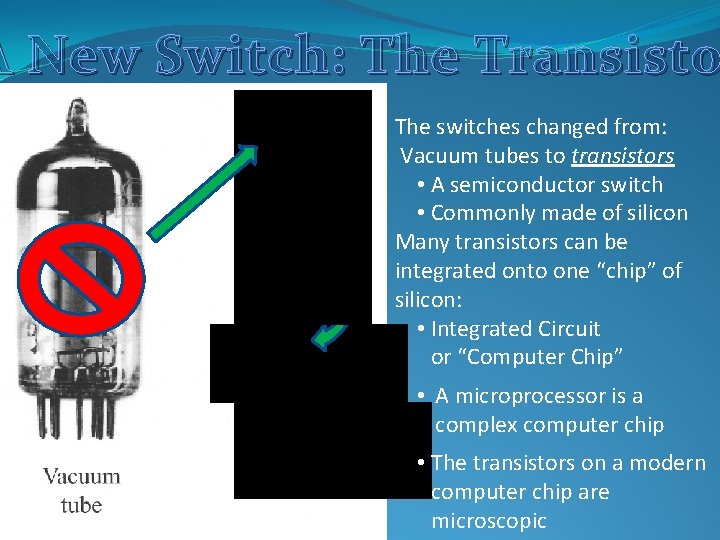
A New Switch: The Transisto The switches changed from: Vacuum tubes to transistors • A semiconductor switch • Commonly made of silicon Many transistors can be integrated onto one “chip” of silicon: • Integrated Circuit or “Computer Chip” • A microprocessor is a complex computer chip • The transistors on a modern computer chip are microscopic
Review Question 1 What kind of switches did the first electronic computers (like Eniac) use? A) Transistors B) Wires C) Insulators D) Vacuum Tubes E) None of the above
Review Question 1 What kind of switches did the first electronic computers (like Eniac) use? A) Transistors B) Wires C) Insulators D) Vacuum Tubes E) None of the above
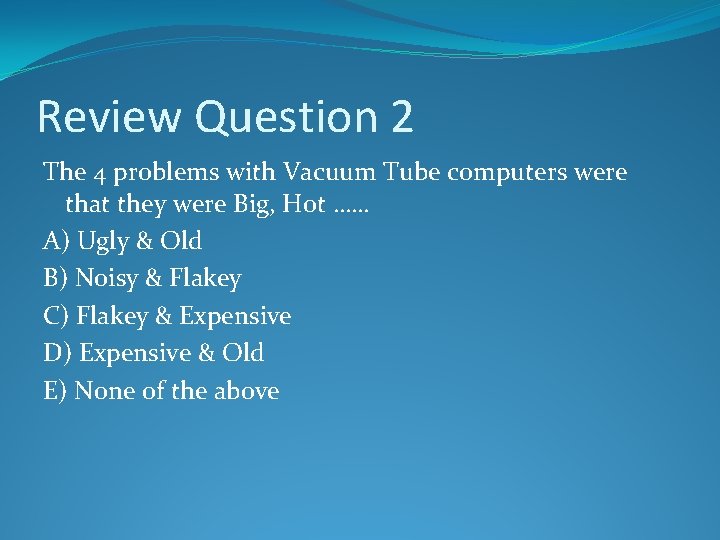
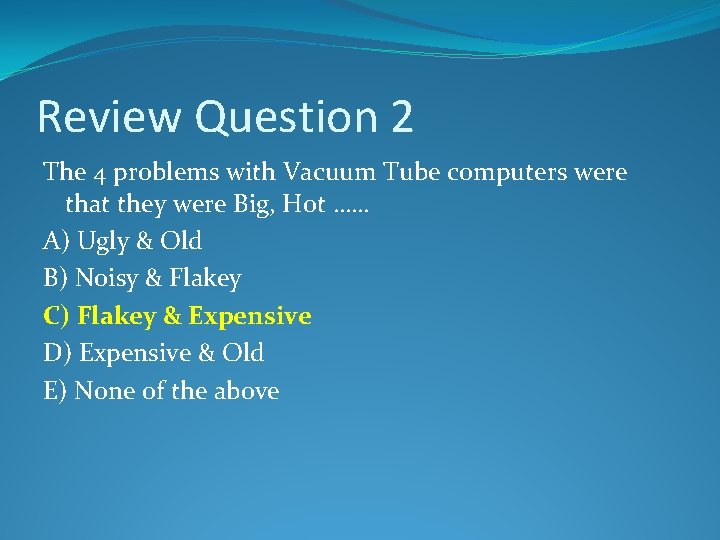
Review Question 2 The 4 problems with Vacuum Tube computers were that they were Big, Hot …… A) Ugly & Old B) Noisy & Flakey C) Flakey & Expensive D) Expensive & Old E) None of the above
Review Question 2 The 4 problems with Vacuum Tube computers were that they were Big, Hot …… A) Ugly & Old B) Noisy & Flakey C) Flakey & Expensive D) Expensive & Old E) None of the above
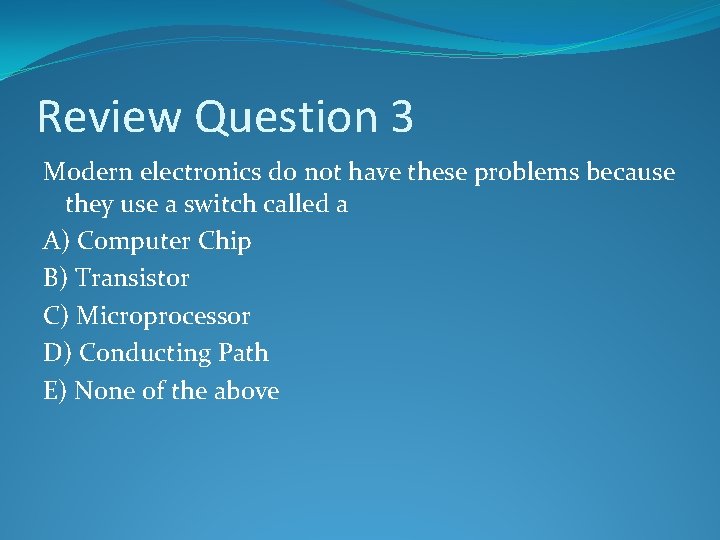
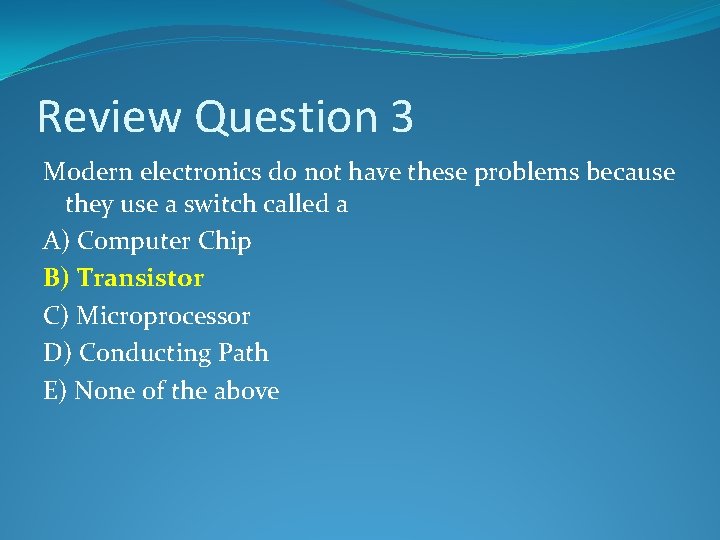
Review Question 3 Modern electronics do not have these problems because they use a switch called a A) Computer Chip B) Transistor C) Microprocessor D) Conducting Path E) None of the above
Review Question 3 Modern electronics do not have these problems because they use a switch called a A) Computer Chip B) Transistor C) Microprocessor D) Conducting Path E) None of the above
Review Question 4 Transistors are one type of A) Insulator B) Conductor C) Computer Chip D) Semiconductor E) None of the above
Review Question 4 Transistors are one type of A) Insulator B) Conductor C) Computer Chip D) Semiconductor E) None of the above
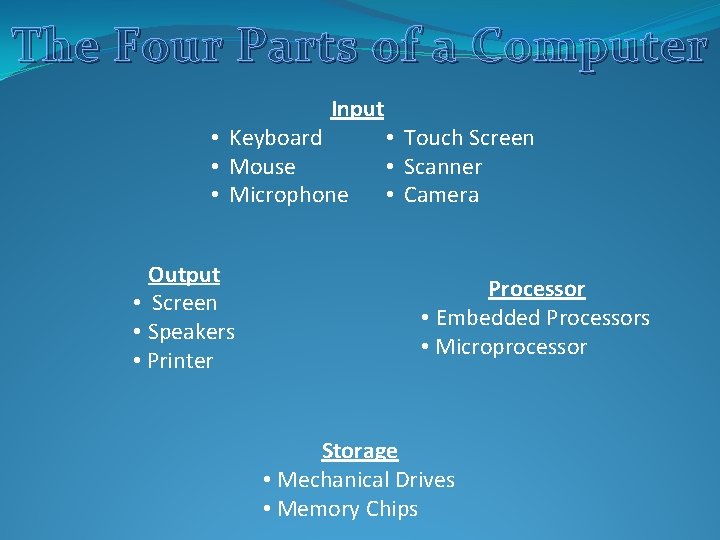
The Four Parts of a Computer Input • Keyboard • Mouse • Microphone Output • Screen • Speakers • Printer • Touch Screen • Scanner • Camera Processor • Embedded Processors • Microprocessor Storage • Mechanical Drives • Memory Chips
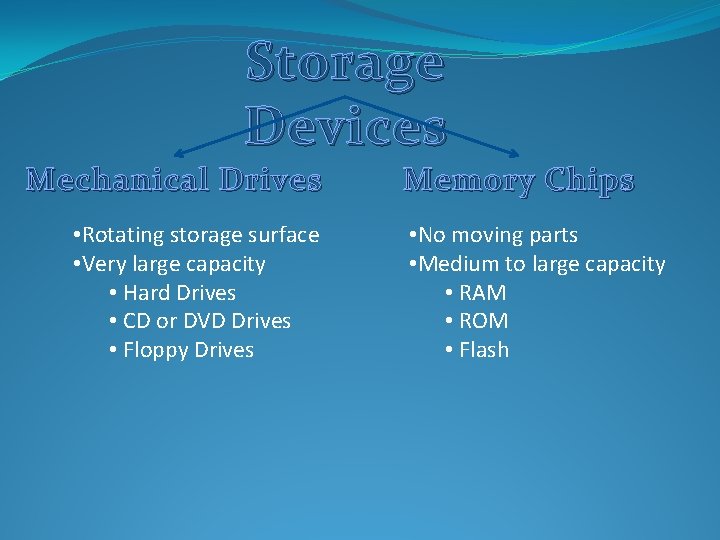
Storage Devices Mechanical Drives • Rotating storage surface • Very large capacity • Hard Drives • CD or DVD Drives • Floppy Drives Memory Chips • No moving parts • Medium to large capacity • RAM • ROM • Flash
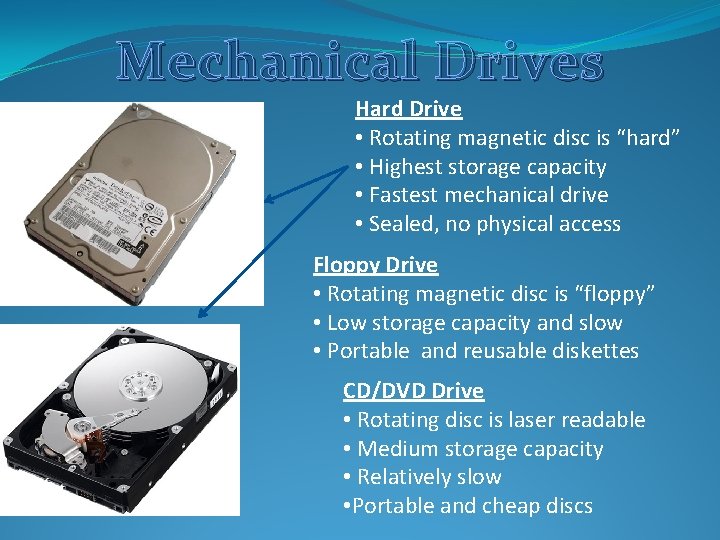
Mechanical Drives Hard Drive • Rotating magnetic disc is “hard” • Highest storage capacity • Fastest mechanical drive • Sealed, no physical access Floppy Drive • Rotating magnetic disc is “floppy” • Low storage capacity and slow • Portable and reusable diskettes CD/DVD Drive • Rotating disc is laser readable • Medium storage capacity • Relatively slow • Portable and cheap discs
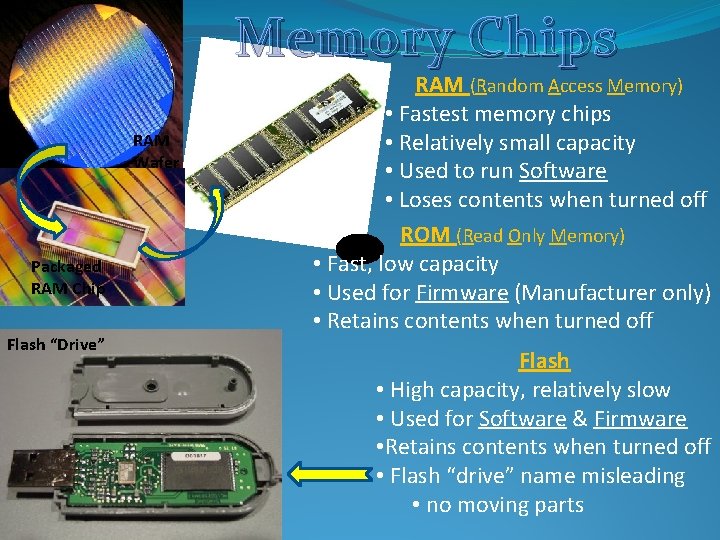
Memory Chips RAM Wafer Packaged RAM Chip Flash “Drive” RAM (Random Access Memory) • Fastest memory chips • Relatively small capacity RAM • Used to run Software Circuit • Loses contents when turned off Board ROM (Read Only Memory) • Fast, low capacity • Used for Firmware (Manufacturer only) • Retains contents when turned off Flash • High capacity, relatively slow • Used for Software & Firmware • Retains contents when turned off • Flash “drive” name misleading • no moving parts
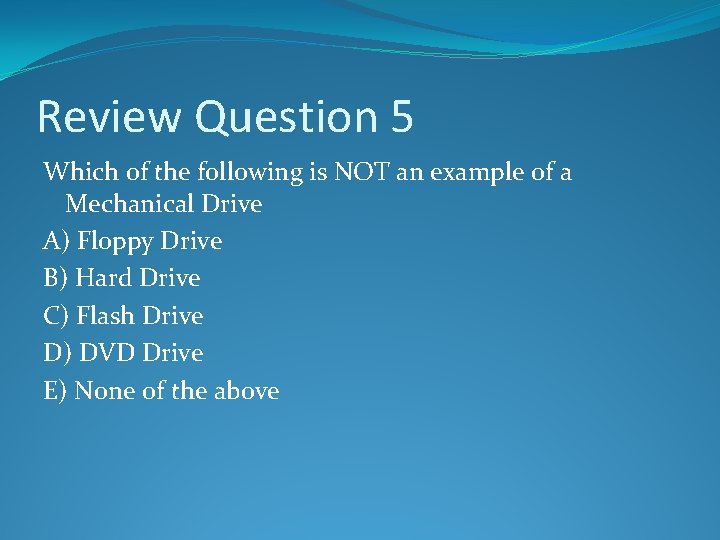
Review Question 5 Which of the following is NOT an example of a Mechanical Drive A) Floppy Drive B) Hard Drive C) Flash Drive D) DVD Drive E) None of the above
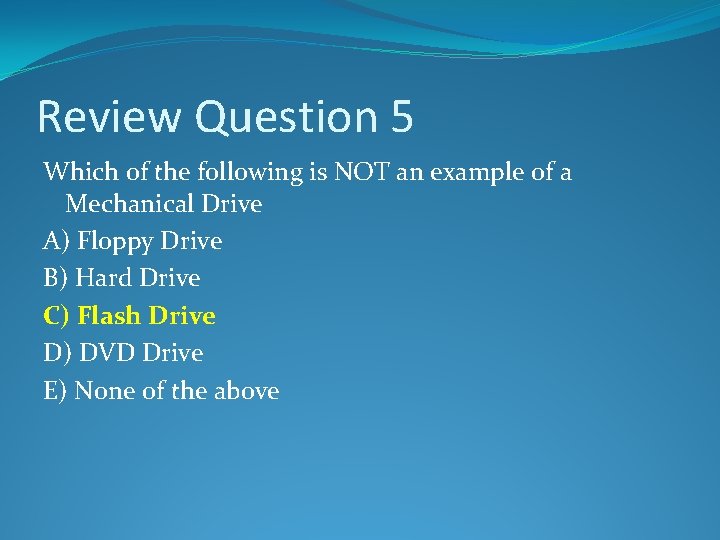
Review Question 5 Which of the following is NOT an example of a Mechanical Drive A) Floppy Drive B) Hard Drive C) Flash Drive D) DVD Drive E) None of the above
Review Question 6 Which of the following is NOT an example of a Memory Chip A) RAM B) ROM C) Flash drive D) Memory card E) None of the above
Review Question 7 A Hard Drive is called “Hard” because A) Its hard to find B) Its hard to open C) Its outer case is hard D) Its magnetic surface is hard E) None of the above
Review Question 7 A Hard Drive is called “Hard” because A) Its hard to find B) Its hard to open C) Its outer case is hard D) Its magnetic surface is hard E) None of the above
Review Question 8 RAM chips are important in computer because they A) have a large capacity B) retain information when powered off C) are very fast D) have a rotating disc E) None of the above
2. 5 Introduction to Computers (3: 20) Recycling the Parts of a Computers Web Video http: //www. livestream. com/thebby/video? clip. Id=flv_4647 d 133 -b 208 -4 ba 9 -97 dd-f 4 b 25877 f 284
�http: //whoknew. news. yahoo. com/? nc&vid=26149281
Introduction to Computers Review �Jeopardy
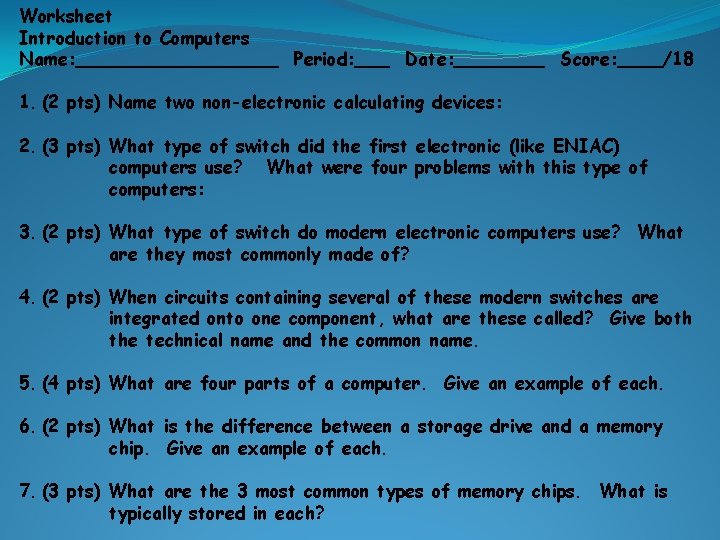
Worksheet Introduction to Computers Name: _________ Period: ___ Date: ____ Score: ____/18 1. (2 pts) Name two non-electronic calculating devices: 2. (3 pts) What type of switch did the first electronic (like ENIAC) computers use? What were four problems with this type of computers: 3. (2 pts) What type of switch do modern electronic computers use? What are they most commonly made of? 4. (2 pts) When circuits containing several of these modern switches are integrated onto one component, what are these called? Give both the technical name and the common name. 5. (4 pts) What are four parts of a computer. Give an example of each. 6. (2 pts) What is the difference between a storage drive and a memory chip. Give an example of each. 7. (3 pts) What are the 3 most common types of memory chips. What is typically stored in each?