
2 0 Basic OS Concept Management Types of
2. 0 Basic OS Concept Management
Types of Interfaces 1. Command Interface 2. Menu Interface 3. Graphical User Interface 4. Voice-actuated interface 5. Web-form interface
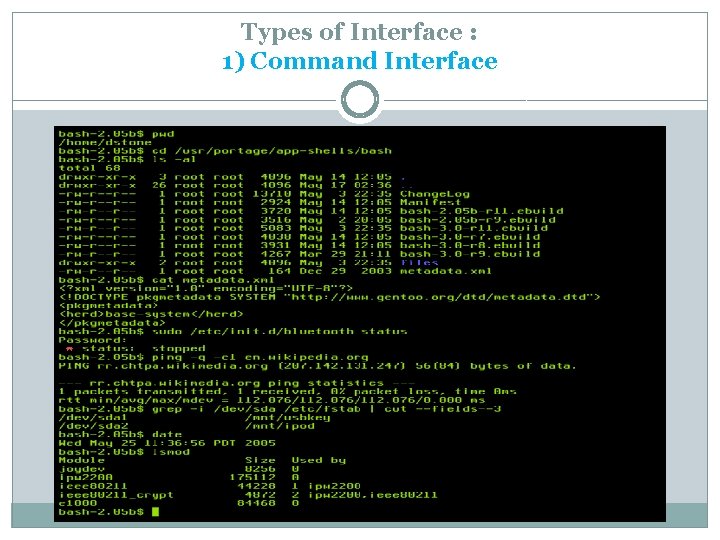
Types of Interface : 1) Command Interface
Types of Interface : 1) Command Interface …cont � An interface that accepts types commands, one line at a time from the user � Contras with a menu – driven interface � E. g. : MS-DOS , UNIX operating system
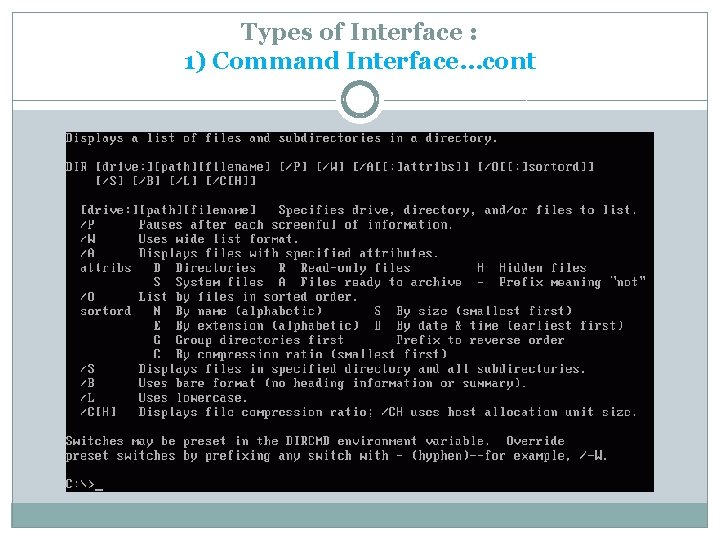
Types of Interface : 1) Command Interface…cont
Types of Interface : 2) Menu Interface
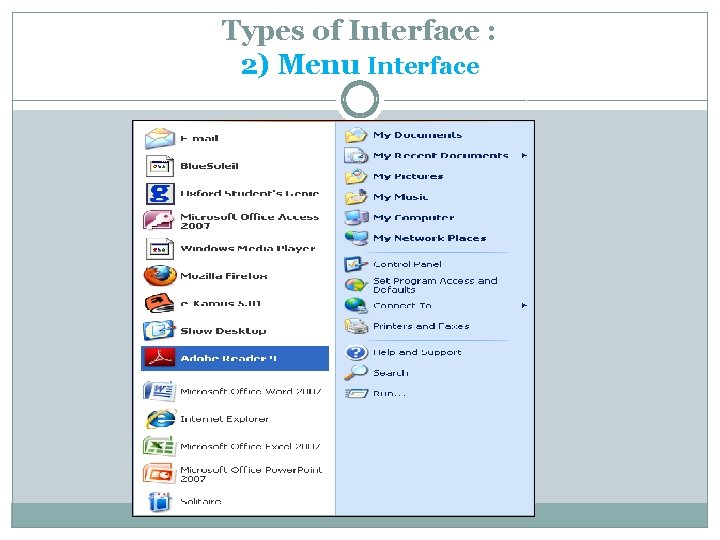
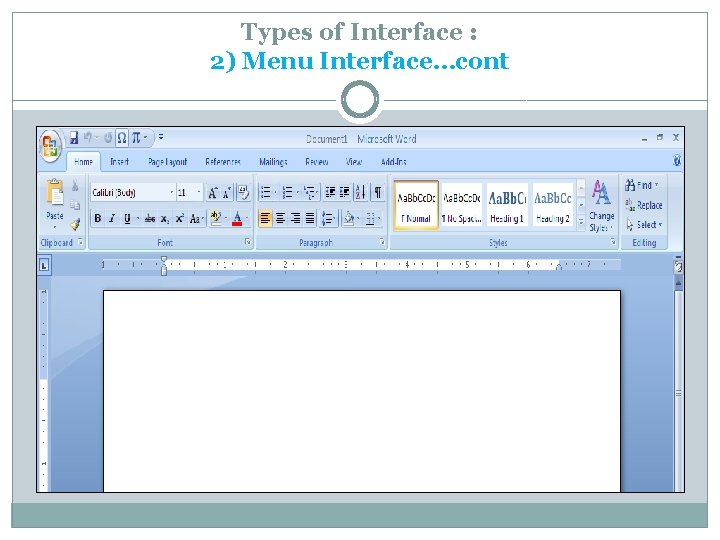
Types of Interface : 2) Menu Interface…cont � An interface that accept instructions that user choose from menu of valid choice � User often use mouse to point & click on the chosen instruction � Contrast with a command-driven interface � E. g. : Windows 2000
Types of Interface : 2) Menu Interface…cont
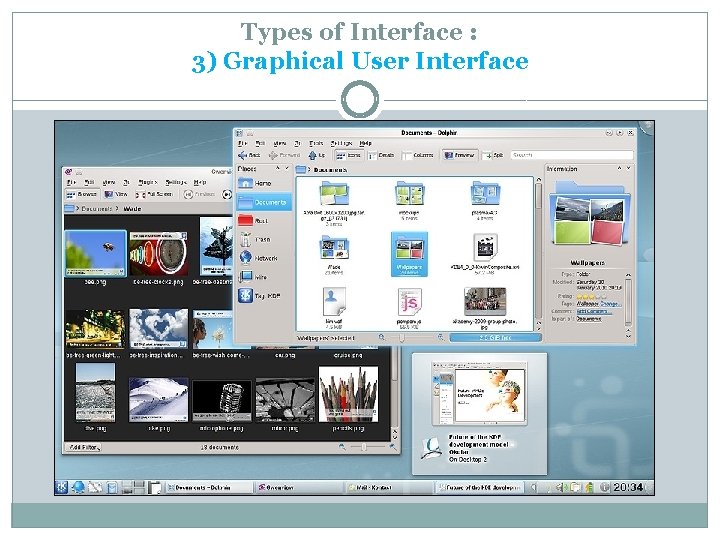
Types of Interface : 3) Graphical User Interface
Types of Interface : 3) Graphical User Interface…cont � A user interface that allows the user to activate OS command by clicking on a desktop icon using pointing device such as mouse or touch screen. � GUIs evolved from command –driven user interface. � User often use mouse to point & click on the chosen
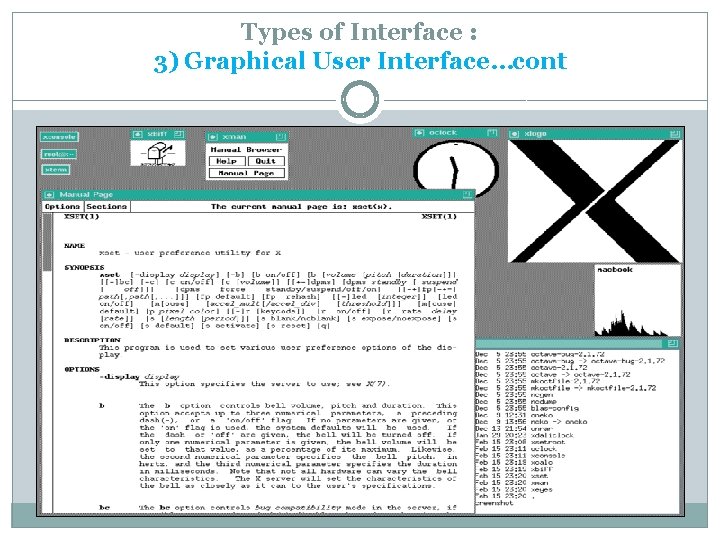
Types of Interface : 3) Graphical User Interface…cont
Types of Interface : 4) Voice-Actuated Interface � Enables a user to use simple voice command to control physical environmental. � E. g. : The computer includes a voice card & associated voice recognition & training software for interpreting & translating voice input into digital information readable by controller card for operating equipments @ control the environment.
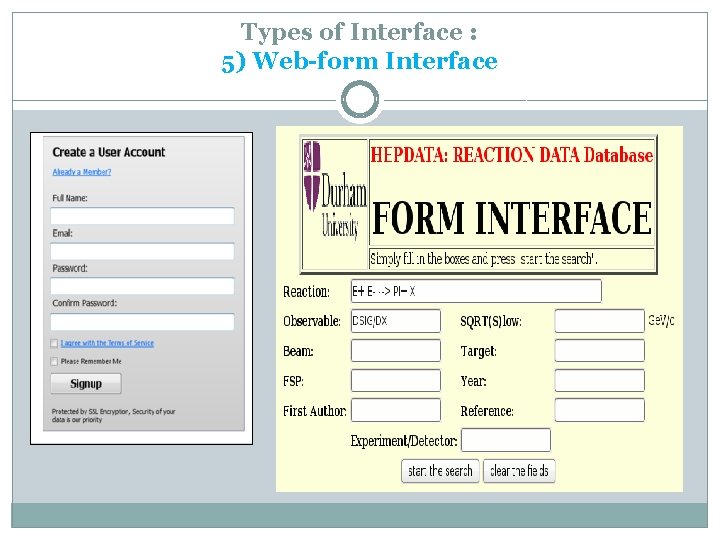
Types of Interface : 5) Web-form Interface
Types of Interface : 5) Web-form Interface…cont � Allow user to enter data that is send to a server for processing � Web form interface resembles paper form because user need to fill out the form using web form elements
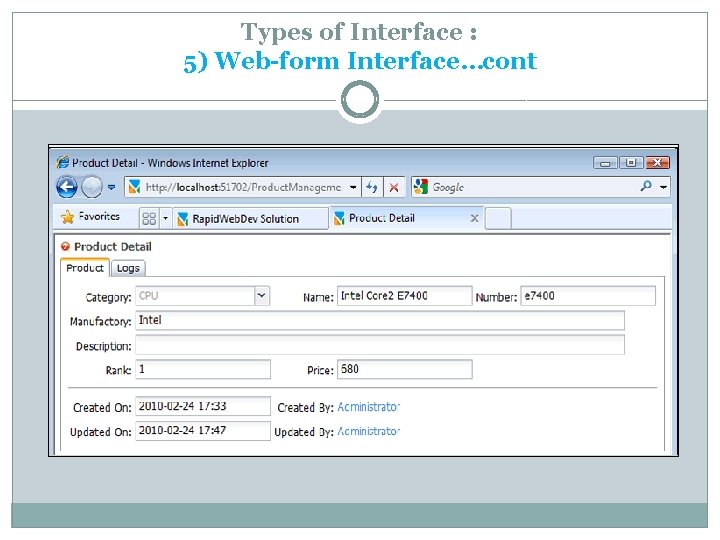
Types of Interface : 5) Web-form Interface…cont
Basic Functions Perform by OS User Interface 1. Enable user to interact with the system 2. How to interact? By perform the user command interface /instructions from various types of interfaces. 3. Medium are used ; display screen, keyboard, mouse, light pen, the appearance of a desktop, illuminated characters or help messages.
Boot Process � Booting up is a bootstrapping process that starts OS when the user turns on a computer system � Booting is the process of starting or restarting a computer
Type of Boot Process 1. Cold Boot 2. Warm Boot
Type of Boot Process : Cold Boot � When turning on a computer that has been powered off completely. � Example : by press power button.
Type of Boot Process : Warm Boot � Is the process of restarting a computer that already is powered on. � Example : In Windows XP, warm boot can be perform by : pressing combination of (CTRL + ALT +DEL) selecting a button or an option from a list in a dialog box pressing the reset button on the computer
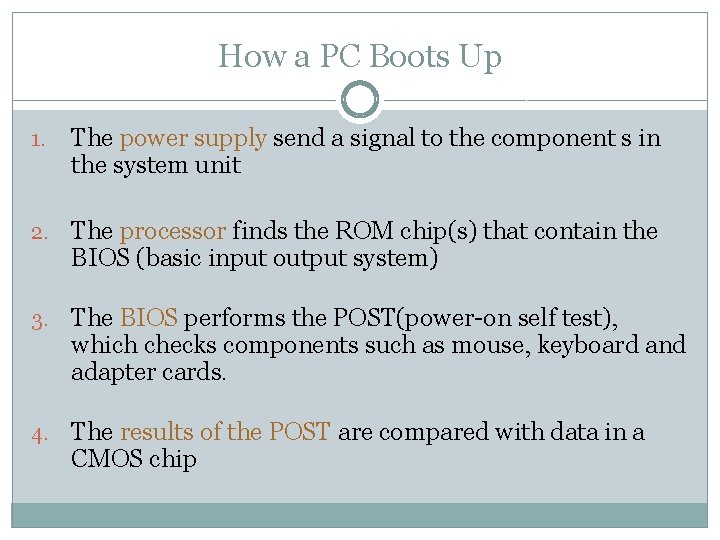
How a PC Boots Up 1. The power supply send a signal to the component s in the system unit 2. The processor finds the ROM chip(s) that contain the BIOS (basic input output system) 3. The BIOS performs the POST(power-on self test), which checks components such as mouse, keyboard and adapter cards. 4. The results of the POST are compared with data in a CMOS chip
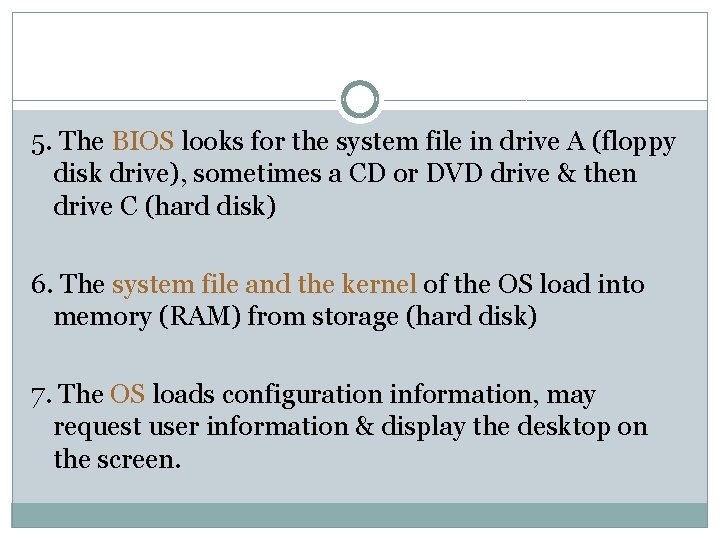
5. The BIOS looks for the system file in drive A (floppy disk drive), sometimes a CD or DVD drive & then drive C (hard disk) 6. The system file and the kernel of the OS load into memory (RAM) from storage (hard disk) 7. The OS loads configuration information, may request user information & display the desktop on the screen.
- Slides: 22