
14 Pong Outline 1 2 3 4 5
![# main pygame. init() screen = pygame. display. set_mode([640, 480]) screen. fill(WHITE) pygame. display.](https://slidetodoc.com/presentation_image_h/198a5b526a4a7725b802af5842fe5680/image-11.jpg "# main pygame. init() screen = pygame. display. set_mode([640, 480]) screen. fill(WHITE) pygame. display.")
- Slides: 25
14. Pong
Outline 1. 2. 3. 4. 5. 6. beach. Bounce. py Reused Pong in Action The main Code The Block. Sprite Class The Paddle Class The Ball. Sprite Class 2
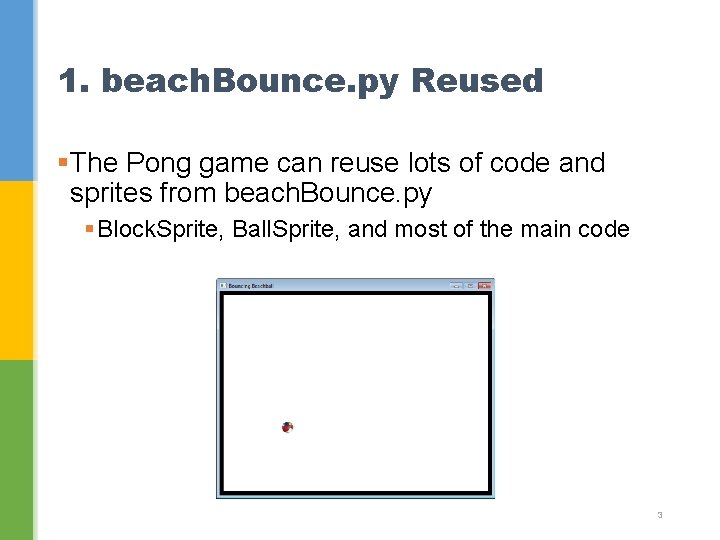
1. beach. Bounce. py Reused §The Pong game can reuse lots of code and sprites from beach. Bounce. py § Block. Sprite, Ball. Sprite, and most of the main code 3
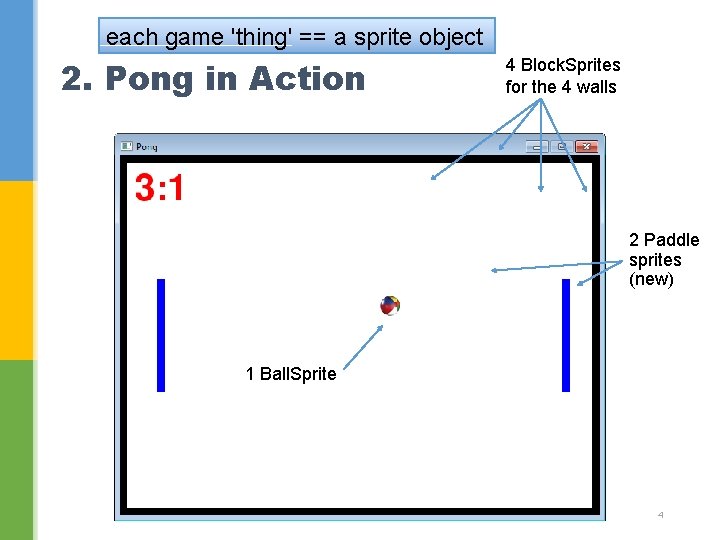
each game 'thing' == a sprite object 2. Pong in Action 4 Block. Sprites for the 4 walls 2 Paddle sprites (new) 1 Ball. Sprite 4
§The score text could be a sprite, but I've decided to code it as extra variables inside main. 5
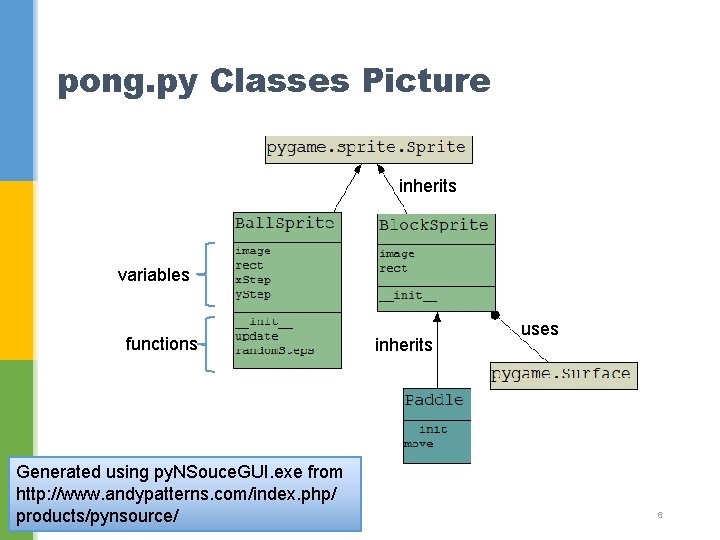
pong. py Classes Picture inherits variables functions Generated using py. NSouce. GUI. exe from http: //www. andypatterns. com/index. php/ products/pynsource/ inherits uses 6
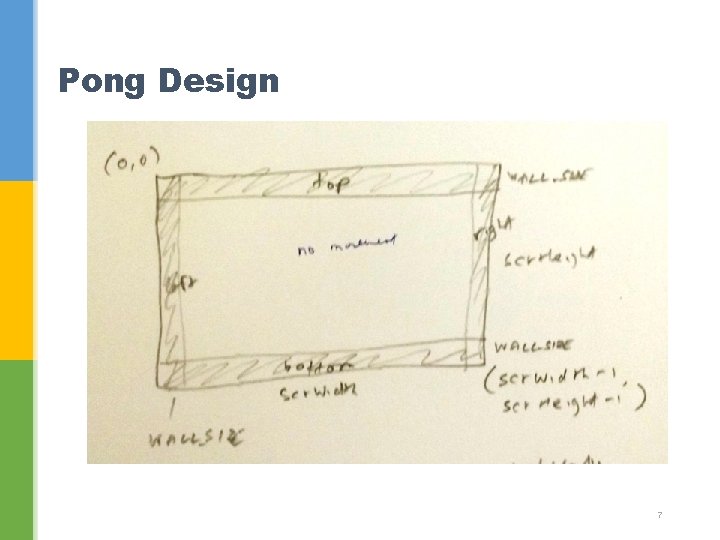
Pong Design 7
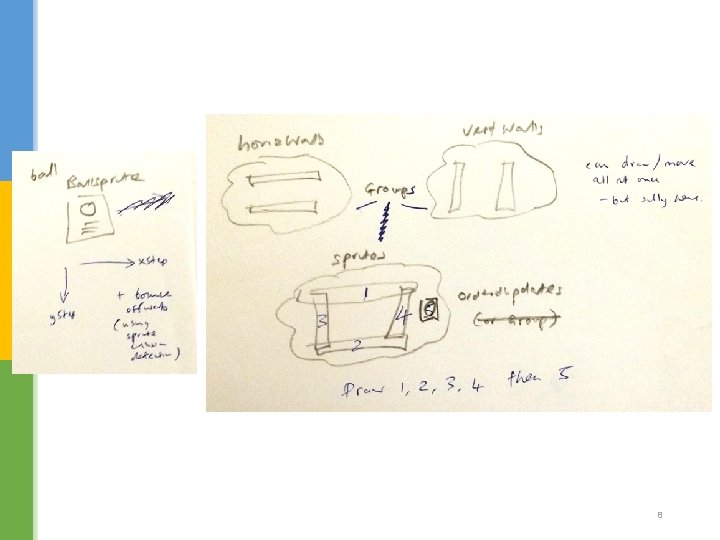
8
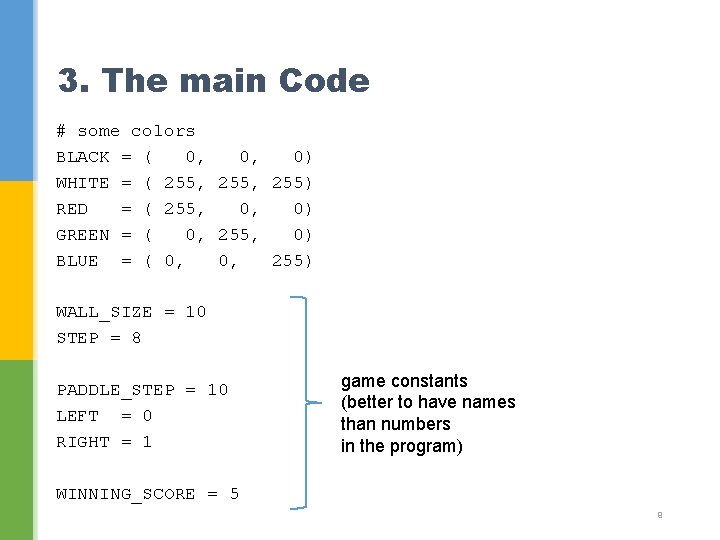
3. The main Code # some colors BLACK = ( 0, 0, 0) WHITE = ( 255, 255) RED = ( 255, 0, 0) GREEN = ( 0, 255, 0) BLUE = ( 0, 0, 255) WALL_SIZE = 10 STEP = 8 PADDLE_STEP = 10 LEFT = 0 RIGHT = 1 game constants (better to have names than numbers in the program) WINNING_SCORE = 5 9
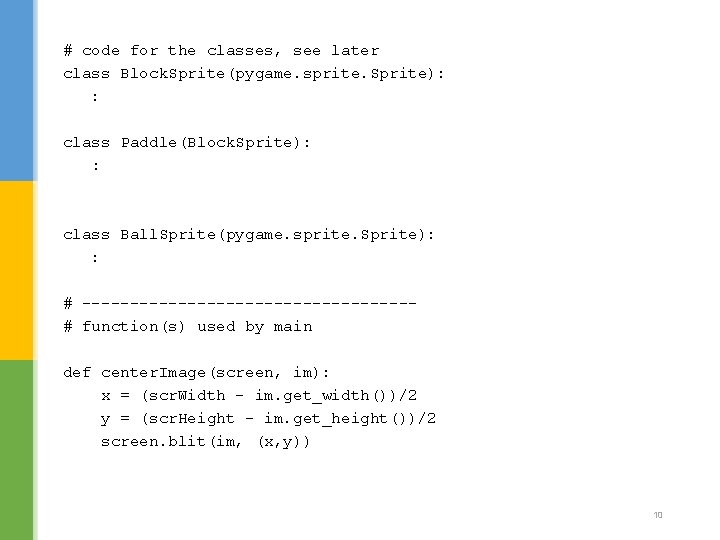
# code for the classes, see later class Block. Sprite(pygame. sprite. Sprite): : class Paddle(Block. Sprite): : class Ball. Sprite(pygame. sprite. Sprite): : # -----------------# function(s) used by main def center. Image(screen, im): x = (scr. Width - im. get_width())/2 y = (scr. Height - im. get_height())/2 screen. blit(im, (x, y)) 10
# main pygame. init() screen = pygame. display. set_mode([640, 480]) screen. fill(WHITE) pygame. display. set_caption("Pong") scr. Width, scr. Height = screen. get_size() # create top = bottom = left = right = Usual initialization stuff; scr. Width, scr. Height are usually very useful wall sprites Block. Sprite(0, 0, scr. Width, WALL_SIZE) Block. Sprite(0, scr. Height-WALL_SIZE, scr. Width, WALL_SIZE) Block. Sprite(0, 0, WALL_SIZE, scr. Height) Block. Sprite(scr. Width-WALL_SIZE, 0, WALL_SIZE, scr. Height) horiz. Walls = pygame. sprite. Group(top, bottom) vert. Walls = pygame. sprite. Group(left, right) # create two paddles left. Paddle = Paddle(50, scr. Height/2) right. Paddle = Paddle(scr. Width-50, scr. Height/2) Create the sprite objects and groups ball = Ball. Sprite('small. Ball. png') sprites = pygame. sprite. Ordered. Updates(top, bottom, left, right, left. Paddle, right. Paddle, ball) 11
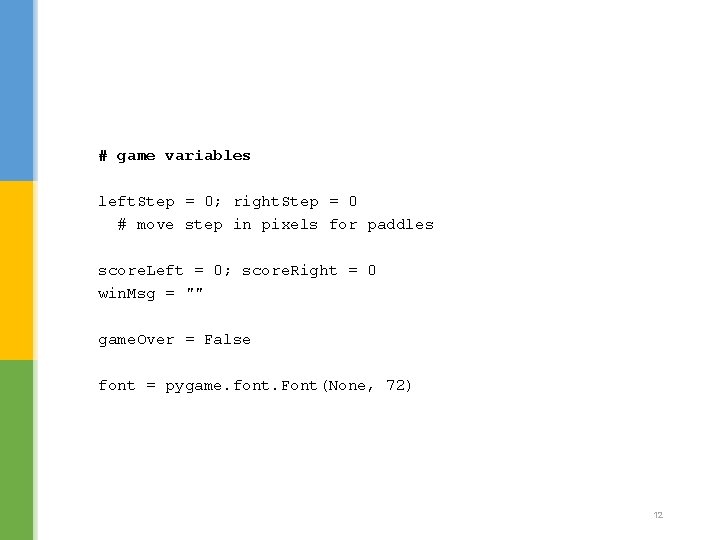
# game variables left. Step = 0; right. Step = 0 # move step in pixels for paddles score. Left = 0; score. Right = 0 win. Msg = "" game. Over = False font = pygame. font. Font(None, 72) 12
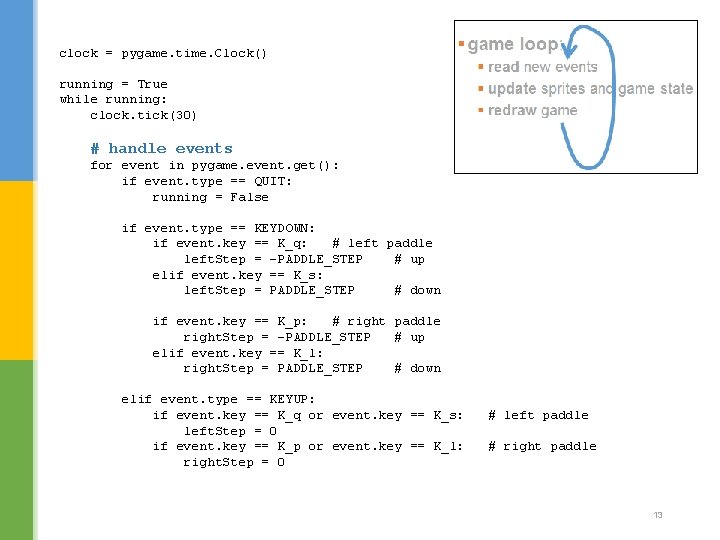
clock = pygame. time. Clock() running = True while running: clock. tick(30) # handle events for event in pygame. event. get(): if event. type == QUIT: running = False if event. type == KEYDOWN: if event. key == K_q: # left paddle left. Step = -PADDLE_STEP # up elif event. key == K_s: left. Step = PADDLE_STEP # down if event. key == K_p: # right paddle right. Step = -PADDLE_STEP # up elif event. key == K_l: right. Step = PADDLE_STEP # down elif event. type == KEYUP: if event. key == K_q or event. key == K_s: left. Step = 0 if event. key == K_p or event. key == K_l: right. Step = 0 # left paddle # right paddle 13
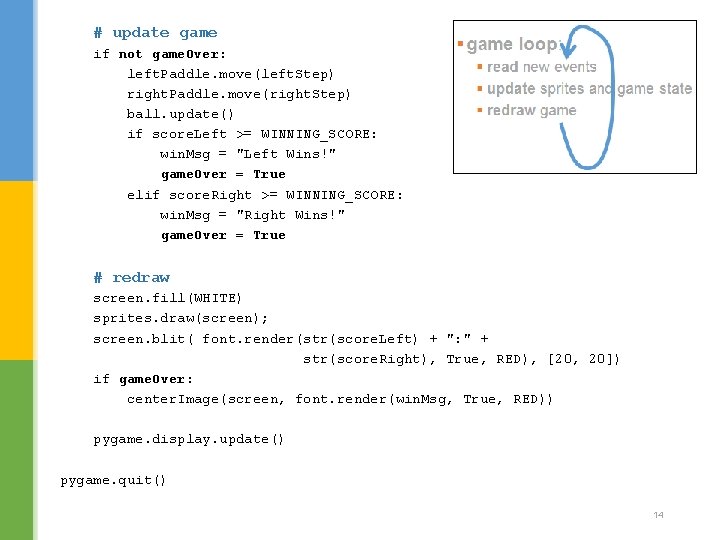
# update game if not game. Over: left. Paddle. move(left. Step) right. Paddle. move(right. Step) ball. update() if score. Left >= WINNING_SCORE: win. Msg = "Left Wins!" game. Over = True elif score. Right >= WINNING_SCORE: win. Msg = "Right Wins!" game. Over = True # redraw screen. fill(WHITE) sprites. draw(screen); screen. blit( font. render(str(score. Left) + ": " + str(score. Right), True, RED), [20, 20]) if game. Over: center. Image(screen, font. render(win. Msg, True, RED)) pygame. display. update() pygame. quit() 14
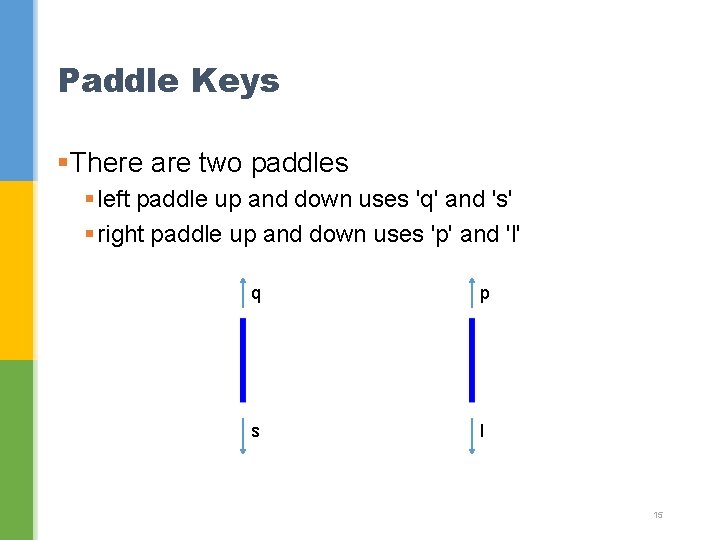
Paddle Keys §There are two paddles § left paddle up and down uses 'q' and 's' § right paddle up and down uses 'p' and 'l' q p s l 15
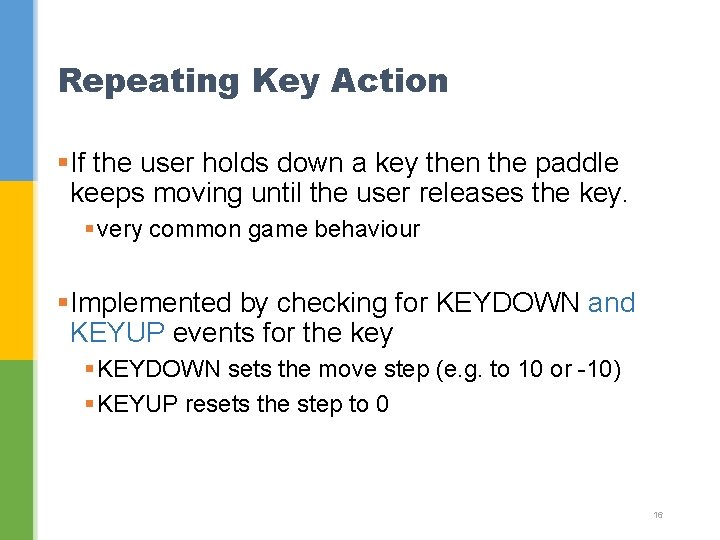
Repeating Key Action §If the user holds down a key then the paddle keeps moving until the user releases the key. § very common game behaviour §Implemented by checking for KEYDOWN and KEYUP events for the key § KEYDOWN sets the move step (e. g. to 10 or -10) § KEYUP resets the step to 0 16
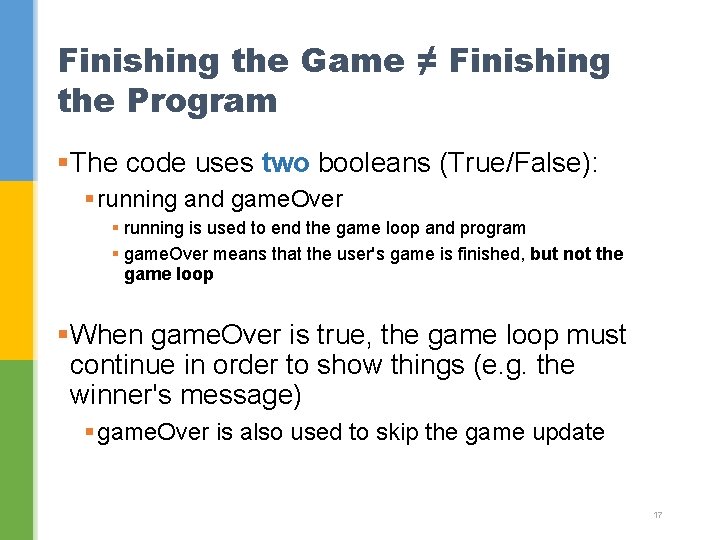
Finishing the Game ≠ Finishing the Program §The code uses two booleans (True/False): § running and game. Over § running is used to end the game loop and program § game. Over means that the user's game is finished, but not the game loop §When game. Over is true, the game loop must continue in order to show things (e. g. the winner's message) § game. Over is also used to skip the game update 17
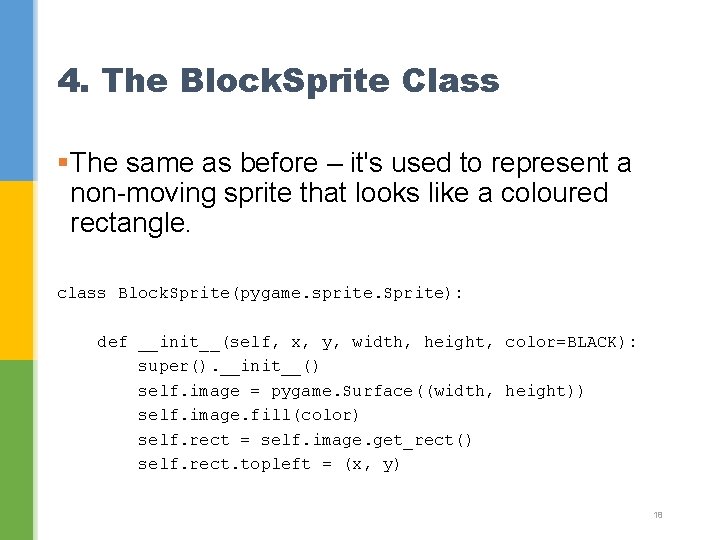
4. The Block. Sprite Class §The same as before – it's used to represent a non-moving sprite that looks like a coloured rectangle. class Block. Sprite(pygame. sprite. Sprite): def __init__(self, x, y, width, height, color=BLACK): super(). __init__() self. image = pygame. Surface((width, height)) self. image. fill(color) self. rect = self. image. get_rect() self. rect. topleft = (x, y) 18
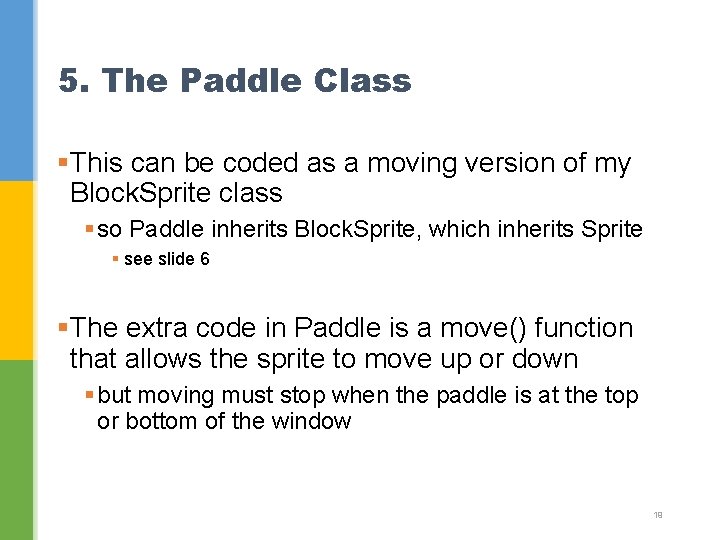
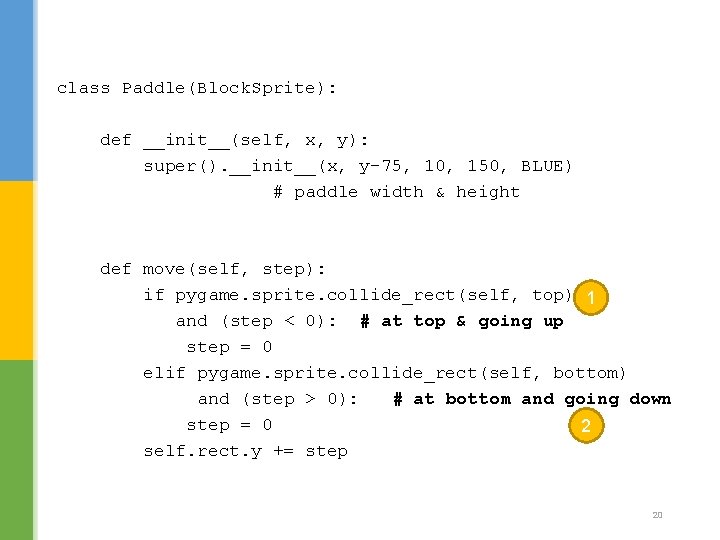
5. The Paddle Class §This can be coded as a moving version of my Block. Sprite class § so Paddle inherits Block. Sprite, which inherits Sprite § see slide 6 §The extra code in Paddle is a move() function that allows the sprite to move up or down § but moving must stop when the paddle is at the top or bottom of the window 19
class Paddle(Block. Sprite): def __init__(self, x, y): super(). __init__(x, y-75, 10, 150, BLUE) # paddle width & height def move(self, step): if pygame. sprite. collide_rect(self, top) 1 and (step < 0): # at top & going up step = 0 elif pygame. sprite. collide_rect(self, bottom) and (step > 0): # at bottom and going down step = 0 2 self. rect. y += step 20
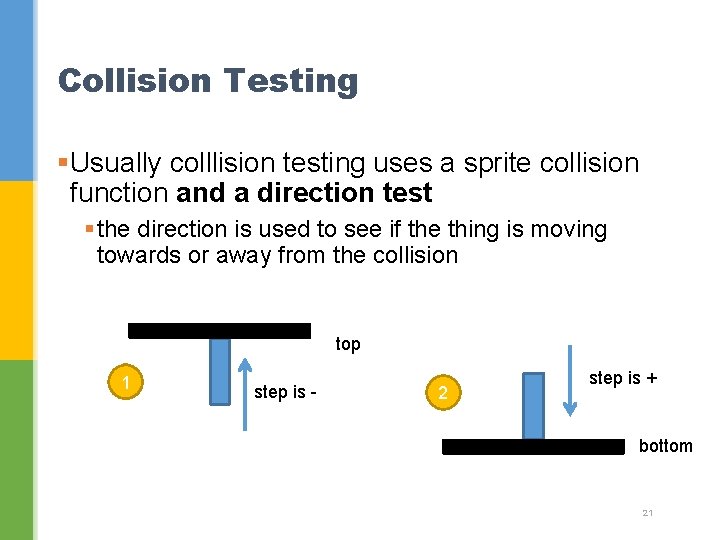
Collision Testing §Usually colllision testing uses a sprite collision function and a direction test § the direction is used to see if the thing is moving towards or away from the collision top 1 step is - 2 step is + bottom 21
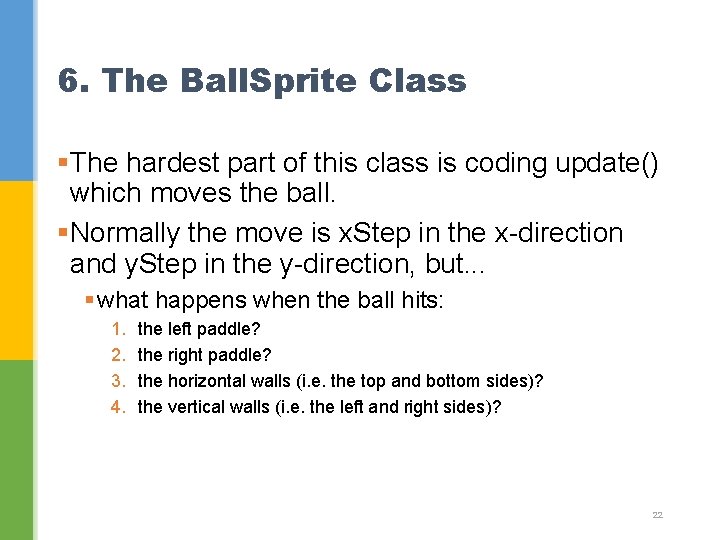
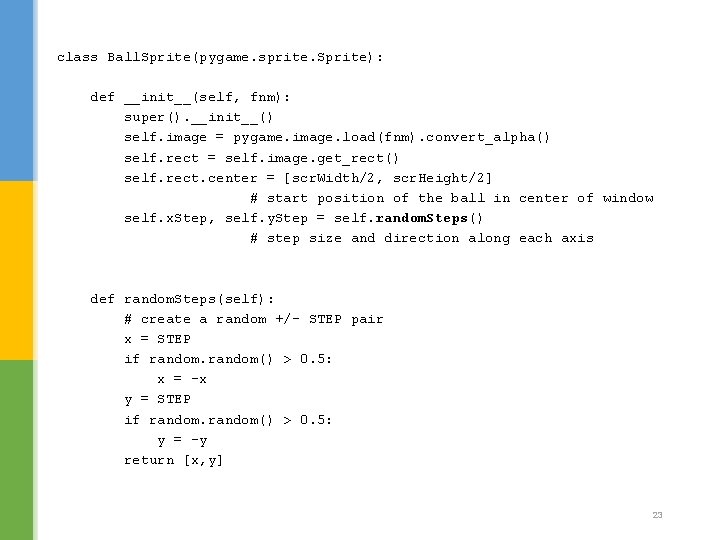
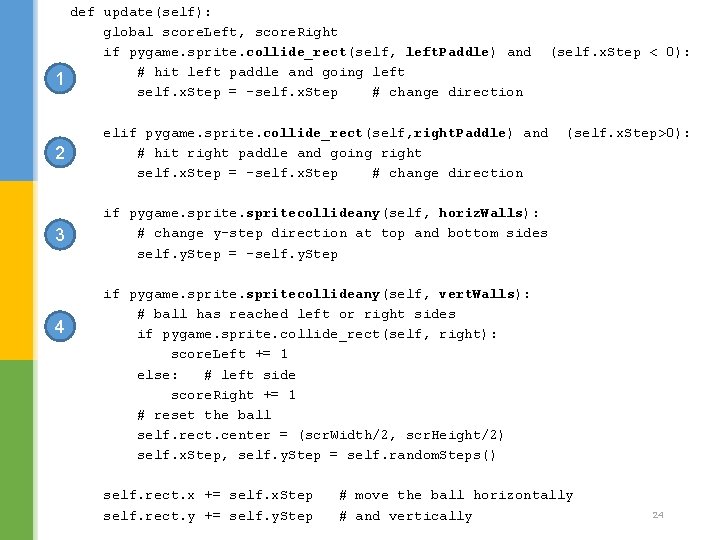
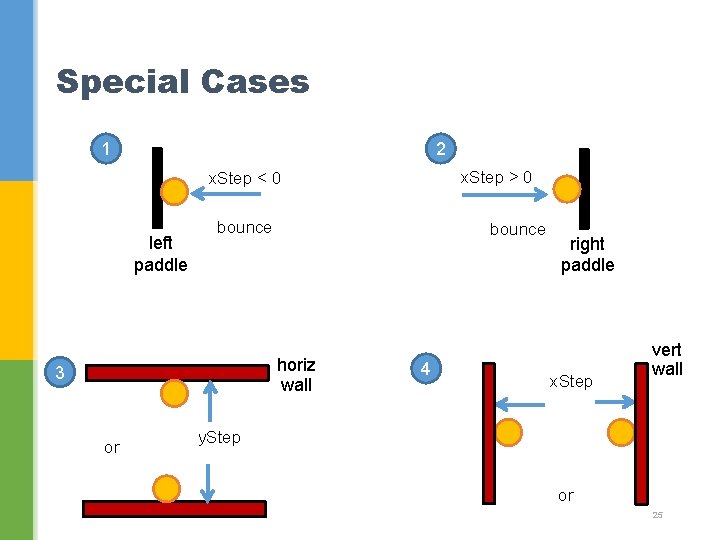
6. The Ball. Sprite Class §The hardest part of this class is coding update() which moves the ball. §Normally the move is x. Step in the x-direction and y. Step in the y-direction, but. . . § what happens when the ball hits: 1. 2. 3. 4. the left paddle? the right paddle? the horizontal walls (i. e. the top and bottom sides)? the vertical walls (i. e. the left and right sides)? 22
class Ball. Sprite(pygame. sprite. Sprite): def __init__(self, fnm): super(). __init__() self. image = pygame. image. load(fnm). convert_alpha() self. rect = self. image. get_rect() self. rect. center = [scr. Width/2, scr. Height/2] # start position of the ball in center of window self. x. Step, self. y. Step = self. random. Steps() # step size and direction along each axis def random. Steps(self): # create a random +/- STEP pair x = STEP if random() > 0. 5: x = -x y = STEP if random() > 0. 5: y = -y return [x, y] 23
1 def update(self): global score. Left, score. Right if pygame. sprite. collide_rect(self, left. Paddle) and # hit left paddle and going left self. x. Step = -self. x. Step # change direction 2 elif pygame. sprite. collide_rect(self, right. Paddle) and # hit right paddle and going right self. x. Step = -self. x. Step # change direction 3 if pygame. spritecollideany(self, horiz. Walls): # change y-step direction at top and bottom sides self. y. Step = -self. y. Step 4 (self. x. Step < 0): (self. x. Step>0): if pygame. spritecollideany(self, vert. Walls): # ball has reached left or right sides if pygame. sprite. collide_rect(self, right): score. Left += 1 else: # left side score. Right += 1 # reset the ball self. rect. center = (scr. Width/2, scr. Height/2) self. x. Step, self. y. Step = self. random. Steps() self. rect. x += self. x. Step self. rect. y += self. y. Step # move the ball horizontally # and vertically 24
Special Cases 1 2 x. Step > 0 x. Step < 0 left paddle bounce horiz wall 3 or 4 right paddle x. Step vert wall y. Step or 25