
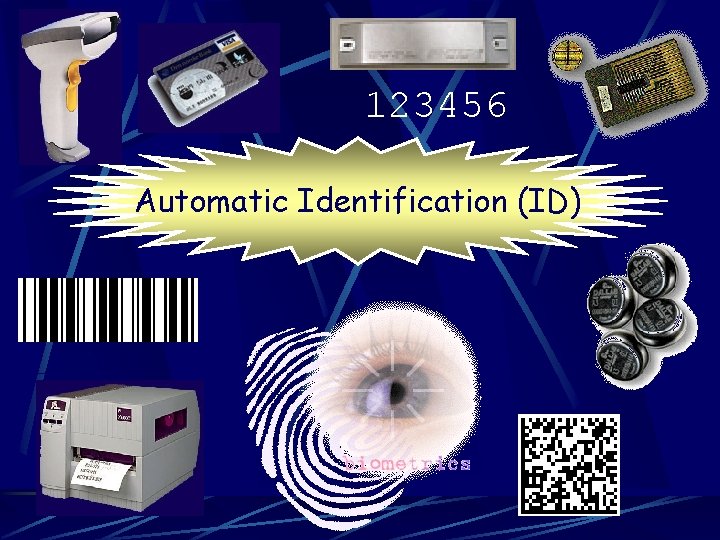
123456 Automatic Identification ID Automatic Identification ID Images

- Slides: 82
123456 Automatic Identification (ID)
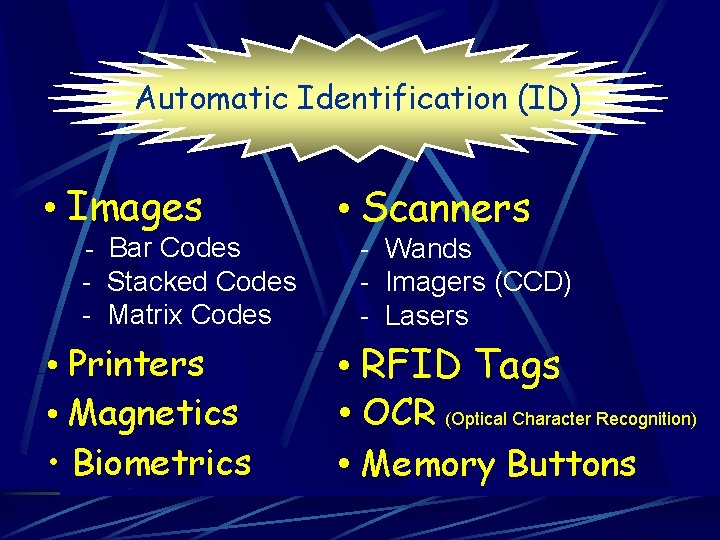
Automatic Identification (ID) • Images - Bar Codes - Stacked Codes - Matrix Codes • Printers • Magnetics • Biometrics • Scanners - Wands - Imagers (CCD) - Lasers • RFID Tags • OCR (Optical Character Recognition) • Memory Buttons
FOCUS IMAGES Bar Codes - Linear - Stacked SCANNERS Imagers (CCD’s) Lasers
Bar Coding the and Scanners Basics ….
Bar Coding IS NOT: a System
Bar Coding IS: a Modern Tool It replaces antiquated data collection techniques like pencil and paper on an accurate and timely basis!
Bar Coding IS: a Language It makes it efficient for humans and machines to easily communicate with computers!
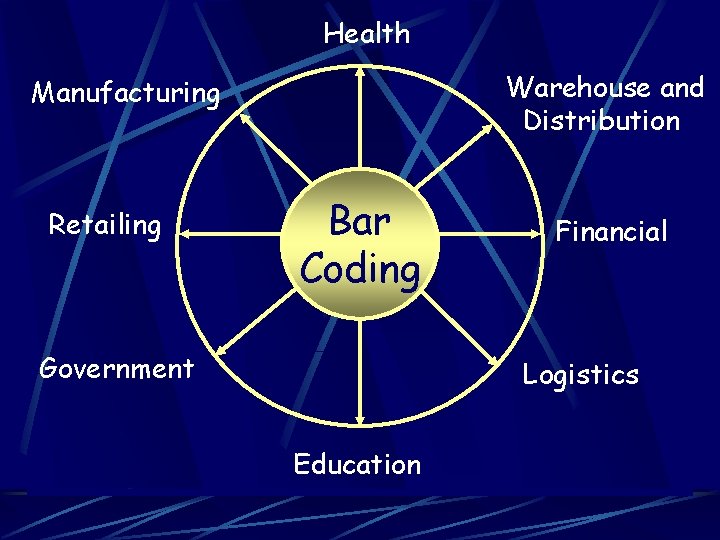
Health Warehouse and Distribution Manufacturing Retailing Bar Coding Government Financial Logistics Education
Bar Coding To Maximize the Benefits of Using Bar Coding, Scanning Devices are Most Generally Configured to Communicate with Host Computers
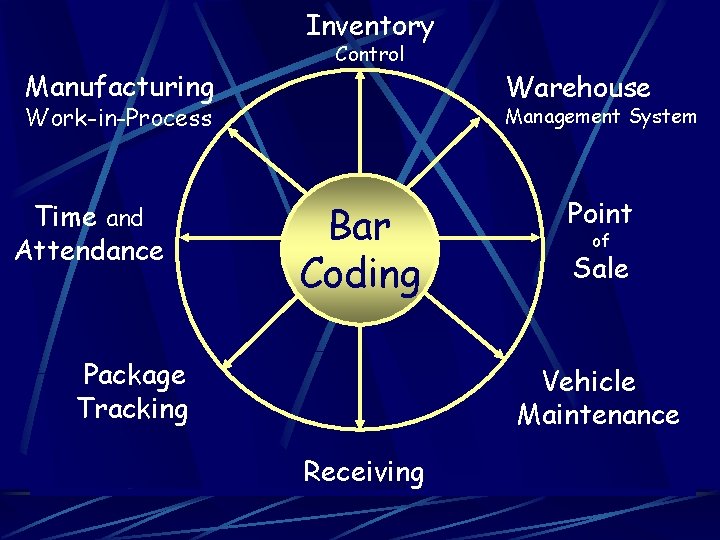
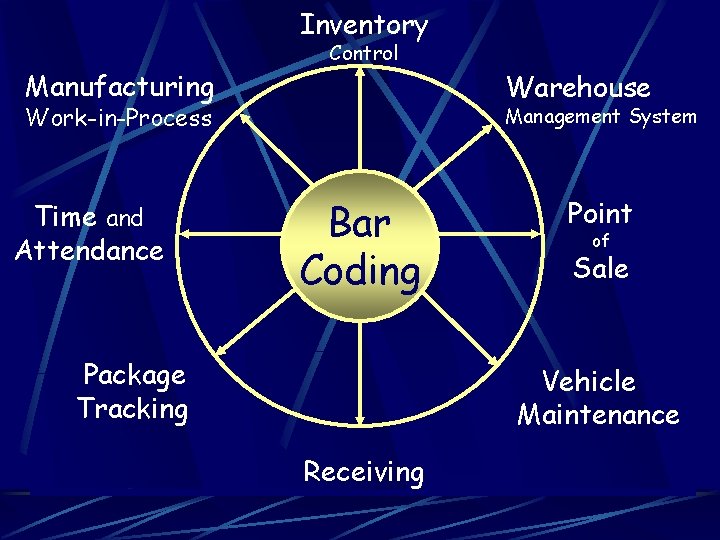
Inventory Manufacturing Control Work-in-Process Time and Attendance Warehouse Management System Bar Coding Package Tracking Point of Sale Vehicle Maintenance Receiving
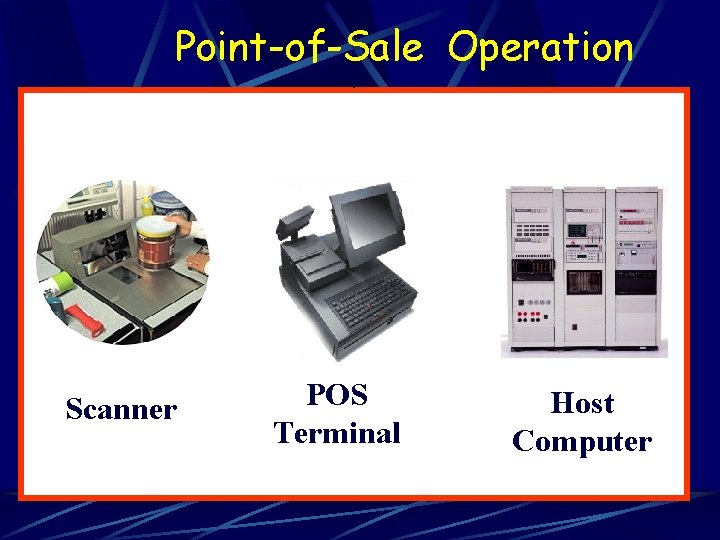
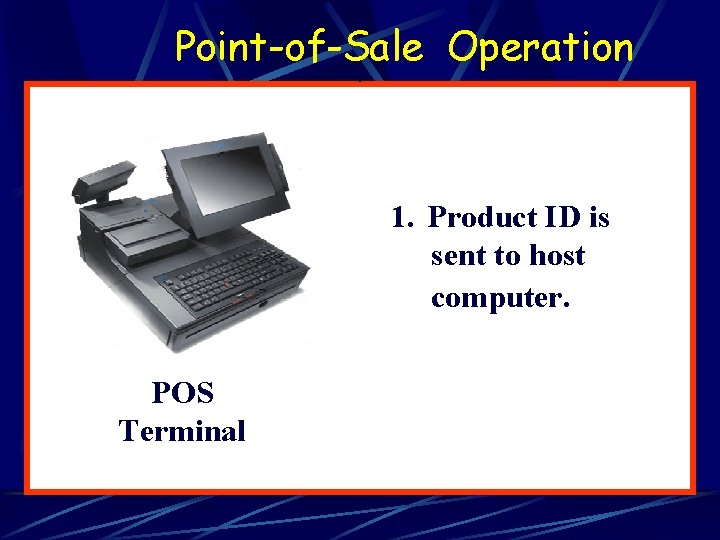
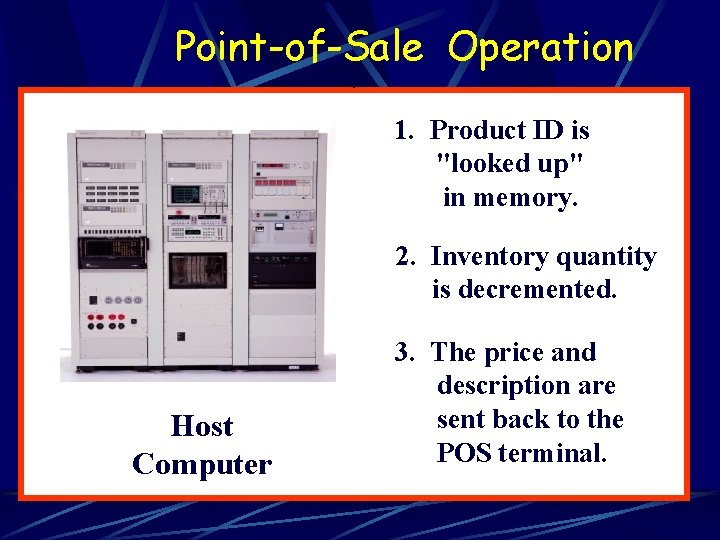
Point-of-Sale Operation Scanner POS Terminal Host Computer
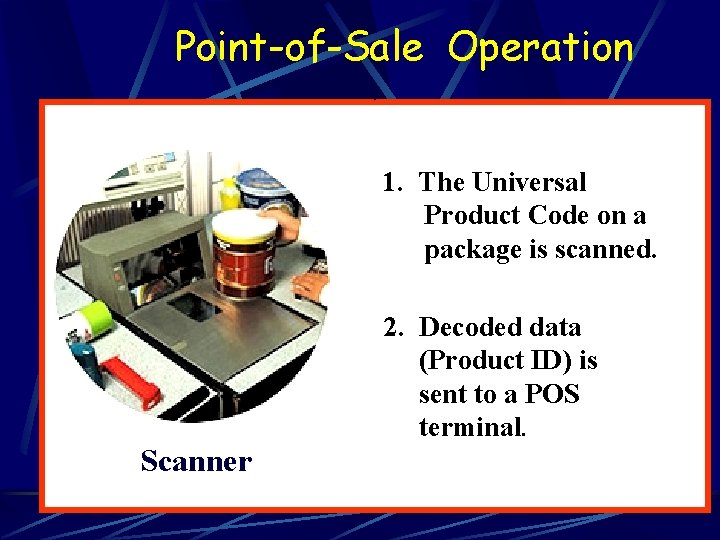
Point-of-Sale Operation 1. The Universal Product Code on a package is scanned. Scanner 2. Decoded data (Product ID) is sent to a POS terminal.
Point-of-Sale Operation 1. Product ID is sent to host computer. POS Terminal
Point-of-Sale Operation 1. Product ID is "looked up" in memory. 2. Inventory quantity is decremented. Host Computer 3. The price and description are sent back to the POS terminal.
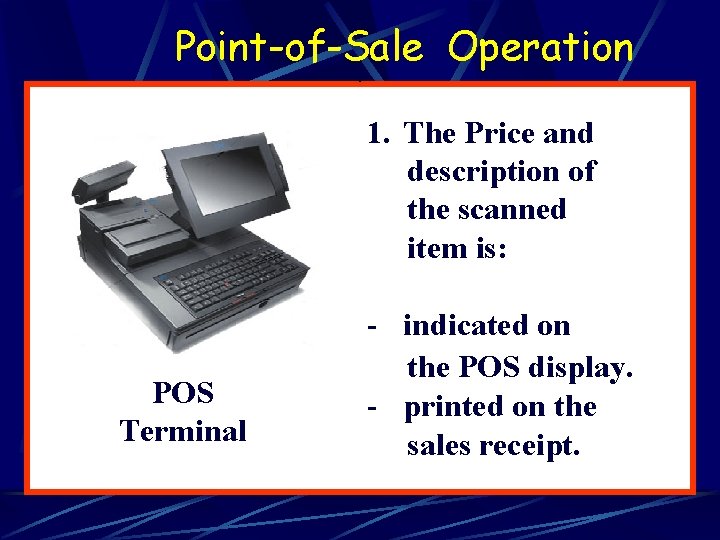
Point-of-Sale Operation 1. The Price and description of the scanned item is: POS Terminal - indicated on the POS display. - printed on the sales receipt.
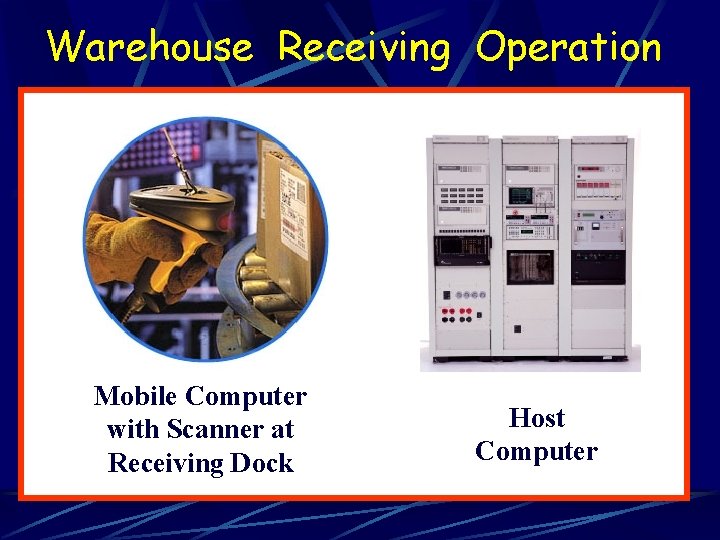
Warehouse Receiving Operation 1. Mobile Computer with Scanner at Receiving Dock Host Computer
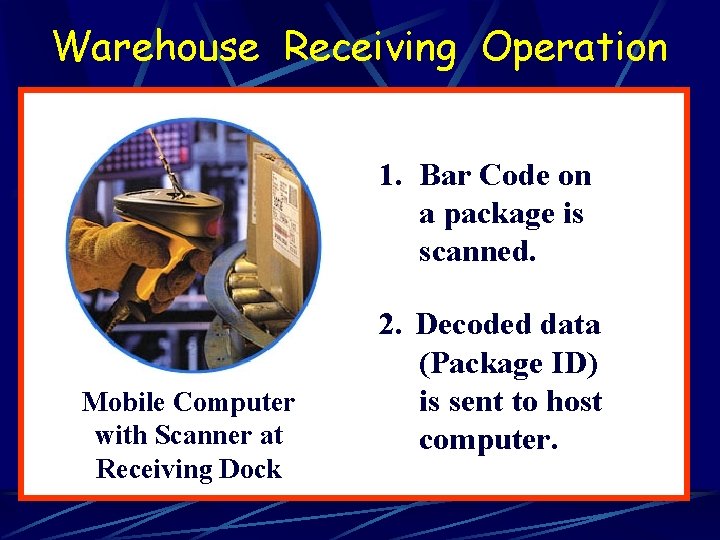
Warehouse Receiving Operation 1. Bar Code on a package is scanned. Mobile Computer with Scanner at Receiving Dock 2. Decoded data (Package ID) is sent to host computer.
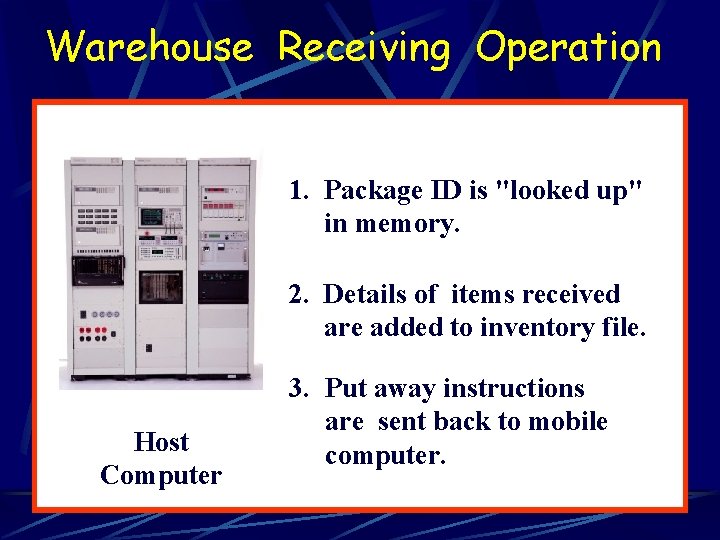
Warehouse Receiving Operation 1. Package ID is "looked up" in memory. 2. Details of items received are added to inventory file. Host Computer 3. Put away instructions are sent back to mobile computer.
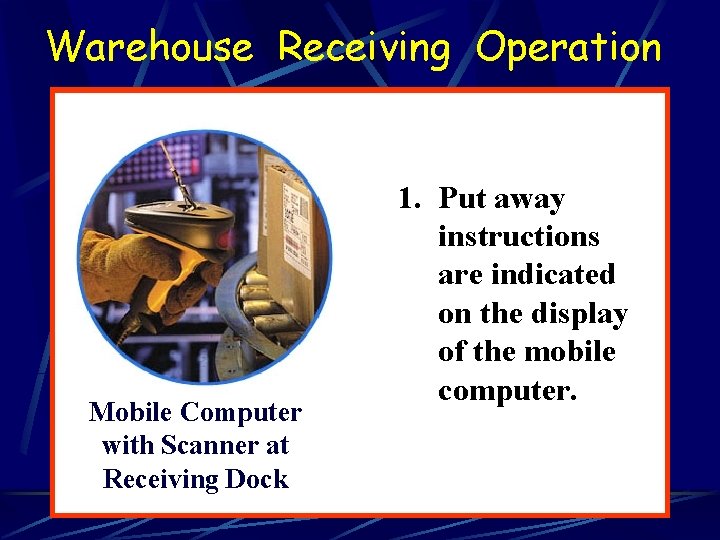
Warehouse Receiving Operation 1. Mobile Computer with Scanner at Receiving Dock 1. Put away instructions are indicated on the display of the mobile computer.
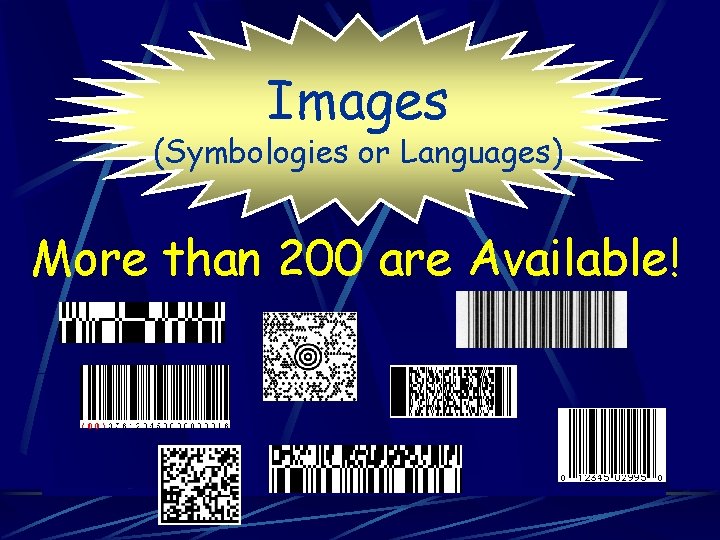
Images (Symbologies or Languages) More than 200 are Available!
FOCUS Bar Codes - Linear - Stacked
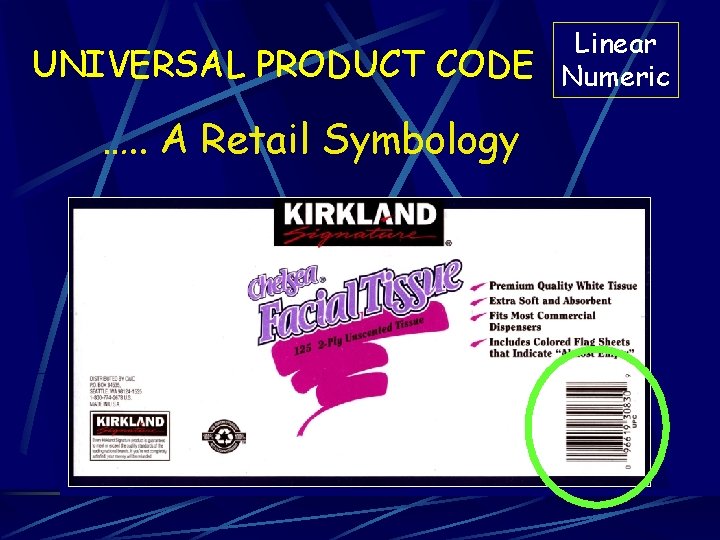
UNIVERSAL PRODUCT CODE …. . A Retail Symbology Linear Numeric
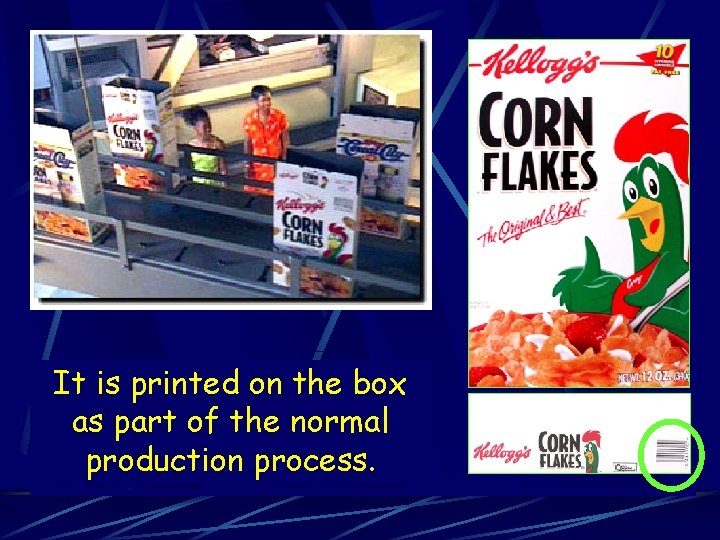
How Does the Universal Product Code Get on a Product?
It is printed on the box as part of the normal production process.
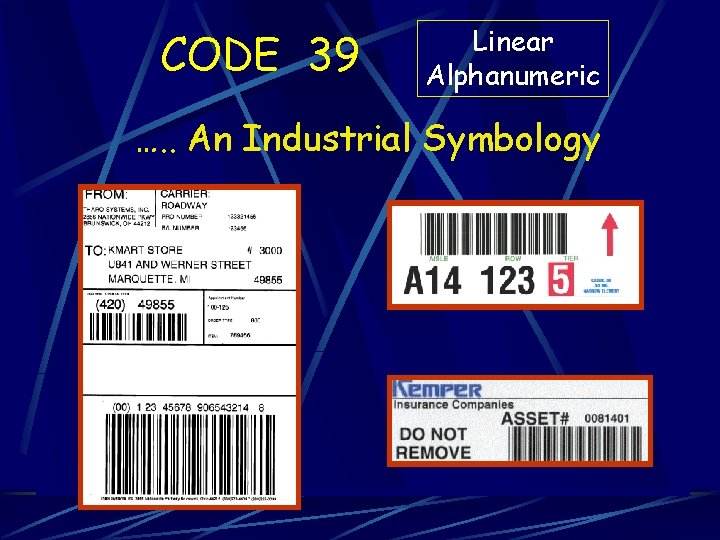
CODE 39 Linear Alphanumeric …. . An Industrial Symbology
Universal Product Code and Code 39 Primarily Used for License Plate Applications - Real Time Look Up at Host Computer - Off Line Data Collection
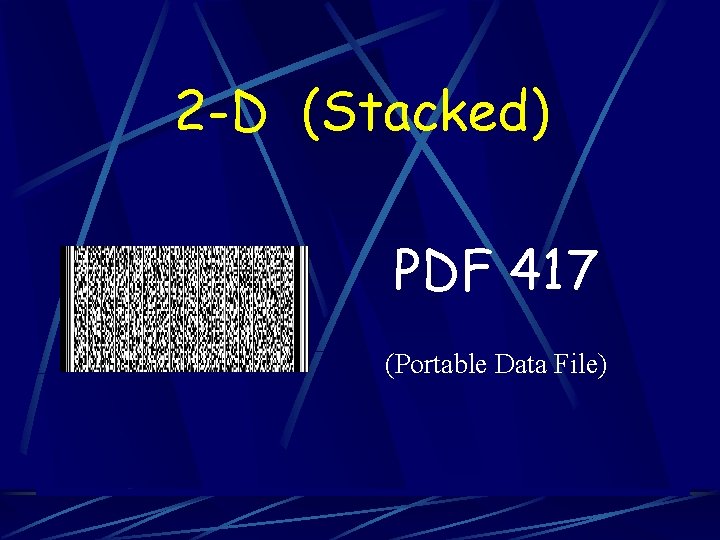
2 -D (Stacked) PDF 417 (Portable Data File)
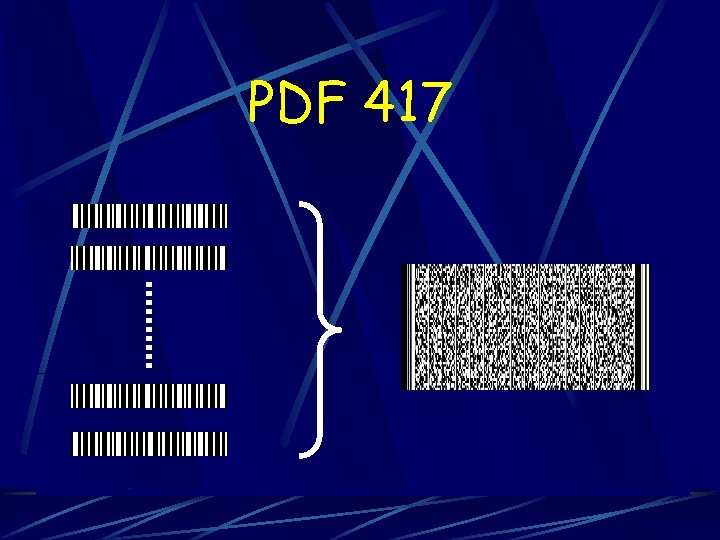
PDF 417
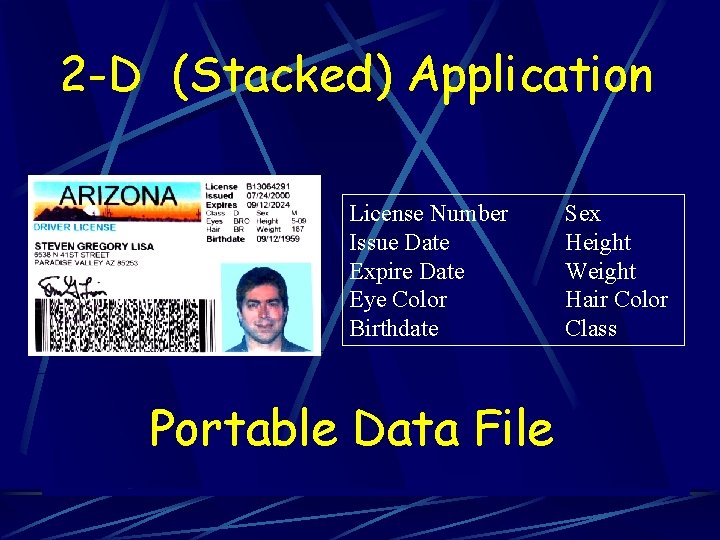
2 -D (Stacked) Application License Number Issue Date Expire Date Eye Color Birthdate Portable Data File Sex Height Weight Hair Color Class
2 -D (Stacked) PDF 417 Other Applications - Control Machine Operations Patient Medical Records Shipping Manifests Production Records
How are Symbologies Scanned (or Read)?
FOCUS Scanners - Imagers (CCD’s) - Lasers
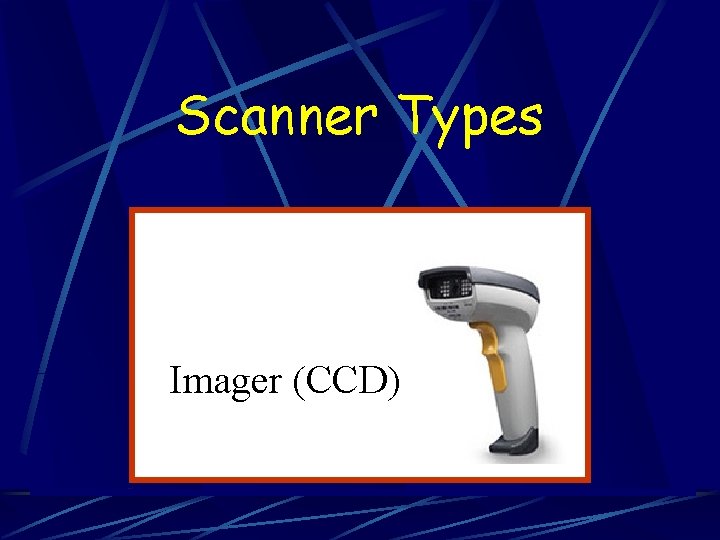
Scanner Types Imager (CCD)
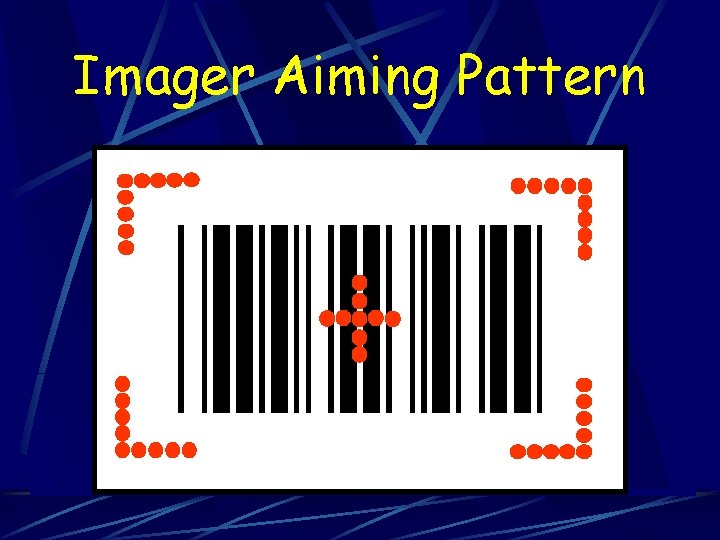
Imager Aiming Pattern
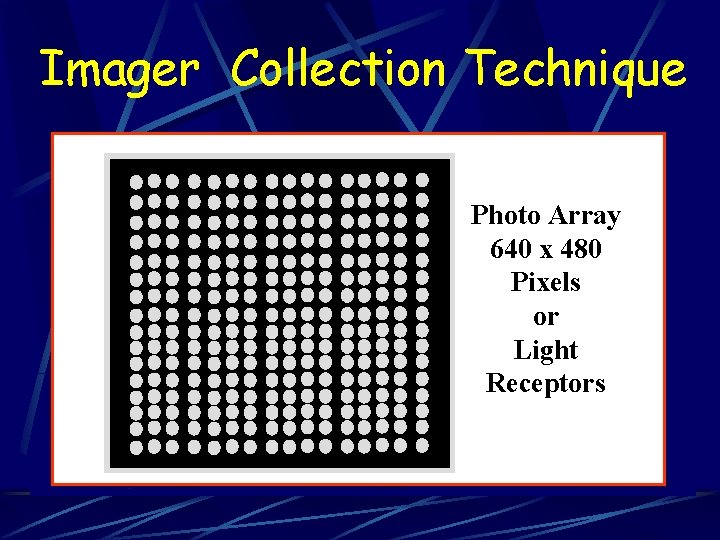
Imager Collection Technique Photo Array 640 x 480 Pixels or Light Receptors
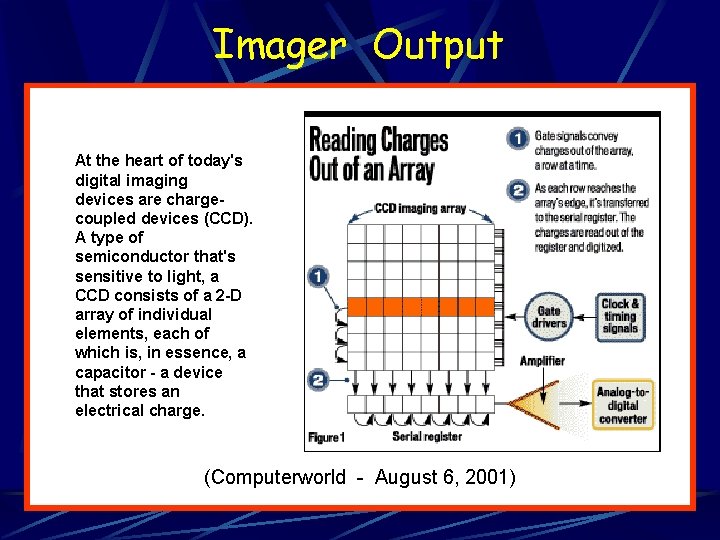
Imager Output At the heart of today's digital imaging devices are chargecoupled devices (CCD). A type of semiconductor that's sensitive to light, a CCD consists of a 2 -D array of individual elements, each of which is, in essence, a capacitor - a device that stores an electrical charge. (Computerworld - August 6, 2001)
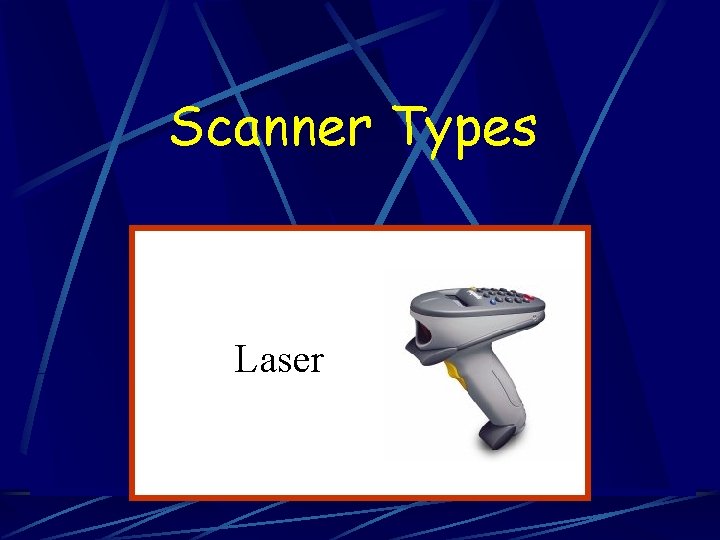
Scanner Types Laser
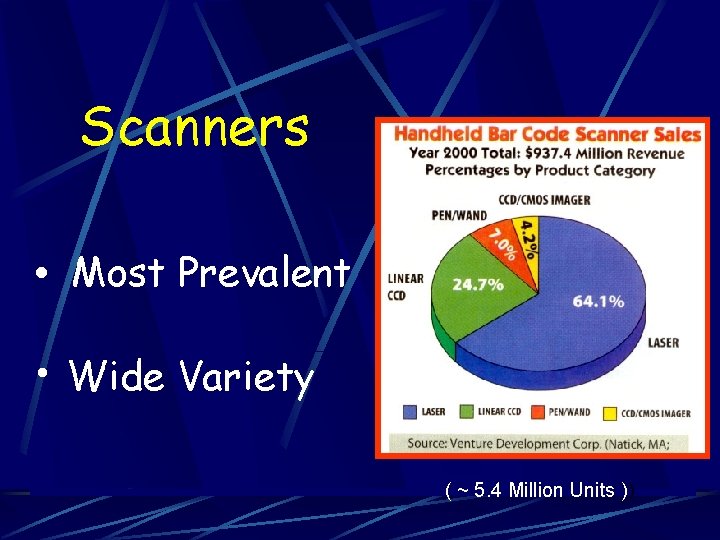
Scanners • Most Prevalent • Wide Variety ( ~ 5. 4 Million Units ))
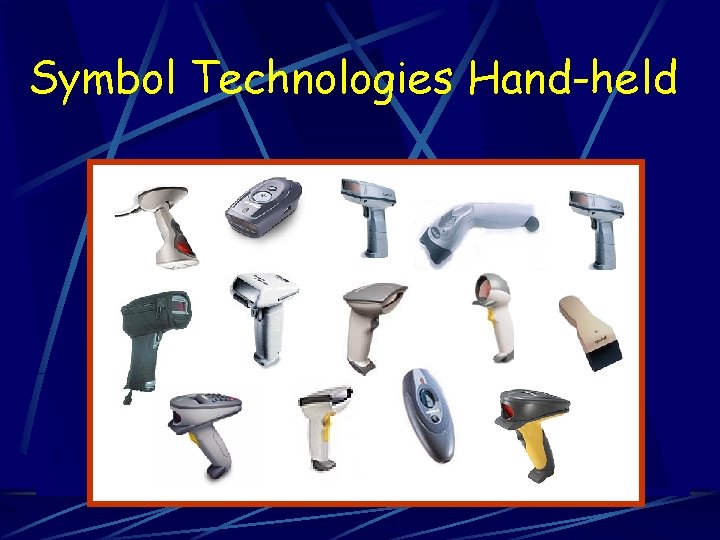
Symbol Technologies Hand-held
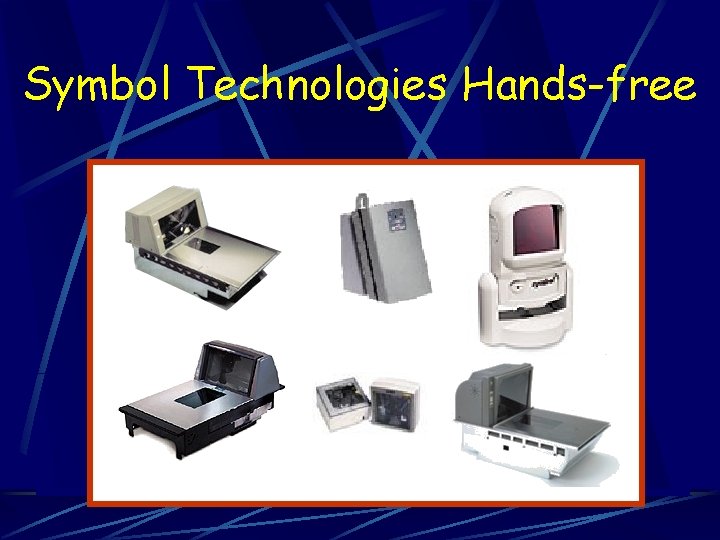
Symbol Technologies Hands-free
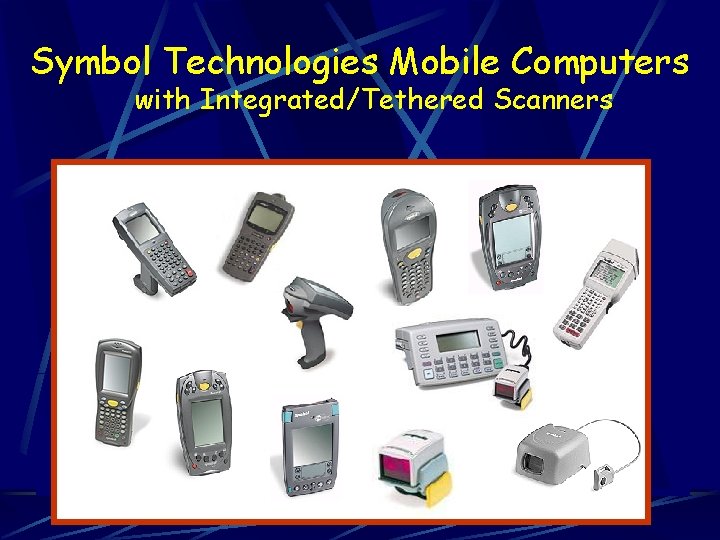
Symbol Technologies Mobile Computers with Integrated/Tethered Scanners
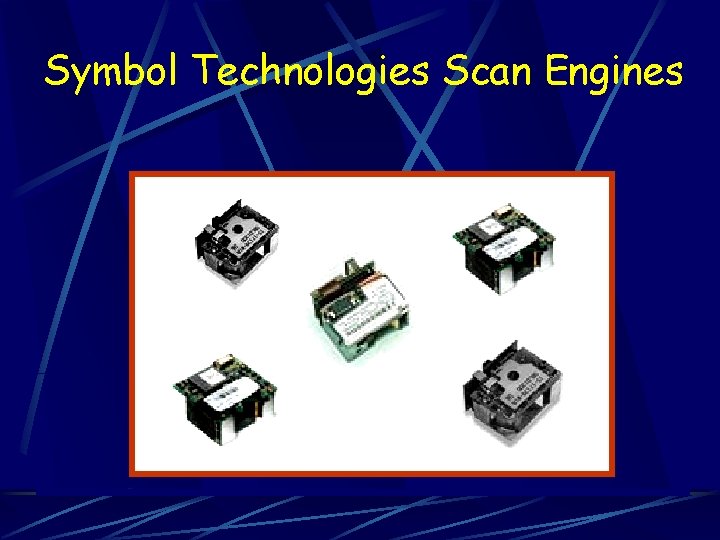
Symbol Technologies Scan Engines
How Do Laser Scanners Work? Essentially………… they ALL work the same way!
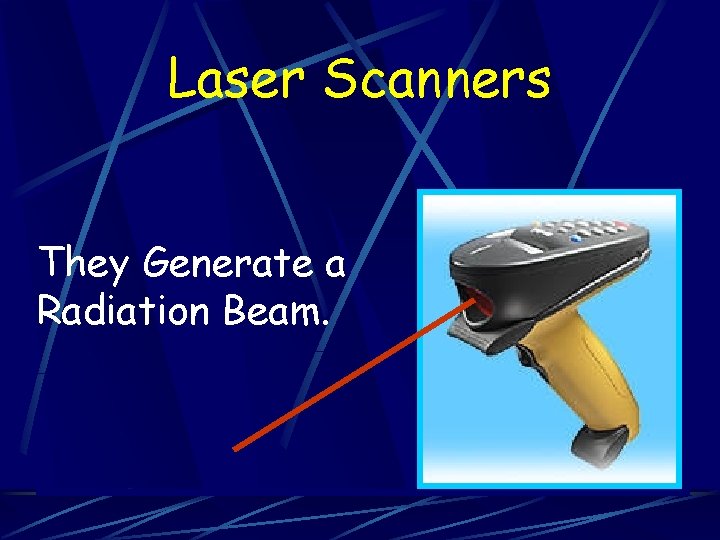
Laser Scanners They Generate a Radiation Beam.
What Kind of Beam? = = = Light Amplification by Stimulated Emission of Radiation
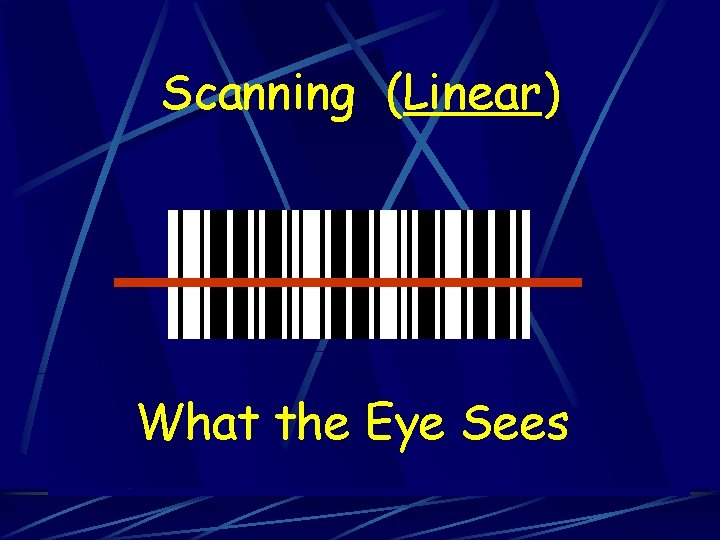
Scanning (Linear) What the Eye Sees
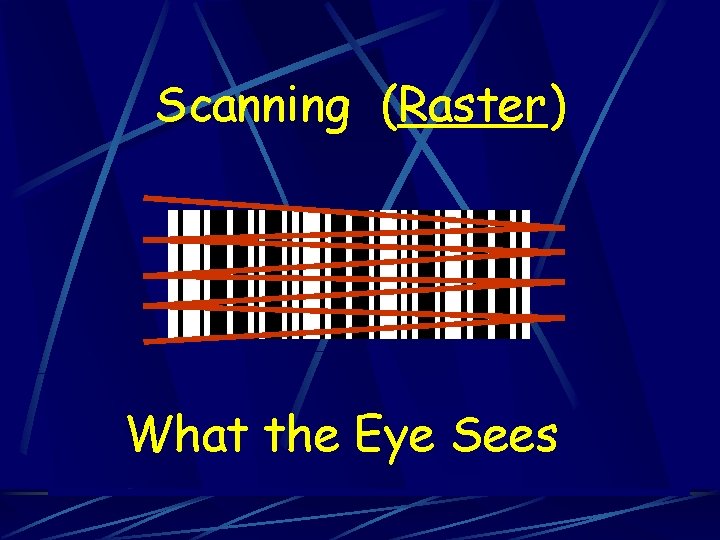
Scanning (Raster) What the Eye Sees
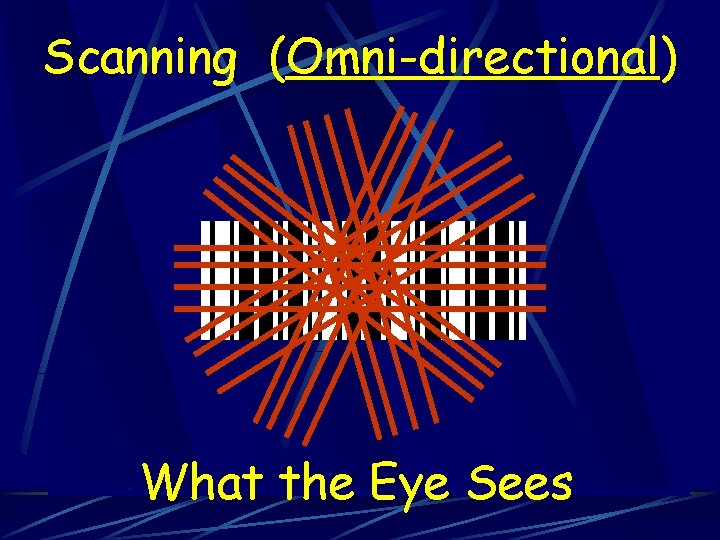
Scanning (Omni-directional) What the Eye Sees
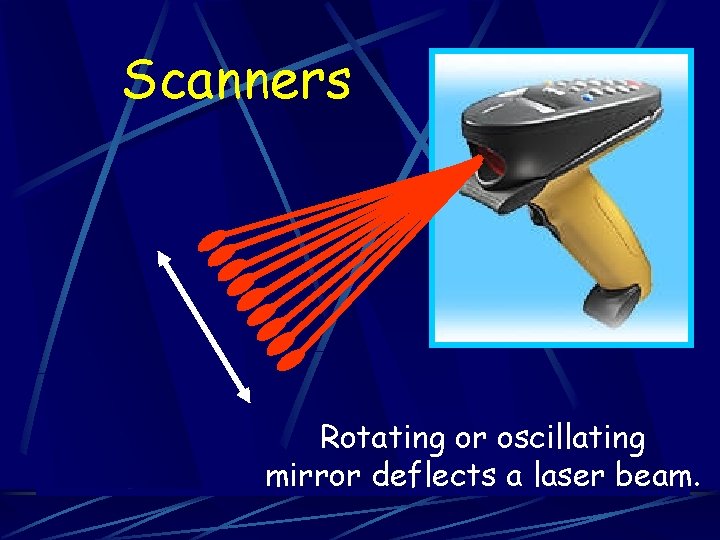
Scanners Rotating or oscillating mirror deflects a laser beam.
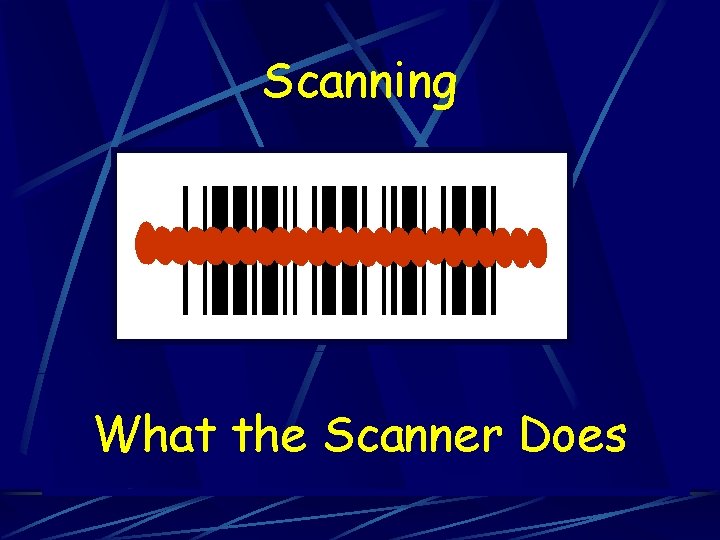
Scanning What the Scanner Does
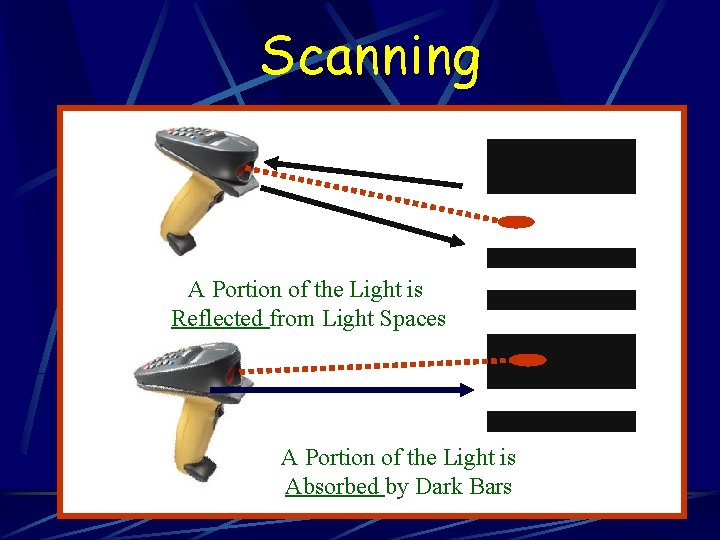
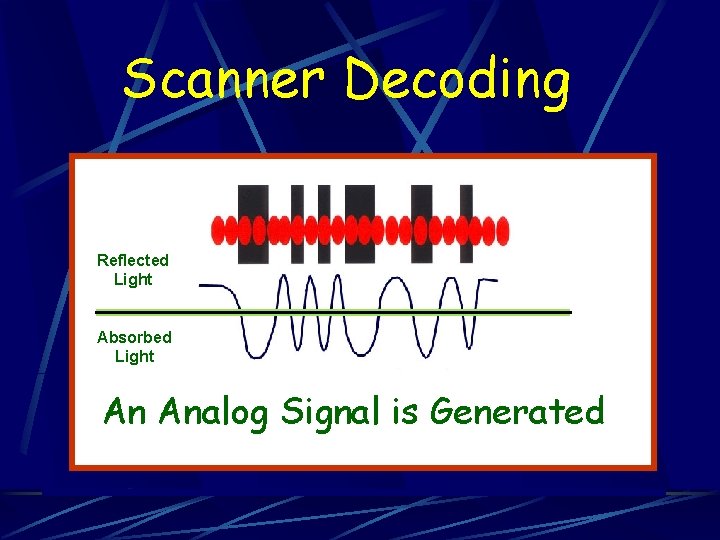
Scanning A Portion of the Light is Reflected from Light Spaces A Portion of the Light is Absorbed by Dark Bars
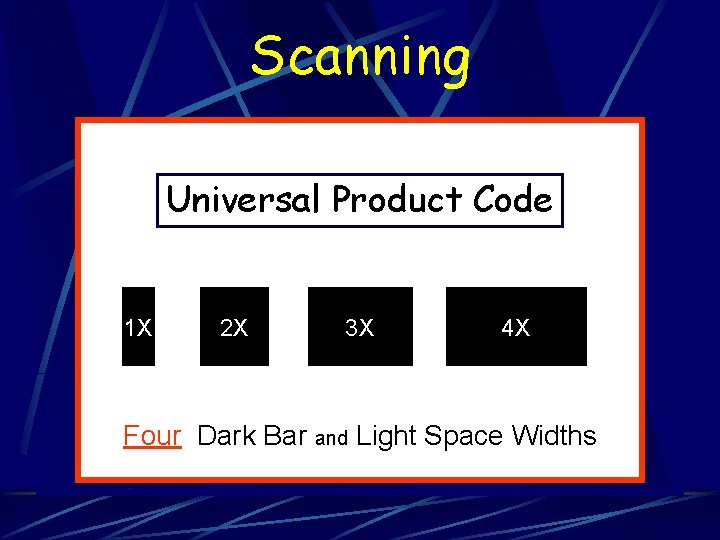
Scanning Universal Product Code 1 X 2 X 3 X 4 X Four Dark Bar and Light Space Widths
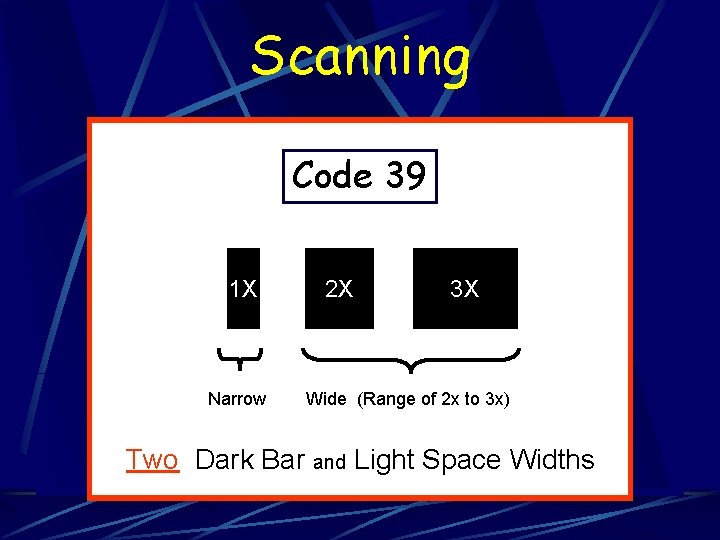
Scanning Code 39 1 X Narrow 2 X 3 X Wide (Range of 2 x to 3 x) Two Dark Bar and Light Space Widths
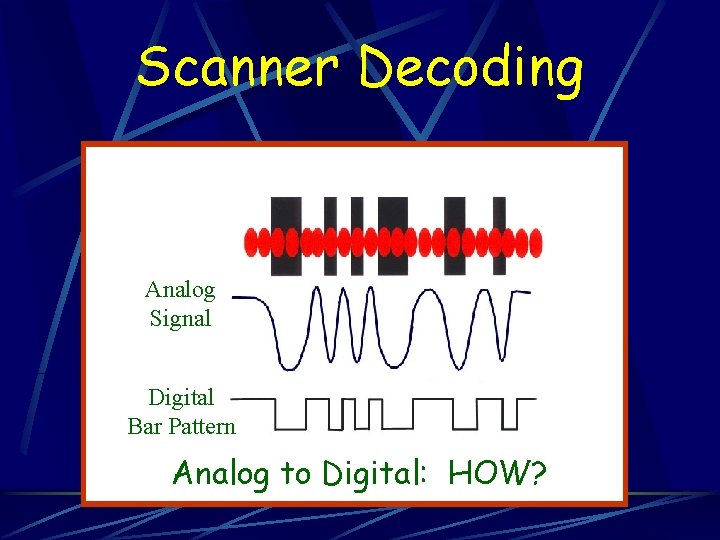
Scanner Decoding Reflected Light Absorbed Light An Analog Signal is Generated
Scanner Decoding Analog Signal Digital Bar Pattern Analog to Digital: HOW?
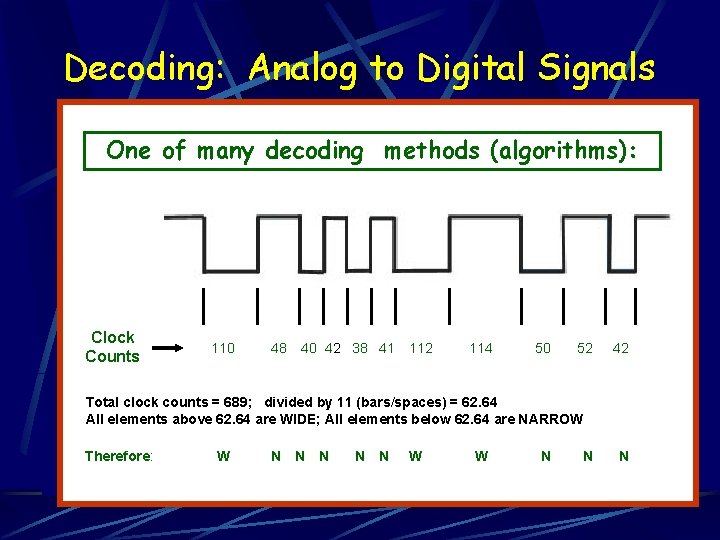
Decoding: Analog to Digital Signals One of many decoding methods (algorithms): Clock Counts 110 48 40 42 38 41 112 114 50 52 42 Total clock counts = 689; divided by 11 (bars/spaces) = 62. 64 All elements above 62. 64 are WIDE; All elements below 62. 64 are NARROW Therefore: W N N N W W N N N
Other Important Scanning Issues 1. Scanner Resolution and Symbol Density 2. Depth of Field and Width of View 3. Scanner Angle 4. Quiet Zones
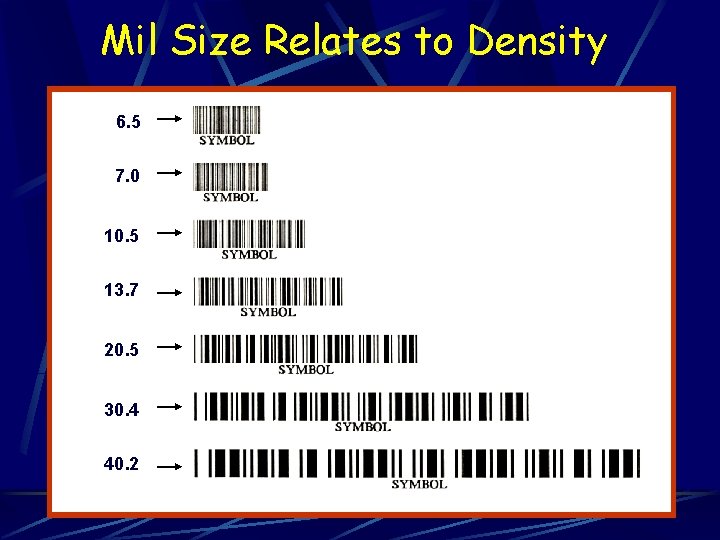
Mil Size Relates to Density 6. 5 7. 0 10. 5 13. 7 20. 5 30. 4 40. 2
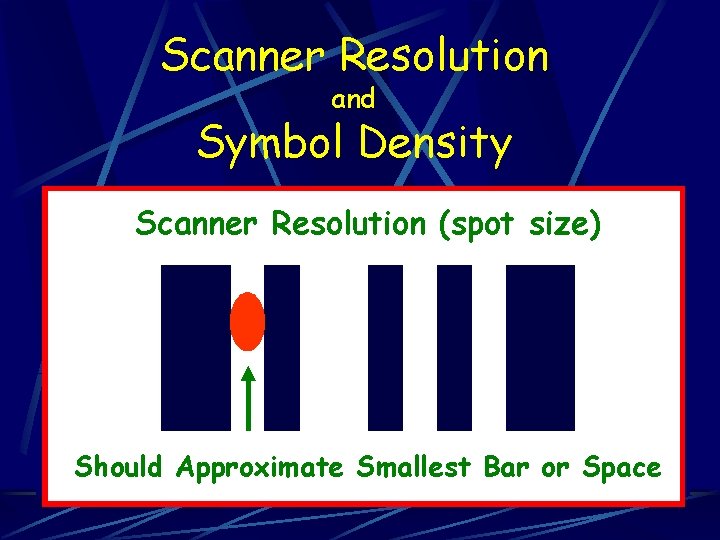
Scanner Resolution and Symbol Density Scanner Resolution (spot size) Should Approximate Smallest Bar or Space
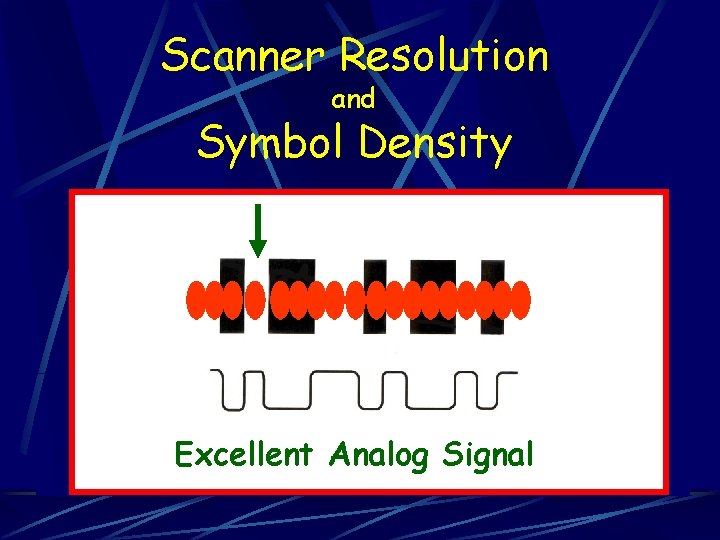
Scanner Resolution and Symbol Density Excellent Analog Signal
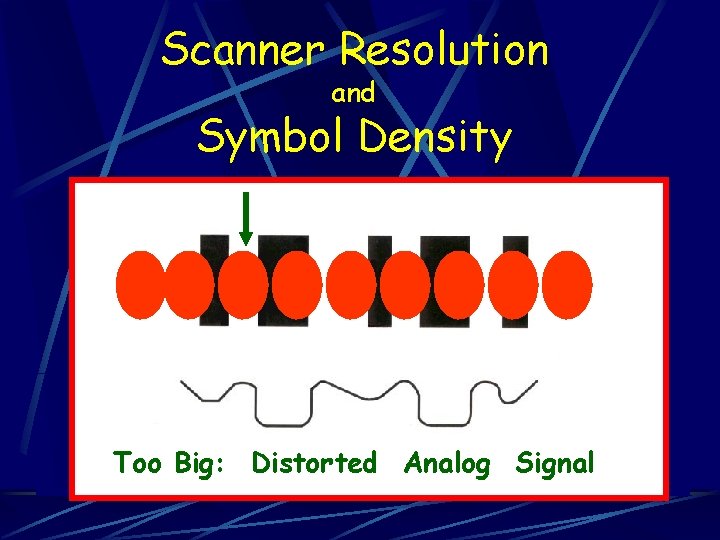
Scanner Resolution and Symbol Density Too Big: Distorted Analog Signal
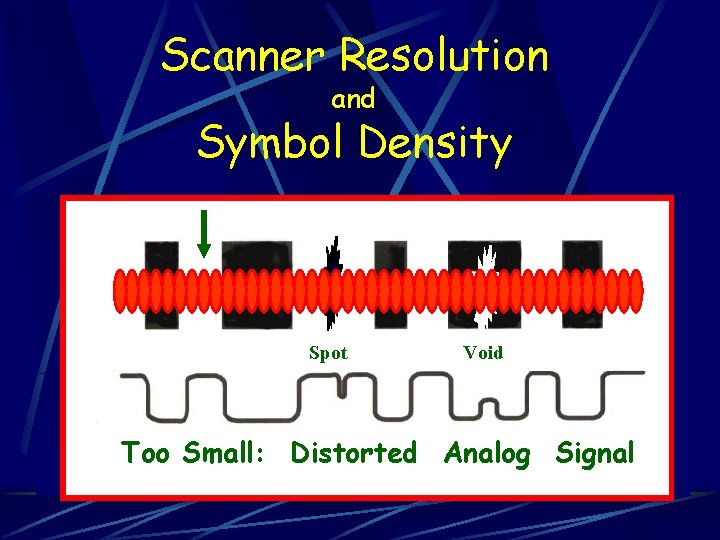
Scanner Resolution and Symbol Density Spot Void Too Small: Distorted Analog Signal
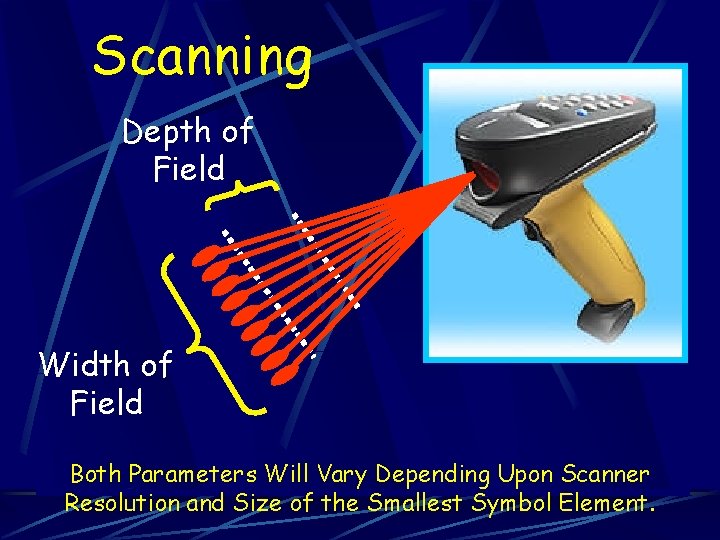
Scanning Depth of Field Width of Field Both Parameters Will Vary Depending Upon Scanner Resolution and Size of the Smallest Symbol Element.
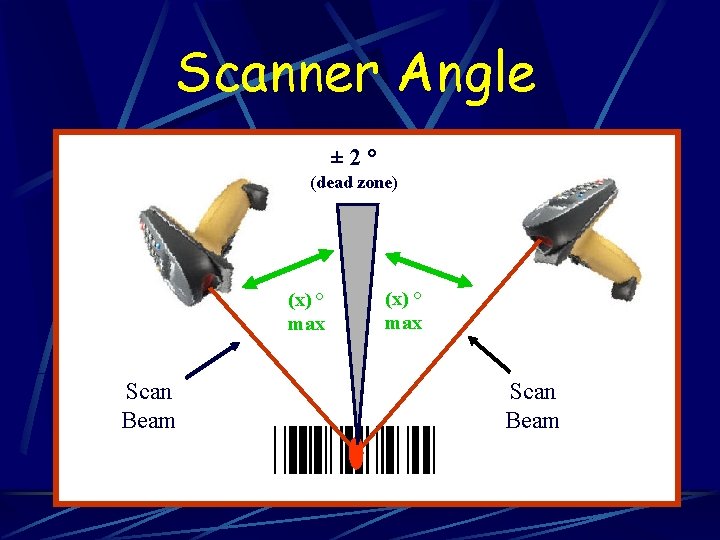
Scanner Angle ± 2° (dead zone) (x) ° max Scan Beam
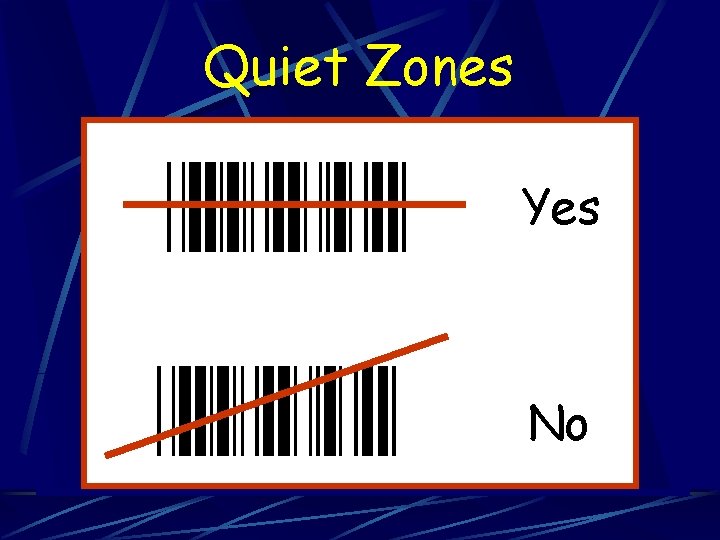
Quiet Zones Yes No
SUMMARY The relationship between the scanner and the symbol being scanned is affected by the: 1. Narrow Element Size 2. Distance from the Scanner 3. Scanner Angle 4. Quiet Zones
What Major Components of a Scanner are Used to Interpret a Bar Code Symbol?
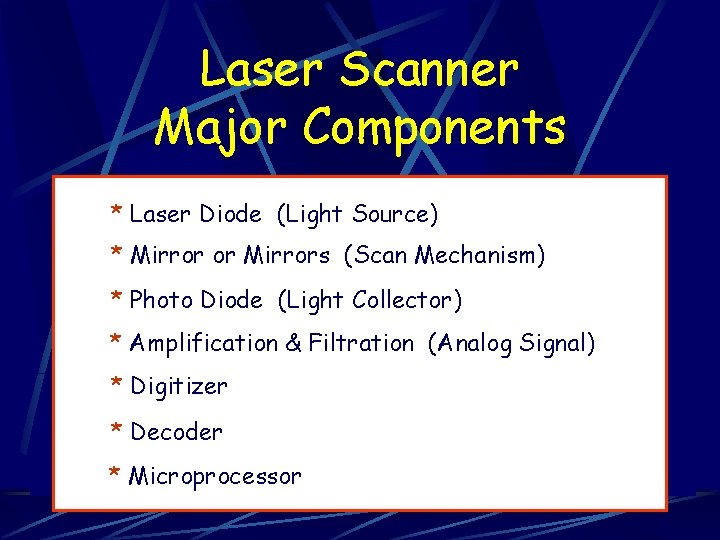
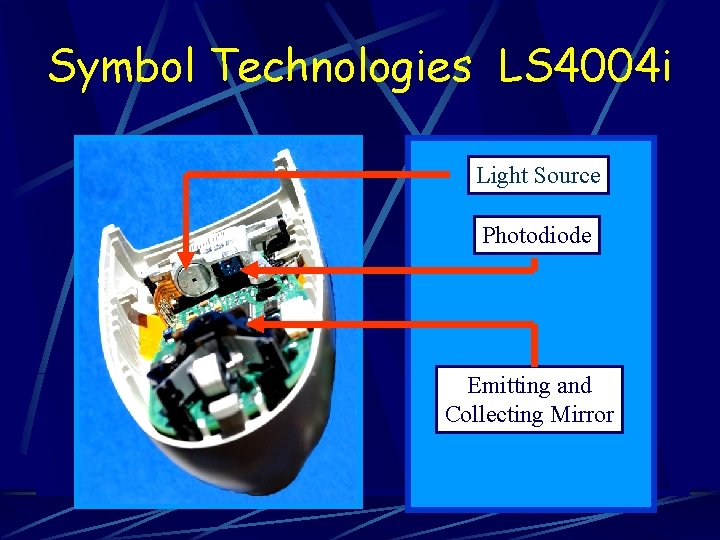
Laser Scanner Major Components * Laser Diode (Light Source) * Mirror or Mirrors (Scan Mechanism) * Photo Diode (Light Collector) * Amplification & Filtration (Analog Signal) * Digitizer * Decoder * Microprocessor
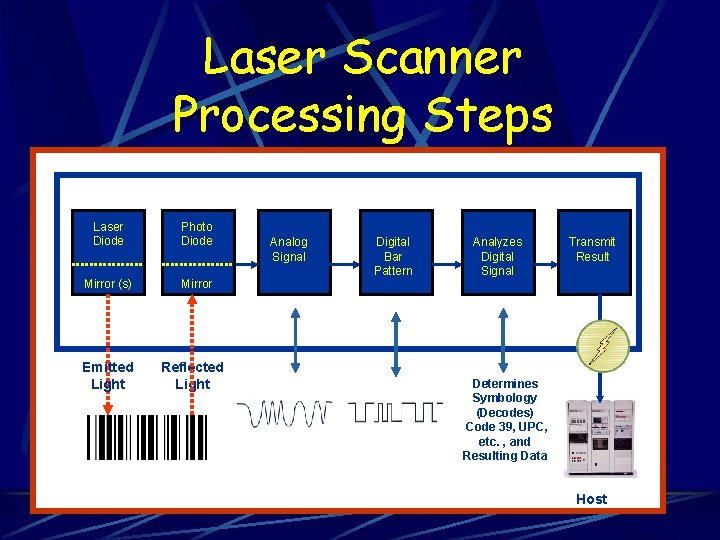
Laser Scanner Processing Steps Laser Diode Photo Diode Mirror (s) Mirror Emitted Light Reflected Light Analog Signal Digital Bar Pattern Analyzes Digital Signal Transmit Result Determines Symbology (Decodes) Code 39, UPC, etc. , and Resulting Data Host
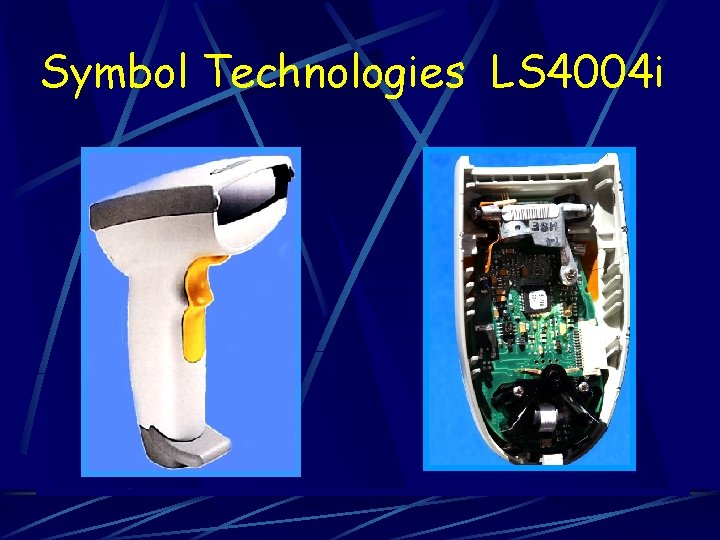
Symbol Technologies LS 4004 i
Symbol Technologies LS 4004 i Light Source Photodiode Emitting and Collecting Mirror
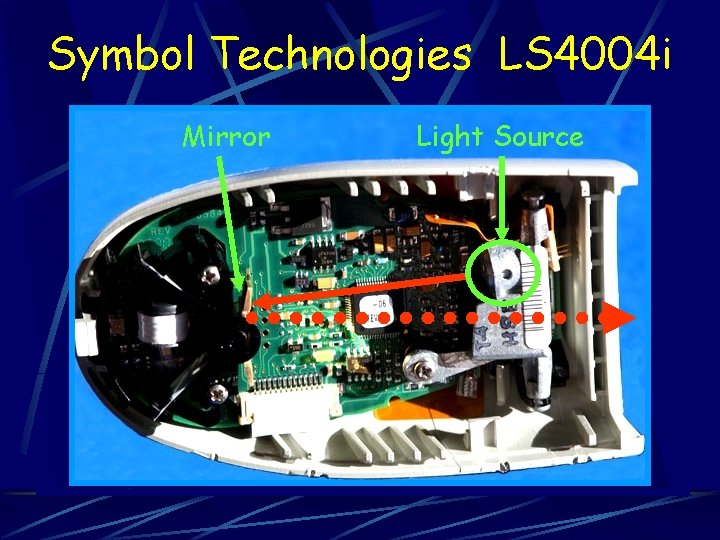
Symbol Technologies LS 4004 i Mirror Light Source
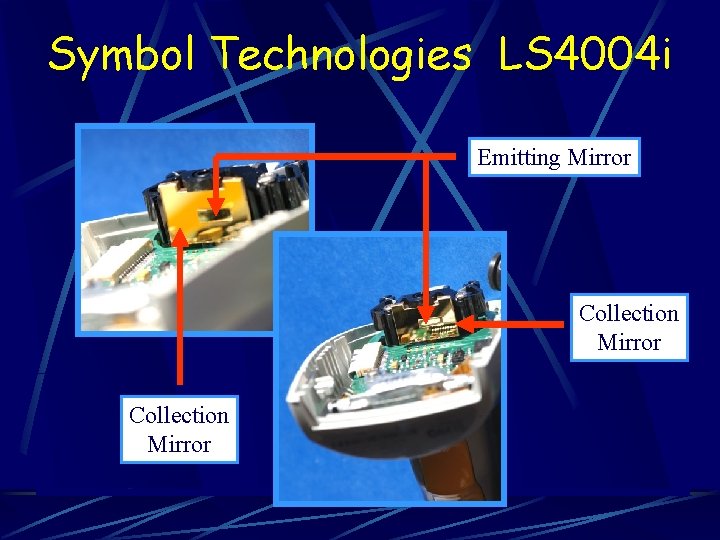
Symbol Technologies LS 4004 i Emitting Mirror Collection Mirror
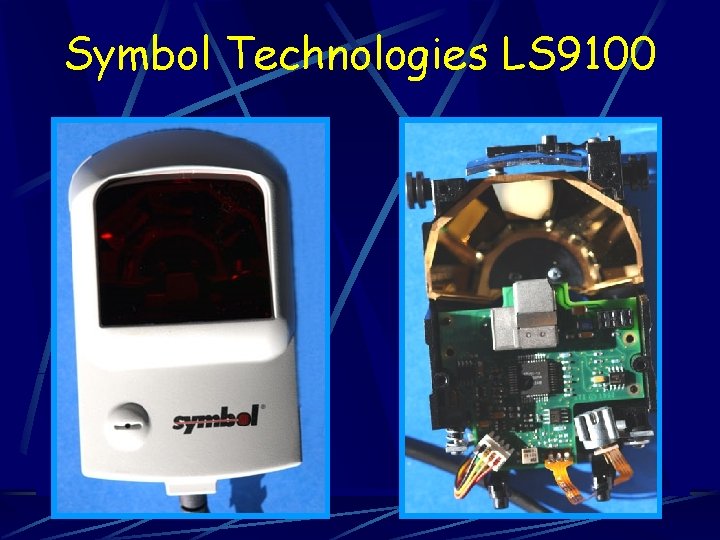
Symbol Technologies LS 9100
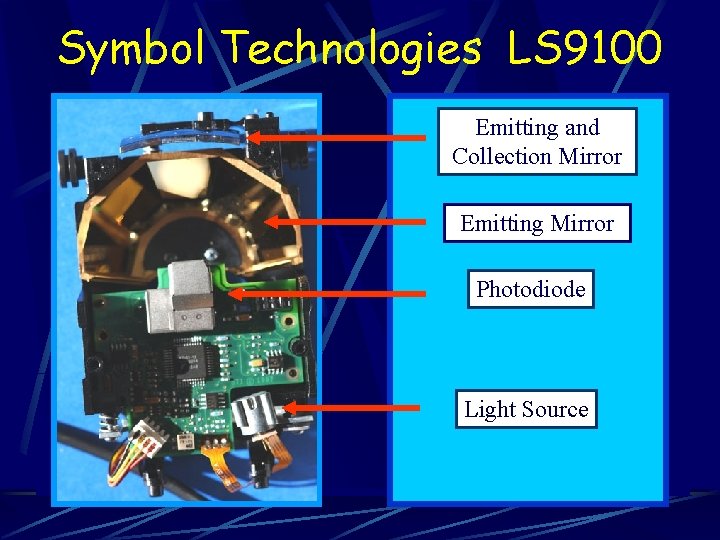
Symbol Technologies LS 9100 Emitting and Collection Mirror Emitting. Mirror Photodiode Light Source
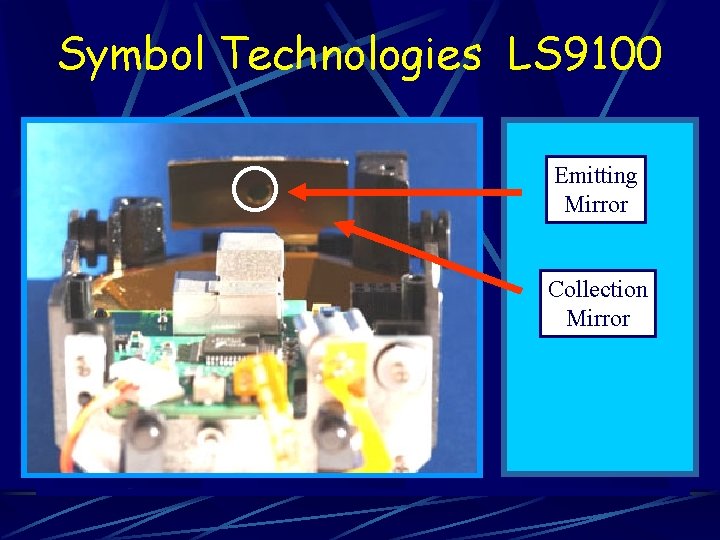
Symbol Technologies LS 9100 Emitting Mirror Collection Mirror
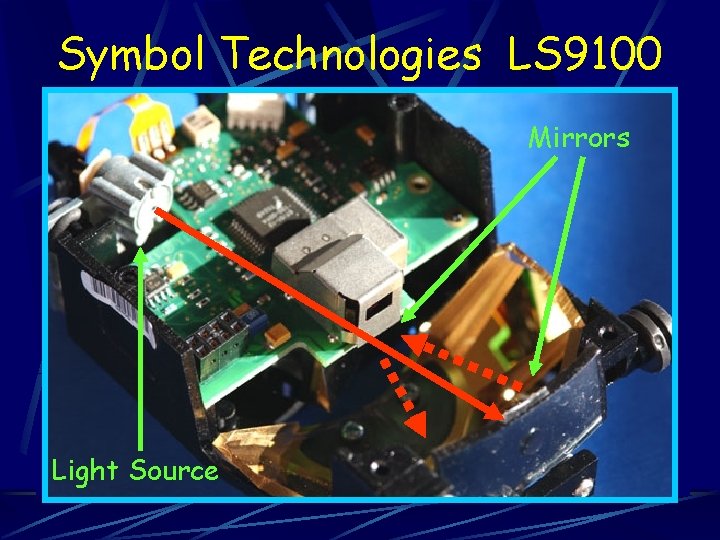
Symbol Technologies LS 9100 Mirrors Light Source
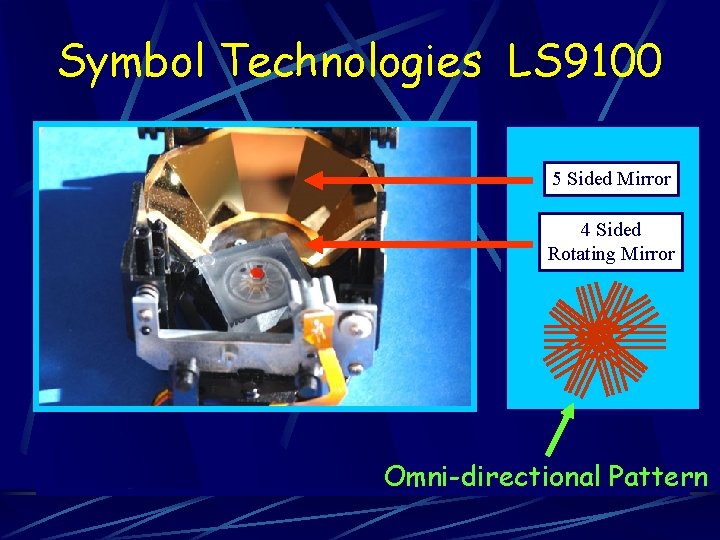
Symbol Technologies LS 9100 5 Sided Mirror 4 Sided Rotating Mirror Omni-directional Pattern
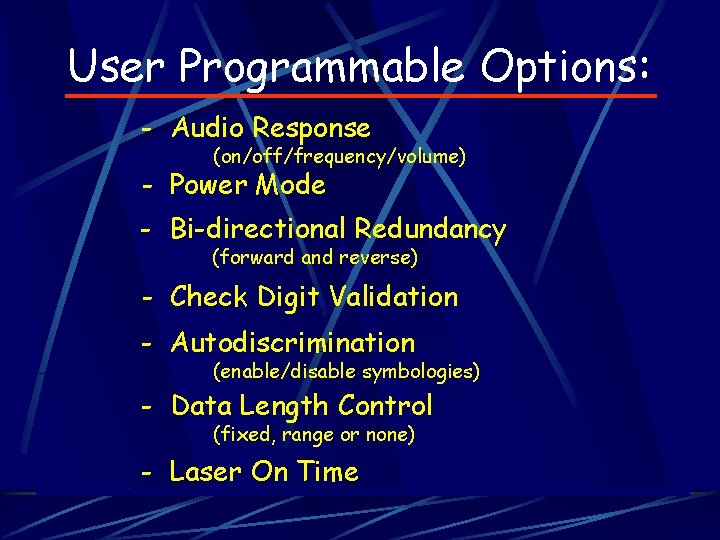
User Programmable Options: - Audio Response (on/off/frequency/volume) - Power Mode - Bi-directional Redundancy (forward and reverse) - Check Digit Validation - Autodiscrimination (enable/disable symbologies) - Data Length Control (fixed, range or none) - Laser On Time
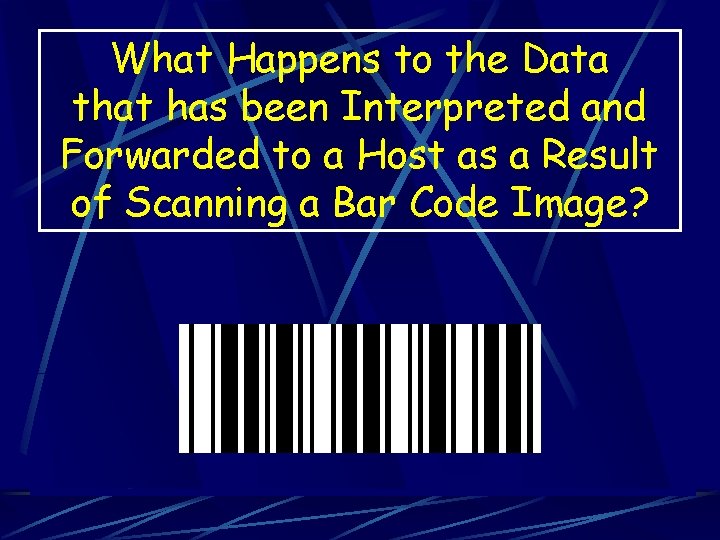
What Happens to the Data that has been Interpreted and Forwarded to a Host as a Result of Scanning a Bar Code Image?
Inventory Manufacturing Control Warehouse Work-in-Process Time and Attendance Management System Bar Coding Package Tracking Point of Sale Vehicle Maintenance Receiving
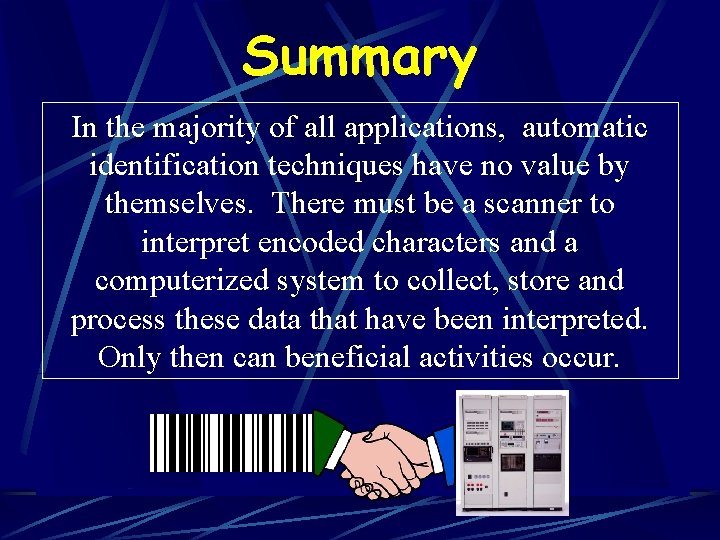
Summary In the majority of all applications, automatic identification techniques have no value by themselves. There must be a scanner to interpret encoded characters and a computerized system to collect, store and process these data that have been interpreted. Only then can beneficial activities occur.