
12 Storage Capacity Bits and Bytes 1 Storage
12. Storage Capacity – Bits and Bytes - 1
Storage Capacity Data can be stored either in the ‘internal memory’ or on a ‘storage device’. The amount of data and instructions that can be stored is measured in ‘bytes’. One byte contains 8 bits. Each ‘bit’ is represented as a binary number, either 1 or 0. For e. g: A contain ONE byte and BC contains TWO bytes. 2
Storage Capacity 3
Bits and Bytes The size of a computer’s memory is measured by the amount of data which can be stored in it. This is measured in bytes. Data is stored in memory as a number of 0 s and 1 s. Each of these is called a bit ( Binary dig. IT ). One byte is equivalent to 8 bits. For e. g. the number 0110 is a 4 -bit binary number. 4
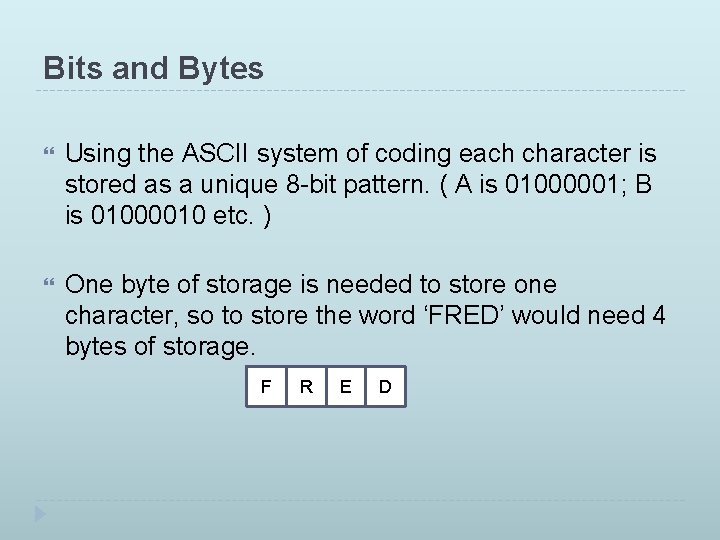
Bits and Bytes Using the ASCII system of coding each character is stored as a unique 8 -bit pattern. ( A is 01000001; B is 01000010 etc. ) One byte of storage is needed to store one character, so to store the word ‘FRED’ would need 4 bytes of storage. F R E D
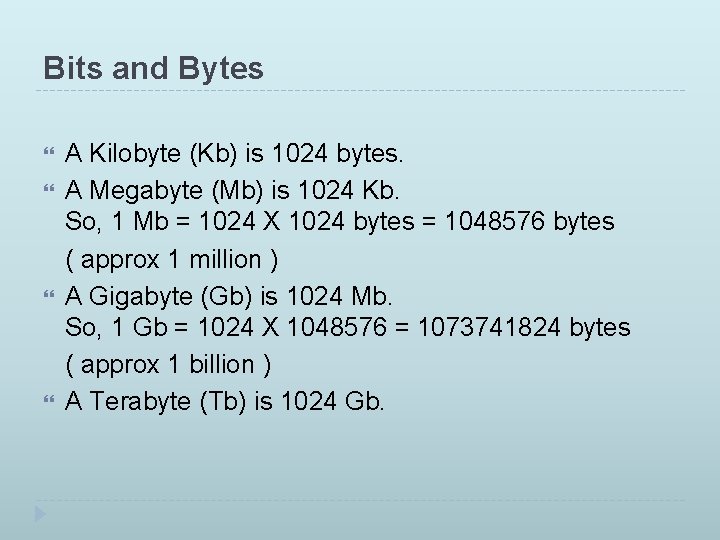
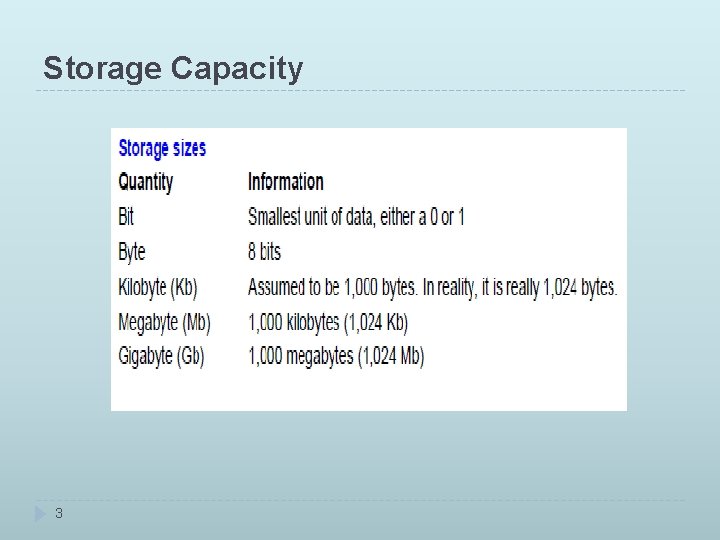
Bits and Bytes A Kilobyte (Kb) is 1024 bytes. A Megabyte (Mb) is 1024 Kb. So, 1 Mb = 1024 X 1024 bytes = 1048576 bytes ( approx 1 million ) A Gigabyte (Gb) is 1024 Mb. So, 1 Gb = 1024 X 1048576 = 1073741824 bytes ( approx 1 billion ) A Terabyte (Tb) is 1024 Gb.
- Slides: 6