
1003 Simple Group Management What is a Group

- Slides: 11
1003 - Simple Group Management
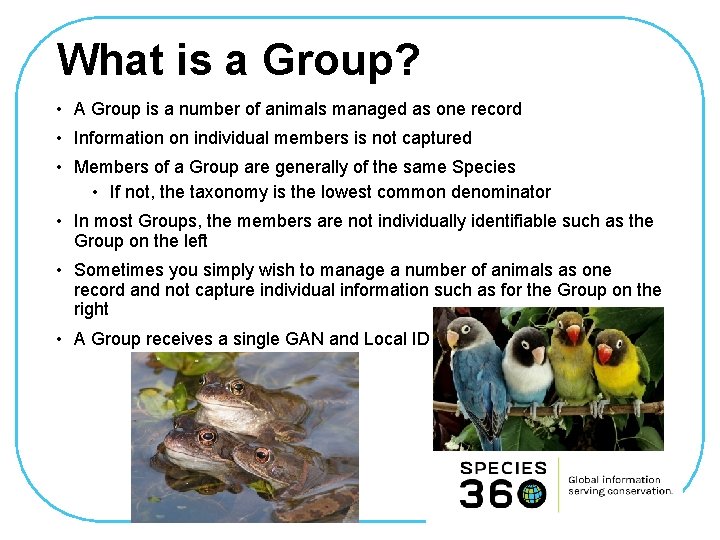
What is a Group? • A Group is a number of animals managed as one record • Information on individual members is not captured • Members of a Group are generally of the same Species • If not, the taxonomy is the lowest common denominator • In most Groups, the members are not individually identifiable such as the Group on the left • Sometimes you simply wish to manage a number of animals as one record and not capture individual information such as for the Group on the right • A Group receives a single GAN and Local ID
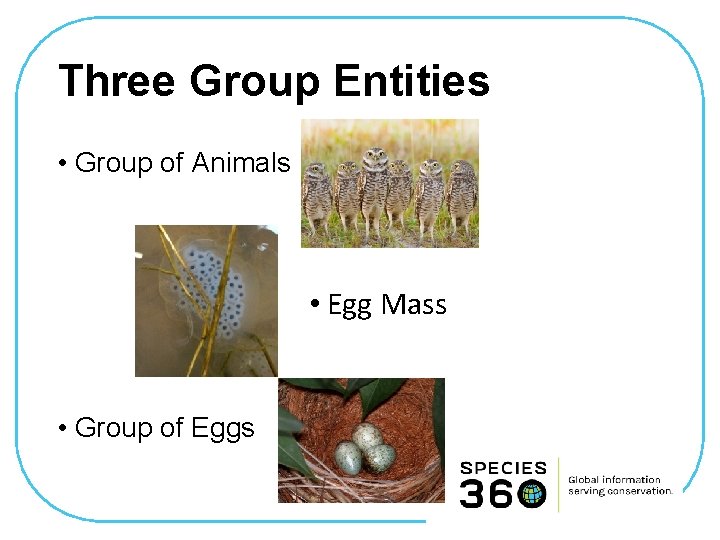
Three Group Entities • Group of Animals • Egg Mass • Group of Eggs
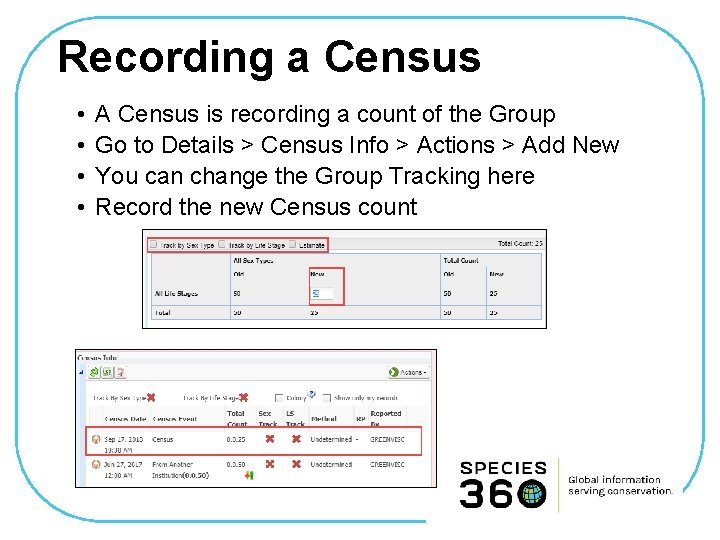
What is Group Tracking? • No Tracking • Simple count (census) of the number of group members • By Sex Type • By Life Stage • By Both Sex Type and Life Stage • Can change Tracking only when recording a Census
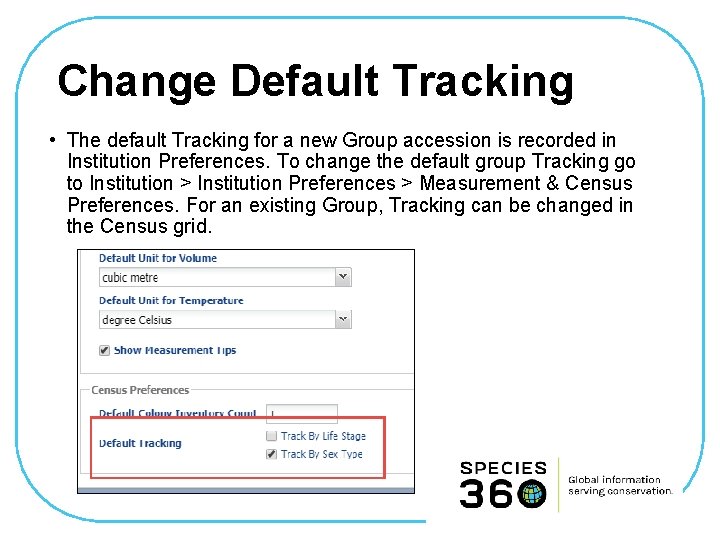
Change Default Tracking • The default Tracking for a new Group accession is recorded in Institution Preferences. To change the default group Tracking go to Institution > Institution Preferences > Measurement & Census Preferences. For an existing Group, Tracking can be changed in the Census grid.
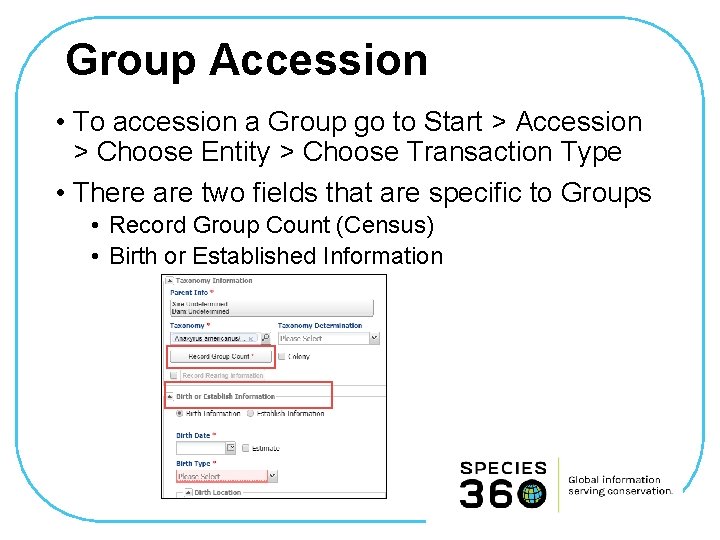
Group Accession • To accession a Group go to Start > Accession > Choose Entity > Choose Transaction Type • There are two fields that are specific to Groups • Record Group Count (Census) • Birth or Established Information
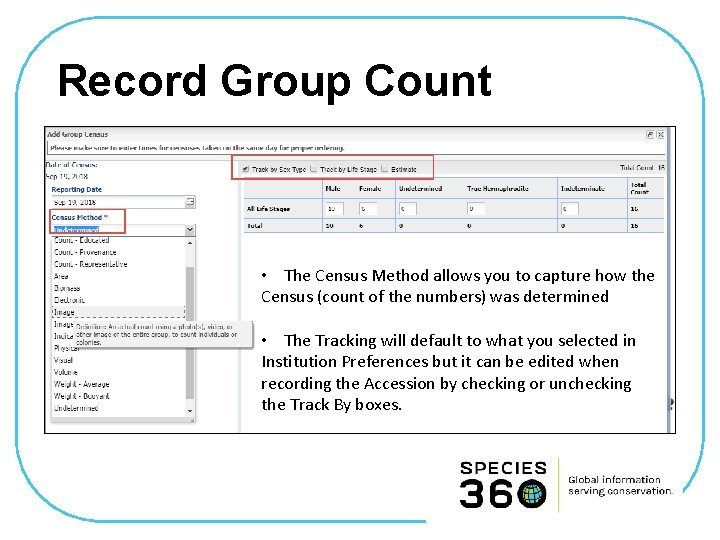
Record Group Count • The Census Method allows you to capture how the Census (count of the numbers) was determined • The Tracking will default to what you selected in Institution Preferences but it can be edited when recording the Accession by checking or unchecking the Track By boxes.
Birth or Establish Info • Birth Information would be selected if: • You are recording the birth/lay of the entire Group at your facility or at a non-member facility that you have ownership of • If you know the Birth Information of the ENTIRE Group and it is the same day or can be estimated (this is rare) • Establish Information (when the group came together as a Group) would be selected if: • You are receiving the group from another institution – the date would be the date of the accession • You are receiving the group from another institution and they have given you the date the Group was established at their facility – the date would be what they provided (this is rare) • Wild Established is very rare unless you are recording a clutch or a litter
Recording a Census • • A Census is recording a count of the Group Go to Details > Census Info > Actions > Add New You can change the Group Tracking here Record the new Census count
Full Disposition of Group • To record a disposition of the entire Group go to My Transactions > Add Transactions > Dispositions > Full Disposition > select Transaction Type • If you select Death / Close Out you have the option to simply Close Out the Group. Close Out means the Group is no longer in your collection but you have no information regarding the final disposition. This is usually used for cleaning up historic group information.
Simple Groups in ZIMS For advanced Group data entry please see 1003 – Group Management