
10 Variable Scope and Arrays of Structures Mark
10 – Variable Scope, and Arrays of Structures Mark Dixon, So. CCE SOFT 131 Page 1
Session Aims & Objectives • Aims – To introduce the idea of variable scope – To introduce the idea of an array of structures • Objectives, by end of this week’s sessions, you should be able to: – Determine whether a variable or procedure is in or out of scope at a given point in a piece of code – Appropriately Select a variable’s scope in their own program – create and use an array of structures Mark Dixon, So. CCE SOFT 131 Page 2
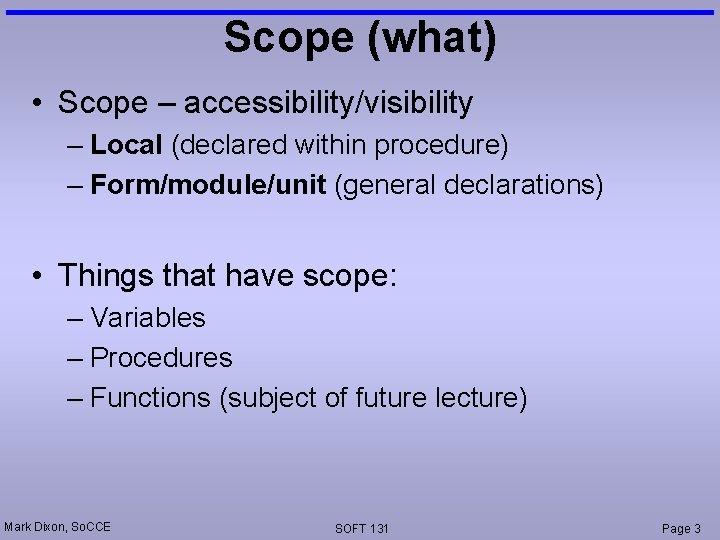
Scope (what) • Scope – accessibility/visibility – Local (declared within procedure) – Form/module/unit (general declarations) • Things that have scope: – Variables – Procedures – Functions (subject of future lecture) Mark Dixon, So. CCE SOFT 131 Page 3
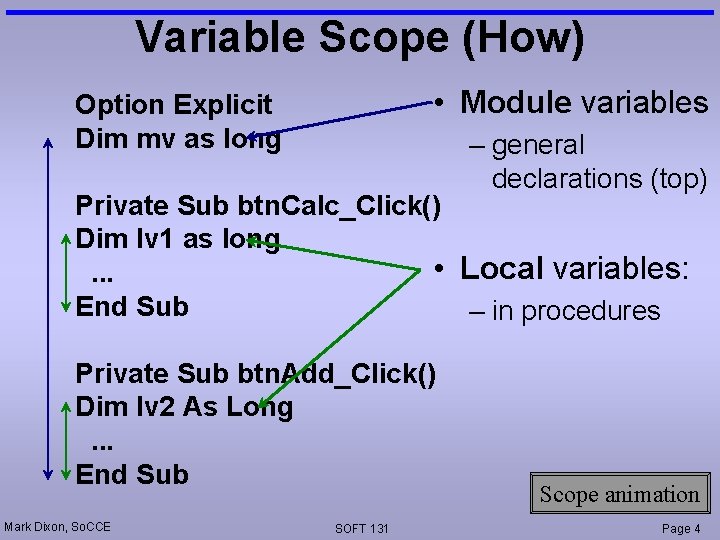
Variable Scope (How) • Module variables Option Explicit Dim mv as long – general declarations (top) Private Sub btn. Calc_Click() Dim lv 1 as long • Local variables: . . . End Sub – in procedures Private Sub btn. Add_Click() Dim lv 2 As Long. . . End Sub Mark Dixon, So. CCE SOFT 131 Scope animation Page 4
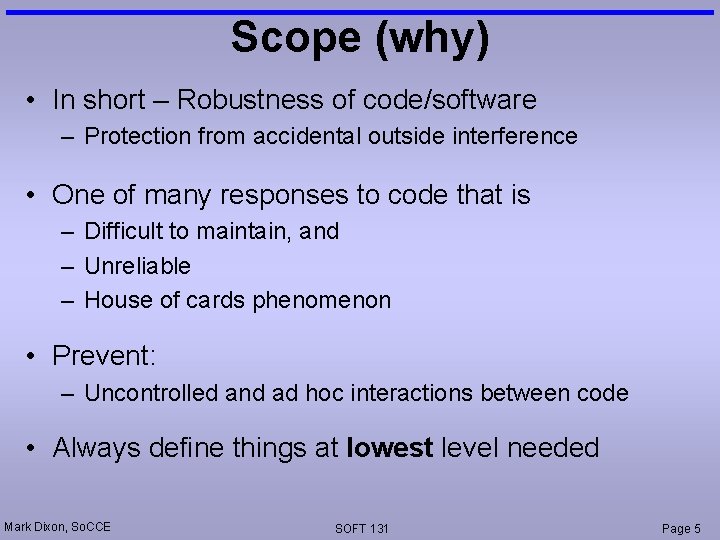
Scope (why) • In short – Robustness of code/software – Protection from accidental outside interference • One of many responses to code that is – Difficult to maintain, and – Unreliable – House of cards phenomenon • Prevent: – Uncontrolled and ad hoc interactions between code • Always define things at lowest level needed Mark Dixon, So. CCE SOFT 131 Page 5
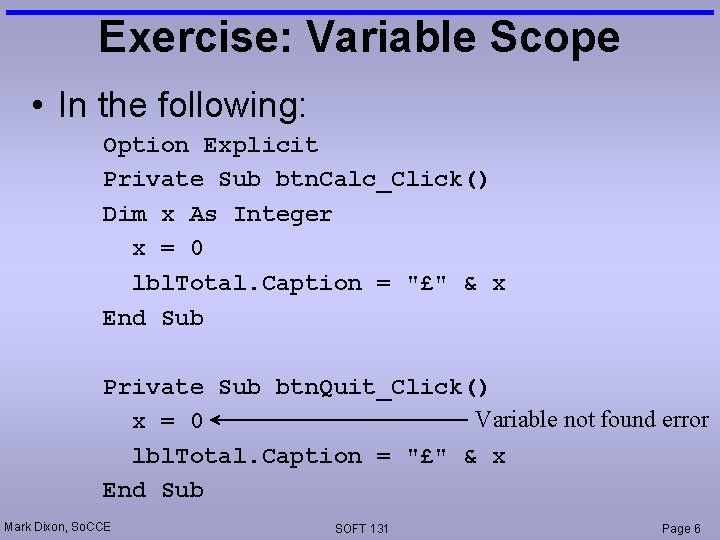
Exercise: Variable Scope • In the following: Option Explicit Private Sub btn. Calc_Click() Dim x As Integer x = 0 lbl. Total. Caption = "£" & x End Sub Private Sub btn. Quit_Click() Variable not found error x = 0 lbl. Total. Caption = "£" & x End Sub Mark Dixon, So. CCE SOFT 131 Page 6
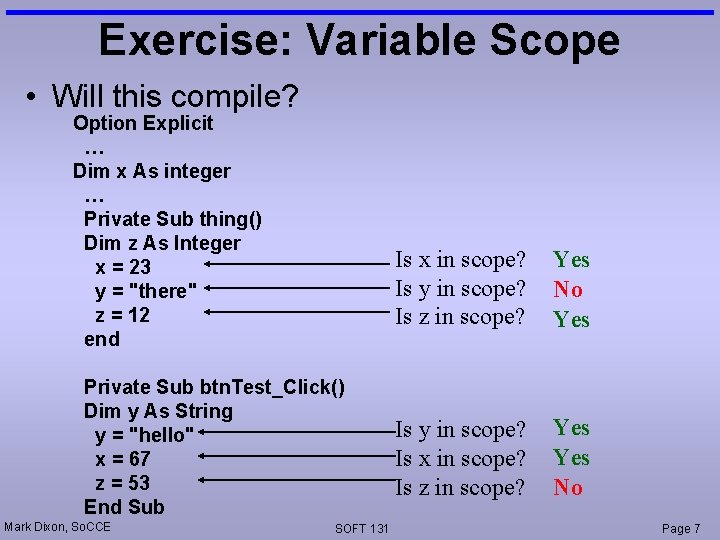
Exercise: Variable Scope • Will this compile? Option Explicit … Dim x As integer … Private Sub thing() Dim z As Integer x = 23 y = "there" z = 12 end Private Sub btn. Test_Click() Dim y As String y = "hello" x = 67 z = 53 End Sub Mark Dixon, So. CCE SOFT 131 Is x in scope? Is y in scope? Is z in scope? Yes No Yes Is y in scope? Is x in scope? Is z in scope? Yes No Page 7
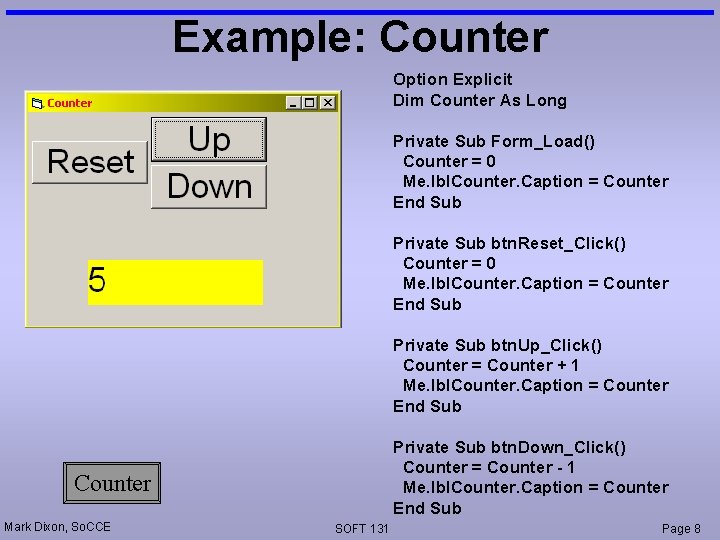
Example: Counter Option Explicit Dim Counter As Long Private Sub Form_Load() Counter = 0 Me. lbl. Counter. Caption = Counter End Sub Private Sub btn. Reset_Click() Counter = 0 Me. lbl. Counter. Caption = Counter End Sub Private Sub btn. Up_Click() Counter = Counter + 1 Me. lbl. Counter. Caption = Counter End Sub Private Sub btn. Down_Click() Counter = Counter - 1 Me. lbl. Counter. Caption = Counter End Sub Counter Mark Dixon, So. CCE SOFT 131 Page 8
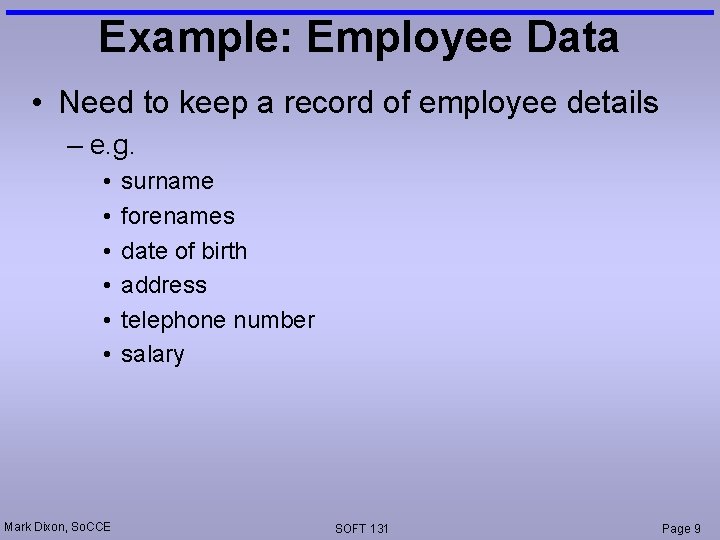
Example: Employee Data • Need to keep a record of employee details – e. g. • • • Mark Dixon, So. CCE surname forenames date of birth address telephone number salary SOFT 131 Page 9
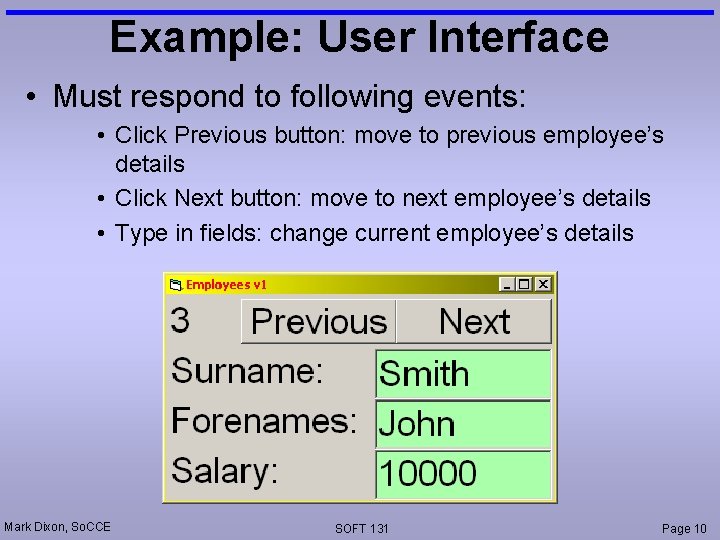
Example: User Interface • Must respond to following events: • Click Previous button: move to previous employee’s details • Click Next button: move to next employee’s details • Type in fields: change current employee’s details Mark Dixon, So. CCE SOFT 131 Page 10
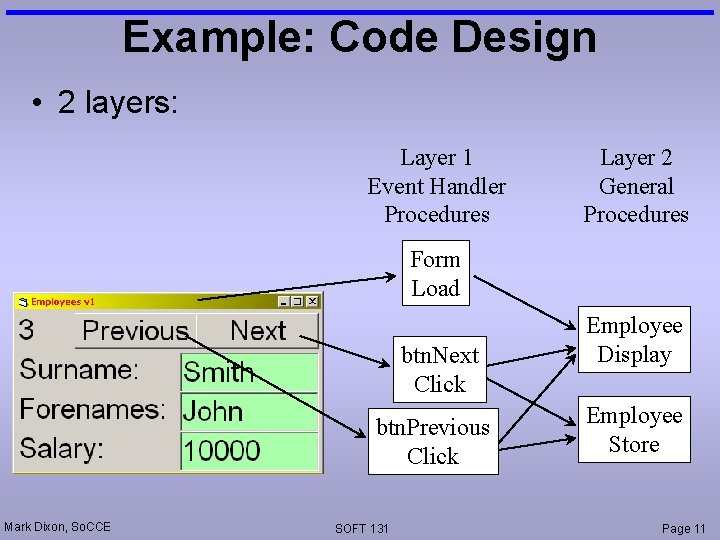
Example: Code Design • 2 layers: Layer 1 Event Handler Procedures Layer 2 General Procedures Form Load btn. Next Click btn. Previous Click Mark Dixon, So. CCE SOFT 131 Employee Display Employee Store Page 11
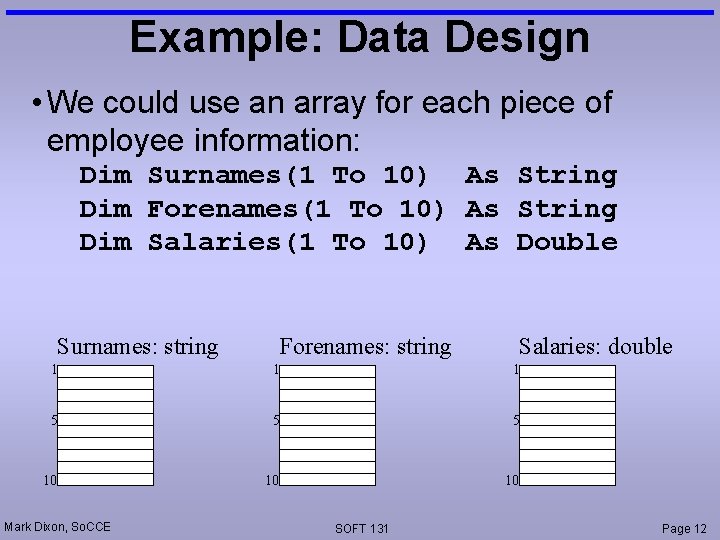
Example: Data Design • We could use an array for each piece of employee information: Dim Surnames(1 To 10) As String Dim Forenames(1 To 10) As String Dim Salaries(1 To 10) As Double Surnames: string Forenames: string Salaries: double 1 1 1 5 5 5 10 10 10 Mark Dixon, So. CCE SOFT 131 Page 12
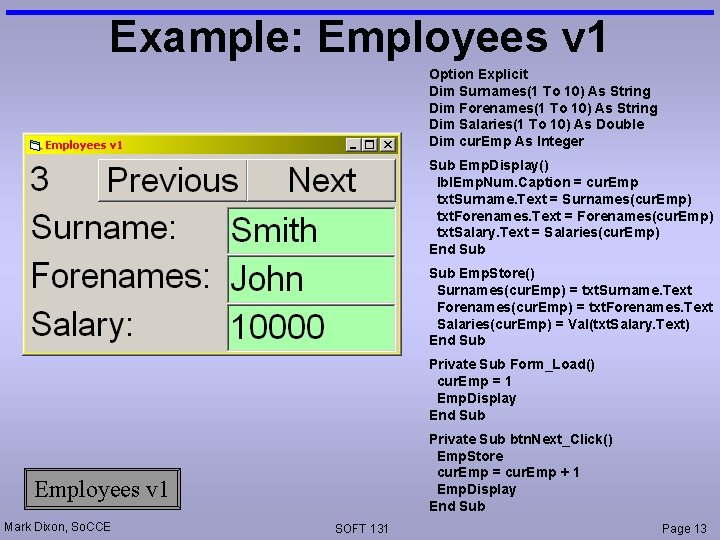
Example: Employees v 1 Option Explicit Dim Surnames(1 To 10) As String Dim Forenames(1 To 10) As String Dim Salaries(1 To 10) As Double Dim cur. Emp As Integer Sub Emp. Display() lbl. Emp. Num. Caption = cur. Emp txt. Surname. Text = Surnames(cur. Emp) txt. Forenames. Text = Forenames(cur. Emp) txt. Salary. Text = Salaries(cur. Emp) End Sub Emp. Store() Surnames(cur. Emp) = txt. Surname. Text Forenames(cur. Emp) = txt. Forenames. Text Salaries(cur. Emp) = Val(txt. Salary. Text) End Sub Private Sub Form_Load() cur. Emp = 1 Emp. Display End Sub Private Sub btn. Next_Click() Emp. Store cur. Emp = cur. Emp + 1 Emp. Display End Sub Employees v 1 Mark Dixon, So. CCE SOFT 131 Page 13
Difficulty • This design works • However, if – all fields were implemented, and – more complex operations were added • the code would become difficult to manage – having several separate arrays • Arrays allow data to be grouped – however, arrays must be homogenous (same data type) • it would be useful to be able to group different (heterogeneous) types of data Mark Dixon, So. CCE SOFT 131 Page 14
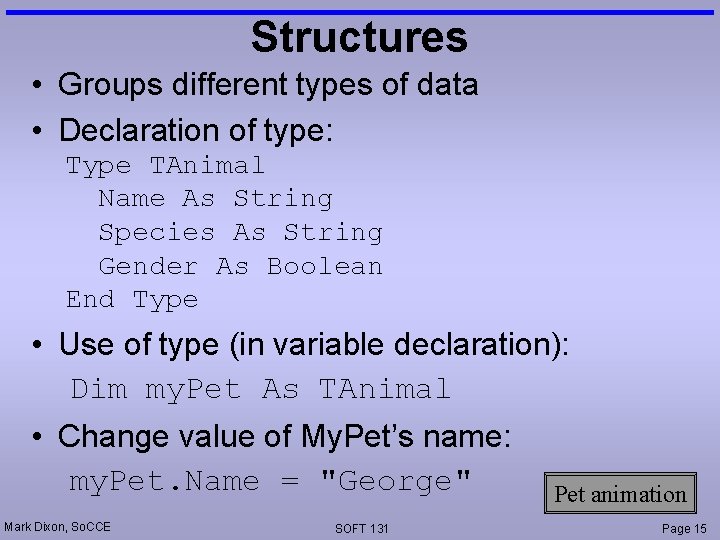
Structures • Groups different types of data • Declaration of type: Type TAnimal Name As String Species As String Gender As Boolean End Type • Use of type (in variable declaration): Dim my. Pet As TAnimal • Change value of My. Pet’s name: my. Pet. Name = "George" Mark Dixon, So. CCE SOFT 131 Pet animation Page 15
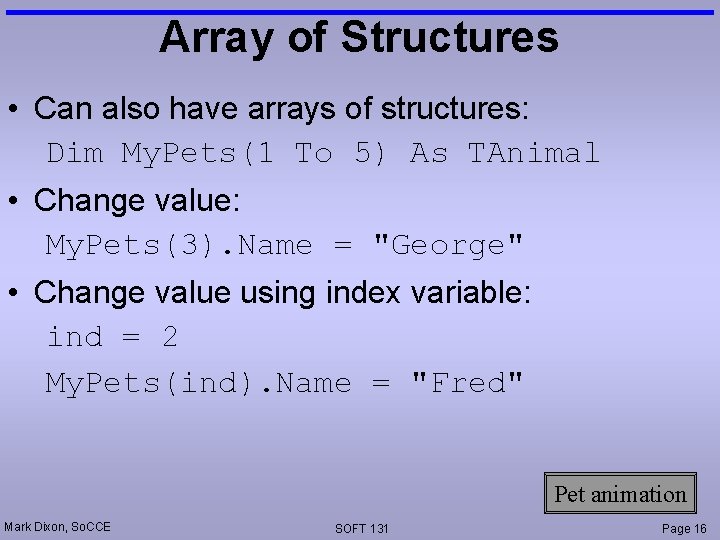
Array of Structures • Can also have arrays of structures: Dim My. Pets(1 To 5) As TAnimal • Change value: My. Pets(3). Name = "George" • Change value using index variable: ind = 2 My. Pets(ind). Name = "Fred" Pet animation Mark Dixon, So. CCE SOFT 131 Page 16
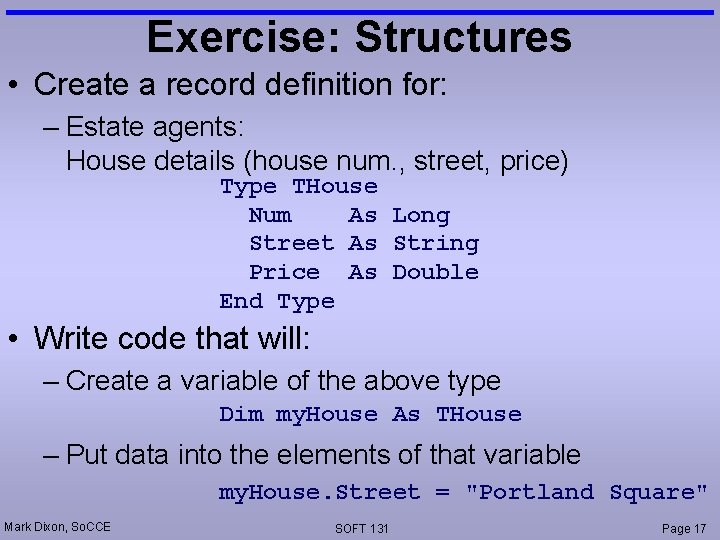
Exercise: Structures • Create a record definition for: – Estate agents: House details (house num. , street, price) Type THouse Num As Long Street As String Price As Double End Type • Write code that will: – Create a variable of the above type Dim my. House As THouse – Put data into the elements of that variable my. House. Street = "Portland Square" Mark Dixon, So. CCE SOFT 131 Page 17
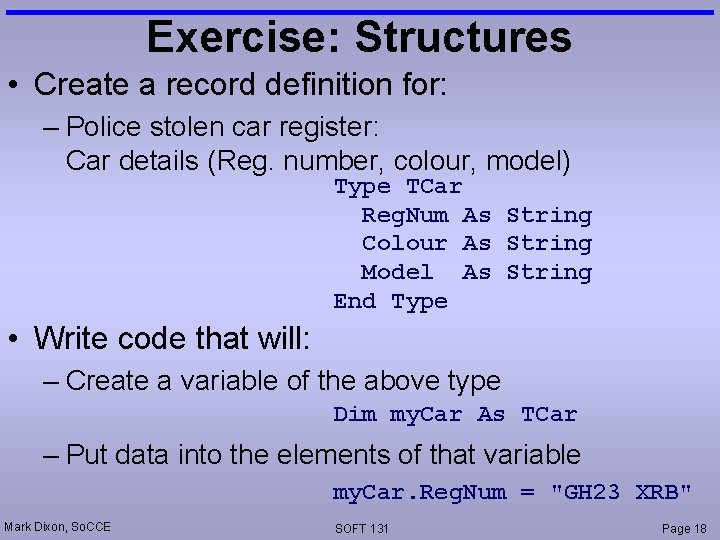
Exercise: Structures • Create a record definition for: – Police stolen car register: Car details (Reg. number, colour, model) Type TCar Reg. Num As String Colour As String Model As String End Type • Write code that will: – Create a variable of the above type Dim my. Car As TCar – Put data into the elements of that variable my. Car. Reg. Num = "GH 23 XRB" Mark Dixon, So. CCE SOFT 131 Page 18
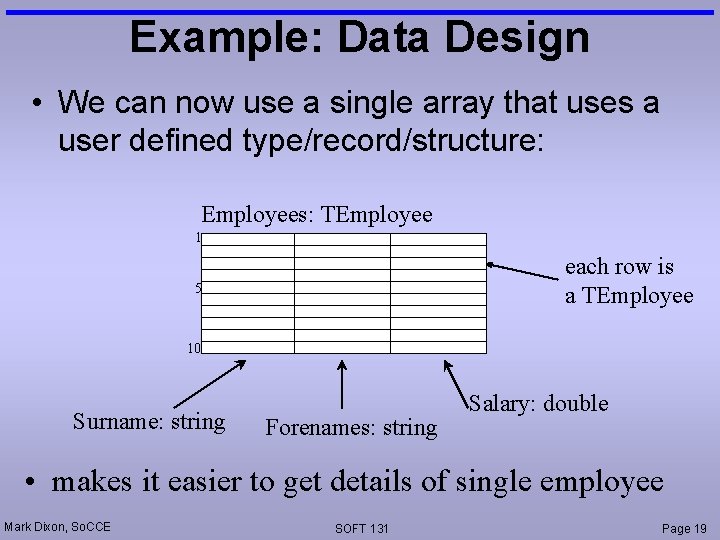
Example: Data Design • We can now use a single array that uses a user defined type/record/structure: Employees: TEmployee 1 each row is a TEmployee 5 10 Surname: string Forenames: string Salary: double • makes it easier to get details of single employee Mark Dixon, So. CCE SOFT 131 Page 19
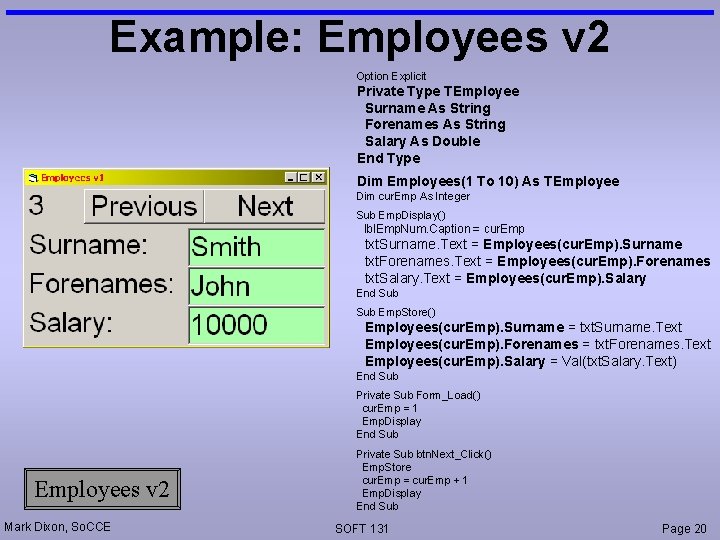
Example: Employees v 2 Option Explicit Private Type TEmployee Surname As String Forenames As String Salary As Double End Type Dim Employees(1 To 10) As TEmployee Dim cur. Emp As Integer Sub Emp. Display() lbl. Emp. Num. Caption = cur. Emp txt. Surname. Text = Employees(cur. Emp). Surname txt. Forenames. Text = Employees(cur. Emp). Forenames txt. Salary. Text = Employees(cur. Emp). Salary End Sub Emp. Store() Employees(cur. Emp). Surname = txt. Surname. Text Employees(cur. Emp). Forenames = txt. Forenames. Text Employees(cur. Emp). Salary = Val(txt. Salary. Text) End Sub Private Sub Form_Load() cur. Emp = 1 Emp. Display End Sub Employees v 2 Mark Dixon, So. CCE Private Sub btn. Next_Click() Emp. Store cur. Emp = cur. Emp + 1 Emp. Display End Sub SOFT 131 Page 20
- Slides: 20