
10 mistakes I made with developing Power BI
10 mistakes I made with developing Power BI reports that you now can avoid Michiel van Straten Senior Data Analyst UNICEF Netherlands Power. BIWorld. Tour. com #PBIWorld. Tour

10 mistakes I made with developing Power BI reports that you now can avoid Session objectives: • To learn about ‘best practices’ with the help of ‘bad practices’ • To help you preparing yourself in preparing reports • To comfort you Power. BIWorld. Tour. com #PBIWorld. Tour
Introduction Session Agenda 10 mistakes Comments Questions Power. BIWorld. Tour. com #PBIWorld. Tour
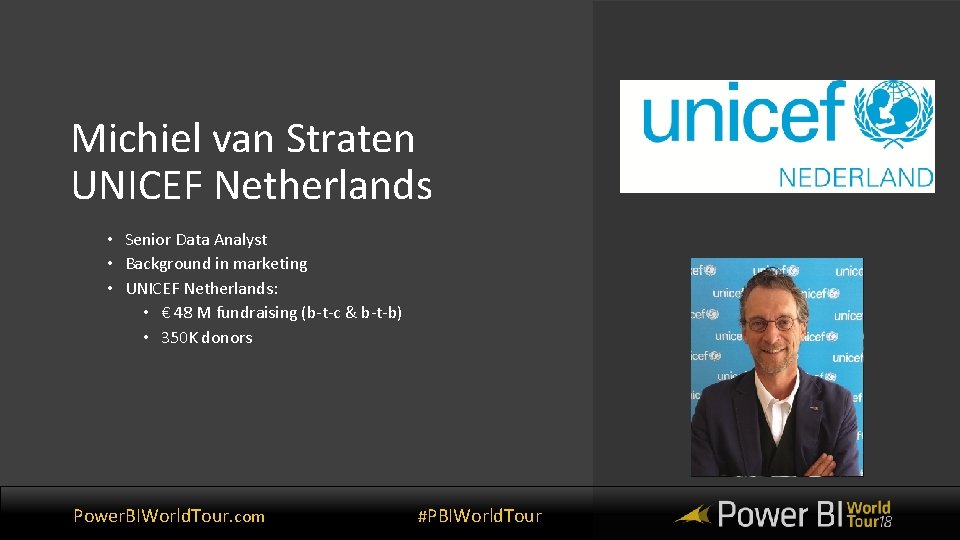
Michiel van Straten UNICEF Netherlands • Senior Data Analyst • Background in marketing • UNICEF Netherlands: • € 48 M fundraising (b-t-c & b-t-b) • 350 K donors Power. BIWorld. Tour. com #PBIWorld. Tour

The playing field Power. BIWorld. Tour. com #PBIWorld. Tour
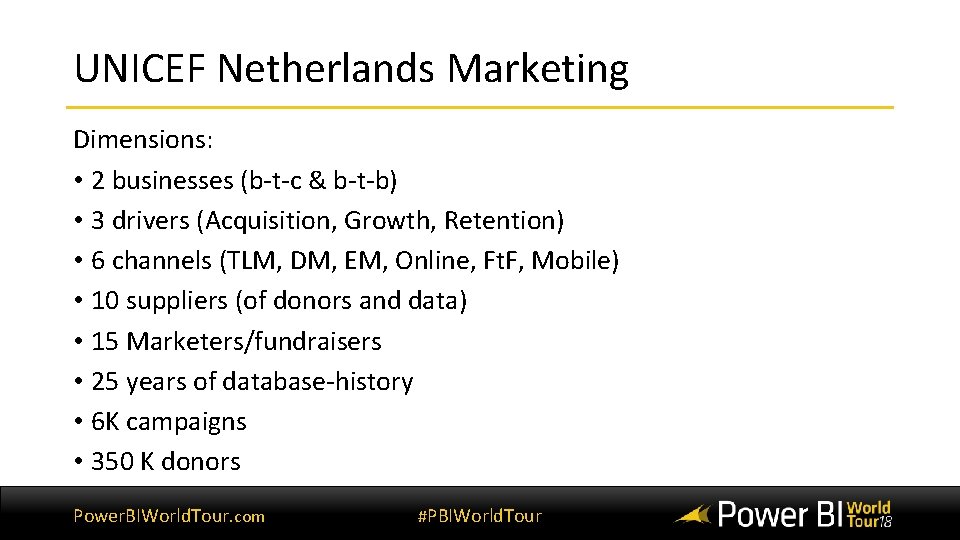
UNICEF Netherlands Marketing Dimensions: • 2 businesses (b-t-c & b-t-b) • 3 drivers (Acquisition, Growth, Retention) • 6 channels (TLM, DM, EM, Online, Ft. F, Mobile) • 10 suppliers (of donors and data) • 15 Marketers/fundraisers • 25 years of database-history • 6 K campaigns • 350 K donors Power. BIWorld. Tour. com #PBIWorld. Tour
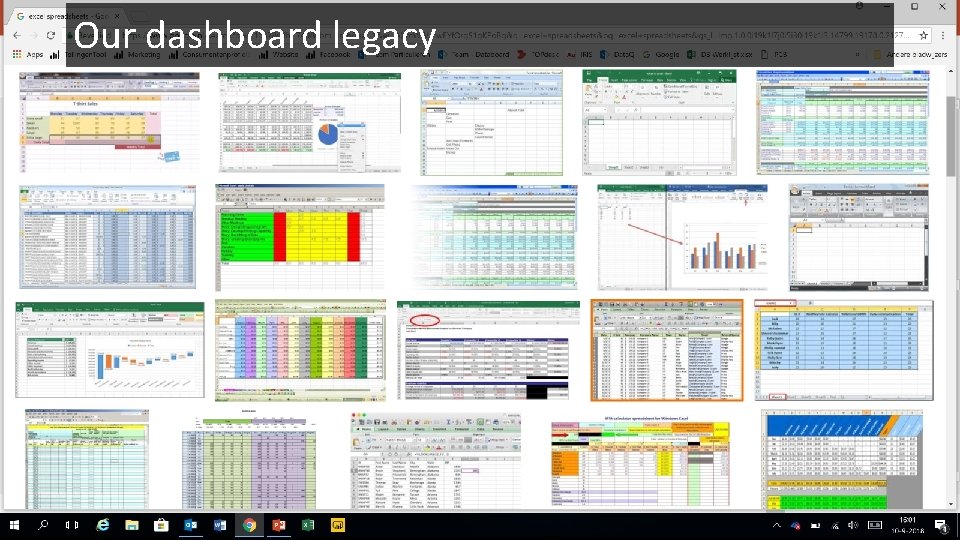
Our dashboard legacy Power. BIWorld. Tour. com #PBIWorld. Tour
The 10 mistakes (Just ten. I made more. ) Power. BIWorld. Tour. com #PBIWorld. Tour
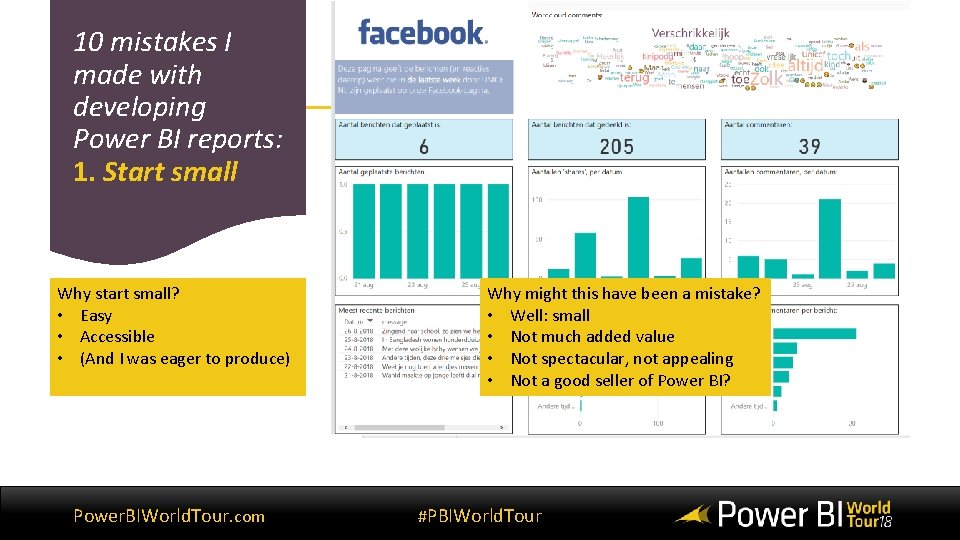
10 mistakes I made with developing Power BI reports: 1. Start small Why start small? • Easy • Accessible • (And I was eager to produce) Power. BIWorld. Tour. com Why might this have been a mistake? • Well: small • Not much added value • Not spectacular, not appealing • Not a good seller of Power BI? #PBIWorld. Tour
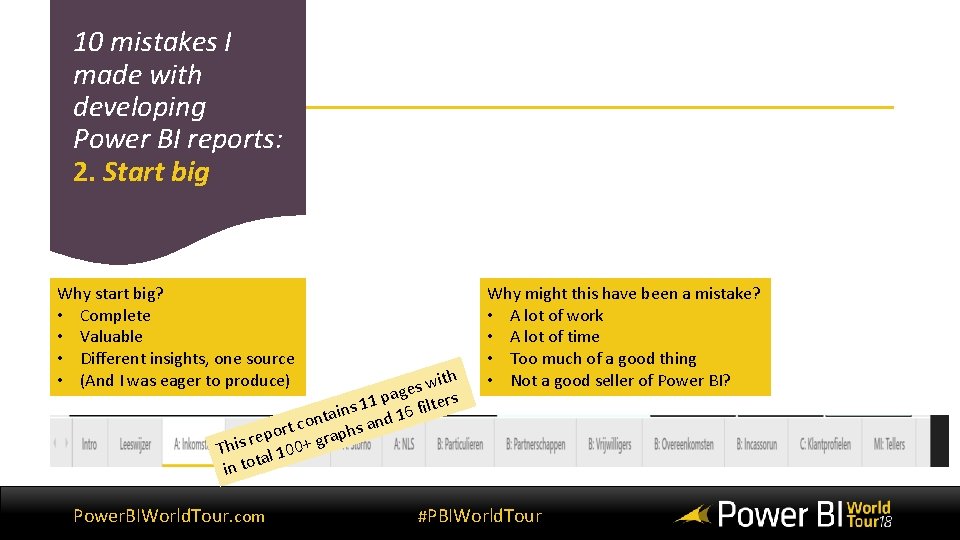
10 mistakes I made with developing Power BI reports: 2. Start big Why start big? • Complete • Valuable • Different insights, one source • (And I was eager to produce) ith w s e pag lters 1 1 ains nd 16 fi t n o rt c aphs a o p e r r This al 100+ g t in to Power. BIWorld. Tour. com Why might this have been a mistake? • A lot of work • A lot of time • Too much of a good thing • Not a good seller of Power BI? #PBIWorld. Tour
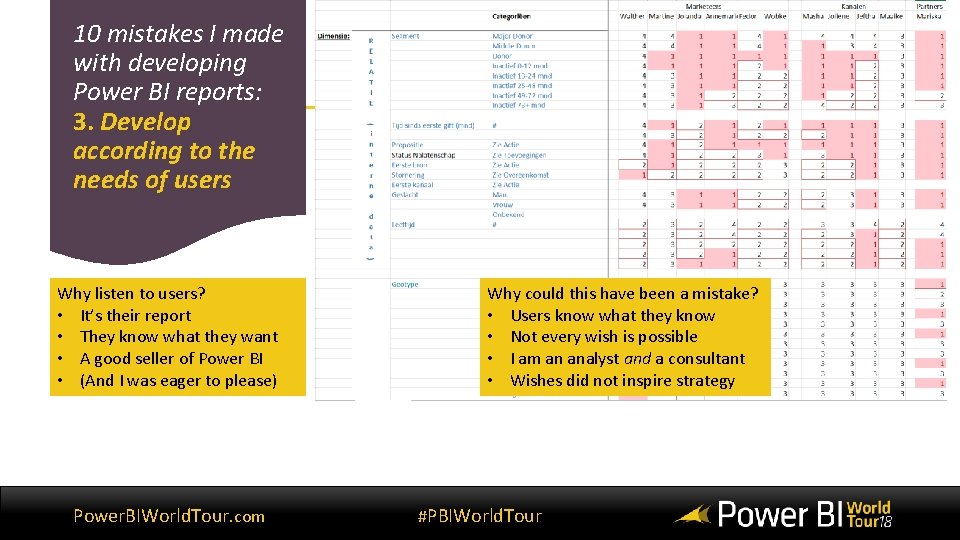
10 mistakes I made with developing Power BI reports: 3. Develop according to the needs of users Why listen to users? • It’s their report • They know what they want • A good seller of Power BI • (And I was eager to please) Power. BIWorld. Tour. com Why could this have been a mistake? • Users know what they know • Not every wish is possible • I am an analyst and a consultant • Wishes did not inspire strategy #PBIWorld. Tour
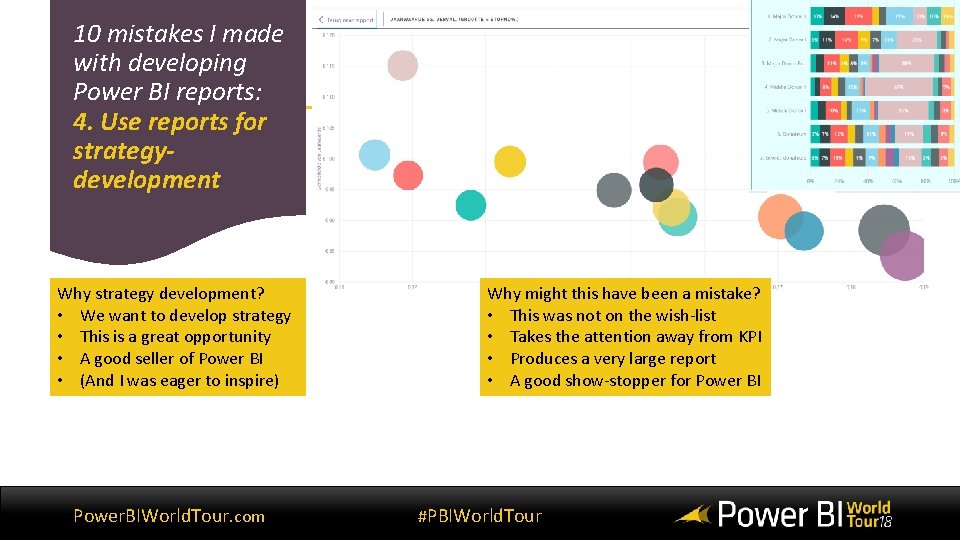
10 mistakes I made with developing Power BI reports: 4. Use reports for strategydevelopment Why strategy development? • We want to develop strategy • This is a great opportunity • A good seller of Power BI • (And I was eager to inspire) Power. BIWorld. Tour. com Why might this have been a mistake? • This was not on the wish-list • Takes the attention away from KPI • Produces a very large report • A good show-stopper for Power BI #PBIWorld. Tour
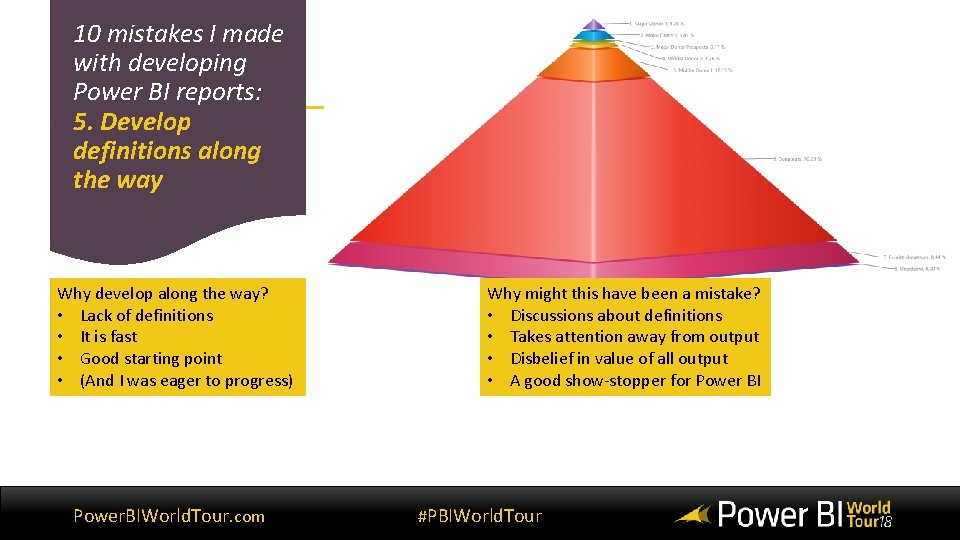
10 mistakes I made with developing Power BI reports: 5. Develop definitions along the way Why develop along the way? • Lack of definitions • It is fast • Good starting point • (And I was eager to progress) Power. BIWorld. Tour. com Why might this have been a mistake? • Discussions about definitions • Takes attention away from output • Disbelief in value of all output • A good show-stopper for Power BI #PBIWorld. Tour
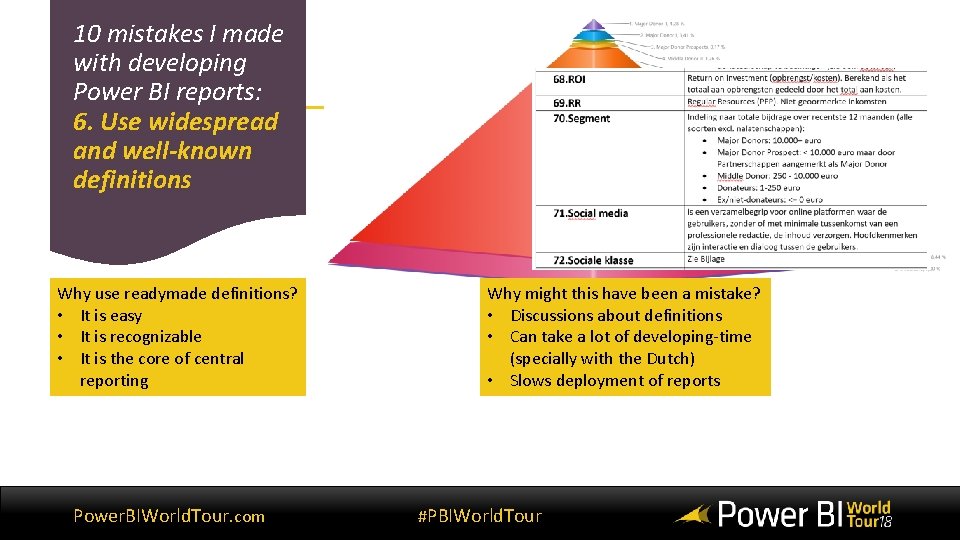
10 mistakes I made with developing Power BI reports: 6. Use widespread and well-known definitions Why use readymade definitions? • It is easy • It is recognizable • It is the core of central reporting Power. BIWorld. Tour. com Why might this have been a mistake? • Discussions about definitions • Can take a lot of developing-time (specially with the Dutch) • Slows deployment of reports #PBIWorld. Tour

10 mistakes I made with developing Power BI reports: 7. Show spectacular visuals! Why use spectacular visuals? • They’re spectacular! • They’re fun! • They contain a lot of information Power. BIWorld. Tour. com Why might this have been a mistake? • They take study-time • Do they distribute information? • They can frighten users #PBIWorld. Tour
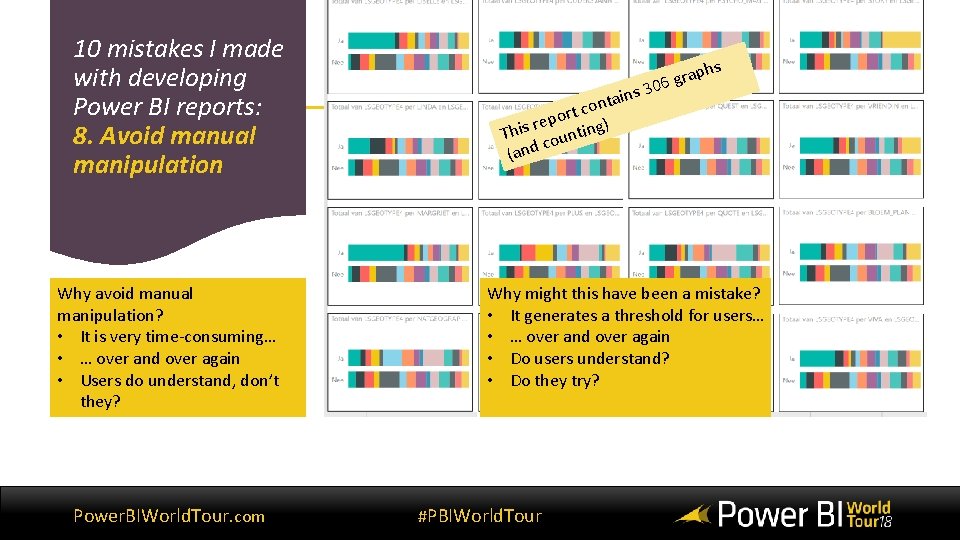
10 mistakes I made with developing Power BI reports: 8. Avoid manual manipulation Why avoid manual manipulation? • It is very time-consuming… • … over and over again • Users do understand, don’t they? Power. BIWorld. Tour. com ins a t n rt co o p e r ) This ounting c (and 3 rap 06 g hs Why might this have been a mistake? • It generates a threshold for users… • … over and over again • Do users understand? • Do they try? #PBIWorld. Tour
10 mistakes I made with developing Power BI reports: 9. Assume ease-ofuse Why assume ease-of-use? • Because it is so easy to use! • So you can continue developing • Users are just like you, aren’t they? Power. BIWorld. Tour. com Why might this have been a mistake? • Users exist in all shapes, kinds and forms • Some are like you, but not all • Worst case: you don’t spread your message #PBIWorld. Tour

10 mistakes I made with developing Power BI reports: 10. Use Excel as a data-source Why use excel as a data-source? • Because it is there • And it is widely used • Users maintain the excel file • Agreements on use Power. BIWorld. Tour. com f Why might this have beenpea omistake? y t is thmakes • Changes in excel PBI fail e z i n g o • This causes u rec time needed for repair o y o • DSlows deployment ? ndown e e r sc • Keeps me from doing other stuff #PBIWorld. Tour
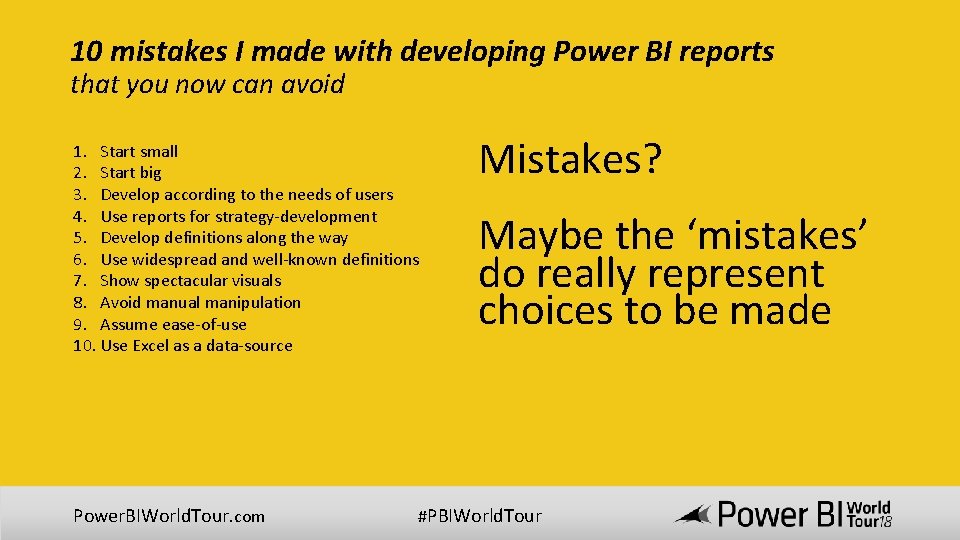
10 mistakes I made with developing Power BI reports that you now can avoid 1. Start small 2. Start big 3. Develop according to the needs of users 4. Use reports for strategy-development 5. Develop definitions along the way 6. Use widespread and well-known definitions 7. Show spectacular visuals 8. Avoid manual manipulation 9. Assume ease-of-use 10. Use Excel as a data-source Power. BIWorld. Tour. com Mistakes? Maybe the ‘mistakes’ do really represent choices to be made #PBIWorld. Tour
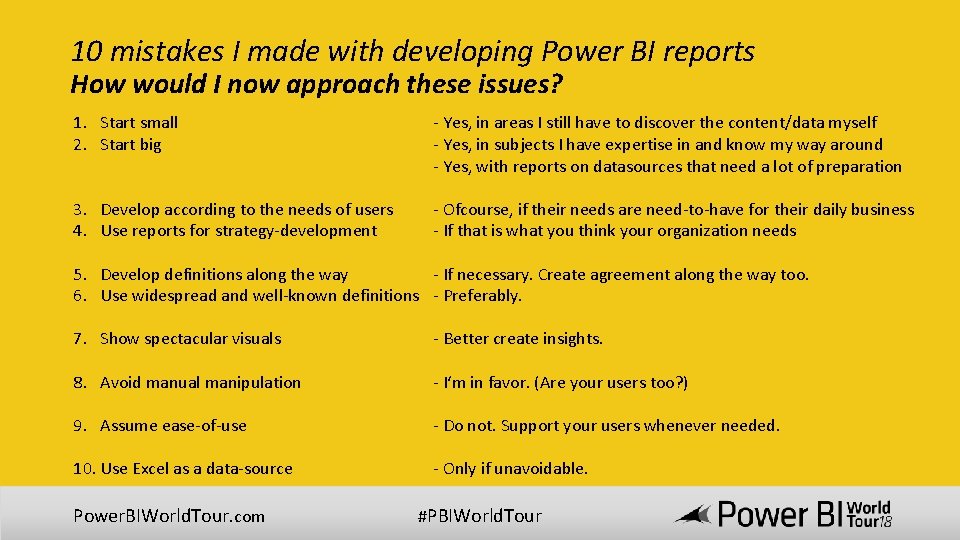
10 mistakes I made with developing Power BI reports How would I now approach these issues? 1. Start small 2. Start big - Yes, in areas I still have to discover the content/data myself - Yes, in subjects I have expertise in and know my way around - Yes, with reports on datasources that need a lot of preparation 3. Develop according to the needs of users 4. Use reports for strategy-development - Ofcourse, if their needs are need-to-have for their daily business - If that is what you think your organization needs 5. Develop definitions along the way - If necessary. Create agreement along the way too. 6. Use widespread and well-known definitions - Preferably. 7. Show spectacular visuals - Better create insights. 8. Avoid manual manipulation - I‘m in favor. (Are your users too? ) 9. Assume ease-of-use - Do not. Support your users whenever needed. 10. Use Excel as a data-source - Only if unavoidable. Power. BIWorld. Tour. com #PBIWorld. Tour
Thank you for your attention. Do you have any questions? Power. BIWorld. Tour. com #PBIWorld. Tour

Don’t forget to join your local PUG to enjoy year-round networking and learning.
- Slides: 22