
10 essential Windows 10 keyboard shortcuts Search for
10 essential Windows 10 keyboard shortcuts
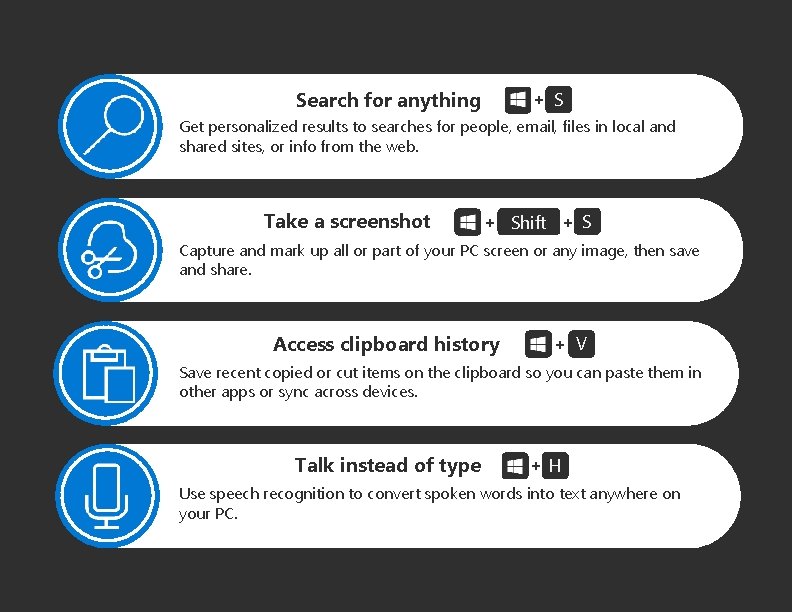
Search for anything + S Get personalized results to searches for people, email, files in local and shared sites, or info from the web. Take a screenshot + Shift + S Capture and mark up all or part of your PC screen or any image, then save and share. Access clipboard history + V Save recent copied or cut items on the clipboard so you can paste them in other apps or sync across devices. Talk instead of type +H Use speech recognition to convert spoken words into text anywhere on your PC.
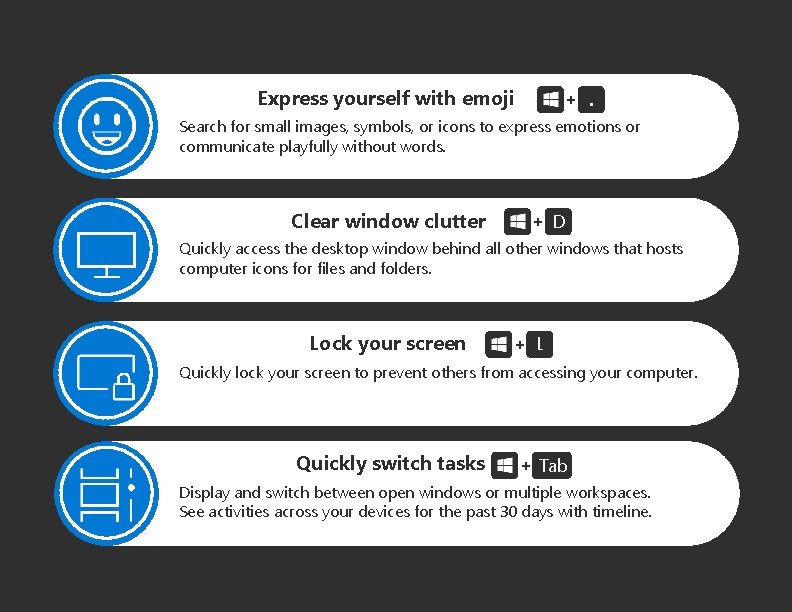
Express yourself with emoji +. Search for small images, symbols, or icons to express emotions or communicate playfully without words. Clear window clutter + D Quickly access the desktop window behind all other windows that hosts computer icons for files and folders. Lock your screen + L Quickly lock your screen to prevent others from accessing your computer. Quickly switch tasks + Tab Display and switch between open windows or multiple workspaces. See activities across your devices for the past 30 days with timeline.
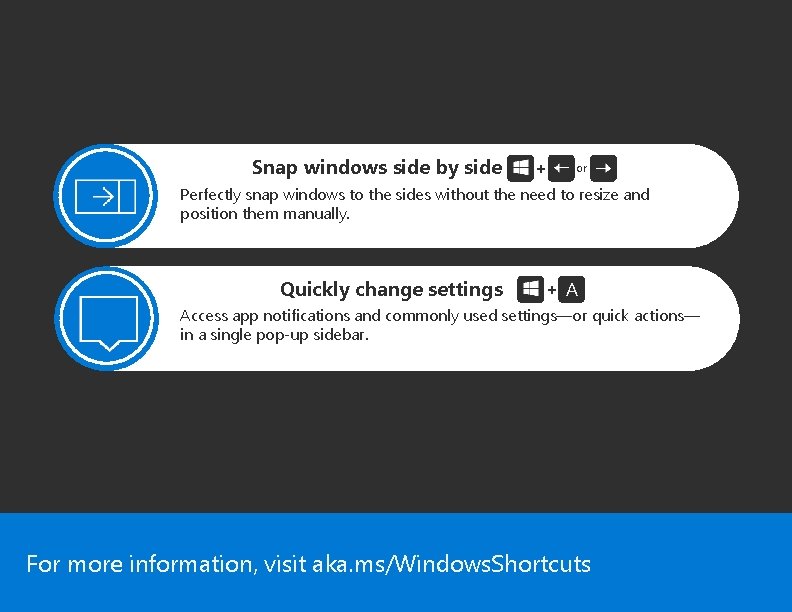
Snap windows side by side + or Perfectly snap windows to the sides without the need to resize and position them manually. Quickly change settings + A Access app notifications and commonly used settings—or quick actions— in a single pop-up sidebar. For more information, visit aka. ms/Windows. Shortcuts
- Slides: 4