
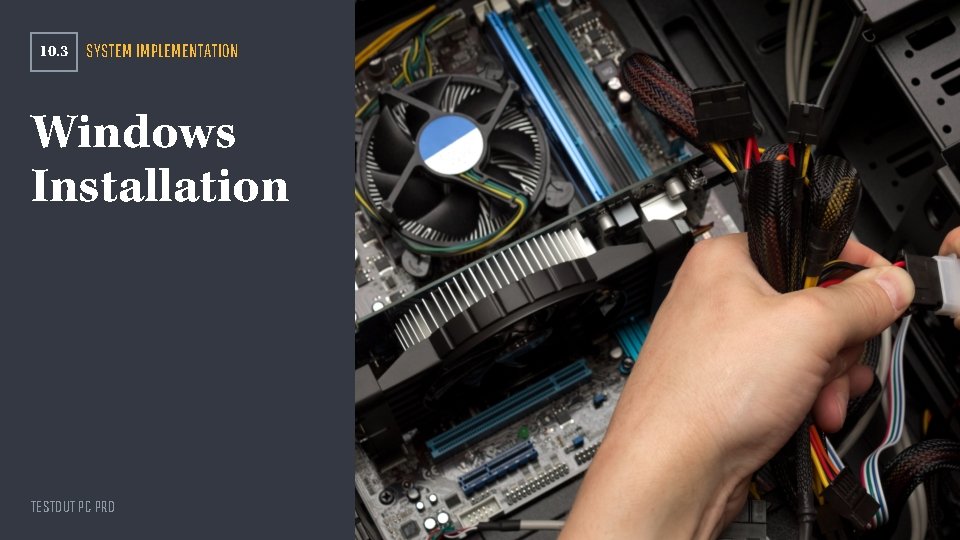
10 3 SYSTEM IMPLEMENTATION Windows Installation TESTOUT PC
- Slides: 13
10. 3 SYSTEM IMPLEMENTATION Windows Installation TESTOUT PC PRO
Section Skill Overview Prepare disks for installation Install an workstation image using PXE TESTOUT PC PRO
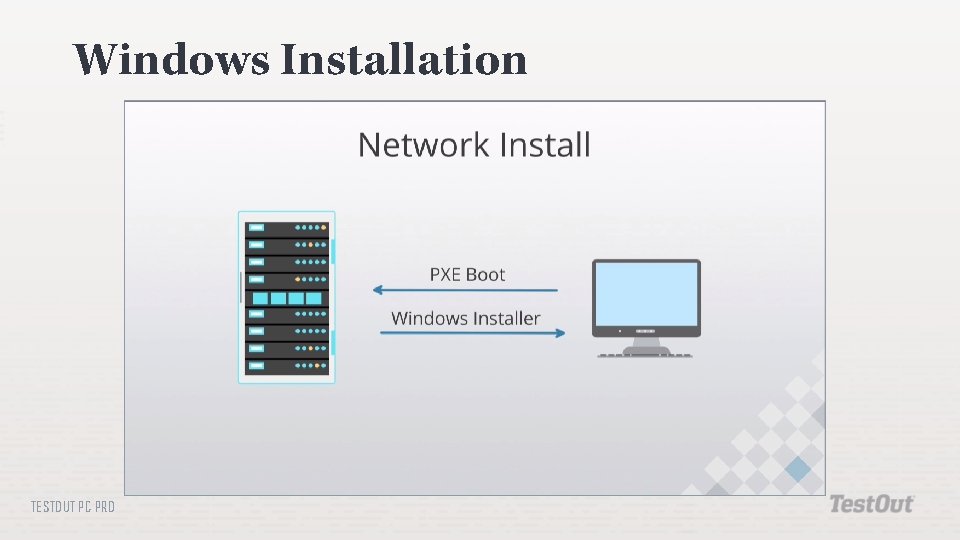
Key Terms Network installation Unattended Disk imaging Repair installation TESTOUT PC PRO
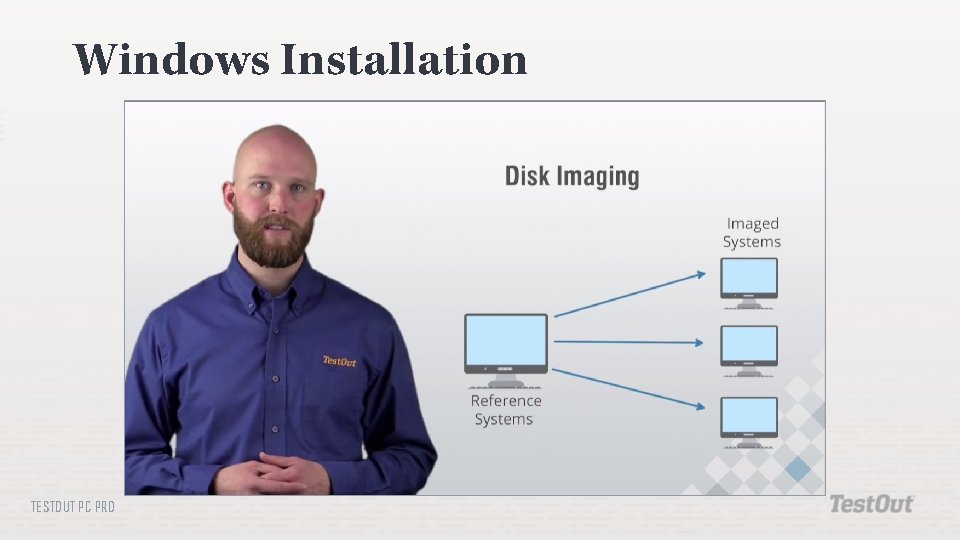
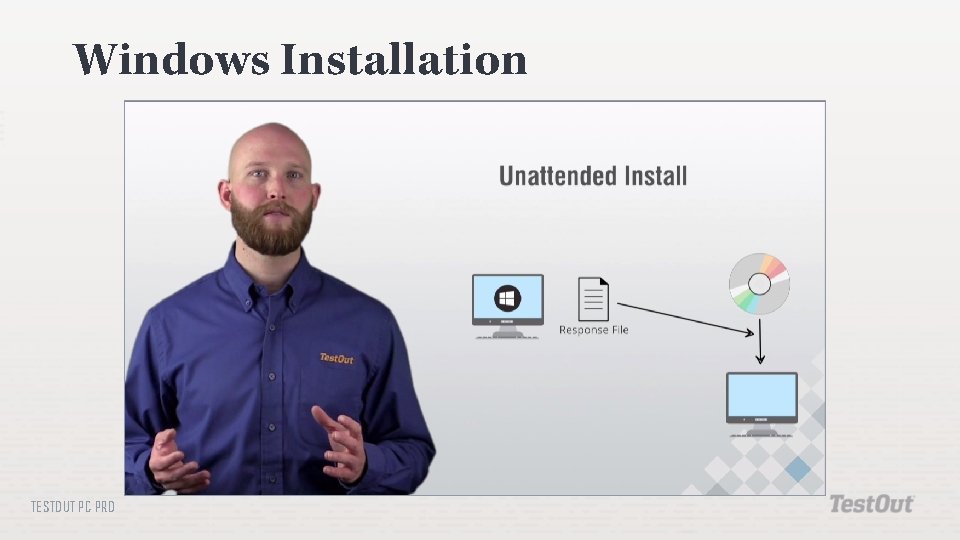
Key Definitions Network installation: The Windows installation files must first be copied to a network location. Unattended: Requires no interaction from the user during the installation process. Disk imaging: You install Windows on one computer and then copy that image to other computers. Repair installation: To fix a currently installed Windows implementation. TESTOUT PC PRO
Storage Considerations Internal hard disk drive External hard disk drive Hot-swappable internal hard drive Internal solid state drive External flash drive Internal or external RAID array TESTOUT PC PRO
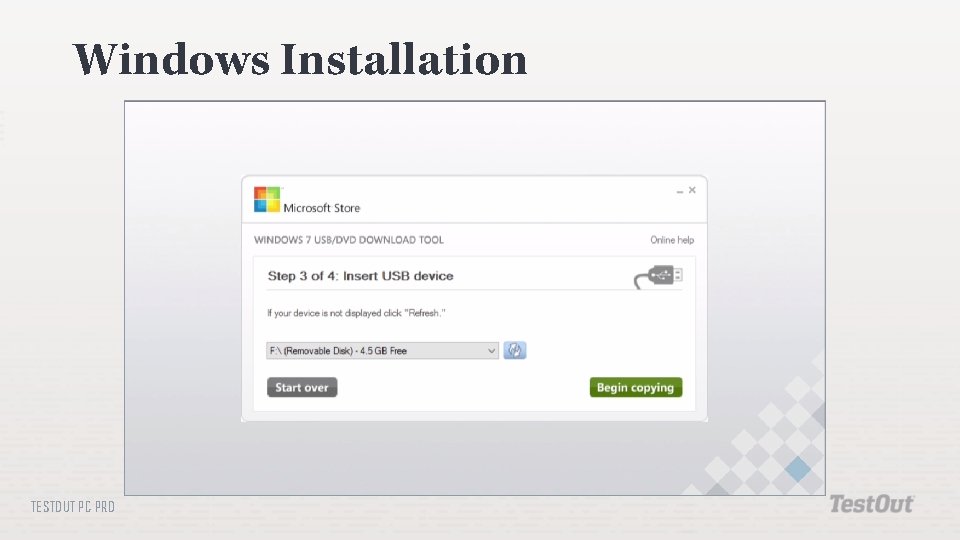
Windows Installation Methods Optical disc USB drive TESTOUT PC PRO
Windows Installation TESTOUT PC PRO
Windows Installation TESTOUT PC PRO
Windows Installation TESTOUT PC PRO
Windows Installation TESTOUT PC PRO
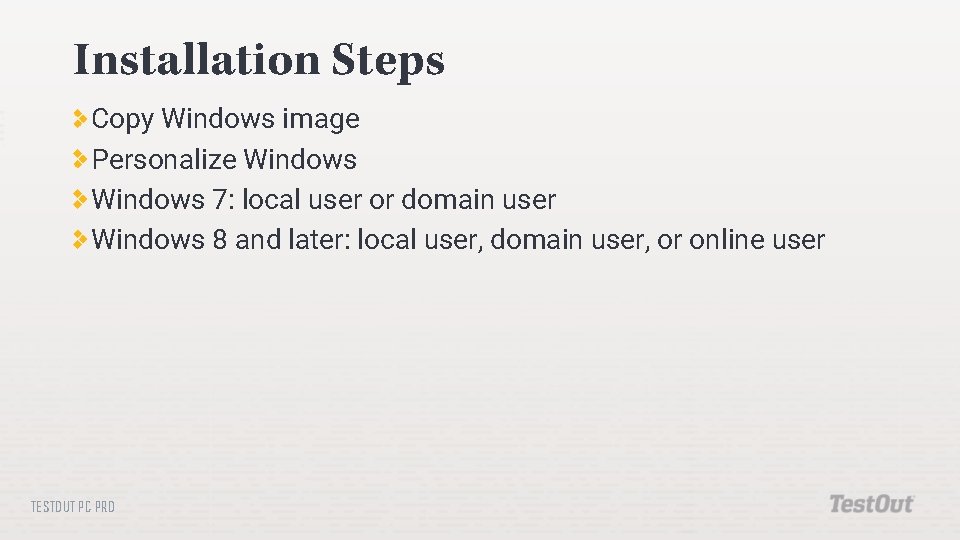
Installation Steps Copy Windows image Personalize Windows 7: local user or domain user Windows 8 and later: local user, domain user, or online user TESTOUT PC PRO
In-Class Practice Do the following labs: 10. 3. 3 Prepare Disks for Installation 10. 3. 5 Install an Workstation Image using PXE TESTOUT PC PRO
Class Discussion What SATA disk setting would you choose when defining a mirrored set? During a Windows installation, your RAID array is not detected. What should you do? How can you copy a Windows installation DVD to a flash drive? During a Windows installation, you select the destination disk for the installation, but do not configure partition and formatting information. How will Windows partition and format the disk? What are the requirements for using disk imaging to clone a Windows system? What components are required to set up a network installation TESTOUT PCserver? PRO