
10 1 Procedures Topdown approach Stepwise Refinement Sub
10. 1 Procedures Top-down approach / Stepwise Refinement & Sub Procedures 1/13/2022 1
Learning Objectives Define a procedure. Explain why procedures are useful. Explain the difference between event and sub / function procedures. State how to begin and end a procedure. 1/13/2022 2
Top-Down Technique / Stepwise Refinement A problem solving technique: n n n The problem is divided up into a number of smaller problems called modules. Each one is solved separately. Then each module is combined to form a solution to the whole problem.
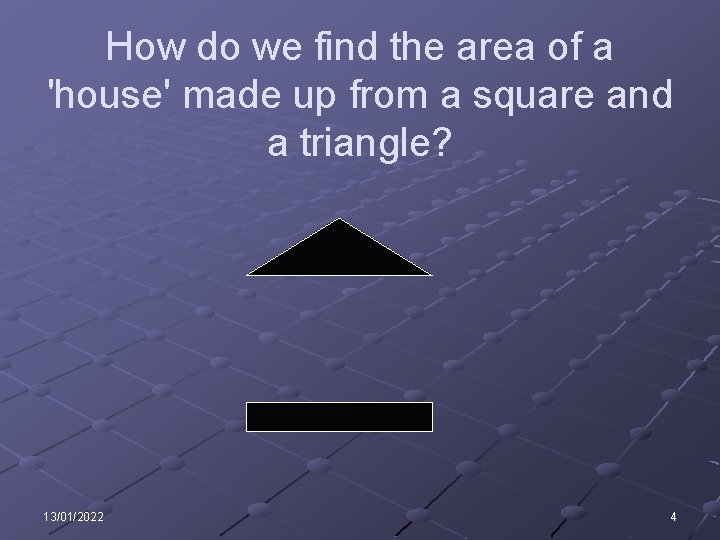
How do we find the area of a 'house' made up from a square and a triangle? 13/01/2022 4
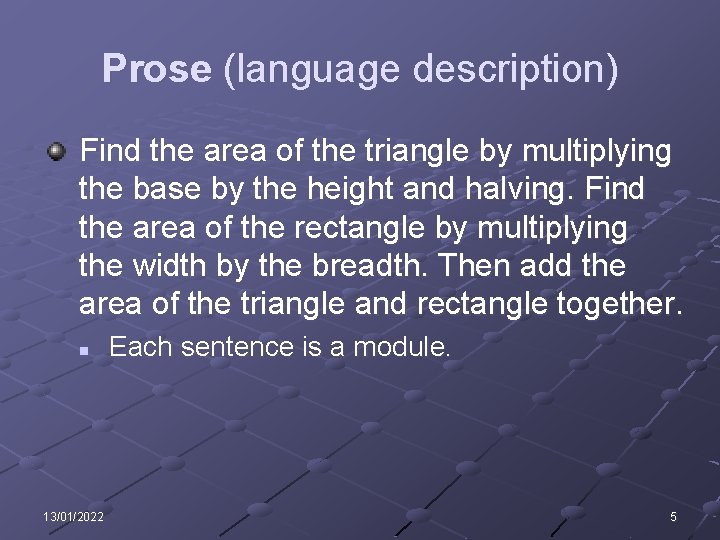
Prose (language description) Find the area of the triangle by multiplying the base by the height and halving. Find the area of the rectangle by multiplying the width by the breadth. Then add the area of the triangle and rectangle together. n 13/01/2022 Each sentence is a module. 5
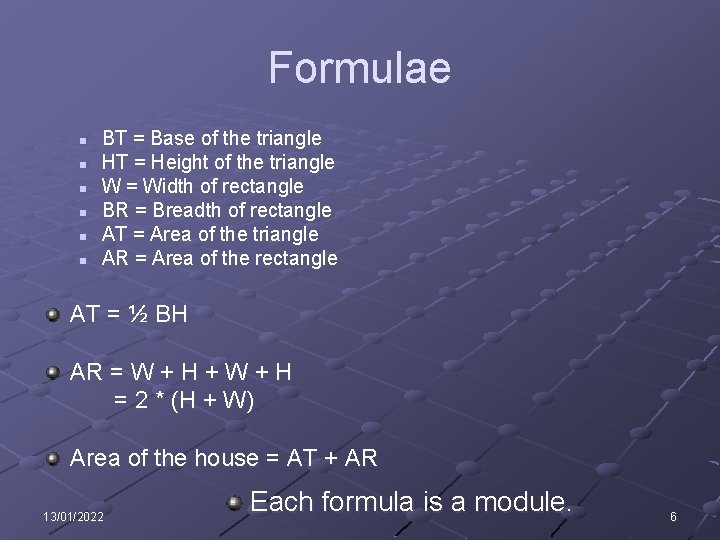
Formulae n n n BT = Base of the triangle HT = Height of the triangle W = Width of rectangle BR = Breadth of rectangle AT = Area of the triangle AR = Area of the rectangle AT = ½ BH AR = W + H + W + H = 2 * (H + W) Area of the house = AT + AR 13/01/2022 Each formula is a module. 6
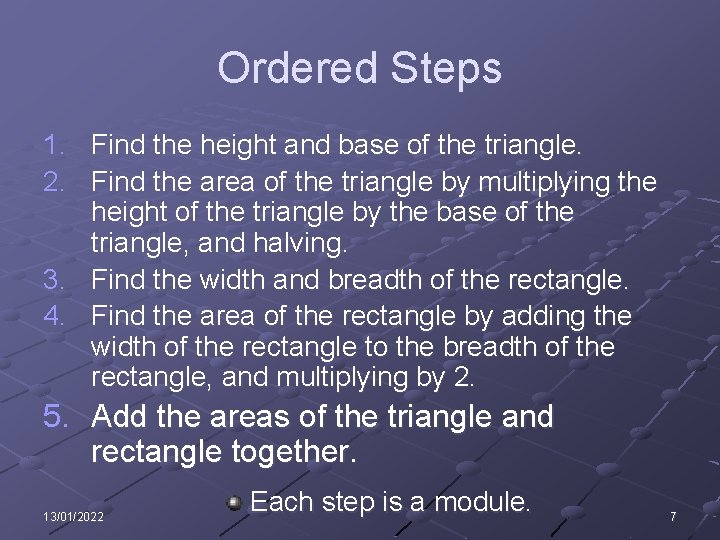
Ordered Steps 1. Find the height and base of the triangle. 2. Find the area of the triangle by multiplying the height of the triangle by the base of the triangle, and halving. 3. Find the width and breadth of the rectangle. 4. Find the area of the rectangle by adding the width of the rectangle to the breadth of the rectangle, and multiplying by 2. 5. Add the areas of the triangle and rectangle together. 13/01/2022 Each step is a module. 7
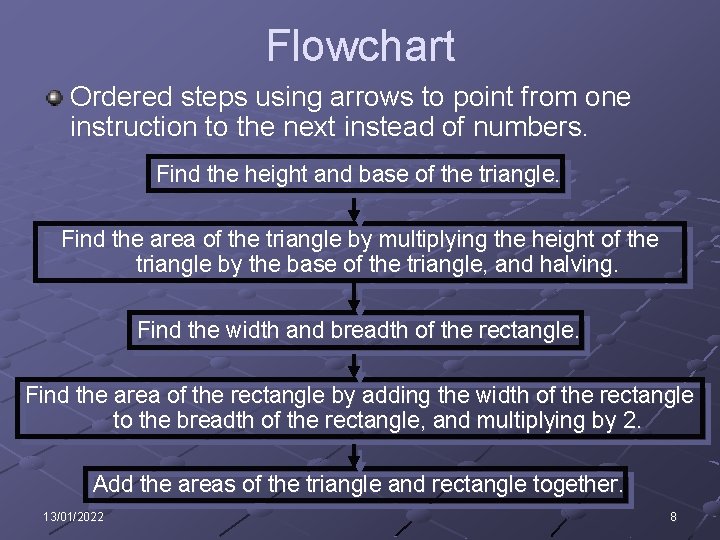
Flowchart Ordered steps using arrows to point from one instruction to the next instead of numbers. Find the height and base of the triangle. Find the area of the triangle by multiplying the height of the triangle by the base of the triangle, and halving. Find the width and breadth of the rectangle. Find the area of the rectangle by adding the width of the rectangle to the breadth of the rectangle, and multiplying by 2. Add the areas of the triangle and rectangle together. 13/01/2022 8
Using procedures is the top-down approach to programming Procedures are modules in program code: n n n A small subprogram which is given a name / identifier. Does a defined task or combination of related defined tasks. Is identified by having a name and is executed when called by its name / identifier.
Main Types of Procedure in VB Event procedures n n These are the ones you have used so far. Executed in response to events e. g. click, change, … Sub procedures (sometimes shortened to just procedures). Function procedures (sometimes shortened to just functions and these will be looked at in detail in presentation 10. 3 Procedures). n These are not set off directly by events, but are called by code within an event procedure or from within another non-event procedure i. e. one of the above. 10
Why use procedures? Obviously most programs inevitably use event procedures. You don’t have to use sub or function procedures but there are several advantages: n 1/13/2022 See the next slide. 11
Top-Down Approach / Stepwise Refinement - Advantages Avoids repeating code as modules can be stored in and used in other programs from a software library. Makes the code more readable. n By splitting a problem / code into smaller parts the solution is easier to follow. Helps in debugging a program. Fewer errors are likely to be made. Any errors that are made will be easier to correct. Many people can be involved in the solution. Individual skills can be used. n The last 2 bold advantages should be used if an exam question scenario involves more than one person.
Top-Down Approach / Stepwise Refinement - Disadvantages Individual modules may work as required but they may be linked incorrectly, so the links must be thoroughly tested. Documentation of modules must be thorough. Variables may clash across modules. Parameters may be of the wrong type. n The last 2 disadvantages will become clear once you have covered presentation 10. 2 Procedures.
Writing and calling procedures Sub and function procedures should be written outside event procedures n i. e. Where you declare global variables. i. e. Click below the line: n Public Class Form 1 Press enter to make a blank line if necessary. As with naming controls and variables, no spaces are allowed. n We will use the same convention as for naming variables: i. e. Each word starts with a capital n 1/13/2022 Also remember to always use meaningful names. 14
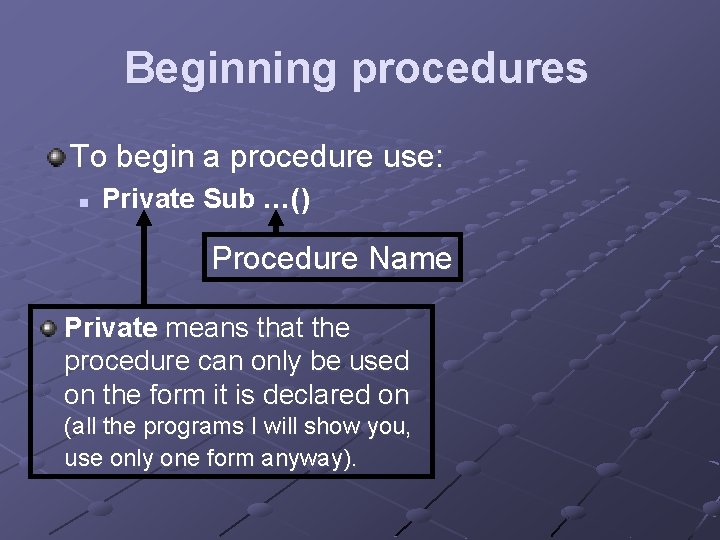
Beginning procedures To begin a procedure use: n Private Sub …() Procedure Name Private means that the procedure can only be used on the form it is declared on (all the programs I will show you, use only one form anyway).
Ending procedures To end a procedure use: n 1/13/2022 End Sub 16

Calling procedures To call a procedure use: n Call … Procedure Name You don’t actually have to use Call. You can just the procedure’s name. However, your code is more readable if you do and it makes it easier to differentiate between a procedure and a variable identifier / name. 1/13/2022 17
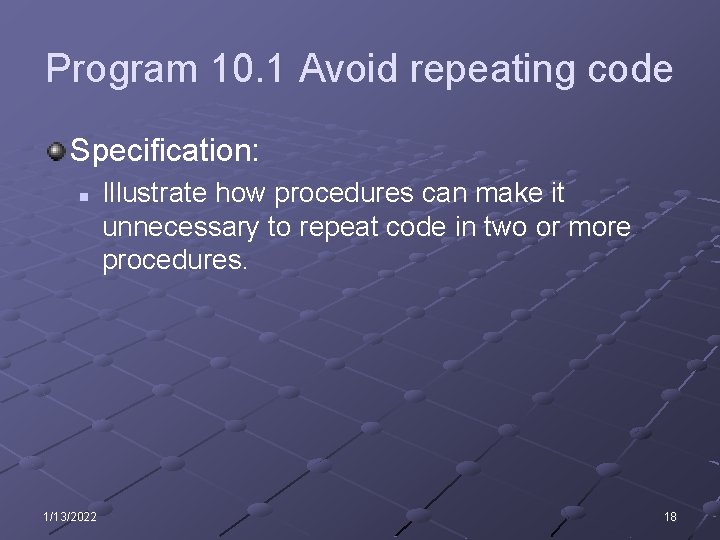
Program 10. 1 Avoid repeating code Specification: n 1/13/2022 Illustrate how procedures can make it unnecessary to repeat code in two or more procedures. 18
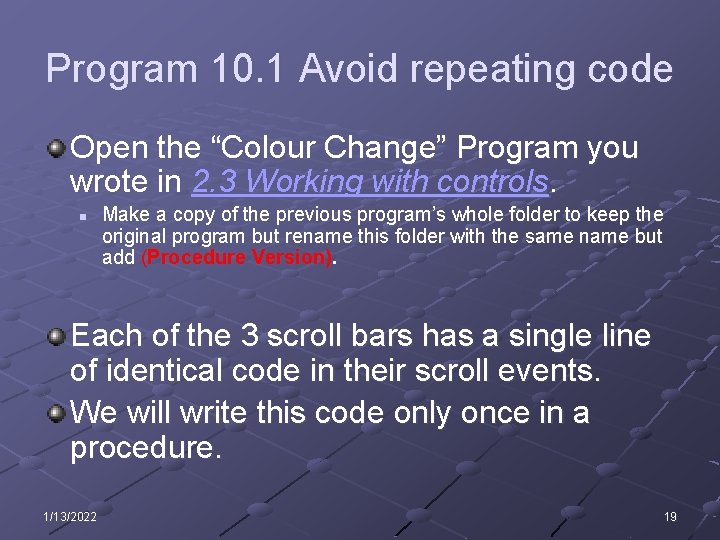
Program 10. 1 Avoid repeating code Open the “Colour Change” Program you wrote in 2. 3 Working with controls. n Make a copy of the previous program’s whole folder to keep the original program but rename this folder with the same name but add (Procedure Version). Each of the 3 scroll bars has a single line of identical code in their scroll events. We will write this code only once in a procedure. 1/13/2022 19
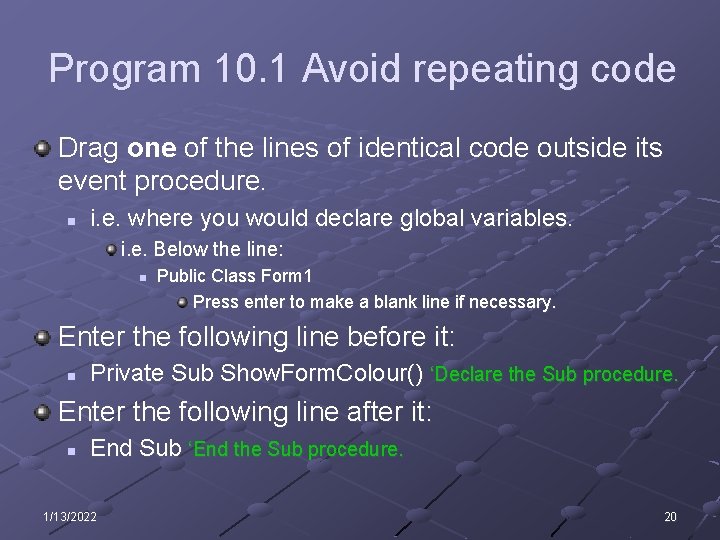
Program 10. 1 Avoid repeating code Drag one of the lines of identical code outside its event procedure. n i. e. where you would declare global variables. i. e. Below the line: n Public Class Form 1 Press enter to make a blank line if necessary. Enter the following line before it: n Private Sub Show. Form. Colour() ‘Declare the Sub procedure. Enter the following line after it: n End Sub ‘End the Sub procedure. 1/13/2022 20
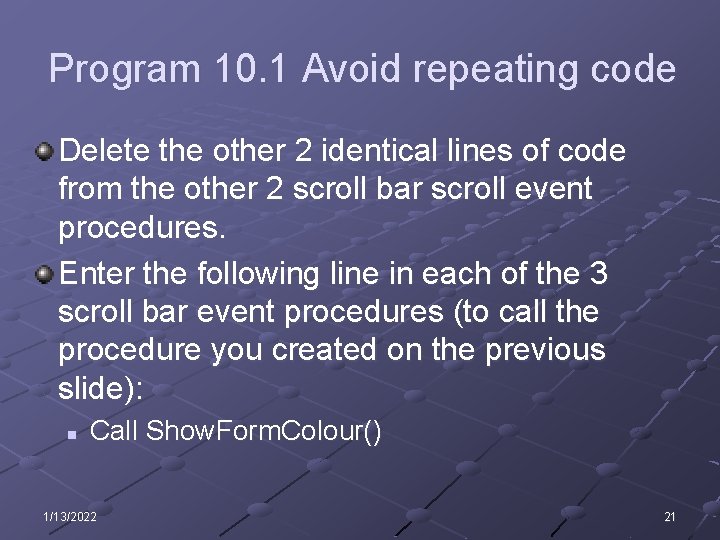
Program 10. 1 Avoid repeating code Delete the other 2 identical lines of code from the other 2 scroll bar scroll event procedures. Enter the following line in each of the 3 scroll bar event procedures (to call the procedure you created on the previous slide): n Call Show. Form. Colour() 1/13/2022 21
Program 10. 1 Avoid repeating code Run the program and test it. 1/13/2022 22
Commenting on Procedures In presentations 10. 1 – 10. 3 I will only ask for comments to procedures. Your comments MUST explain: n n What is the procedure for? Why and when (after and before what) are you calling it?
Extension Program 1 Open the program “Student Test Marks” last used in presentation 9. 2 Files. n Find the lines which clear the textboxes, labels and list box; and places a cursor into the txt. Number - in the but. Add and but. Reset procedures. Place them in a “clear form” procedure and call this procedure instead of repeating the lines. n but. Add & but. Reset: txt. Name. Text = "" txt. Mark. Text = "" txt. Search. Name. Text = "" lbl. Mark. Text = "" lst. Display. Student. Marks. Items. Clear() txt. Name. Focus()
Plenary What is a procedure? n A separate section of code which performs one or more specific tasks and is identified by having a name. Why are procedures useful? n n n 1/13/2022 Avoid repeating code. Make the code more readable. Help in debugging a program. Use the same procedure in other programs. Pass parameters. 25
Plenary What is the difference between event and sub / function procedures? n Event Procedures Executed in response to events e. g. click, change, … n Sub / Function procedures These are not set off directly by events, but are called by code within an event procedure or from within another non-event procedure i. e. one of the above. 1/13/2022 26
Plenary How do we begin and end a procedure? 1/13/2022 27
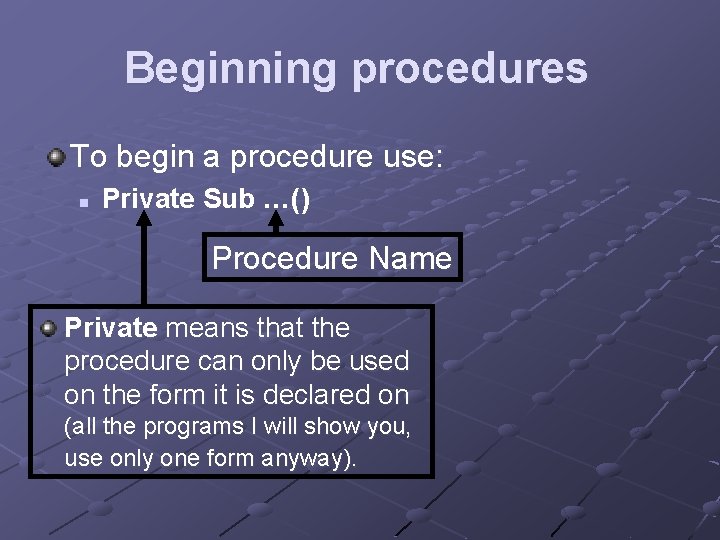
Beginning procedures To begin a procedure use: n Private Sub …() Procedure Name Private means that the procedure can only be used on the form it is declared on (all the programs I will show you, use only one form anyway).
Ending procedures To end a procedure use: n 1/13/2022 End Sub 29
- Slides: 29