
1 Objectives To understand classifications of different construction
1
Objectives • To understand classifications of different construction drawings. • To recognize elements and symbols of construction drawings. • To recognize various drawing tools. • To understand how to develop and design a building plan. 2
Main Menu • • Types of Construction Drawings Elements & Symbols Design Tools Project Planning & Development 3
4
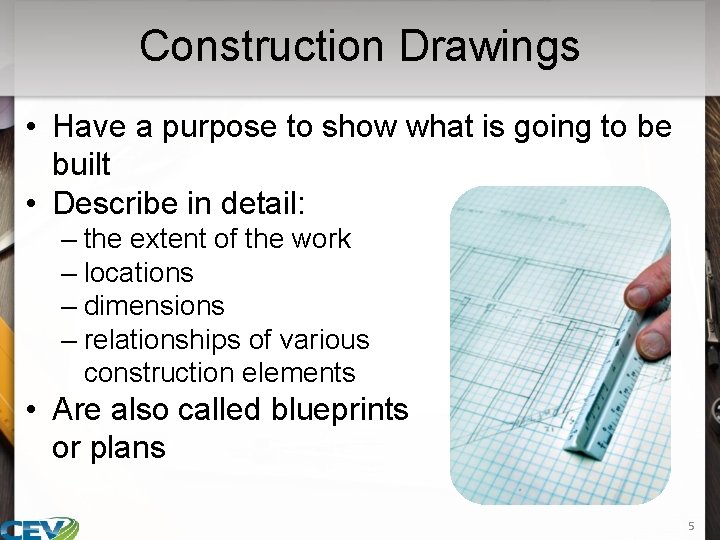
Construction Drawings • Have a purpose to show what is going to be built • Describe in detail: – the extent of the work – locations – dimensions – relationships of various construction elements • Are also called blueprints or plans 5
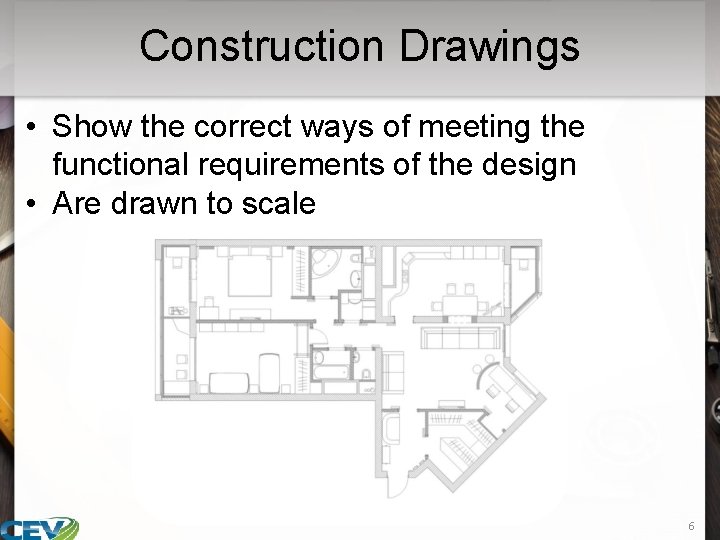
Construction Drawings • Show the correct ways of meeting the functional requirements of the design • Are drawn to scale 6
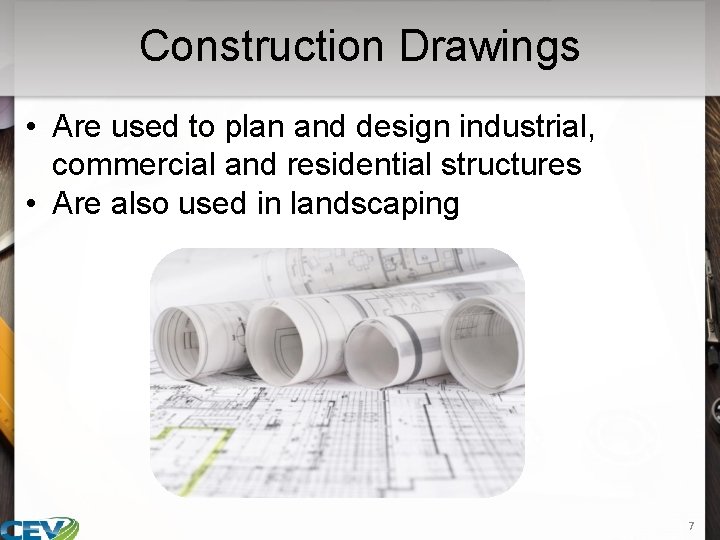
Construction Drawings • Are used to plan and design industrial, commercial and residential structures • Are also used in landscaping 7
Scale Drawings • Are drawings showing a real object with accurate dimensions reduced or enlarged by a certain amount – known as the scale • which is represented as a ratio • Example includes: – a blueprint with a scale of 1: 5 means the object drawn is a fifth of its actual size, or the object is five times larger than shown on the drawing 8
Types of Construction Drawings • Include: – site plans – foundation plans – floor plans – interior or exterior elevation drawings – section drawings – interior or exterior detail drawings – lighting and electrical floor plans – mechanical plans – plumbing plans – roof plans 9
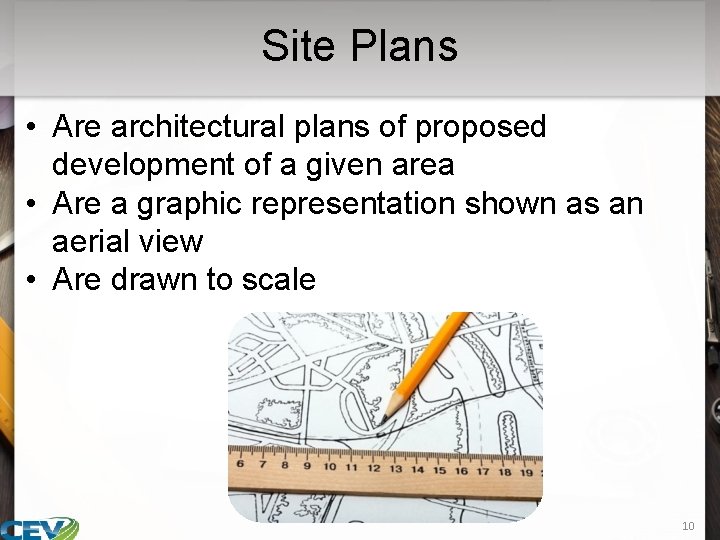
Site Plans • Are architectural plans of proposed development of a given area • Are a graphic representation shown as an aerial view • Are drawn to scale 10
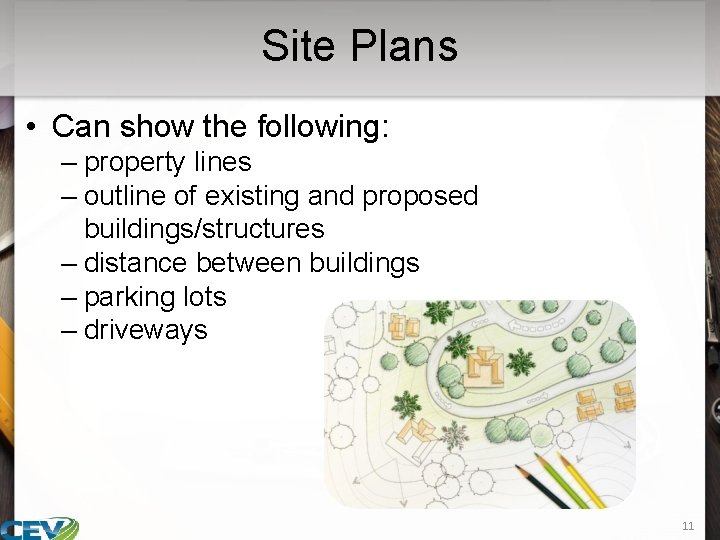
Site Plans • Can show the following: – property lines – outline of existing and proposed buildings/structures – distance between buildings – parking lots – driveways 11
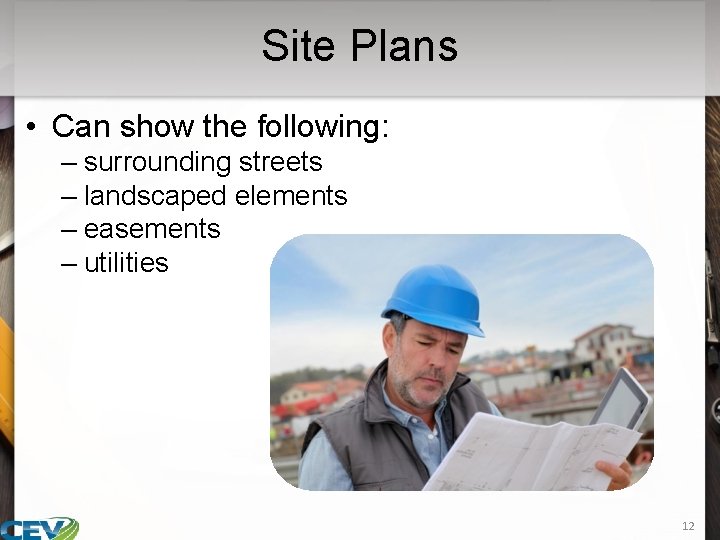
Site Plans • Can show the following: – surrounding streets – landscaped elements – easements – utilities 12
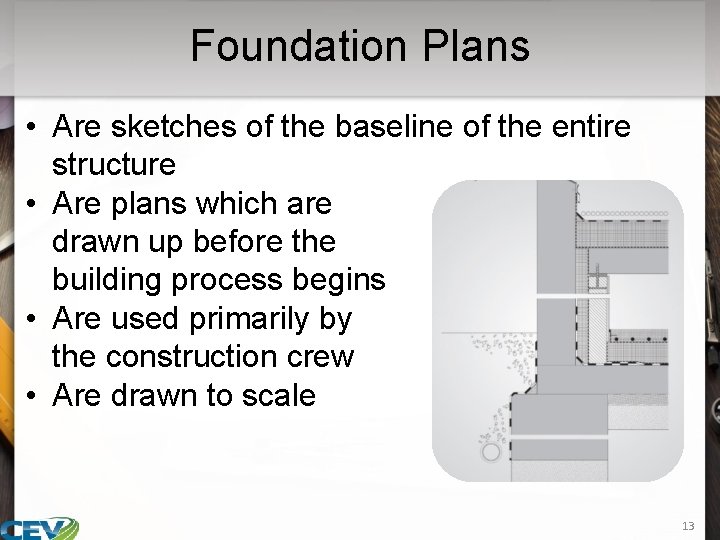
Foundation Plans • Are sketches of the baseline of the entire structure • Are plans which are drawn up before the building process begins • Are used primarily by the construction crew • Are drawn to scale 13
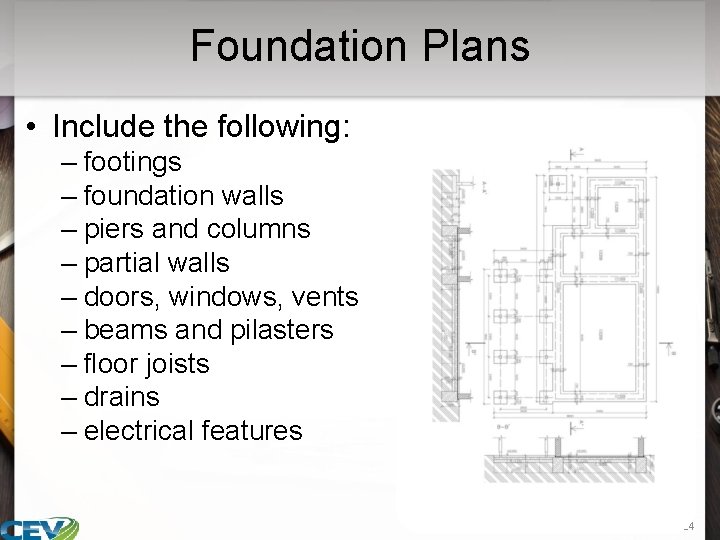
Foundation Plans • Include the following: – footings – foundation walls – piers and columns – partial walls – doors, windows, vents – beams and pilasters – floor joists – drains – electrical features 14
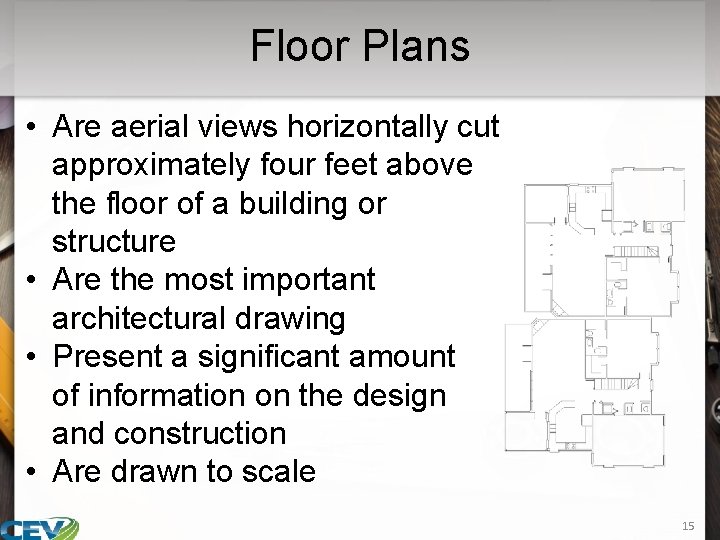
Floor Plans • Are aerial views horizontally cut approximately four feet above the floor of a building or structure • Are the most important architectural drawing • Present a significant amount of information on the design and construction • Are drawn to scale 15
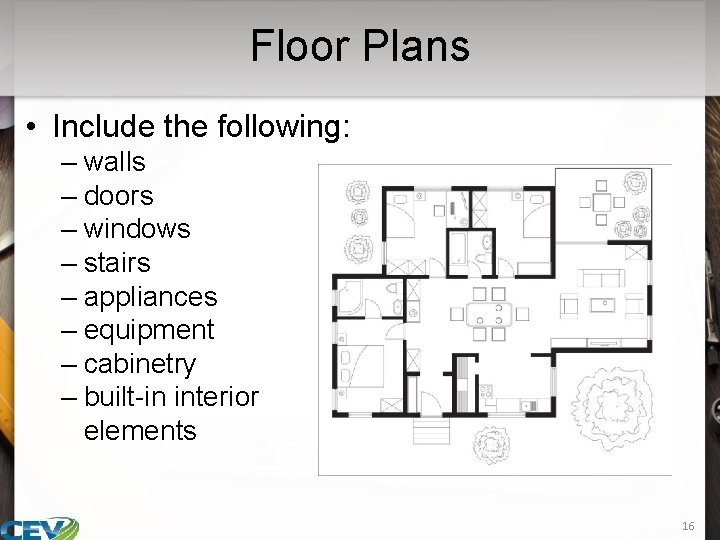
Floor Plans • Include the following: – walls – doors – windows – stairs – appliances – equipment – cabinetry – built-in interior elements 16
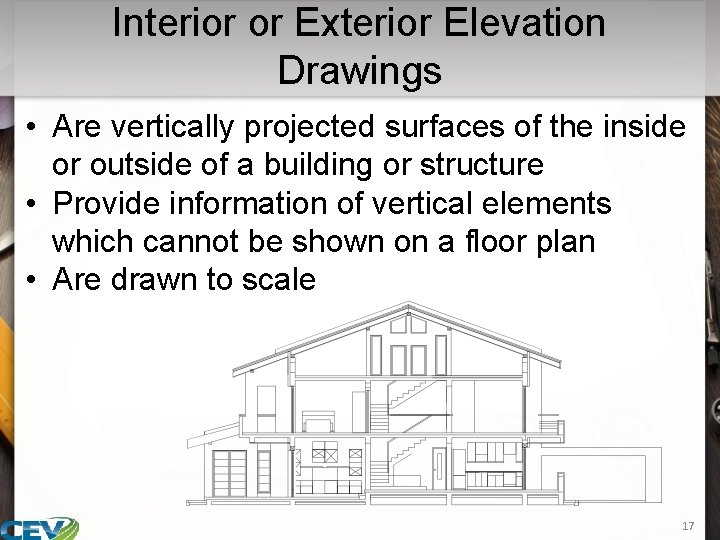
Interior or Exterior Elevation Drawings • Are vertically projected surfaces of the inside or outside of a building or structure • Provide information of vertical elements which cannot be shown on a floor plan • Are drawn to scale 17
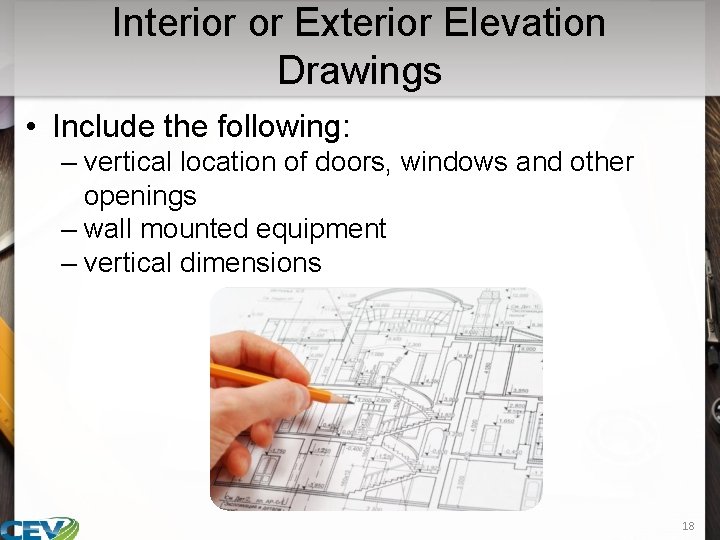
Interior or Exterior Elevation Drawings • Include the following: – vertical location of doors, windows and other openings – wall mounted equipment – vertical dimensions 18
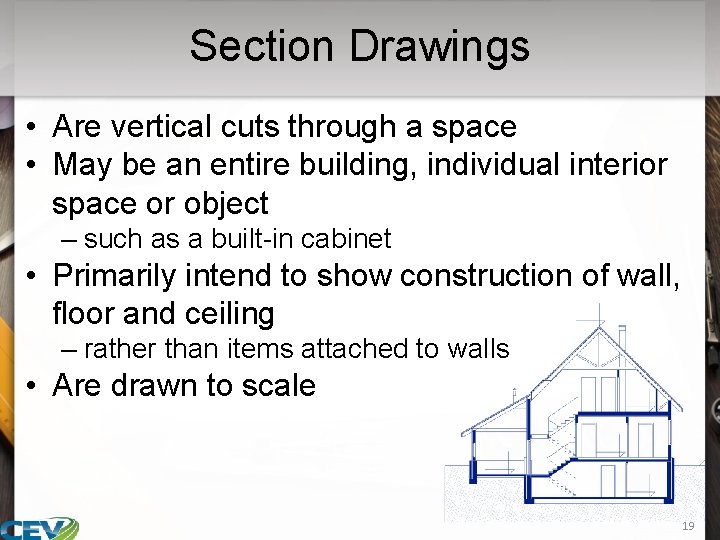
Section Drawings • Are vertical cuts through a space • May be an entire building, individual interior space or object – such as a built-in cabinet • Primarily intend to show construction of wall, floor and ceiling – rather than items attached to walls • Are drawn to scale 19
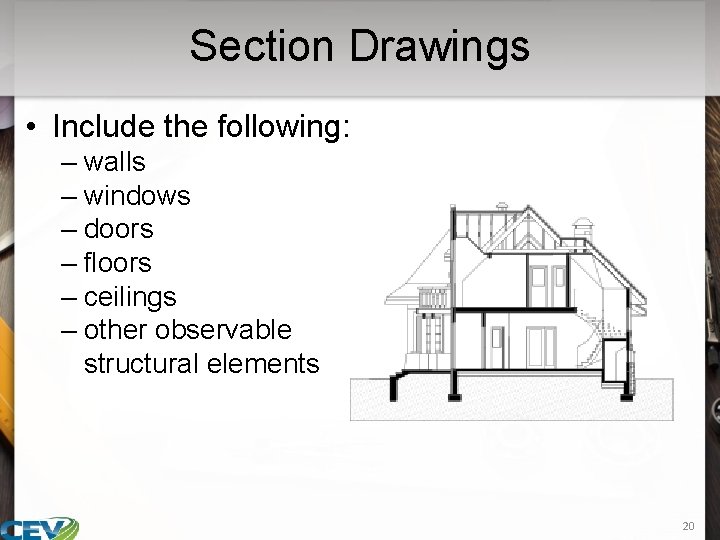
Section Drawings • Include the following: – walls – windows – doors – floors – ceilings – other observable structural elements 20
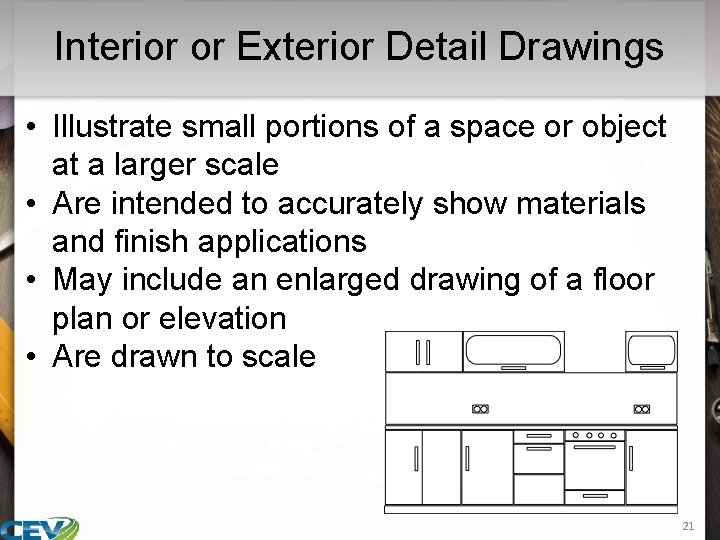
Interior or Exterior Detail Drawings • Illustrate small portions of a space or object at a larger scale • Are intended to accurately show materials and finish applications • May include an enlarged drawing of a floor plan or elevation • Are drawn to scale 21
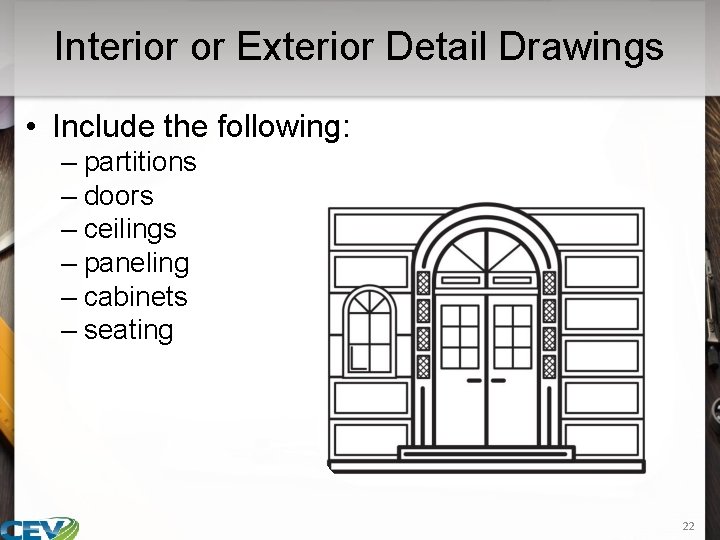
Interior or Exterior Detail Drawings • Include the following: – partitions – doors – ceilings – paneling – cabinets – seating 22
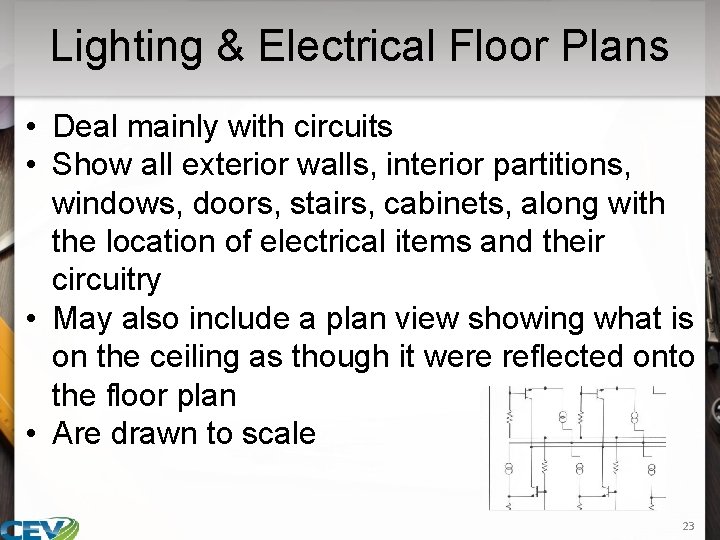
Lighting & Electrical Floor Plans • Deal mainly with circuits • Show all exterior walls, interior partitions, windows, doors, stairs, cabinets, along with the location of electrical items and their circuitry • May also include a plan view showing what is on the ceiling as though it were reflected onto the floor plan • Are drawn to scale 23
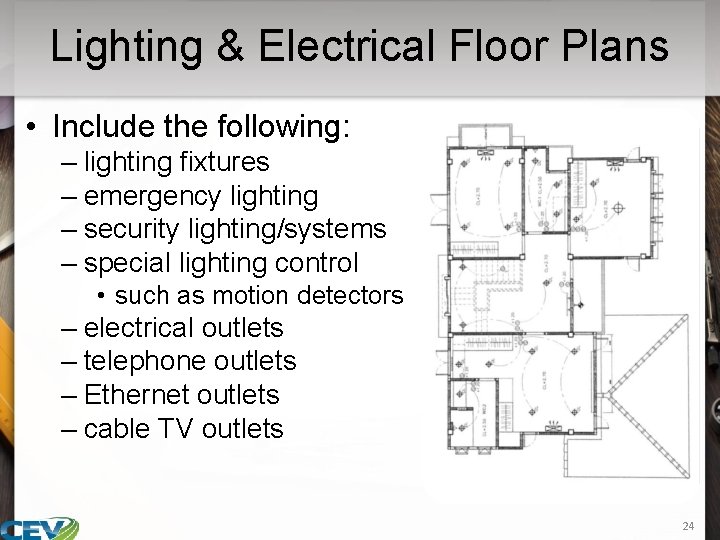
Lighting & Electrical Floor Plans • Include the following: – lighting fixtures – emergency lighting – security lighting/systems – special lighting control • such as motion detectors – electrical outlets – telephone outlets – Ethernet outlets – cable TV outlets 24
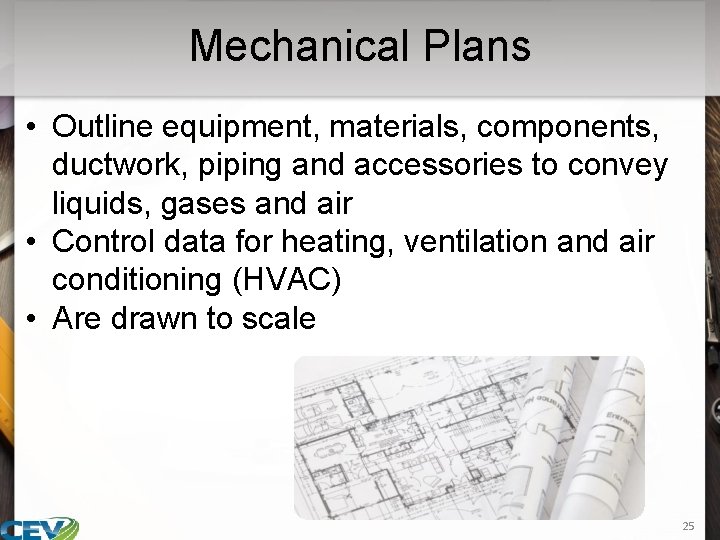
Mechanical Plans • Outline equipment, materials, components, ductwork, piping and accessories to convey liquids, gases and air • Control data for heating, ventilation and air conditioning (HVAC) • Are drawn to scale 25

Mechanical Plans • Include the following: – control panels – communication devices – water heaters – furnaces – dishwashers – stovetops – AC units 26
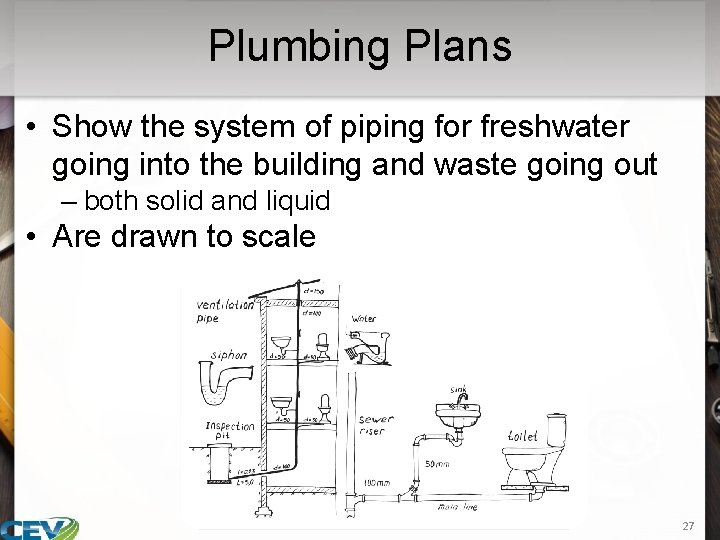
Plumbing Plans • Show the system of piping for freshwater going into the building and waste going out – both solid and liquid • Are drawn to scale 27
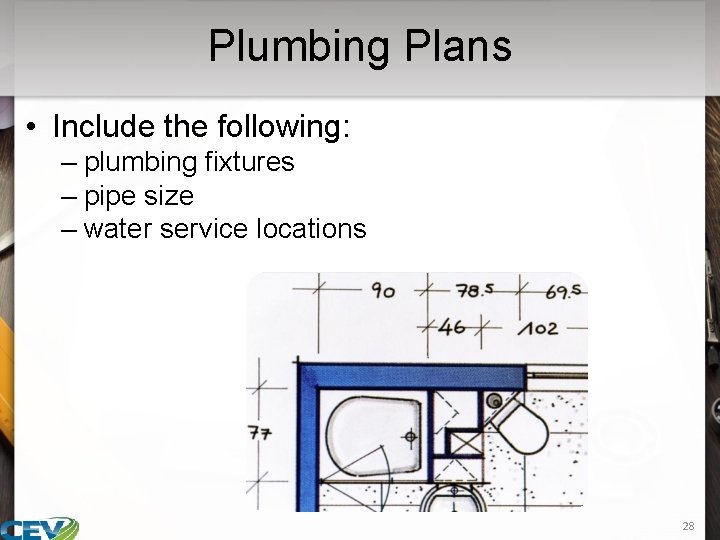
Plumbing Plans • Include the following: – plumbing fixtures – pipe size – water service locations 28
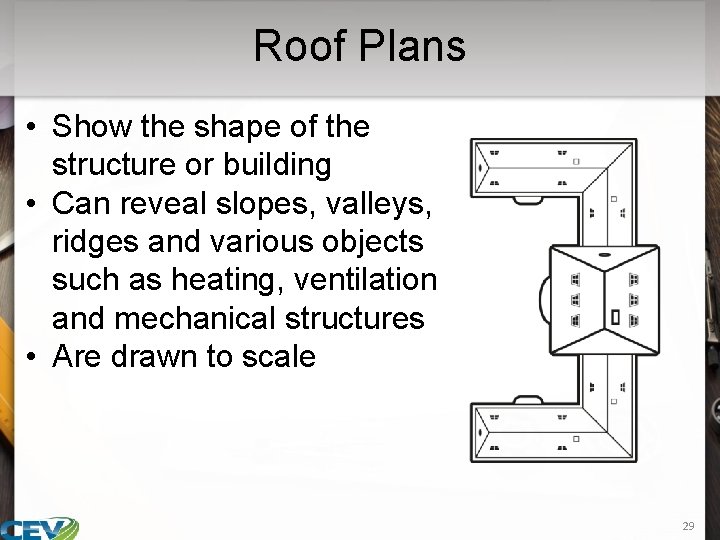
Roof Plans • Show the shape of the structure or building • Can reveal slopes, valleys, ridges and various objects such as heating, ventilation and mechanical structures • Are drawn to scale 29
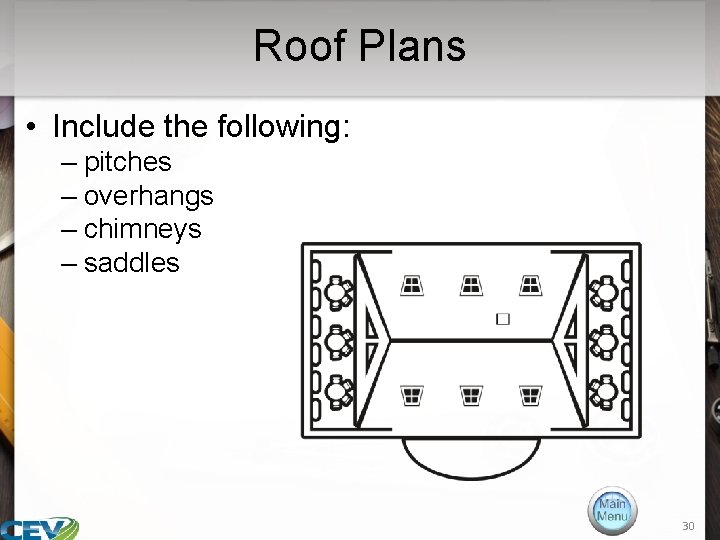
Roof Plans • Include the following: – pitches – overhangs – chimneys – saddles 30
31
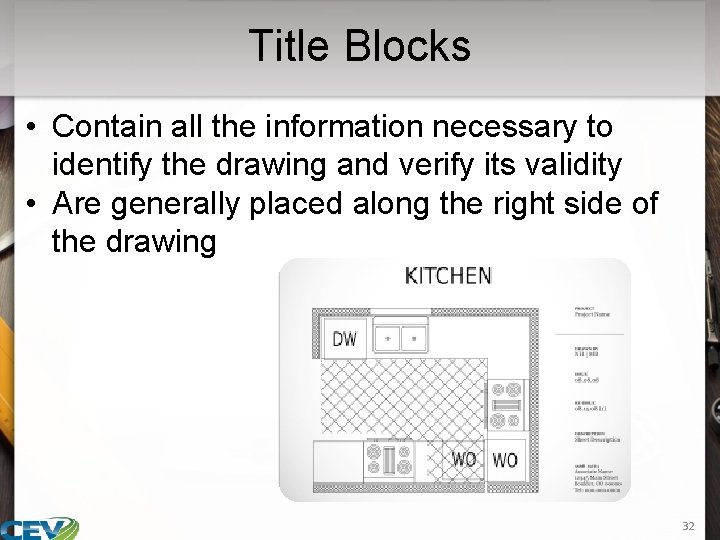
Title Blocks • Contain all the information necessary to identify the drawing and verify its validity • Are generally placed along the right side of the drawing 32
Title Blocks • Include: – company name, address and phone number – professional stamp or seal – project or client • identifies the project by company, client, project title or location – drawing name • may be the overall title, such as “floor plan” or “main” 33
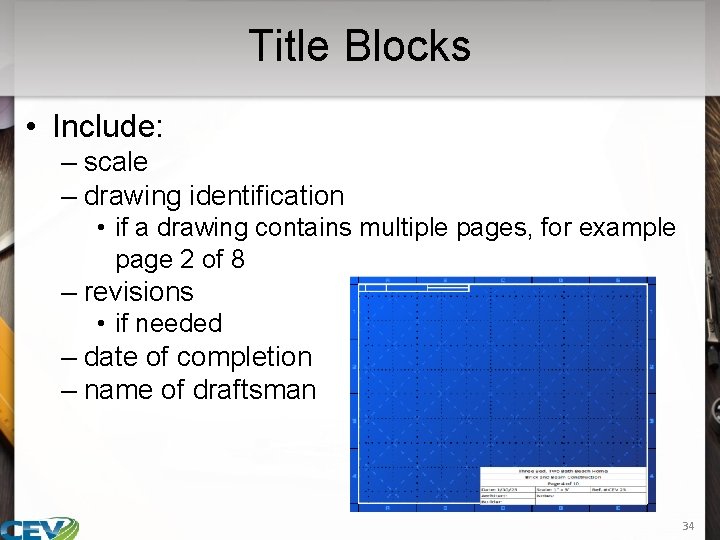
Title Blocks • Include: – scale – drawing identification • if a drawing contains multiple pages, for example page 2 of 8 – revisions • if needed – date of completion – name of draftsman 34
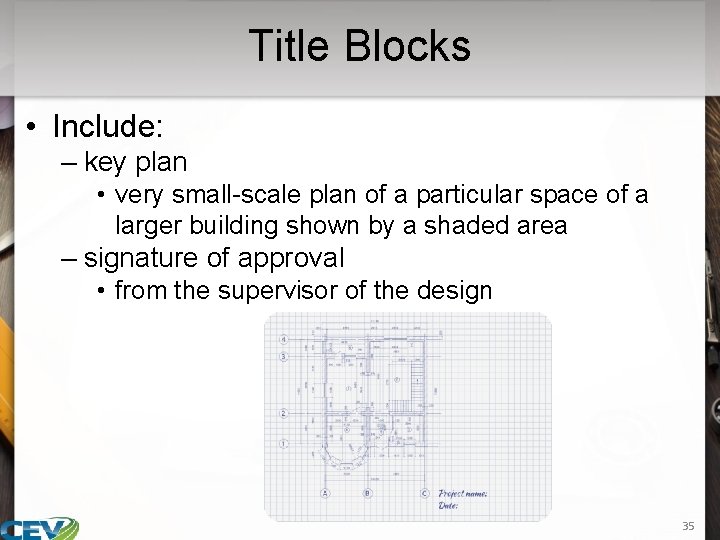
Title Blocks • Include: – key plan • very small-scale plan of a particular space of a larger building shown by a shaded area – signature of approval • from the supervisor of the design 35
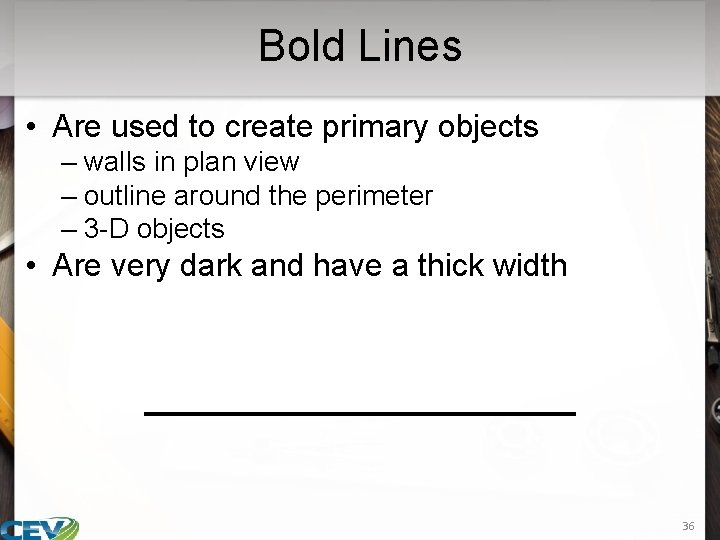
Bold Lines • Are used to create primary objects – walls in plan view – outline around the perimeter – 3 -D objects • Are very dark and have a thick width 36
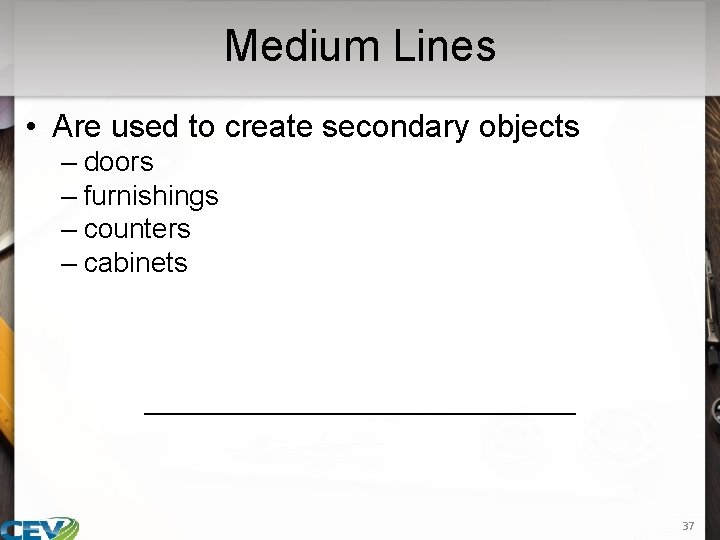
Medium Lines • Are used to create secondary objects – doors – furnishings – counters – cabinets 37
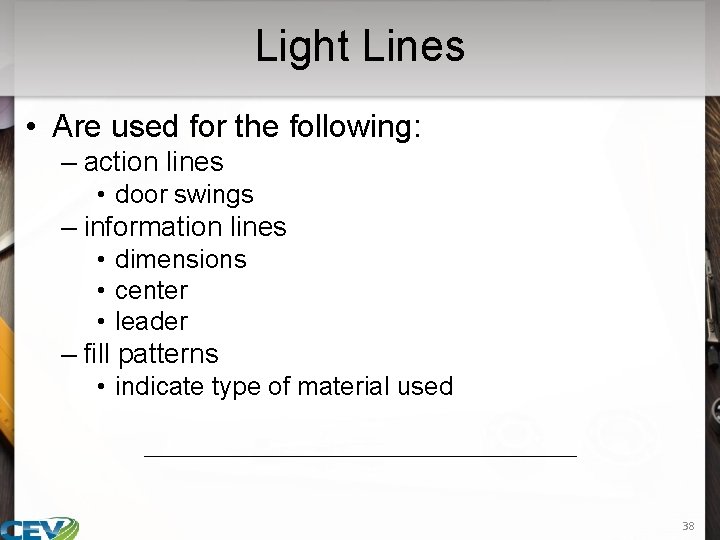
Light Lines • Are used for the following: – action lines • door swings – information lines • dimensions • center • leader – fill patterns • indicate type of material used 38
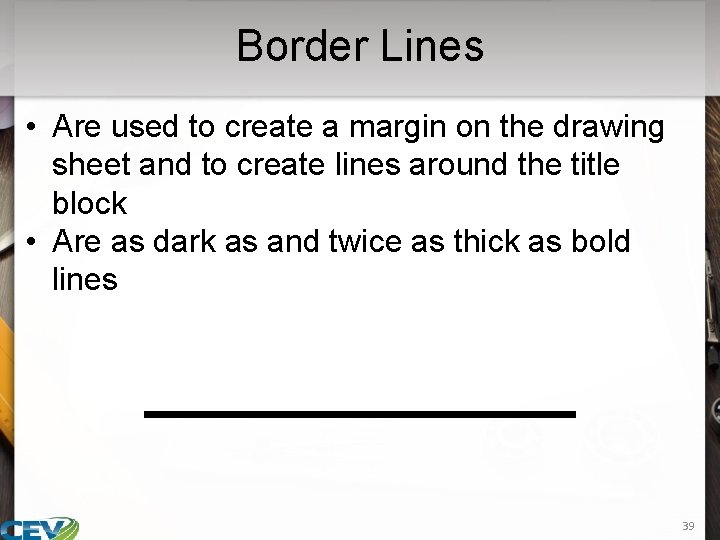
Border Lines • Are used to create a margin on the drawing sheet and to create lines around the title block • Are as dark as and twice as thick as bold lines 39
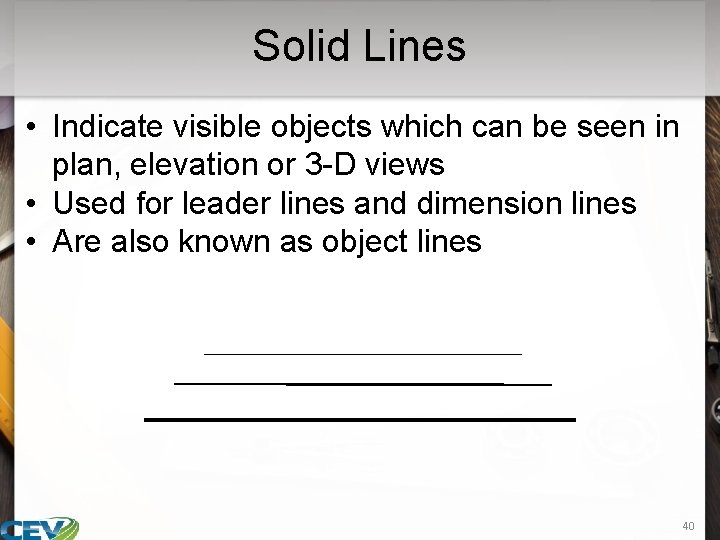
Solid Lines • Indicate visible objects which can be seen in plan, elevation or 3 -D views • Used for leader lines and dimension lines • Are also known as object lines 40
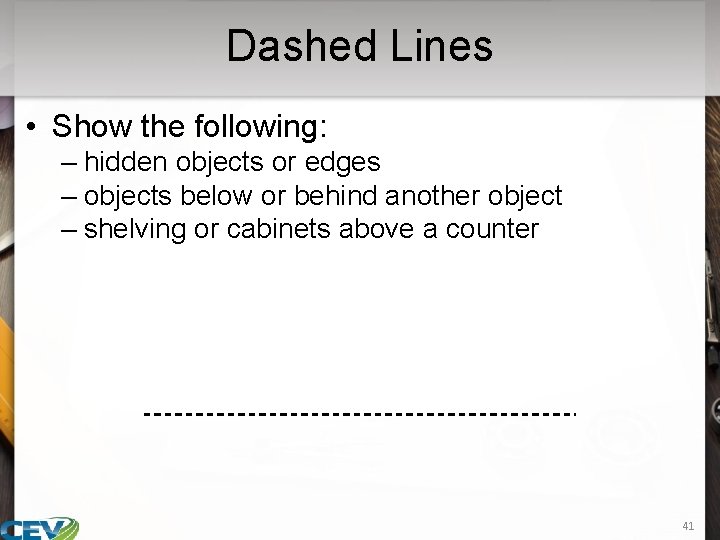
Dashed Lines • Show the following: – hidden objects or edges – objects below or behind another object – shelving or cabinets above a counter 41
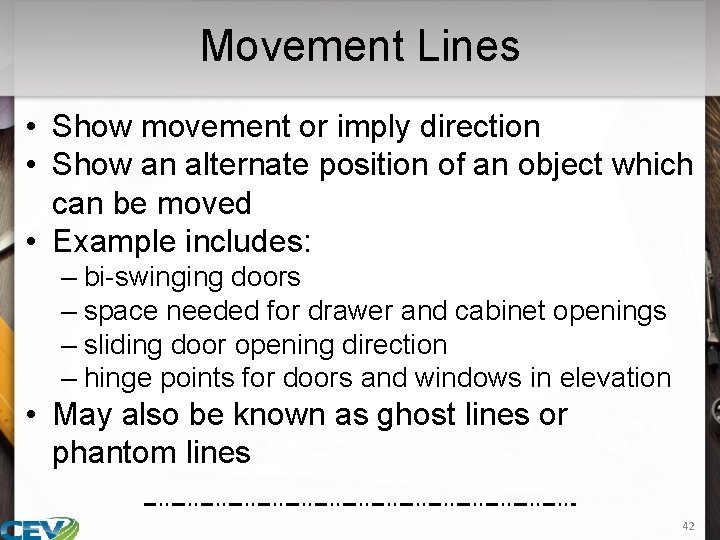
Movement Lines • Show movement or imply direction • Show an alternate position of an object which can be moved • Example includes: – bi-swinging doors – space needed for drawer and cabinet openings – sliding door opening direction – hinge points for doors and windows in elevation • May also be known as ghost lines or phantom lines 42
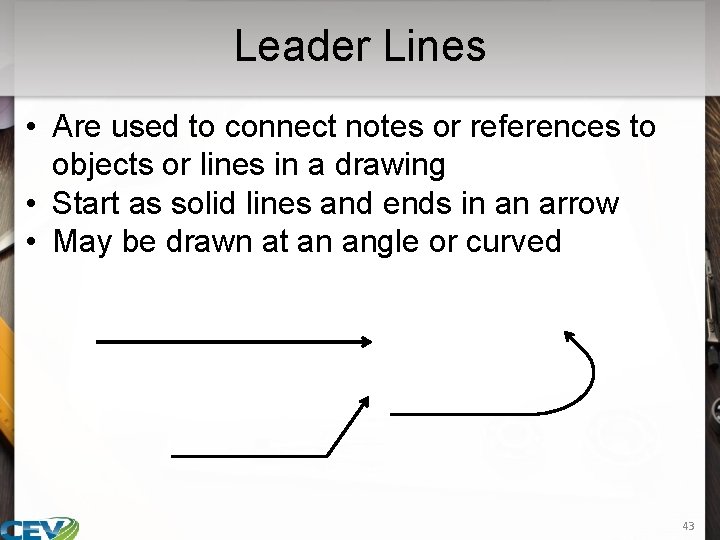
Leader Lines • Are used to connect notes or references to objects or lines in a drawing • Start as solid lines and ends in an arrow • May be drawn at an angle or curved 43
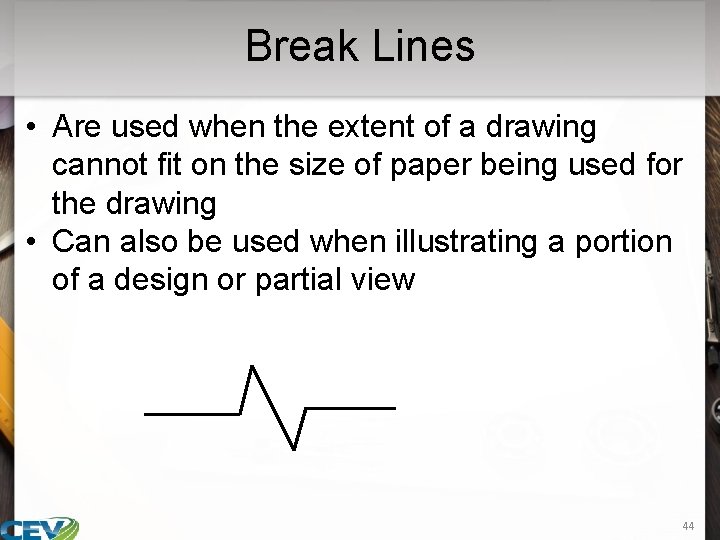
Break Lines • Are used when the extent of a drawing cannot fit on the size of paper being used for the drawing • Can also be used when illustrating a portion of a design or partial view 44
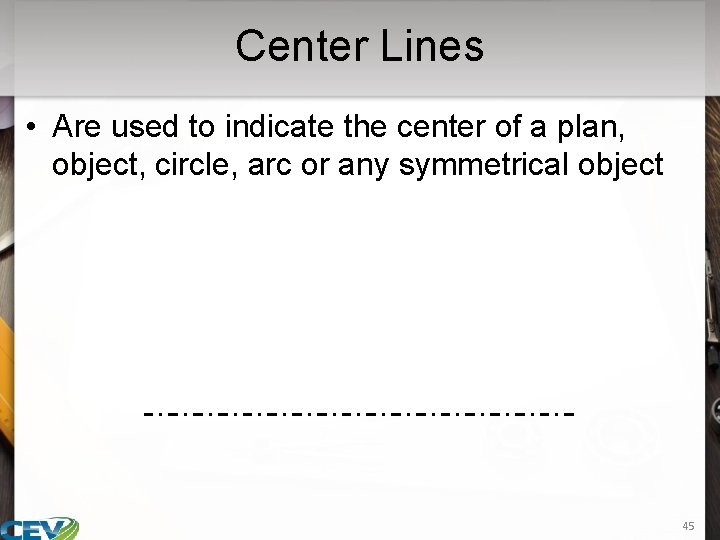
Center Lines • Are used to indicate the center of a plan, object, circle, arc or any symmetrical object 45
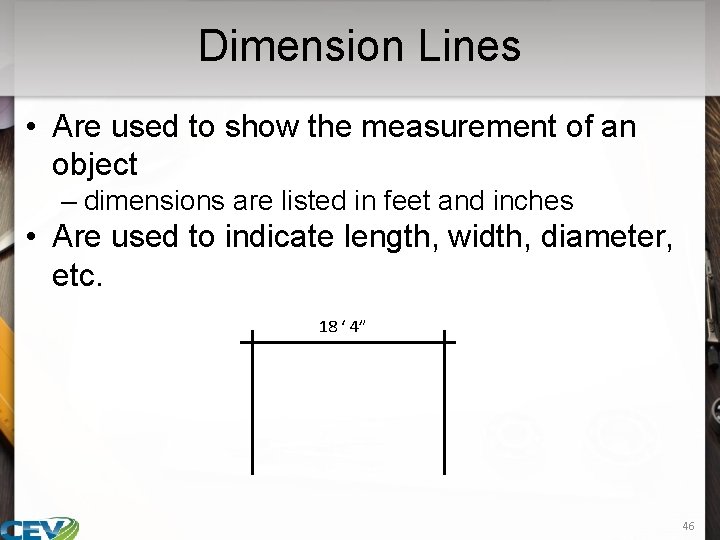
Dimension Lines • Are used to show the measurement of an object – dimensions are listed in feet and inches • Are used to indicate length, width, diameter, etc. 18 ‘ 4” 46
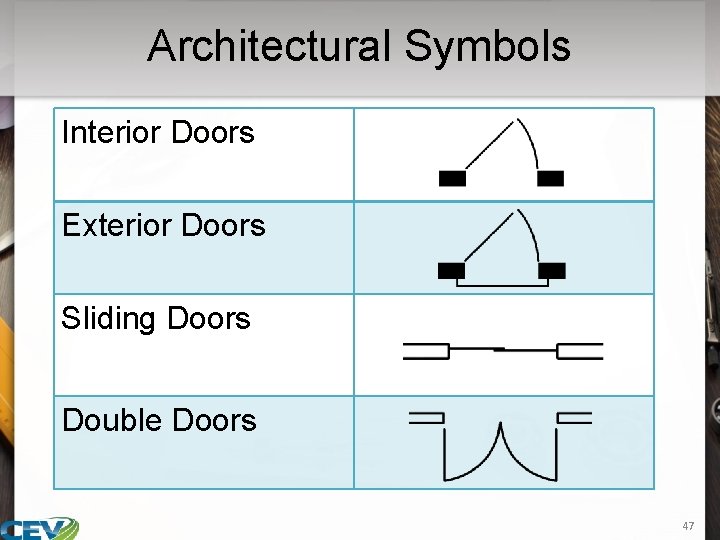
Architectural Symbols Interior Doors Exterior Doors Sliding Doors Double Doors 47
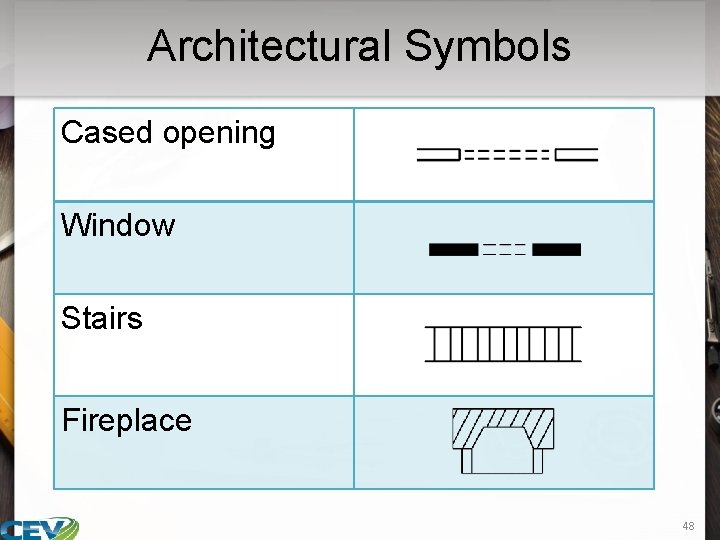
Architectural Symbols Cased opening Window Stairs Fireplace 48
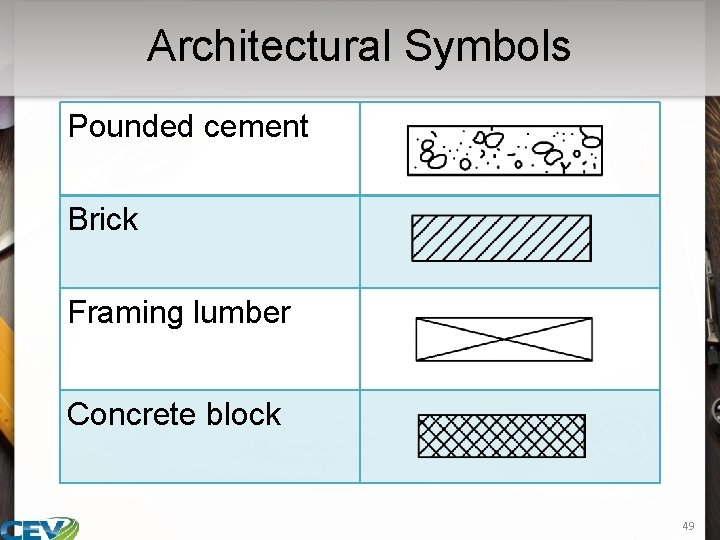
Architectural Symbols Pounded cement Brick Framing lumber Concrete block 49
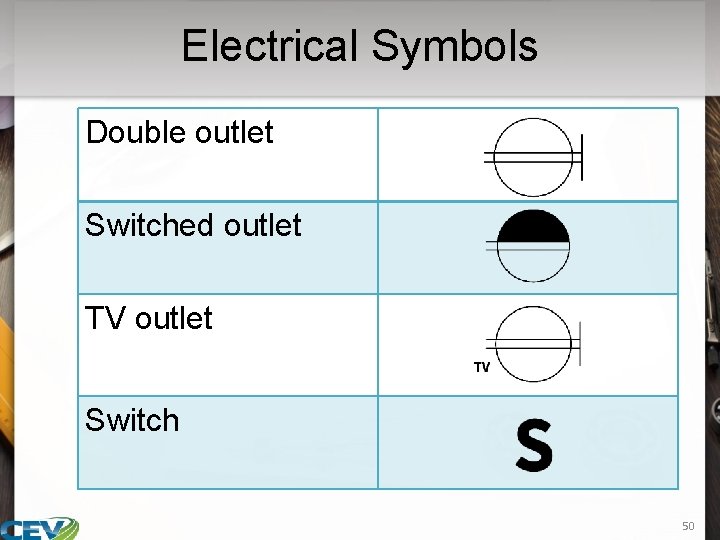
Electrical Symbols Double outlet Switched outlet TV outlet Switch 50
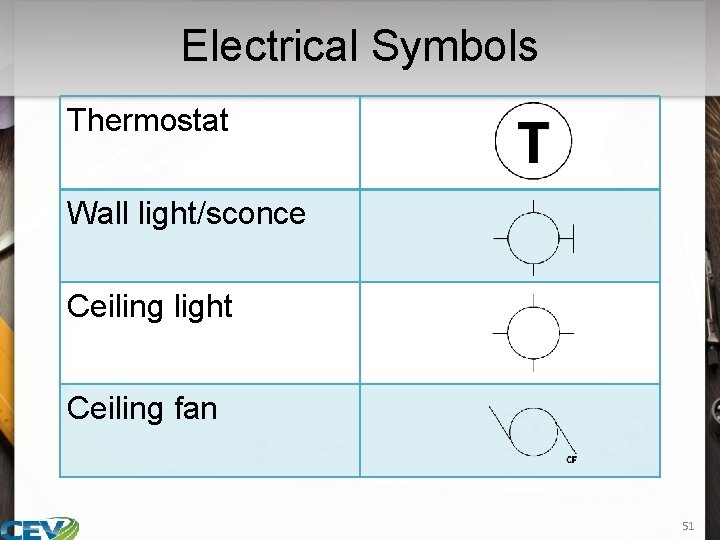
Electrical Symbols Thermostat Wall light/sconce Ceiling light Ceiling fan 51
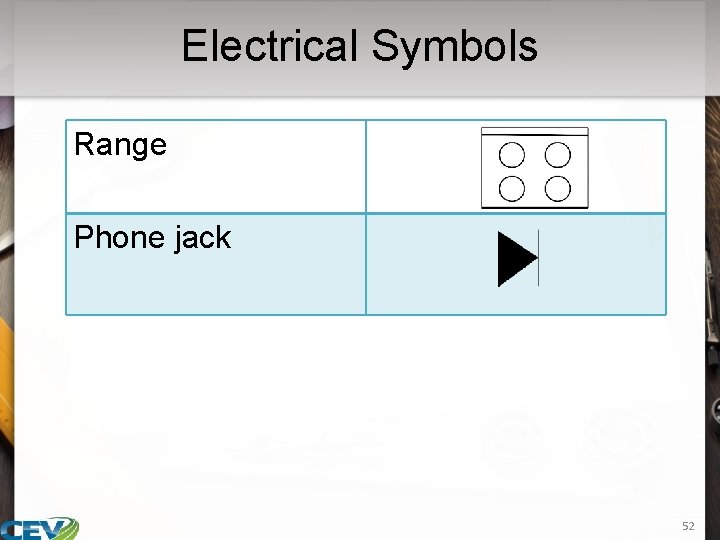
Electrical Symbols Range Phone jack 52
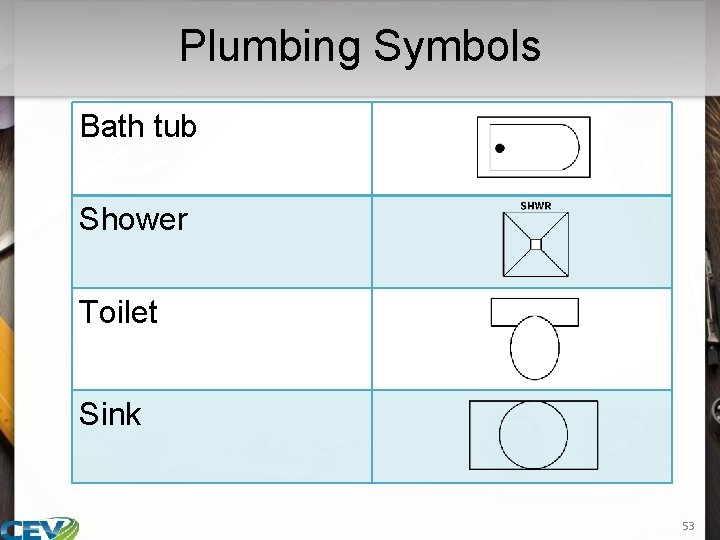
Plumbing Symbols Bath tub Shower Toilet Sink 53
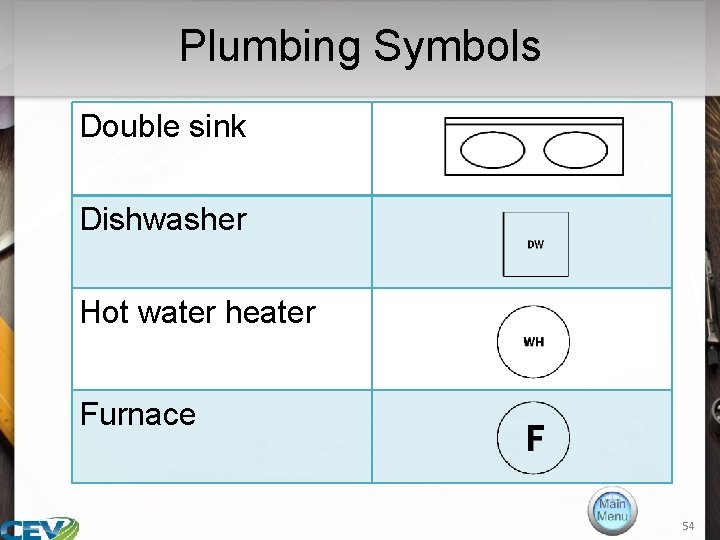
Plumbing Symbols Double sink Dishwasher Hot water heater Furnace 54
55
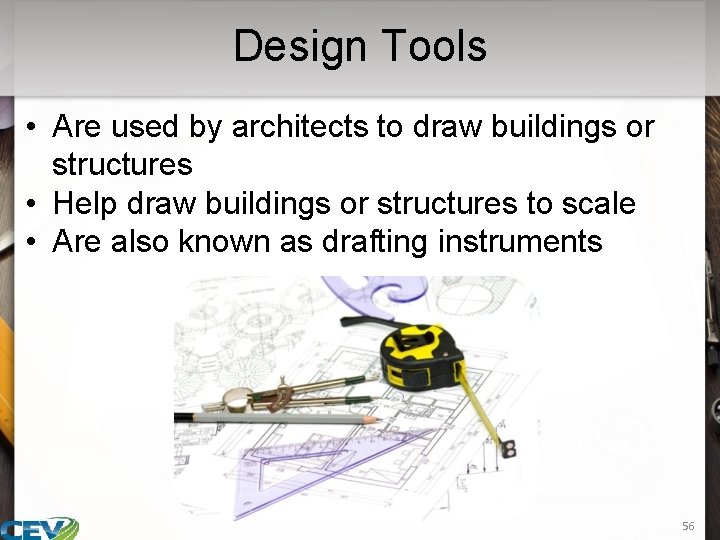
Design Tools • Are used by architects to draw buildings or structures • Help draw buildings or structures to scale • Are also known as drafting instruments 56
Design Tools • Include the following: – pen and pencil – drawing board – drafting paper – drafting tape – drafting machine – scales – compass – drafting triangle – T-square − − French curve template lettering guide blueprint measuring tool − protractor − caliper − CAD 57
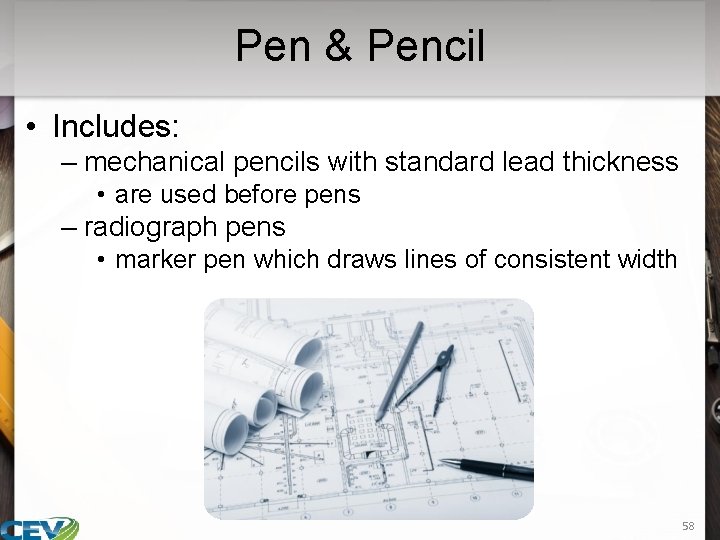
Pen & Pencil • Includes: – mechanical pencils with standard lead thickness • are used before pens – radiograph pens • marker pen which draws lines of consistent width 58
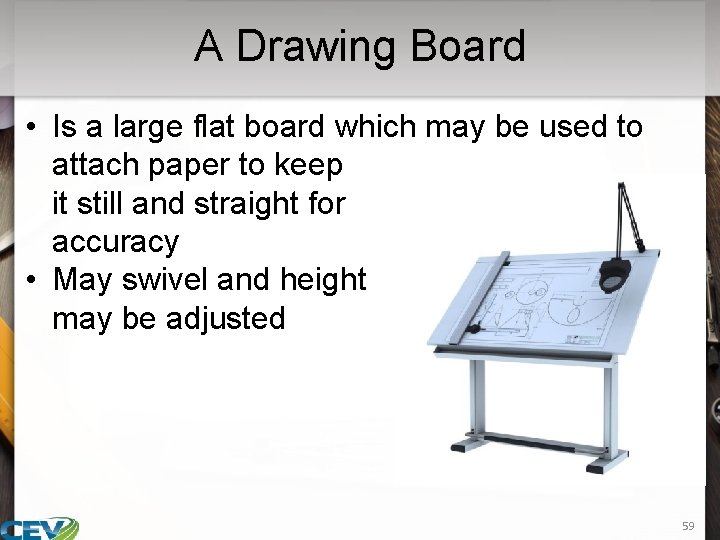
A Drawing Board • Is a large flat board which may be used to attach paper to keep it still and straight for accuracy • May swivel and height may be adjusted 59
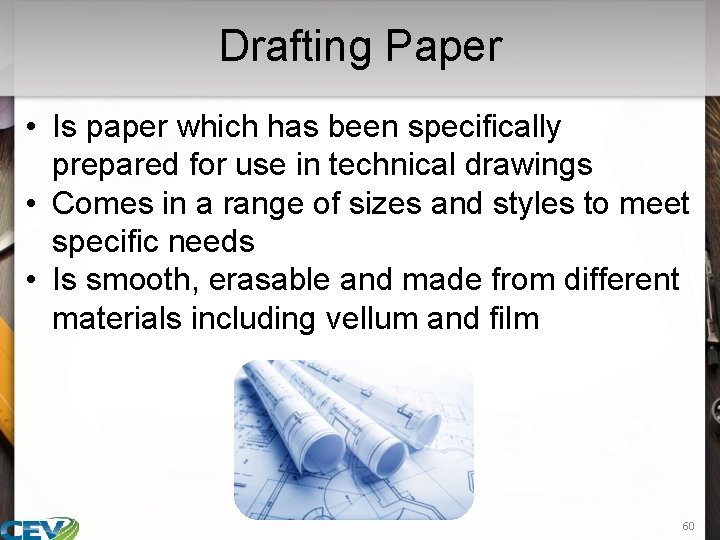
Drafting Paper • Is paper which has been specifically prepared for use in technical drawings • Comes in a range of sizes and styles to meet specific needs • Is smooth, erasable and made from different materials including vellum and film 60
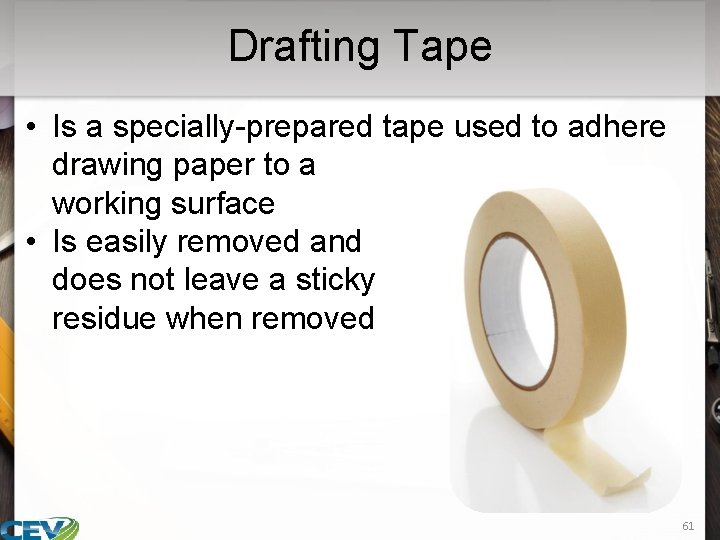
Drafting Tape • Is a specially-prepared tape used to adhere drawing paper to a working surface • Is easily removed and does not leave a sticky residue when removed 61
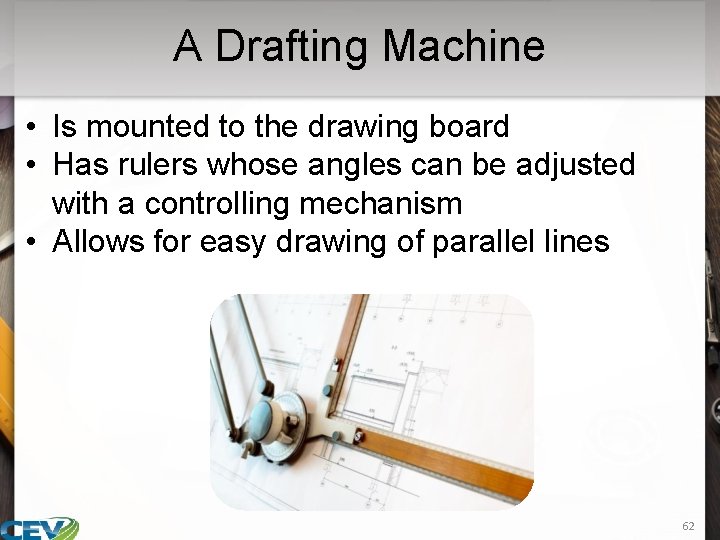
A Drafting Machine • Is mounted to the drawing board • Has rulers whose angles can be adjusted with a controlling mechanism • Allows for easy drawing of parallel lines 62
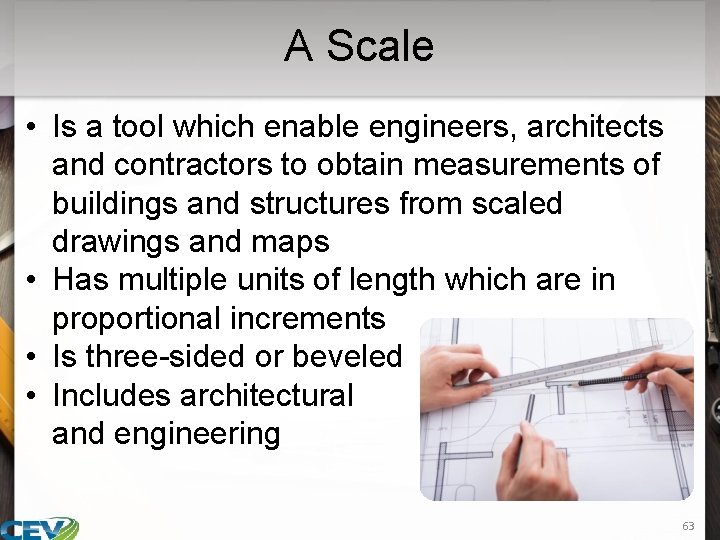
A Scale • Is a tool which enable engineers, architects and contractors to obtain measurements of buildings and structures from scaled drawings and maps • Has multiple units of length which are in proportional increments • Is three-sided or beveled • Includes architectural and engineering 63
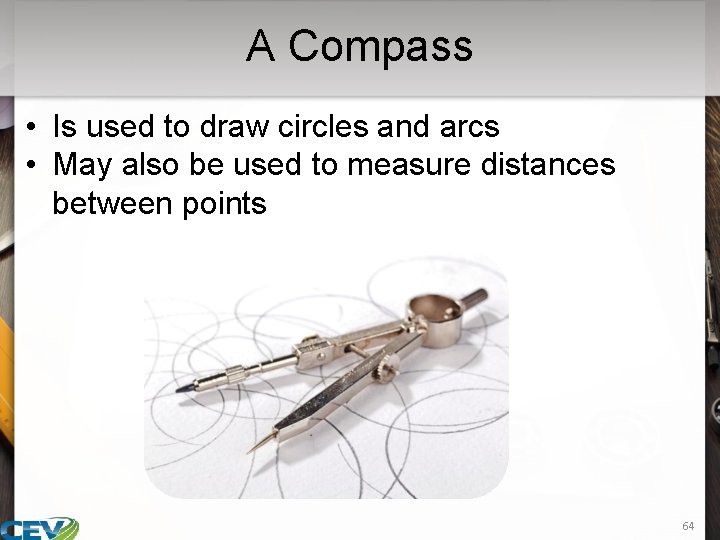
A Compass • Is used to draw circles and arcs • May also be used to measure distances between points 64
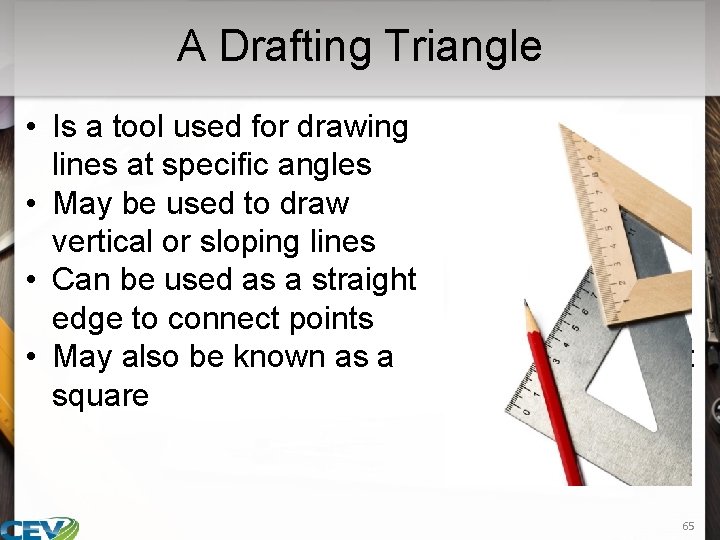
A Drafting Triangle • Is a tool used for drawing lines at specific angles • May be used to draw vertical or sloping lines • Can be used as a straight edge to connect points • May also be known as a square set 65
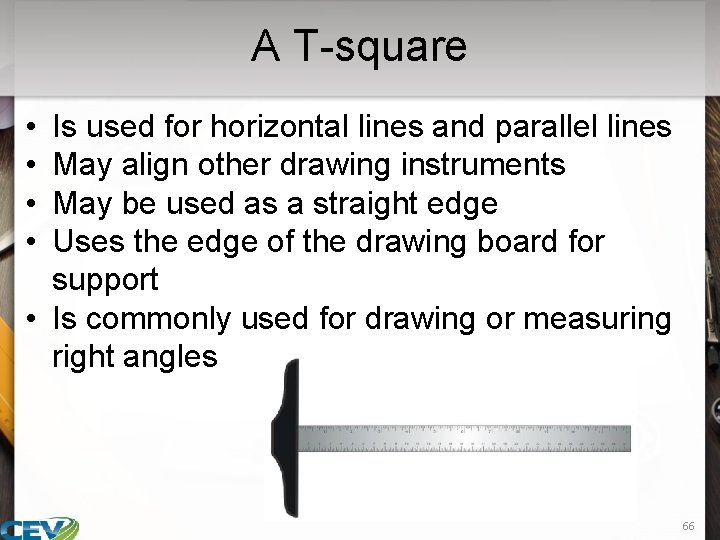
A T-square • • Is used for horizontal lines and parallel lines May align other drawing instruments May be used as a straight edge Uses the edge of the drawing board for support • Is commonly used for drawing or measuring right angles 66

A French Curve • Is a template for drawing smooth curved lines • Is used for drawing curves which cannot be drawn with a compass 67
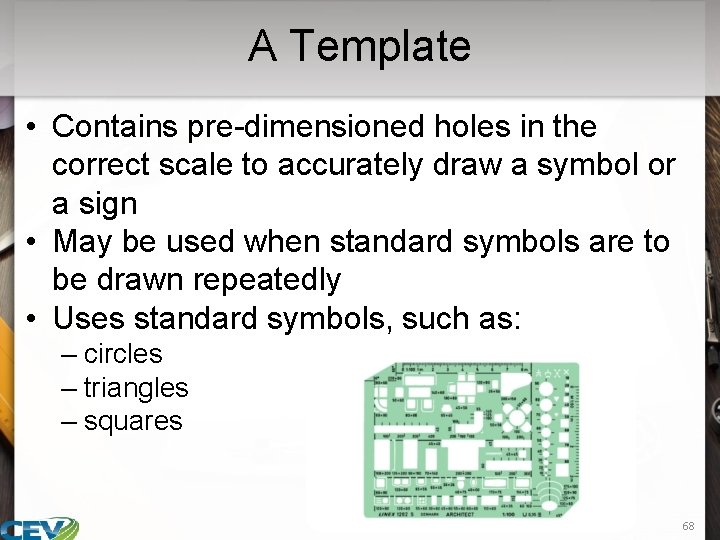
A Template • Contains pre-dimensioned holes in the correct scale to accurately draw a symbol or a sign • May be used when standard symbols are to be drawn repeatedly • Uses standard symbols, such as: – circles – triangles – squares 68
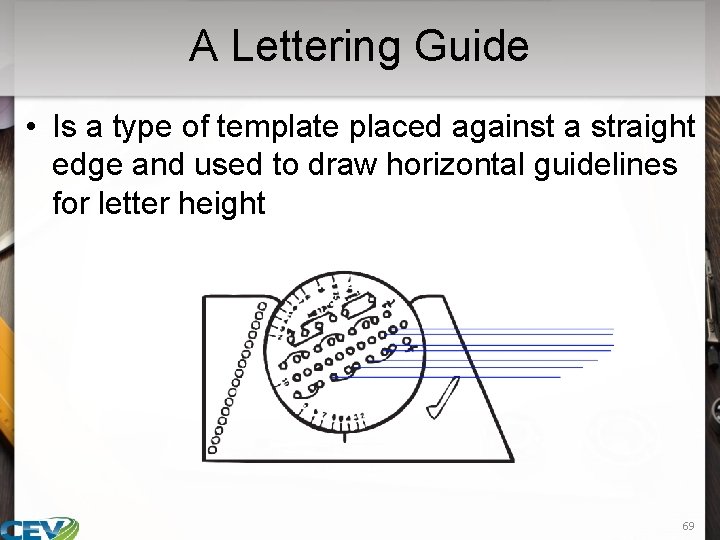
A Lettering Guide • Is a type of template placed against a straight edge and used to draw horizontal guidelines for letter height 69
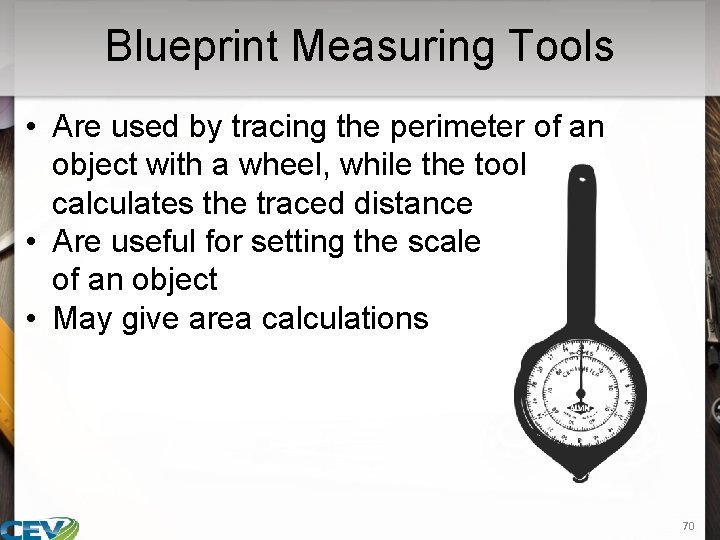
Blueprint Measuring Tools • Are used by tracing the perimeter of an object with a wheel, while the tool calculates the traced distance • Are useful for setting the scale of an object • May give area calculations 70
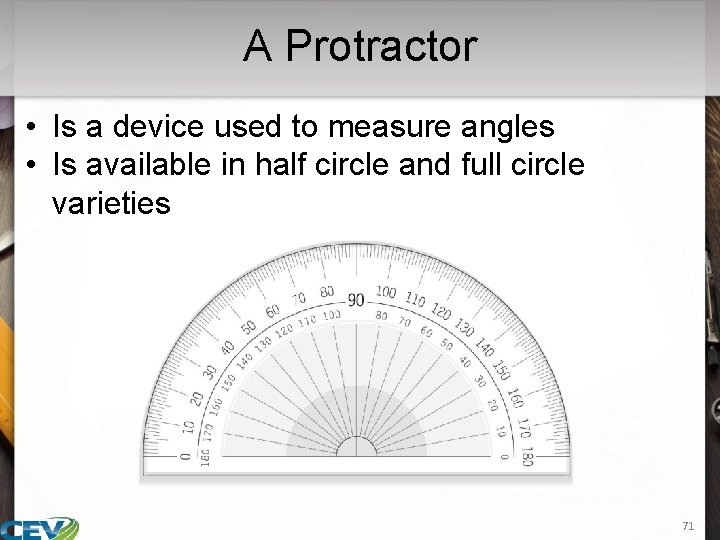
A Protractor • Is a device used to measure angles • Is available in half circle and full circle varieties 71
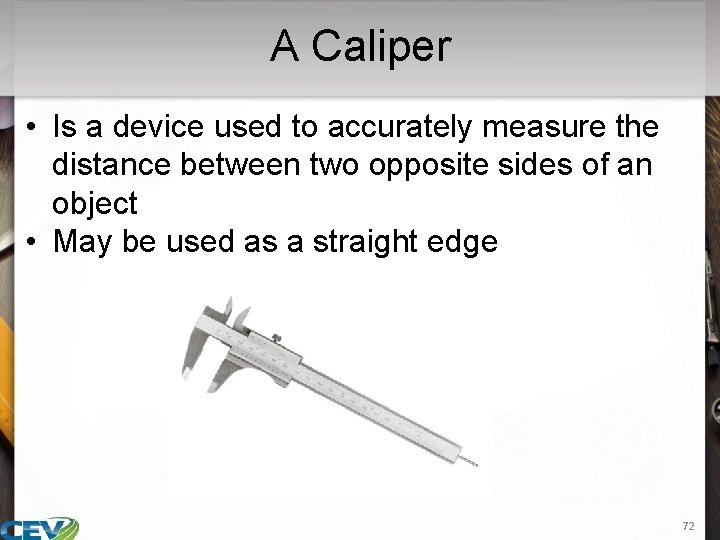
A Caliper • Is a device used to accurately measure the distance between two opposite sides of an object • May be used as a straight edge 72

Computer Aided Drafting (CAD) • Refers to software programs offering a wide variety of applications which make the design and drafting process efficient – include customized screen menus to fit specific problems or needs • processes and capabilities vary based on software type Fun Fact: For example, one of the top CAD programs is Turbo. CAD, which has numerous custom tool palettes, giving lots of design space. 73
Computer Aided Drafting (CAD) • Includes the following customization and feature options: – customizing and creating personal palettes – adding more objects to palettes – renaming images – adding free-floating tabs to allow quick access to common symbols, commands and other tools while drafting 74
Computer Aided Drafting (CAD) • Include applications to do the following: – work more efficiently with precision – complete plans, section and elevations – create 2 -D or 3 -D images – generate interior and exterior architectural and structural detail – easily modify drawings – create a database for manufacturing – construct photorealistic renderings for presentation and marketing 75
76
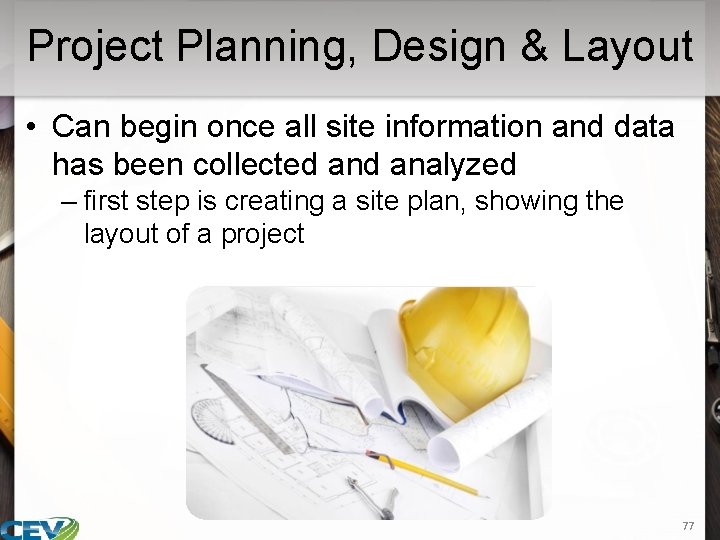
Project Planning, Design & Layout • Can begin once all site information and data has been collected analyzed – first step is creating a site plan, showing the layout of a project 77
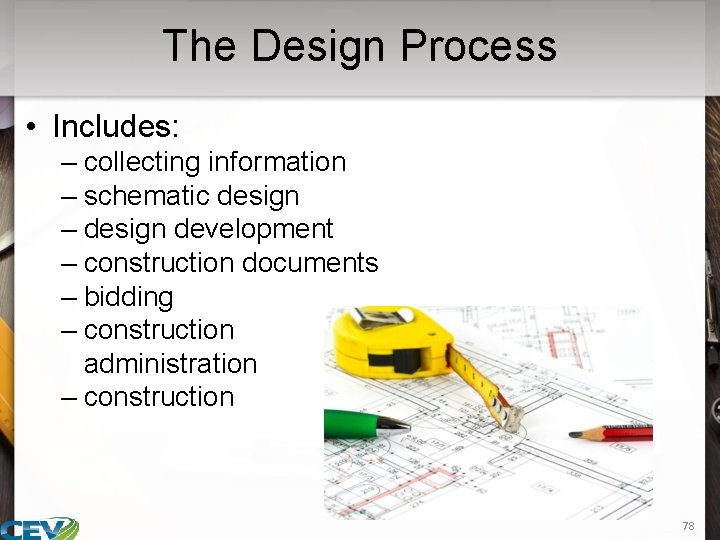
The Design Process • Includes: – collecting information – schematic design – design development – construction documents – bidding – construction administration – construction 78
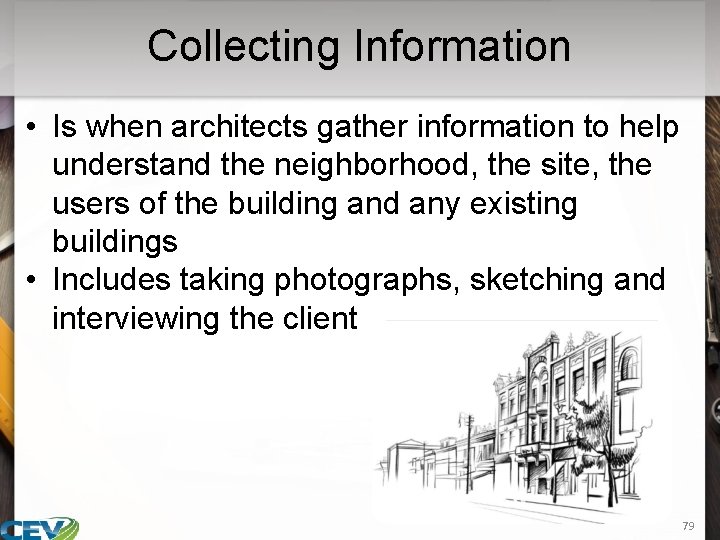
Collecting Information • Is when architects gather information to help understand the neighborhood, the site, the users of the building and any existing buildings • Includes taking photographs, sketching and interviewing the client 79

Collecting Information • May also include gathering data on the following: – path of sun around the site – direction of the wind – the climate – plant life around the site 80
Schematic Design • Focuses on creating the general framework to build the project on • Includes: – defining the general scope and conceptual design of the project • scale • relationships between building components – developing preliminary sketches • for client approval – gathering information on the construction site • site plan 81
Schematic Design • Considerations include: – zoning laws – distribution – circulation – lighting – ventilation – sizes, areas and shapes − − orientation height electrical layout location of doors and windows − line of sight 82
Zoning Laws • Refer to the physical development of land the types of uses of each property • Include: – regulations limiting the height, bulk and location of buildings – determining the area of yards or other open spaces – regulating the density of population in a given area 83
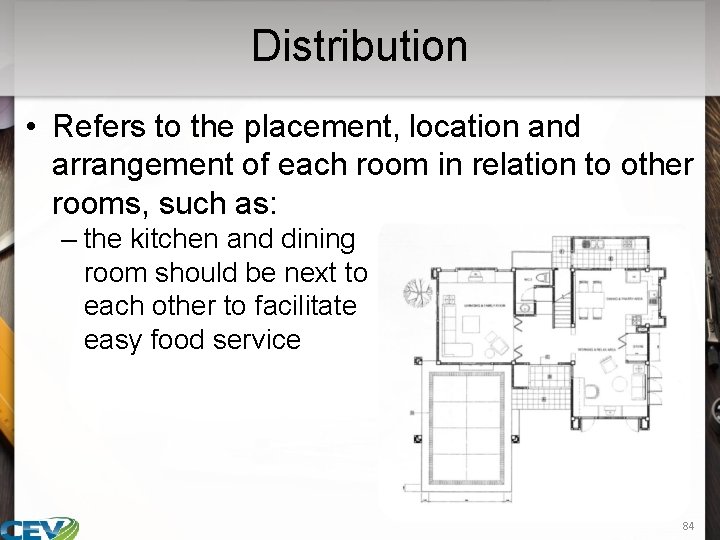
Distribution • Refers to the placement, location and arrangement of each room in relation to other rooms, such as: – the kitchen and dining room should be next to each other to facilitate easy food service 84
Circulation • Refers to the roads and highways around the structure • Also refers to the inside traffic which must be considered in planning – circulation and movement of occupants inside the structure should not be hampered by obstacles or be detoured as a result of poor planning – functional space is important 85
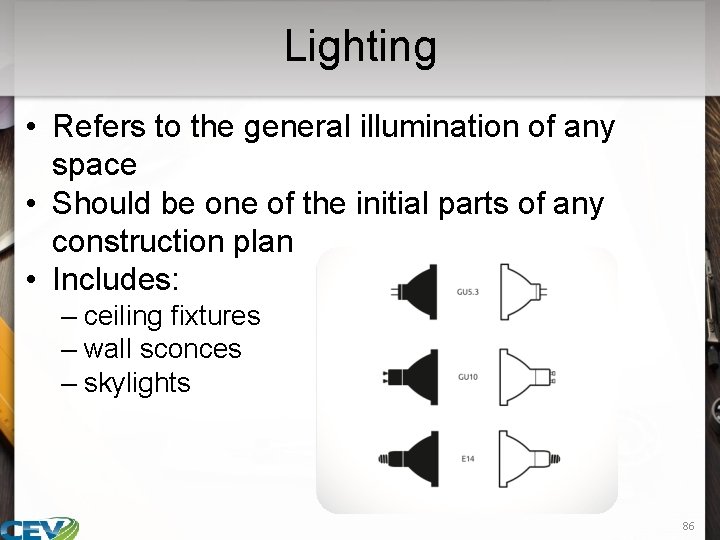
Lighting • Refers to the general illumination of any space • Should be one of the initial parts of any construction plan • Includes: – ceiling fixtures – wall sconces – skylights 86
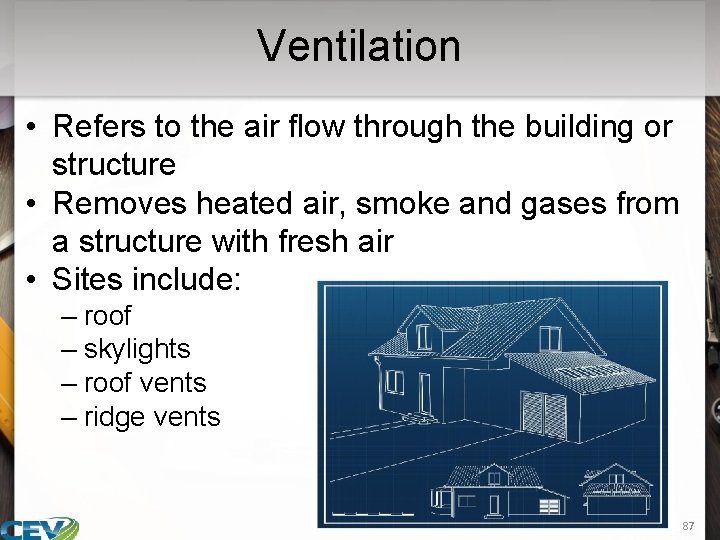
Ventilation • Refers to the air flow through the building or structure • Removes heated air, smoke and gases from a structure with fresh air • Sites include: – roof – skylights – roof vents – ridge vents 87
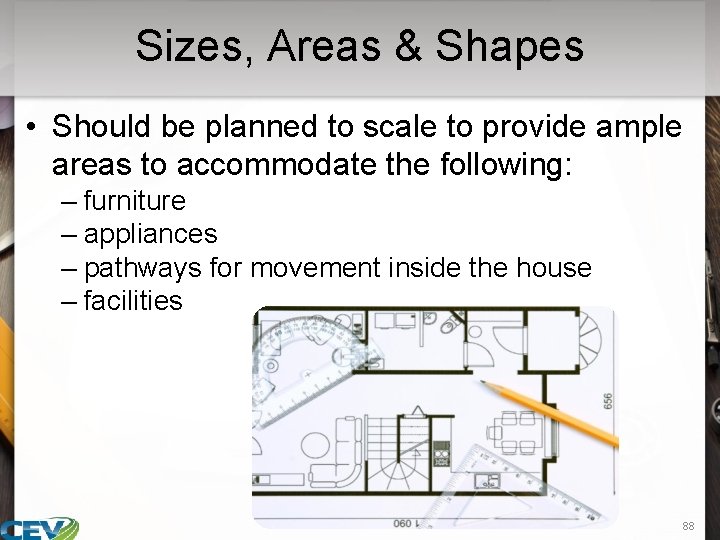
Sizes, Areas & Shapes • Should be planned to scale to provide ample areas to accommodate the following: – furniture – appliances – pathways for movement inside the house – facilities 88
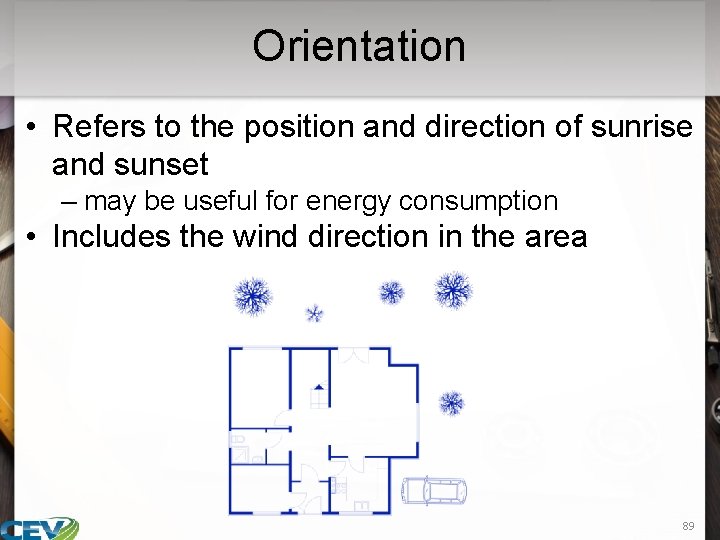
Orientation • Refers to the position and direction of sunrise and sunset – may be useful for energy consumption • Includes the wind direction in the area 89
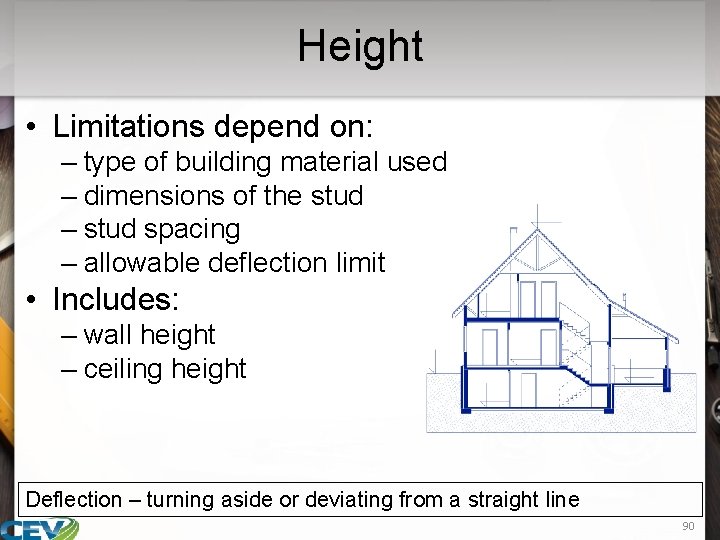
Height • Limitations depend on: – type of building material used – dimensions of the stud – stud spacing – allowable deflection limit • Includes: – wall height – ceiling height Deflection – turning aside or deviating from a straight line 90
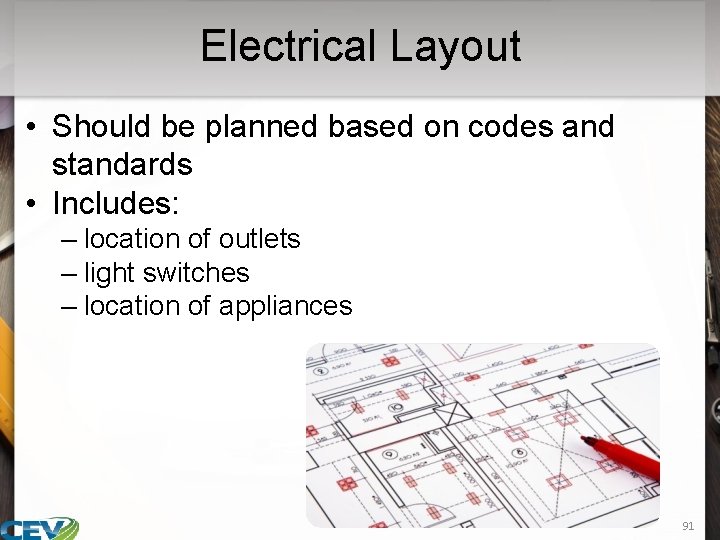
Electrical Layout • Should be planned based on codes and standards • Includes: – location of outlets – light switches – location of appliances 91
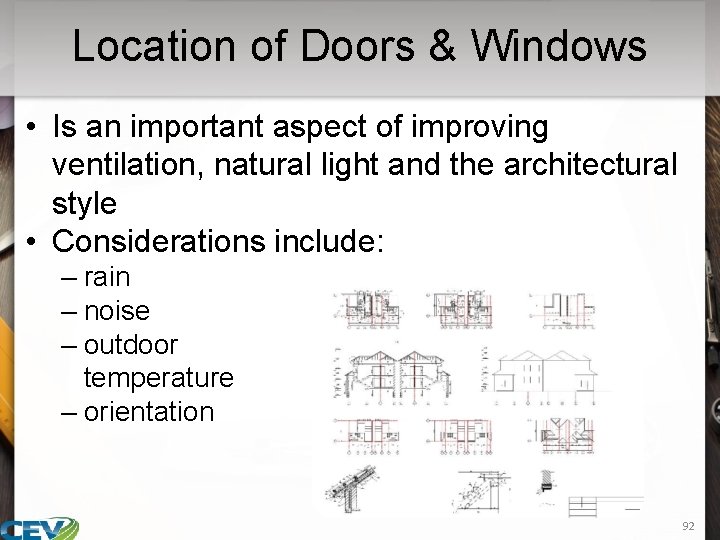
Location of Doors & Windows • Is an important aspect of improving ventilation, natural light and the architectural style • Considerations include: – rain – noise – outdoor temperature – orientation 92
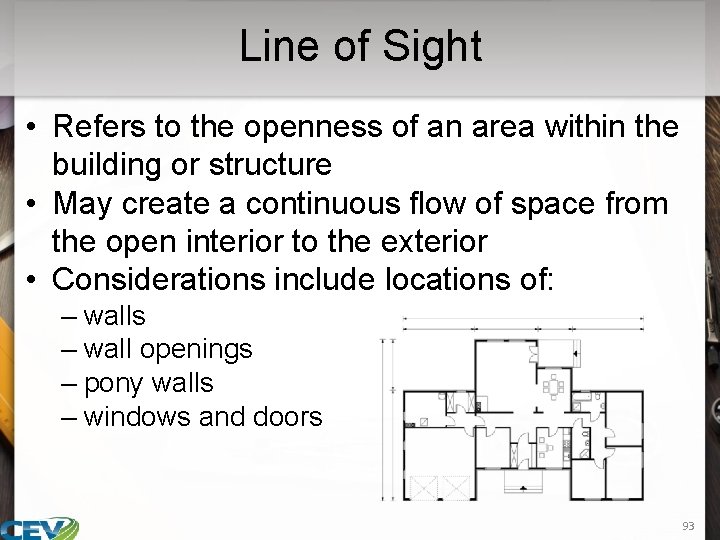
Line of Sight • Refers to the openness of an area within the building or structure • May create a continuous flow of space from the open interior to the exterior • Considerations include locations of: – walls – wall openings – pony walls – windows and doors 93
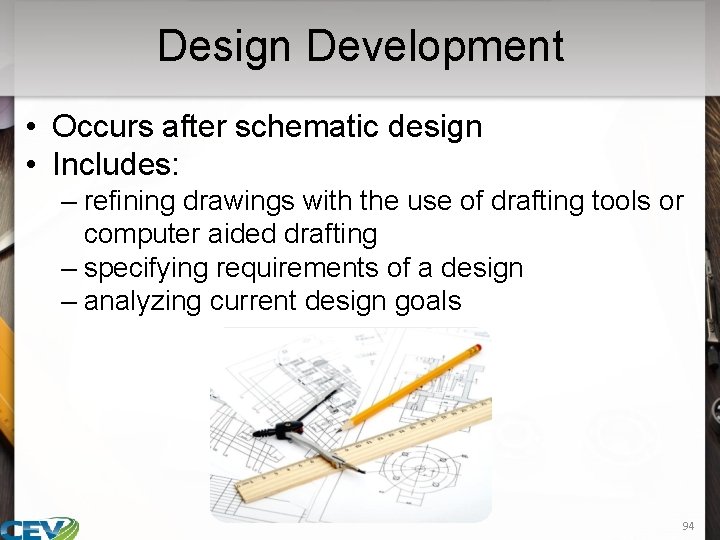
Design Development • Occurs after schematic design • Includes: – refining drawings with the use of drafting tools or computer aided drafting – specifying requirements of a design – analyzing current design goals 94
Construction Documents • Are the actual presentation drawings • Include: – building plans or blueprints • include architectural drawings and elevations, as well as structural, mechanical and electrical drawings – specifications • covers materials and methods which should be used when constructing the project – supporting documents • used to add supplemental instructions and help resolve minor issues in the construction documents 95
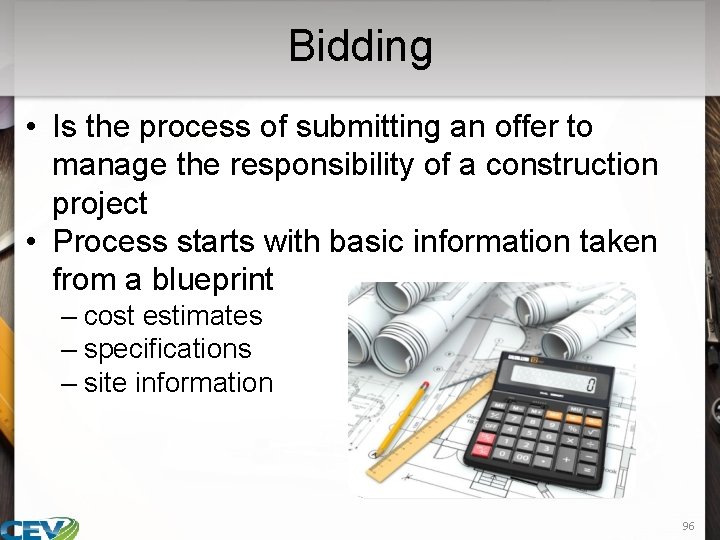
Bidding • Is the process of submitting an offer to manage the responsibility of a construction project • Process starts with basic information taken from a blueprint – cost estimates – specifications – site information 96
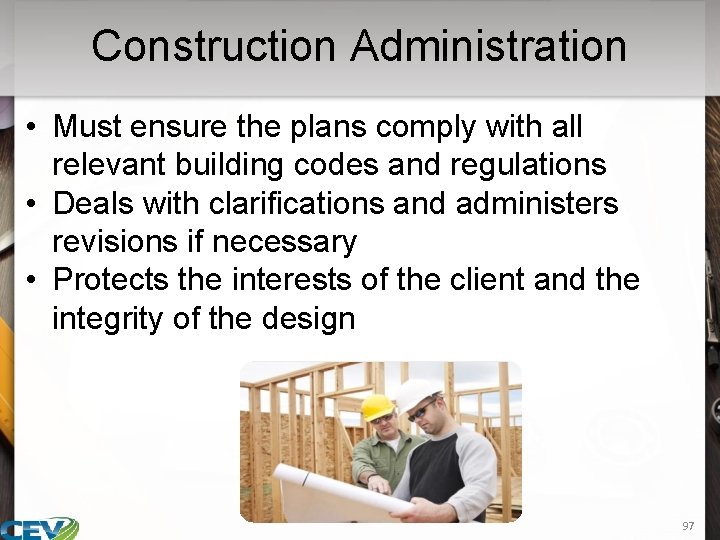
Construction Administration • Must ensure the plans comply with all relevant building codes and regulations • Deals with clarifications and administers revisions if necessary • Protects the interests of the client and the integrity of the design 97
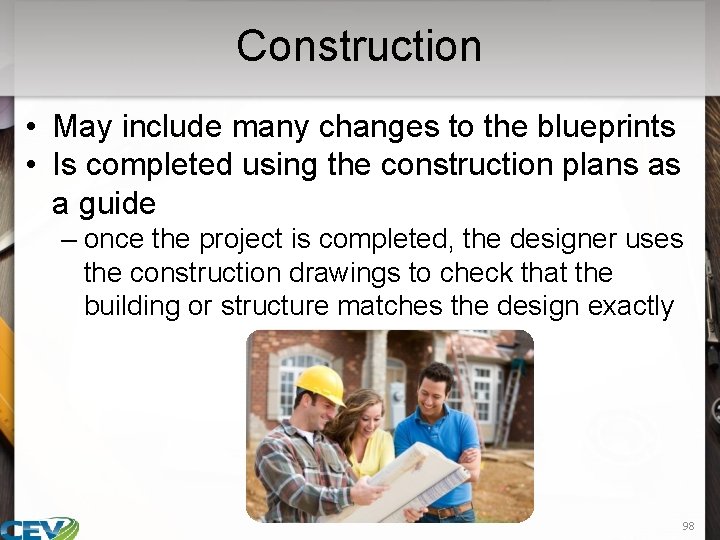
Construction • May include many changes to the blueprints • Is completed using the construction plans as a guide – once the project is completed, the designer uses the construction drawings to check that the building or structure matches the design exactly 98
Resources • Construction Drawing Basics www. buildingadvisor. com/construction-drawings/ 2015 • Blueprint Reading http: //www. aidt. edu/course_documents/Manufacturing_Skills/Blue print%20 Reading/Blueprint_Reading_Complete. pdf 2009 • Reading and Interpreting Construction Drawings http: //www. pdhsite. com/courses/Reading%20 and%20 Interpreting %20 Construction%20 Drawings. pdf • Types of Drawings in a Typical Set of Construction Documents http: //www. fmlink. com/article. cgi? type=How%20 To&pub=BOMI% 20 International&id=40876&mode=source 2015 • camp/uploads/files/dwg_001_lines_and_symbols_instructor. pdf 99
Resources • Drafting Equipment http: //www. engineersupply. com/draftingequipment. aspx 2014 • Anatomy of a Construction Project https: //www. cod. edu/facilities_plan/DESIGN 1. pdf • Blueprint Reading Line Standards Drawing Symbols http: //snocamp. s 3. amazonaws. com/snocamp/uploads/files/dwg_0 01_lines_and_symbols_instructor. pdf 100

Acknowledgements Production Coordinator Stevi Huffaker Graphic Designer Melody Rowell Assistant Brand Managers Mike Barley Amy Hogan V. P. of Brand Management Clayton Franklin CEV Multimedia, Ltd. ©MMXVI Executive Producer Gordon W. Davis, Ph. D. 101
- Slides: 101