
1 New Flight Inspection System Next Generation flight

- Slides: 17
1
New Flight Inspection System • Next Generation flight inspection system • Multiprocessor Navigation Computer Unit (NCU) • Full Windows/XP Graphical Workstation • HYBRID IRU, DGPS, and RTT positioning • High resolution digital TVPS camera • Performs back-correction in ILS approach, SBAS, GBAS as back-up, and PAR modes • New console design • Inspection modes • ILS • VORTAC • GPS-NP • PAR/VGSI • DME-DME • LAAS (GBAS) • WAAS (SBAS) 2
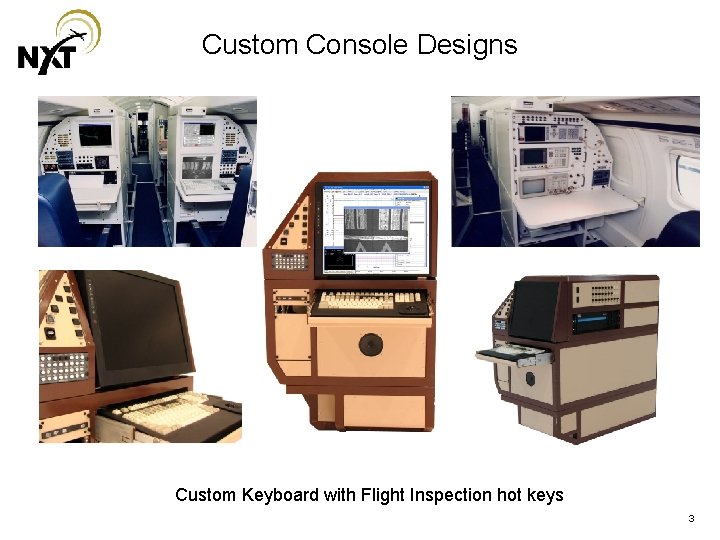
Custom Console Designs Custom Keyboard with Flight Inspection hot keys 3
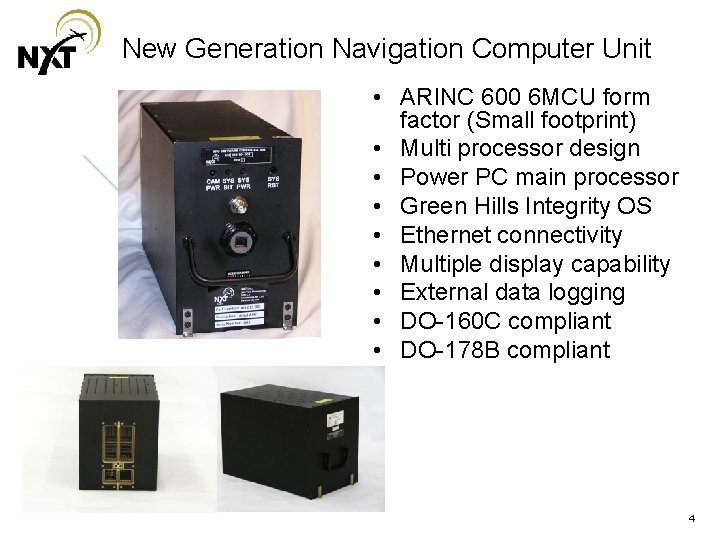
New Generation Navigation Computer Unit • ARINC 600 6 MCU form factor (Small footprint) • Multi processor design • Power PC main processor • Green Hills Integrity OS • Ethernet connectivity • Multiple display capability • External data logging • DO-160 C compliant • DO-178 B compliant 4
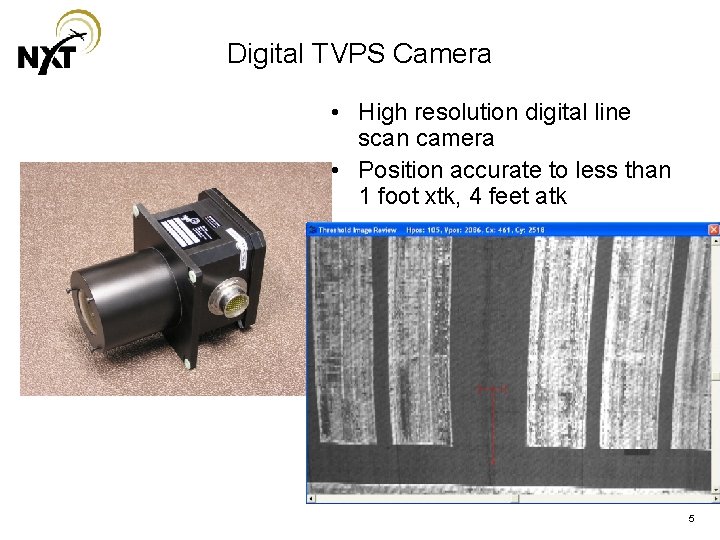
Digital TVPS Camera • High resolution digital line scan camera • Position accurate to less than 1 foot xtk, 4 feet atk 5
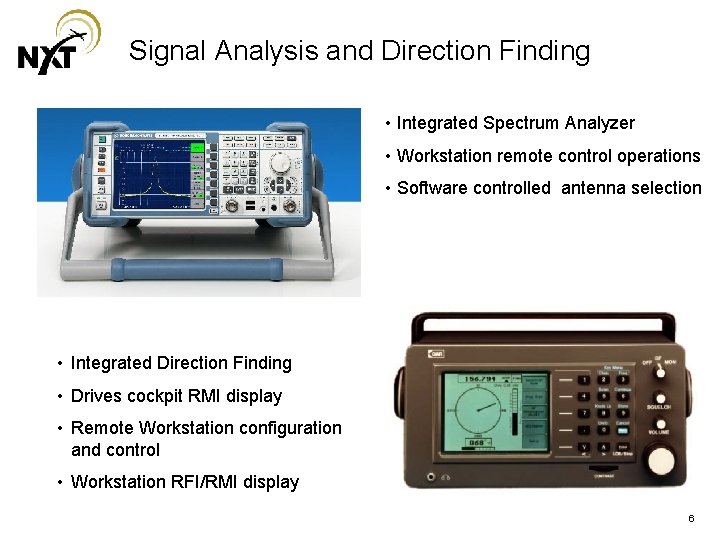
Signal Analysis and Direction Finding • Integrated Spectrum Analyzer • Workstation remote control operations • Software controlled antenna selection • Integrated Direction Finding • Drives cockpit RMI display • Remote Workstation configuration and control • Workstation RFI/RMI display 6
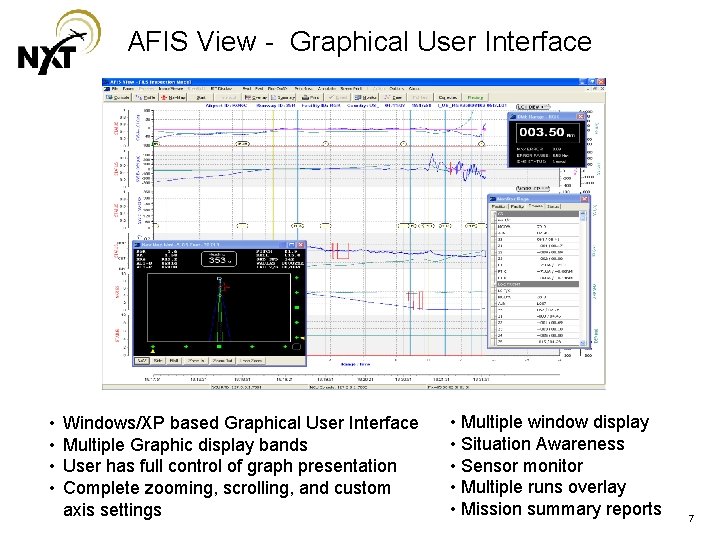
AFIS View - Graphical User Interface • • Windows/XP based Graphical User Interface Multiple Graphic display bands User has full control of graph presentation Complete zooming, scrolling, and custom axis settings • Multiple window display • Situation Awareness • Sensor monitor • Multiple runs overlay • Mission summary reports 7
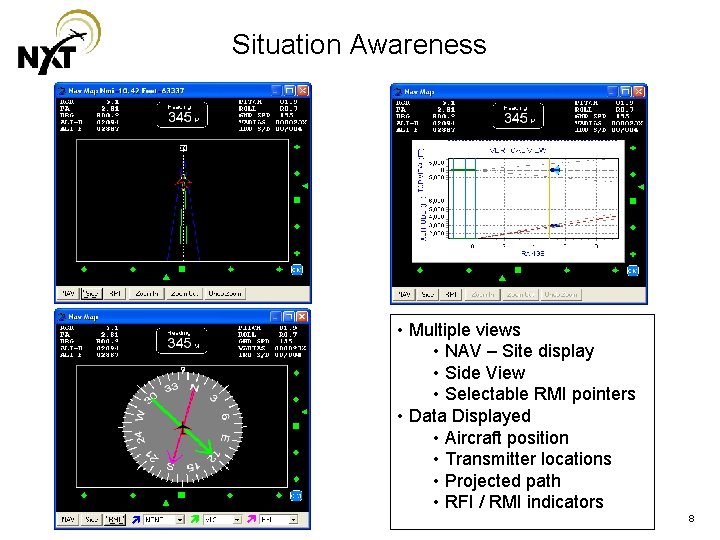
Situation Awareness • Multiple views • NAV – Site display • Side View • Selectable RMI pointers • Data Displayed • Aircraft position • Transmitter locations • Projected path • RFI / RMI indicators 8
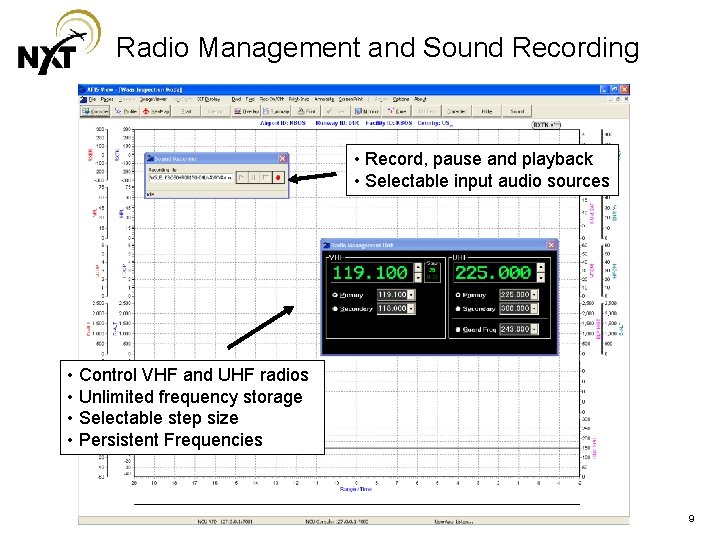
Radio Management and Sound Recording • Record, pause and playback • Selectable input audio sources • Control VHF and UHF radios • Unlimited frequency storage • Selectable step size • Persistent Frequencies 9
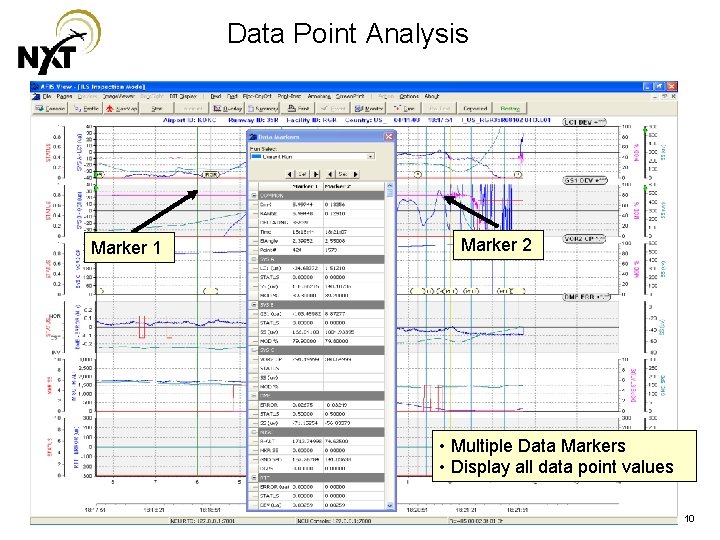
Data Point Analysis Marker 1 Marker 2 • Multiple Data Markers • Display all data point values 10
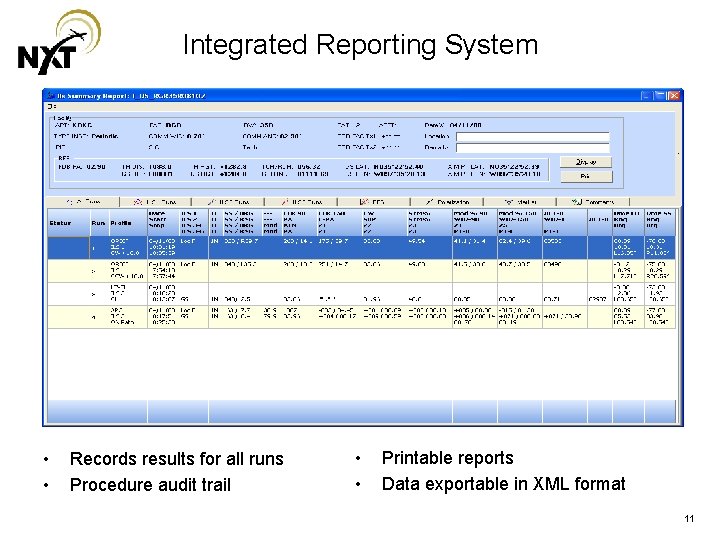
Integrated Reporting System • • Records results for all runs Procedure audit trail • • Printable reports Data exportable in XML format 11
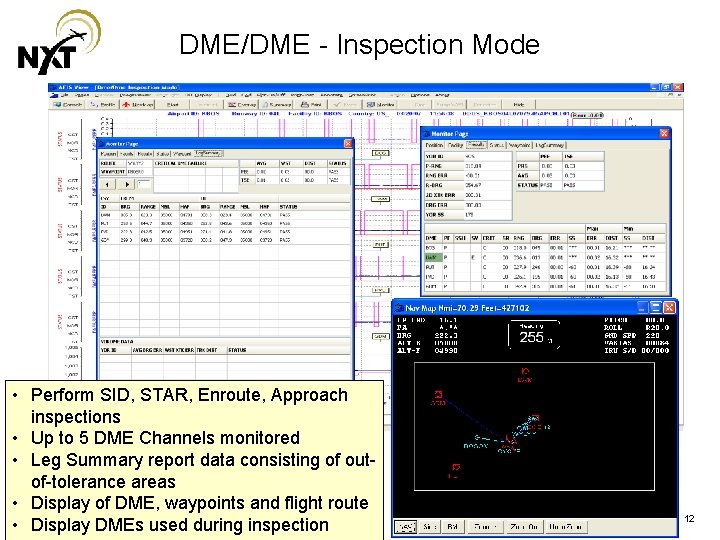
DME/DME - Inspection Mode • Perform SID, STAR, Enroute, Approach inspections • Up to 5 DME Channels monitored • Leg Summary report data consisting of outof-tolerance areas • Display of DME, waypoints and flight route • Display DMEs used during inspection 12
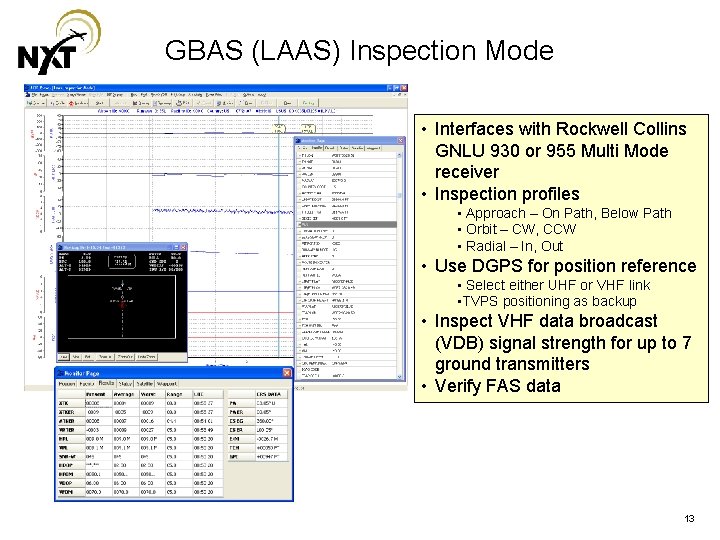
GBAS (LAAS) Inspection Mode • Interfaces with Rockwell Collins GNLU 930 or 955 Multi Mode receiver • Inspection profiles • Approach – On Path, Below Path • Orbit – CW, CCW • Radial – In, Out • Use DGPS for position reference • Select either UHF or VHF link • TVPS positioning as backup • Inspect VHF data broadcast (VDB) signal strength for up to 7 ground transmitters • Verify FAS data 13
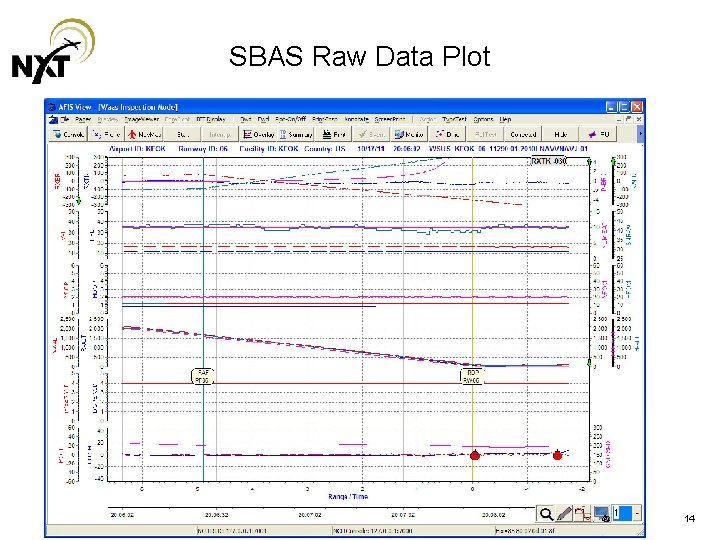
SBAS Raw Data Plot 14
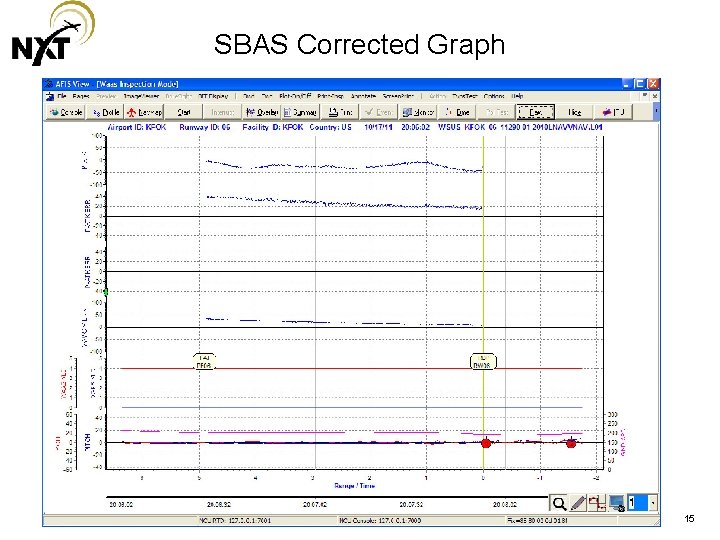
SBAS Corrected Graph 15
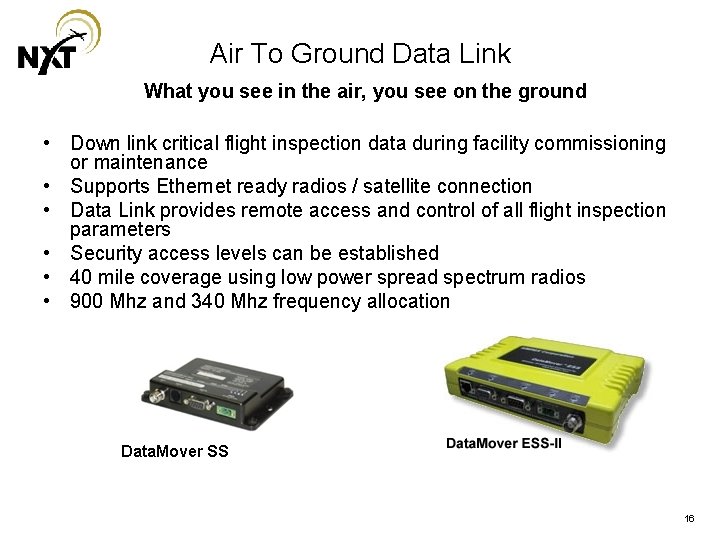
Air To Ground Data Link What you see in the air, you see on the ground • Down link critical flight inspection data during facility commissioning or maintenance • Supports Ethernet ready radios / satellite connection • Data Link provides remote access and control of all flight inspection parameters • Security access levels can be established • 40 mile coverage using low power spread spectrum radios • 900 Mhz and 340 Mhz frequency allocation Data. Mover SS 16
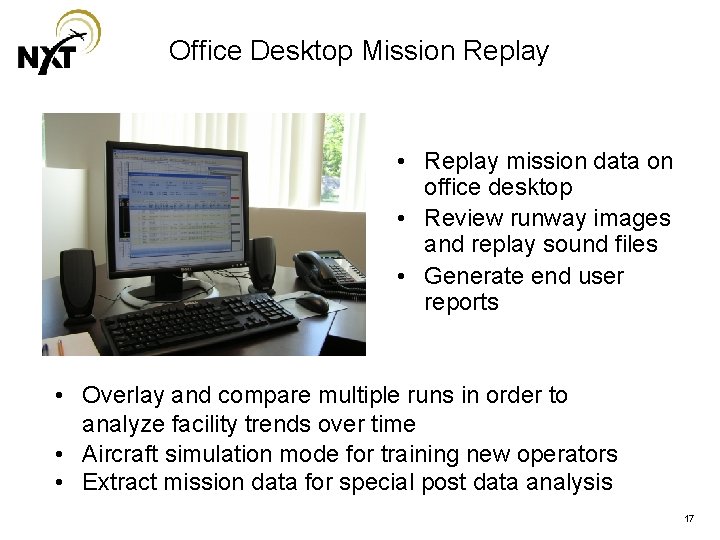
Office Desktop Mission Replay • Replay mission data on office desktop • Review runway images and replay sound files • Generate end user reports • Overlay and compare multiple runs in order to analyze facility trends over time • Aircraft simulation mode for training new operators • Extract mission data for special post data analysis 17