
1 Management Information System MIS IMIS www sbm
1
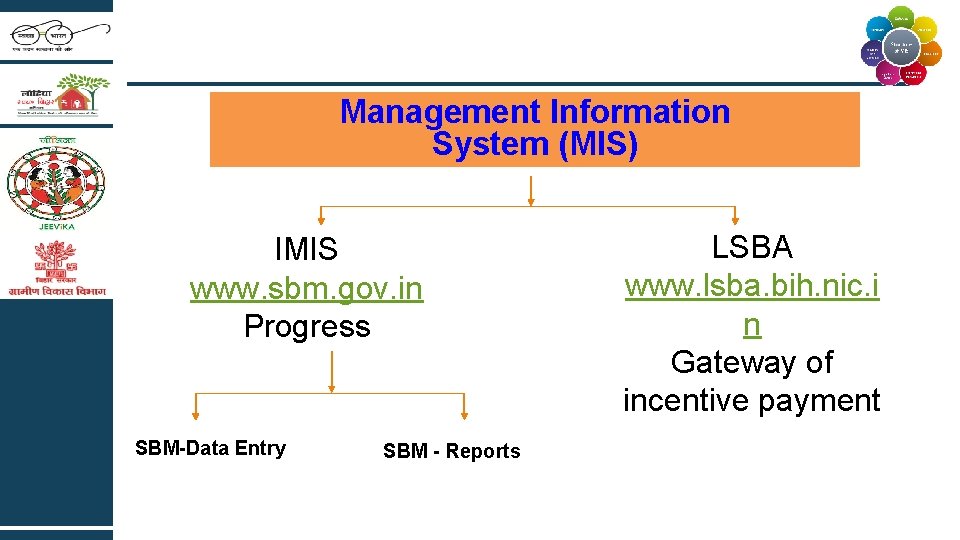
Management Information System (MIS) IMIS www. sbm. gov. in Progress SBM-Data Entry SBM - Reports LSBA www. lsba. bih. nic. i n Gateway of incentive payment
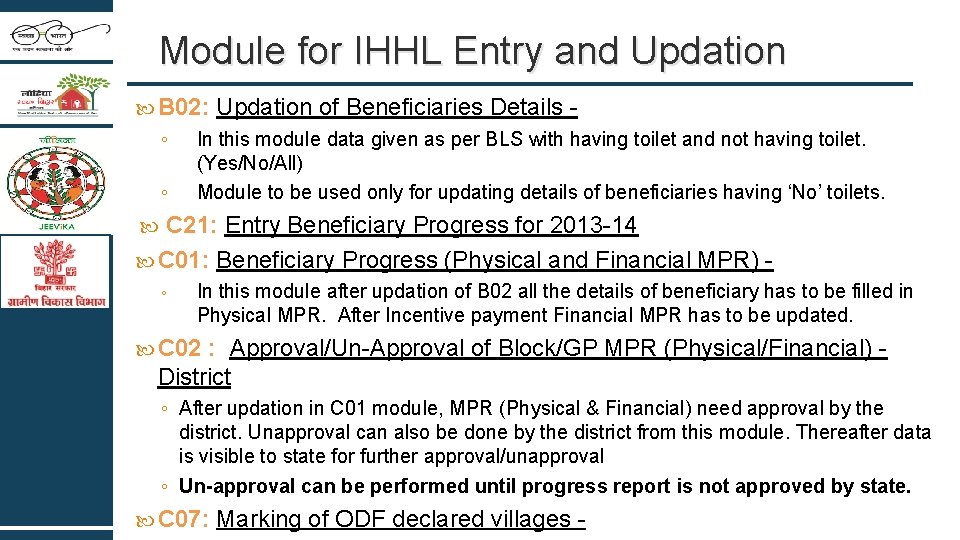
Module for IHHL Entry and Updation B 02: Updation ◦ ◦ of Beneficiaries Details - In this module data given as per BLS with having toilet and not having toilet. (Yes/No/All) Module to be used only for updating details of beneficiaries having ‘No’ toilets. C 21: Entry Beneficiary Progress for 2013 -14 C 01: Beneficiary Progress (Physical and Financial MPR) ◦ In this module after updation of B 02 all the details of beneficiary has to be filled in Physical MPR. After Incentive payment Financial MPR has to be updated. C 02 : Approval/Un-Approval of Block/GP MPR (Physical/Financial) - District ◦ After updation in C 01 module, MPR (Physical & Financial) need approval by the district. Unapproval can also be done by the district from this module. Thereafter data is visible to state for further approval/unapproval ◦ Un-approval can be performed until progress report is not approved by state. C 07: Marking of ODF declared villages -
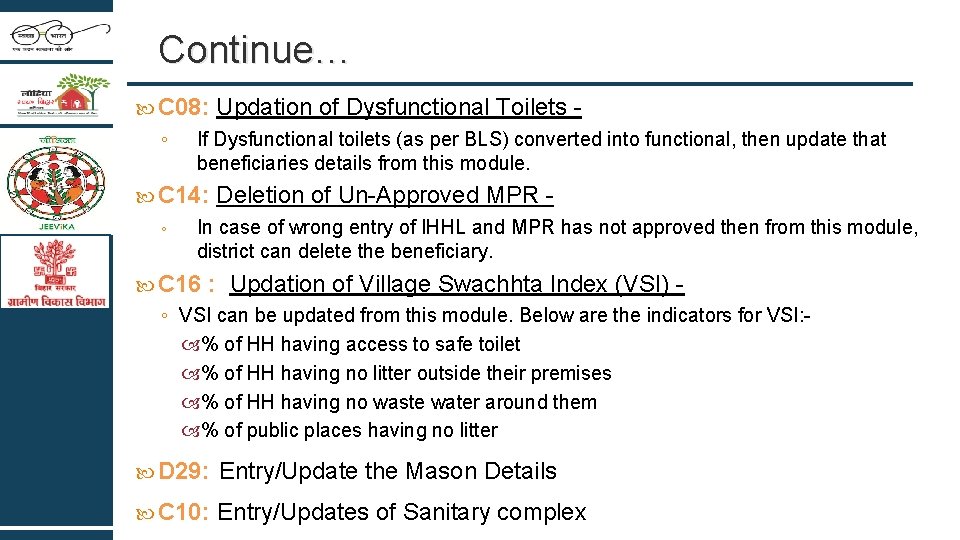
Continue… C 08: Updation ◦ If Dysfunctional toilets (as per BLS) converted into functional, then update that beneficiaries details from this module. C 14: Deletion ◦ of Dysfunctional Toilets - of Un-Approved MPR - In case of wrong entry of IHHL and MPR has not approved then from this module, district can delete the beneficiary. C 16 : Updation of Village Swachhta Index (VSI) - ◦ VSI can be updated from this module. Below are the indicators for VSI: % of HH having access to safe toilet % of HH having no litter outside their premises % of HH having no waste water around them % of public places having no litter D 29: Entry/Update the Mason Details C 10: Entry/Updates of Sanitary complex
Module for IHHL Shifting and Deletion B 03 : Delete household data of BLS - ◦ As per ODEP we have to delete access data from Village/GP. ◦ Here two options are given for deletion i. e. one by one and Multiple. ◦ Only two types of deletions are allowed from this module: Beneficiaries not having toilets Beneficiaries with dysfunctional toiles B 06 : Shifting ◦ ◦ of Beneficiary Data - Reported and Not reported data within the block can be shifted from this module. Before shifting the data one must ensure the target village as per ODEP.
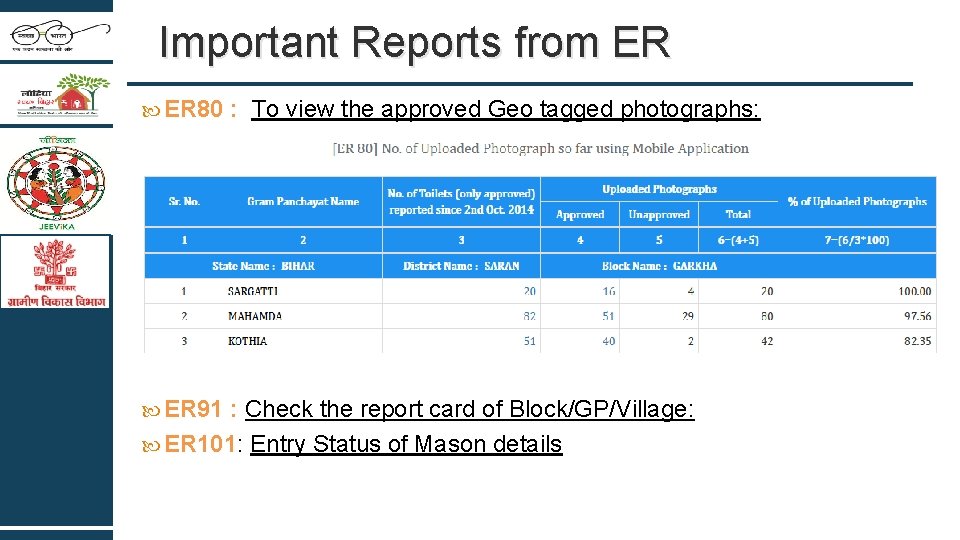
Important Reports from ER 80 : To view the approved Geo tagged photographs: ER 91 : Check the report card of Block/GP/Village: ER 101: Entry Status of Mason details
Concerns on MIS Once the coverage of ward reached 75% then following must be taken care : ◦ Step 1 – Beneficiary must be uploaded on IMIS ◦ Step II – The beneficiary with correct credentials must be updated/entered on LSBA for payment. Directory Issues : ◦ District will have to identify villages in four categories for Correction of Master Directory: Village not exist Village exist, but not habitated Village exist, but data is not complete, Village exist, but data entered in other village Share list of Urbanised Villages/ Panchayats Villages having “zero households” are not allowed to declare
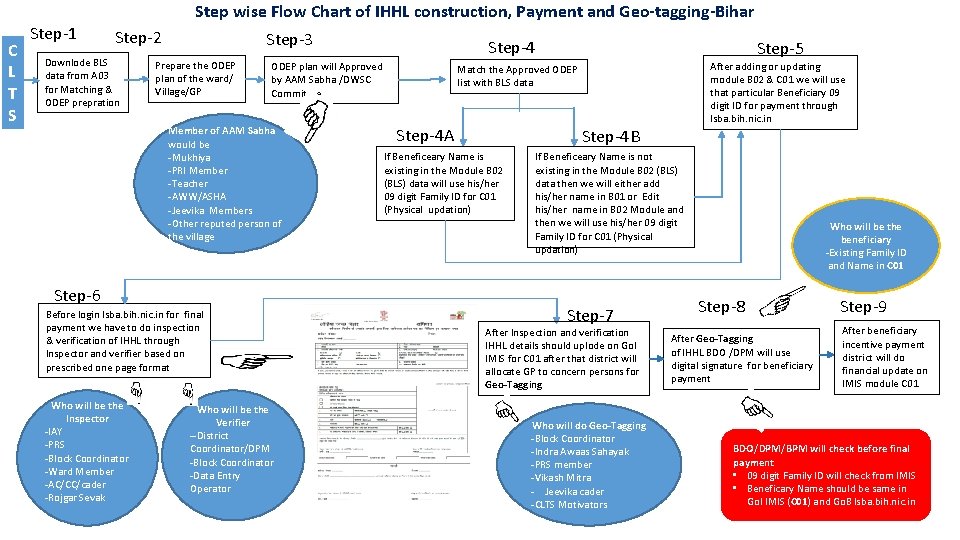
Step wise Flow Chart of IHHL construction, Payment and Geo-tagging-Bihar C L T S Step-1 Step-2 Downlode BLS data from A 03 for Matching & ODEP prepration Step-3 Prepare the ODEP plan of the ward/ Village/GP ODEP plan will Approved by AAM Sabha /DWSC Committee Member of AAM Sabha would be -Mukhiya -PRI Member -Teacher -AWW/ASHA -Jeevika Members -Other reputed person of the village Step-6 Before login lsba. bih. nic. in for final payment we have to do inspection & verification of IHHL through Inspector and verifier based on prescribed one page format Who will be the Inspector -IAY -PRS -Block Coordinator -Ward Member -AC/CC/cader -Rojgar Sevak Step-4 Who will be the Verifier --District Coordinator/DPM -Block Coordinator -Data Entry Operator Step-5 After adding or updating module B 02 & C 01 we will use that particular Beneficiary 09 digit ID for payment through lsba. bih. nic. in Match the Approved ODEP list with BLS data Step-4 A Step-4 B If Beneficeary Name is existing in the Module B 02 (BLS) data will use his/her 09 digit Family ID for C 01 (Physical updation) If Beneficeary Name is not existing in the Module B 02 (BLS) data then we will either add his/her name in B 01 or Edit his/her name in B 02 Module and then we will use his/her 09 digit Family ID for C 01 (Physical updation) Step-7 After Inspection and verification IHHL details should uplode on Go. I IMIS for C 01 after that district will allocate GP to concern persons for Geo-Tagging Who will do Geo-Tagging -Block Coordinator -Indra Awaas Sahayak -PRS member -Vikash Mitra - Jeevika cader -CLTS Motivators Who will be the beneficiary -Existing Family ID and Name in C 01 Step-8 After Geo-Tagging of IHHL BDO /DPM will use digital signature for beneficiary payment Step-9 After beneficiary incentive payment district will do financial update on IMIS module C 01 BDO/DPM/BPM will check before final payment • 09 digit Family ID will check from IMIS • Beneficary Name should be same in Go. I IMIS (C 01) and Go. B lsba. bih. nic. in
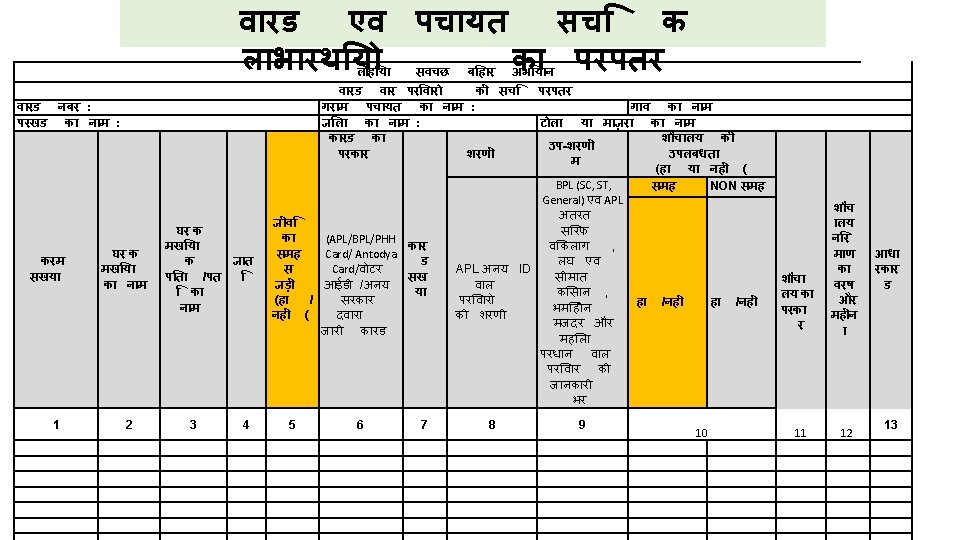
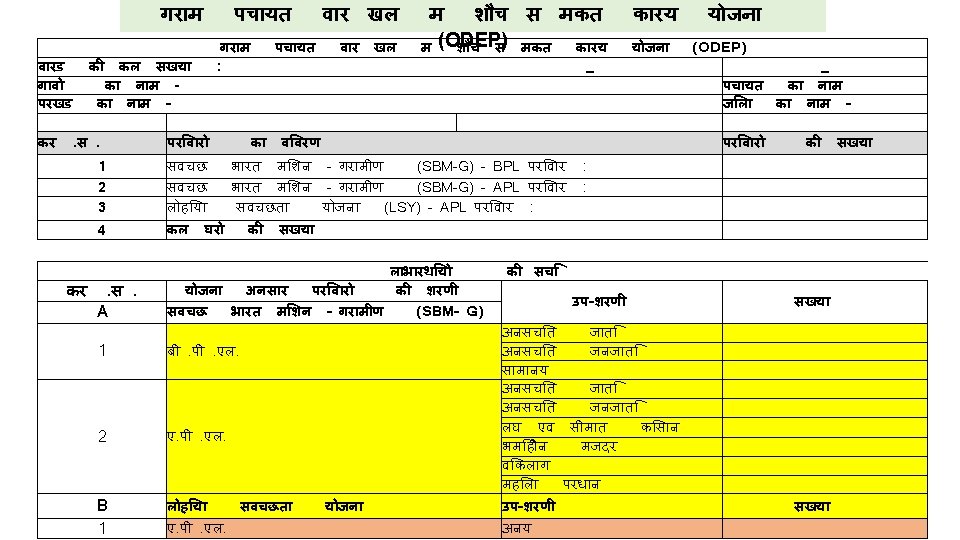
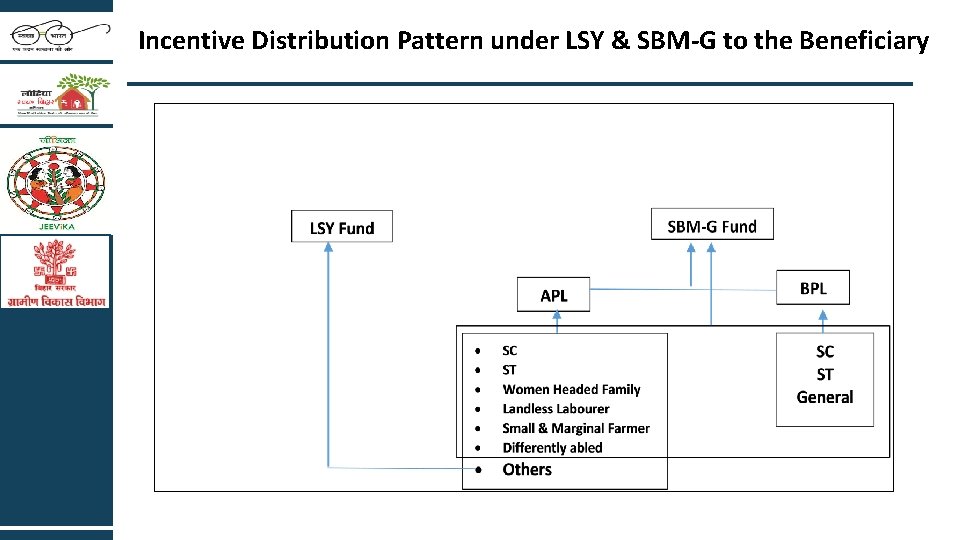
Incentive Distribution Pattern under LSY & SBM-G to the Beneficiary
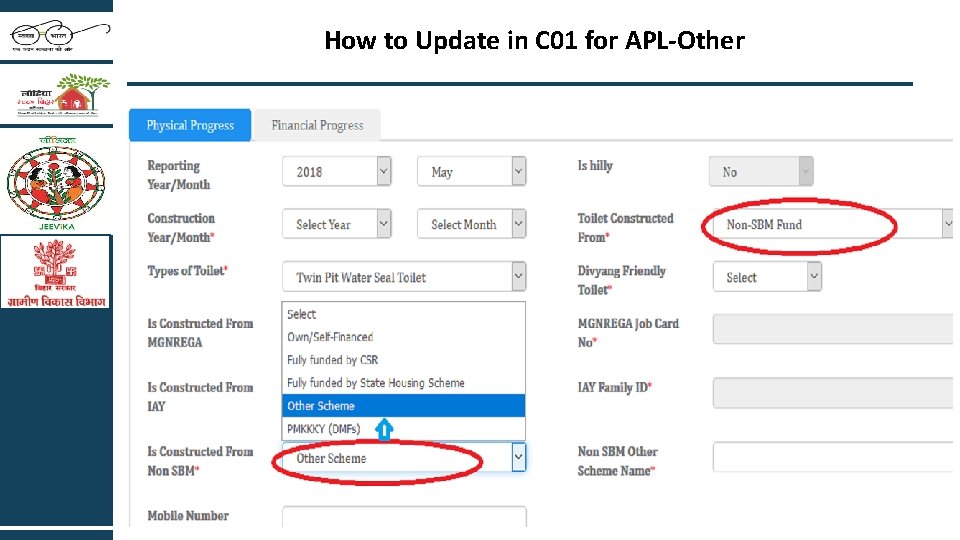
How to Update in C 01 for APL-Other
Documentation at Block Make sure all IHHL form must be completely filled. Make a Register GP wise to fill all the beneficiary details and date of payment. All the IHHL form must be store in file GP and ward wise. Other documents like bill/voucher of expenditure must be store in file.
- Slides: 14