
1 Introduction to Programming Bertrand Meyer Exercise Session
1 Introduction to Programming Bertrand Meyer Exercise Session 3 29 September 2008 Chair of Software Engineering ATOT - Lecture 1, 31 March 2003
Assignments 2 Deadline for assignment 2 on Thursday Chair of Software Engineering ATOT - Lecture 1, 31 March 2003
Today’s learning goals Distinguishing between commands and queries feature declaration and feature call Understanding feature call chains Getting to know the basics of Eiffel. Studio Chair of Software Engineering ATOT - Lecture 1, 31 March 2003 3
Features, commands and queries Feature: an operation available on a certain class of objects Three kinds: Command Query Creation procedure (seen later) Chair of Software Engineering ATOT - Lecture 1, 31 March 2003 4
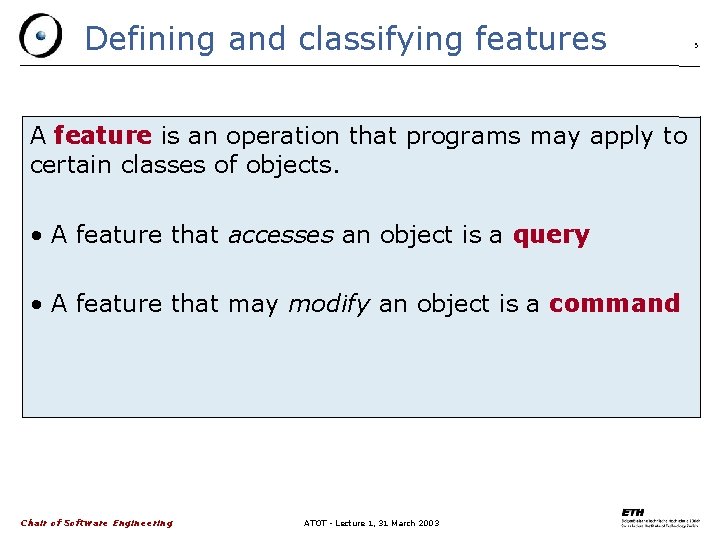
Defining and classifying features A feature is an operation that programs may apply to certain classes of objects. • A feature that accesses an object is a query • A feature that may modify an object is a command Chair of Software Engineering ATOT - Lecture 1, 31 March 2003 5

Command-query separation principle “Asking a question shouldn’t change the answer” i. e. “query” Chair of Software Engineering ATOT - Lecture 1, 31 March 2003 6
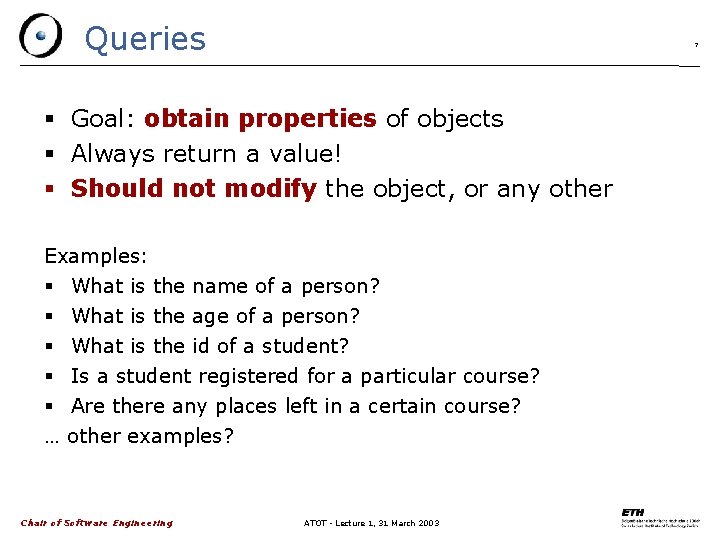
Queries 7 Goal: obtain properties of objects Always return a value! Should not modify the object, or any other Examples: What is the name of a person? What is the age of a person? What is the id of a student? Is a student registered for a particular course? Are there any places left in a certain course? … other examples? Chair of Software Engineering ATOT - Lecture 1, 31 March 2003
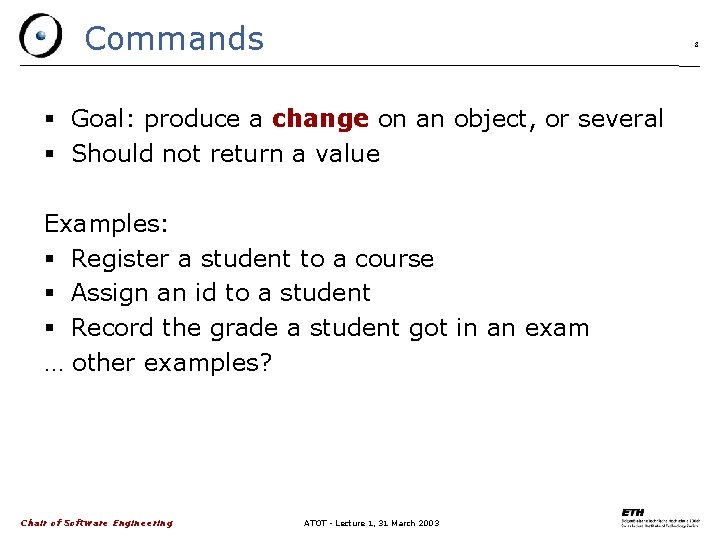
Commands 8 Goal: produce a change on an object, or several Should not return a value Examples: Register a student to a course Assign an id to a student Record the grade a student got in an exam … other examples? Chair of Software Engineering ATOT - Lecture 1, 31 March 2003
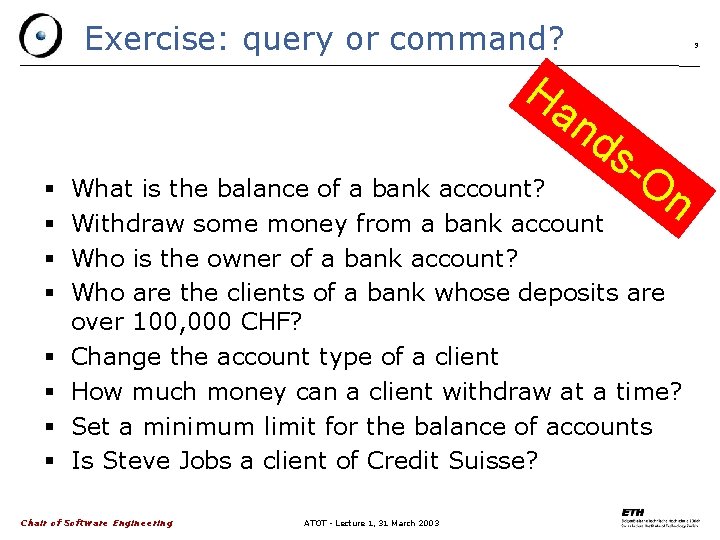
Exercise: query or command? Ha 9 nd s- On What is the balance of a bank account? Withdraw some money from a bank account Who is the owner of a bank account? Who are the clients of a bank whose deposits are over 100, 000 CHF? Change the account type of a client How much money can a client withdraw at a time? Set a minimum limit for the balance of accounts Is Steve Jobs a client of Credit Suisse? Chair of Software Engineering ATOT - Lecture 1, 31 March 2003
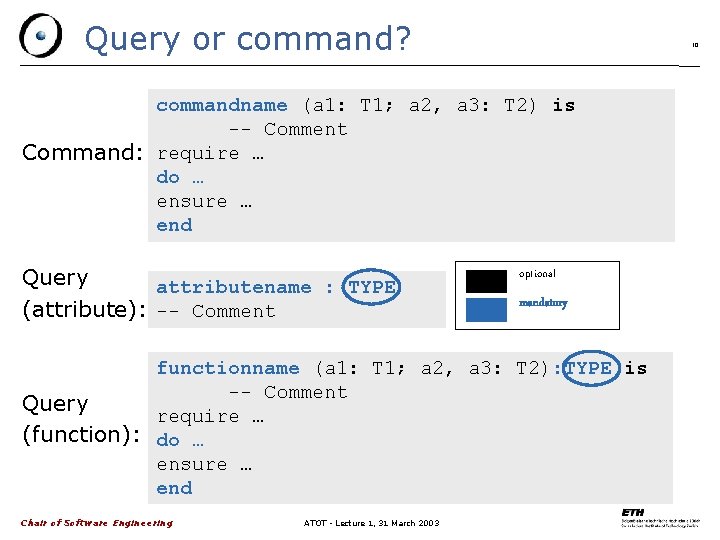
Query or command? 10 commandname (a 1: T 1; a 2, a 3: T 2) is -- Comment Command: require … do … ensure … end Query attributename : TYPE (attribute): -- Comment optional mandatory functionname (a 1: T 1; a 2, a 3: T 2): TYPE is -- Comment Query require … (function): do … ensure … end Chair of Software Engineering ATOT - Lecture 1, 31 March 2003
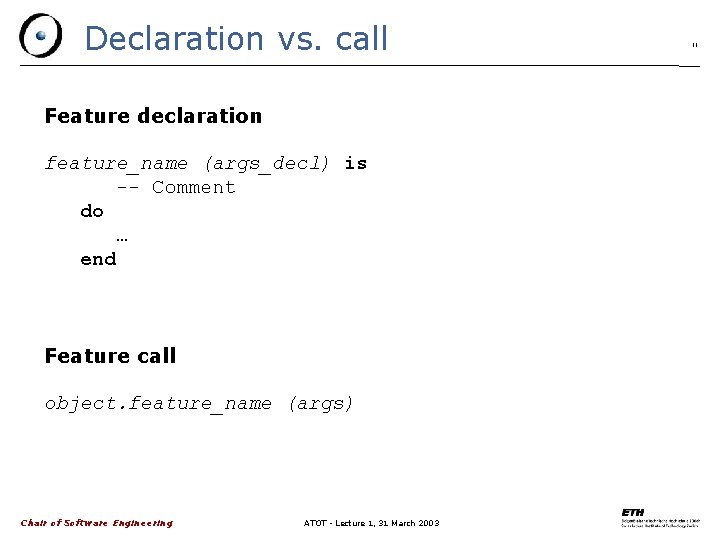
Declaration vs. call Feature declaration feature_name (args_decl) is -- Comment do … end Feature call object. feature_name (args) Chair of Software Engineering ATOT - Lecture 1, 31 March 2003 11
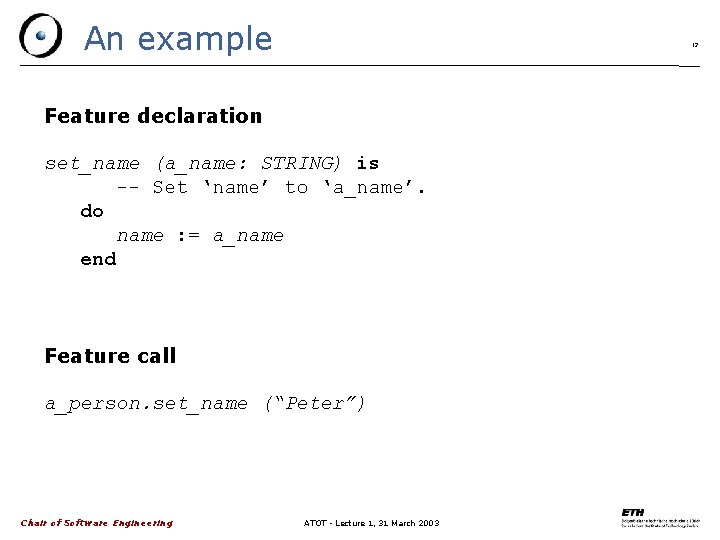
An example 12 Feature declaration set_name (a_name: STRING) is -- Set ‘name’ to ‘a_name’. do name : = a_name end Feature call a_person. set_name (“Peter”) Chair of Software Engineering ATOT - Lecture 1, 31 March 2003
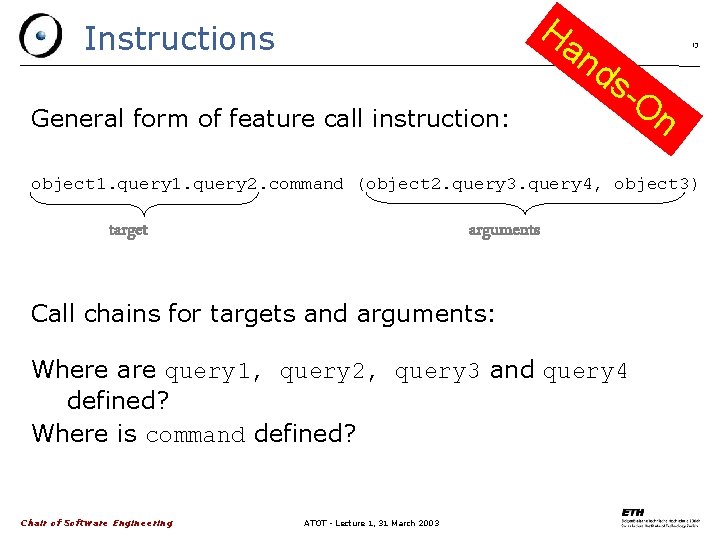
Ha Instructions General form of feature call instruction: nd s. On 13 object 1. query 2. command (object 2. query 3. query 4, object 3) target arguments Call chains for targets and arguments: Where are query 1, query 2, query 3 and query 4 defined? Where is command defined? Chair of Software Engineering ATOT - Lecture 1, 31 March 2003
Eiffel. Studio 14 Introduction to the IDE Debugging Demo Chair of Software Engineering ATOT - Lecture 1, 31 March 2003
Documentation Eiffel. Studio Help Guided Tour very good as introduction, to get you started www. eiffel. com Chair of Software Engineering ATOT - Lecture 1, 31 March 2003 15
Introduction to the IDE One development window divided into panels: Editor Context tool Clusters pane + others (Features, Favorites, etc. ) Toolbar customization Pick-and-drop mechanism Chair of Software Engineering ATOT - Lecture 1, 31 March 2003 16
The editor 17 Syntax highlighting Syntax completion (CTRL+Space) Class name completion (SHIFT+CTRL+Space) Smart indenting Block indent or exdent (TAB and SHIFT+TAB) Block commenting or uncommenting (CTRL+K and SHIFT+CTRL+K) Infinite level of Undo/Redo (reset after a save) Quick search features (first CTRL+F to enter words then F 3 and SHIFT+F 3) Chair of Software Engineering ATOT - Lecture 1, 31 March 2003
The compiler 18 Uses incremental compilation Supports. NET Project Settings Tool Chair of Software Engineering ATOT - Lecture 1, 31 March 2003
Getting started with the debugger The system must be melted/frozen (finalized systems cannot be debugged) Click the Run button Chair of Software Engineering ATOT - Lecture 1, 31 March 2003 19
Setting breakpoints Use the flat formats to add breakpoints Tip: An efficient way of adding breakpoints consists in dropping a feature in the context tool Click in the margin to enable/disable single breakpoints Use the toolbar debug buttons to enable or disable all breakpoints globally Chair of Software Engineering ATOT - Lecture 1, 31 March 2003 20
Running the application New display of the Development Window to include debugging information about: The current object (Object Tool) The arguments and local variables of the routine being debugged Once on a breakpoint: possibility to step over / into / out of the next statement Possibility to interrupt the application at anytime (Pause Application button or SHIFT+CTRL+F 5) Chair of Software Engineering ATOT - Lecture 1, 31 March 2003 21
- Slides: 21