
1 Introduction to C Programming Outline Introduction to
- Slides: 35
1 Introduction to C++ Programming Outline Introduction to C++ Programming A Simple Program: Printing a Line of Text Another Simple Program: Adding Two Integers Memory Concepts Arithmetic Decision Making: Equality and Relational Operators 2003 Prentice Hall, Inc. All rights reserved.
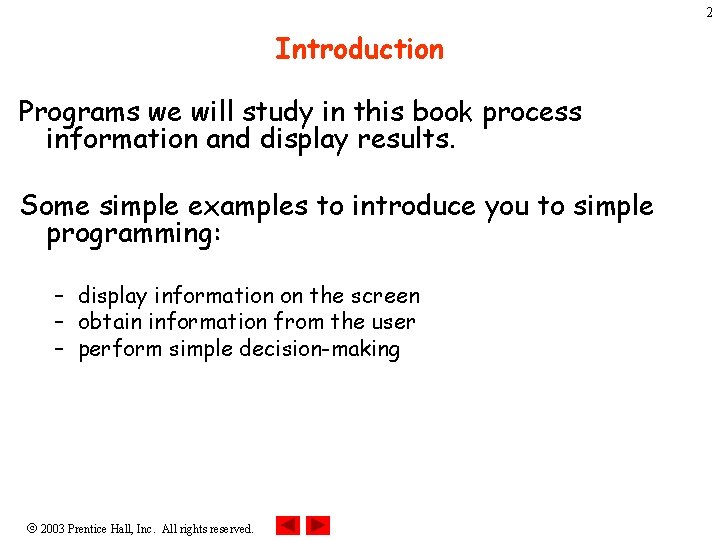
2 Introduction Programs we will study in this book process information and display results. Some simple examples to introduce you to simple programming: – display information on the screen – obtain information from the user – perform simple decision-making 2003 Prentice Hall, Inc. All rights reserved.
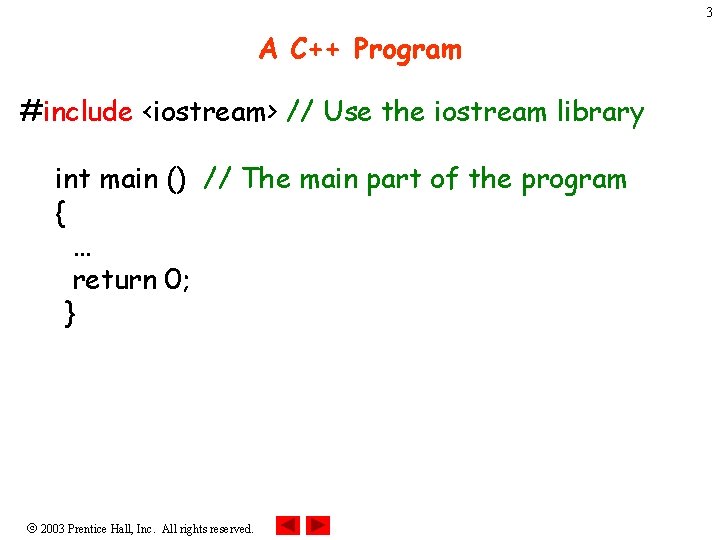
3 A C++ Program #include <iostream> // Use the iostream library int main () // The main part of the program { … return 0; } 2003 Prentice Hall, Inc. All rights reserved.
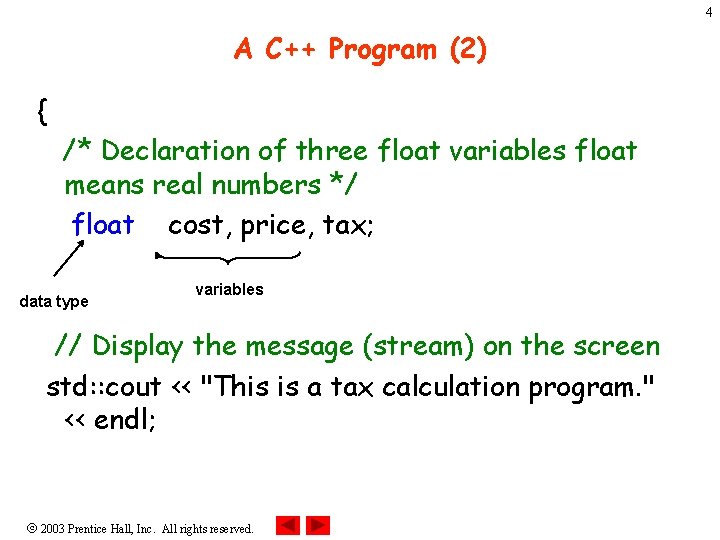
4 A C++ Program (2) { /* Declaration of three float variables float means real numbers */ float cost, price, tax; data type variables // Display the message (stream) on the screen std: : cout << "This is a tax calculation program. " << endl; 2003 Prentice Hall, Inc. All rights reserved.
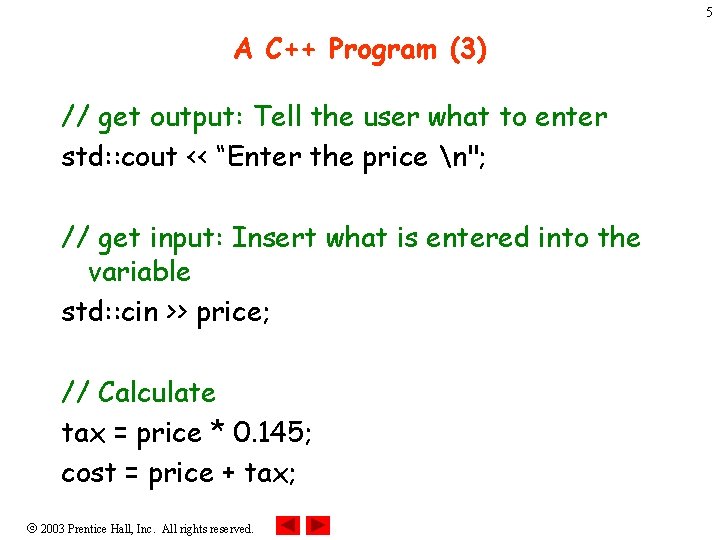
5 A C++ Program (3) // get output: Tell the user what to enter std: : cout << “Enter the price n"; // get input: Insert what is entered into the variable std: : cin >> price; // Calculate tax = price * 0. 145; cost = price + tax; 2003 Prentice Hall, Inc. All rights reserved.
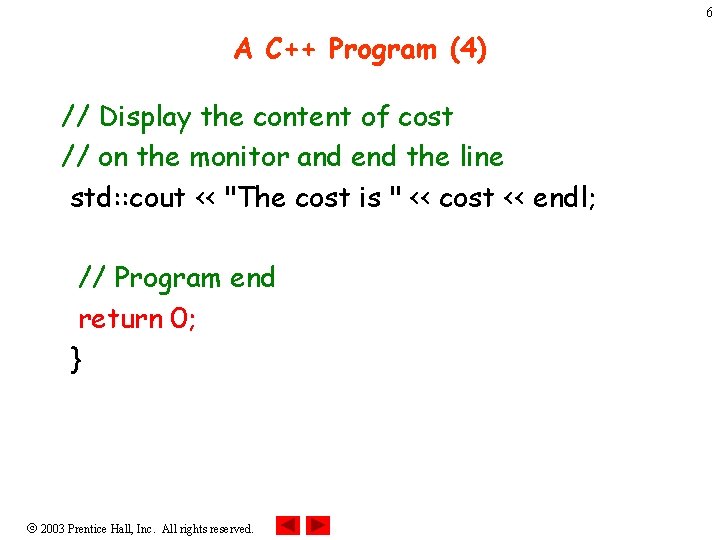
6 A C++ Program (4) // Display the content of cost // on the monitor and end the line std: : cout << "The cost is " << cost << endl; // Program end return 0; } 2003 Prentice Hall, Inc. All rights reserved.
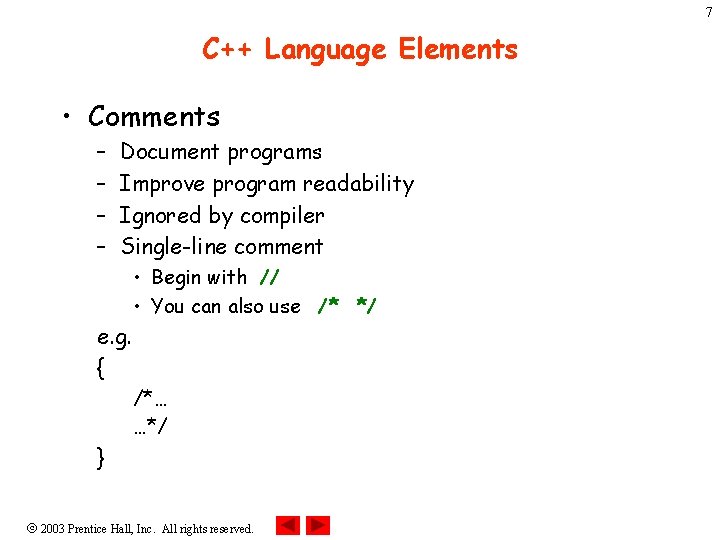
7 C++ Language Elements • Comments – – Document programs Improve program readability Ignored by compiler Single-line comment • Begin with // • You can also use /* */ e. g. { /*… …*/ } 2003 Prentice Hall, Inc. All rights reserved.
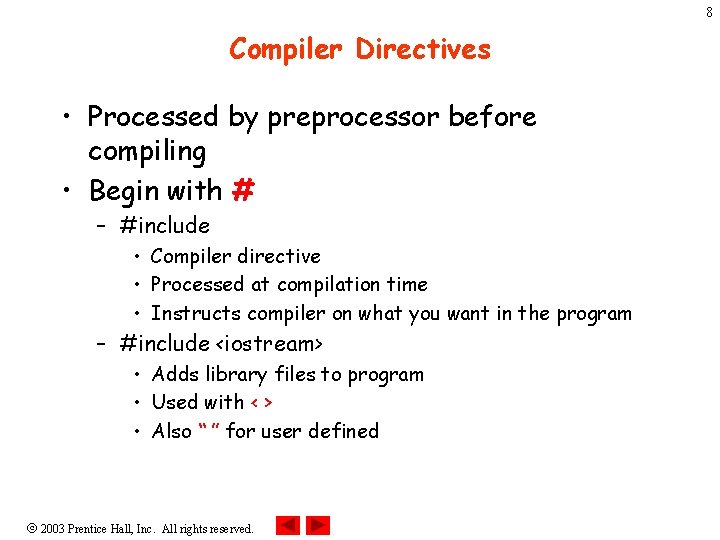
8 Compiler Directives • Processed by preprocessor before compiling • Begin with # – #include • Compiler directive • Processed at compilation time • Instructs compiler on what you want in the program – #include <iostream> • Adds library files to program • Used with < > • Also “ ” for user defined 2003 Prentice Hall, Inc. All rights reserved.
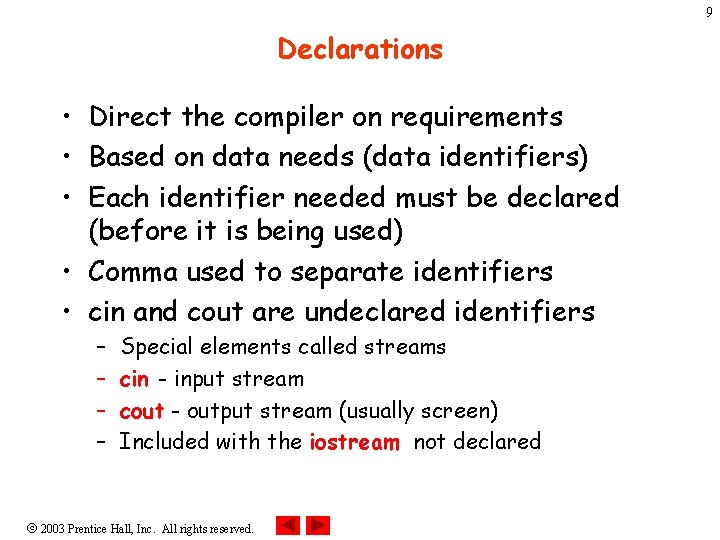
9 Declarations • Direct the compiler on requirements • Based on data needs (data identifiers) • Each identifier needed must be declared (before it is being used) • Comma used to separate identifiers • cin and cout are undeclared identifiers – – Special elements called streams cin - input stream cout - output stream (usually screen) Included with the iostream not declared 2003 Prentice Hall, Inc. All rights reserved.
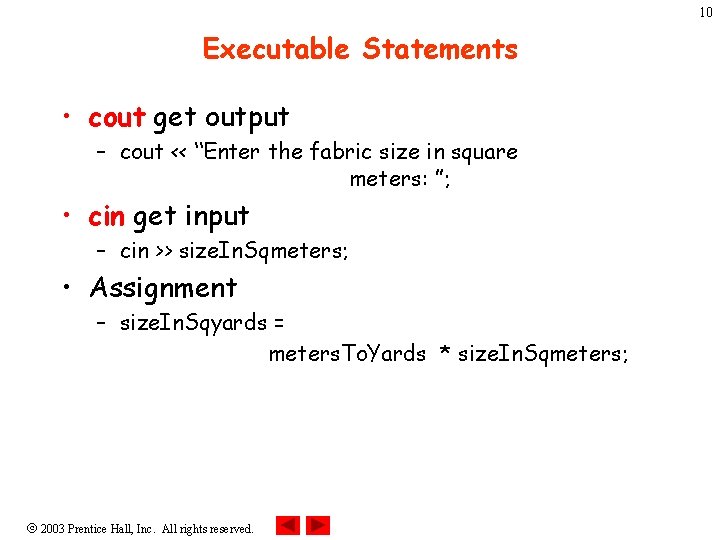
10 Executable Statements • cout get output – cout << “Enter the fabric size in square meters: ”; • cin get input – cin >> size. In. Sqmeters; • Assignment – size. In. Sqyards = meters. To. Yards * size. In. Sqmeters; 2003 Prentice Hall, Inc. All rights reserved.
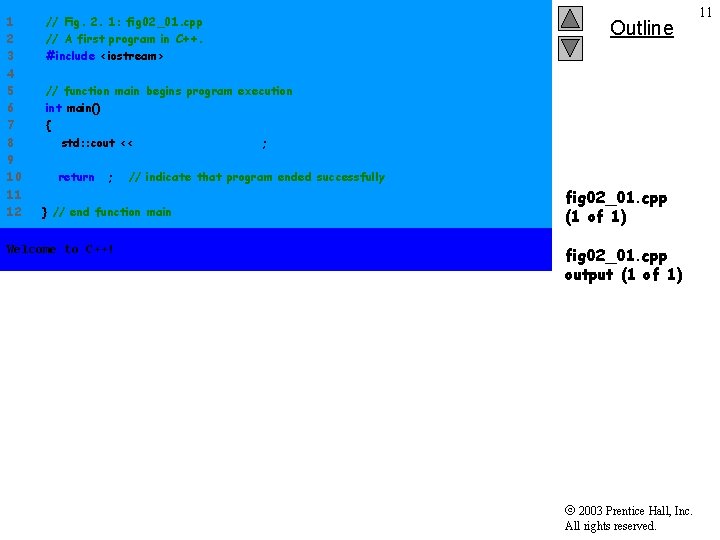
1 2 3 4 5 6 7 8 9 10 11 12 // Fig. 2. 1: fig 02_01. cpp // A first program in C++. #include <iostream> Outline // function main begins program execution int main() { std: : cout << "Welcome to C++!n"; return 0; // indicate that program ended successfully } // end function main Welcome to C++! fig 02_01. cpp (1 of 1) fig 02_01. cpp output (1 of 1) 2003 Prentice Hall, Inc. All rights reserved. 11
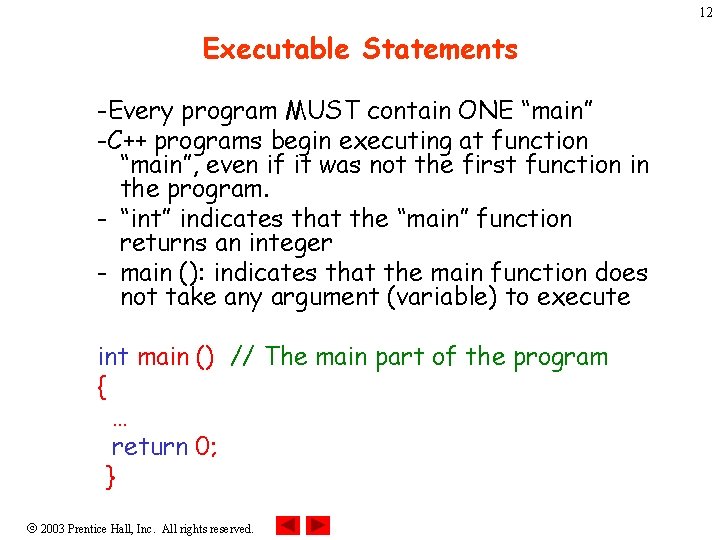
12 Executable Statements -Every program MUST contain ONE “main” -C++ programs begin executing at function “main”, even if it was not the first function in the program. - “int” indicates that the “main” function returns an integer - main (): indicates that the main function does not take any argument (variable) to execute int main () // The main part of the program { … return 0; } 2003 Prentice Hall, Inc. All rights reserved.
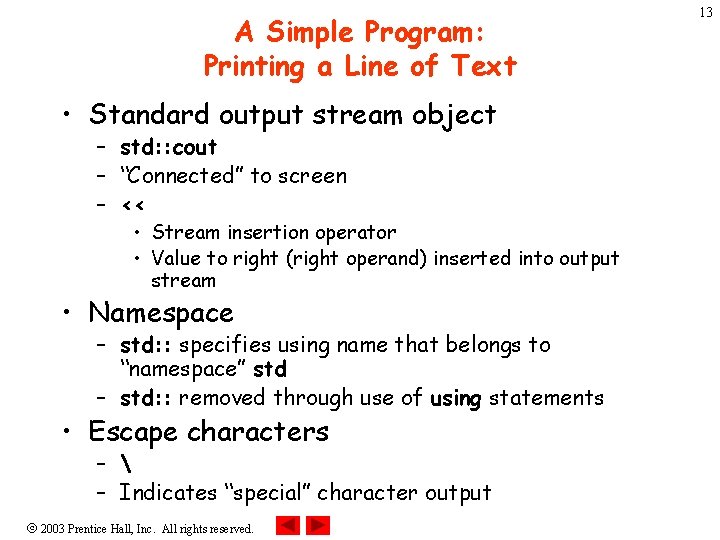
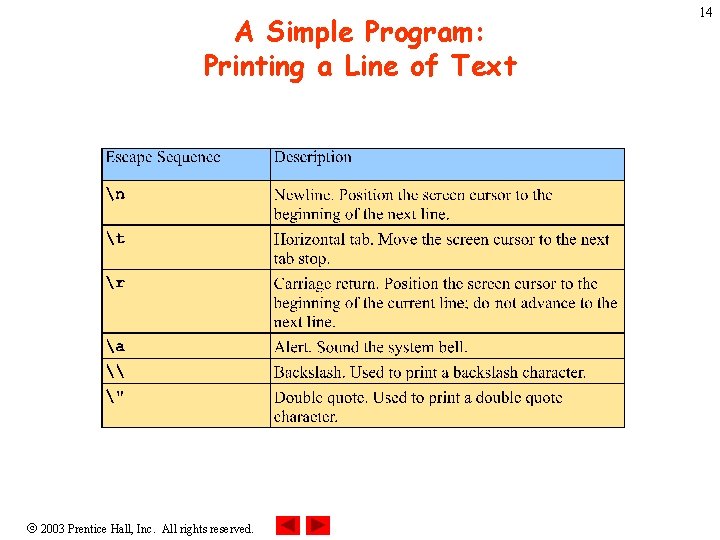
A Simple Program: Printing a Line of Text • Standard output stream object – std: : cout – “Connected” to screen – << • Stream insertion operator • Value to right (right operand) inserted into output stream • Namespace – std: : specifies using name that belongs to “namespace” std – std: : removed through use of using statements • Escape characters – – Indicates “special” character output 2003 Prentice Hall, Inc. All rights reserved. 13
A Simple Program: Printing a Line of Text 2003 Prentice Hall, Inc. All rights reserved. 14
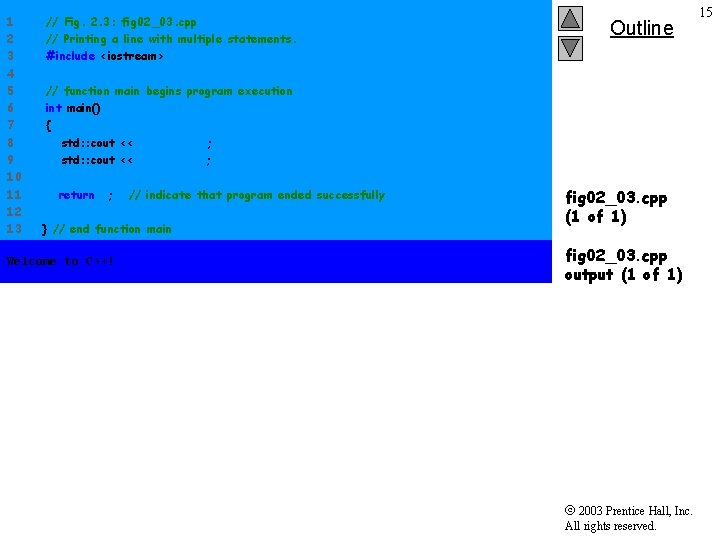
1 2 3 4 5 6 7 8 9 10 11 12 13 // Fig. 2. 3: fig 02_03. cpp // Printing a line with multiple statements. #include <iostream> Outline // function main begins program execution int main() { std: : cout << "Welcome "; std: : cout << "to C++!n"; return 0; // indicate that program ended successfully } // end function main Welcome to C++! fig 02_03. cpp (1 of 1) fig 02_03. cpp output (1 of 1) 2003 Prentice Hall, Inc. All rights reserved. 15
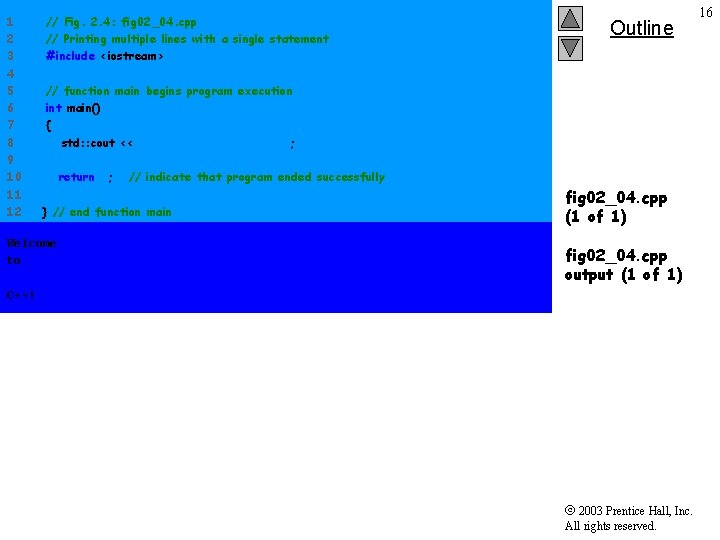
1 2 3 4 5 6 7 8 9 10 11 12 // Fig. 2. 4: fig 02_04. cpp // Printing multiple lines with a single statement #include <iostream> Outline // function main begins program execution int main() { std: : cout << "Welcomentonn. C++!n"; return 0; // indicate that program ended successfully } // end function main Welcome to fig 02_04. cpp (1 of 1) fig 02_04. cpp output (1 of 1) C++! 2003 Prentice Hall, Inc. All rights reserved. 16
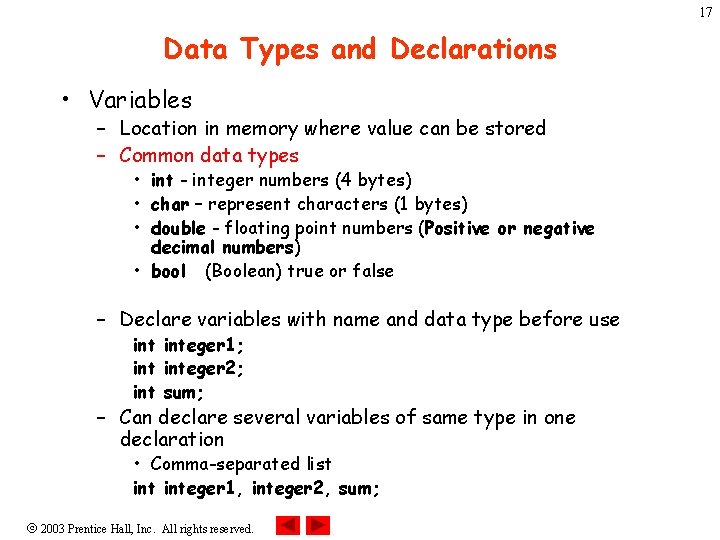
17 Data Types and Declarations • Variables – Location in memory where value can be stored – Common data types • int - integer numbers (4 bytes) • char – represent characters (1 bytes) • double - floating point numbers (Positive or negative decimal numbers) • bool (Boolean) true or false – Declare variables with name and data type before use integer 1; integer 2; int sum; – Can declare several variables of same type in one declaration • Comma-separated list integer 1, integer 2, sum; 2003 Prentice Hall, Inc. All rights reserved.
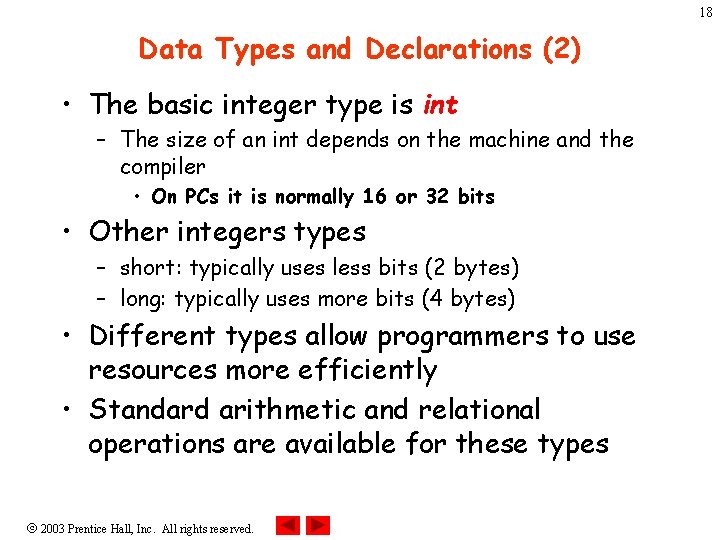
18 Data Types and Declarations (2) • The basic integer type is int – The size of an int depends on the machine and the compiler • On PCs it is normally 16 or 32 bits • Other integers types – short: typically uses less bits (2 bytes) – long: typically uses more bits (4 bytes) • Different types allow programmers to use resources more efficiently • Standard arithmetic and relational operations are available for these types 2003 Prentice Hall, Inc. All rights reserved.
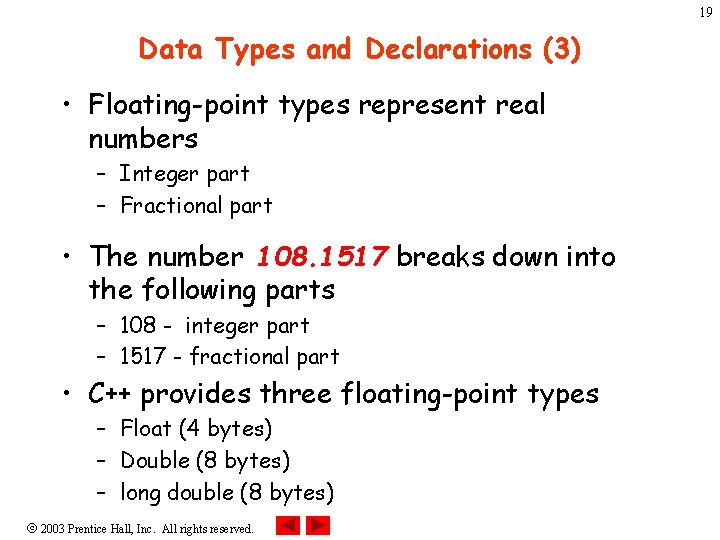
19 Data Types and Declarations (3) • Floating-point types represent real numbers – Integer part – Fractional part • The number 108. 1517 breaks down into the following parts – 108 - integer part – 1517 - fractional part • C++ provides three floating-point types – Float (4 bytes) – Double (8 bytes) – long double (8 bytes) 2003 Prentice Hall, Inc. All rights reserved.
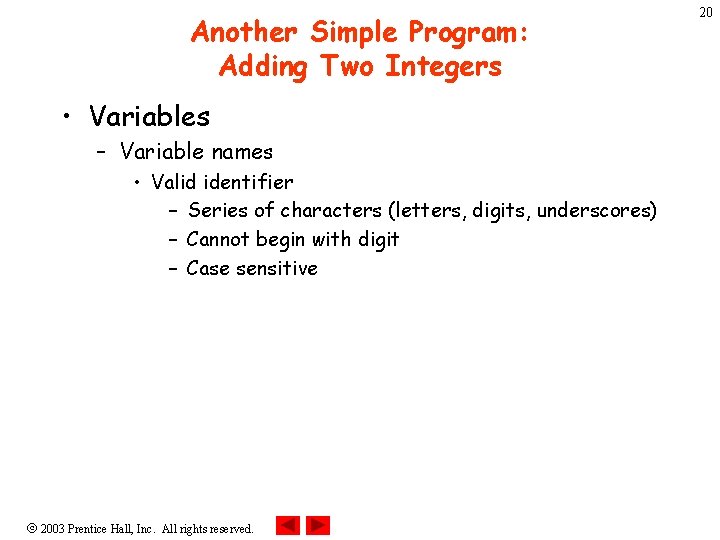
Another Simple Program: Adding Two Integers • Variables – Variable names • Valid identifier – Series of characters (letters, digits, underscores) – Cannot begin with digit – Case sensitive 2003 Prentice Hall, Inc. All rights reserved. 20
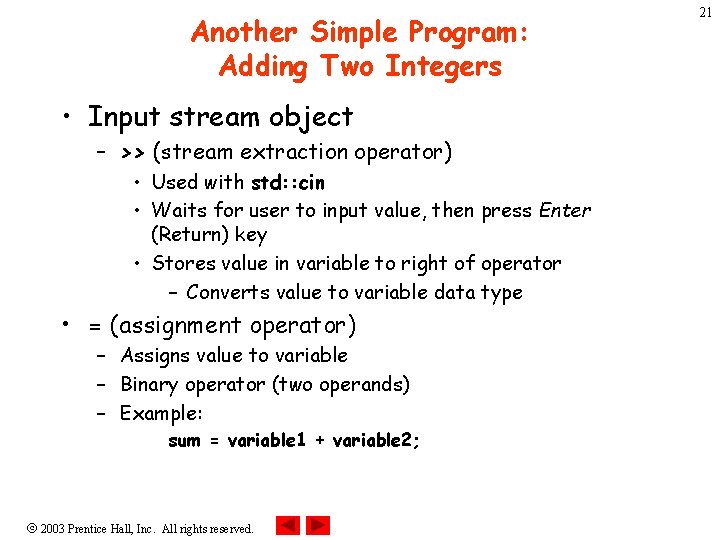
Another Simple Program: Adding Two Integers • Input stream object – >> (stream extraction operator) • Used with std: : cin • Waits for user to input value, then press Enter (Return) key • Stores value in variable to right of operator – Converts value to variable data type • = (assignment operator) – Assigns value to variable – Binary operator (two operands) – Example: sum = variable 1 + variable 2; 2003 Prentice Hall, Inc. All rights reserved. 21
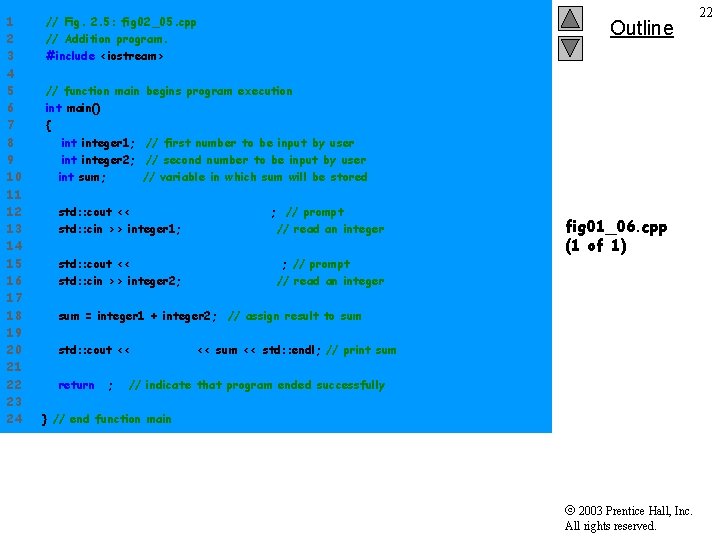
1 2 3 4 5 6 7 8 9 10 11 12 13 14 15 16 17 18 19 20 21 22 23 24 // Fig. 2. 5: fig 02_05. cpp // Addition program. #include <iostream> Outline // function main begins program execution int main() { integer 1; // first number to be input by user integer 2; // second number to be input by user int sum; // variable in which sum will be stored std: : cout << "Enter first integern"; // prompt std: : cin >> integer 1; // read an integer std: : cout << "Enter second integern"; // prompt std: : cin >> integer 2; // read an integer fig 01_06. cpp (1 of 1) sum = integer 1 + integer 2; // assign result to sum std: : cout << "Sum is " << sum << std: : endl; // print sum return 0; // indicate that program ended successfully } // end function main 2003 Prentice Hall, Inc. All rights reserved. 22
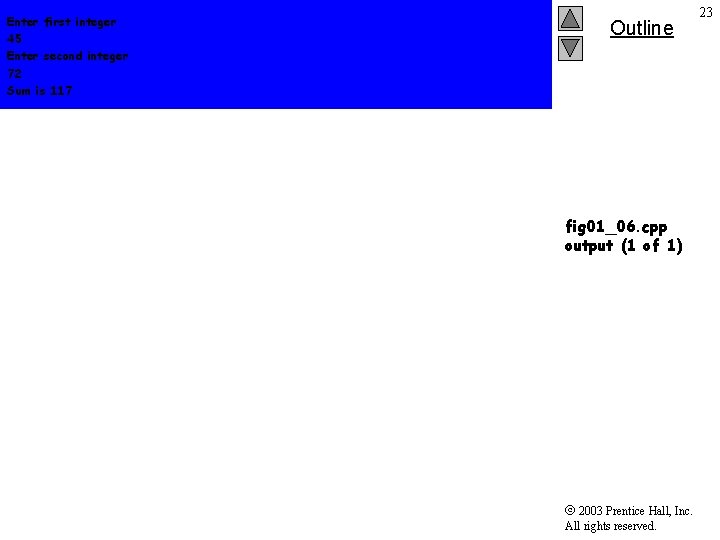
Enter first integer 45 Enter second integer 72 Sum is 117 Outline fig 01_06. cpp output (1 of 1) 2003 Prentice Hall, Inc. All rights reserved. 23
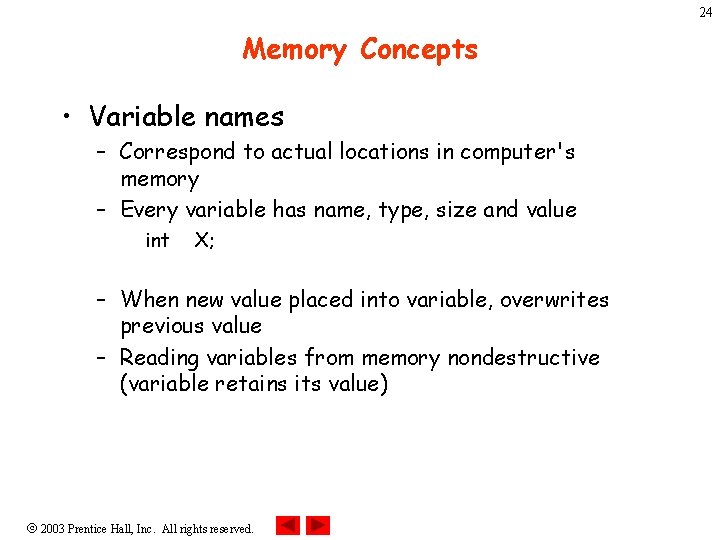
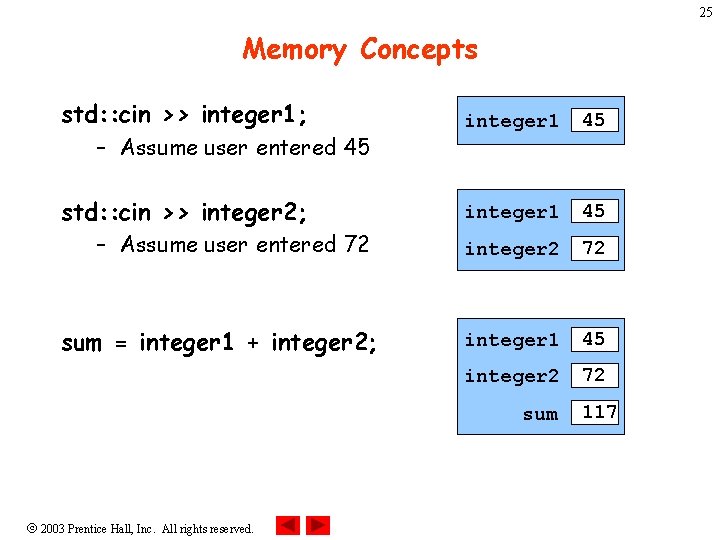
24 Memory Concepts • Variable names – Correspond to actual locations in computer's memory – Every variable has name, type, size and value int X; – When new value placed into variable, overwrites previous value – Reading variables from memory nondestructive (variable retains its value) 2003 Prentice Hall, Inc. All rights reserved.
25 Memory Concepts std: : cin >> integer 1; – Assume user entered 45 std: : cin >> integer 2; – Assume user entered 72 sum = integer 1 + integer 2; integer 1 45 integer 2 72 sum 2003 Prentice Hall, Inc. All rights reserved. 117
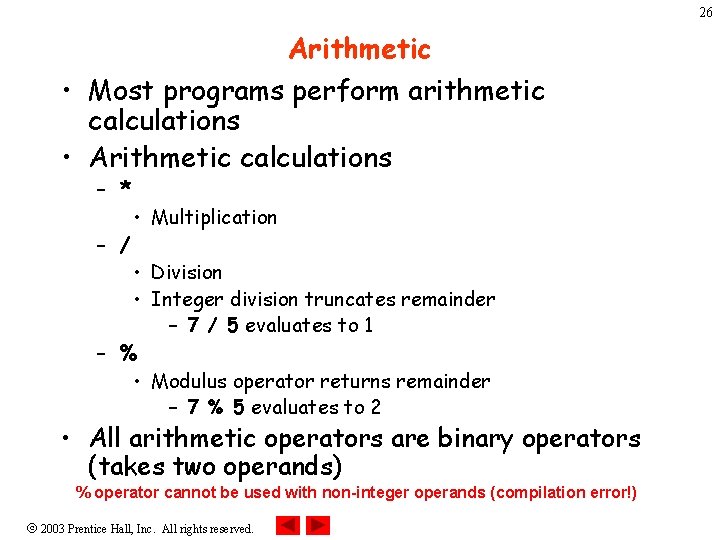
26 Arithmetic • Most programs perform arithmetic calculations • Arithmetic calculations – * – / • Multiplication • Division • Integer division truncates remainder – 7 / 5 evaluates to 1 – % • Modulus operator returns remainder – 7 % 5 evaluates to 2 • All arithmetic operators are binary operators (takes two operands) % operator cannot be used with non-integer operands (compilation error!) 2003 Prentice Hall, Inc. All rights reserved.
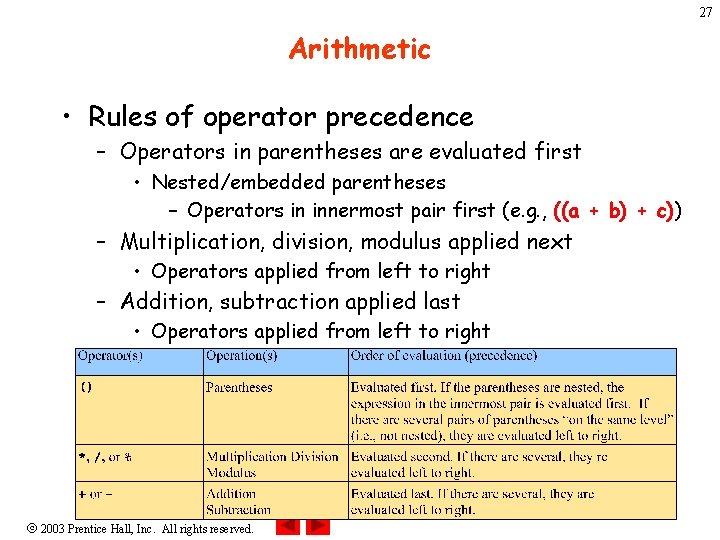
27 Arithmetic • Rules of operator precedence – Operators in parentheses are evaluated first • Nested/embedded parentheses – Operators in innermost pair first (e. g. , ((a + b) + c)) – Multiplication, division, modulus applied next • Operators applied from left to right – Addition, subtraction applied last • Operators applied from left to right 2003 Prentice Hall, Inc. All rights reserved.
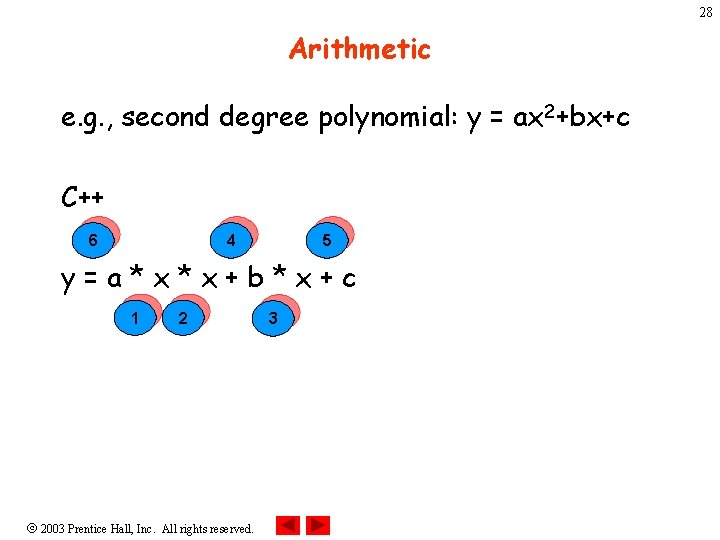
28 Arithmetic e. g. , second degree polynomial: y = ax 2+bx+c C++ 6 4 5 y=a*x*x+b*x+c 1 2 2003 Prentice Hall, Inc. All rights reserved. 3
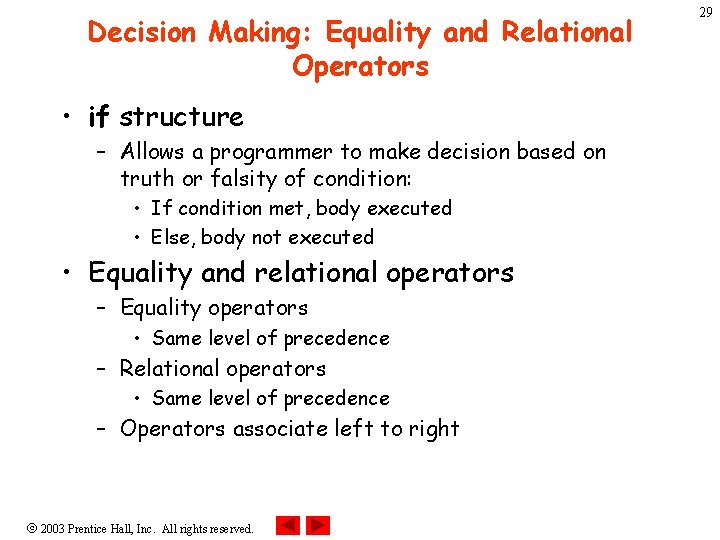
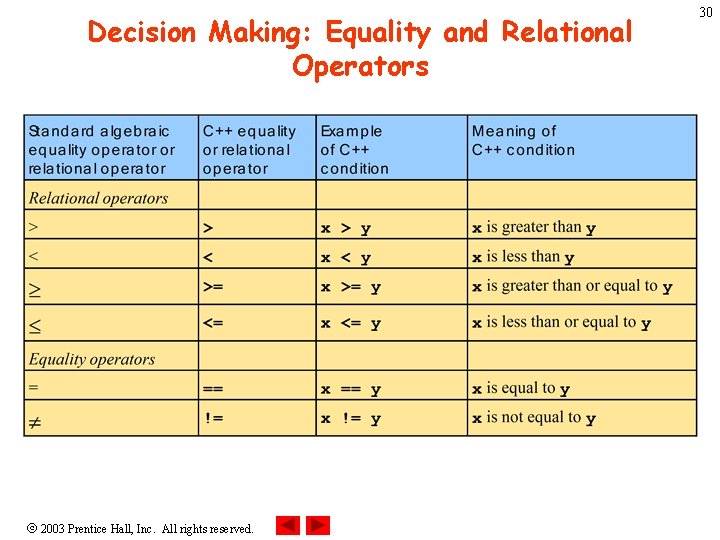
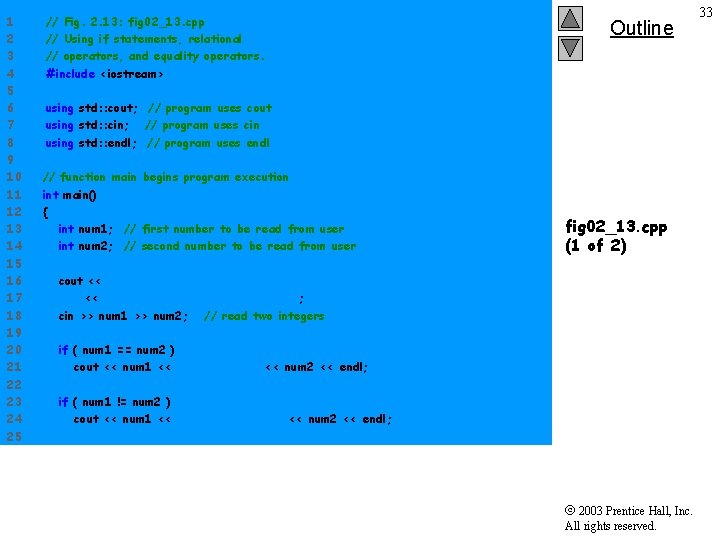
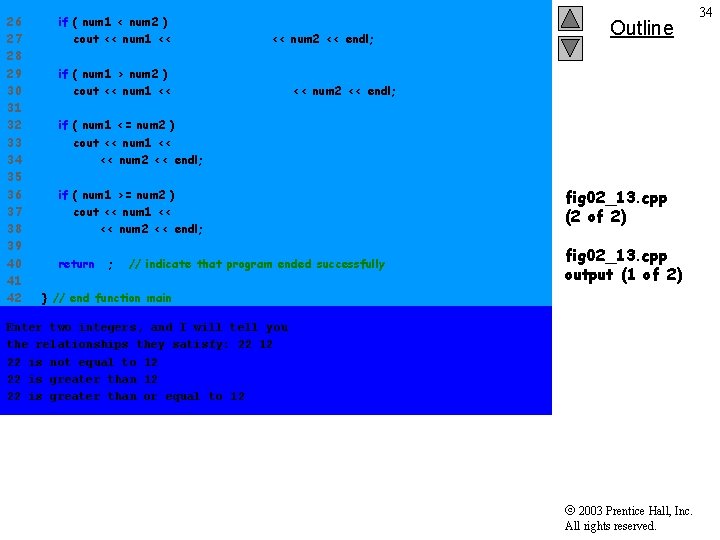
Decision Making: Equality and Relational Operators • if structure – Allows a programmer to make decision based on truth or falsity of condition: • If condition met, body executed • Else, body not executed • Equality and relational operators – Equality operators • Same level of precedence – Relational operators • Same level of precedence – Operators associate left to right 2003 Prentice Hall, Inc. All rights reserved. 29
Decision Making: Equality and Relational Operators 2003 Prentice Hall, Inc. All rights reserved. 30
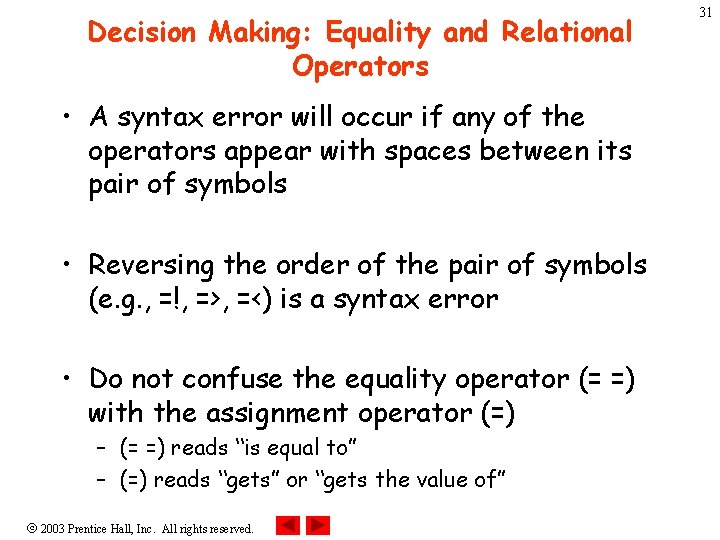
Decision Making: Equality and Relational Operators • A syntax error will occur if any of the operators appear with spaces between its pair of symbols • Reversing the order of the pair of symbols (e. g. , =!, =>, =<) is a syntax error • Do not confuse the equality operator (= =) with the assignment operator (=) – (= =) reads “is equal to” – (=) reads “gets” or “gets the value of” 2003 Prentice Hall, Inc. All rights reserved. 31
Decision Making: Equality and Relational Operators • using statements – Eliminate use of std: : prefix (avoid repetitions in the program) – Write cout instead of std: : cout 2003 Prentice Hall, Inc. All rights reserved. 32
1 2 3 4 5 6 7 8 9 10 11 12 13 14 15 16 17 18 19 20 21 22 23 24 25 // Fig. 2. 13: fig 02_13. cpp // Using if statements, relational // operators, and equality operators. #include <iostream> Outline using std: : cout; // program uses cout using std: : cin; // program uses cin using std: : endl; // program uses endl // function main begins program execution int main() { int num 1; // first number to be read from user int num 2; // second number to be read from user fig 02_13. cpp (1 of 2) cout << "Enter two integers, and I will tell youn" << "the relationships they satisfy: "; cin >> num 1 >> num 2; // read two integers if ( num 1 == num 2 ) cout << num 1 << " is equal to " << num 2 << endl; if ( num 1 != num 2 ) cout << num 1 << " is not equal to " << num 2 << endl; 2003 Prentice Hall, Inc. All rights reserved. 33
26 27 28 29 30 31 32 33 34 35 36 37 38 39 40 41 42 if ( num 1 < num 2 ) cout << num 1 << " is less than " << num 2 << endl; Outline if ( num 1 > num 2 ) cout << num 1 << " is greater than " << num 2 << endl; if ( num 1 <= num 2 ) cout << num 1 << " is less than or equal to " << num 2 << endl; if ( num 1 >= num 2 ) cout << num 1 << " is greater than or equal to " << num 2 << endl; fig 02_13. cpp (2 of 2) return 0; fig 02_13. cpp output (1 of 2) // indicate that program ended successfully } // end function main Enter two integers, and I will tell you the relationships they satisfy: 22 12 22 is not equal to 12 22 is greater than or equal to 12 2003 Prentice Hall, Inc. All rights reserved. 34
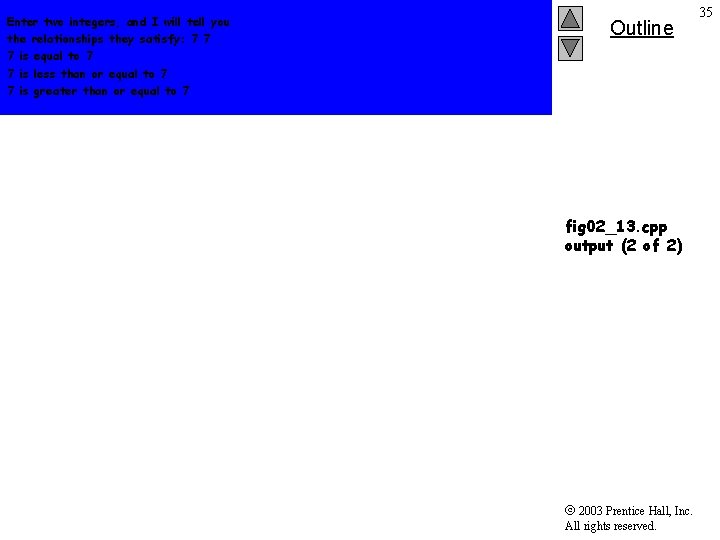
Enter two integers, and I will tell you the relationships they satisfy: 7 7 7 is equal to 7 7 is less than or equal to 7 7 is greater than or equal to 7 Outline fig 02_13. cpp output (2 of 2) 2003 Prentice Hall, Inc. All rights reserved. 35