
1 CSE102 PROGRAMMING FUNDAMENTALS LECTURE 2 BASICS OF
1 CSE-102: PROGRAMMING FUNDAMENTALS LECTURE 2: BASICS OF C Course Instructor: Syed Monowar Hossain
What is Computer? 2 Computer Hardware Device capable of performing computations and making logical decisions Computers process data under the control of sets of instructions called computer programs Various devices comprising a computer Keyboard, screen, mouse, disks, memory, CD-ROM, and processing units Software Programs that run on a computer
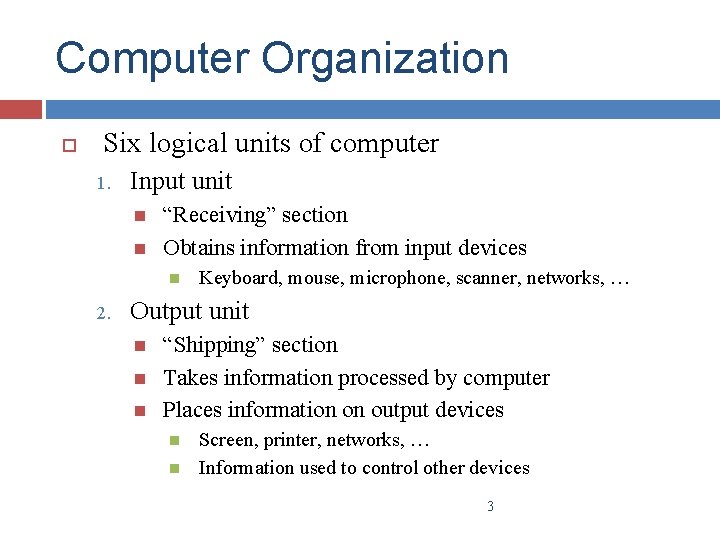
Computer Organization Six logical units of computer 1. Input unit “Receiving” section Obtains information from input devices 2. Keyboard, mouse, microphone, scanner, networks, … Output unit “Shipping” section Takes information processed by computer Places information on output devices Screen, printer, networks, … Information used to control other devices 3
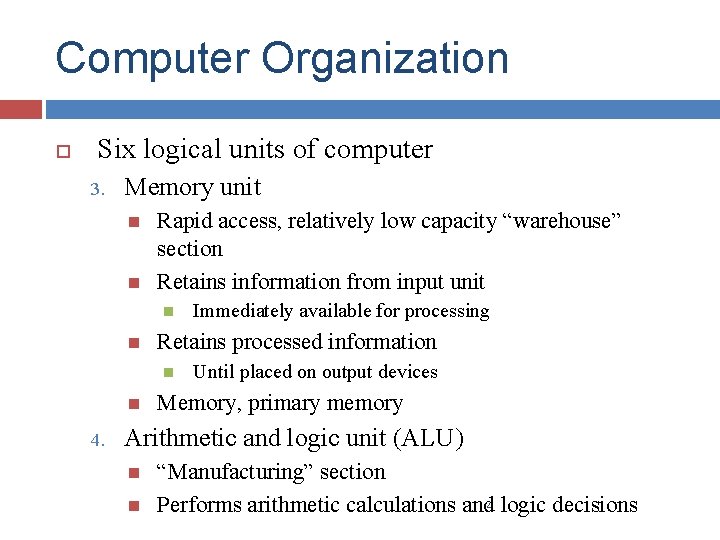
Computer Organization Six logical units of computer 3. Memory unit Rapid access, relatively low capacity “warehouse” section Retains information from input unit Retains processed information 4. Immediately available for processing Until placed on output devices Memory, primary memory Arithmetic and logic unit (ALU) “Manufacturing” section Performs arithmetic calculations and 4 logic decisions
Computer Organization Six logical units of computer 5. Central processing unit (CPU) 6. “Administrative” section Supervises and coordinates other sections of computer Secondary storage unit Long-term, high-capacity “warehouse” section Storage Secondary storage devices Inactive programs or data Disks Longer to access than primary memory Less expensive per unit than primary 5 memory
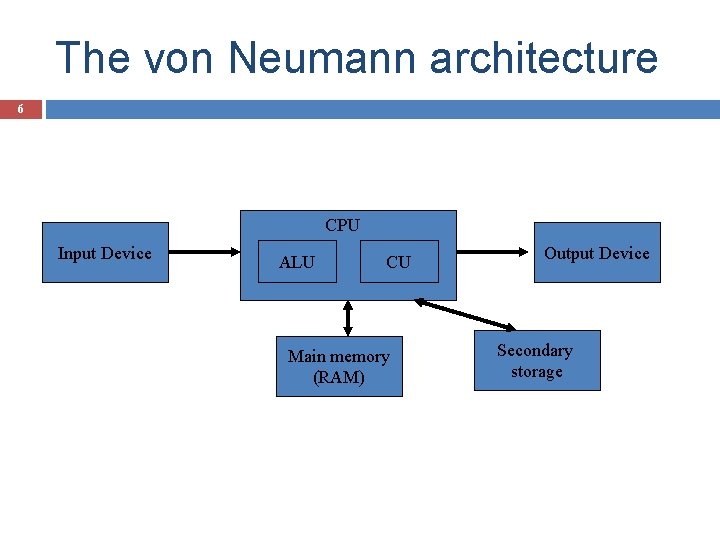
The von Neumann architecture 6 CPU Input Device ALU CU Main memory (RAM) Output Device Secondary storage
How it works 7 How does a computer execute a program ? (example programs: a computer game, a word processor, etc) the instructions that comprise the program are copied from the permanent secondary memory into the main memory After the instructions are loaded, the CPU starts executing the program. For each instruction, the instruction is retrieved from memory, decoded to figure out what it represents, and the appropriate action carried out. (the fetch execute cycle) Then the next instruction is fetched, decoded and executed.
Machine Languages, Assembly Languages, and High-level Languages Three types of computer languages 1. Machine language Only language computer directly understands “Natural language” of computer Defined by hardware design Generally consist of strings of numbers Ultimately 0 s and 1 s Instruct computers to perform elementary operations Machine-dependent One at a time Cumbersome for humans Example: +1300042774 +1400593419 +1200274027 8
Machine Languages, Assembly Languages, and High-level Languages Three types of computer languages 2. Assembly language English-like abbreviations representing elementary computer operations Clearer to humans Incomprehensible to computers Translator programs (assemblers) Convert to machine language Example: LOAD BASEPAY ADD OVERPAY STORE GROSSPAY 9
Machine Languages, Assembly Languages, and High-level Languages Three types of computer languages 3. High-level languages Similar to everyday English, use common mathematical notations Single statements accomplish substantial tasks Translator programs (compilers) Convert to machine language Interpreter programs Assembly language requires many instructions to accomplish simple tasks Directly execute high-level language programs Example: 10 gross. Pay = base. Pay + over. Time. Pay
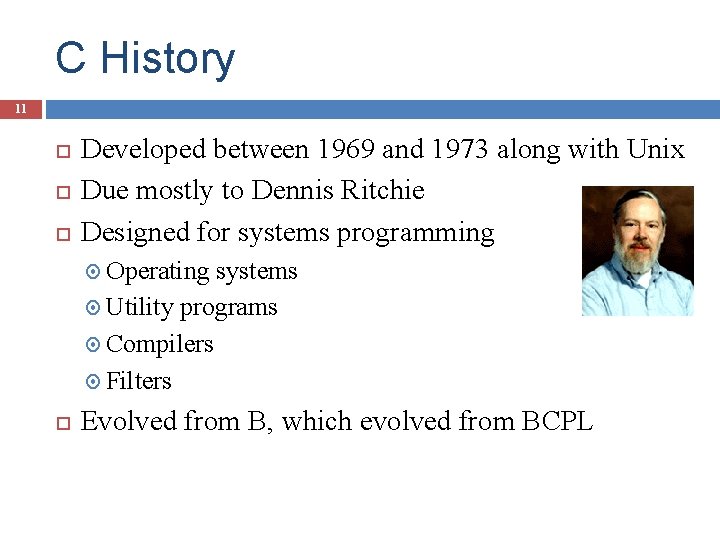
C History 11 Developed between 1969 and 1973 along with Unix Due mostly to Dennis Ritchie Designed for systems programming Operating systems Utility programs Compilers Filters Evolved from B, which evolved from BCPL
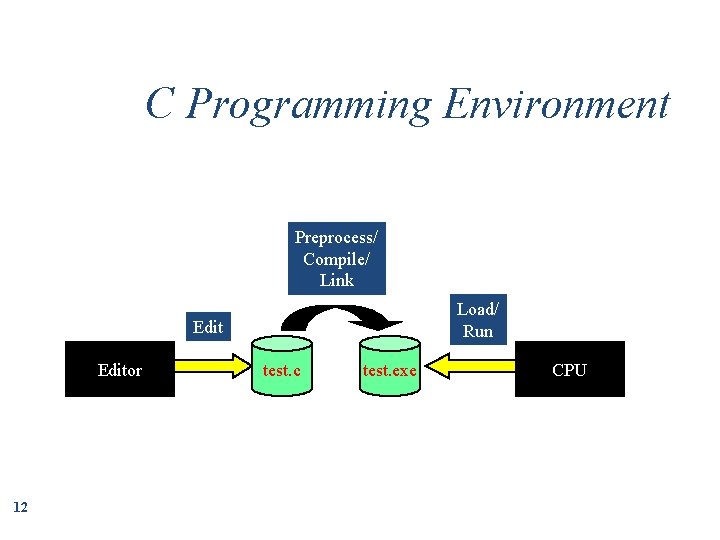
C Programming Environment Preprocess/ Compile/ Link Load/ Run Editor 12 test. c test. exe CPU

First C Program 13 /* My first simple C program */ Comments void main () { All C programs have a main function; they also start at main printf (“Welcome to C!n”); Function to print to screen } Braces indicate start and end of main What to print End of statement End of line

Try this… 14 Print the following to the monitor using C program: A BB CCC * ** ** * ***** * * *****
- Slides: 14