
1 Computers part of your life Grade 11
- Slides: 21
1 Computers, part of your life Grade 11
Local area networks 2 Module 2. 1
3 Contents Types of networks Basic components of a network Advantages and disadvantages of a LAN Basic network security Ethical use of networks Test and improve
4 Types of networks Classified according to the area that they cover PAN – organised around an individual HAN – network in a home environment LAN – small area, generally in one building Internet – worldwide computer network Intranet – organisation’s private network
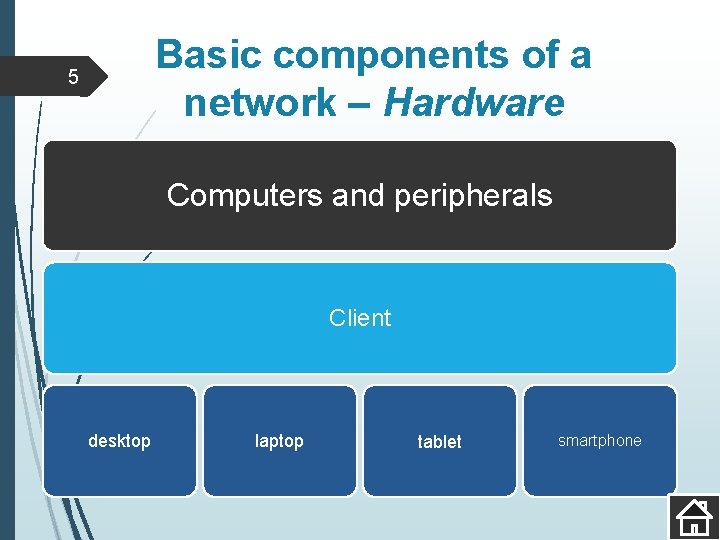
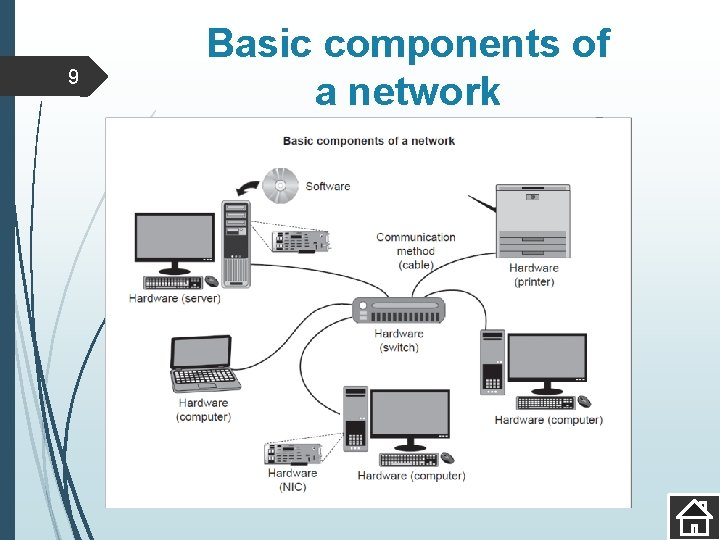
Basic components of a network – Hardware 5 Computers and peripherals Client desktop laptop tablet smartphone
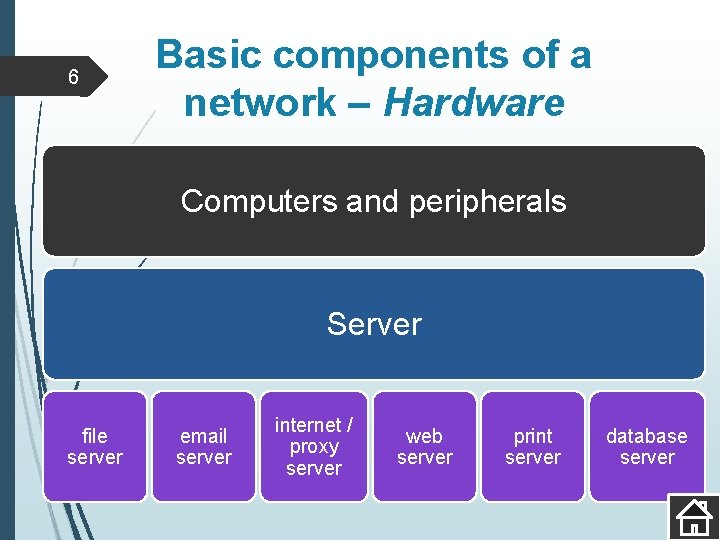
6 Basic components of a network – Hardware Computers and peripherals Server file server email server internet / proxy server web server print server database server
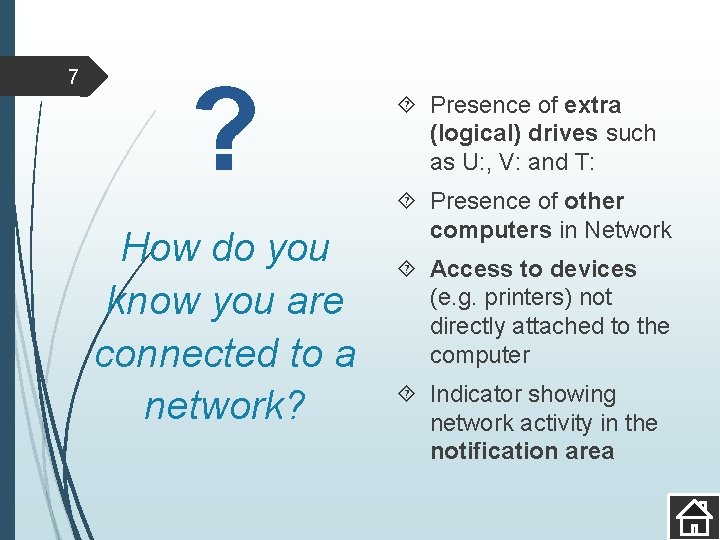
7 ? How do you know you are connected to a network? Presence of extra (logical) drives such as U: , V: and T: Presence of other computers in Network Access to devices (e. g. printers) not directly attached to the computer Indicator showing network activity in the notification area
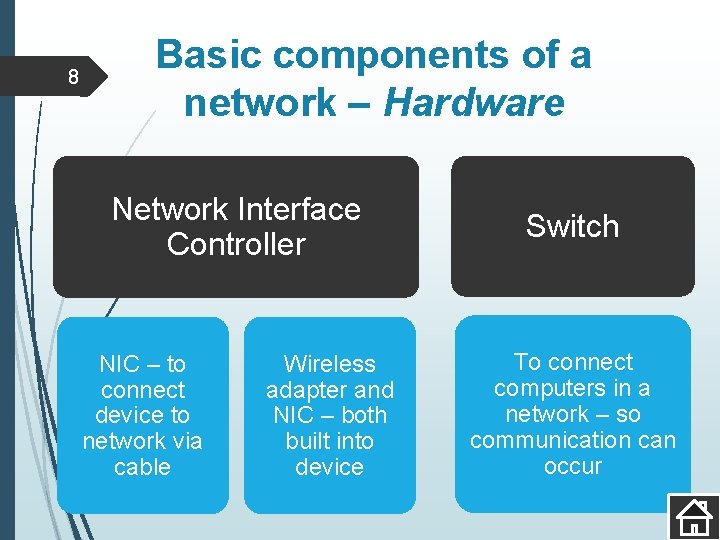
8 Basic components of a network – Hardware Network Interface Controller NIC – to connect device to network via cable Wireless adapter and NIC – both built into device Switch To connect computers in a network – so communication can occur
9 Basic components of a network
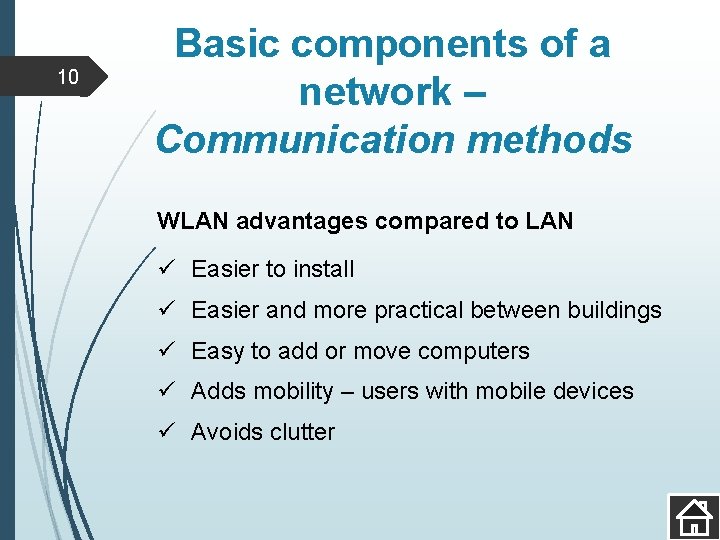
10 Basic components of a network – Communication methods WLAN advantages compared to LAN ü Easier to install ü Easier and more practical between buildings ü Easy to add or move computers ü Adds mobility – users with mobile devices ü Avoids clutter
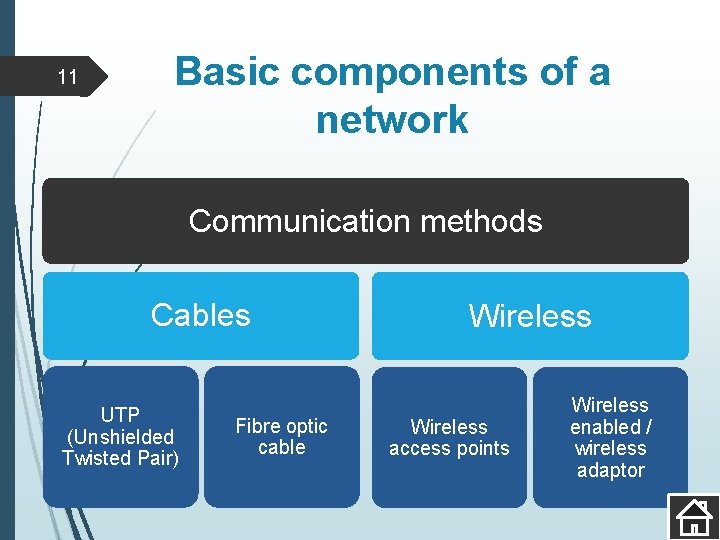
11 Basic components of a network Communication methods Cables UTP (Unshielded Twisted Pair) Fibre optic cable Wireless access points Wireless enabled / wireless adaptor
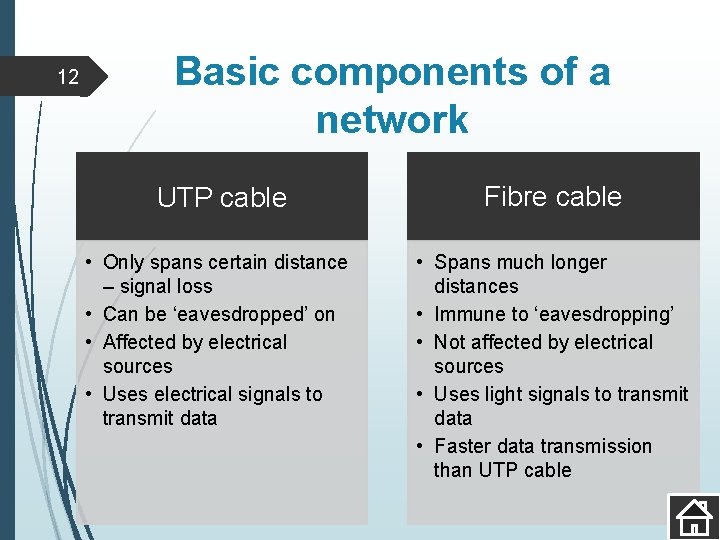
12 Basic components of a network UTP cable Fibre cable • Only spans certain distance – signal loss • Can be ‘eavesdropped’ on • Affected by electrical sources • Uses electrical signals to transmit data • Spans much longer distances • Immune to ‘eavesdropping’ • Not affected by electrical sources • Uses light signals to transmit data • Faster data transmission than UTP cable
13 Basic components of a network Data transmission speed Rate at which data is transferred over the media used E. g. 100 Mbps / 1000 Mbps Maximum speed depends on cabling and devices (switches and NICs) 802. 11 specification – wireless adapter (802. 11 g and 802. 11 n – different speeds) WLAN is slower than a cabled LAN
14 Basic components of a network – Network software Software that controls communication and security in a network Most operating systems have built-in networking capabilities For larger networks ‘Server’ editions of the operating system are installed on the servers
15 Advantages and disadvantages of a LAN
16 Advantages of a LAN Files stored on central computer – users access from any computer in network Files transferred without use of devices Software shared by users Hardware shared by users Security in network controlled Single internet connection shared by users Easier to keep software up to date Software can be demonstrated or broadcast to other computers Internet access monitored and controlled
17 Disadvantages of a LAN Can be expensive to install and maintain Network security must be maintained Network administrator often needed to manage If file server faulty, no one can access their files Additional potential disadvantages if wireless (WLAN) Security can be compromised – easier for unauthorised persons to gain access Performance can decrease as number of computers connected increases Signal loss or interference due to electrical interference
18 Basic network security Rules to ensure the security of a network – preventing unauthorised access to information and network misuse Access to confidential files must be restricted In a school situation – important that learners do not have access to tests before they are written A username and password are used to gain access to network resources Choose a password known only to you Keep your password secret!
19 Choosing and managing passwords At least 8 characters long Mixture of upper and lowercase letters, numbers and special characters Do not use anything that is easy to guess about you Do not use passwords that follow a pattern on the keyboard such as ‘asdf’ or ‘ 1234’ Change password every 2 months or so Do not use same password for more than one site Example of a good password Q 1 w 2 E 3 R 4 t%y
20 Ethical use of networks Need for acceptable, ethical practices Acceptable Use Policy (AUP) outlines the rights and responsibilities of users, especially in networked environments AUP lists what users may and may not do on the network Designed to protect both the user and the business / organisation / school when using ICT facilities
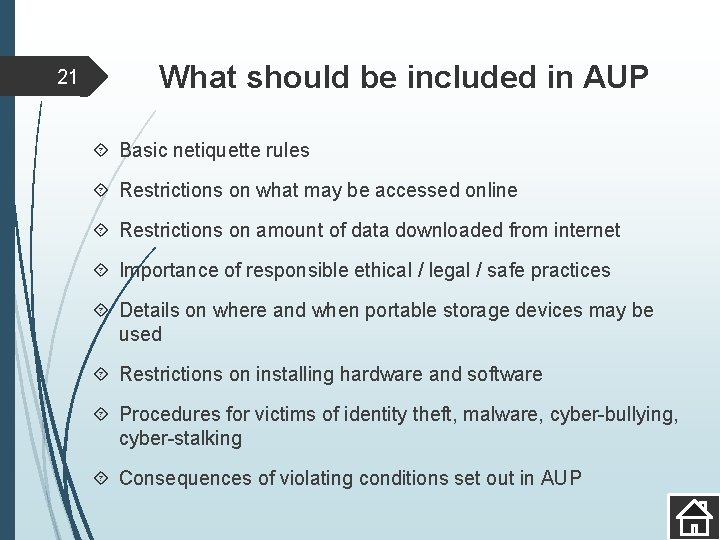
21 What should be included in AUP Basic netiquette rules Restrictions on what may be accessed online Restrictions on amount of data downloaded from internet Importance of responsible ethical / legal / safe practices Details on where and when portable storage devices may be used Restrictions on installing hardware and software Procedures for victims of identity theft, malware, cyber-bullying, cyber-stalking Consequences of violating conditions set out in AUP